

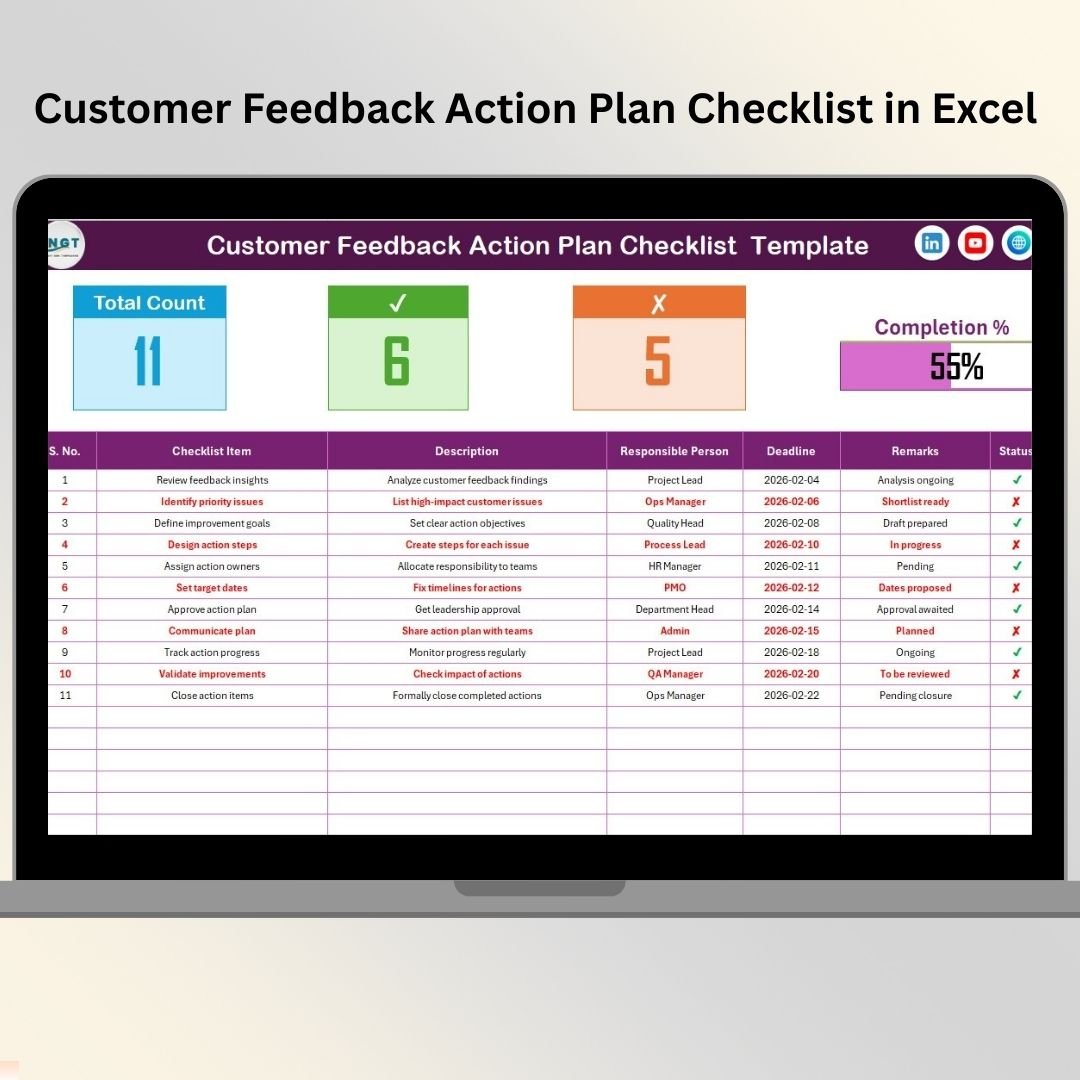

Collecting customer feedback is easy. Acting on it consistently is the real challenge. Many organizations gather valuable feedback through surveys, calls, or reviews, but action items remain scattered across emails, notes, or informal spreadsheets. As a result, ownership becomes unclear, deadlines slip, and improvements never fully materialize.
That is exactly where the Customer Feedback Action Plan Checklist in Excel becomes an essential business tool.
This ready-to-use Excel checklist helps teams convert customer feedback into clear, trackable, and measurable action plans. Instead of losing momentum after collecting feedback, you gain a structured system to execute improvements—on time and with full accountability.
🔑 Key Features of Customer Feedback Action Plan Checklist in Excel
The Customer Feedback Action Plan Checklist in Excel is designed to keep feedback execution simple, visible, and controlled.
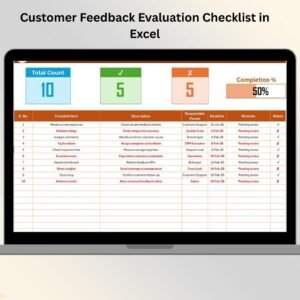
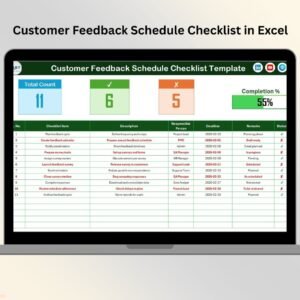
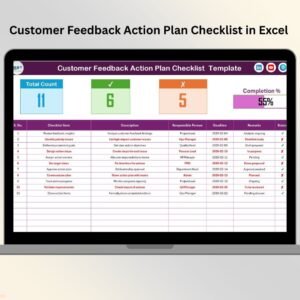
It includes a smart summary section at the top that instantly shows the total number of action items, completed actions, pending actions, and overall completion percentage. A dynamic progress bar updates automatically, giving managers a quick visual of execution health.
The checklist table allows teams to define each feedback action clearly, assign responsibility, set deadlines, and track status using simple ✔ (completed) and ✘ (pending) indicators. As soon as status updates, the summary metrics refresh automatically—no manual calculations required.
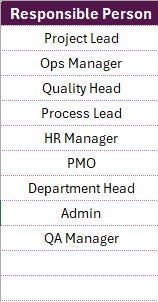
In addition, built-in dropdowns for responsible persons ensure clean and consistent ownership across all action items.
Everything works smoothly in Excel, without macros complexity or external tools.
📦 What’s Inside the Customer Feedback Action Plan Checklist in Excel
This digital product includes two structured worksheets; each created with a clear purpose.
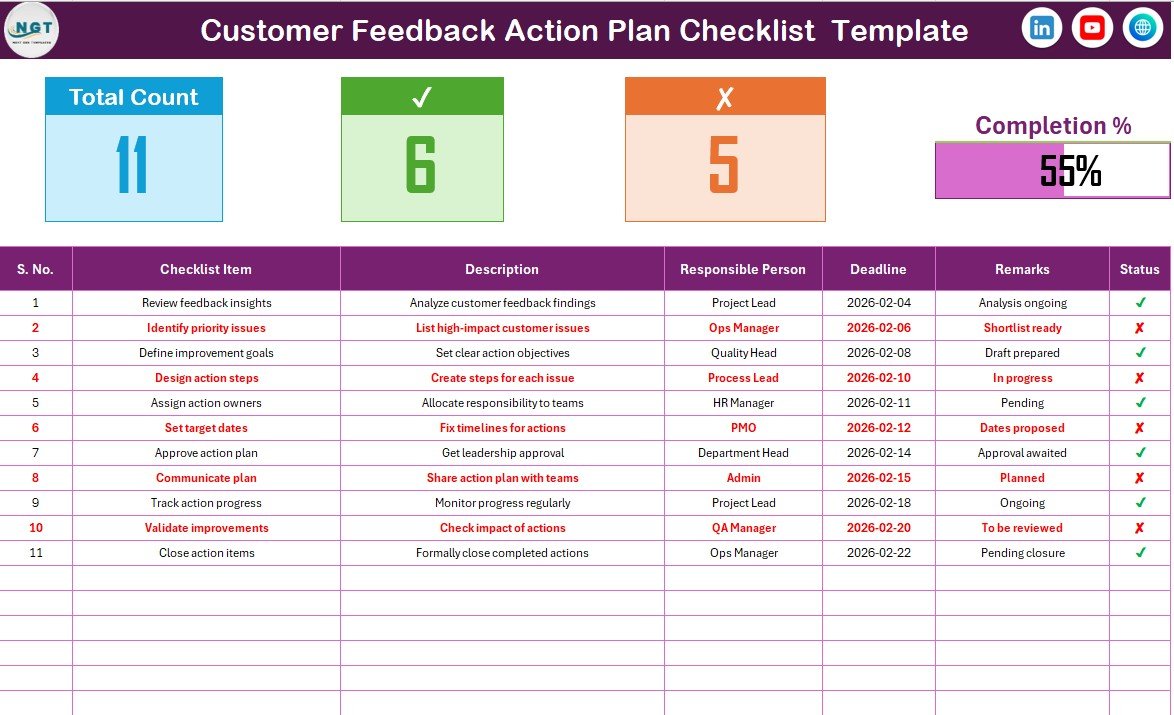
The Customer Feedback Action Plan Checklist Sheet is the main working area. It contains:
A top summary section with Total Count, Checked Count, Crossed Count, and Progress Bar
A detailed checklist table to manage feedback action items
The checklist table includes the following columns:
Serial No.
Checklist Item
Description
Responsible Person
Deadline
Remarks
Status (✔ / ✘)
The List Sheet works in the background. It stores a clean list of responsible persons and feeds the drop-down menu in the main checklist. This avoids spelling errors and keeps responsibility assignments consistent.
Together, these sheets create a reliable and easy-to-use feedback execution system.
🚀 How to Use the Customer Feedback Action Plan Checklist in Excel
Using this checklist is straightforward and intuitive.
Start by converting customer feedback into clear action items. Add each action to the checklist table, write a short description, assign one responsible person, and define a realistic deadline.
Next, update the Status column using ✔ for completed actions and ✘ for pending or incomplete ones. As you update the status, the summary section and progress bar update automatically.
Use the Remarks column to note follow-ups, blockers, or completion comments. By reviewing the checklist regularly, teams can quickly identify delays and take corrective action before issues escalate.
No advanced Excel skills are required—basic Excel knowledge is enough.
👥 Who Can Benefit from This Customer Feedback Action Plan Checklist in Excel
This checklist is ideal for a wide range of teams and organizations.
Customer support and customer success teams can manage complaint resolutions effectively. Quality assurance teams can track improvement actions. Operations managers can ensure accountability. Product teams can monitor feedback-driven enhancements. Small and medium businesses can execute feedback actions professionally without expensive software.
If your goal is to close feedback loops faster and improve customer satisfaction, this checklist is built for you.
📌 Why This Excel Checklist Is a Smart Choice
The Customer Feedback Action Plan Checklist in Excel helps teams move from feedback collection to execution. It improves clarity, accountability, and follow-through—three critical elements of continuous improvement.
Because it runs in Excel, it is cost-effective, easy to adopt, and flexible enough to fit any feedback process.
📖 Click here to read the Detailed blog post
🎥 Visit our YouTube channel to learn step-by-step video tutorials
👉 https://youtube.com/@PKAnExcelExpert
Watch the step-by-step video tutorial:
Compatibility and Requirements
- Works in Microsoft Excel desktop (Excel 2016 or later, or Microsoft 365).
- The Responsible Person column uses a dropdown fed by the List sheet. Microsoft explains dropdowns in Create a drop-down list.
Frequently Asked Questions
Which worksheets are included?
Two worksheets: the Customer Feedback Action Plan Checklist sheet and the List sheet. The List sheet stores the names of responsible persons for the dropdown.
How do I mark an action as done?
Use the Status column. Choose ✔ for completed actions and ✘ for pending ones. The Checked Count, Crossed Count and progress bar update automatically.
What columns does the checklist table have?
Serial No., Checklist Item, Description, Responsible Person, Deadline, Remarks and Status.
How do I change the list of responsible persons?
Edit the names on the List sheet. The dropdown in the Responsible Person column uses that list, so every action item gets a consistent name.
Is there a Google Sheets version of a customer feedback checklist?
Yes. See the Customer Feedback Checklist in Google Sheets.
Related Customer Feedback Templates
- Customer Feedback Tracker in Excel: log and follow each piece of feedback
- Customer Feedback Review Checklist in Excel: a checklist for reviewing feedback
- Customer Feedback Checklist in Google Sheets: the same topic in Google Sheets
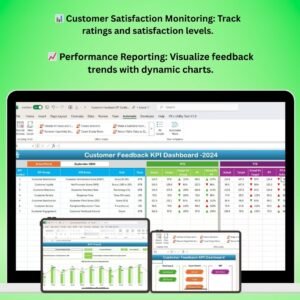
- Customer Feedback KPI Dashboard in Excel: KPIs for your feedback results
- Task Management Action Plan Checklist in Excel: an action plan checklist for general tasks
Browse all Excel checklist templates.


















Reviews
There are no reviews yet.