

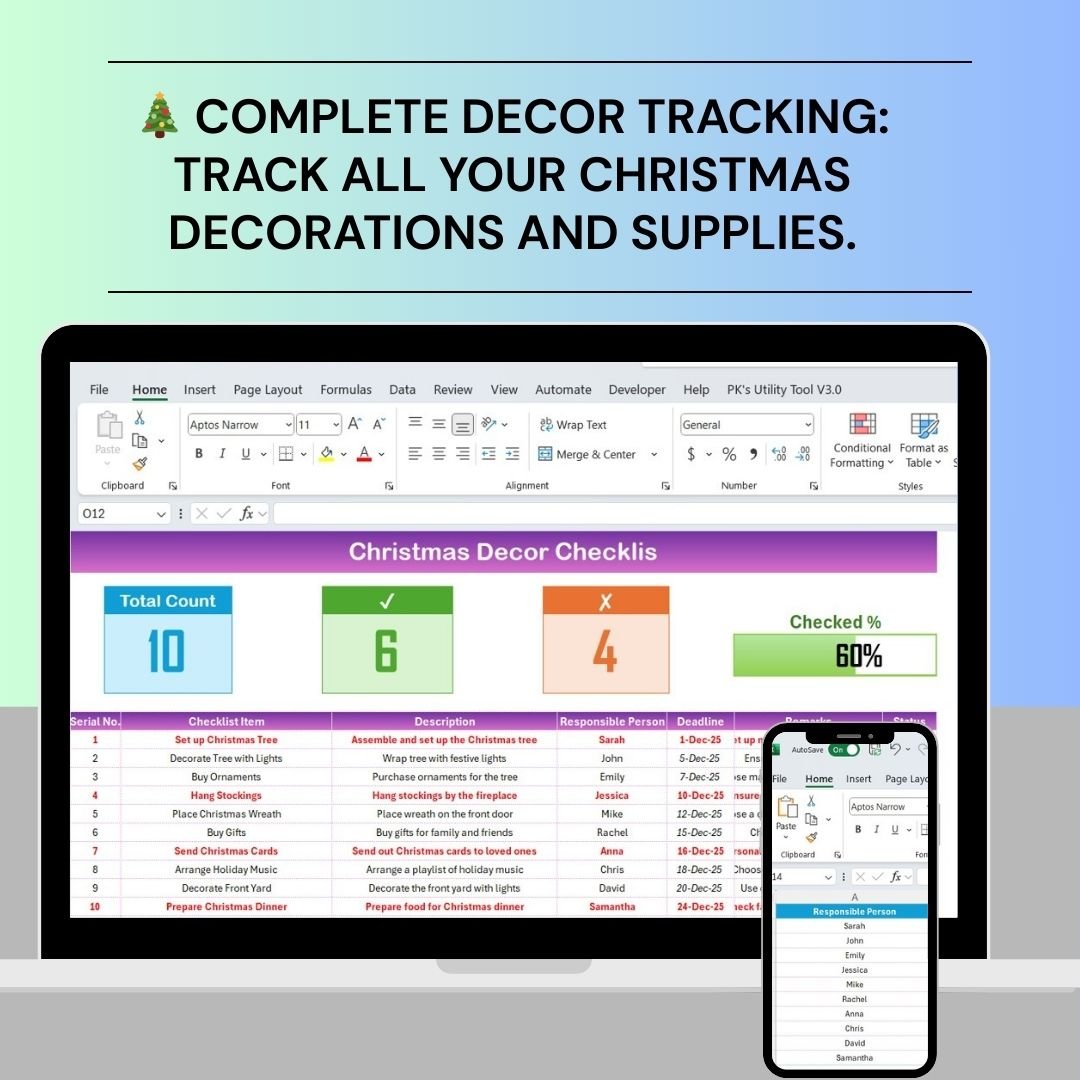
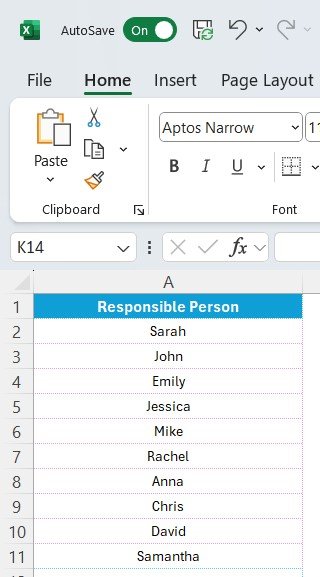

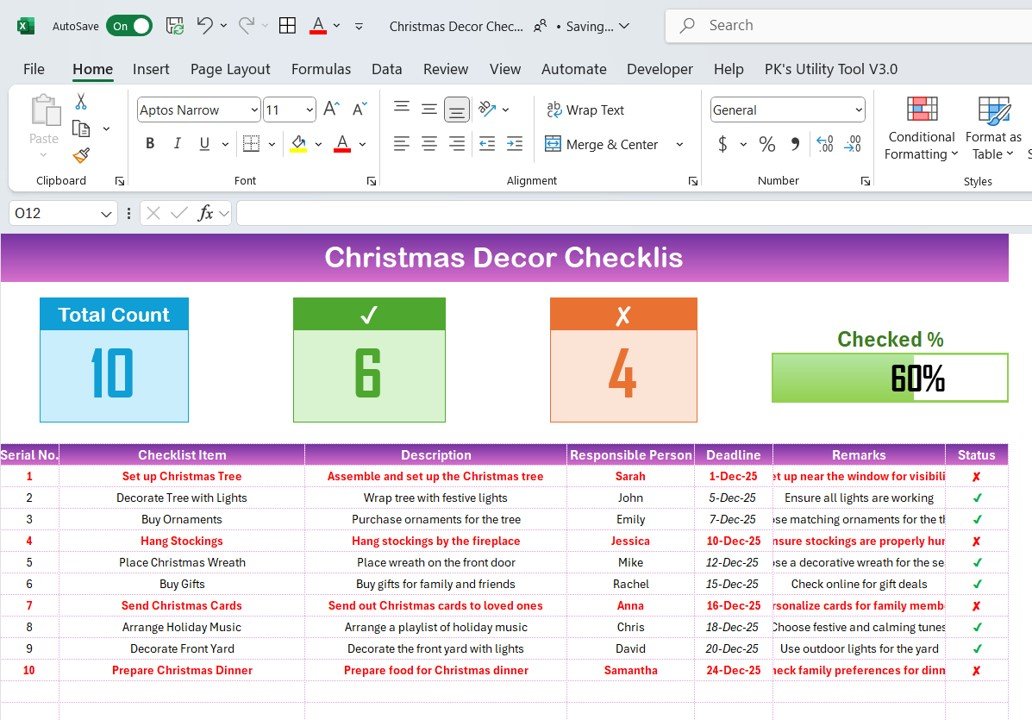
The Christmas Decor Checklist in Excel is a must-have tool for anyone planning to decorate their home, office, or event space for the holiday season. Whether you’re decorating a small space or preparing for a grand festive display, this Excel-based checklist ensures that you don’t miss a single detail. From choosing the perfect Christmas tree to hanging lights and placing stockings, this comprehensive checklist helps you stay organized and ensures that your holiday decor is ready on time.
The checklist includes sections for tracking decorations, materials, and tasks, helping you prioritize your activities, budget effectively, and make sure that your Christmas celebrations are joyful and stress-free. With this easy-to-use tool, you can plan and track every aspect of your holiday decor and spread holiday cheer with ease.
Key Features of the Christmas Decor Checklist in Excel
🎄 Complete Christmas Decor Checklist
Track all the items you need to decorate your space, including trees, lights, ornaments, wreaths, and other festive decor. Ensure nothing is overlooked when setting up your holiday decorations.
📝 Task and Deadline Management
Break down your tasks into manageable steps and assign deadlines for each. Keep track of what needs to be done and when to ensure everything is completed ahead of the big day.
💰 Budgeting & Cost Tracking
Set a budget for your Christmas decorations and track your spending throughout the process. This helps keep your holiday decor within budget while still achieving your desired festive atmosphere.
🎁 Gift and Stocking Stuffers Organization
Include lists for gifts and stocking stuffers to make sure you have everything prepared for your loved ones. Track who you’re buying for, and ensure you have all the items ready.
🎅 Customizable Sections & Themes
Tailor the checklist to suit your specific decorating needs. Whether you prefer traditional, modern, or themed decor, you can adjust the checklist to match your holiday style.
🗓 Time-Based Planning
Plan your decor setup over several weeks or days leading up to Christmas. The checklist allows you to spread tasks out over time and ensure you have enough time to complete everything without feeling rushed.
Why You’ll Love the Christmas Decor Checklist in Excel
✅ Stay Organized & Stress-Free
Keep track of every decoration, task, and deadline to avoid any last-minute rush and make the decorating process enjoyable.
✅ Stick to Your Holiday Budget
Set and manage your holiday decoration budget effectively, ensuring you can create a beautiful festive atmosphere without overspending.
✅ Ensure a Complete Holiday Look
From lights to gifts, the checklist ensures that no detail is left out, giving your home a perfect Christmas makeover.
✅ Customizable & Flexible
The checklist is highly customizable to match your specific holiday needs. Whether decorating for a small family gathering or a large holiday party, it’s adaptable to any situation.
✅ Easy to Use
With its straightforward interface, this Excel-based checklist makes holiday planning easy. Enter your details, track your tasks, and stay on top of your decorations.
What’s Inside the Christmas Decor Checklist in Excel?
Complete Decor Tracking: Track every decoration you need for your holiday display, including trees, lights, ornaments, and more.
Task & Deadline Management: Break tasks into manageable steps with assigned deadlines to stay on schedule.
Budgeting & Cost Tracking: Set a budget for your Christmas decorations and track expenses.
Gift & Stocking Stuffer Lists: Organize and track gifts and stocking stuffers for everyone on your list.
Customizable Themes: Adapt the checklist to your personal holiday style, whether traditional, modern, or themed.
Time-Based Planning: Spread out tasks over days or weeks to ensure a stress-free setup.
How to Use the Christmas Decor Checklist in Excel
1️⃣ Download the Template: Instantly access your Christmas Decor Checklist in Excel.
2️⃣ Add Your Decorations: List all the decorations, including trees, lights, and ornaments, and assign deadlines for each task.
3️⃣ Track Your Budget: Set your holiday decor budget and track all your purchases.
4️⃣ Plan Gifts & Stockings: Organize your gift list and stocking stuffers to ensure you’re prepared for Christmas morning.
5️⃣ Enjoy a Stress-Free Holiday Setup: Complete your tasks on time and enjoy decorating without any last-minute stress.
Who Can Benefit from the Christmas Decor Checklist in Excel?
🔹 Families & Homeowners
🔹 Event Planners & Organizers
🔹 Christmas Enthusiasts
🔹 Holiday Party Planners
🔹 Small & Medium Businesses (SMBs)
🔹 Office Managers Organizing Holiday Decor
Ensure a festive and stress-free holiday season with the Christmas Decor Checklist in Excel. Organize every aspect of your Christmas decorations, from tree setup to gift preparation, and create the perfect holiday atmosphere.
Click here to read the Detailed blog post
Visit our YouTube channel to learn step-by-step video tutorials
Youtube.com/@PKAnExcelExpert






























Reviews
There are no reviews yet.