





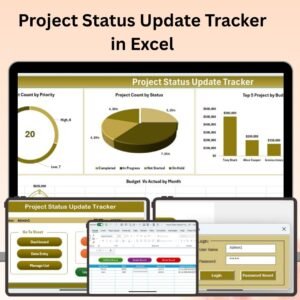
The Project Status Update Tracker in Excel is a powerful tool designed to help project managers and teams monitor and track the status of ongoing projects efficiently. This Excel-based tracker helps you manage project progress, deadlines, milestones, and key deliverables, ensuring that your project stays on schedule and within scope.
With features like real-time status tracking, customizable reports, and automated progress updates, this tracker allows you to stay organized, communicate project status effectively with stakeholders, and make informed decisions to keep your project moving forward.

Key Features of the Project Status Update Tracker in Excel:
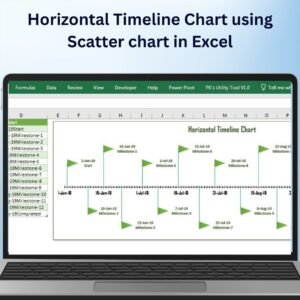
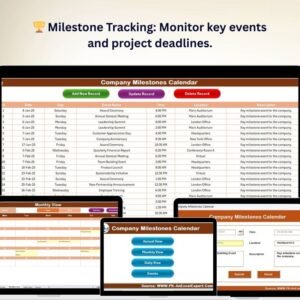
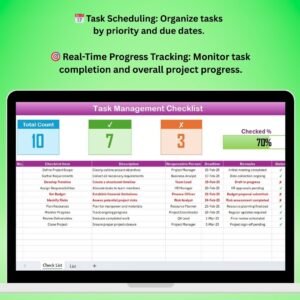
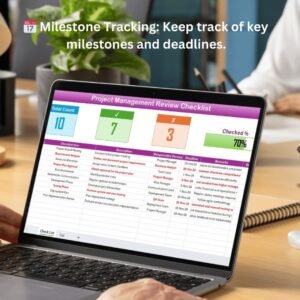
📅 Project Milestone Tracking
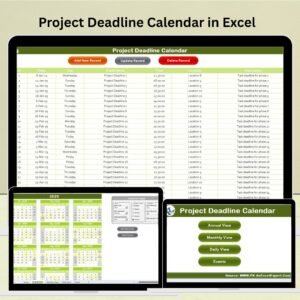
Track key project milestones, deadlines, and deliverables to ensure timely progress and completion of all major project phases.
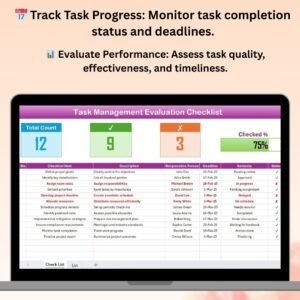
📊 Real-Time Project Status Updates
Monitor real-time project progress by updating the status of tasks and milestones. This feature helps you visualize project progress and identify areas that need attention.
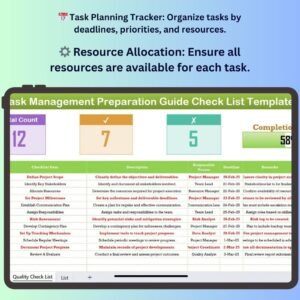
📝 Task Assignment and Responsibility Tracking
Assign tasks to project team members and track their progress in real time. Ensure accountability and stay on top of who is responsible for each task.
📈 Visual Progress Monitoring
Use visual indicators such as color-coded status updates, progress bars, and charts to easily monitor the health of your project at a glance.
🎯 Risk and Issue Management
Track potential risks and issues that could impact the project timeline. Keep a record of mitigation strategies and resolutions to ensure smooth project execution.
🔄 Customizable Reporting
Generate reports on project status, progress, and performance for stakeholders or clients, showcasing critical updates and insights to ensure transparency and clarity.
🚀 Why You’ll Love the Project Status Update Tracker in Excel:
✅ Efficient Project Monitoring – Track project milestones, tasks, and team member assignments to ensure that everything is on track.
✅ Real-Time Tracking – Update and monitor project status in real time, ensuring you can quickly address any delays or issues.
✅ Improved Team Collaboration – Assign tasks, monitor progress, and communicate key updates within your team to ensure everyone is on the same page.
✅ Optimize Project Completion – Identify potential risks or delays early on, allowing you to take proactive steps to keep the project on schedule.
✅ Customizable for Your Needs – Tailor the tracker to fit your specific project, whether it’s a small team project or a large-scale initiative with multiple stakeholders.
✅ Clear Reporting – Generate easy-to-read reports that provide project status updates, ideal for meetings or stakeholder presentations.
What’s Inside the Project Status Update Tracker in Excel:
- Milestone Tracker: Track key project milestones and deadlines, ensuring all critical deliverables are met.
- Task Assignment: Assign tasks to team members and monitor their completion status to keep everything on schedule.
- Risk and Issue Log: Keep track of potential risks and issues that could delay the project, along with mitigation strategies and resolutions.
- Progress Visualization: Use progress bars and color-coded status indicators to quickly assess project health.
- Customizable Reports: Generate detailed project reports to share progress updates with stakeholders.
- Team Member Tracking: Track the progress of each team member’s tasks and responsibilities to ensure that nothing is overlooked.
How to Use the Project Status Update Tracker in Excel:
1️⃣ Download the Template – Instantly access your Excel file upon purchase.
2️⃣ Enter Project Data – Input project milestones, tasks, team members, and deadlines into the tracker.
3️⃣ Update Progress – Update the status of tasks and milestones regularly to keep the project on track.
4️⃣ Monitor Risks and Issues – Track risks and issues that could affect the project timeline and take proactive steps to mitigate them.
5️⃣ Generate Reports – Create reports that summarize project progress, ideal for sharing with stakeholders and team members.
Who Can Benefit from the Project Status Update Tracker in Excel:
- Project Managers
- Team Leaders
- Department Heads
- Contractors and Consultants
- Business Owners
- Event Planners
- Anyone managing or overseeing a project
The Project Status Update Tracker in Excel is a comprehensive and easy-to-use tool that helps ensure that your projects run smoothly, stay on track, and meet deadlines. Stay organized, manage your team effectively, and improve project outcomes with this essential project management tool.
Click here to read the Detailed blog post
https://www.pk-anexcelexpert.com/project-status-update-tracker-in-excel/
Visit our YouTube channel to learn step-by-step video tutorials
Youtube.com/@PKAnExcelExpert
Compatibility and Requirements
- Works in Microsoft Excel desktop (Excel 2016 or later, or Microsoft 365).
- Microsoft explains how Excel charts work in Create a chart from start to finish.
Frequently Asked Questions
What does the Project Status Update Tracker record?
Milestones and deadlines, task assignments by team member, a risk and issue log with mitigation notes, and the status of each task.
How do I see project health at a glance?
Progress bars and color-coded status indicators show which tasks and milestones are on track and which need attention.
Can I share updates with stakeholders?
Yes. The tracker includes customizable reports that summarize status and progress for meetings or client updates.
Can I track risks as well as tasks?
Yes. The Risk and Issue Log keeps potential risks, their mitigation steps and resolutions next to the task list.
Related Project Management Templates
- Project Status Update Tracker in Google Sheets: the same tracker for teams on Google Sheets
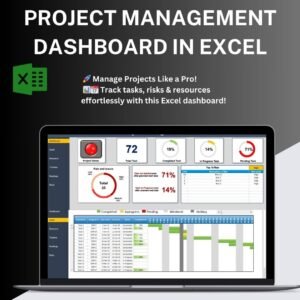
- Project Management Dashboard in Excel: a dashboard view of project progress and cost
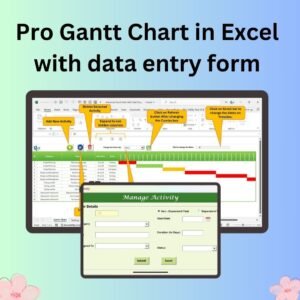
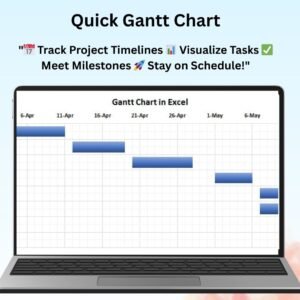
- Pro Gantt Chart in Excel with Data Entry Form: plan the project timeline in a Gantt chart
- Project Management Issue Tracker Form: log and close project issues in Excel
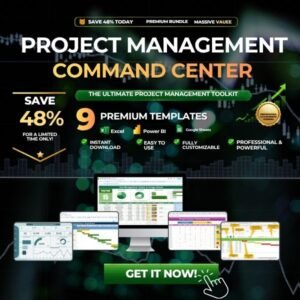
- Project Management Pro Bundle: 9 project templates for Excel and Google Sheets
Browse all Excel project management templates or the Google Sheets project management templates.












Reviews
There are no reviews yet.