

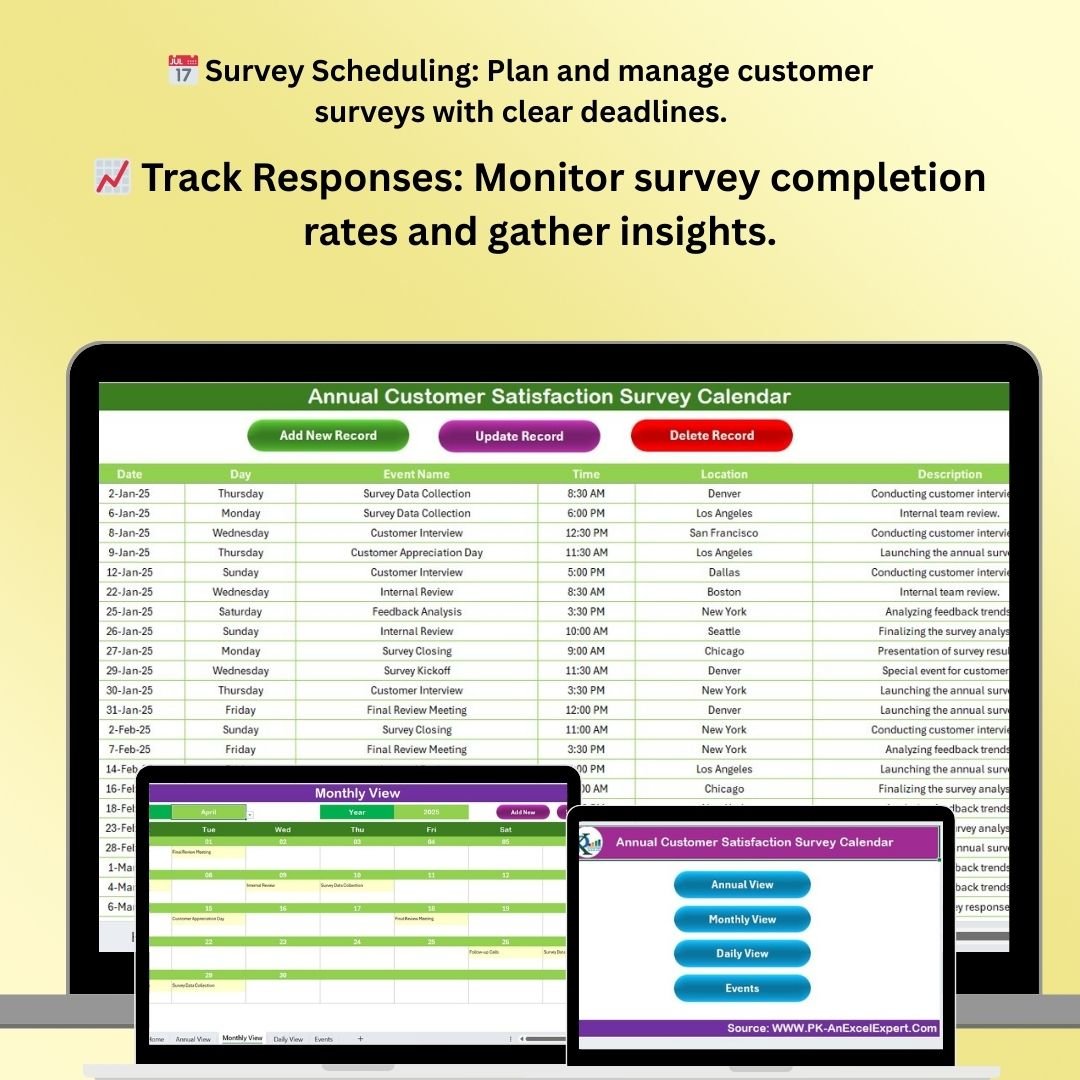
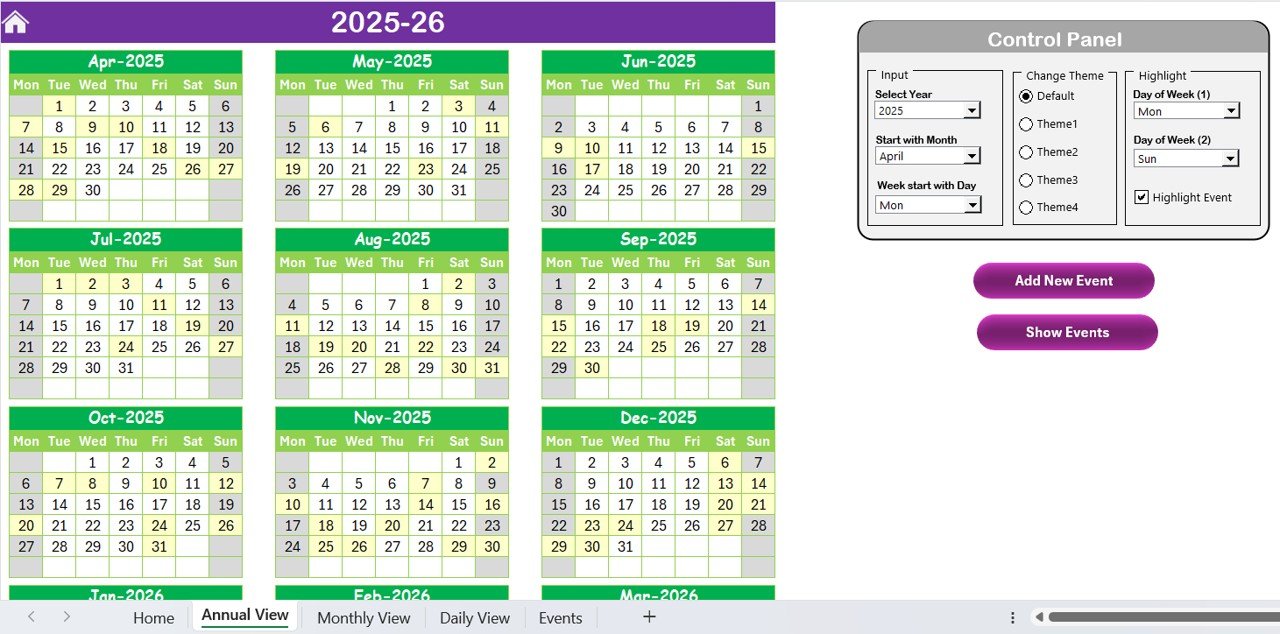
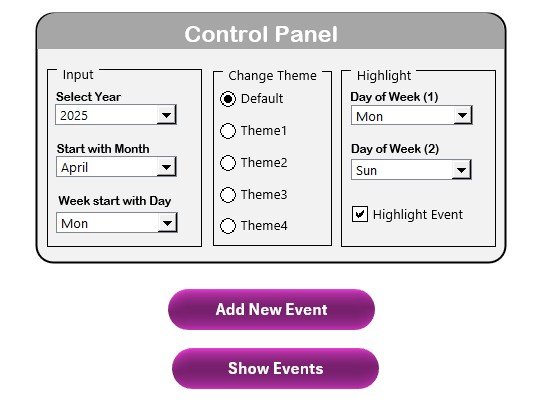
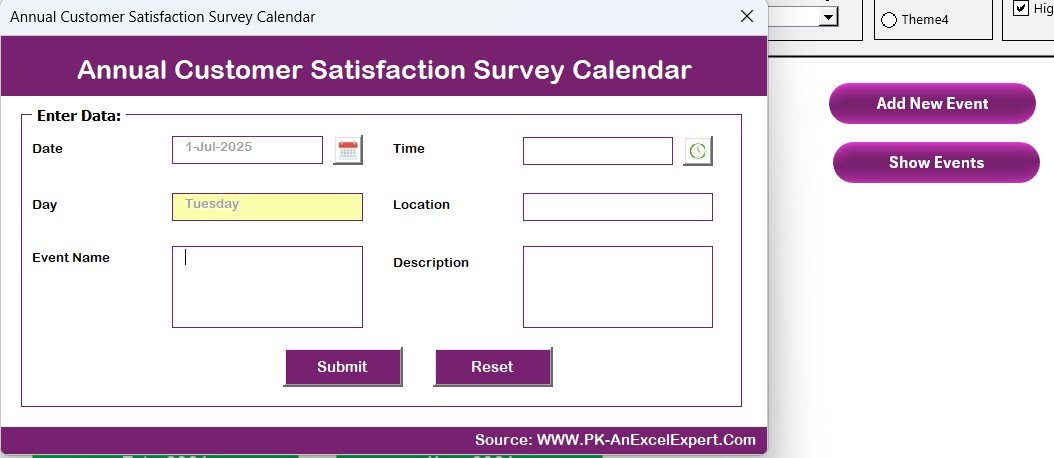
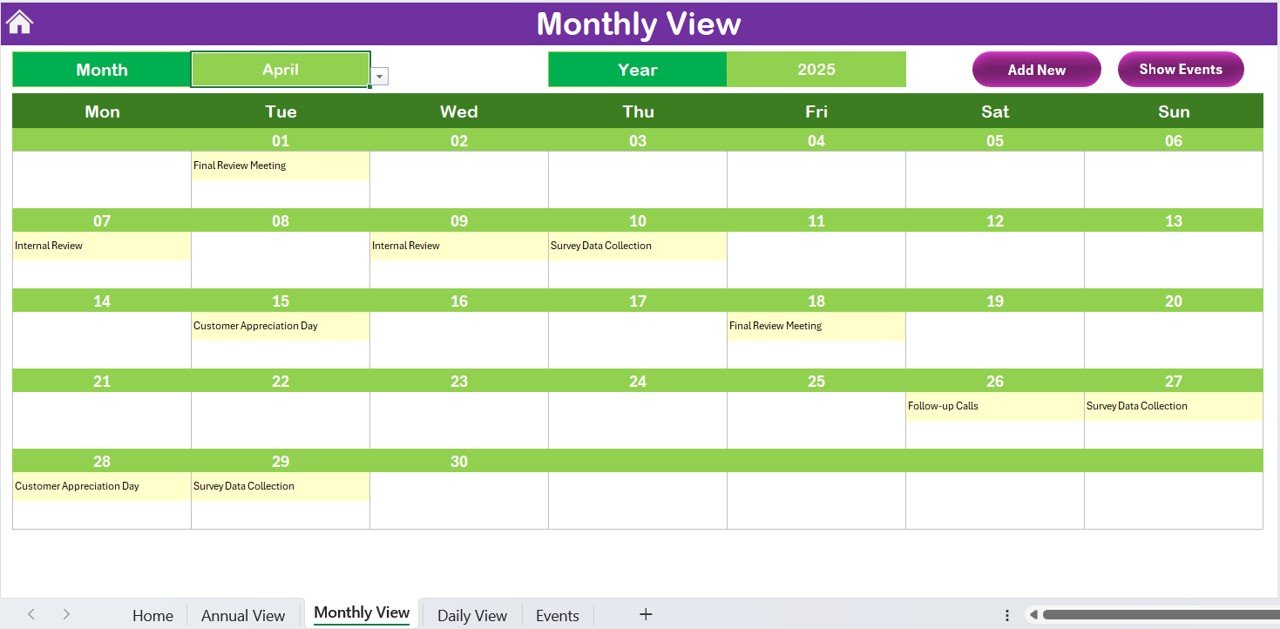

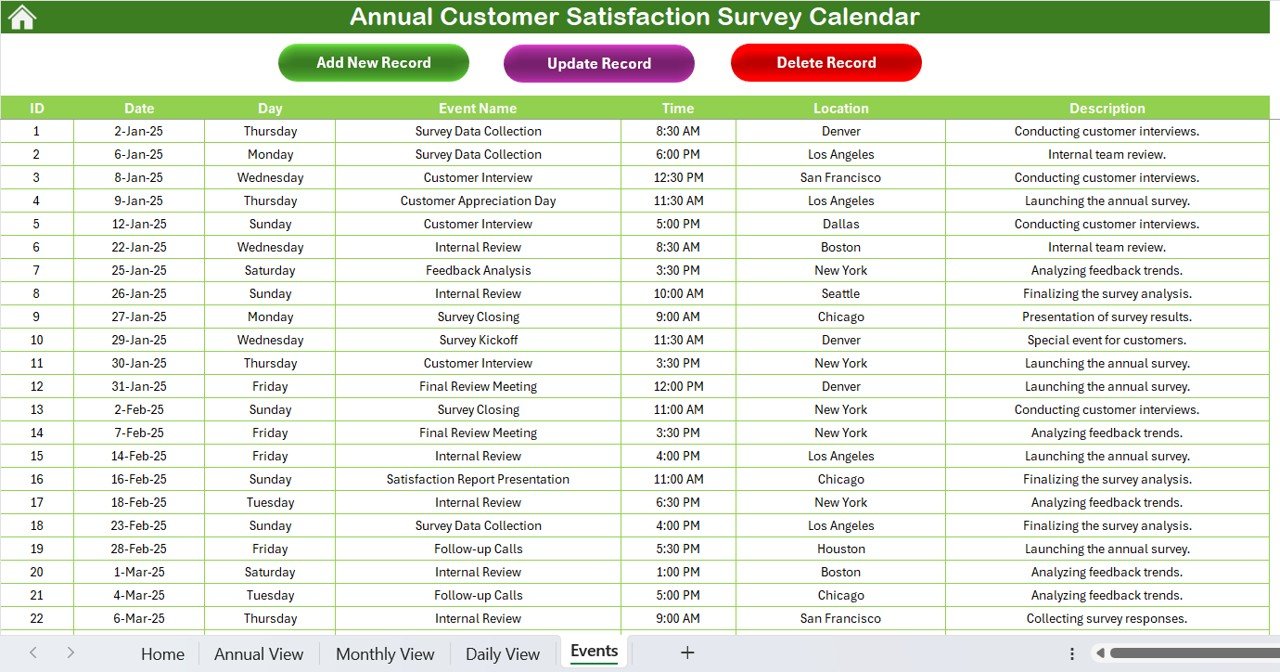
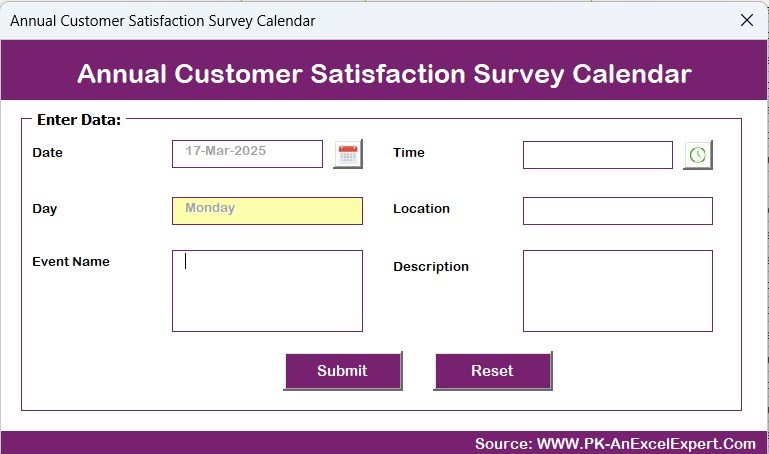
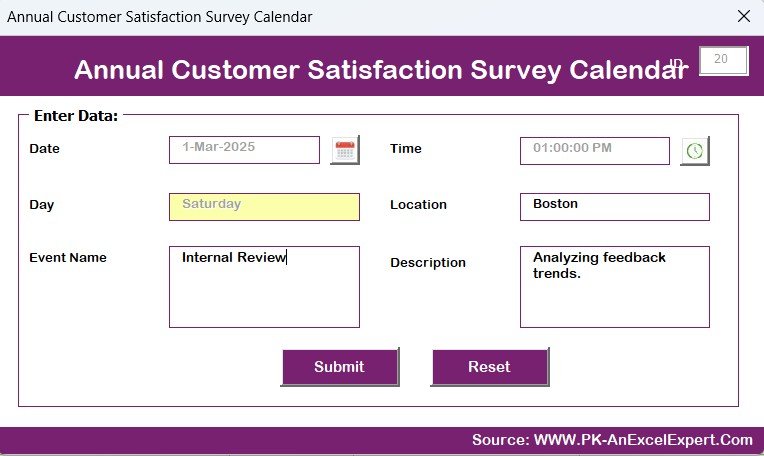

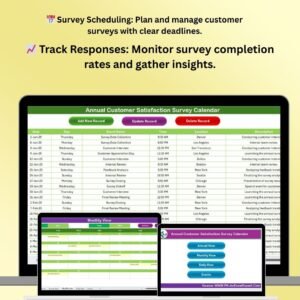
The Annual Customer Satisfaction Survey Calendar in Excel is a comprehensive tool designed for businesses that want to track, manage, and analyze customer feedback efficiently. This Excel-based calendar helps you schedule and organize your customer satisfaction surveys throughout the year, ensuring that you consistently gather valuable insights on customer experiences.
With a structured layout, this calendar allows you to plan survey dates, set reminders, and track the progress of each survey. It enables you to review survey responses, monitor trends, and take action based on feedback, ultimately improving your products, services, and customer relationships.
Key Features of the Annual Customer Satisfaction Survey Calendar in Excel
📅 Survey Scheduling & Planning
Easily schedule customer satisfaction surveys for each month or quarter. Plan survey dates, send reminders, and keep track of completion timelines to ensure you never miss an opportunity to gather feedback.
📈 Response Tracking & Analysis
Track the response rates and analyze survey results with ease. Monitor how many surveys have been completed, which customers have responded, and what insights you have gathered to improve your services.
🔔 Automated Reminders & Notifications
Set up reminders to ensure timely survey distribution and follow-ups. Automated notifications help you keep track of deadlines and ensure that surveys are sent out on schedule.
📊 Survey Performance Analytics
Use the built-in templates to analyze survey data and generate insights. Visual charts and graphs allow you to understand customer sentiment, satisfaction scores, and areas of improvement.
📉 Customizable for Your Needs
Tailor the calendar and survey format to fit your specific needs. Add or remove fields, modify survey questions, and adjust the layout to ensure that the calendar works for your organization.
🔄 Seamless Integration with Excel
Easily integrate survey responses with your existing Excel reports and dashboards. Use the data to analyze customer trends, track improvements, and make data-driven decisions.
Why You’ll Love the Annual Customer Satisfaction Survey Calendar in Excel
✅ Stay Organized with Survey Planning
Efficiently manage your annual survey schedule and ensure that you’re collecting feedback regularly. The calendar helps you stay on track with minimal effort.
✅ Track Response & Improve Engagement
Monitor response rates, track customer engagement, and ensure that you’re gathering sufficient feedback for valuable insights. Stay on top of how well you’re engaging with your customers.
✅ Actionable Insights for Business Growth
Analyze survey responses to identify trends and areas that require improvement. Use the insights to enhance your customer experience and drive better business outcomes.
✅ Automate Follow-ups & Notifications
Set up reminders for follow-ups and survey distribution. Automated notifications ensure that you never miss a survey deadline, and you can easily remind customers to fill out the survey.
✅ Customizable & Flexible
This calendar can be adapted to fit the specific needs of your business, whether you need monthly, quarterly, or annual surveys. Modify survey templates and fields based on your survey goals.
What’s Inside the Annual Customer Satisfaction Survey Calendar in Excel?
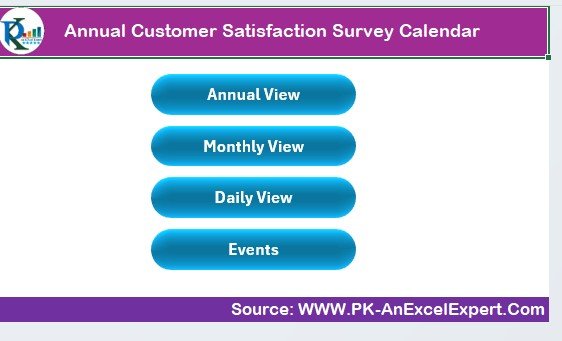
- Survey Scheduling Calendar: Organize and plan your surveys with clear deadlines, reminders, and schedules.
- Response Tracking System: Monitor response rates and track which customers have completed their surveys.
- Reminder & Notification System: Set up automated reminders to ensure timely survey distribution.
- Survey Analysis Templates: Analyze survey responses with built-in templates and visual reports.
- Customizable Fields: Modify survey dates, questions, and formats to suit your specific needs.
- Excel Integration: Easily integrate survey data with other Excel reports and dashboards.
How to Use the Annual Customer Satisfaction Survey Calendar in Excel
1️⃣ Download the Template: Get instant access to the Annual Customer Satisfaction Survey Calendar in Excel.
2️⃣ Set Your Survey Schedule: Plan and schedule your surveys for the year, selecting dates, setting reminders, and defining goals for each survey.
3️⃣ Send & Track Responses: Distribute your surveys to customers and track completion status directly in the calendar.
4️⃣ Analyze Results & Take Action: Use the survey response analysis templates to identify trends and areas for improvement.
5️⃣ Generate Reports: Create reports to summarize survey results and share insights with your team.
Who Can Benefit from the Annual Customer Satisfaction Survey Calendar in Excel?
🔹 Customer Service Managers & Teams
🔹 Marketing & Sales Teams
🔹 Business Owners & Executives
🔹 HR & Employee Engagement Managers
🔹 Customer Experience Teams
🔹 Non-profits & Educational Organizations
Track customer satisfaction, gather valuable feedback, and improve your business strategies with the Annual Customer Satisfaction Survey Calendar in Excel. Make informed decisions, improve customer relationships, and enhance your services with easy-to-use tracking and analysis tools.
Click here to read the Detailed blog post
Visit our YouTube channel to learn step-by-step video tutorials
Youtube.com/@PKAnExcelExpert
Watch the step-by-step video Demo:
Compatibility and Requirements
- Works in Microsoft Excel desktop (Excel 2016 or later, or Microsoft 365).
- New to Excel? Microsoft has a free guide: Excel for Windows training.
Frequently Asked Questions
What can I plan with this survey calendar?
You can schedule customer satisfaction surveys by month or quarter, with survey dates, reminders and completion timelines.
Can I track who has responded?
Yes. You can monitor response rates, see which customers have completed their surveys and record what you learned.
Can I change the survey fields?
Yes. You can add or remove fields, change survey questions and adjust the layout.
Can I use the results in other Excel reports?
Yes. Survey responses can be combined with your existing Excel reports and dashboards.
Related Customer Satisfaction Templates
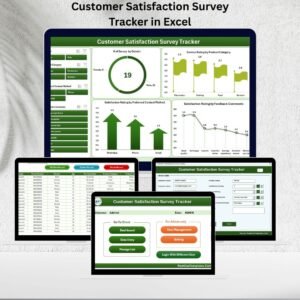
- Customer Satisfaction Survey Tracker in Excel: log survey answers in an Excel tracker
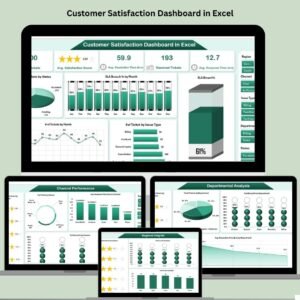
- Customer Satisfaction Dashboard in Excel: chart customer satisfaction in an Excel dashboard
- Customer Satisfaction Survey Tracker in Google Sheets: a customer satisfaction survey tracker in Google Sheets
- Client Satisfaction Survey Dashboard in Excel: a client satisfaction survey dashboard in Excel
- Calendar & Planner Pack: 12 calendar and planner templates in one download
Browse all Excel calendars or the Excel sales and marketing templates.






























Reviews
There are no reviews yet.