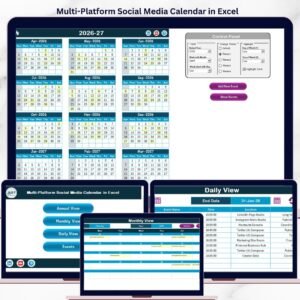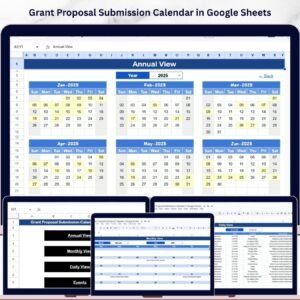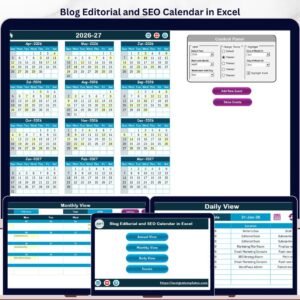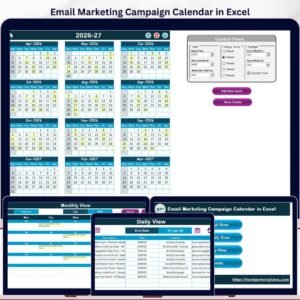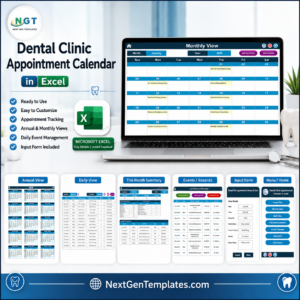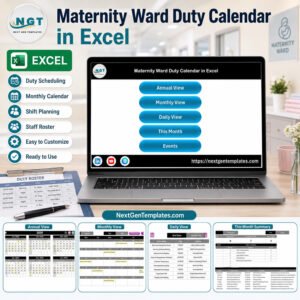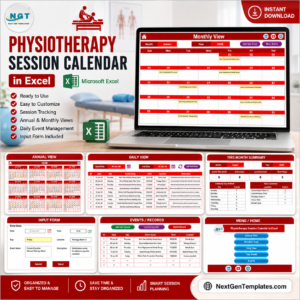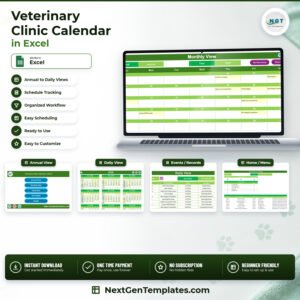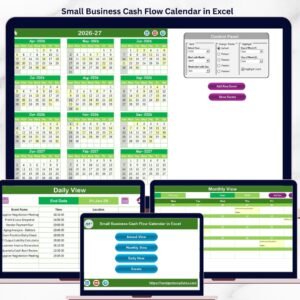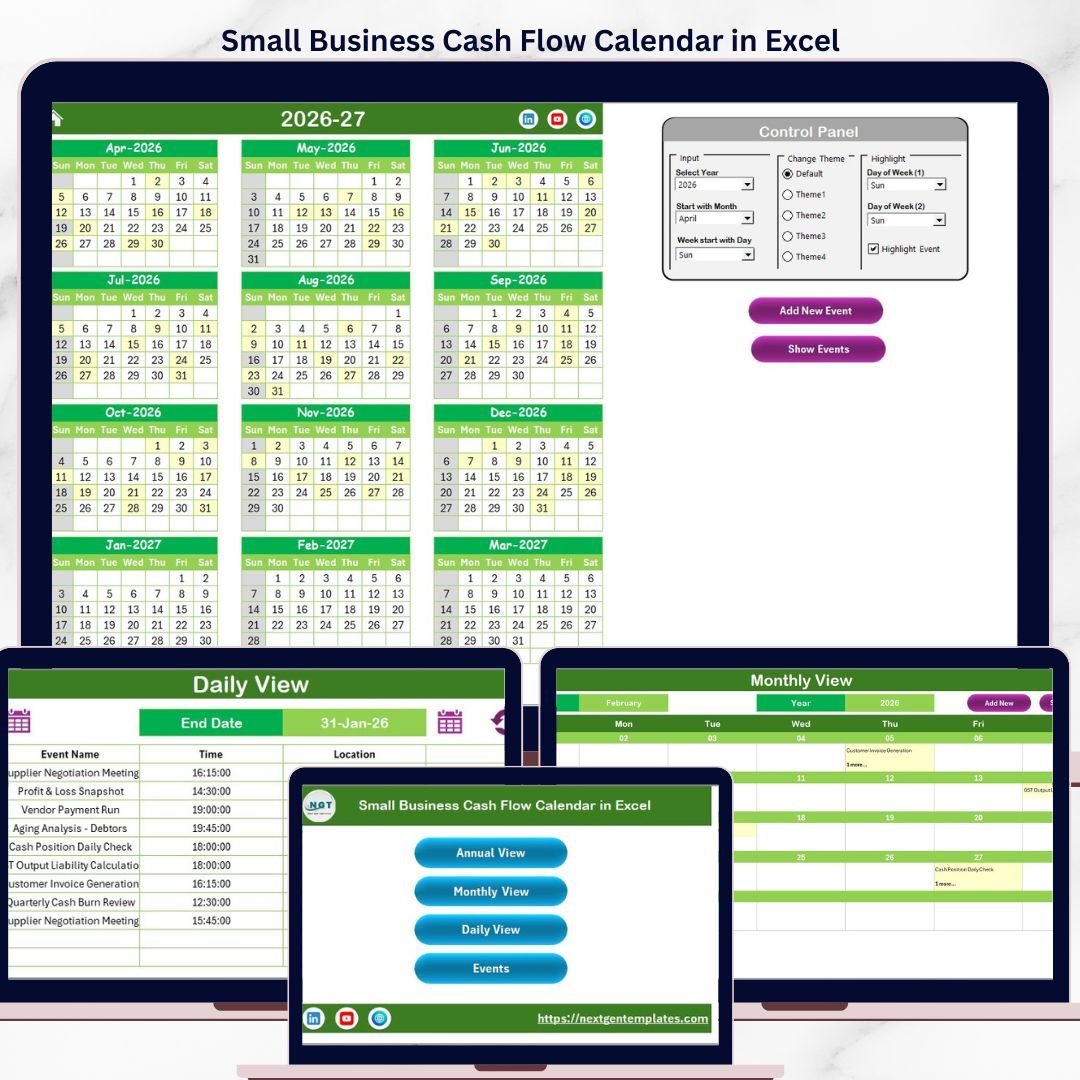
Small Business Cash Flow Calendar in Excel is a powerful tool designed to help business owners manage their cash flow efficiently throughout the year. This ready-to-use Excel template offers various views and features that simplify tracking income and expenses, enabling better financial planning and decision-making.
Key Features of Small Business Cash Flow Calendar in Excel
- Five well-organized worksheets: Home, Annual View, Monthly View, Daily View, and Events database.
- Easy navigation through interactive buttons on the Home sheet.
- Customizable calendar views including annual, monthly, and daily perspectives.
- Control panel to update year, starting month/day, and switch between themes.
- Event management with options to add, view, update, and delete events.
- Highlight specific weekdays or events for quick visual reference.
Dashboard Pages Explanation
Home Sheet Tab
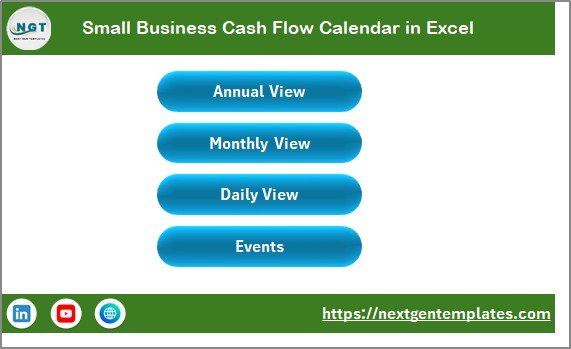
This is the main index page with four buttons for easy navigation to other sheets:
- Annual View
- Monthly View
- Daily View
- Events
Annual View Sheet Tab
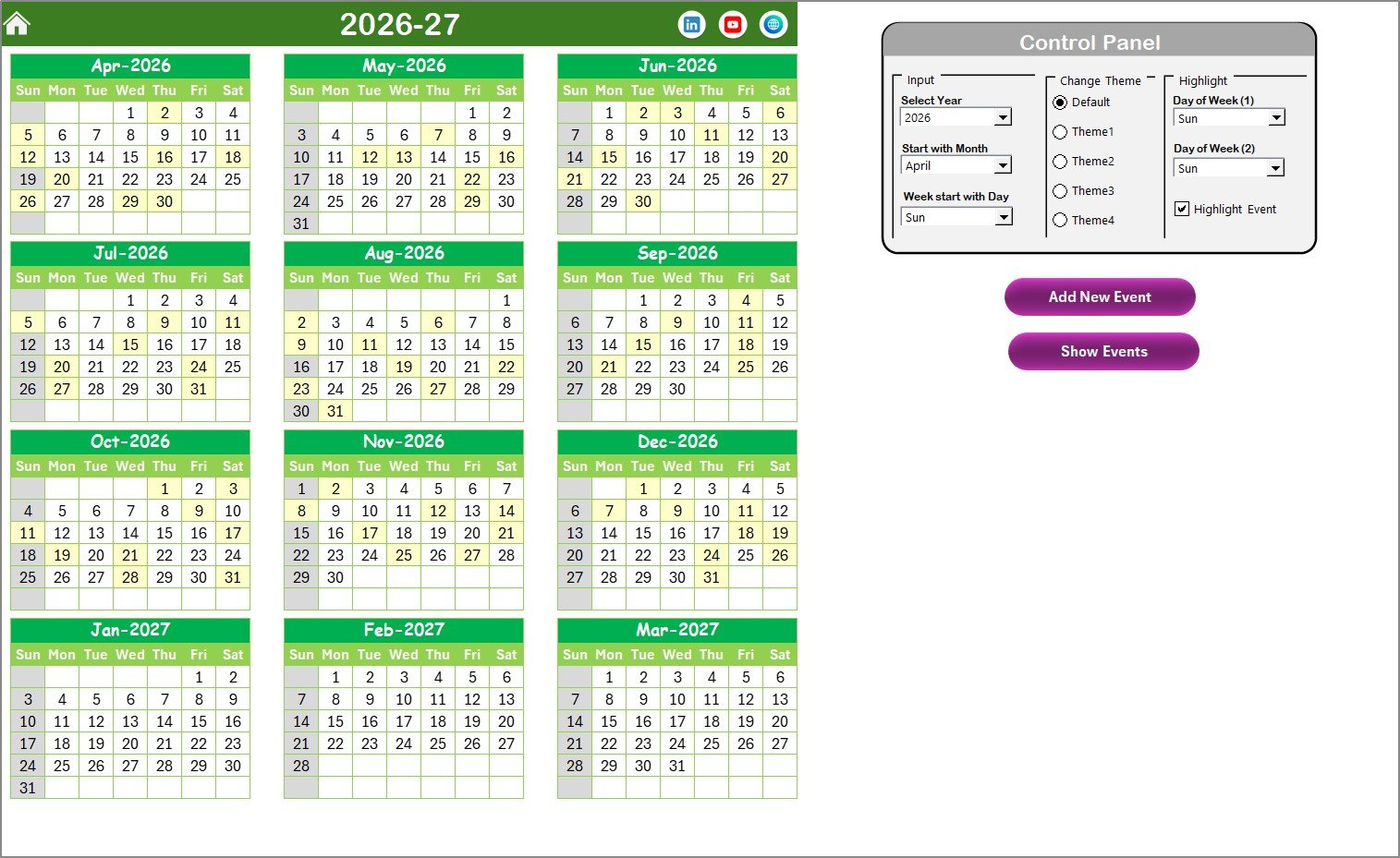
Displays all 12 months in a calendar format. Features include:
- Control panel grouped into Input, Change Theme, and Highlight groups.
- Input group allows changing the year, starting month, and starting day of the week.
- Change Theme group offers 5 color themes for the workbook.
- Highlight group to emphasize specific weekdays and event days on the calendar.
- Buttons for adding new events and viewing events on selected dates.
Monthly View Sheet Tab
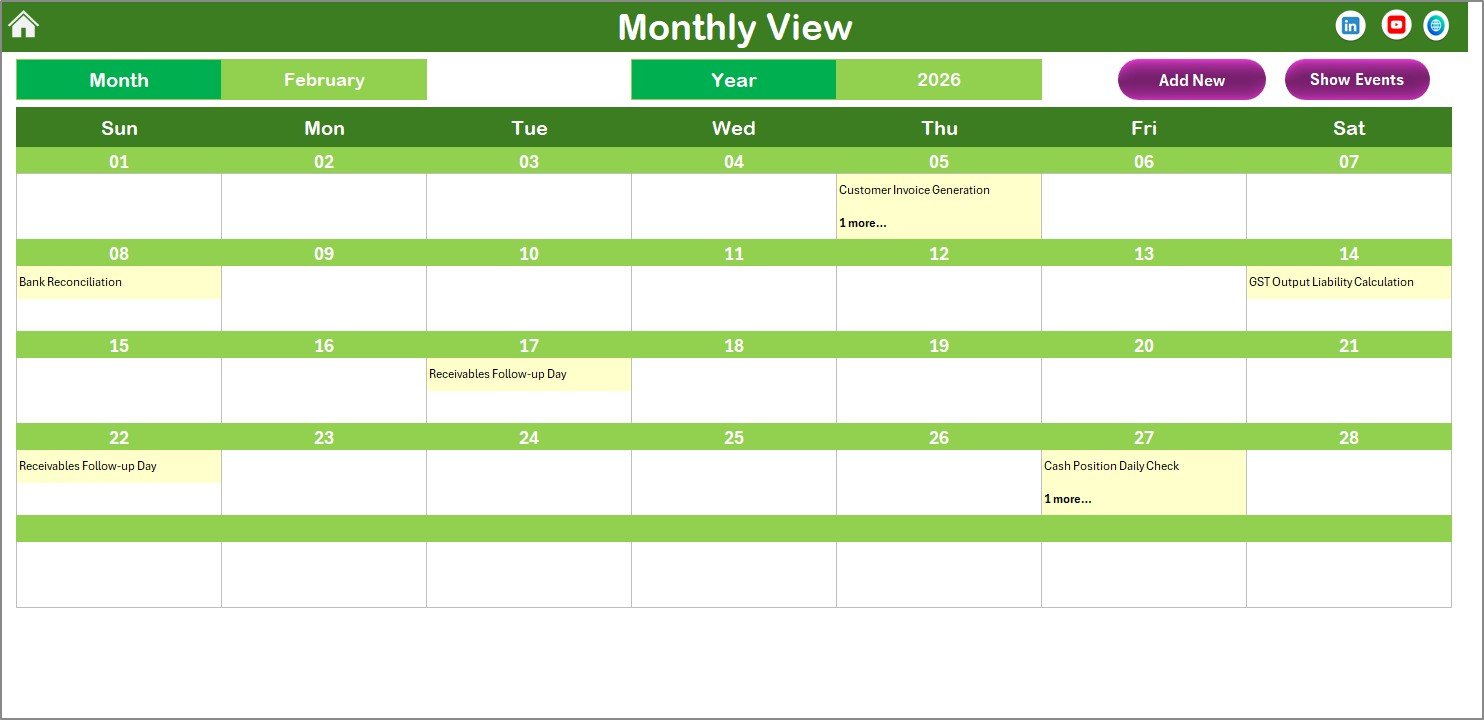
This page shows a calendar for the selected month and year. Key features include:
- Selection of month and year updates the calendar automatically.
- Displays one event per day; if multiple events exist, it shows ‘more than 1…’ indication.
- Buttons for adding new events and viewing event details for selected dates.
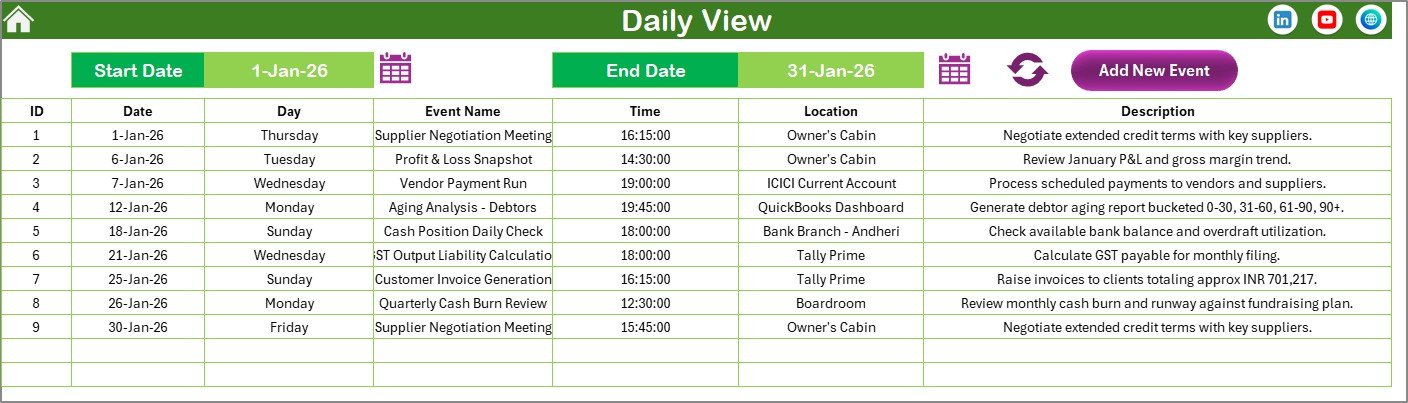
Daily View Sheet Tab
This sheet lists events with detailed information for a selected date range:
- Select start and end dates using calendar icons.
- Click on the Refresh button to update the list according to your selected range.
- Add New Event button available to quickly add new events.
Events Sheet Tab
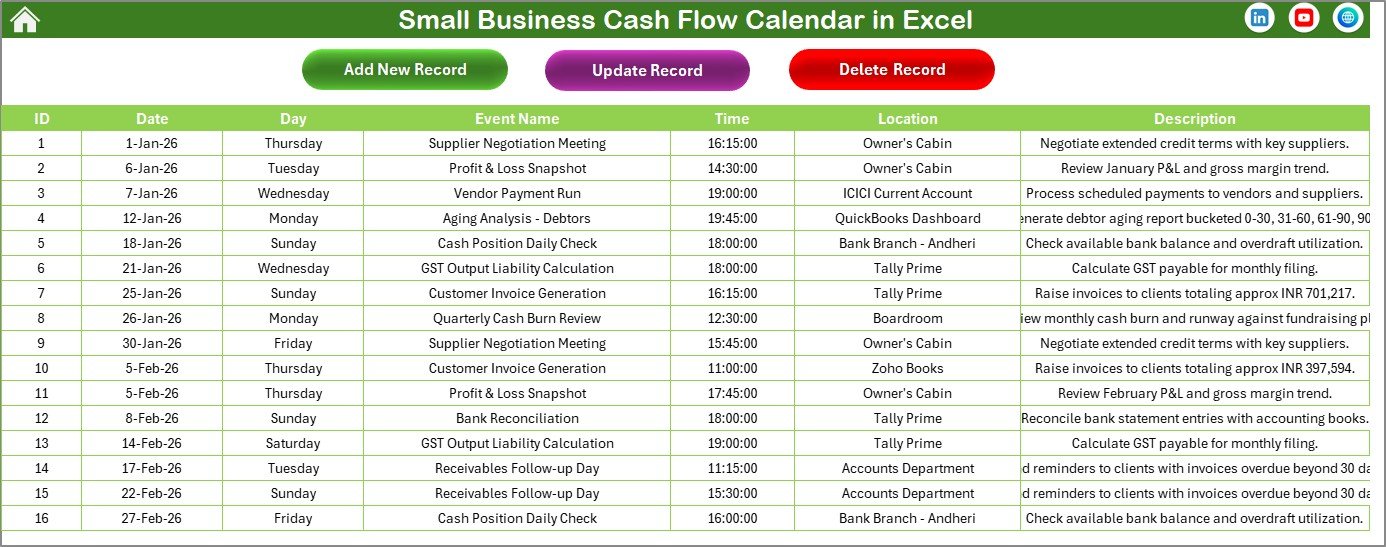
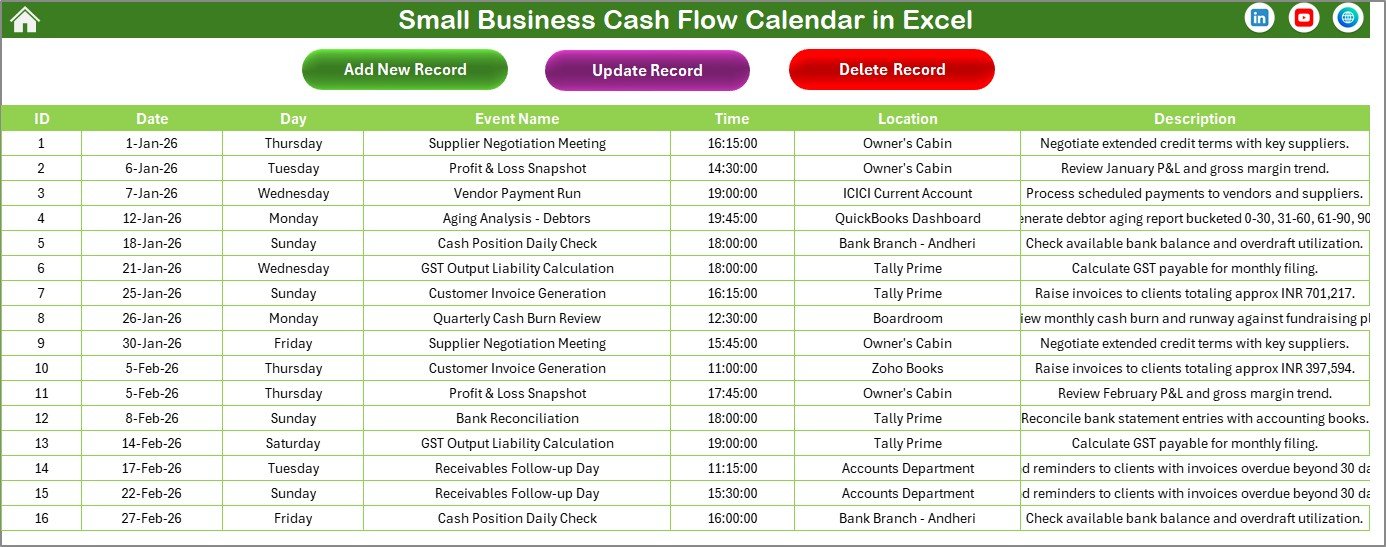
This sheet acts as the database for all events and captures the following details:
- ID: Auto-generated unique identifier
- Date: Date of the event
- Day: Day name such as Sunday, Monday, etc.
- Event Name: Name or title of the event
- Time: Time of the event
- Location: Venue of the event
- Description: Brief details about the event
At the top, three main buttons facilitate event management:
- Add New Record: Opens the form to input new event data.
- Update Existing Record: Select record ID and update details via the form.
- Delete Record: Remove selected event record permanently.
Advantages of Small Business Cash Flow Calendar in Excel
- Comprehensive views: Enables annual, monthly, and daily cash flow tracking.
- User-friendly interface: Easy navigation with buttons and clear layouts.
- Customization: Adjust calendar starting day, month, year, and themes to suit preferences.
- Efficient event management: Add, view, update, or delete events seamlessly within Excel.
- Visual highlights: Customize highlighting for weekends, weekdays, and important events.
Opportunities for Improvement
- Incorporate automated notifications or reminders for upcoming cash flow events.
- Integrate with other financial tools for real-time data updating.
- Add mobile-friendly Excel compatibility for on-the-go access.
- Enhance event filters for better sorting and search functionalities.
Best Practices
- Regularly update the event database to ensure cash flow accuracy.
- Use highlight features to mark critical financial deadlines or periods.
- Leverage the multiple views to analyze cash flow trends over different time frames.
- Backup your Excel file frequently to avoid data loss.
- Customize themes to match your business branding for easier recognition.