
Financial compliance is one of the most critical responsibilities for every organization. Businesses must comply with financial regulations, tax requirements, audit standards, and internal policies to maintain transparency and avoid legal penalties. However, managing compliance activities through scattered spreadsheets, emails, and manual reminders often leads to missed deadlines and incomplete documentation.
That is exactly where the Financial Compliance Checklist in Excel becomes a powerful compliance management solution.
This ready-to-use Excel checklist template helps finance teams organize compliance activities, assign responsibilities, track deadlines, and monitor completion progress in a structured way. Instead of relying on scattered notes or communication, all compliance tasks can be tracked from a single centralized Excel sheet.
With automated progress tracking, clear status indicators, and an easy-to-use checklist structure, this template enables organizations to maintain strong financial governance while reducing compliance risks.
Whether you manage financial reporting, regulatory documentation, internal audits, or tax compliance, this checklist template ensures that every compliance task receives proper attention.
As a result, organizations can maintain regulatory compliance while improving accountability and operational efficiency.
🚀 Key Feature of Financial Compliance Checklist in Excel
📊 Centralized Compliance Tracking System
Track all financial compliance activities from one organized Excel checklist.
📅 Deadline Monitoring System
Record due dates for each compliance activity to ensure regulatory deadlines are never missed.
✔ Task Completion Status Tracking
Mark compliance tasks as completed or pending using clear status indicators.
📈 Automated Progress Summary Dashboard
Monitor total tasks, completed tasks, pending tasks, and completion percentage instantly.
👥 Responsible Person Assignment
Assign accountability to team members responsible for completing each compliance task.
📋 Structured Compliance Task Table
Track detailed compliance activities including description, responsible person, deadline, and remarks.
⚡ Automatic Progress Calculation
The template automatically updates the progress bar when task status changes.
📊 Clear Compliance Visibility
Managers can instantly evaluate compliance progress and identify pending tasks.
📦 What’s Inside the Financial Compliance Checklist in Excel
This ready-to-use template includes two well-structured worksheets designed to simplify compliance management.
📍 Financial Compliance Checklist Sheet – Main Compliance Tracking Page
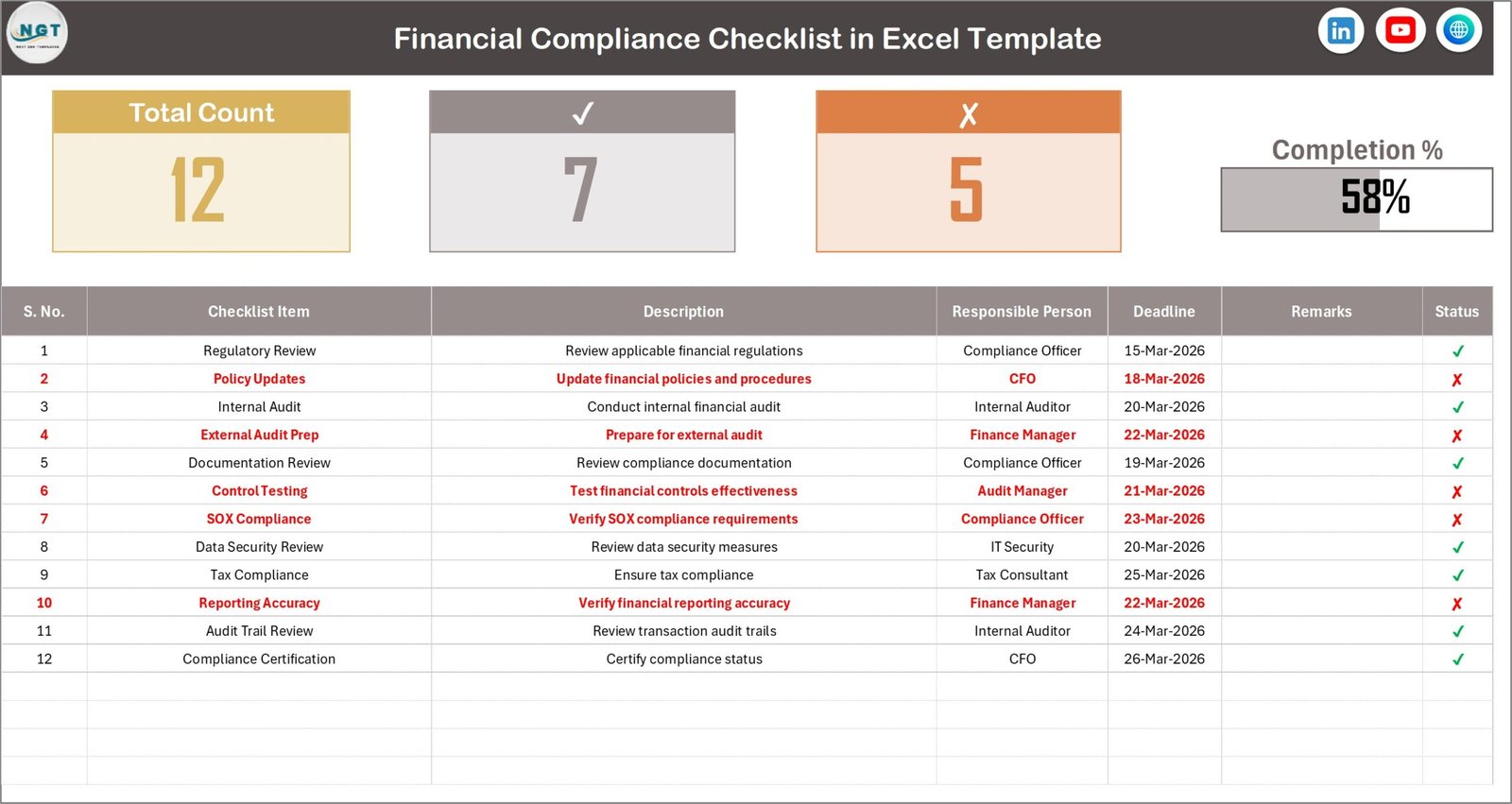
This sheet acts as the primary working area where users manage all compliance activities.
It includes two sections:
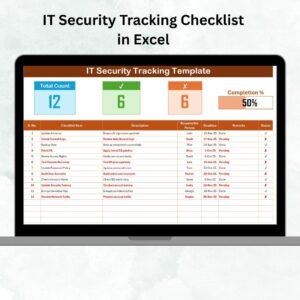
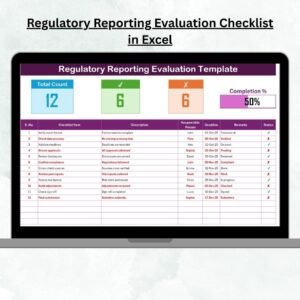
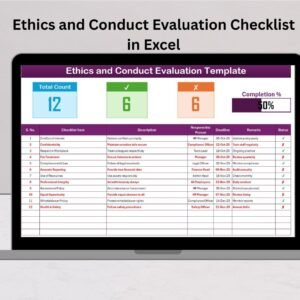
Compliance Summary Section
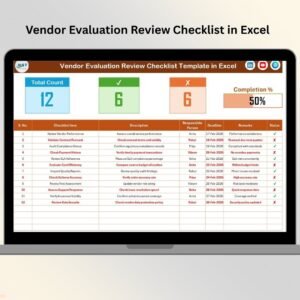
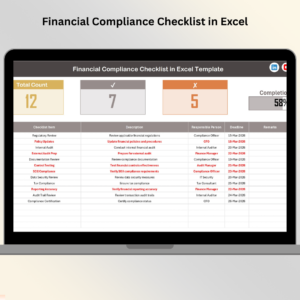
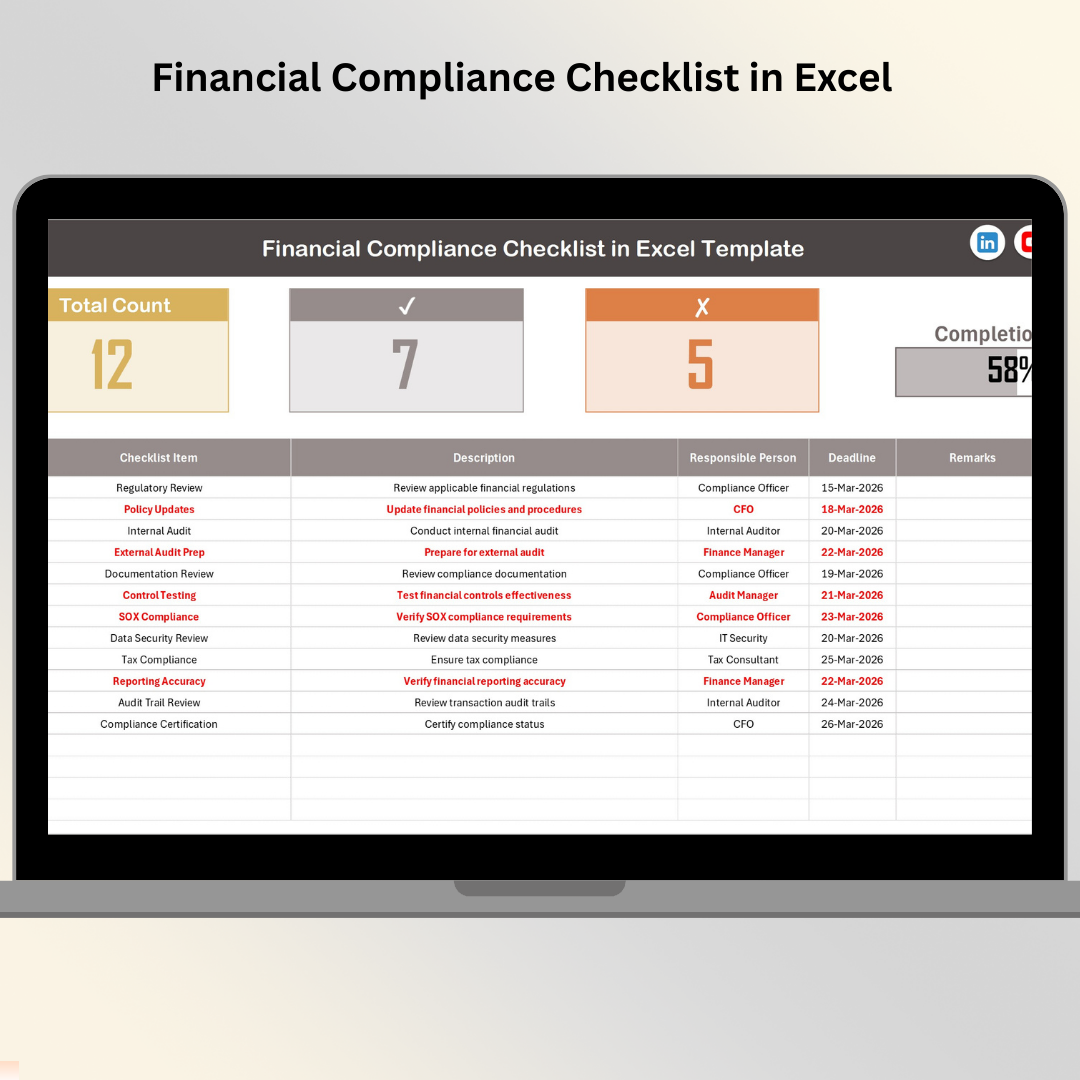
This section displays a dashboard-style overview showing:
• Total compliance tasks
• Completed tasks count
• Pending tasks count
• Visual progress bar
This summary allows finance managers to quickly evaluate compliance status.
Checklist Table Section
The main checklist table allows users to record and manage compliance tasks.
Columns included in the table:
• Serial Number
• Checklist Item
• Description
• Responsible Person
• Deadline
• Remarks
• Status (Completed / Pending)
Whenever the status changes, the summary section automatically updates the progress indicators.
📍 List Sheet – Dropdown Management
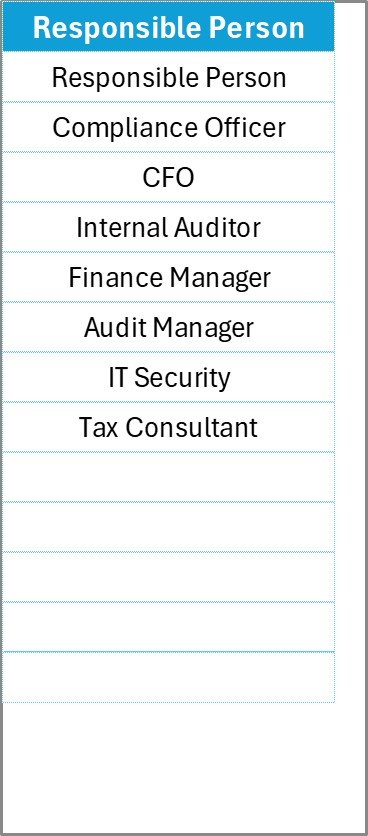
This sheet stores the list of responsible persons used in the checklist table.
Because this sheet powers dropdown selections, users can easily assign responsible persons without typing manually.
The dropdown system ensures:
• Consistent data entry
• Faster task assignment
• Reduced input errors
Together, these two sheets create a powerful compliance tracking system for finance teams.
🛠 How to Use the Financial Compliance Checklist in Excel
Using this template is simple and requires no advanced Excel knowledge.
Step 1 – Enter Compliance Tasks
Add financial compliance activities in the checklist table.
Step 2 – Assign Responsible Persons
Select the responsible team member using the dropdown list.
Step 3 – Define Compliance Deadlines
Enter due dates for each compliance requirement.
Step 4 – Update Task Status
Mark the status as Completed ✔ or pending ✘.
Step 5 – Monitor Progress
Review the summary section to track compliance progress instantly.
By following these steps, organizations can ensure that compliance activities remain organized and transparent.
👨💼 Who Can Benefit from This Financial Compliance Checklist in Excel
This checklist template is designed for professionals responsible for managing financial compliance.
💼 Finance Managers – Track financial reporting deadlines and regulatory obligations.
📊 Compliance Officers – Monitor compliance activities and ensure regulatory adherence.
📑 Internal Auditors – Manage audit preparation tasks and documentation requirements.
🏢 Accounting Teams – Organize tax filings, financial documentation, and compliance reviews.
📈 Business Owners and Executives – Maintain better control over financial governance.
📋 Corporate Compliance Departments – Manage regulatory compliance tasks across departments.
Click hare to read the Detailed blog post
Visit our YouTube channel to learn step-by-step video tutorials
https://www.youtube.com/@PKAnExcelExpert
Watch the step-by-step video tutorial:
Compatibility and Requirements
- Works in Microsoft Excel desktop (Excel 2016 or later, or Microsoft 365).
- The Responsible Person column uses a dropdown fed by the List sheet. Microsoft explains how dropdowns work in Create a drop-down list.
Frequently Asked Questions
How many sheets does the template have?
Two sheets: the Financial Compliance Checklist sheet and the List sheet.
What does the checklist table record?
Each row has a serial number, checklist item, description, responsible person, deadline, remarks and status.
How is progress calculated?
The summary section at the top shows total tasks, completed tasks, pending tasks and a progress bar. It updates when you change a task’s status to Completed or Pending.
How do I add team members to the Responsible Person dropdown?
Enter the names on the List sheet. The dropdown in the checklist table reads from that list.
Is there a calendar version for compliance deadlines?
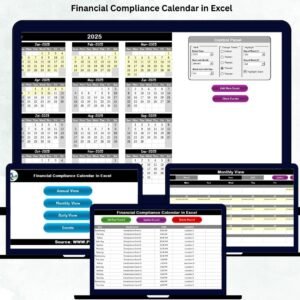
Yes. See the Financial Compliance Calendar in Excel.
Related Compliance and Finance Templates
- Financial Compliance Calendar in Excel: a calendar view of compliance dates
- Financial Audit Preparation Checklist in Excel: a checklist for audit preparation tasks
- Internal Audit Compliance Checklist in Excel: a checklist for internal audit compliance
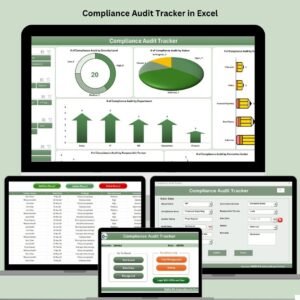
- Compliance Audit Tracker in Excel: a tracker for compliance audits
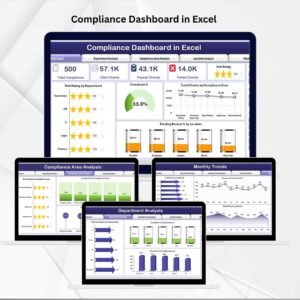
- Compliance Dashboard in Excel: a dashboard view of compliance status
Browse all Excel checklists.