The aerospace industry runs on precision. One delay can disrupt contracts. One quality defect can damage reputation. One missed KPI can impact profitability. That is why aerospace manufacturers, aviation operators, and defense suppliers must track performance with discipline and clarity.
Yet many organizations still rely on scattered spreadsheets and disconnected reports. As a result, managers struggle to compare monthly targets. Leadership teams miss early warning signs. Performance gaps grow unnoticed.
The solution?
The Aerospace KPI Scorecard in Google Sheets — a ready-to-use, structured performance tracking system designed specifically for high-compliance, high-precision environments.
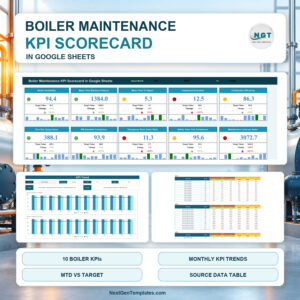
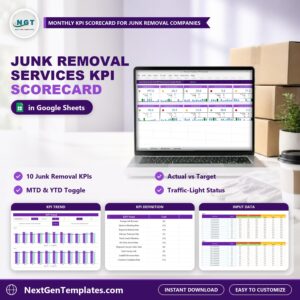
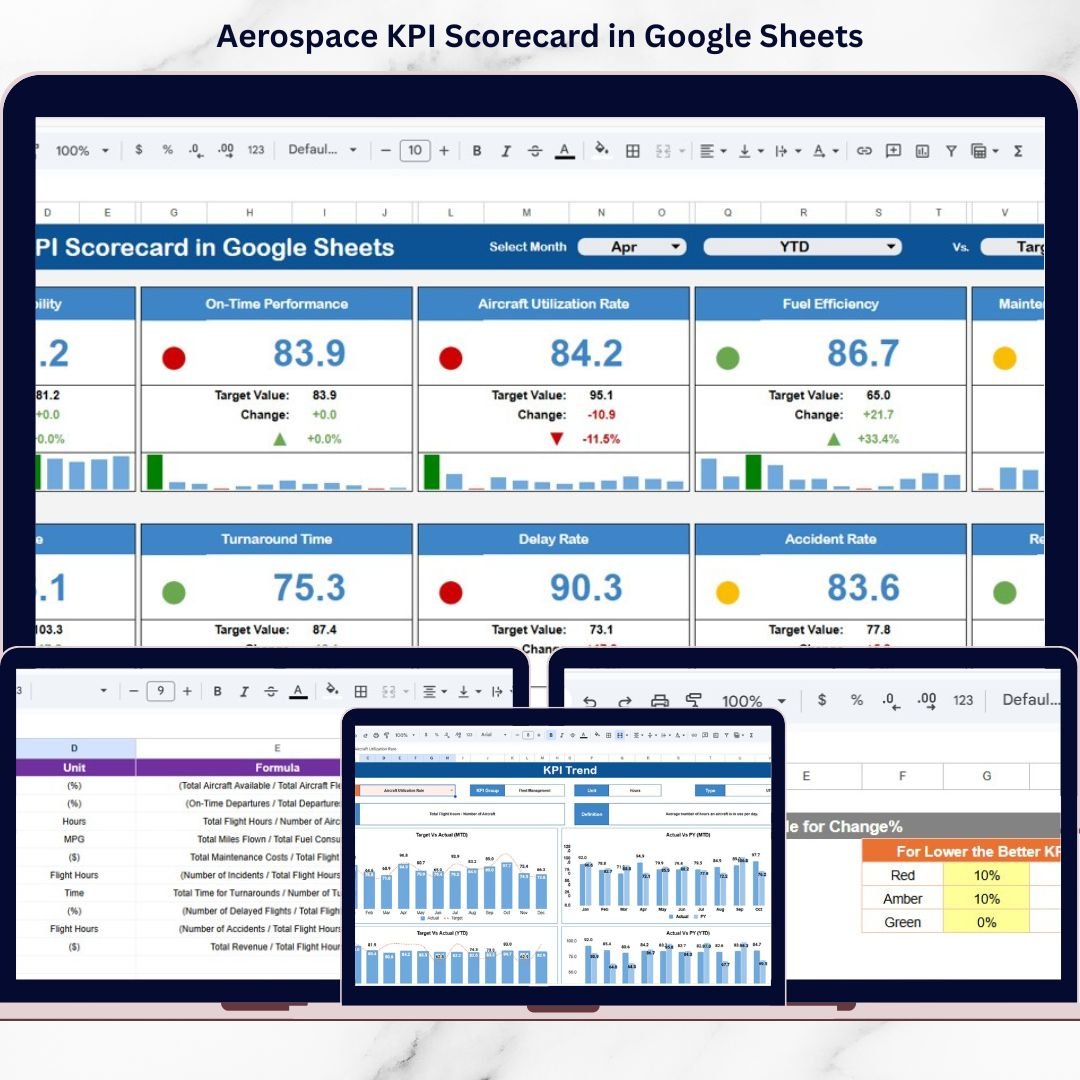
This powerful template allows you to monitor 10 critical KPIs, compare Actual vs Target values, switch between MTD and YTD views, and visualize performance using traffic lights and trend arrows — all inside a collaborative Google Sheets file.
If you want structured control over aerospace operations, this scorecard delivers clarity instantly.
🚀 Key Feature of Aerospace KPI Scorecard in Google Sheets
This scorecard is built for performance-driven aerospace teams.
✅ Dynamic Month Drop-Down Selector
Select any month and watch the entire dashboard update automatically.
✅ MTD & YTD Toggle View
Switch between Month-to-Date and Year-to-Date performance instantly.
✅ Actual vs Target Comparison
Identify performance gaps with automatic variance percentages.
✅ Previous Year Comparison
Measure improvement by comparing current performance with last year’s data.
✅ Traffic Light Indicators
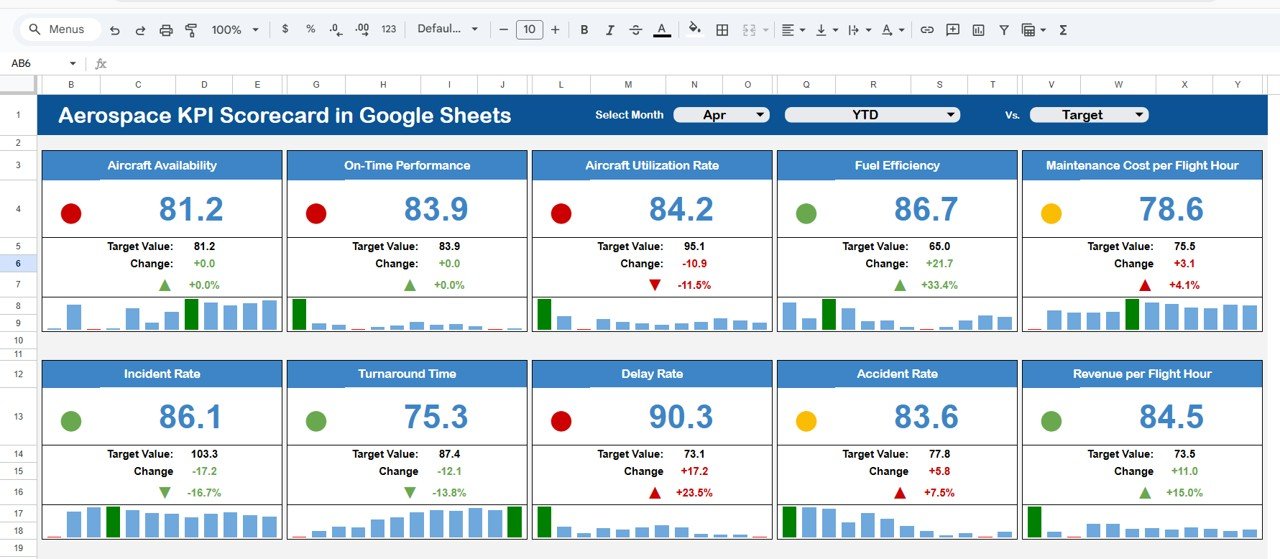
Green, Yellow, and Red signals highlight performance status immediately.
✅ Up/Down Percentage Change Arrows
Visual arrows show whether performance improves or declines.
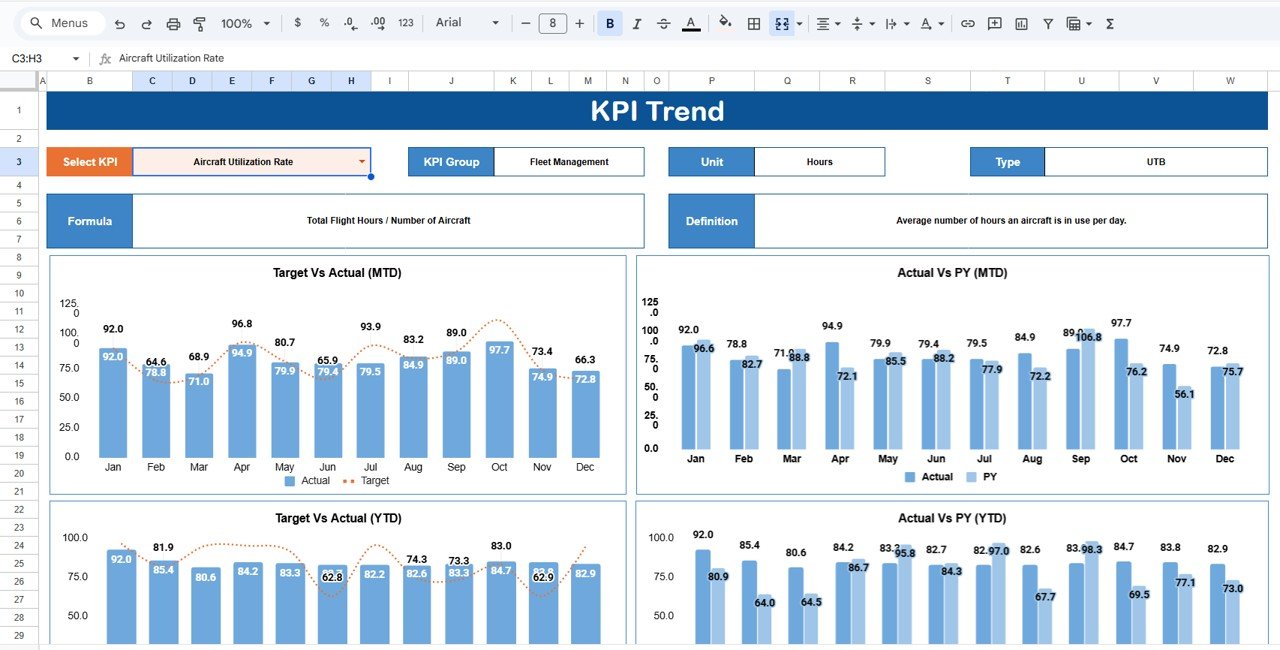
✅ KPI Trend Sheet (Cell C3 Selector)
Select a KPI and analyze detailed trend charts for MTD and YTD values.
Because it is cloud-based, multiple users can update and review data in real time.
📊 What’s Inside the Aerospace KPI Scorecard in Google Sheets
This professionally structured template includes:
1️⃣ Main Scorecard Sheet – Displays Actual, Target, Previous Year, variance %, traffic lights, and trend arrows.
2️⃣ KPI Trend Sheet – Deep KPI analysis with visual charts and detailed KPI breakdown.
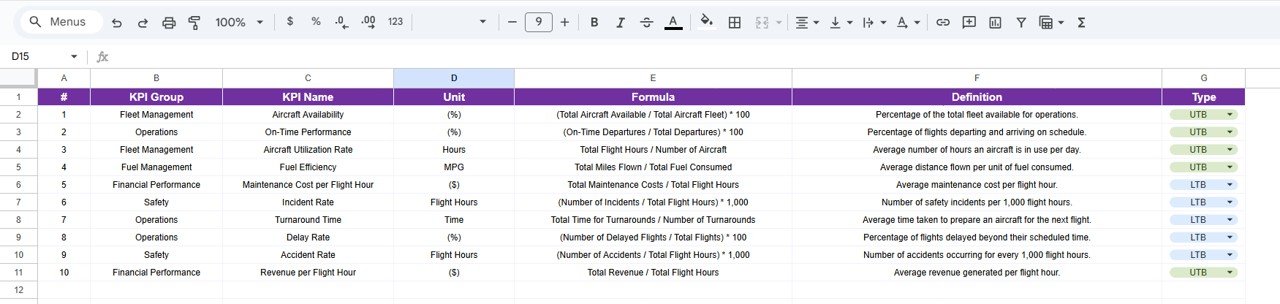
3️⃣ KPI Definition Sheet – Stores KPI Name, Group, Unit, Formula, Type (Lower the Better / Upper the Better), and Definition.
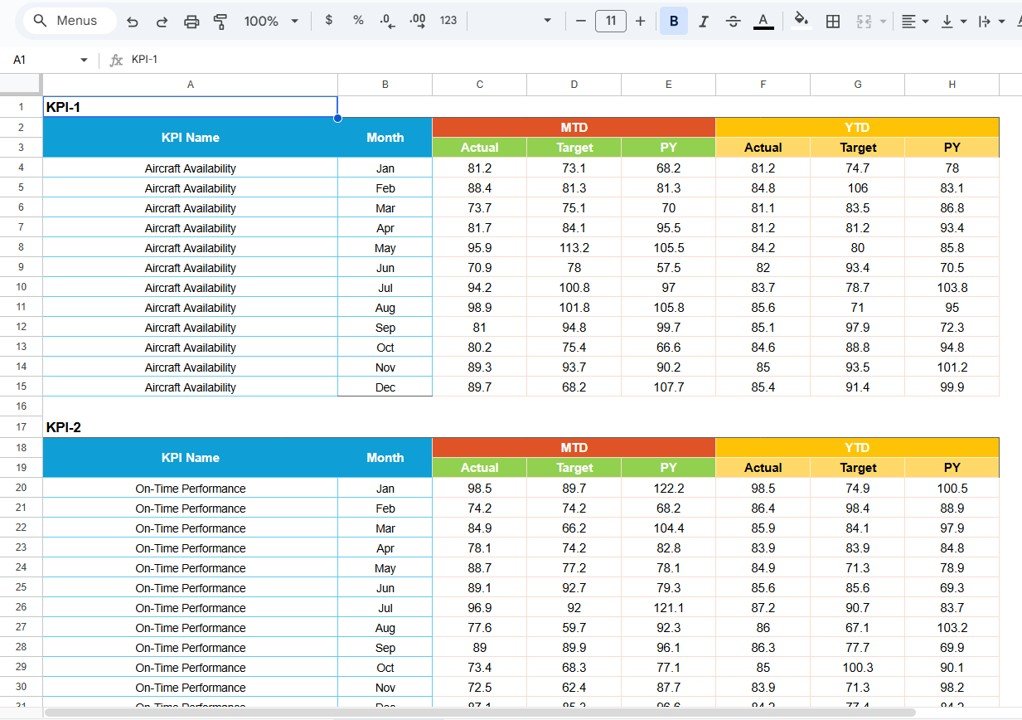
4️⃣ Data Input Sheet – Central area to enter monthly actual, target, and previous year data.
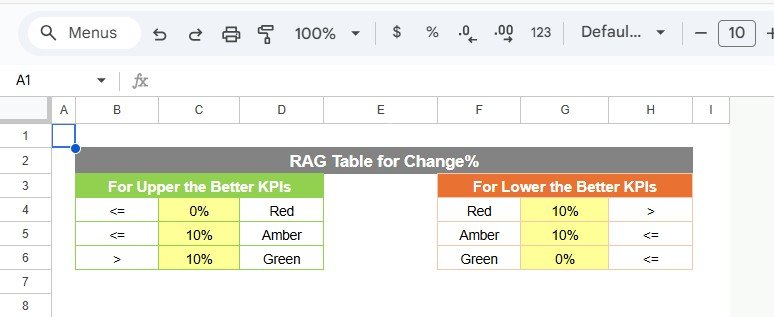
5️⃣ Colour Settings Sheet – Controls traffic light thresholds and conditional formatting logic.
You can monitor critical aerospace KPIs such as:
On-Time Delivery Rate
First Pass Yield
Defect Rate
Production Efficiency
Cost Variance
Supplier Performance Index
Rework Rate
Inventory Turnover
Schedule Adherence
Safety Compliance Rate
Each KPI is structured for performance transparency and audit readiness.
⚙️ How to Use the Aerospace KPI Scorecard in Google Sheets
Using this scorecard is simple and structured:
Step 1: Enter monthly actual, target, and previous year data in the Data Input Sheet.
Step 2: Define or adjust KPIs in the KPI Definition Sheet.
Step 3: Select the desired month in the Main Scorecard Sheet.
Step 4: Toggle between MTD and YTD views.
Step 5: Analyze trends in the KPI Trend Sheet using the dropdown in cell C3.
Step 6: Adjust performance thresholds in the Colour Settings Sheet if needed.
Within minutes, you can:
✔ Detect delivery delays
✔ Identify cost overruns
✔ Monitor supplier performance
✔ Track quality improvements
✔ Prepare audit-ready performance reports
No advanced technical skills required — basic Google Sheets knowledge is enough.
👨✈️ Who Can Benefit from This Aerospace KPI Scorecard in Google Sheets
This template is ideal for:
✔ Aerospace Manufacturers
✔ Aviation Operations Managers
✔ Defense Suppliers
✔ Production Managers
✔ Quality Assurance Teams
✔ Supply Chain Managers
✔ Compliance & Audit Teams
If your organization operates under strict regulatory standards and performance targets, this scorecard provides structured oversight.
Because it works online, it supports collaboration across departments and locations.
By implementing this scorecard consistently, you can:
✔ Reduce manual reporting time
✔ Strengthen quality control
✔ Improve delivery reliability
✔ Enhance supplier accountability
✔ Support regulatory compliance
✔ Drive performance-focused culture
Stop relying on scattered data. Start managing aerospace performance with precision.
Click hare to read the Detailed blog post
Watch the step-by-step video tutorial:
Visit our YouTube channel to learn step-by-step video tutorials:
👉 https://www.youtube.com/@NeotechNavigators