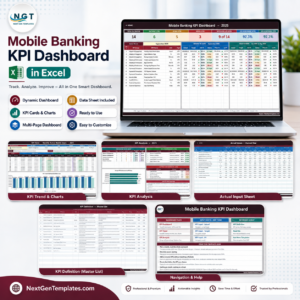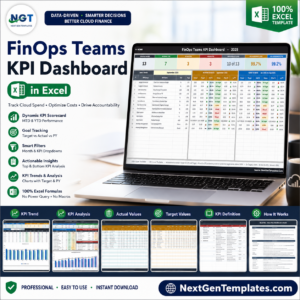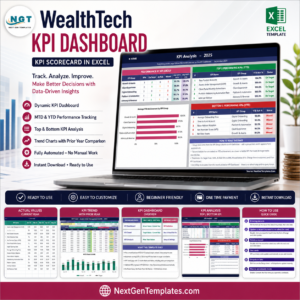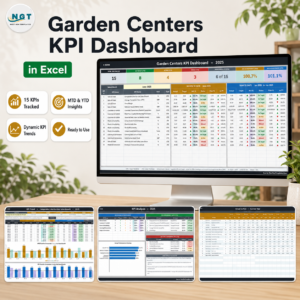
The cosmetics and skincare industry moves fast. Trends change overnight, customer preferences evolve constantly, and competition grows every day. In such a dynamic market, tracking performance manually is no longer enough. That is exactly why the Cosmetics and Skincare KPI Dashboard in Excel becomes a game-changing tool for beauty brands.
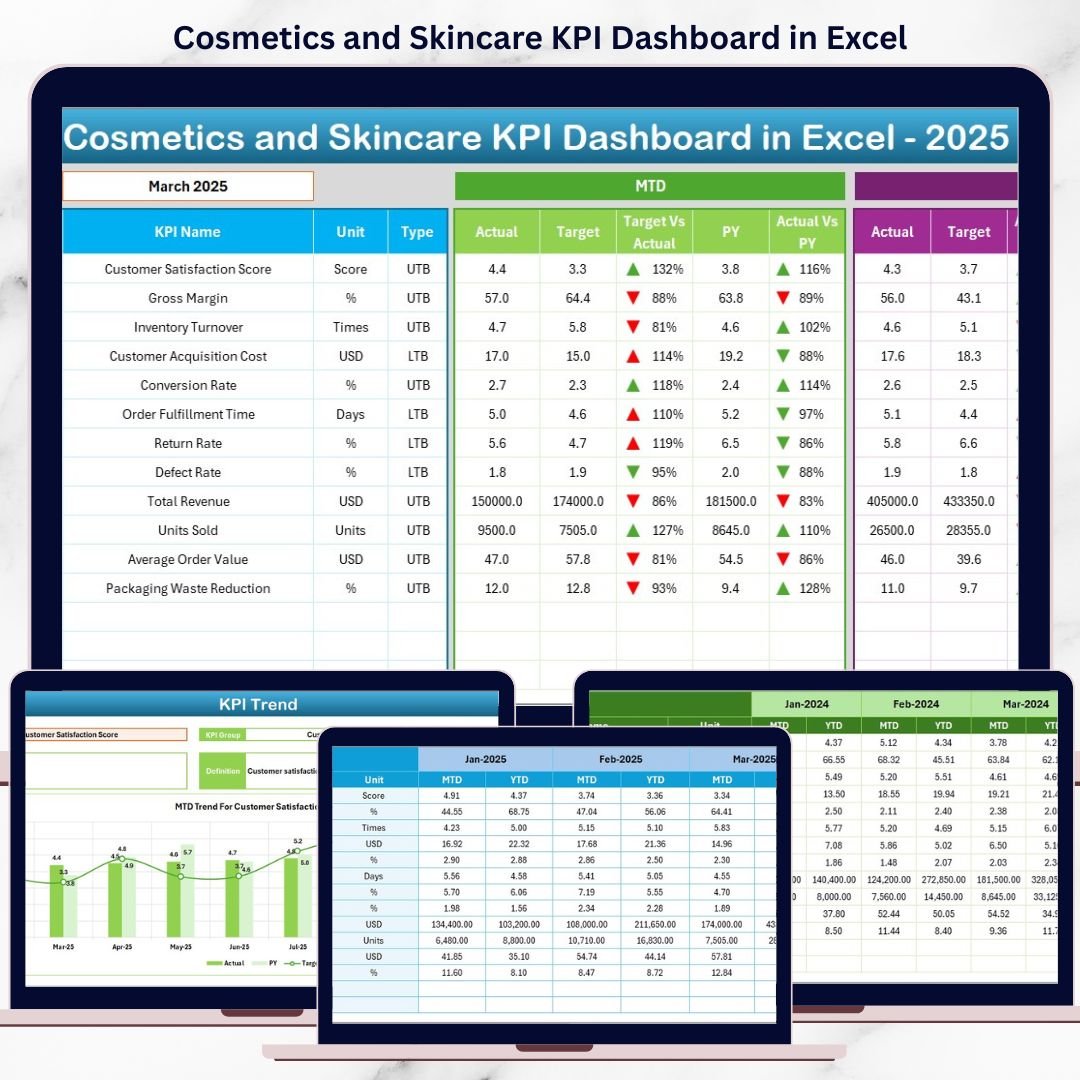
This ready-to-use Excel dashboard transforms scattered data into clear KPIs, visual insights, and actionable performance metrics. Instead of juggling multiple Excel files, you get one powerful dashboard that tracks MTD, YTD, Target, and Previous Year performance with ease. Best of all, it is built completely in Excel—simple, flexible, and cost-effective.
🔑 Key Features of the Cosmetics and Skincare KPI Dashboard in Excel
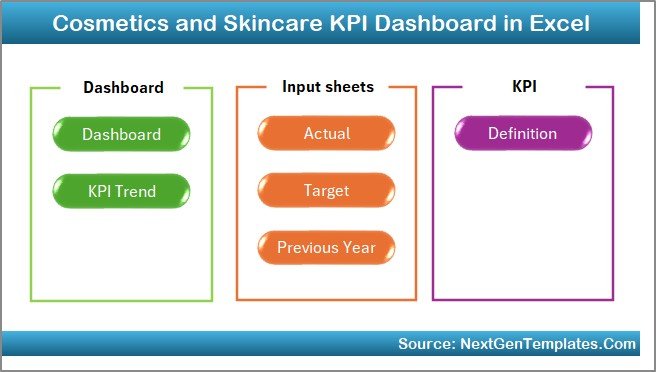
✨ 7 Structured Worksheets designed for smooth navigation and clarity
📊 MTD & YTD Performance Tracking for real-time insights
🎯 Target vs Actual Comparison to monitor goal achievement
📈 Previous Year Analysis for year-over-year growth tracking
⬆️⬇️ Conditional Formatting with Arrows to instantly spot trends
🖱️ Month & KPI Selection Dropdowns for dynamic analysis
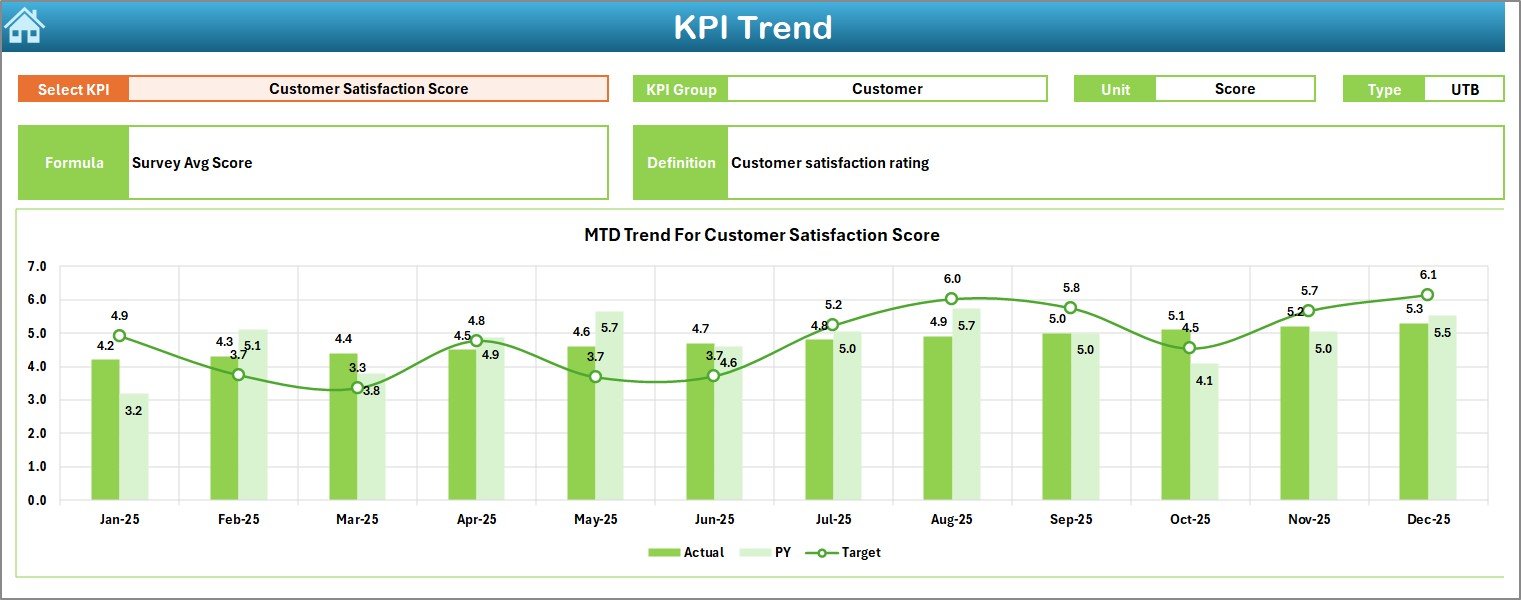
🔍 Interactive KPI Trend Charts for deep performance understanding
Each feature is carefully designed to help you identify gaps, track growth, and act faster—without complex tools or advanced Excel skills.
📦 What’s Inside the Cosmetics and Skincare KPI Dashboard in Excel
This digital product includes 7 professionally designed worksheets, each serving a clear purpose:
🧭 Home Sheet
Acts as a navigation hub with 6 clickable buttons for instant access to key sections.
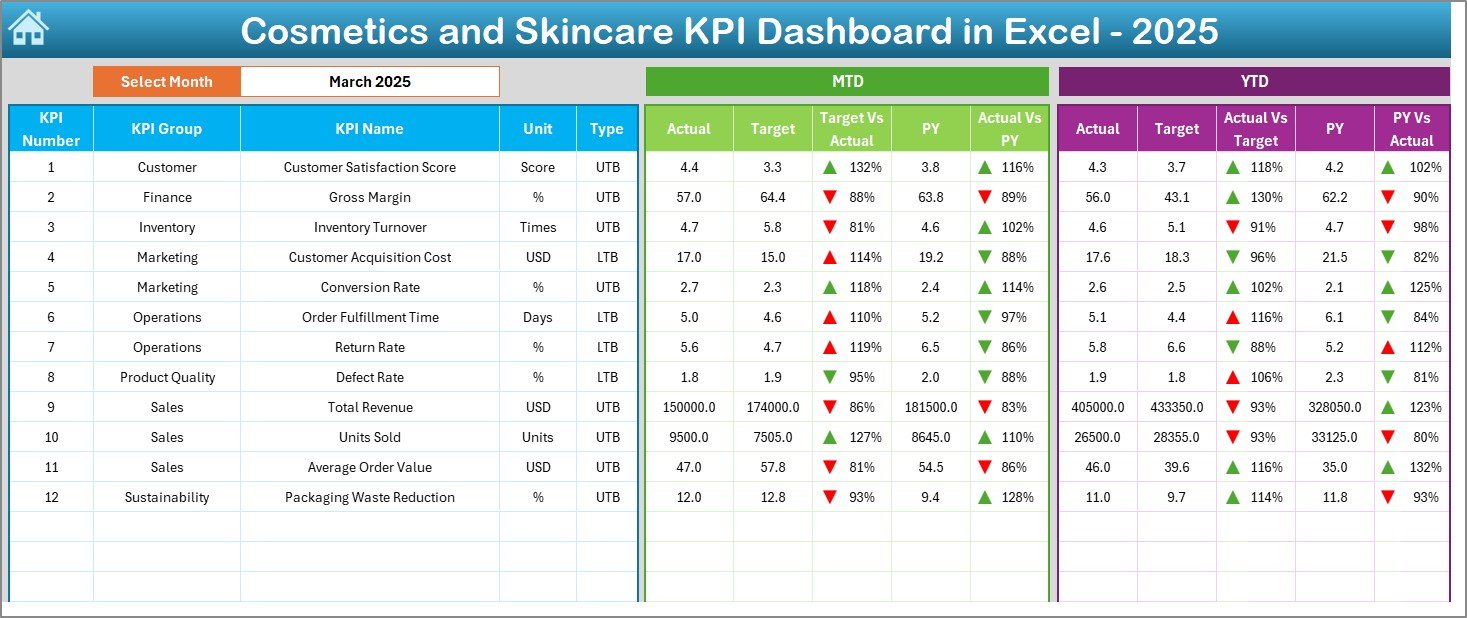
📊 Dashboard Sheet
Displays all KPIs in one place with MTD, YTD, Target, and PY values. Select the month from a dropdown, and the entire dashboard updates automatically.
📈 KPI Trend Sheet
Analyze individual KPIs with dynamic MTD and YTD trend charts, KPI definitions, units, and performance type (LTB / UTB).
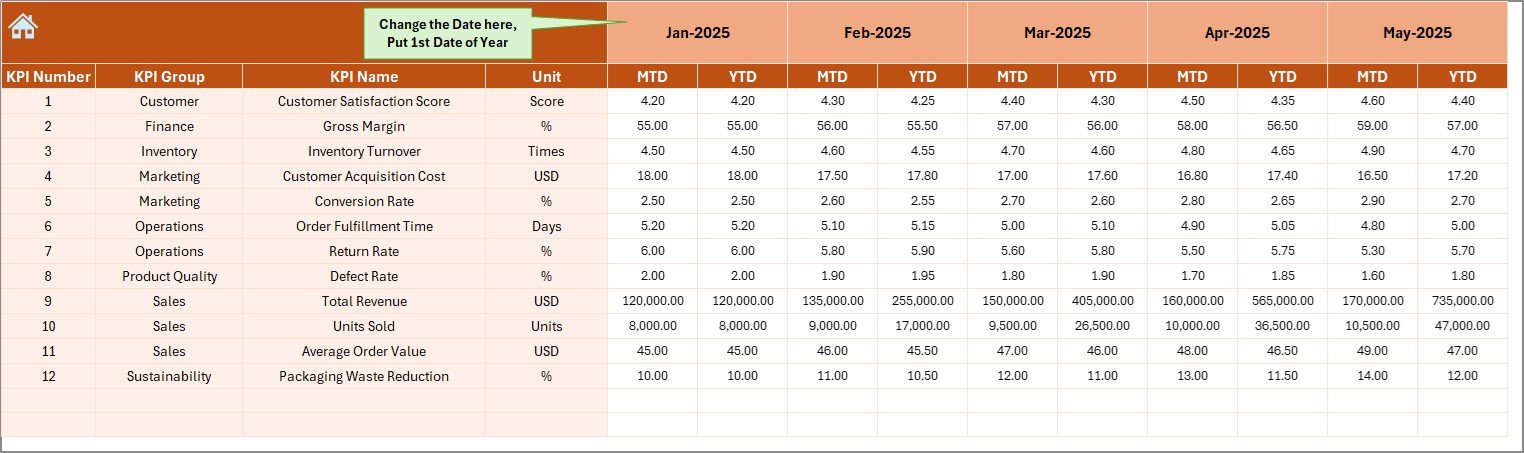
✍️ Actual Numbers Input Sheet
Enter monthly actual values easily. All calculations update automatically.
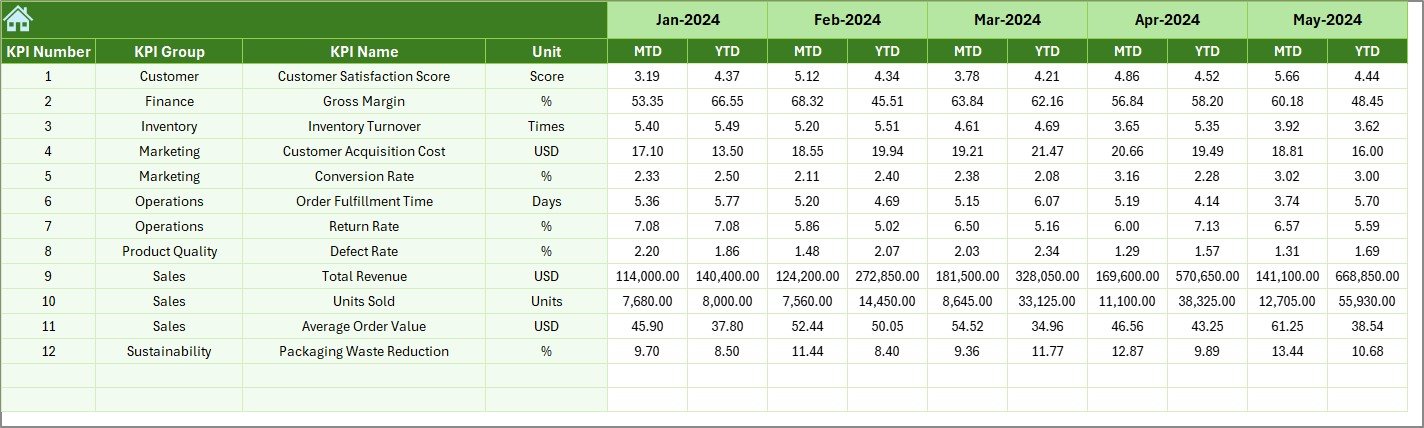
🎯 Target Sheet
Store MTD and YTD target values to track performance against goals.
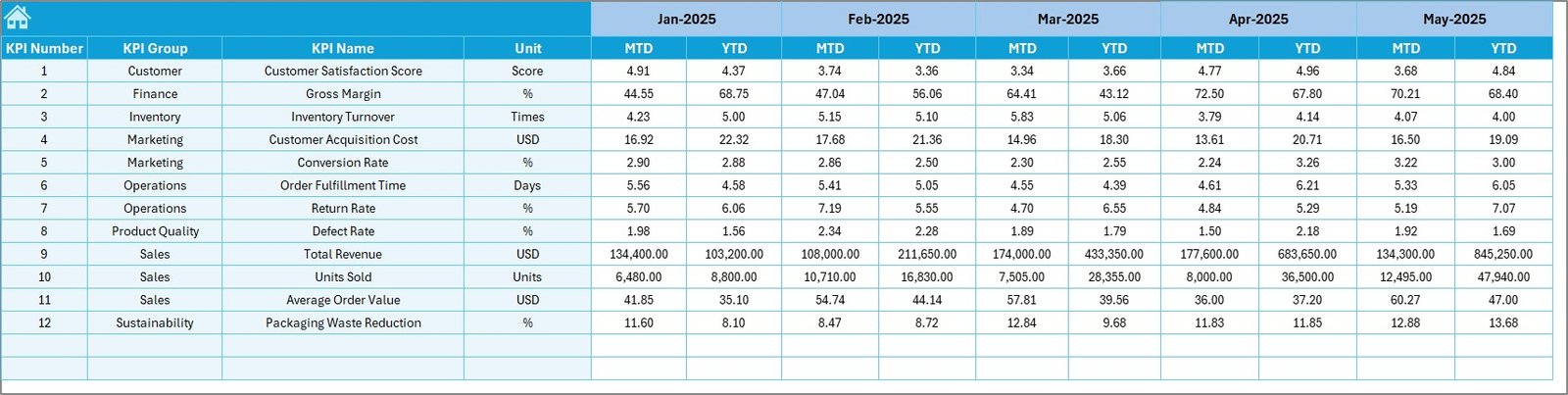
📅 Previous Year Numbers Sheet
Compare current performance with last year’s data for better forecasting.
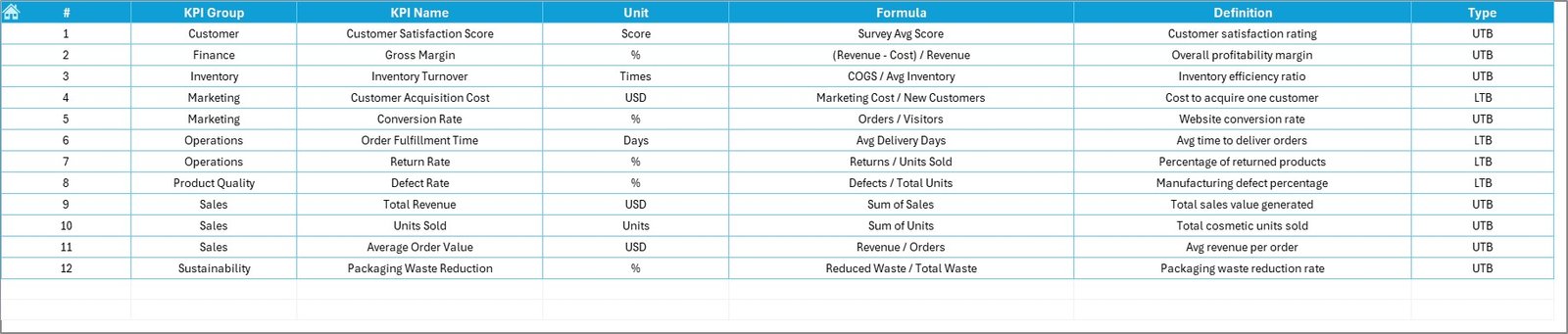
📘 KPI Definition Sheet
A reference guide containing KPI names, formulas, units, and definitions for clarity and consistency.
🚀 How to Use the Cosmetics and Skincare KPI Dashboard in Excel
Using this dashboard is simple and intuitive:
1️⃣ Enter your KPI definitions once
2️⃣ Update monthly actual values
3️⃣ Add target and previous year data
4️⃣ Select the month from the dropdown
5️⃣ Instantly view updated KPIs, trends, and variances
No macros. No coding. Just smart Excel formulas and visuals doing the hard work for you.
👥 Who Can Benefit from This Cosmetics and Skincare KPI Dashboard
This dashboard is perfect for:
💄 Cosmetics Brand Owners tracking business performance
🧴 Skincare Product Managers monitoring quality and sales
📊 Sales & Marketing Teams analyzing campaign effectiveness
🏭 Operations Managers improving efficiency
💰 Finance & Planning Teams supporting data-driven decisions
Whether you run a small skincare startup or a growing beauty brand, this dashboard adapts to your needs.
🔗 Click here to read the Detailed blog post
🎥 Visit our YouTube channel to learn step-by-step video tutorials
👉 Youtube.com/@PKAnExcelExpert