

Stay Organized with the Monthly Review Planner Checklist in Excel
Keeping up with monthly tasks, goals, and responsibilities can be overwhelming. Whether you’re a manager juggling projects, a student preparing assignments, or an entrepreneur managing multiple priorities, it’s easy to miss deadlines without a proper system. That’s why we created the Monthly Review Planner Checklist in Excel — a simple, structured, and ready-to-use tool designed to help you stay on track, save time, and boost productivity 🚀.
Unlike scattered notes or paper checklists, this Excel-based planner offers visual progress tracking, accountability features, and automation, turning task management into an effortless experience.
✨ Key Features of Monthly Review Planner Checklist in Excel
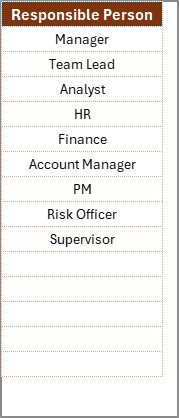
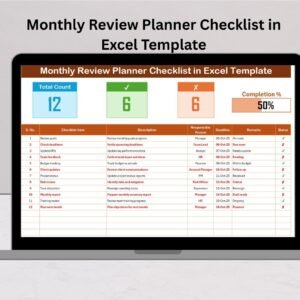
✅ Two Prebuilt Worksheets – A main checklist sheet to capture tasks and a list sheet for unique responsible persons.
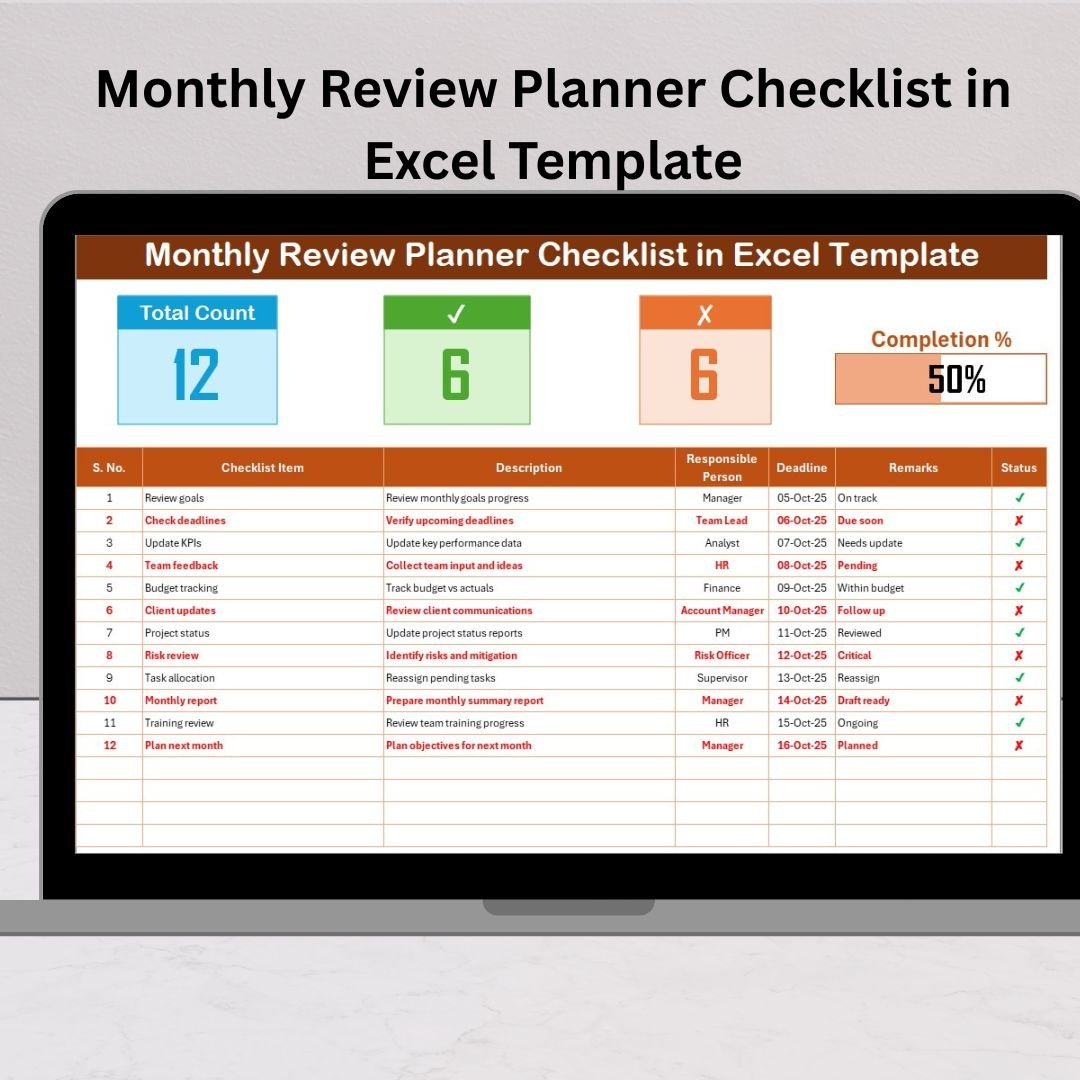
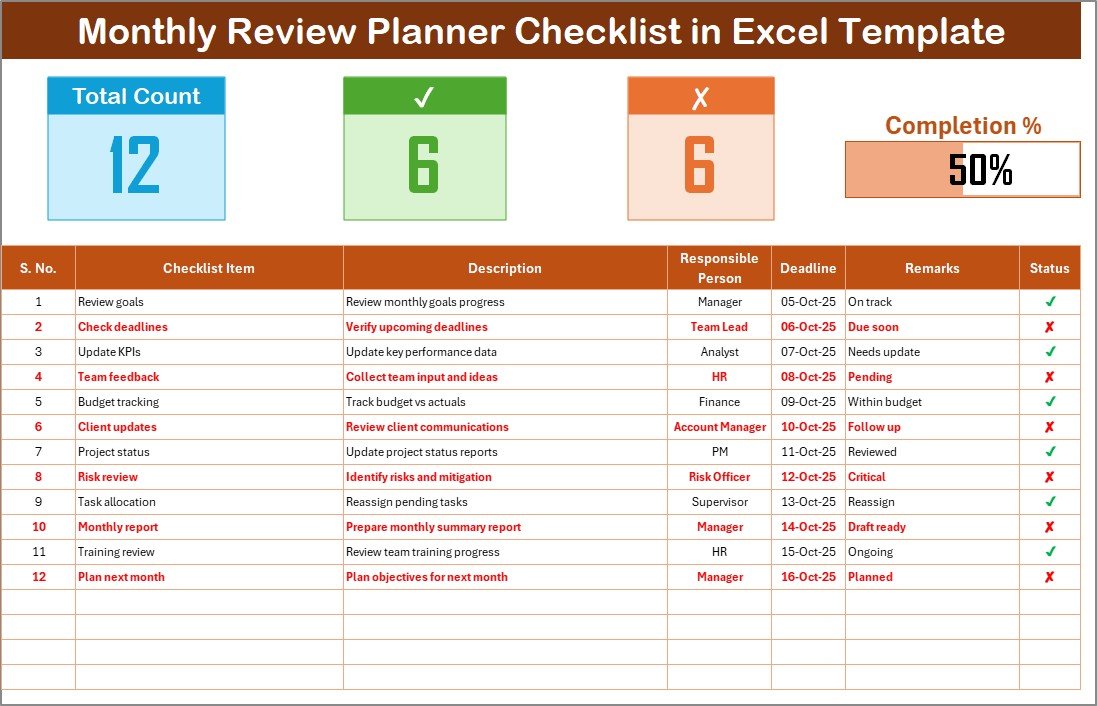
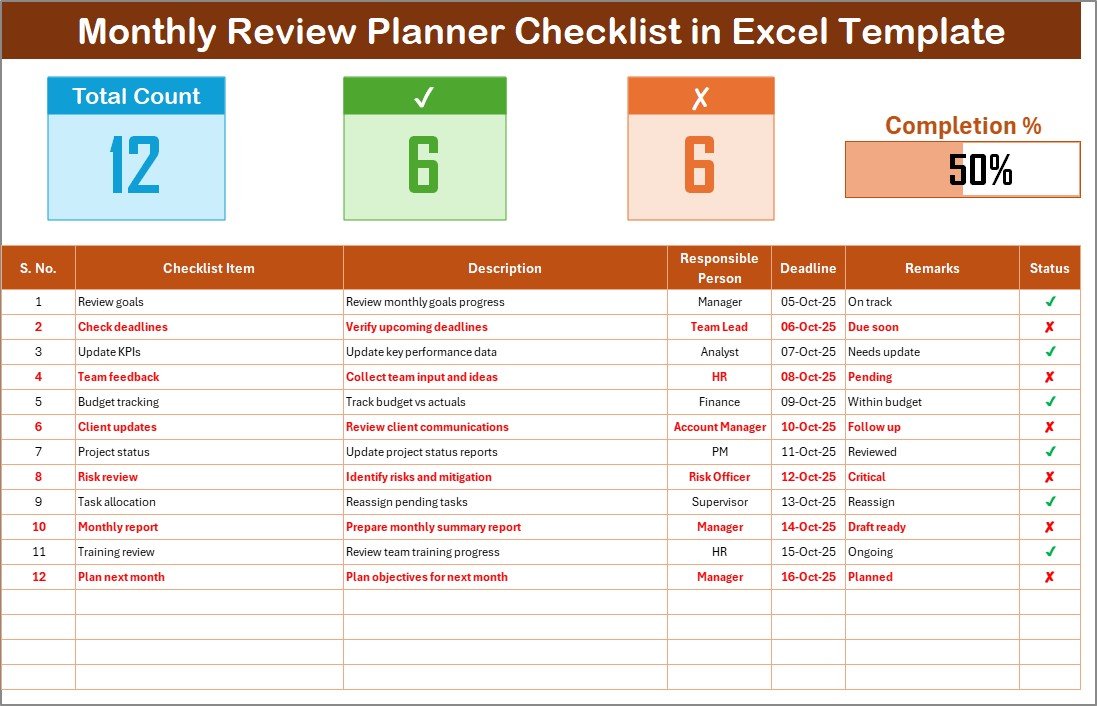
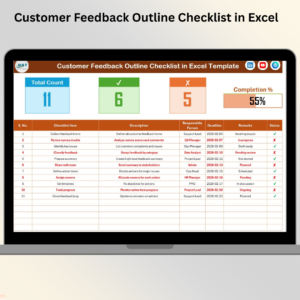
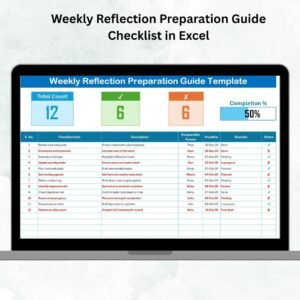
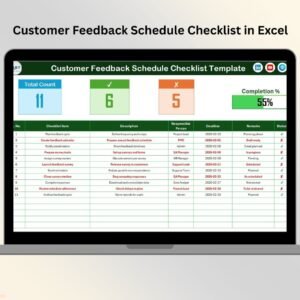
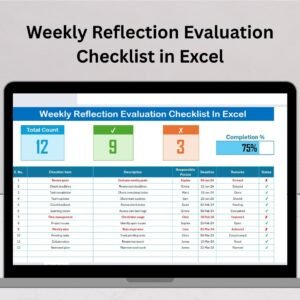
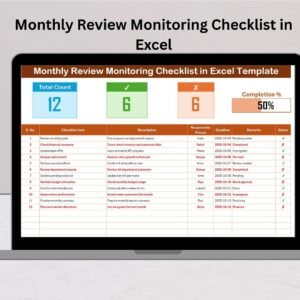
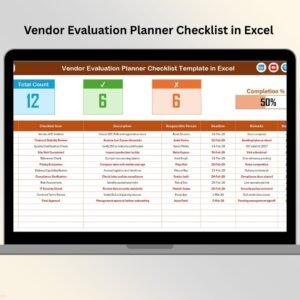
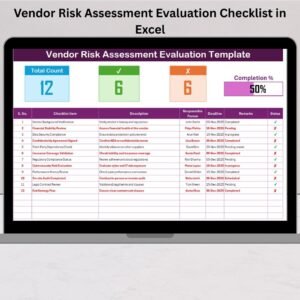
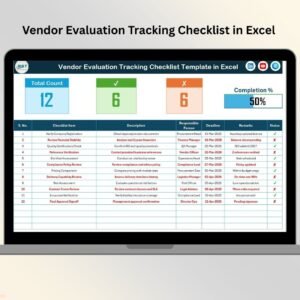
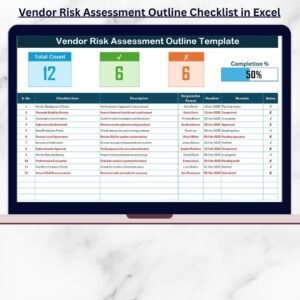
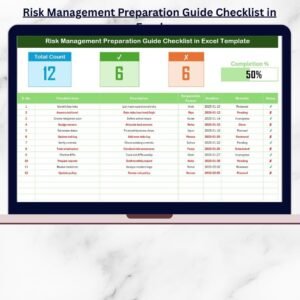
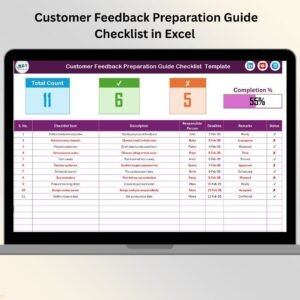
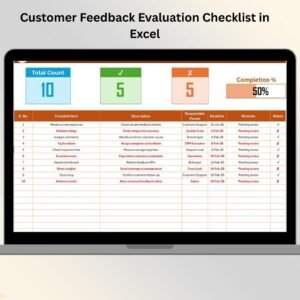
✅ Progress Tracking Dashboard – Cards displaying Total Count, Completed Count, Pending Count, and a Progress Bar that auto-updates.
✅ Actionable Checklist Table – Columns for Serial No., Checklist Item, Description, Responsible Person, Deadline, Remarks, Status (✔ or ✘).
✅ Drop-Down Assignments – Easy person selection ensures no spelling errors.
✅ Customizable Fields – Add, remove, or adjust according to your workflow.
✅ Beginner-Friendly – No advanced Excel knowledge required.
✅ Error Reduction – Conditional formatting highlights overdue or pending tasks instantly.
This template isn’t just a checklist — it’s a mini dashboard that helps you monitor progress visually 📊.
📦 What’s Inside the Monthly Review Planner Checklist in Excel
When you download this product, you’ll get:
Main Checklist Sheet: The central hub where you input all monthly tasks, assign responsibilities, and track status.
List Sheet: Stores unique responsible persons linked with drop-down menus for quick selection.
Built-In Progress Cards: Instantly calculate and display totals and pending tasks.
Visual Progress Bar: See your completion percentage at a glance.
Everything is formatted, color-coded, and designed for plug-and-play usage.
🛠 How to Use the Monthly Review Planner Checklist in Excel
Using this planner is quick and simple:
Download & Open the Excel file.
Enter Checklist Items such as budget reviews, client meetings, or study tasks.
Assign Responsible Persons via the drop-down menu.
Set Deadlines using the built-in date column.
Update Task Status with ✔ for done or ✘ for pending.
Track Progress through the auto-calculated progress bar and summary counts.
Review Weekly to stay ahead of deadlines and adjust priorities.
With these steps, you’ll transform your month into an organized, accountable, and stress-free process 🌟.
👥 Who Can Benefit from This Monthly Review Planner Checklist in Excel
This checklist is versatile and can be applied across personal and professional settings:
Corporate Teams – Track project milestones, compliance checks, and monthly targets.
Managers – Review employee performance, set department goals, and analyze progress.
Students – Organize assignments, study schedules, and exam prep.
Entrepreneurs – Manage financial reviews, marketing campaigns, and client follow-ups.
Educators – Track syllabus completion, parent-teacher meetings, and exam reviews.
Personal Users – Monitor fitness goals, home maintenance, or bill payments.
If you need clarity, accountability, and visibility — this template is made for you.
🌟 Why Choose This Planner?
Boosts Productivity: Stay focused on what matters most.
Saves Time: Prebuilt automation means less manual tracking.
Improves Accountability: Everyone knows their role and deadlines.
Enhances Visibility: Track progress instantly with visual cards and bars.
This isn’t just a checklist — it’s your monthly productivity partner ✅.
















Reviews
There are no reviews yet.