

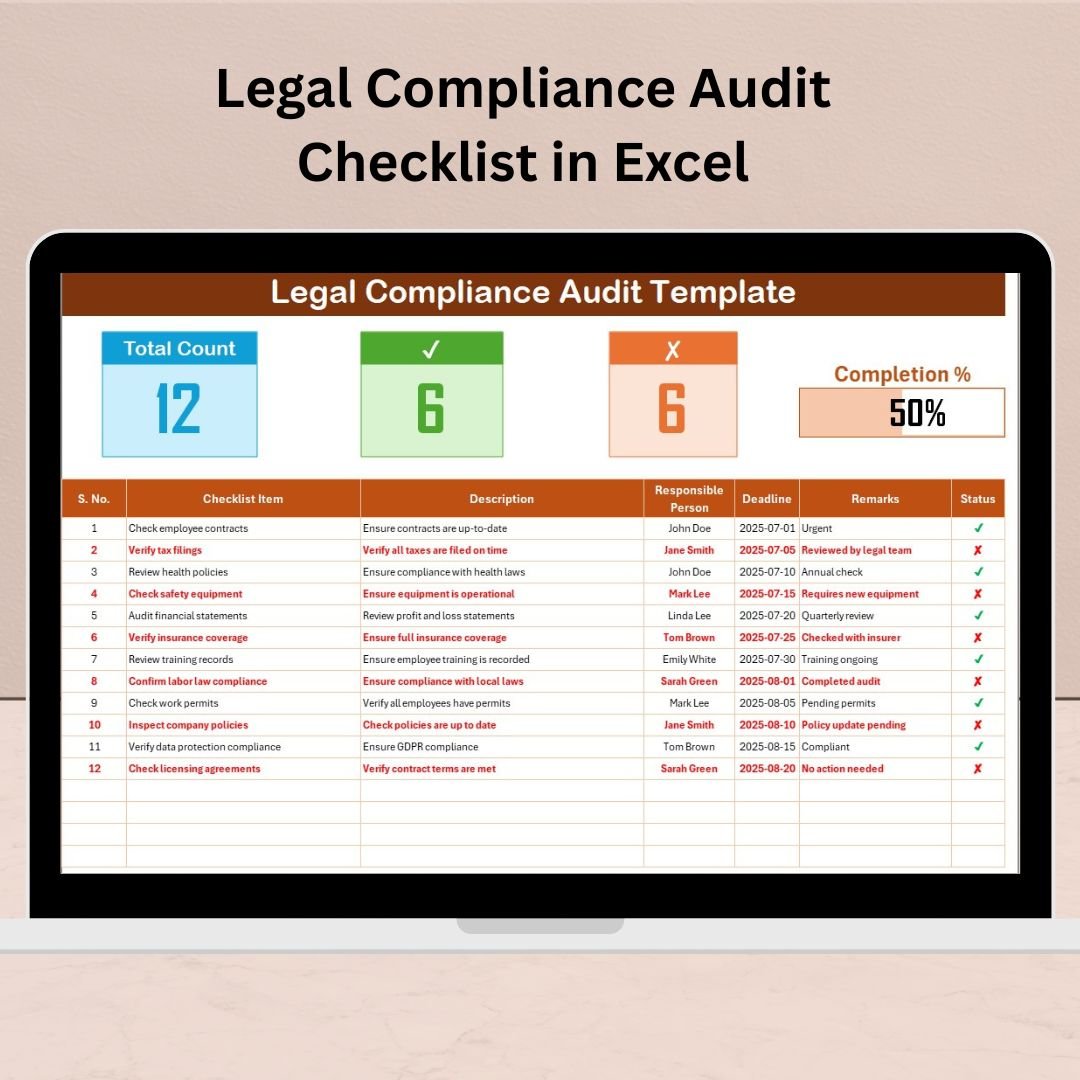

Legal compliance is not optional—it’s a critical aspect of running a successful and responsible business. Failing to meet regulatory standards can lead to legal penalties, reputational damage, or even business shutdown. That’s why you need a robust system to stay on track—and that’s exactly what the Legal Compliance Audit Checklist in Excel delivers.
This powerful yet simple Excel-based tool helps you manage, monitor, and report compliance tasks effectively, giving you complete control over your audit process.
🧾 What Is a Legal Compliance Audit Checklist?
A Legal Compliance Audit Checklist is a structured list of compliance tasks used to assess and ensure that a business adheres to all relevant laws, regulations, and internal policies. It tracks each compliance activity, assigns responsibilities, sets deadlines, and logs outcomes to support transparency and accountability.
With our Excel-based template, you can manage this entire process from one centralized and customizable tool.
✨ Key Features of the Excel Template
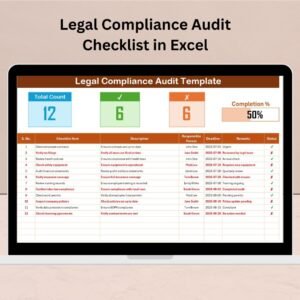
📑 Legal Compliance Audit Checklist Sheet
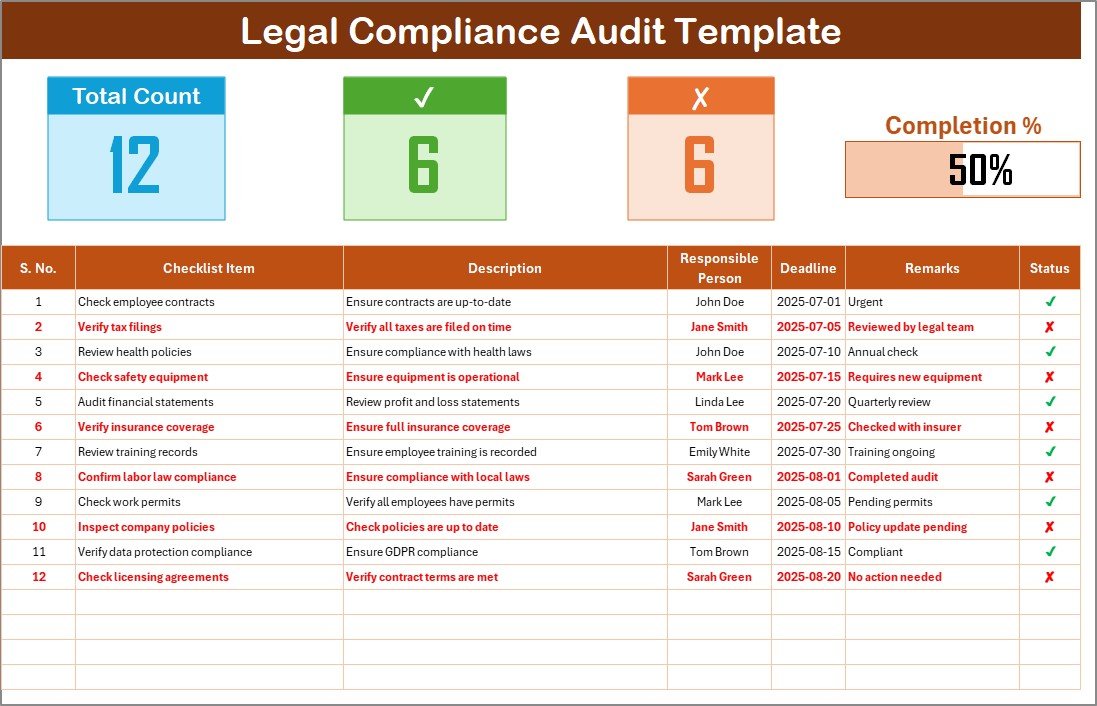
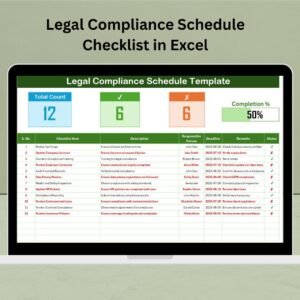
🔢 Serial No. – Auto-numbered for easy task identification
✅ Checklist Item – Short description of the compliance requirement
📄 Description – Detailed explanation of the task
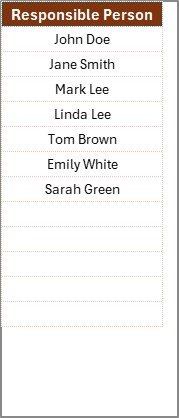
👤 Responsible Person – Drop-down to assign staff or departments
📅 Deadline – Set the due date for each item
💬 Remarks – Add comments or special notes
🟩 Status – Mark tasks as “✔” (Compliant) or “✘” (Non-Compliant)
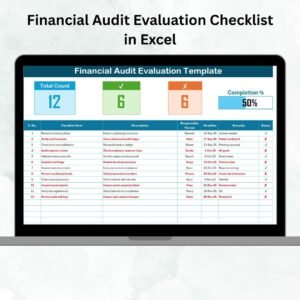
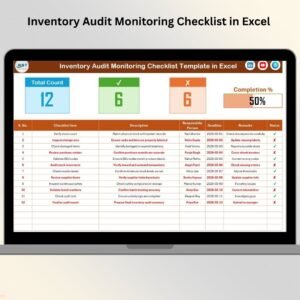
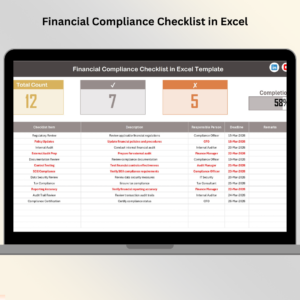
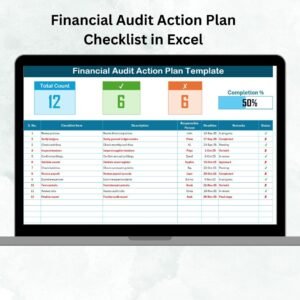
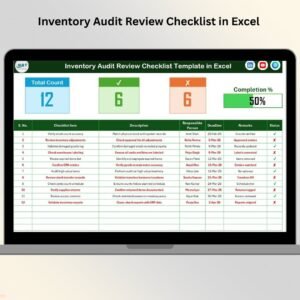
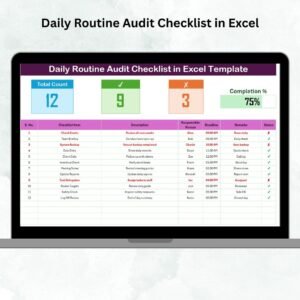
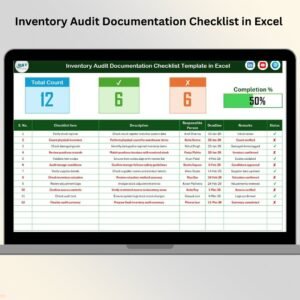
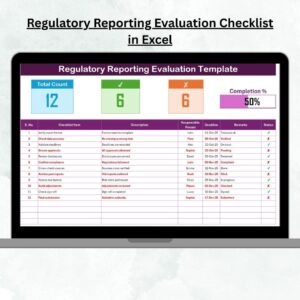
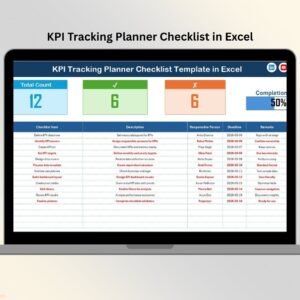
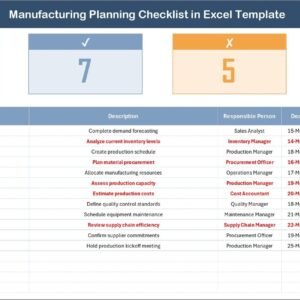
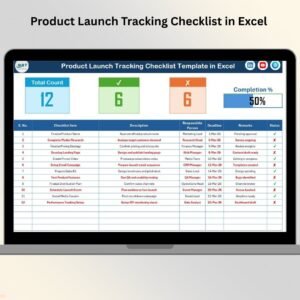
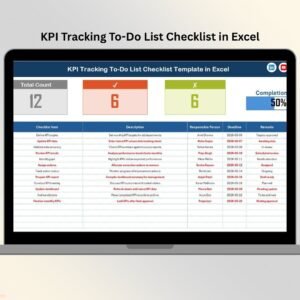
📊 Top Section Summary
Total Count of items
Checked Count for completed/compliant tasks
Crossed Count for non-compliant items
A visual Progress Bar auto-updates to show audit progress in percentage
📋 List Sheet
Contains the master list of Responsible Persons
Automatically populates drop-down lists in the checklist for consistency
Helps prevent entry errors and improves task assignment visibility
🚀 Benefits of Using the Legal Compliance Audit Checklist in Excel
✅ Simplifies Compliance Tracking
Stay organized with a structured table format that captures every detail related to compliance.
✅ Real-Time Monitoring
The progress bar and status counters help you assess compliance status at a glance.
✅ Fully Customizable
You can tailor checklist items, departments, and formats based on your industry or organization’s structure.
✅ Cost-Effective & Easy to Use
No subscriptions or software installations required—just Excel!
✅ Centralized Record Keeping
Manage all compliance records in one file for easy reference, audits, or stakeholder reporting.
📌 Best Practices for Effective Use
Update Regularly: Keep the checklist current with changes in laws, policies, or internal procedures
Assign Clear Responsibilities: Use the Responsible Person column and ensure accountability
Use Standard Formatting: Maintain consistency in task names, dates, and status values
Leverage Conditional Formatting: Highlight overdue tasks or upcoming deadlines for better visibility
Back Up Frequently: Keep versioned backups to avoid data loss
Review Audit Logs: Maintain transparency and document change history
Train Your Team: Make sure all users know how to interact with and update the checklist
👤 Who Can Use This Tool?
✅ Compliance Officers
✅ Internal Auditors
✅ Legal Advisors
✅ HR & Operations Managers
✅ Startups, SMEs & Large Corporates
✅ Nonprofits & Educational Institutions
This Excel checklist is scalable for any size organization.
🛠️ How to Use the Template
Open the File and Review the Two Sheets
Start Populating the Checklist Items
Assign Tasks Using Drop-Downs from the List Sheet
Set Deadlines and Track Completion with Status Column
Monitor Progress in the Summary Section Automatically
Update Statuses Monthly or Quarterly Based on Audits
📣 Frequently Asked Questions (FAQs)
Q1. How often should the checklist be updated?
📌 Update at least annually or whenever a regulation or policy changes.
Q2. Can I customize it for different departments?
📌 Yes, use the List Sheet to assign department-specific users.
Q3. What happens when a task is non-compliant?
📌 Mark it with “✘” and add notes under Remarks for corrective actions.
Q4. Can I use it across teams?
📌 Yes. Save it on a shared drive but ensure only one editor updates it at a time.
Q5. Can I add more fields to the checklist?
📌 Absolutely. You can insert new columns for priority, risk level, etc.
📌 Summary
The Legal Compliance Audit Checklist in Excel is more than a tracking sheet—it’s your first line of defense against regulatory issues. Designed for ease of use and maximum visibility, it helps ensure that no compliance task is overlooked.
Whether you’re managing internal policy audits, external legal standards, or industry regulations—this Excel template equips you with everything you need to track, verify, and complete your compliance goals on time.
🎥 Learn with Us
Visit our YouTube channel for step-by-step tutorials on how to use this and other Excel tools:
🔗 youtube.com/@PKAnExcelExpert
Watch the step-by-step video tutorial:
Compatibility and Requirements
- Works in Microsoft Excel desktop (Excel 2016 or later, or Microsoft 365).
- Responsible persons are picked from a dropdown fed by the List sheet. Microsoft explains dropdowns in Create a drop-down list.
Related Legal Compliance Templates
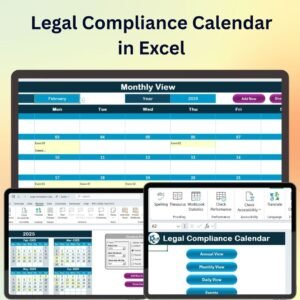
- Legal Compliance Calendar in Excel: plan legal deadlines by date
- Legal Compliance KPI Dashboard in Excel: compliance KPIs with targets
- Legal Compliance Dashboard in Excel: analyze compliance status
- Internal Audit Compliance Checklist in Excel: internal audit tasks
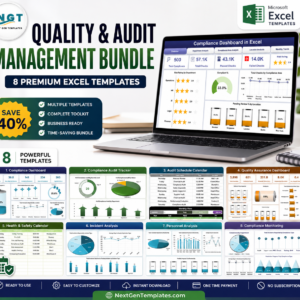
- Quality & Audit Management Bundle: 8 audit templates in one download
Browse all Excel checklists or the Excel report templates.







Reviews
There are no reviews yet.