

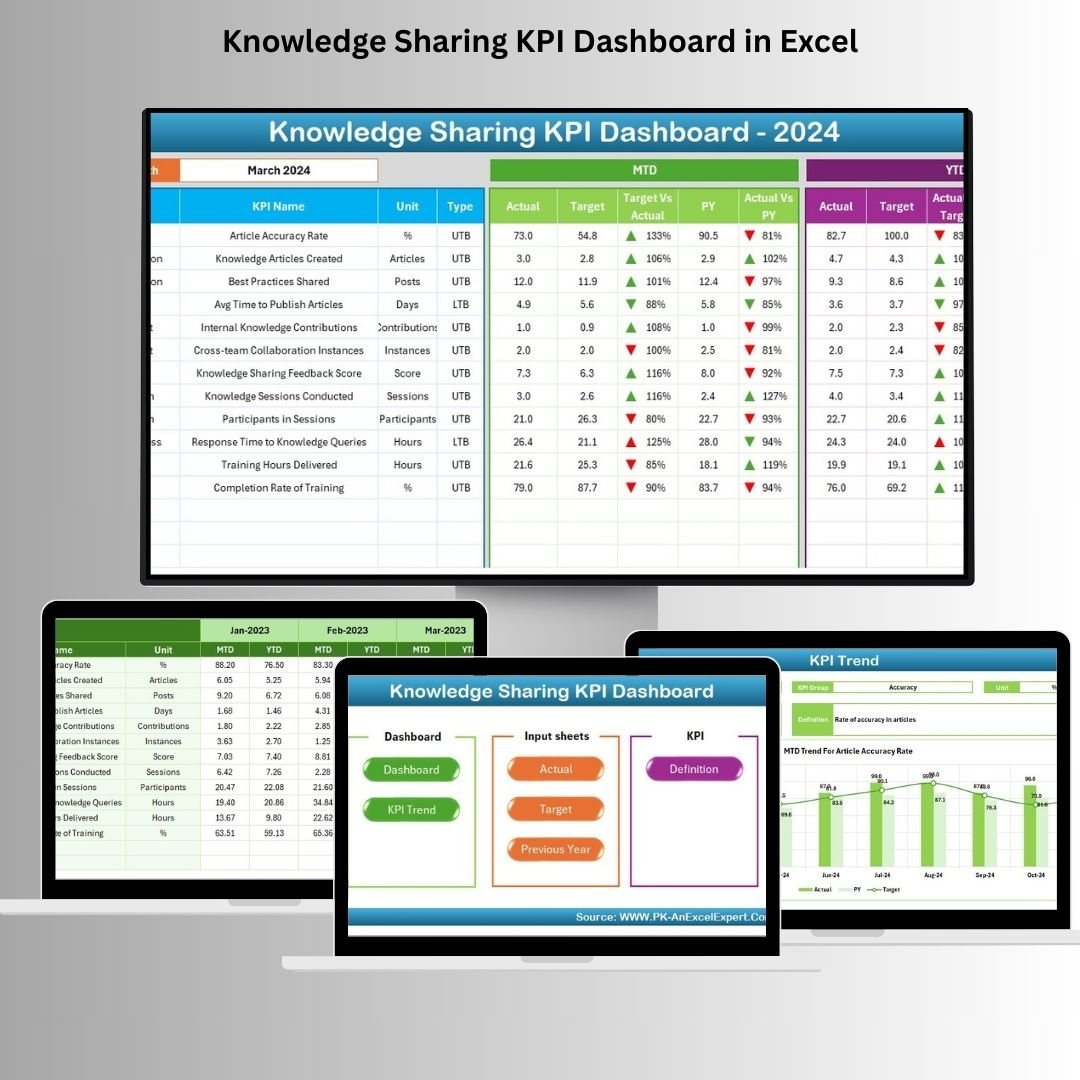
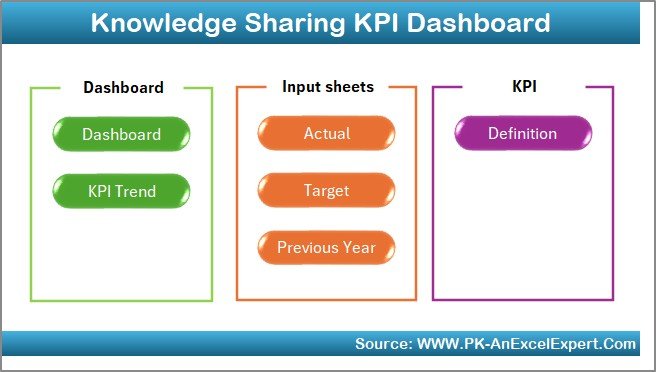

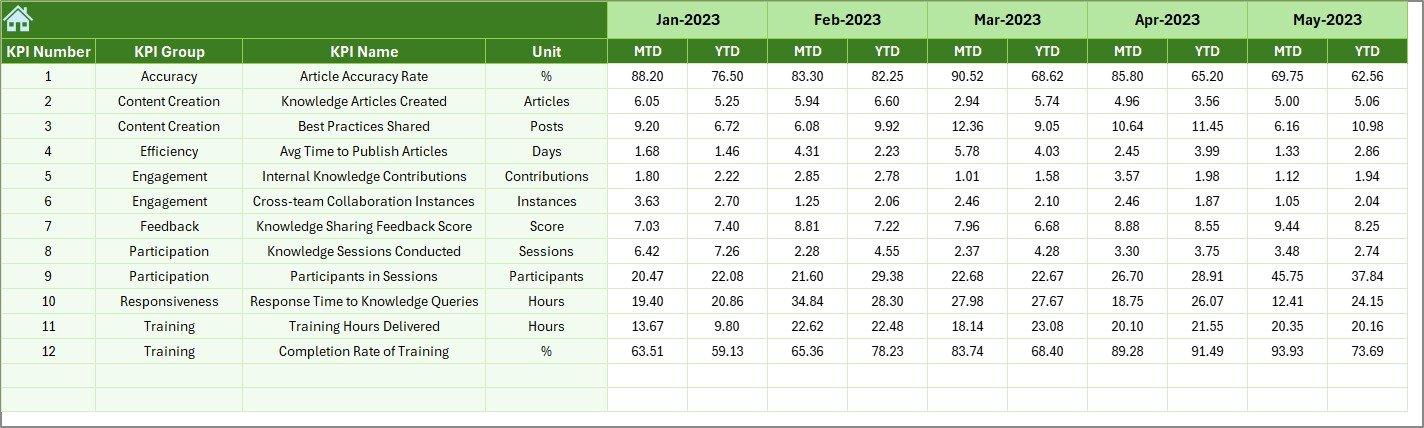
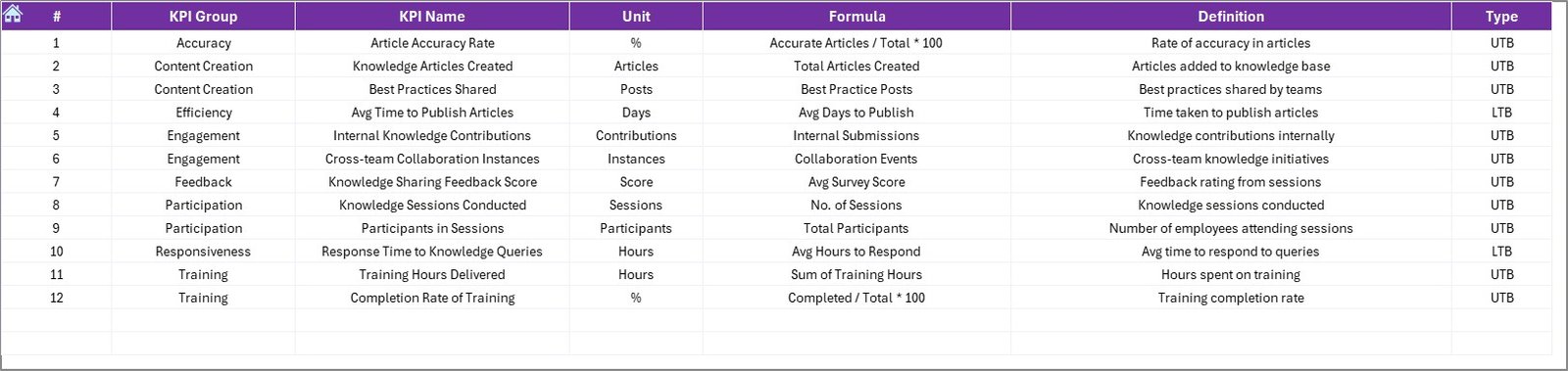
In today’s knowledge-driven organizations, fostering effective knowledge sharing is crucial for innovation, efficiency, and competitive advantage. The Knowledge Sharing KPI Dashboard in Excel is a powerful tool designed to help organizations monitor, analyze, and enhance their knowledge sharing initiatives.
Key Features:
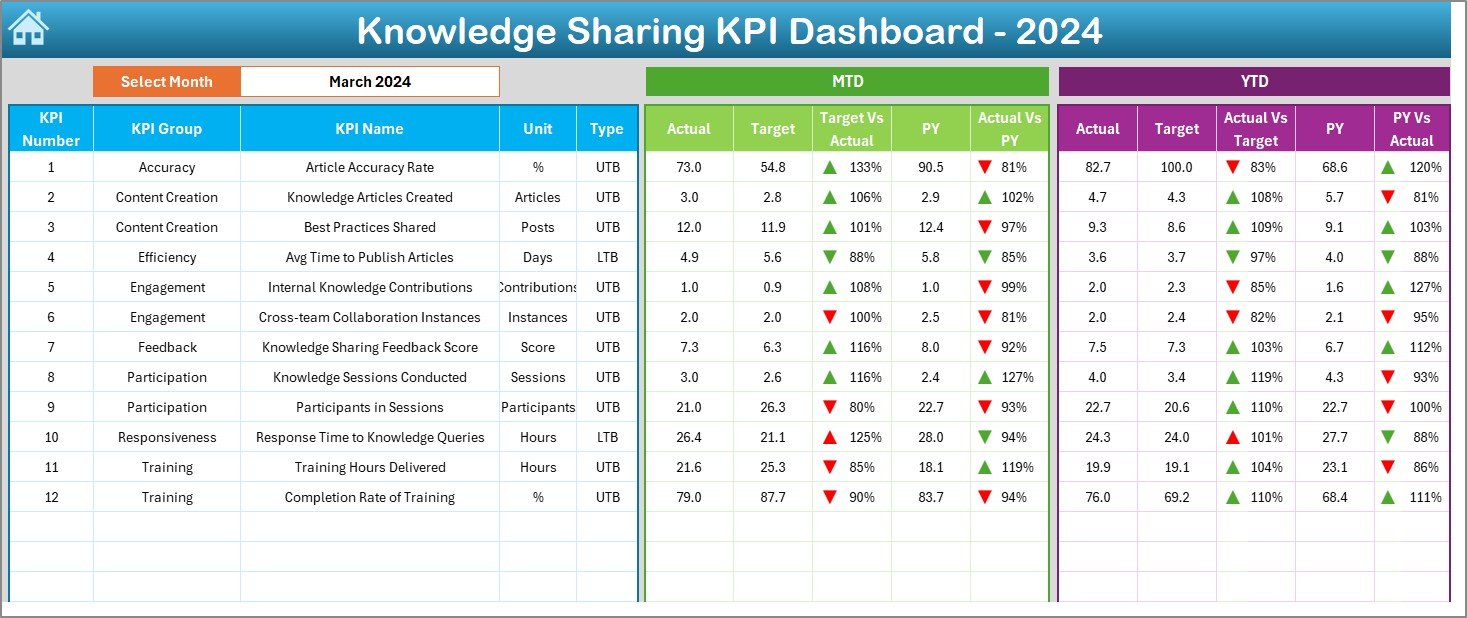
Comprehensive KPI Tracking: The dashboard allows organizations to track key performance indicators related to knowledge sharing, such as the number of shared documents, participation in knowledge-sharing sessions, and feedback scores.
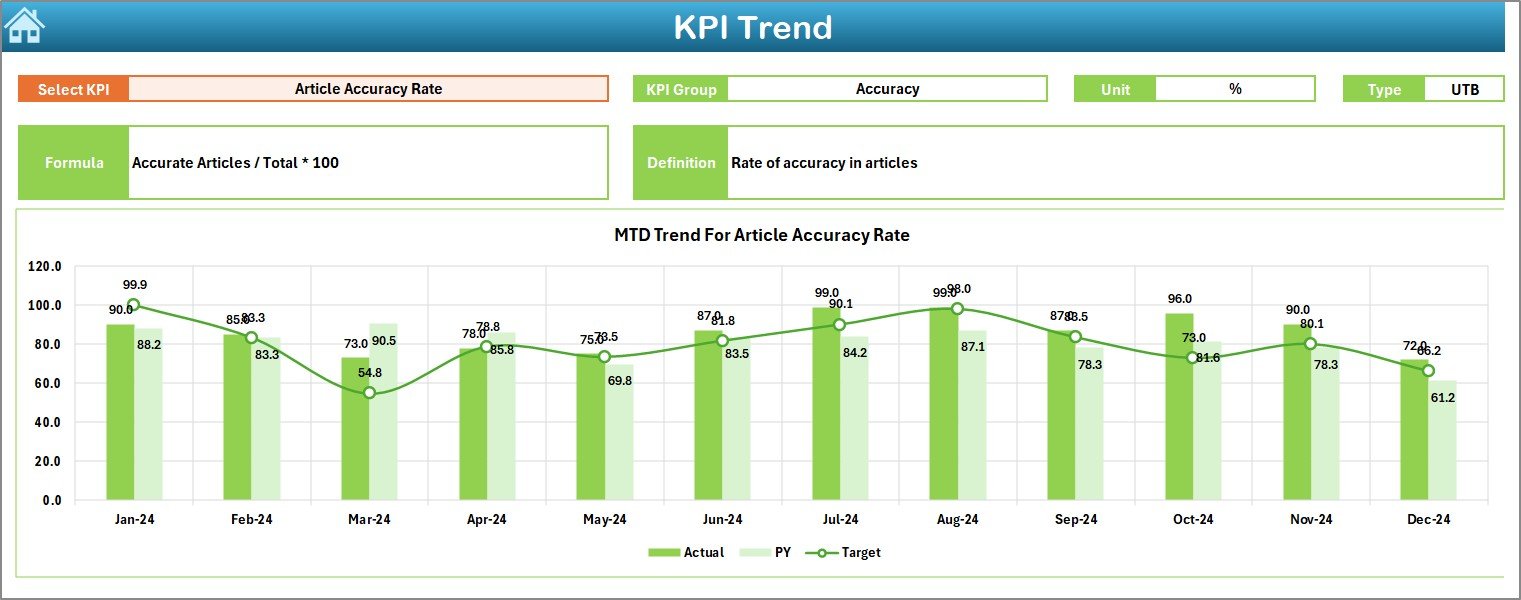
Visual Analytics: Utilizing Excel’s charting capabilities, the dashboard presents data in an easily digestible format, enabling stakeholders to quickly assess the effectiveness of knowledge-sharing activities.
Customizable Metrics: Organizations can tailor the dashboard to include specific KPIs that align with their knowledge management objectives, ensuring relevance and focus.
User-Friendly Interface: Designed with simplicity in mind, the dashboard is accessible to users with varying levels of Excel proficiency, promoting widespread adoption across the organization.
Benefits:
Enhanced Decision-Making: By providing real-time insights into knowledge-sharing activities, the dashboard empowers leaders to make informed decisions that drive organizational growth.
Improved Collaboration: Tracking participation and feedback helps identify areas for improvement, fostering a culture of continuous learning and collaboration.
Resource Optimization: Analyzing trends and patterns enables organizations to allocate resources more effectively, ensuring that knowledge-sharing initiatives are impactful and efficient.
How to Use:
Download the Template: Access the Knowledge Sharing KPI Dashboard in Excel from the provided link.
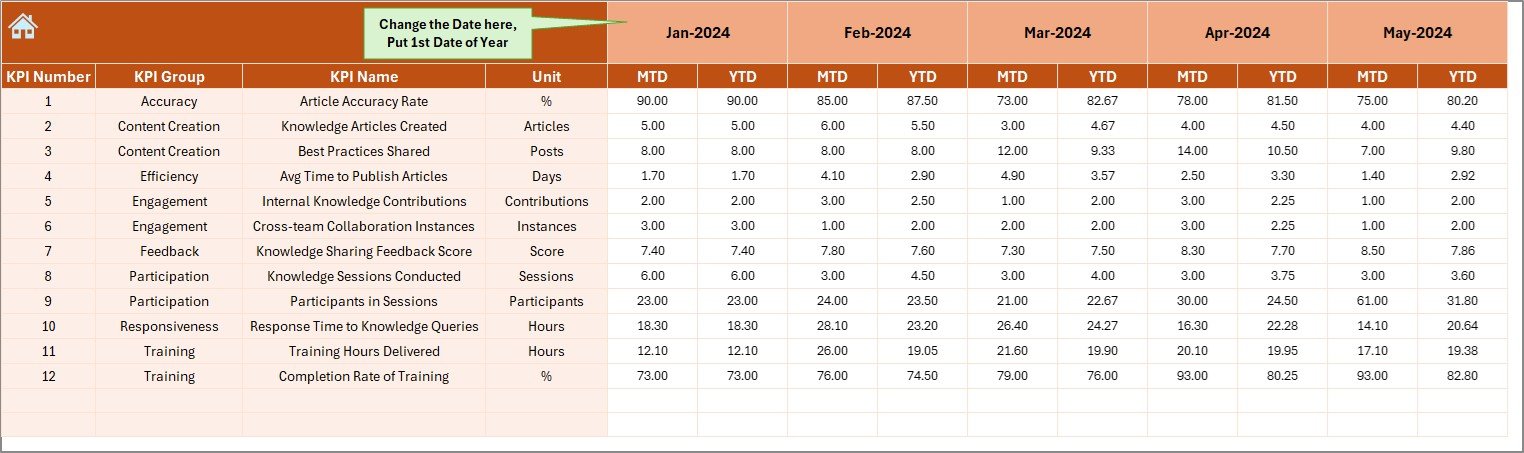
Input Data: Enter relevant data into the designated fields, including the number of shared documents, session participation rates, and feedback scores.
Analyze Metrics: Utilize the dashboard’s visual analytics to assess the performance of knowledge-sharing activities and identify areas for improvement.
Make Informed Decisions: Leverage insights gained from the dashboard to refine knowledge management strategies and enhance organizational learning.
Conclusion:
The Knowledge Sharing KPI Dashboard in Excel is an invaluable resource for organizations aiming to optimize their knowledge management practices. By providing a clear, data-driven view of knowledge-sharing activities, it supports strategic decision-making and fosters a culture of continuous improvement.
🔗 Click here to read the Detailed blog post
Visit our YouTube channel to learn step-by-step video tutorials
Youtube.com/@PKAnExcelExpert



















Reviews
There are no reviews yet.