

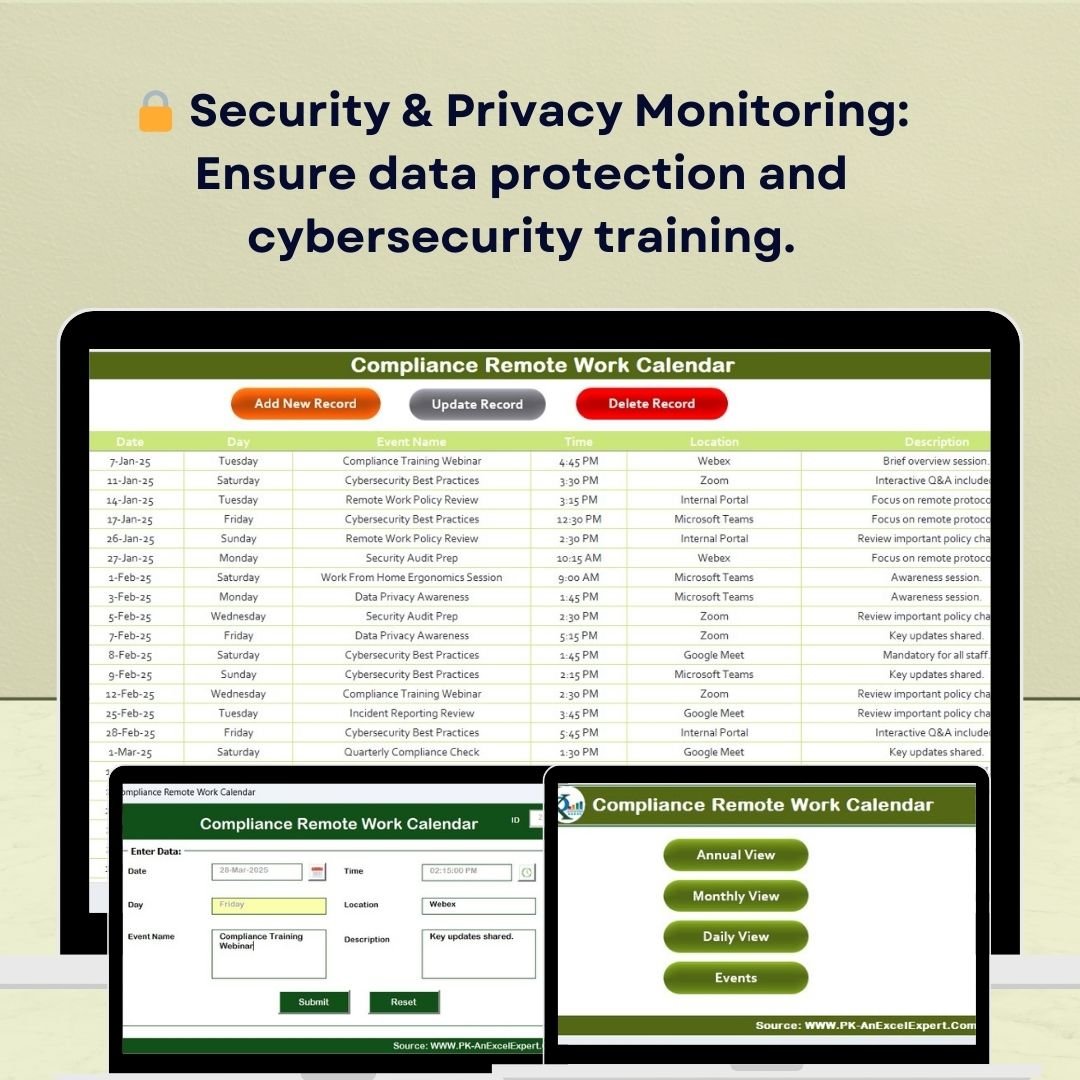
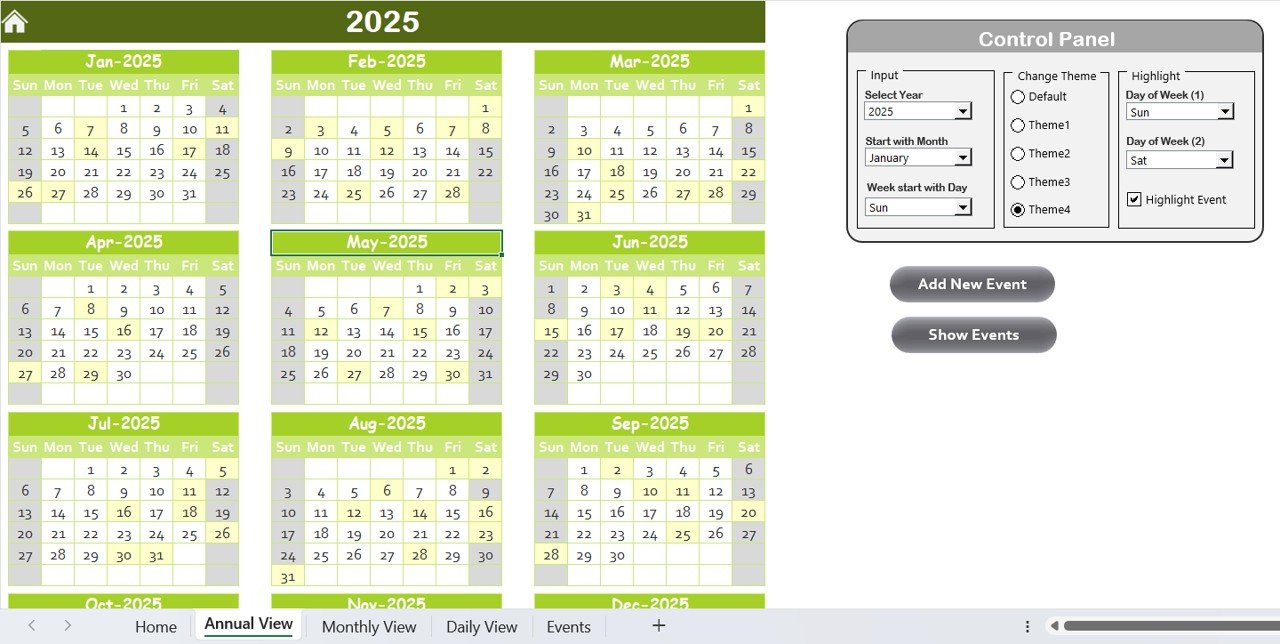
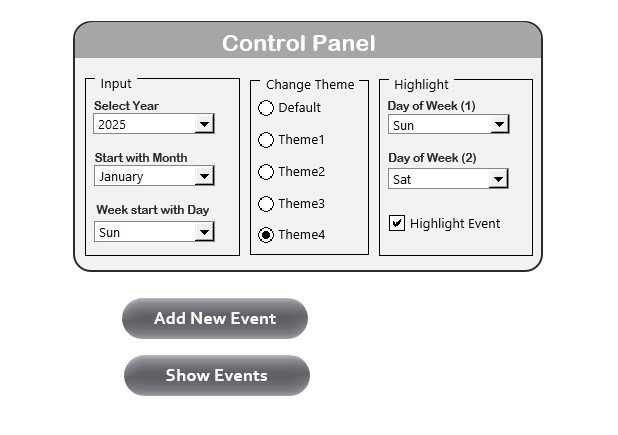
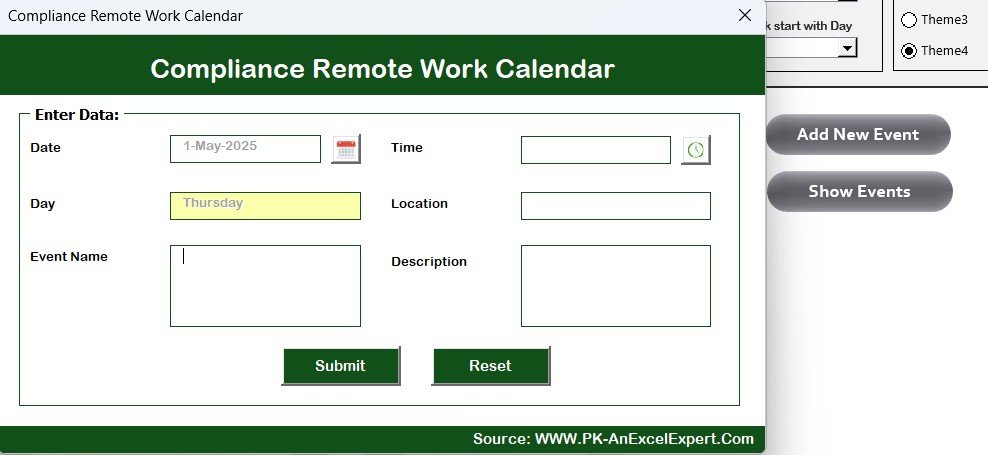
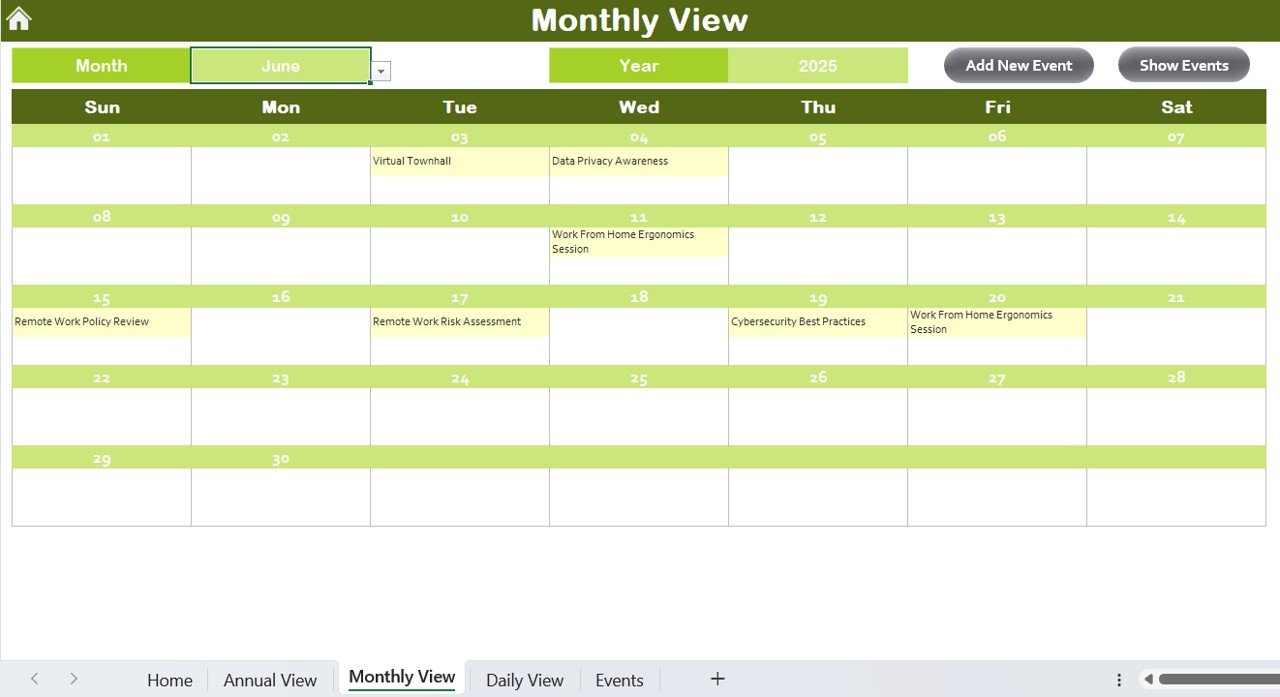
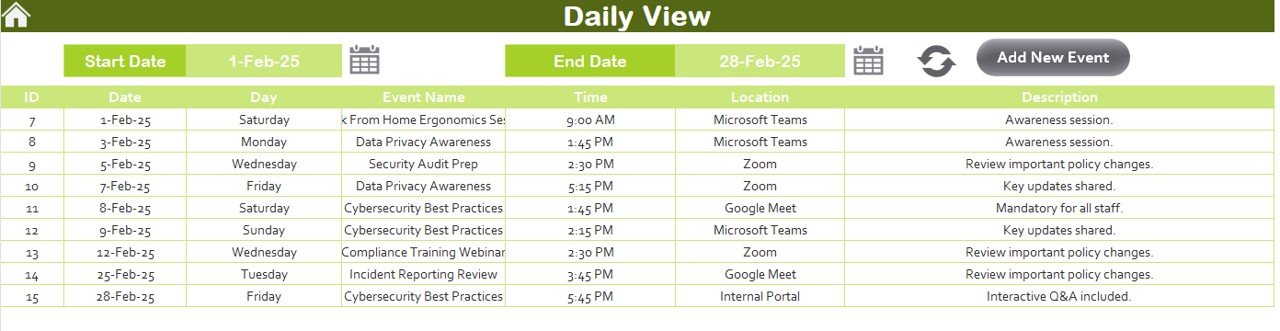
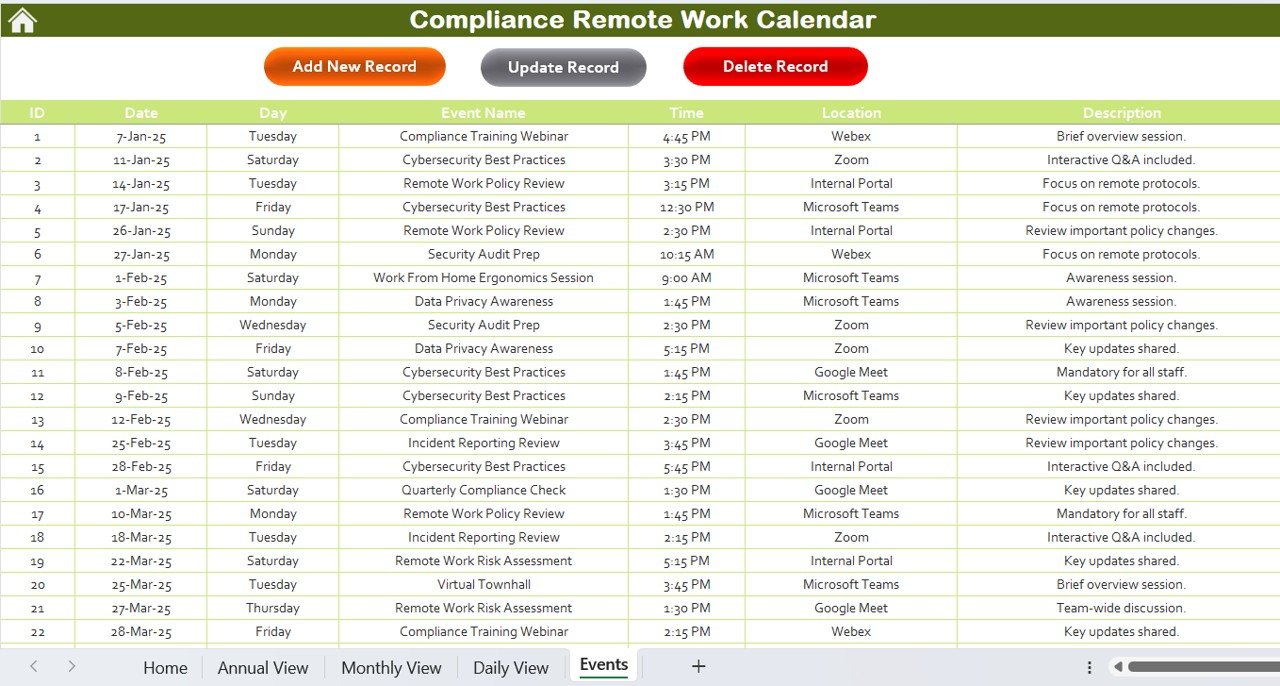
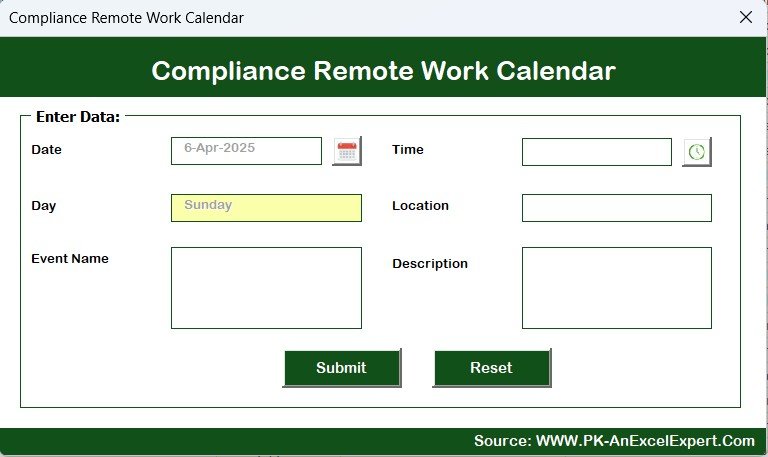
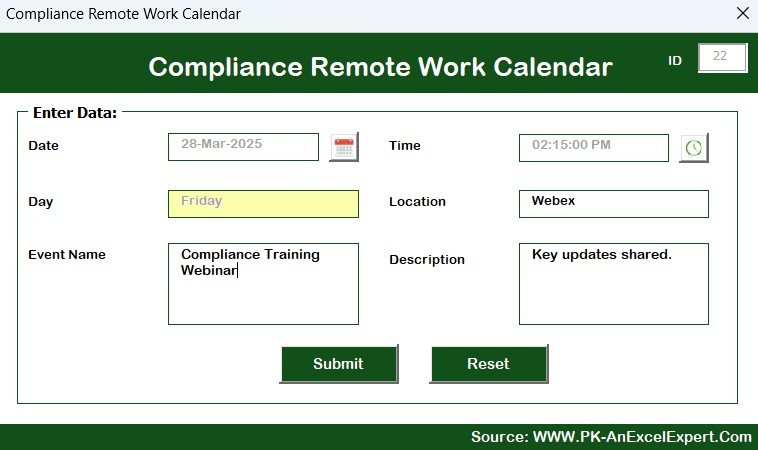

The Compliance Remote Work Calendar in Excel is a powerful organizational tool designed to help businesses manage compliance tasks related to remote work. With the increasing trend of remote and hybrid work environments, ensuring that compliance policies are followed consistently is more critical than ever. This Excel-based calendar provides a structured framework for tracking compliance tasks, deadlines, and key activities for remote work teams.
By utilizing this tool, organizations can streamline their remote work compliance efforts, keep track of regulatory requirements, and ensure that employees meet all necessary guidelines for safe and efficient work-from-home practices. The calendar also helps improve communication, monitor progress, and foster accountability across remote teams.
Key Features of the Compliance Remote Work Calendar in Excel
📅 Comprehensive Calendar for Compliance Tracking
Track and manage compliance tasks, deadlines, and activities specific to remote work. From cybersecurity training to policy reviews, ensure that your remote work operations stay compliant.
📈 Task Assignment & Deadlines
Assign compliance-related tasks to team members, set deadlines, and track progress in real-time. This feature helps to ensure that all necessary actions are taken on time and that responsibilities are clearly defined.
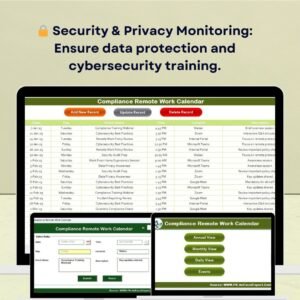
🔒 Security & Privacy Compliance Monitoring
Monitor and track security-related compliance tasks, including data protection, cybersecurity training, and confidentiality agreements. Ensure that your remote work team follows industry standards and legal regulations.
⚙️ Customizable Task Categories
Customize the calendar to reflect the specific compliance needs of your organization. Whether it’s HIPAA, GDPR, or other regulatory standards, the calendar is fully adaptable to any compliance requirements.
📊 Status Tracking & Progress Reports
Track the status of each compliance task—whether it’s pending, completed, or overdue. Generate progress reports to evaluate the efficiency of your remote work compliance efforts.
🔑 Easy-to-Use & User-Friendly Interface
With its simple and intuitive interface, this Excel calendar is easy to use, making it accessible for both HR teams and compliance officers. No advanced technical knowledge is required.
Why You’ll Love the Compliance Remote Work Calendar in Excel

✅ Streamline Compliance Tasks
Keep track of all compliance-related activities in one place. Simplify task management and ensure that deadlines are met, improving overall compliance efficiency.
✅ Ensure Legal & Regulatory Compliance
Stay compliant with industry regulations by tracking all necessary compliance tasks such as security training, policy reviews, and documentation management.
✅ Improve Accountability & Transparency
Assign tasks and track progress to hold team members accountable. Ensure that every employee is aware of their compliance responsibilities and deadlines.
✅ Adaptable & Customizable
Tailor the calendar to your organization’s specific remote work compliance needs, whether it’s for data protection, employee health and safety, or industry-specific regulations.
✅ Simplify Remote Work Management
Effectively manage remote work compliance while promoting a secure and transparent work-from-home environment. The calendar ensures a smooth operation by tracking important compliance tasks.
What’s Inside the Compliance Remote Work Calendar in Excel?
Comprehensive Compliance Calendar: Track all remote work compliance-related activities.
Task Assignment & Deadline Management: Assign tasks, set deadlines, and monitor progress.
Security & Privacy Compliance Monitoring: Track cybersecurity, data protection, and privacy tasks.
Customizable Categories: Adjust the calendar to reflect your company’s compliance requirements.
Status Tracking & Reports: Monitor task progress and generate reports.
User-Friendly Interface: An intuitive layout for easy navigation and task management.
How to Use the Compliance Remote Work Calendar in Excel
1️⃣ Download the Template: Instantly access your Compliance Remote Work Calendar in Excel.
2️⃣ Set Up Compliance Tasks: Add relevant tasks for remote work compliance and assign them to team members.
3️⃣ Track Deadlines: Set deadlines for each task and ensure that compliance activities are completed on time.
4️⃣ Monitor Task Progress: Track the progress of tasks, ensuring they are completed on time and in compliance with regulations.
5️⃣ Generate Reports: Use the built-in reporting tool to analyze task completion rates and monitor overall compliance performance.
Who Can Benefit from the Compliance Remote Work Calendar in Excel?
🔹 HR Teams & Compliance Officers
🔹 Legal & Regulatory Teams
🔹 Remote Work Managers & Team Leads
🔹 Small & Medium Enterprises (SMBs)
🔹 Large Corporations with Remote Workforce
🔹 Business Owners & Executives
🔹 IT & Security Teams
Ensure your organization stays compliant with remote work regulations by using the Compliance Remote Work Calendar in Excel. Manage compliance tasks effectively, monitor deadlines, and enhance accountability, all while ensuring a secure and compliant remote working environment.
Click here to read the Detailed blog post
Visit our YouTube channel to learn step-by-step video tutorials
Youtube.com/@PKAnExcelExpert
Watch the step-by-step video Demo:
Compatibility and Requirements
- Works in Microsoft Excel desktop (Excel 2016 or later, or Microsoft 365).
- Microsoft explains the basics of drop-down lists in Create a drop-down list.
Frequently Asked Questions
What can I track in this calendar?
Remote work compliance tasks such as cybersecurity training, policy reviews, data protection tasks, confidentiality agreements and documentation deadlines.
Can I assign tasks to people?
Yes. You can assign each compliance task to a team member, set a deadline and follow its progress.
How is task status shown?
Each task can be marked pending, completed or overdue, so you can see what still needs action.
Can I set it up for GDPR, HIPAA or other rules?
Yes. The task categories are editable, so you can match them to the regulations your organization follows.
Is there a tutorial?
Yes. A video demo and a detailed blog post are linked on this page.
Related Compliance and Remote Work Calendars
- Legal Compliance Calendar in Excel: plan legal and regulatory deadlines
- HR Remote Work Calendar in Excel: plan HR tasks for remote teams
- Health and Safety Compliance Calendar in Google Sheets: a compliance calendar in the browser
- Legal Compliance Tracker in Google Sheets: track each compliance item and its status
- Internal Audit Compliance Checklist in Excel: check items before an audit
Browse all Excel Calendar templates.











Reviews
There are no reviews yet.