

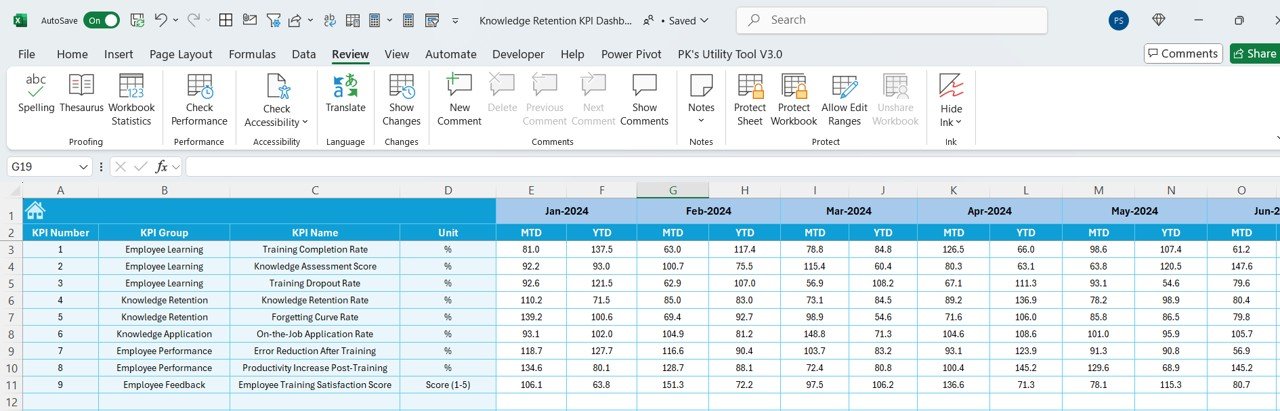
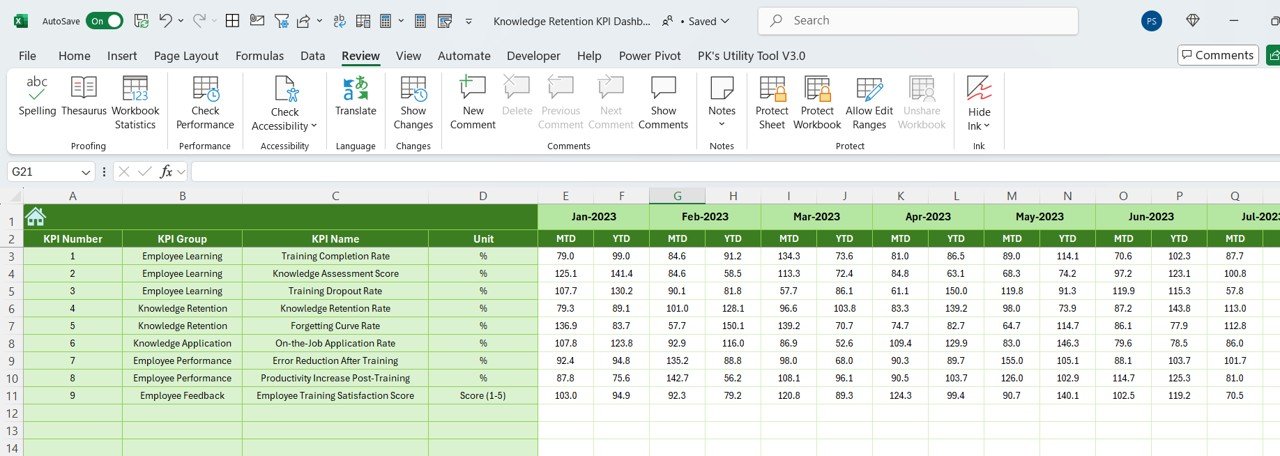
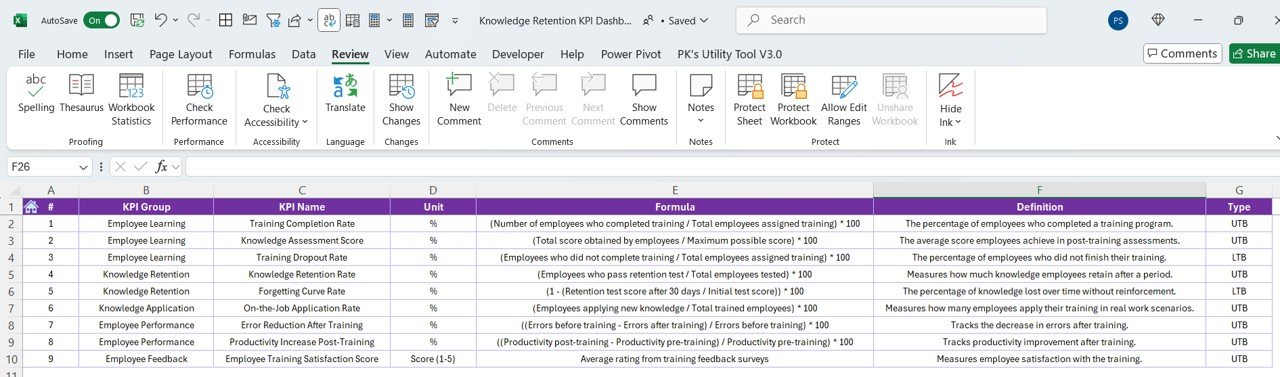

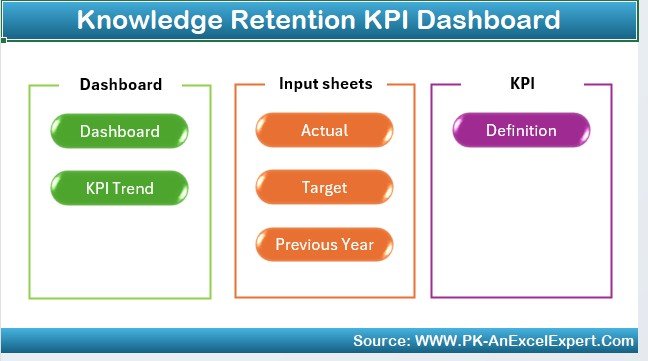
The Knowledge Retention KPI Dashboard in Excel is a vital tool for organizations looking to manage and monitor employee knowledge retention, training effectiveness, and intellectual capital. This comprehensive Excel dashboard helps businesses track the effectiveness of their training programs and employee knowledge transfer processes, ensuring that valuable knowledge is retained and not lost when employees leave or transition roles.
Whether you’re managing training programs, knowledge transfer initiatives, or succession planning, this dashboard allows you to analyze the key metrics related to employee performance, learning retention, and skill development. By using this tool, companies can gain insights into their training programs, identify gaps, and implement strategies to improve knowledge retention and employee performance.
Key Features of the Knowledge Retention KPI Dashboard in Excel
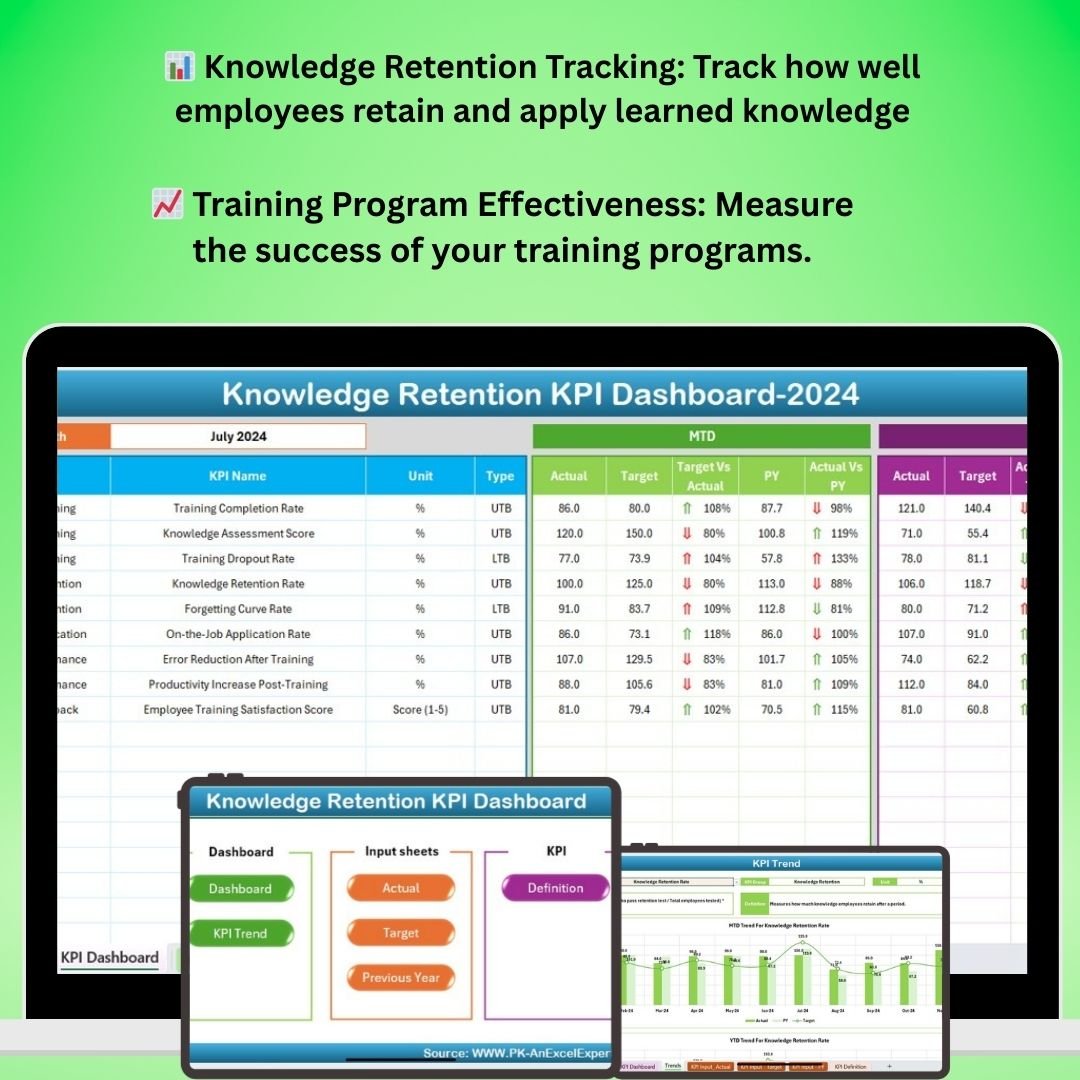
📊 Knowledge Retention Tracking
Track the effectiveness of training programs by measuring employee knowledge retention over time. Monitor how well employees retain and apply knowledge learned during training.
📈 Training Program Effectiveness
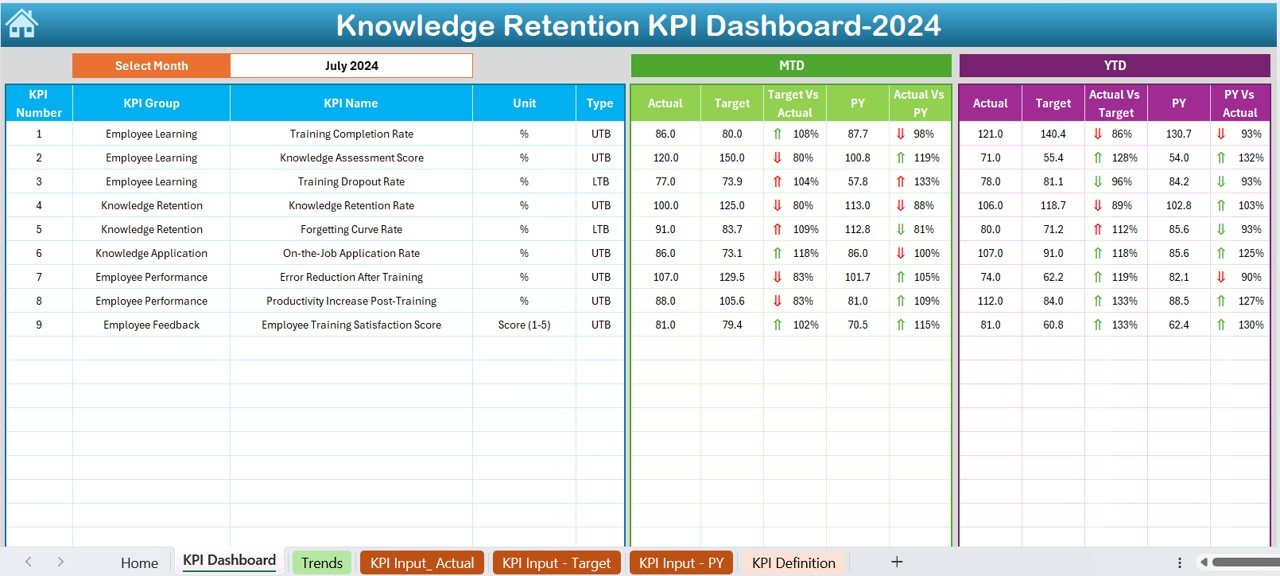
Measure the success of your training programs by tracking key performance indicators (KPIs) such as knowledge retention rates, post-training assessments, and employee feedback scores.
🧠 Skill Development Monitoring
Monitor the progress of skill development among employees, ensuring that they are gaining the necessary expertise to contribute to the business’s success. Track both hard and soft skills.
💡 Employee Engagement & Feedback
Track employee engagement with training programs, including completion rates, assessment scores, and feedback. Use this data to improve training content and delivery methods.
⚙️ Customizable KPIs & Metrics
Customize the dashboard to include additional KPIs that are relevant to your organization’s knowledge management and retention strategies. Tailor it to your industry’s needs.
📅 Time-Based Analysis
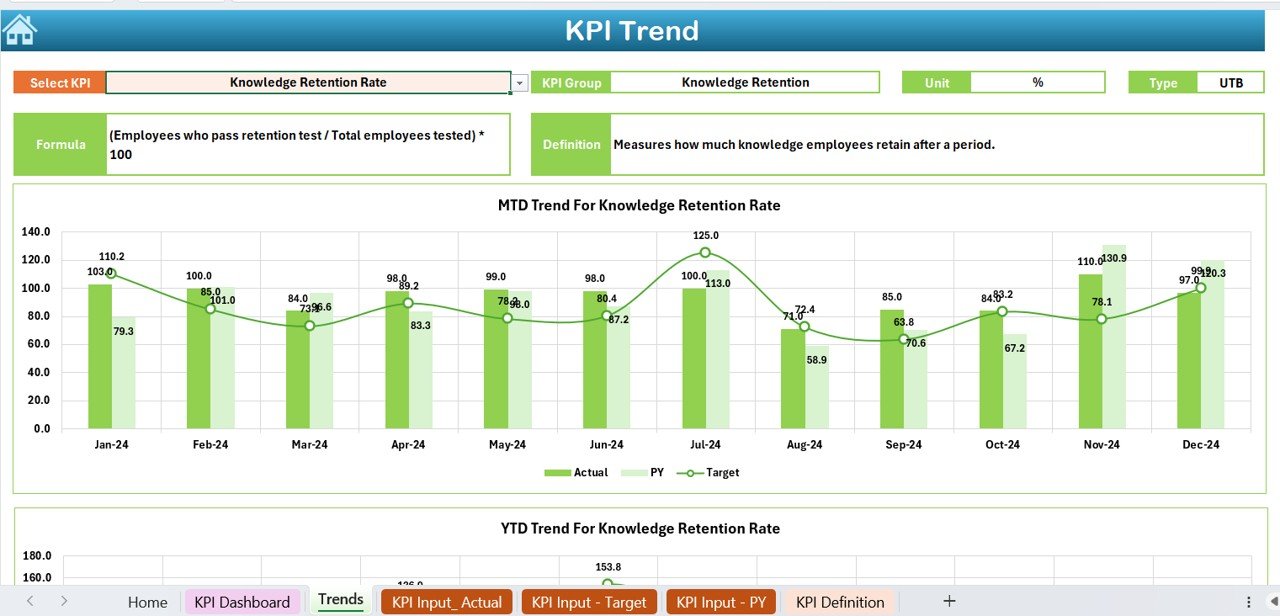
Analyze knowledge retention and training effectiveness over time with historical data. Use time-based trends to understand how retention rates evolve and make adjustments to training programs accordingly.
Why You’ll Love the Knowledge Retention KPI Dashboard in Excel
✅ Ensure Effective Knowledge Transfer
Track how well employees are retaining information, ensuring that important knowledge is transferred and retained long-term.
✅ Optimize Training Programs
Use data to evaluate training programs, identify weaknesses, and adjust content to enhance employee learning and retention.
✅ Enhance Employee Skill Development
Monitor the progress of skill development to ensure employees are continuously improving their expertise and contributing to the organization’s success.
✅ Improve Employee Engagement
Track employee engagement with training materials, monitor feedback, and use these insights to refine future training initiatives.
✅ Customizable & Scalable
The dashboard is fully customizable, allowing you to add additional KPIs, adjust tracking periods, and make it scalable to fit your organization’s size and goals.
What’s Inside the Knowledge Retention KPI Dashboard in Excel?
- Knowledge Retention Tracking: Measure the retention of key knowledge post-training.
- Training Program Effectiveness: Track success using KPIs like assessment scores and feedback.
- Employee Skill Development: Monitor the development of hard and soft skills.
- Engagement & Feedback: Track training engagement, feedback, and employee participation.
- Time-Based Trends: Analyze data over different periods to track improvements or identify areas of concern.
- Customizable Features: Tailor the dashboard to your specific knowledge retention needs.
How to Use the Knowledge Retention KPI Dashboard in Excel
1️⃣ Download the Template: Get access to the Knowledge Retention KPI Dashboard in Excel instantly.
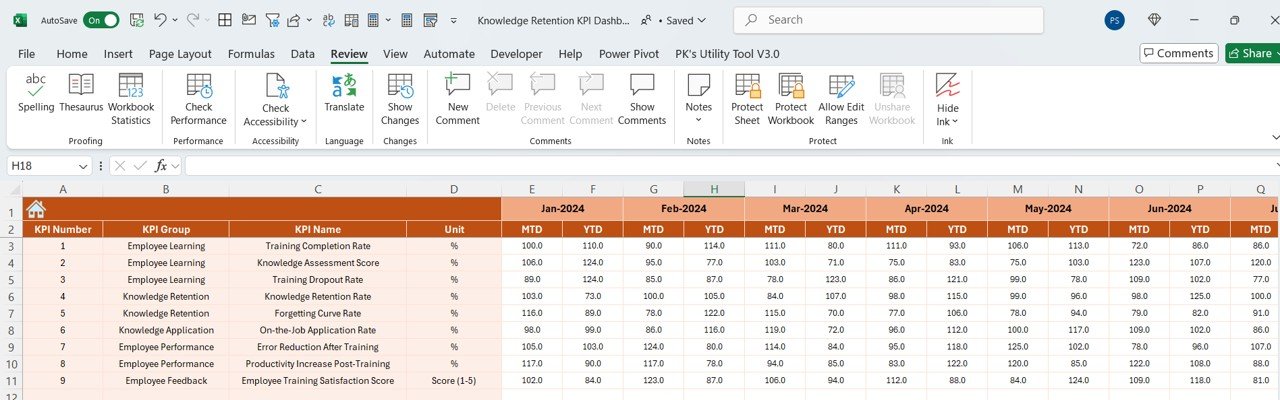
2️⃣ Input Training & Employee Data: Enter data such as training completion rates, knowledge retention scores, and employee feedback.
3️⃣ Track KPIs & Performance: Monitor knowledge retention, training effectiveness, and skill development over time.
4️⃣ Analyze Data & Trends: Use time-based analysis to evaluate the success of your knowledge retention initiatives.
5️⃣ Optimize Your Training Programs: Use insights from the dashboard to improve the effectiveness of training programs and knowledge transfer strategies.
Who Can Benefit from the Knowledge Retention KPI Dashboard in Excel?
🔹 HR & Training Teams
🔹 Learning & Development Managers
🔹 Organizational Development Professionals
🔹 Knowledge Management Teams
🔹 Corporate Trainers & Coaches
🔹 Employee Engagement Specialists
🔹 Small & Medium Enterprises (SMBs)
🔹 Large Enterprises with Employee Training Programs
Ensure that your employees retain the critical knowledge that drives your business with the Knowledge Retention KPI Dashboard in Excel. Improve training effectiveness, track skills development, and ensure valuable knowledge is not lost over time.
Click here to read the Detailed blog post
Visit our YouTube channel to learn step-by-step video tutorials
Youtube.com/@PKAnExcelExpert
Compatibility and Requirements
- Works in Microsoft Excel desktop (Excel 2016 or later, or Microsoft 365).
- New to Excel? Microsoft has a free guide: Excel for Windows training.
Frequently Asked Questions
What does the Knowledge Retention KPI Dashboard track?
It tracks knowledge retention after training, training program effectiveness, skill development, and employee engagement and feedback.
What data do I enter?
You enter data such as training completion rates, knowledge retention scores and employee feedback.
Can I see trends over time?
Yes. Time-based analysis shows how retention and training results change across different periods.
Can I change the KPIs?
Yes. The KPIs and metrics can be adjusted to your own knowledge retention needs.
Related Training and Knowledge Templates
- Learning & Development KPI Dashboard in Excel: learning and development KPIs in Excel
- Knowledge Management KPI Dashboard in Excel: knowledge management KPIs in Excel
- Knowledge Preservation KPI Dashboard in Excel: knowledge preservation KPIs in Excel
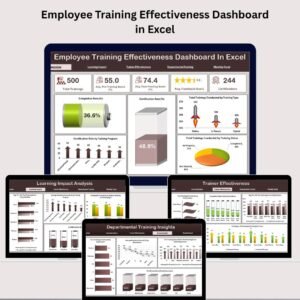
- Employee Training Effectiveness Dashboard in Excel: measure training effectiveness in a full dashboard
- HR Director Toolkit: 10 HR templates in one download
Browse all Excel KPI dashboards or the Excel education templates.





















Reviews
There are no reviews yet.