

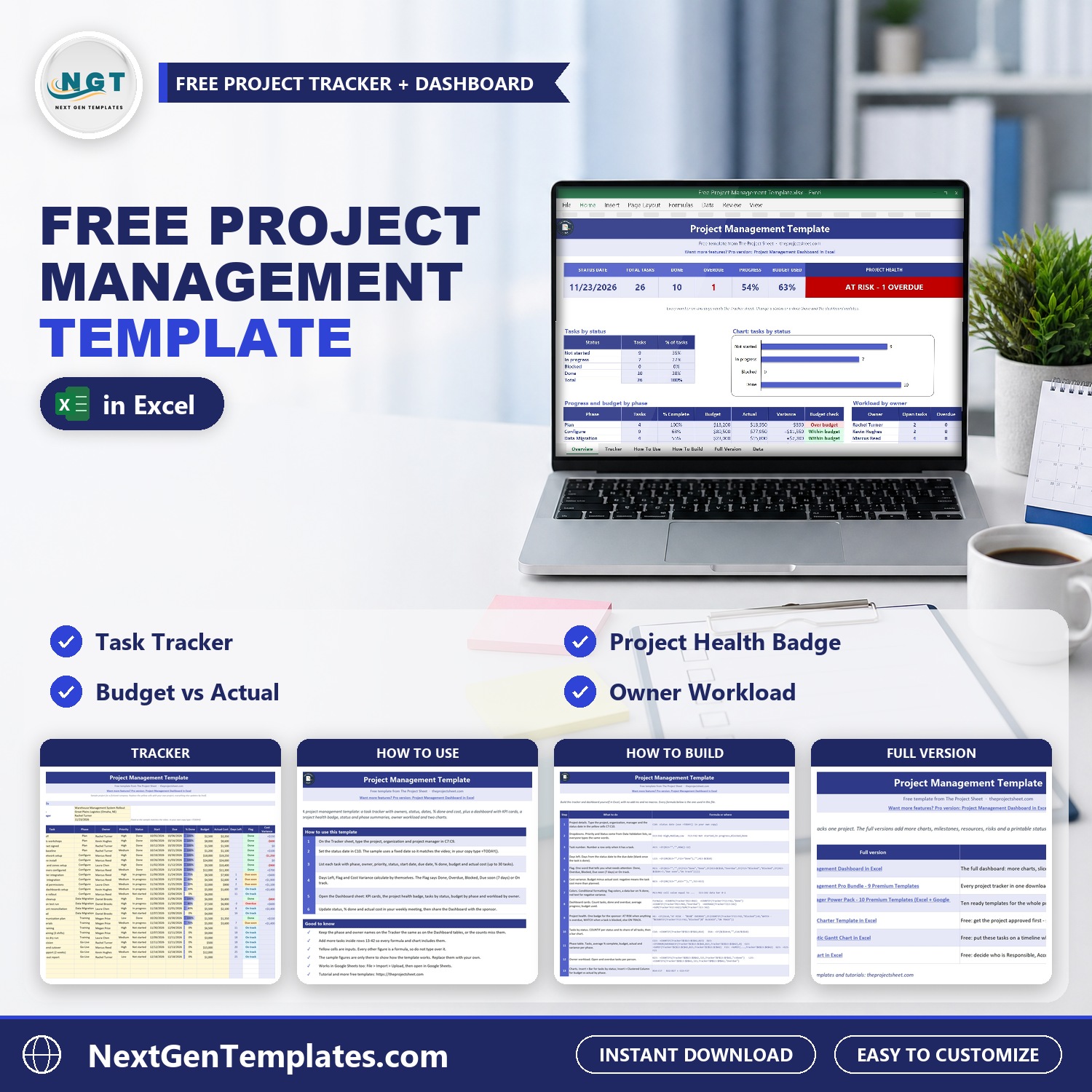
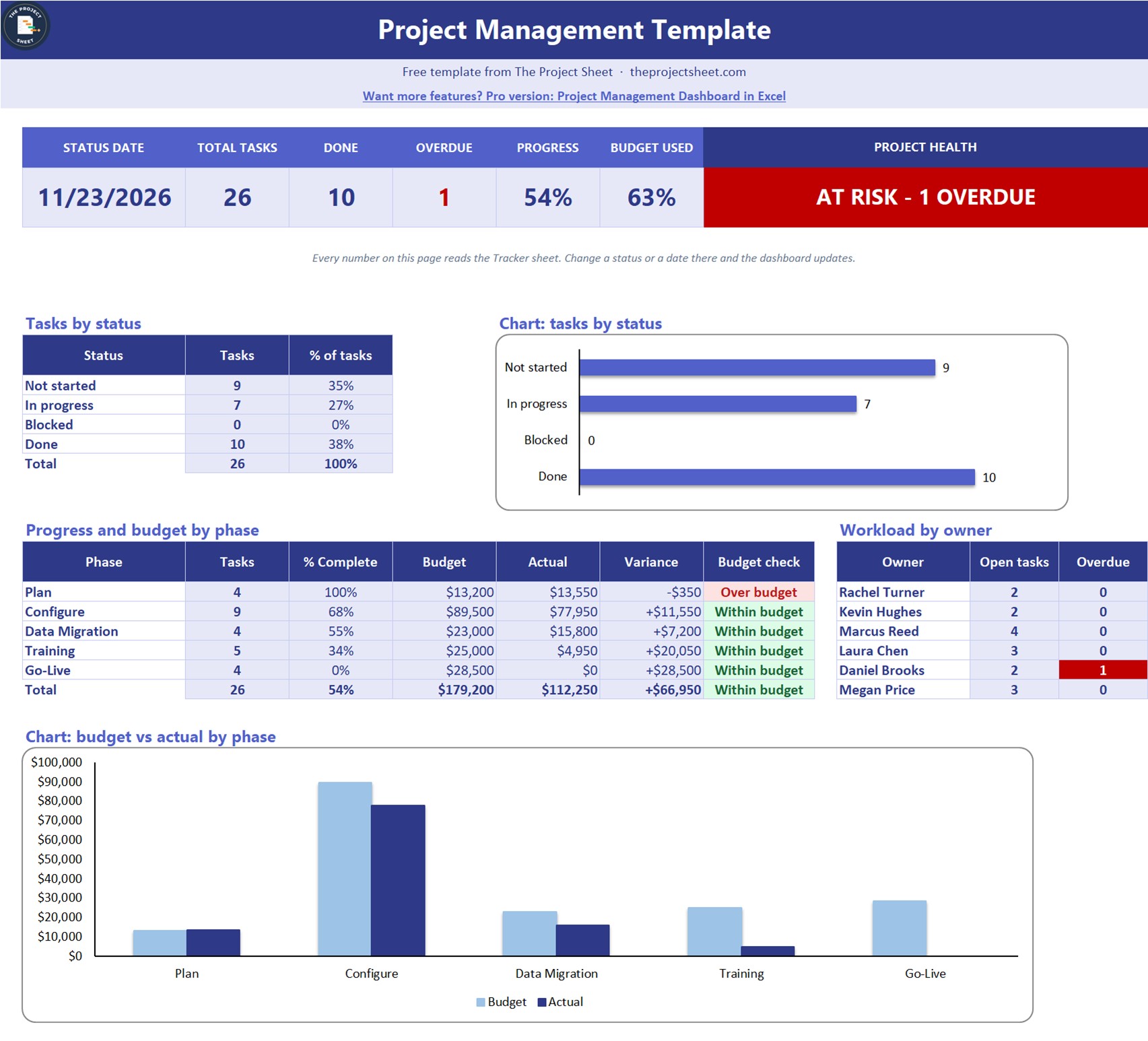

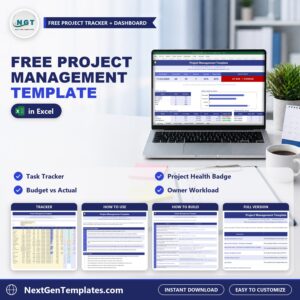
The Free Project Management Template in Excel is a task tracker and a one-page dashboard in one file. List your tasks on the Tracker sheet with an owner, priority, status, dates, % done and budget, and the dashboard shows total tasks, tasks done, overdue tasks, overall progress, budget used and a project health badge that turns red, amber or green on its own.
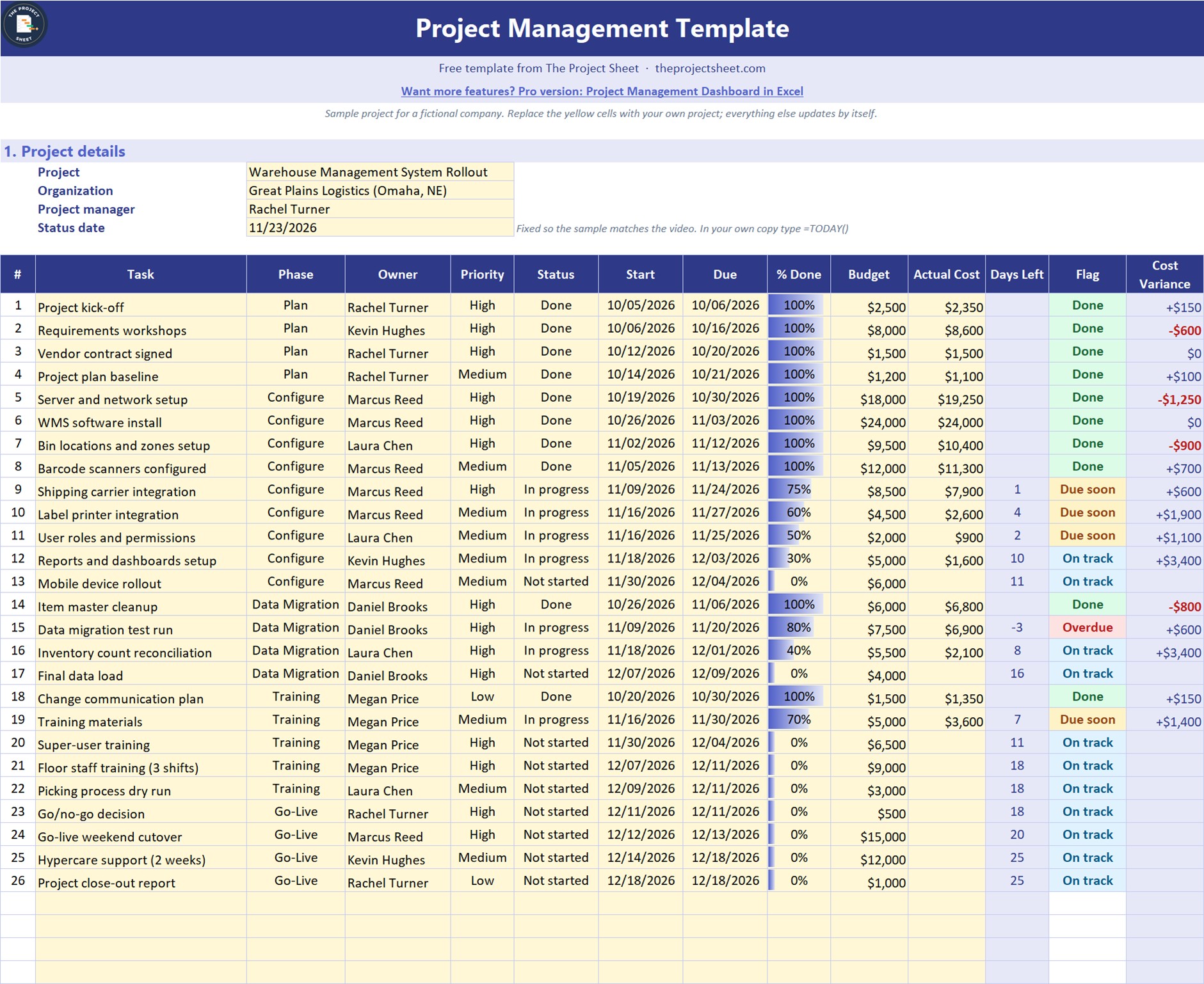
It is 100% free. The file ships with a filled example, a Warehouse Management System Rollout run by a fictional company, Great Plains Logistics, with 26 tasks in 5 phases, so you can see how a real project looks before you type your own. A How to Build sheet lists every formula, and the free video on The Project Sheet YouTube channel builds the whole template step by step.
Free download | Works in any recent Excel | No add-ins or macros | Gridlines off, ready to print
Key features of the project management template
- Task tracker for up to 30 tasks. Phase, owner, priority, status, start and due dates, % done, budget and actual cost on one sheet, with drop-down lists for priority and status.
- Self-checking flags. Days Left and a Flag column mark every task as Done, Overdue, Blocked, Due soon (within 7 days) or On track, so late work is never missed.
- Project health badge. One cell reads ON TRACK, WATCH – blocked tasks, or AT RISK – overdue tasks, with matching green, amber or red color.
- Progress and budget by phase. Tasks, average % complete, budget, actual and variance for each phase, with an Over budget / Within budget check.
- Workload by owner. Open tasks and overdue tasks per team member, so you see who is overloaded.
- Two charts. Tasks by status and budget vs actual by phase update when you change the Tracker.
What is inside the file
| Sheet | What it does |
|---|---|
| How to use | A short guide to setting up your project and updating the status date |
| Tracker | Your task list: the yellow cells are inputs, Days Left, Flag and Cost Variance calculate themselves |
| Dashboard | KPI cards, health badge, tasks by status, phase table, owner workload and two charts |
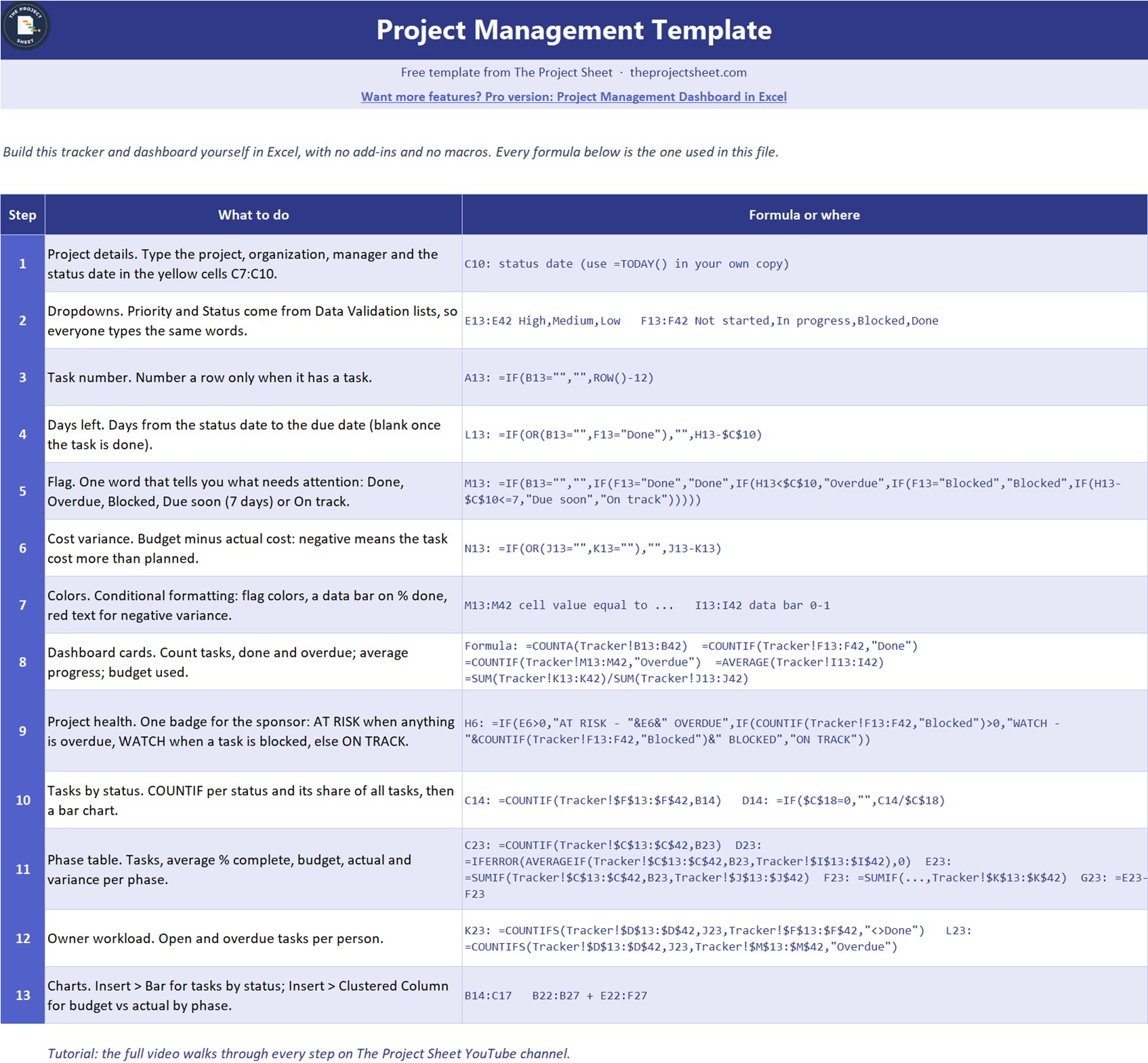
| How to Build | The steps and every formula, so you can build the project management template in Excel from a blank sheet |
| Get the Full Version | Links to the paid project management templates when you need more |
How to use it in three steps
- Set up the project. Type the project name, manager and the status date (type =TODAY() in your own copy so the flags always use today’s date).
- List the tasks. Add each task with its phase, owner, priority, dates and budget, and pick the status from the drop-down.
- Read the dashboard. Open the Dashboard sheet for the health badge, overdue count, progress and budget used, and share it with your sponsor.
Who this project management template is for
Project managers, team leads, operations managers, consultants and small business owners who need a simple, free project management template in Excel to plan tasks, watch deadlines and report progress without buying software. It also suits students learning project management.
When it makes sense to upgrade
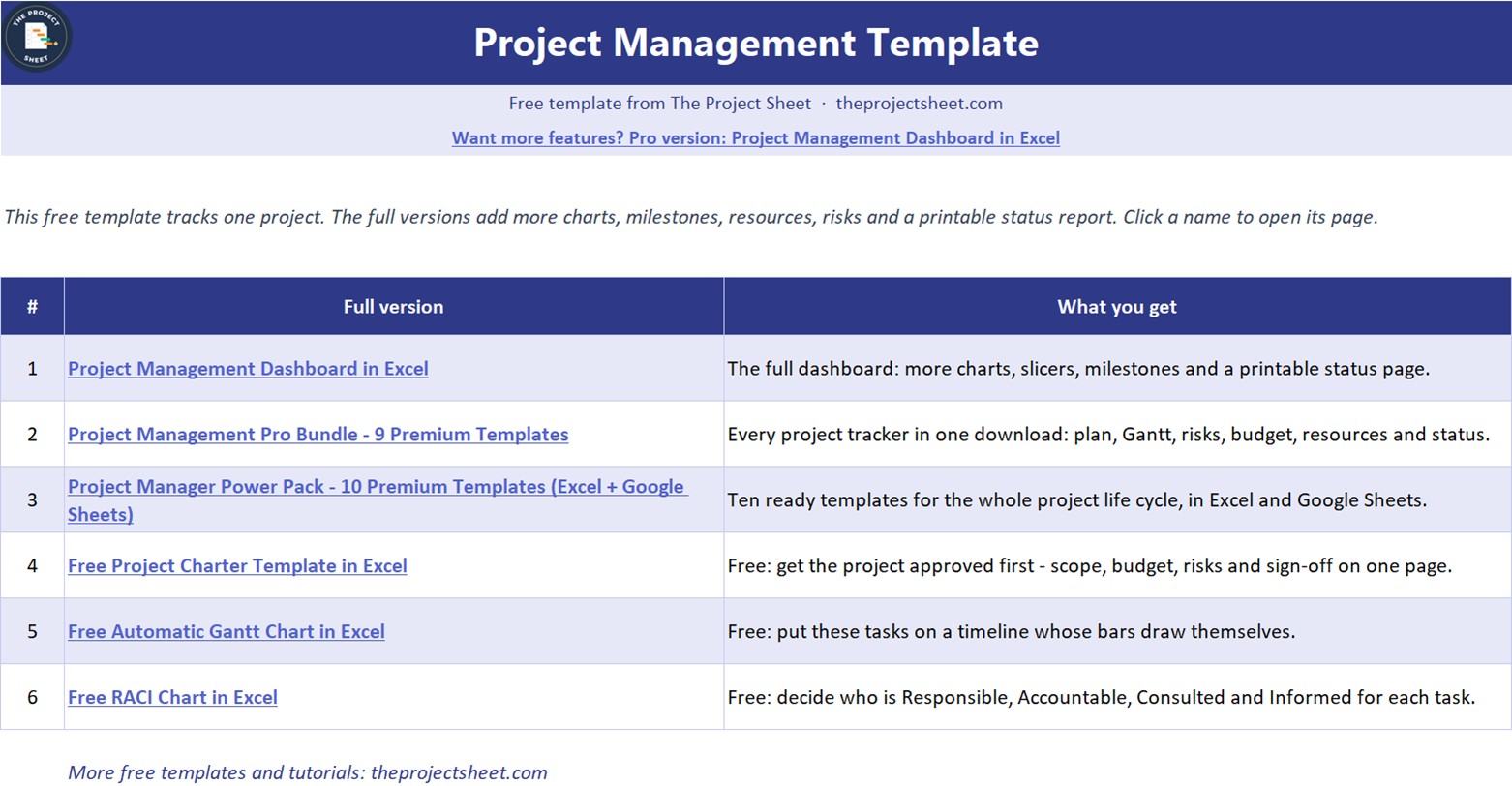
The free template tracks one project with up to 30 tasks. When you need more, these paid files from NextGenTemplates go further:
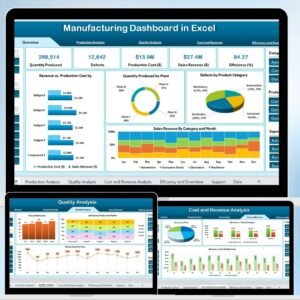
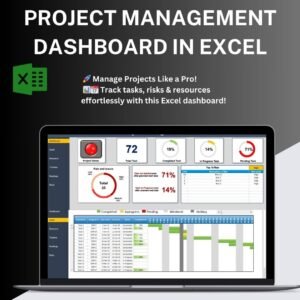
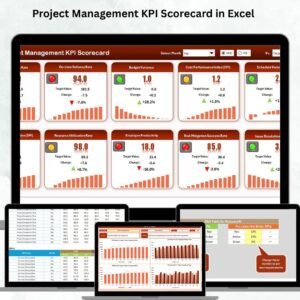
- Project Management Dashboard in Excel for more charts, milestones and reporting across projects.
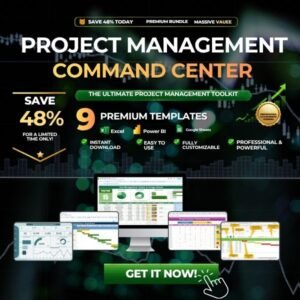
- Project Management Pro Bundle for 9 premium templates in one download.
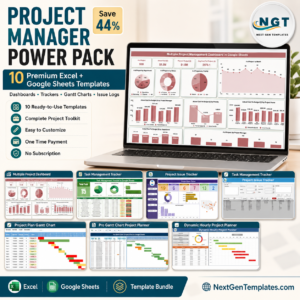
- Project Manager Power Pack for 10 premium project templates in Excel and Google Sheets.
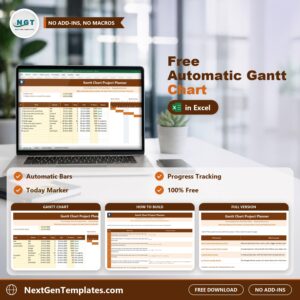
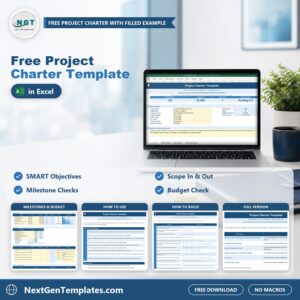
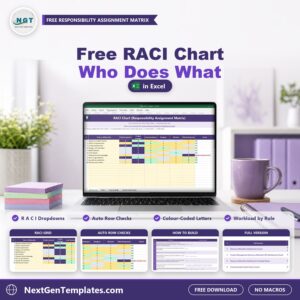
More free project files: the Free Project Charter Template in Excel, the Free Automatic Gantt Chart in Excel and the Free RACI Chart in Excel.
Frequently asked questions
Is the project management template really free?
Yes. It costs nothing to download and you can make a new copy for every project.
Do I need macros or add-ins?
No. It uses IF, COUNTIF, SUMIF, AVERAGEIF, data validation and conditional formatting, so it works in any recent version of Excel.
Can I use it in Google Sheets?
Yes. Upload the file to Google Drive and open it with Google Sheets. The formulas and drop-downs work there too.
Can I build it myself?
Yes. The How to Build sheet lists the steps with the exact formulas, and the free video on The Project Sheet YouTube channel builds it step by step.
Join 10,000+ customers in 180+ countries who use NextGenTemplates spreadsheets to run their projects and business.






Reviews
There are no reviews yet.