

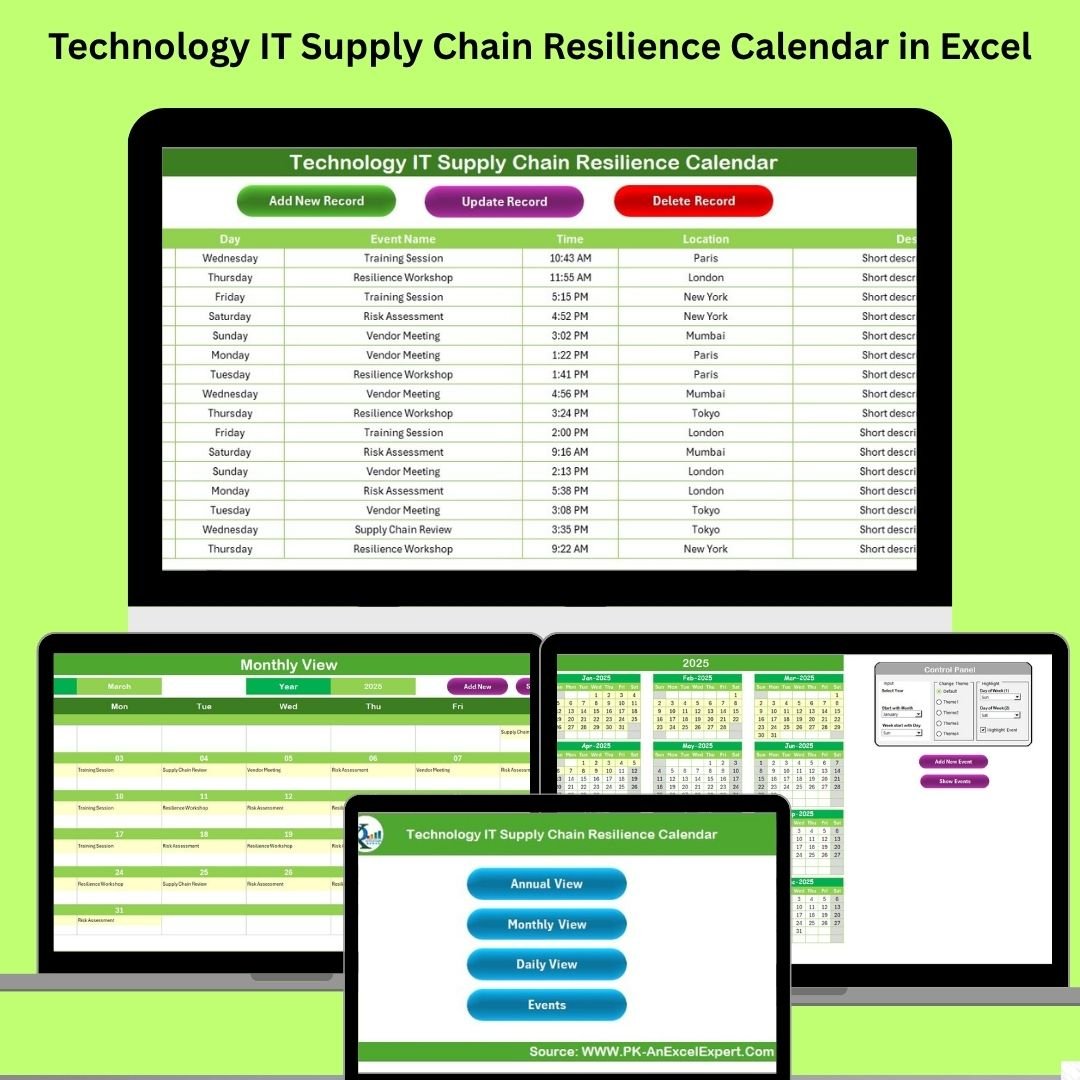

In the dynamic world of technology, supply chain disruptions can occur without warning—cyberattacks, data breaches, hardware delays, or sudden vendor issues. That’s why every IT team needs a reliable, centralized planning system. Introducing the Technology IT Supply Chain Resilience Calendar in Excel—your all-in-one solution for scheduling, tracking, and managing critical tech operations with confidence and ease. ⚙️💡
This calendar isn’t just another static schedule—it’s a strategic resilience tool built inside Excel, designed to make your tech operations proactive, organized, and disruption-ready. With interactive views, automated forms, and user-friendly design, you’re equipped to tackle challenges before they escalate.
✨ Key Features of the Resilience Calendar
🏠 Home Sheet Navigation
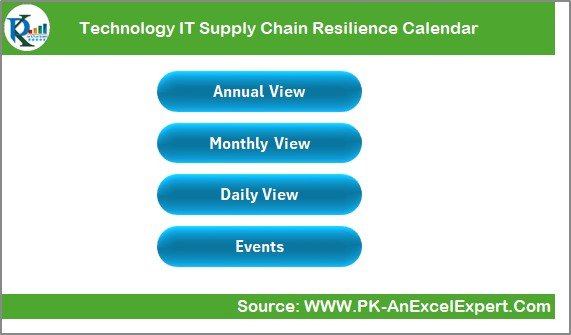
Navigate effortlessly using buttons that link to:
Annual View
Monthly View
Daily Tracker
Events Database
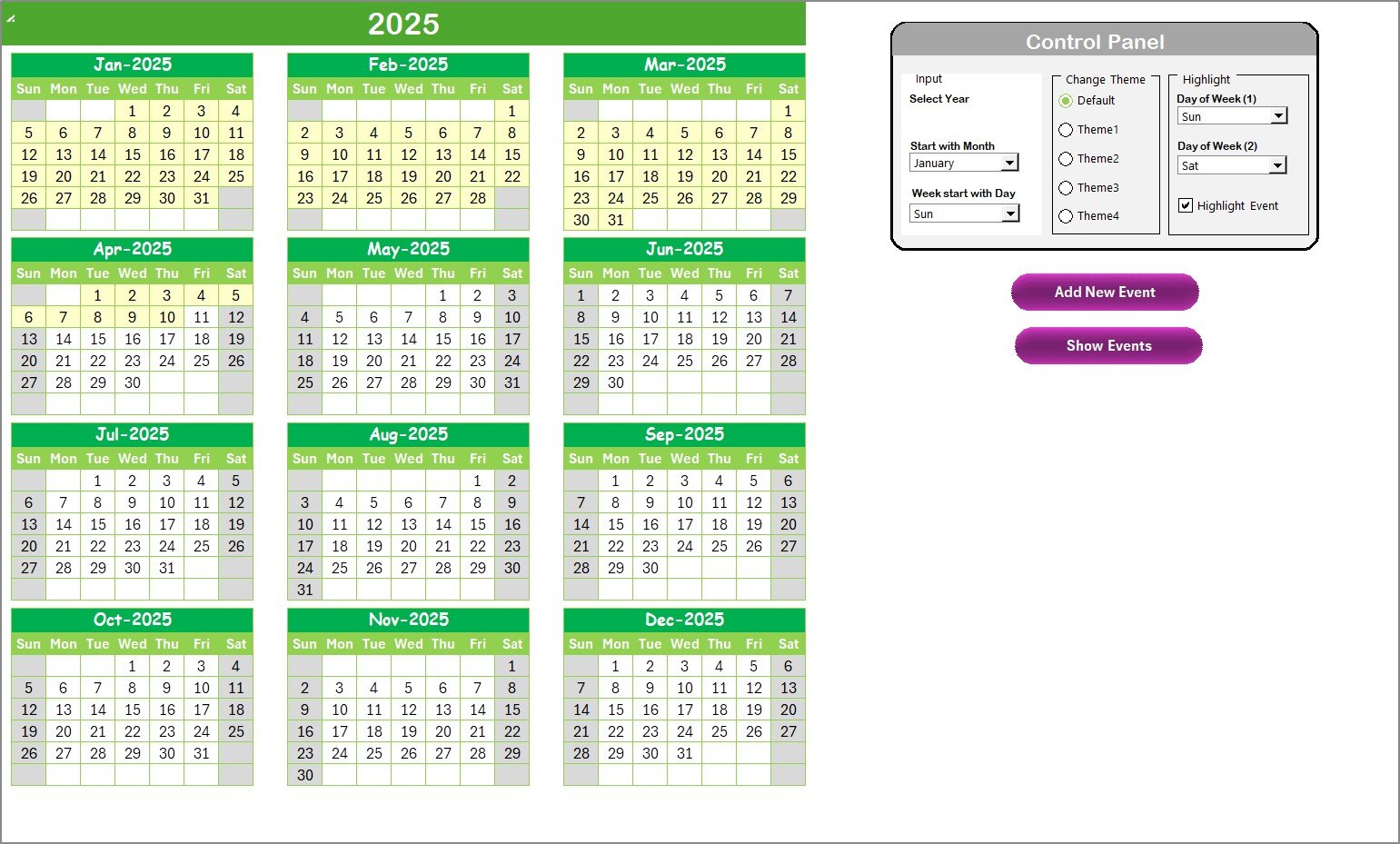
📆 Annual View Sheet
Full 12-month calendar with input controls
Change year, starting month, or first day of the week
Toggle themes and highlight important days
Add and show events with just one click
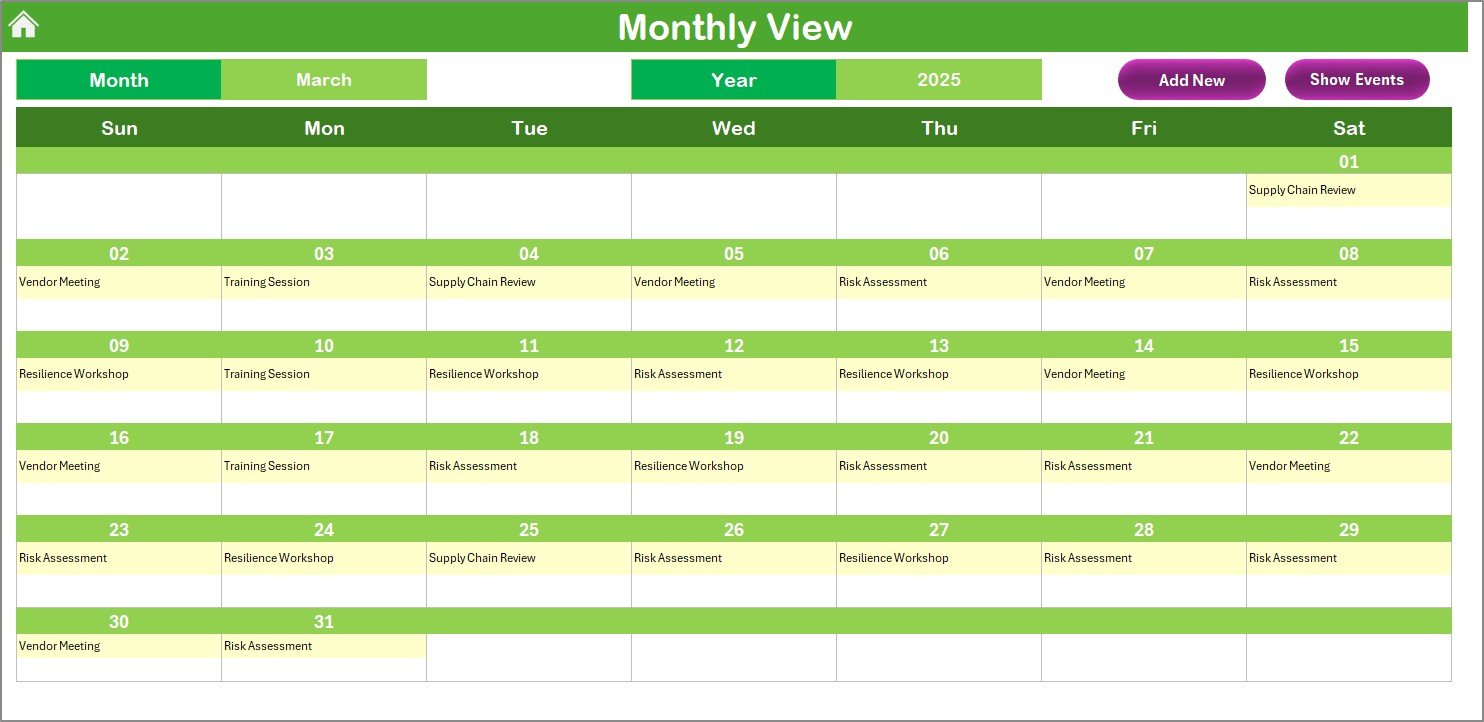
🗓️ Monthly View Sheet
View one month at a time with a real-time calendar
Add or review events using the quick-access buttons
Shows “more than 1…” if multiple events occur on the same day
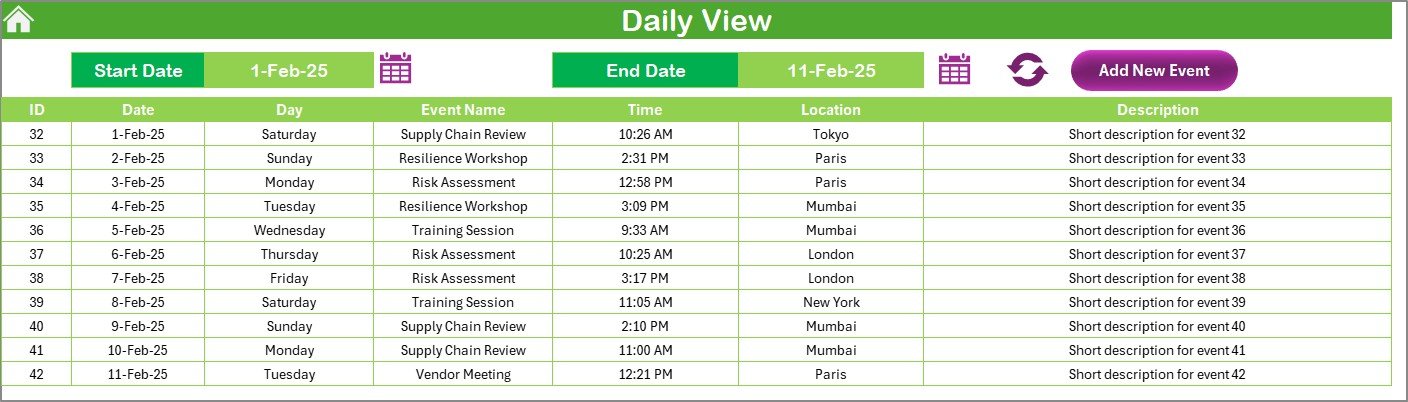
📋 Daily View Sheet
Select custom date ranges
Ideal for weekly planning, maintenance windows, or sprint reviews
Refresh events in real-time for focused coordination
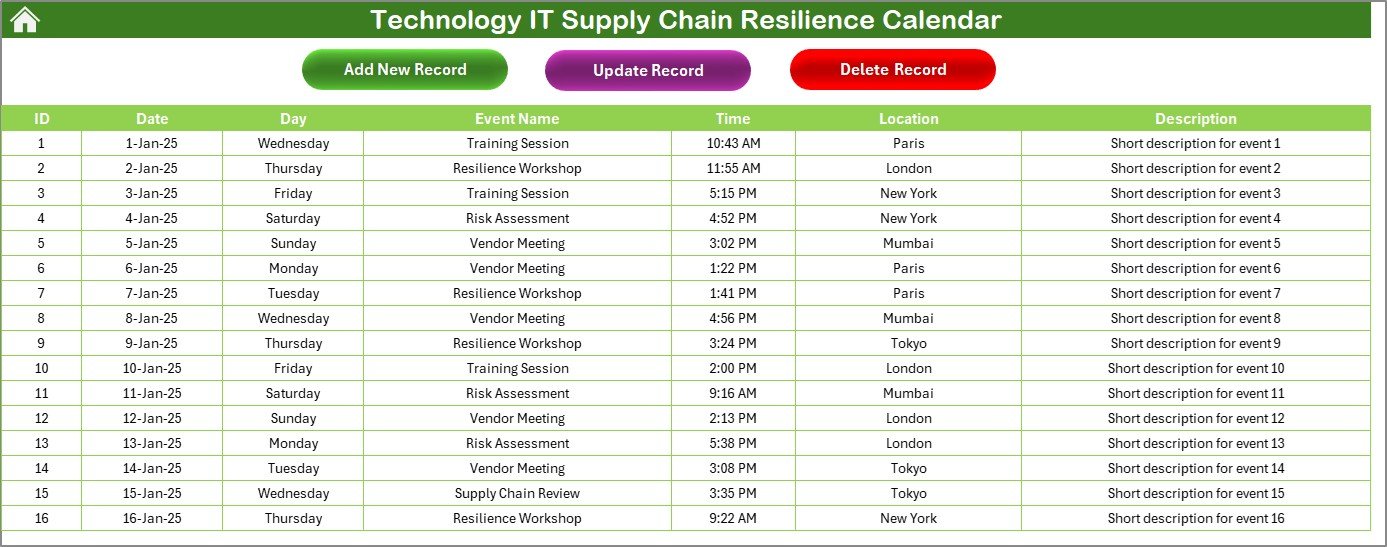
📂 Events Database Sheet
Auto-generated ID, Date, Day, Time, Location, and Description
Use buttons to Add, Update, or Delete records
Centralized, searchable log of all events
🎨 Fully Customizable
No coding required
Easily editable forms, dropdowns, and sheet formats
Add fields like Priority, Stakeholder, Risk Tags, or Budgets
📂 What’s Inside the Product
🔧 5 Feature-Rich Sheets:
Home – Central control panel with navigation
Annual View – 12-month overview with customization options
Monthly View – Single-month view with event highlights
Daily View – Custom date range planner
Events Sheet – Complete event database with edit/delete tools
🛠 Included Tools & Functions:
Event form with auto-submission
Color-coded highlights
Dropdown selections
Date pickers and validation
Show/Hide toggles for event clarity
🛠️ How to Use the Product
1️⃣ Open the file and head to the Home Sheet
2️⃣ Select your preferred view—Annual, Monthly, or Daily
3️⃣ Add events by clicking “Add New Event” and submitting the form
4️⃣ Use dropdowns for consistent event classification
5️⃣ Update or delete records easily in the Events Sheet
6️⃣ Customize the sheet as needed—no macros required
7️⃣ Share the calendar across teams via Excel or Google Sheets
👥 Who Can Benefit from This Calendar?
👨💻 IT Managers & Admins – Schedule hardware upgrades, system checks, or backups
📦 Procurement Teams – Plan vendor deliveries and asset purchases
🧑💼 Project Coordinators – Manage cross-department events
📈 Ops Teams – Maintain SLAs and monitor infrastructure updates
💡 Startups & SMBs – Run lean teams with resilient planning
🏫 Non-IT Use Cases – HR schedules, school events, or facility bookings
🔗 Click here to read the Detailed blog post
🎥 Visit our YouTube channel to learn step-by-step video tutorials






























Reviews
There are no reviews yet.