
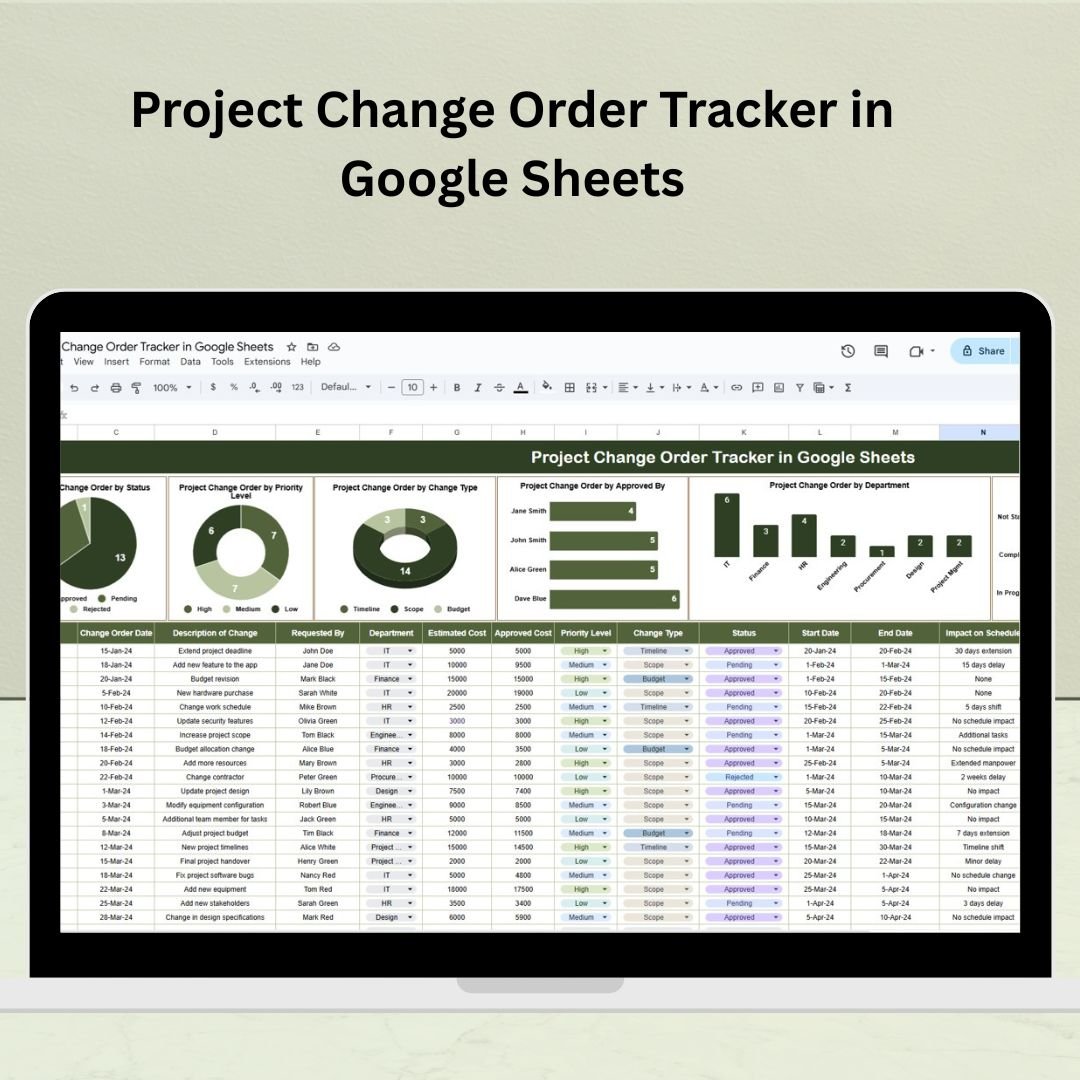
📊 Stay in control of every project change — track, approve, and analyze change orders with this powerful and easy-to-use Google Sheets template!
Managing change orders in a project can be stressful—missed approvals, unrecorded costs, delays piling up. That’s why we’ve built the Project Change Order Tracker in Google Sheets — a plug-and-play solution that helps you manage all change orders with clarity, control, and confidence. Whether you’re in construction, IT, design, or product development, this tool is your command center for managing project changes.
Say goodbye to scattered notes and manual reports. With this tracker, every detail is captured—from who requested the change to its impact on budget and timelines. And yes, it comes with stunning charts to visualize everything effortlessly! 📈✅
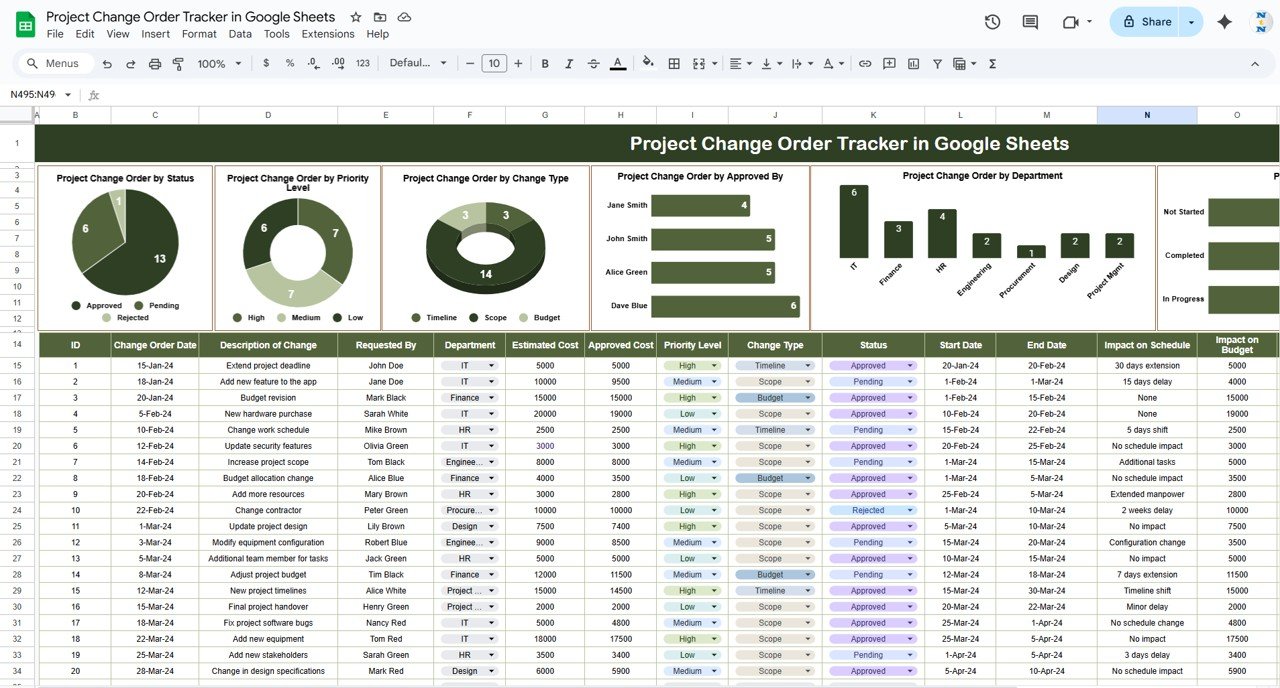
✨ Key Features of Project Change Order Tracker
🔹 Central Tracker Sheet
Everything is managed from a single sheet — no need to toggle between tabs. Just scroll and control.
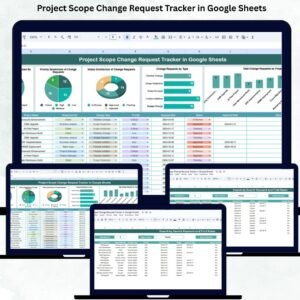
🔹 Automated Charts
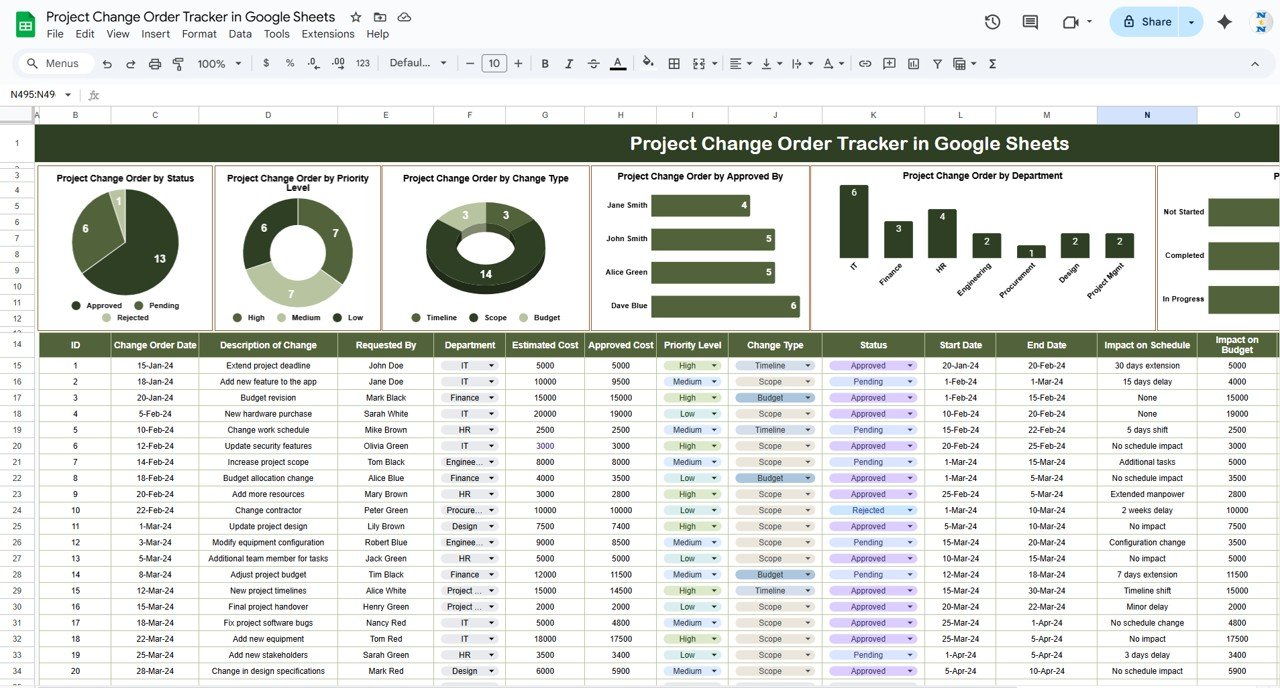
Visual dashboards for:
-
📌 Status of change orders
-
⚡ Priority levels
-
🔁 Change types
-
🧑 Approved by
-
🏢 Department
-
🚦 Completion status
These charts update automatically as you update your data!
🔹 Complete Change Order Database
Capture full details of each change:
📅 Dates, 💬 Descriptions, 💰 Estimated & Approved Costs, 🎯 Priority, 🗂 Type, ✅ Status, ⌛ Schedule impact, 💵 Budget impact, 🧑💼 Approval info, and 📝 Remarks.
🔹 Easy to Customize
Add more columns or visualizations to adapt to your project needs — it’s all flexible!
📦 What’s Inside the Project Change Order Tracker
-
✅ 1 Master Sheet with all data fields
-
📊 6 Visual Charts for immediate insights
-
🏷️ Column headers with dropdowns for quick data entry
-
🧩 Editable structure to suit your team’s workflow
-
📁 Template is Google Sheets based — access from anywhere, anytime
No coding. No formulas to write. Just plug in your data and go! 🚀
🛠️ How to Use the Project Change Order Tracker
-
Enter New Change Orders
Fill in details like request date, description, priority, and estimated cost. -
Track Approvals & Updates
Log who approved, actual cost, start & end dates, and status. -
Review Chart Insights
Visuals update in real time—track pending approvals, completion rate, cost implications. -
Share & Collaborate
Share the sheet with your team for live updates and discussions. -
Modify for Your Workflow
Add columns like “Project Name” if you handle multiple projects.
🎯 Tip: Use Google Sheets filters to quickly find high-priority or overdue changes!
👥 Who Can Benefit from This Project Change Order Tracker
-
Project Managers 📋 – Stay on top of evolving scope and changes.
-
Construction Teams 🏗️ – Monitor site changes and associated costs.
-
Product Teams 💡 – Track feature change requests and approval flows.
-
IT & Software Teams 💻 – Document client change requests, status, and risks.
-
Agencies & Consultants 🧑💼 – Provide change transparency to clients.
-
Operations Leaders 📊 – Identify trends and bottlenecks across departments.
Whether you manage 10 or 100 changes, this tracker gives you control and clarity.







Reviews
There are no reviews yet.