

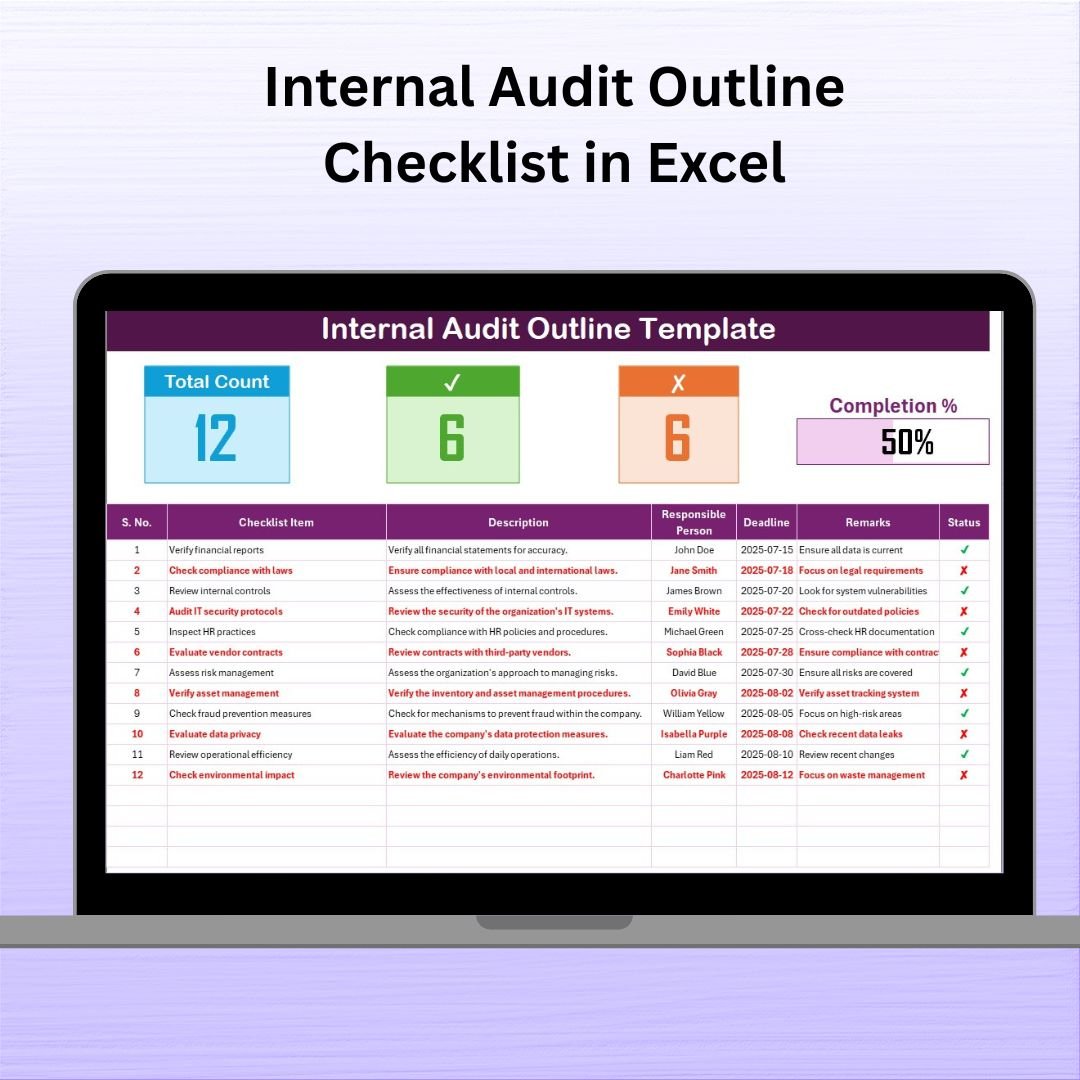

Conducting a successful internal audit requires structure, clarity, and accountability. That’s where the Internal Audit Outline Checklist in Excel comes in — a user-friendly, ready-to-use template that simplifies the audit process and empowers your team to monitor internal controls, identify risks, and ensure compliance with policies and procedures.
Whether you’re auditing finance, operations, HR, or IT systems, this tool provides a clear framework to capture, assign, and track every audit task — all from the comfort of Excel.
🧩 What Is the Internal Audit Outline Checklist?
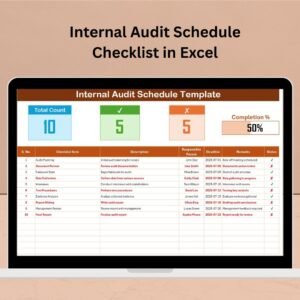
This Excel-based checklist is designed to help audit teams stay organized and efficient during the internal audit process. The structured table layout allows you to document tasks, assign responsible persons, monitor deadlines, and track completion status using ✔ and ✘ indicators. No more scattered notes or overlooked items — everything is documented in one place.
🧠 Key Features of the Template
✅ Internal Audit Outline Checklist Tab
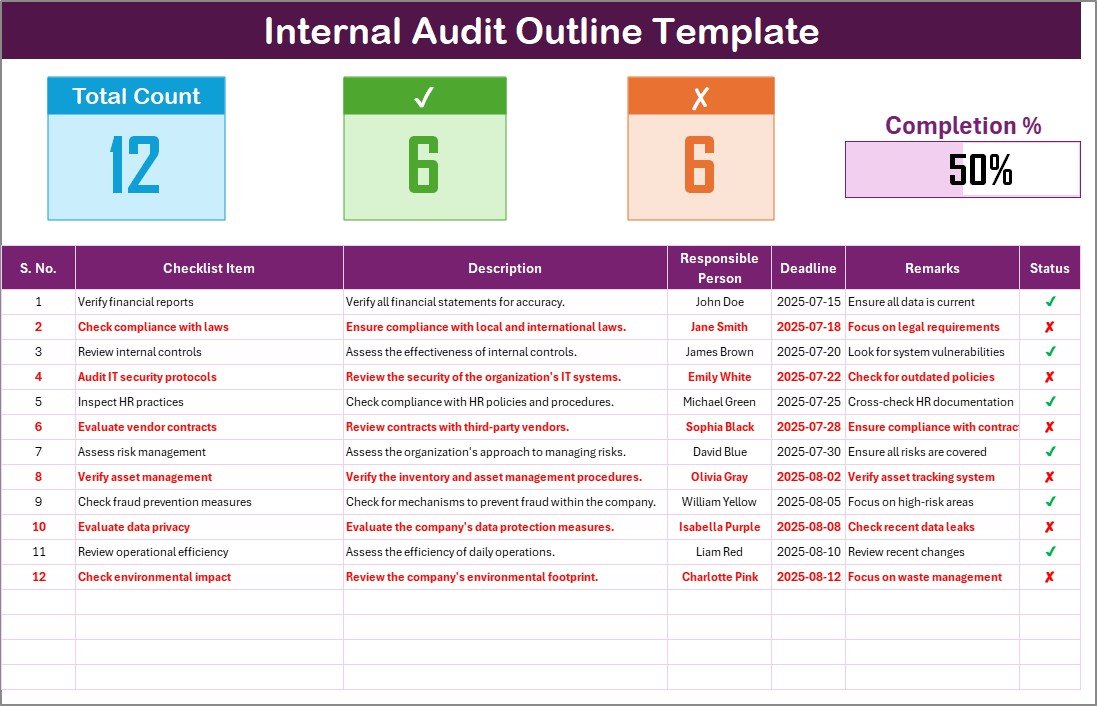
This is the heart of the tool — a fully structured table where you log audit items.
📋 Serial No.: For easy reference and sorting
🧾 Checklist Item & Description: Clearly outline each audit step
👤 Responsible Person: Assign specific team members to tasks
📅 Deadline: Track time-sensitive items
💬 Remarks: Record additional notes or observations
⏱️ Status: Use ✔ or ✘ to indicate completion
At the top of this sheet:
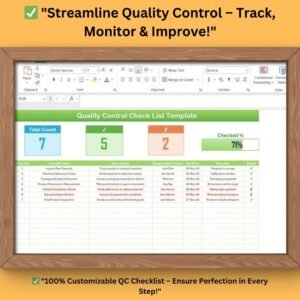
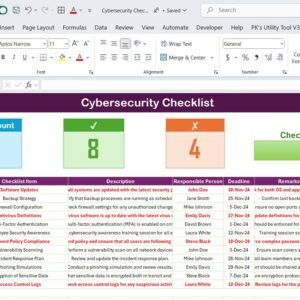
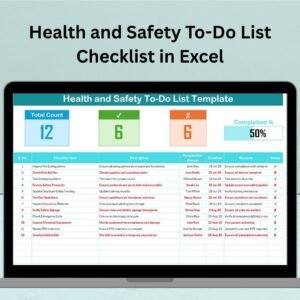
📊 Total Count / Checked / Crossed – summary metrics to monitor audit progress
📈 Progress Bar – a visual tracker showing overall task completion percentage
📂 List Sheet Tab
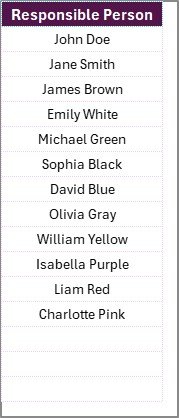
This sheet stores a dropdown-enabled list of responsible persons, enabling easy assignment of tasks in the main checklist. It improves accuracy, consistency, and accountability during your audit.
⚙️ Why Use an Excel-Based Audit Checklist?
✅ No software required – just Excel!
🛠️ Fully customizable for any audit type or department
📊 Real-time progress tracking with auto-updating metrics
🧑🤝🧑 Team collaboration-friendly – shareable, editable, and version-controlled
🔐 Improved accountability with clear task ownership
💡 Conditional formatting for highlighting overdue or incomplete tasks
💡 Best Practices for Effective Use
Update frequently – keep the checklist current as audits progress
Set realistic deadlines for each task and monitor overdue items
Use dropdowns to standardize task assignments
Apply Excel’s conditional formatting to visualize priorities
Restrict edits to critical cells to maintain data integrity
Back up your file regularly to prevent data loss
👥 Who Can Use This Template?
This checklist is perfect for:
🔍 Internal Audit Teams
🧾 Compliance Officers
🏢 Department Heads
💼 Risk & Governance Professionals
🧑💼 Small business owners managing self-audits
It scales well from startups to enterprise-level audits.
🚀 How to Get Started
📥 Download the template
📁 Open in Excel and review both worksheet tabs
📝 Start adding your audit tasks in the checklist
👤 Assign responsibilities using the drop-down list
⏱️ Track status and progress visually in real time
✅ Complete your internal audit efficiently and on schedule!
🎥 Visit our YouTube channel for a demo
youtube.com/@PKAnExcelExpert
Watch the step-by-step video tutorial:
Compatibility and Requirements
- Works in Microsoft Excel desktop (Excel 2016 or later, or Microsoft 365).
- Responsible persons are chosen from a dropdown list. Microsoft explains how in Create a drop-down list.
Frequently Asked Questions
Which sheets are included?
Two sheets: the Internal Audit Outline Checklist sheet and a List sheet that holds the names of responsible persons.
What can I record for each audit item?
Each row has a serial number, the checklist item and description, the responsible person, a deadline, remarks and a status marked with a tick or a cross.
How do I assign tasks to my team?
Add the names to the List sheet. You then pick a responsible person from a dropdown on each row of the checklist.
How do I see audit progress?
The top of the checklist shows the total count, the number checked and the number crossed, plus a progress bar with the overall completion percentage. These figures update as you change the status of each item.
Is there a Google Sheets or dashboard version?
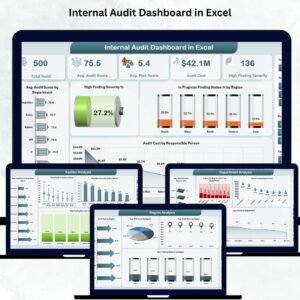
Yes. See the Internal Audit Checklist in Google Sheets and the Internal Audit Dashboard in Excel.
Related Internal Audit Templates
- Internal Audit Checklist in Excel: a general checklist for audit tasks
- Internal Audit Action Plan Checklist in Excel: track follow-up actions after findings
- Internal Audit Schedule Checklist in Excel: plan when each audit takes place
- Internal Audit Compliance Checklist in Excel: check items against compliance requirements
- Internal Audit Dashboard in Excel: a dashboard view of audit results
Browse all Excel checklists or the MS Excel templates.























Reviews
There are no reviews yet.