

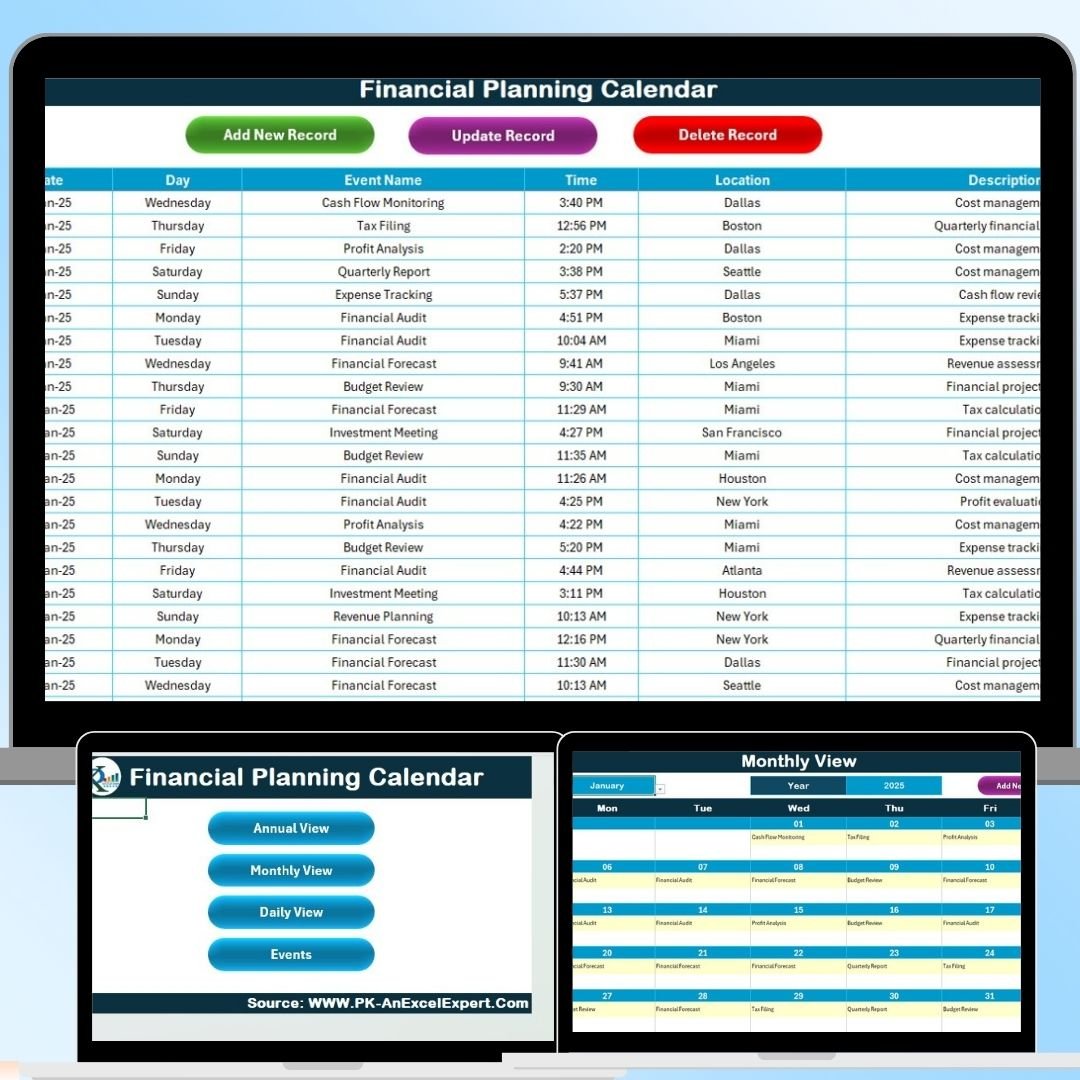


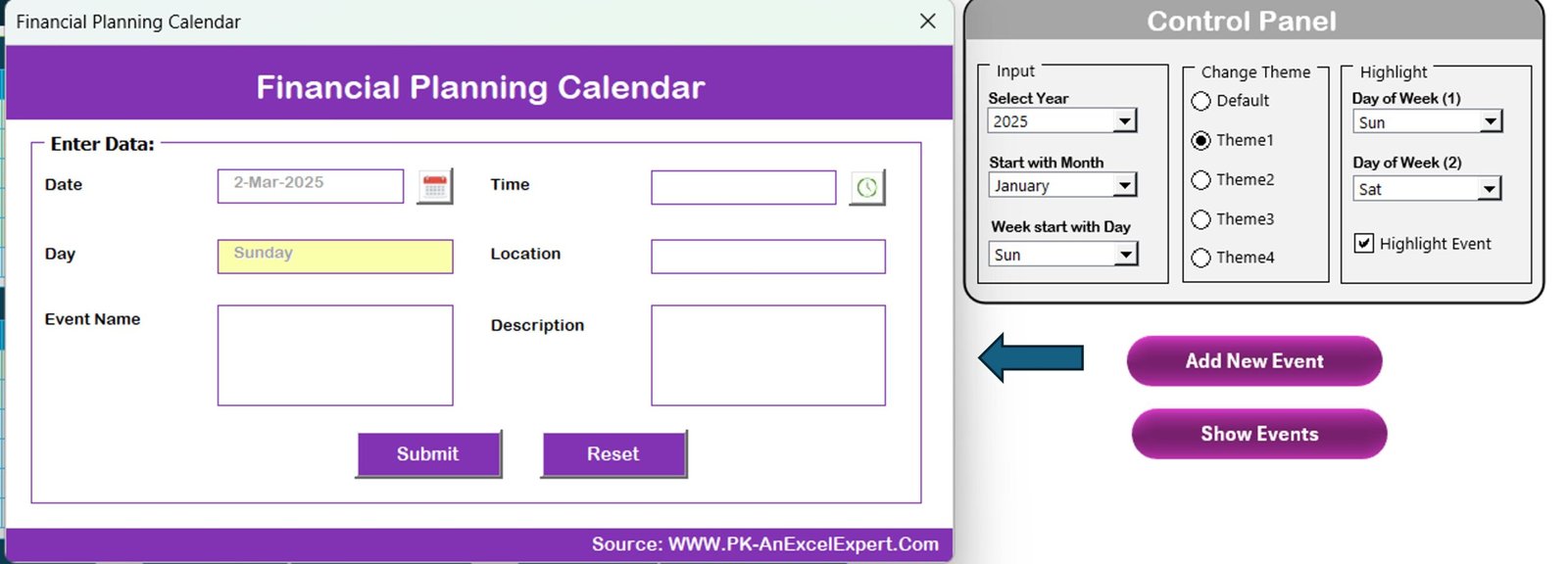



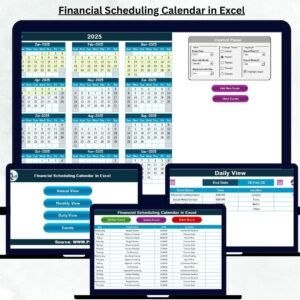
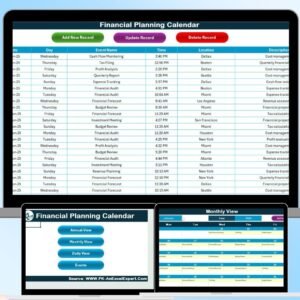
The Financial Planning Calendar in Excel is a comprehensive and customizable tool designed to help individuals and businesses effectively manage and track their financial goals, budgets, and important financial dates. Whether you’re planning for personal finances, business expenses, or managing a company’s financial calendar, this Excel-based template provides all the necessary features to help you stay organized, meet deadlines, and track progress.
From setting monthly budgets to monitoring income and expenses, this financial planning calendar provides a clear overview of your financial landscape, helping you stay on top of your finances and make informed decisions. It allows for easy adjustments and tracking of long-term goals, ensuring that financial planning is both efficient and straightforward.
Key Features of the Financial Planning Calendar in Excel
📅 Comprehensive Financial Planning
Create, track, and monitor your financial goals across multiple categories, such as savings, investments, income, and expenses. Use this calendar to stay on top of your finances and ensure timely payments and budgeting.
💰 Monthly Budgeting & Tracking
Set a monthly budget and track income and expenses throughout the month. This feature helps you see how closely you’re adhering to your financial plan, making it easier to adjust your spending habits and achieve your financial goals.
📆 Important Financial Dates
Track critical financial deadlines, such as bill payments, tax deadlines, and loan due dates. The calendar helps you never miss important dates, reducing the risk of late payments and fees.
📊 Expense & Income Monitoring
Keep a record of your monthly expenses and income to get a clear picture of your financial situation. This feature helps you make adjustments as needed to ensure that you’re staying within your financial limits.
🔄 Customizable & Flexible
Customize the calendar to match your specific financial goals, whether for personal or business use. Add or remove categories, set custom reminders, and track any financial metric important to you.
⚙️ Easy-to-Read Layout
The simple and intuitive Excel layout allows for easy navigation and quick access to essential information. The calendar is user-friendly, even for those with minimal Excel experience.
Why You’ll Love the Financial Planning Calendar in Excel

✅ Stay Organized & On Track
Keep all your financial information in one place, from income and expenses to important financial dates, so you can stay organized and on track.
✅ Easily Monitor Your Financial Progress
With clear tracking tools, you can easily see how well you’re meeting your financial goals and make adjustments to stay on course.
✅ Never Miss a Deadline
Track important financial dates like bill payments and tax deadlines to avoid late fees and missed opportunities.
✅ Achieve Your Financial Goals
Break down larger financial goals into monthly milestones and track your progress to ensure you’re on the right path.
✅ Customizable to Your Needs
Whether you’re managing personal finances or business expenses, customize the calendar to fit your specific financial goals and priorities.
What’s Inside the Financial Planning Calendar in Excel?
Comprehensive Financial Tracking: Monitor savings, investments, income, and expenses.
Monthly Budgeting: Set and track your monthly budget for various financial categories.
Important Financial Dates: Keep track of deadlines for bill payments, taxes, and loans.
Expense & Income Monitoring: Record monthly expenses and income for accurate tracking.
Customizable Sections: Adjust the calendar to fit your specific financial planning needs.
Easy-to-Read Layout: User-friendly interface with clear, easy-to-read columns and rows.
How to Use the Financial Planning Calendar in Excel
1️⃣ Download the Template: Access your Financial Planning Calendar instantly.
2️⃣ Input Financial Data: Start adding your income, expenses, and financial goals for the month.
3️⃣ Set Monthly Budgets & Goals: Create financial goals and set a monthly budget.
4️⃣ Track & Monitor Progress: Keep track of your spending, income, and financial dates throughout the month.
5️⃣ Customize Your Calendar: Adjust the calendar according to your specific needs, adding or removing financial categories as necessary.
Who Can Benefit from the Financial Planning Calendar in Excel?
🔹 Individuals Looking to Manage Personal Finances
🔹 Small Business Owners
🔹 Finance and Accounting Professionals
🔹 Freelancers & Entrepreneurs
🔹 Financial Planners and Advisors
🔹 Families & Household Budgeting
🔹 Anyone Looking to Improve Their Financial Management
Stay in control of your financial planning with the Financial Planning Calendar in Excel. Track and manage your income, expenses, and important financial dates with ease, and ensure that you’re always on top of your financial goals.
Click here to read the Detailed blog post
Visit our YouTube channel to learn step-by-step video tutorials
Youtube.com/@PKAnExcelExpert
Compatibility and Requirements
- Works in Microsoft Excel desktop (Excel 2016 or later, or Microsoft 365).
- Everything is inside one workbook, so there is nothing else to install.
- New to Excel charts? Microsoft explains the basics in Create a chart from start to finish.
Frequently Asked Questions
What can I track in the Financial Planning Calendar?
Savings, investments, income, expenses, monthly budgets and key dates such as bill payments, tax deadlines and loan due dates.
Can I change the categories?
Yes. You can add or remove categories and track any financial metric that matters to you.
Is it for personal or business use?
Both. The template covers household budgets, freelancers, small business owners and finance teams.
Is there a Google Sheets version?
Yes. See the Financial Planning Calendar in Google Sheets.
Related Financial Planning Templates
- Financial Planning Calendar in Google Sheets: the same calendar online
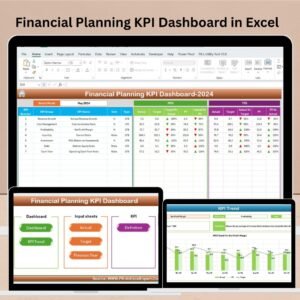
- Financial Planning KPI Dashboard in Excel: track planning KPIs against targets
- Calendar & Planner Pack: 12 calendar and planner templates in one bundle
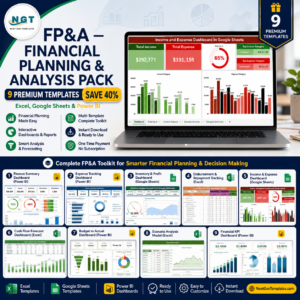
- FP&A Financial Planning & Analysis Pack: 9 planning and analysis templates
Browse all Excel calendars or the Excel financial tools.



























Reviews
There are no reviews yet.