

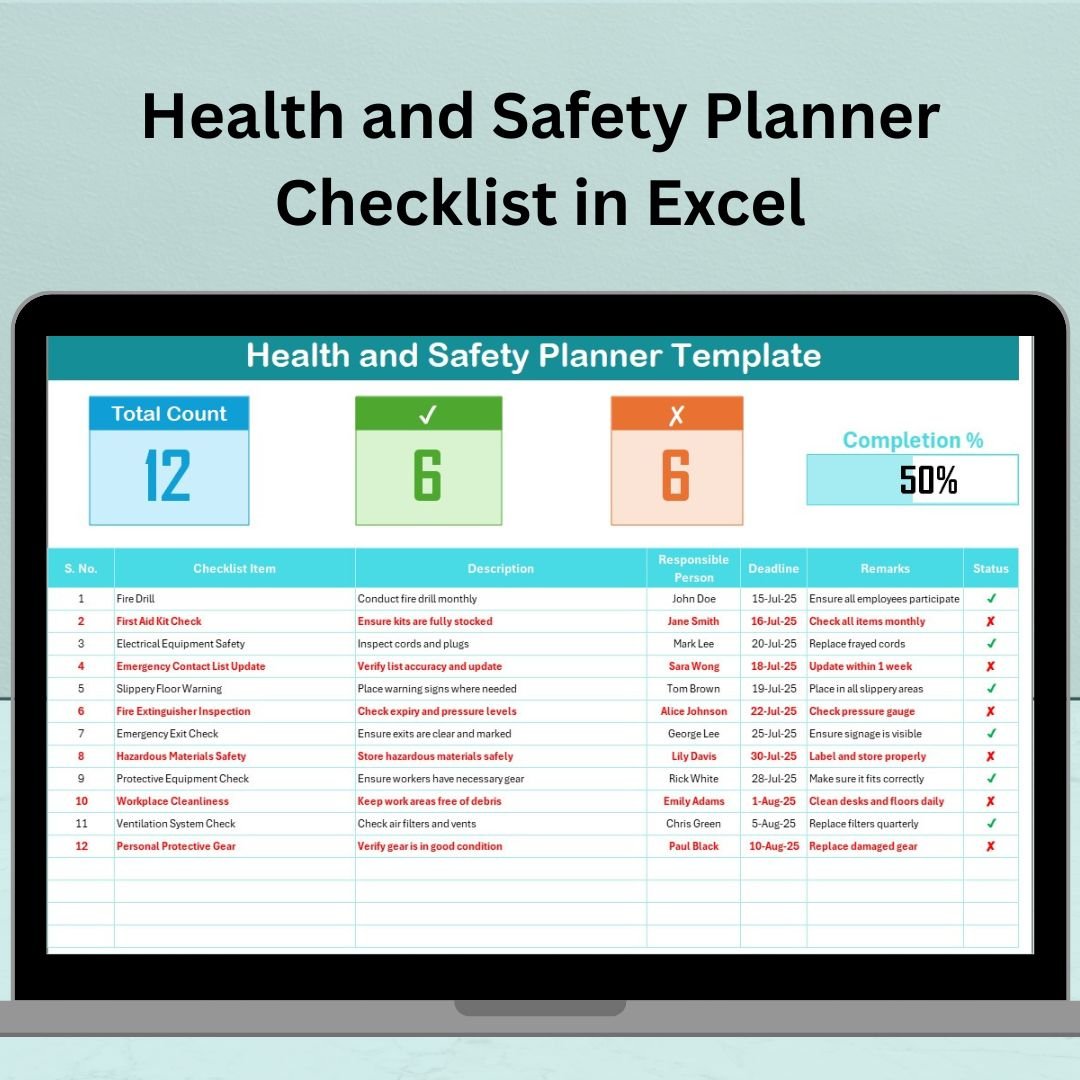

In today’s modern work environment, maintaining high health and safety standards isn’t optional—it’s essential. The Health and Safety Planner Checklist in Excel is a powerful, ready-to-use template that empowers organizations to track safety tasks, assign responsibilities, and ensure regulatory compliance—right from a simple Excel sheet!
Whether you’re a small business owner or a health and safety officer at a large facility, this planner brings order to chaos and keeps your entire team accountable. No complex software. No steep learning curve. Just Excel.
💡 Key Features of Health and Safety Planner Checklist
📋 Checklist Sheet – Track, Monitor, and Update Easily
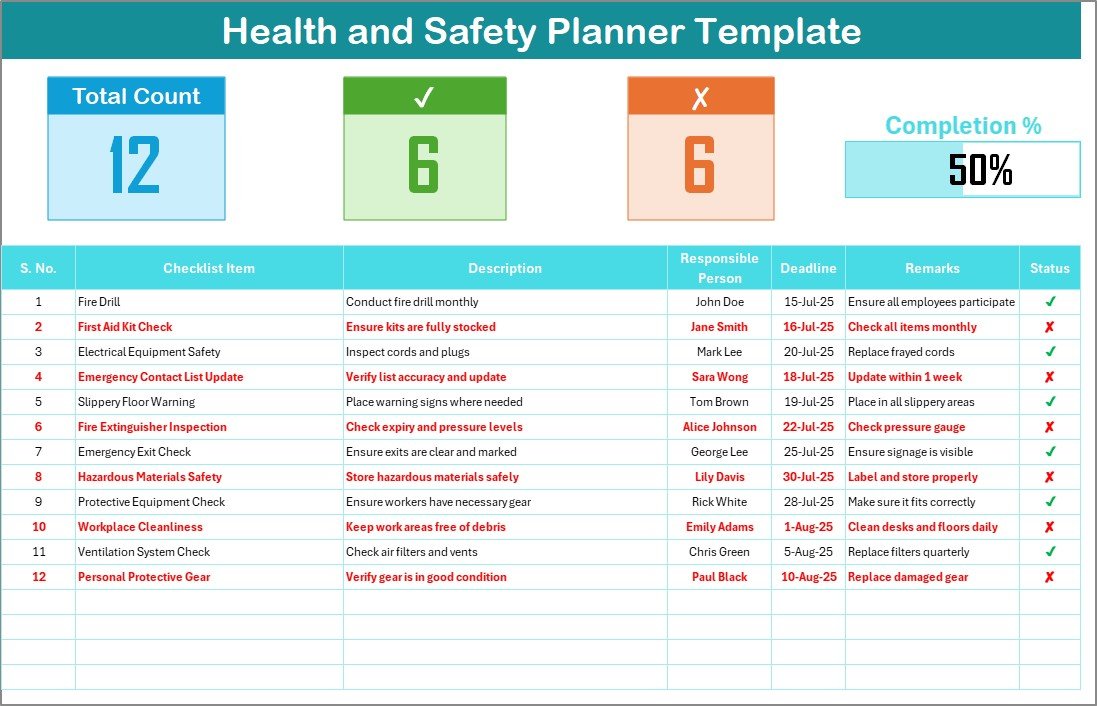
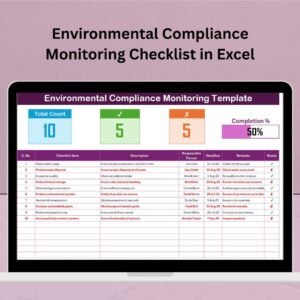
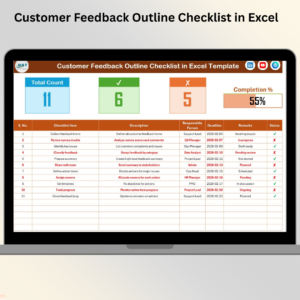
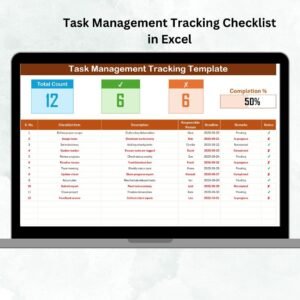
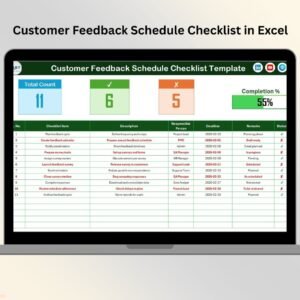
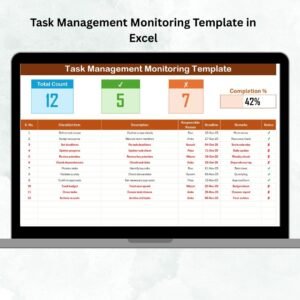
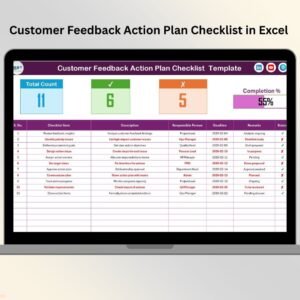
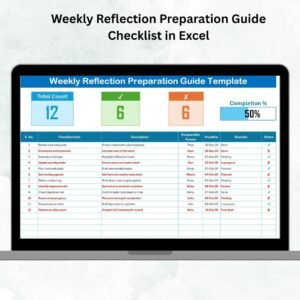
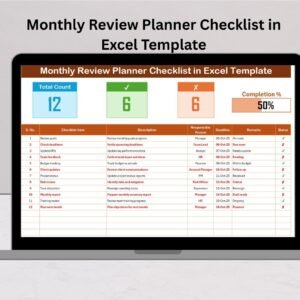
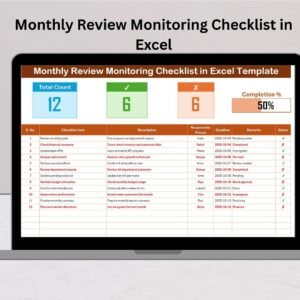
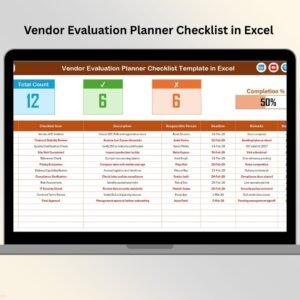
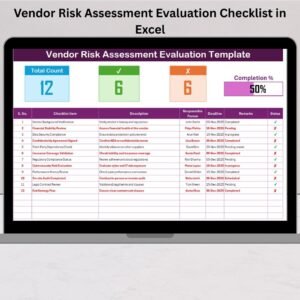
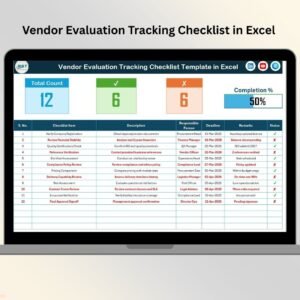
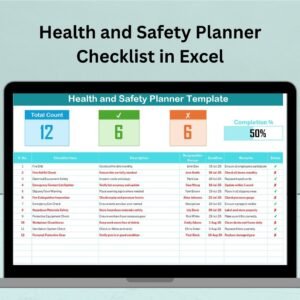
A full dashboard view that includes:
✅ Total Tasks
✅ Checked Tasks
❌ Crossed-Off Tasks
📊 Progress Bar for Completion %
Each task includes key details like:
Serial No., Checklist Item, Description, Responsible Person, Deadline, Remarks, Status (✔ or ✘)
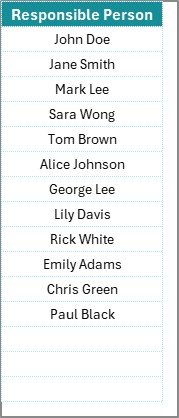
👥 Responsible Person Drop-down
A smart drop-down list allows you to assign tasks quickly
Keeps accountability crystal clear
Pulls from the “List Sheet” to ensure consistent naming
📄 List Sheet – Manage Accountability
Houses all names of team members responsible for safety tasks
Used to generate dropdowns automatically in the checklist sheet
Keeps assignments structured and clean
📦 What’s Inside the Health and Safety Planner Checklist
Your Excel file includes:
✅ Main Checklist Sheet – Log and monitor all health and safety tasks
✅ Progress Summary – View overall status with visual feedback
✅ List Sheet Tab – Centralized control of responsible persons
✅ Status Icons – Quickly mark tasks as completed (✔) or not completed (✘)
This is more than a checklist. It’s a complete planning and tracking system designed to minimize workplace risk and maximize safety compliance.
🛠️ How to Use the Product
📥 Download and open the template in Microsoft Excel
📝 Add safety tasks in the Checklist Sheet
👤 Assign responsibilities using the dropdown linked to the List Sheet
📅 Set deadlines and use the Status column to track progress
🧾 Update the sheet regularly to stay on top of your safety game
📊 Monitor the progress bar to quickly gauge task completion rate
Simple, effective, and action-driven!
👥 Who Can Benefit from This Product
🏭 Manufacturing Units – Manage high-risk safety protocols
🏢 Corporate Offices – Track building safety, fire drills, and health routines
🏫 Educational Institutions – Ensure campus safety for staff and students
🏗️ Construction Sites – Maintain real-time safety compliance
🛍️ Retail Stores – Track safety measures across outlets
🧰 Facilities Managers – Streamline operational safety tasks
👩💼 HR & Admin Teams – Promote a safety-first culture
This checklist is for any team that takes workplace safety seriously!
🔗 Click here to read the Detailed blog post
🎥 Visit our YouTube channel to learn step-by-step video tutorials
👉 YouTube.com/@PKAnExcelExpert
Watch the step-by-step video tutorial:
Compatibility and Requirements
- Works in Microsoft Excel desktop (Excel 2016 or later, or Microsoft 365).
- The Responsible Person column is a drop-down list fed by the List Sheet. Microsoft explains drop-downs in Create a drop-down list.
Frequently Asked Questions
What does each checklist row record?
Serial number, checklist item, description, responsible person, deadline, remarks and status.
How do I mark a task as done?
Set the Status column to a check mark for completed or a cross for not completed. The totals and progress bar update.
Where do the names in the drop-down come from?
From the List Sheet. Add your team members there and they appear in the Responsible Person drop-down.
How can I see overall progress?
The top of the Checklist Sheet shows total tasks, checked tasks, crossed-off tasks and a progress bar for completion percentage.
Related Health and Safety Templates
- Health and Safety Monitoring Checklist in Excel: for routine safety inspections
- Health and Safety Tracking Checklist in Excel: tracks open safety actions
- Health and Safety Compliance Calendar in Excel: puts safety deadlines on a calendar
- Employee Health and Safety Dashboard in Excel: reports incidents and safety trends
- Health and Safety Checklist in Google Sheets: a checklist for Google Sheets users
Browse all Excel health and safety templates or the Excel checklist templates.

















Reviews
There are no reviews yet.