

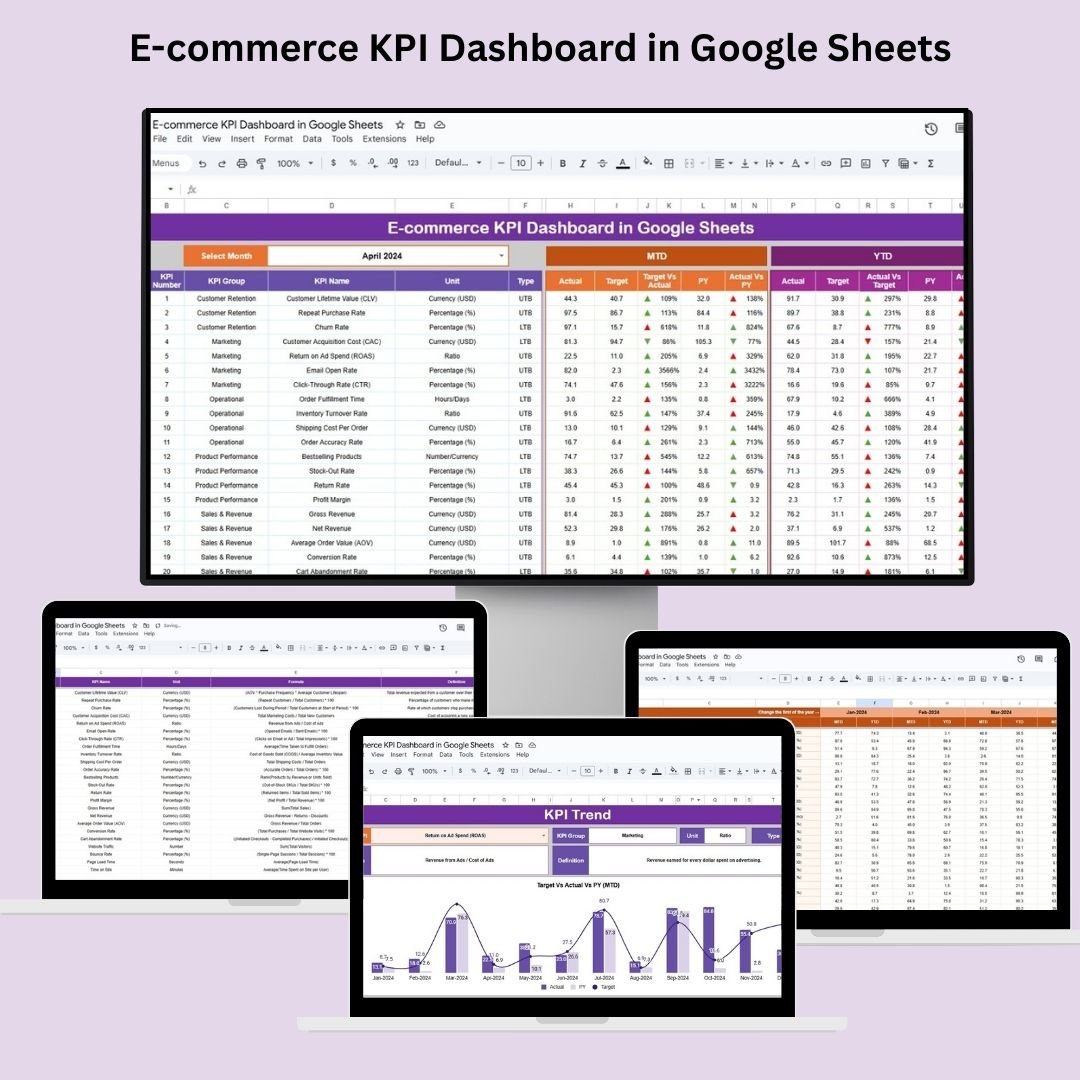
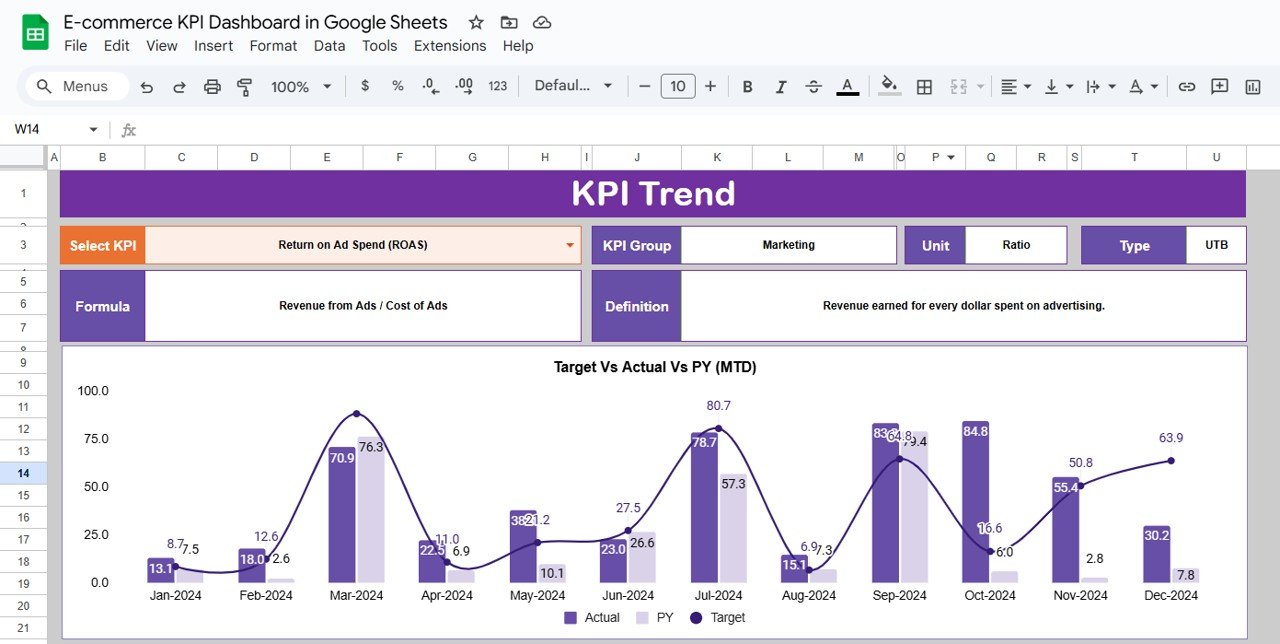
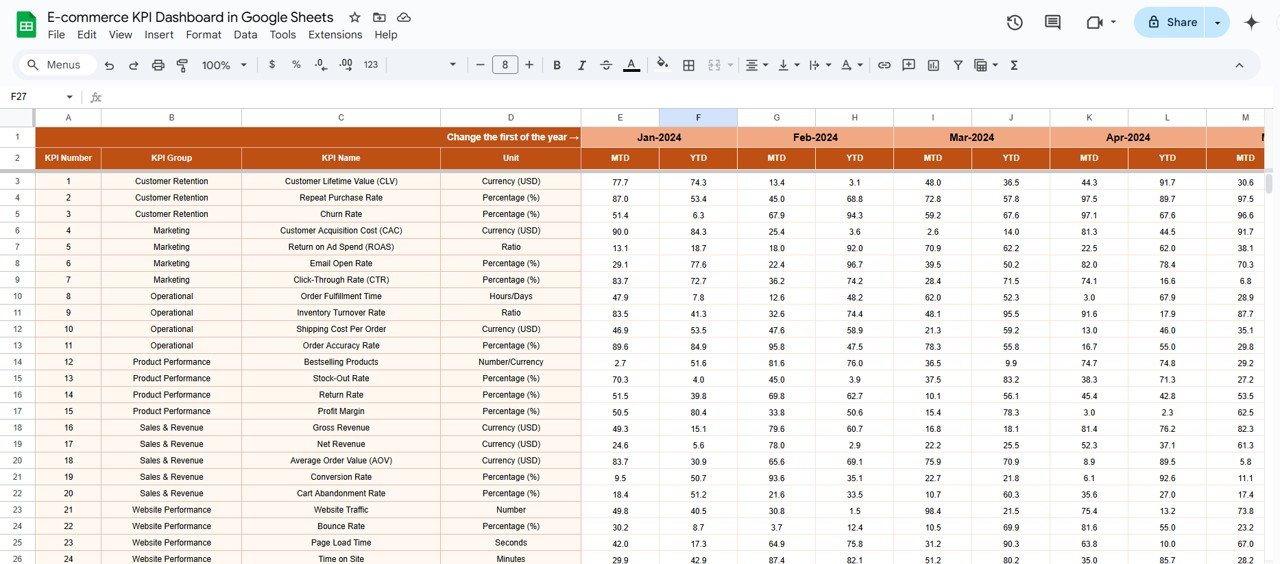
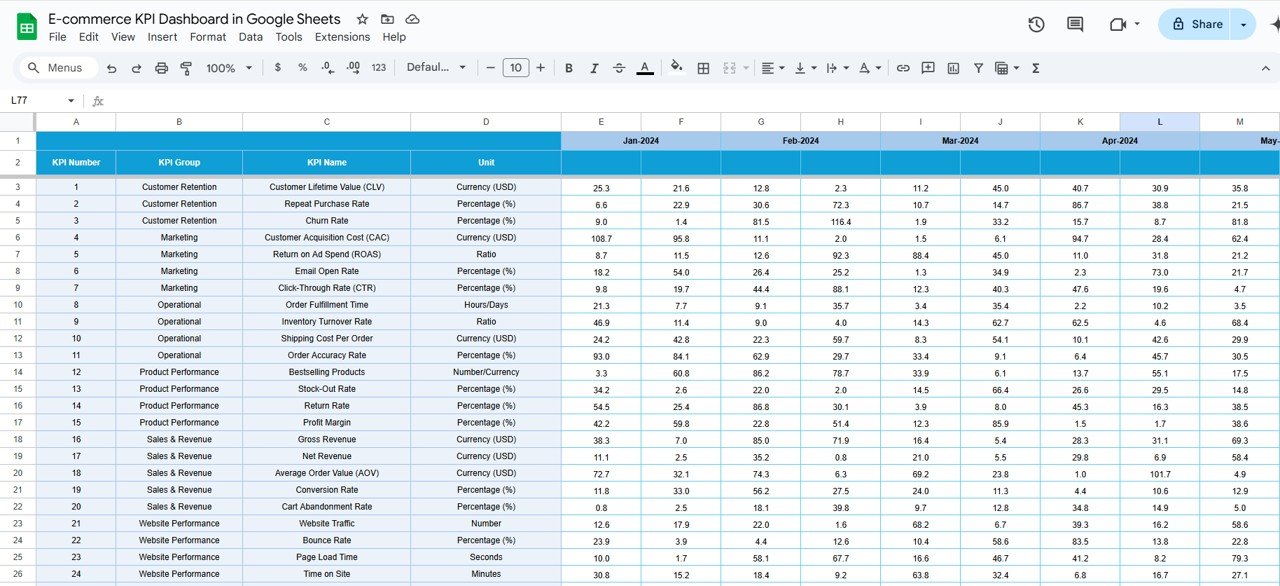
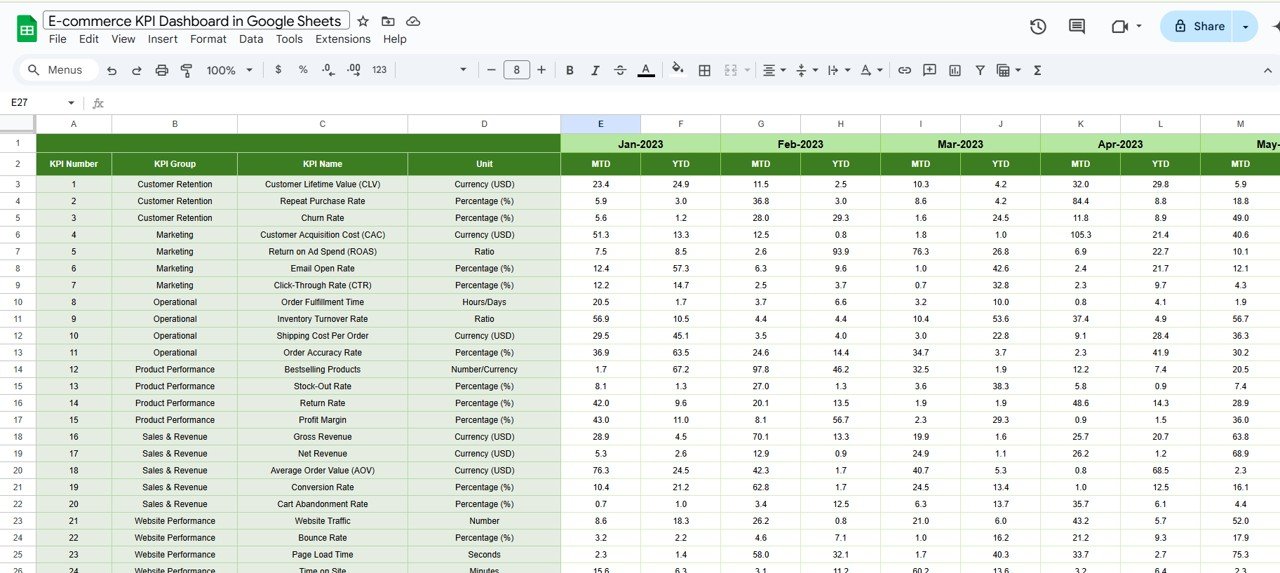
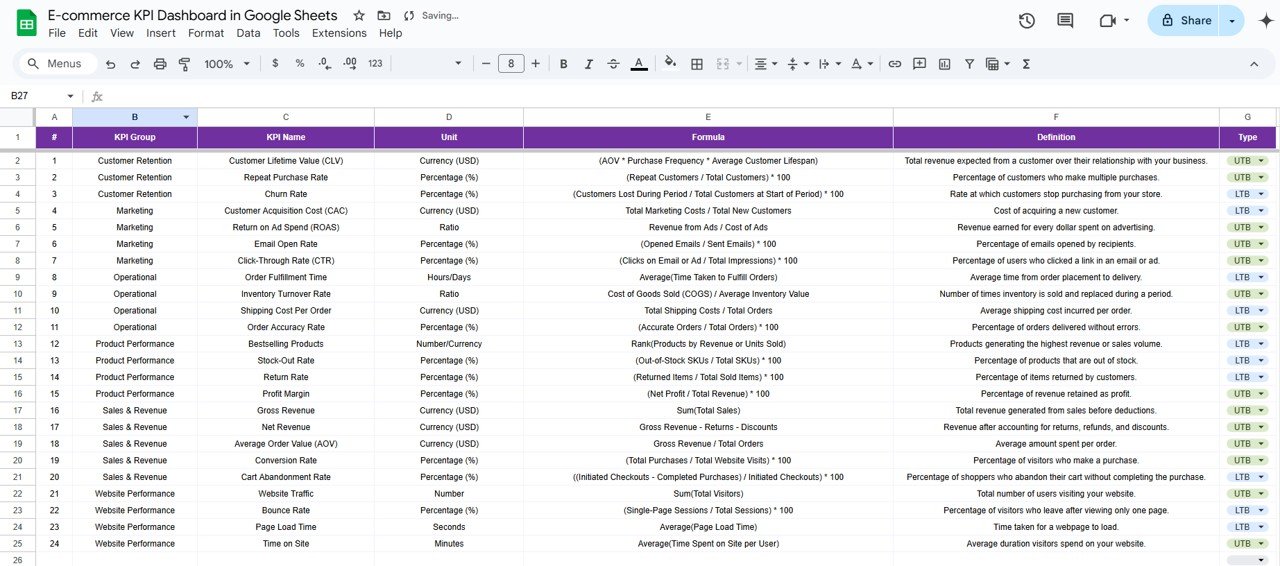

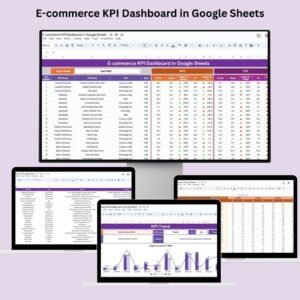
Managing an e-commerce business requires constant monitoring of key performance indicators (KPIs) to ensure growth and profitability. The E-commerce KPI Dashboard in Google Sheets is a comprehensive tool designed to help online store owners track essential metrics, analyze performance, and make data-driven decisions. With this dashboard, you can easily track your sales, customer behavior, and marketing effectiveness, helping you grow your business and stay competitive in the marketplace.
Key Features:
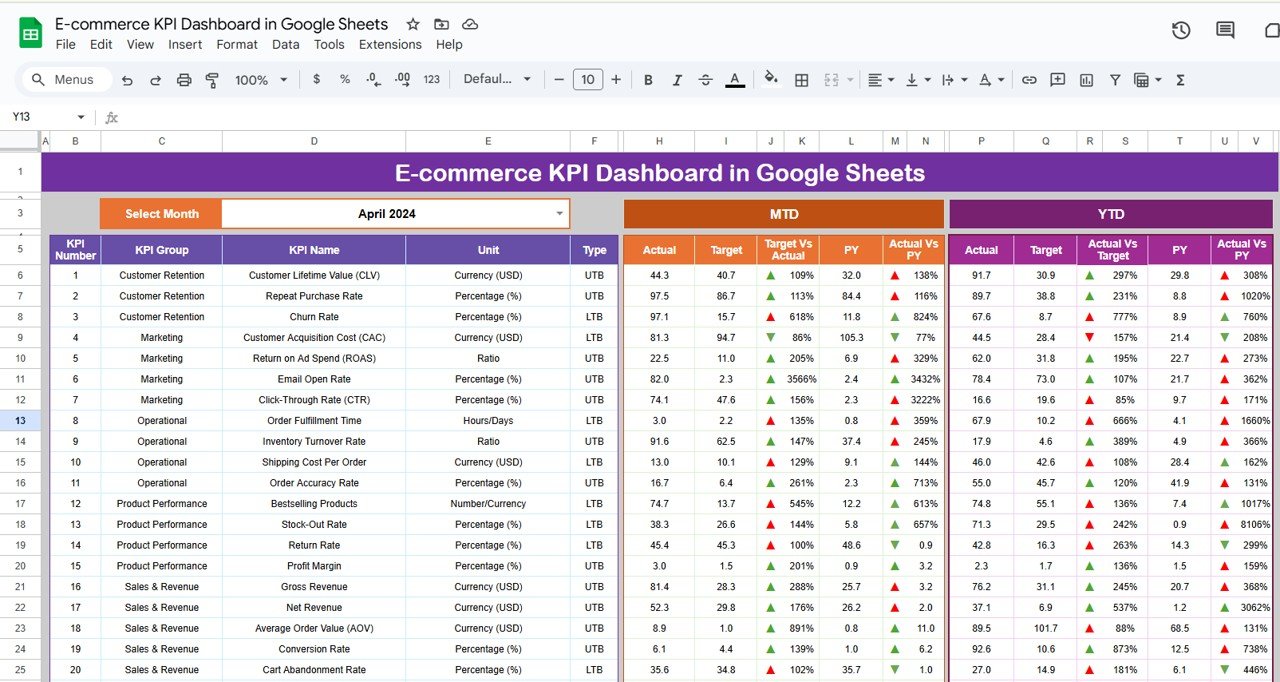
Real-Time Data Integration: Automatically update your dashboard with real-time data inputs, ensuring that your performance metrics are always current and accurate.
Customizable Metrics: Tailor the dashboard to your specific e-commerce goals, such as sales revenue, conversion rate, average order value, and customer acquisition cost. You can easily add or remove metrics based on your business needs.
Interactive Visualizations: Utilize charts, graphs, and trend lines to visualize your data. These visualizations make it easier to identify patterns, anomalies, and areas for improvement in your e-commerce operations.
User-Friendly Interface: The dashboard is designed with ease of use in mind, so you can quickly navigate and access the information you need without any complex setups or training.
Collaboration Tools: Share the dashboard with team members, stakeholders, or business partners to foster transparency and collaborative decision-making.
Benefits:
Enhanced Decision-Making: With real-time data and visualizations, you can make informed decisions that drive business growth and reduce costs.
Increased Accountability: By tracking your performance against set goals, you can ensure everyone involved in the business is held accountable for their contribution to overall success.
Resource Optimization: Identify trends and patterns in your metrics that will help you optimize marketing spend, inventory management, and customer service efforts.
Regulatory Compliance: Stay compliant with e-commerce regulations by monitoring key metrics, such as customer feedback and return rates, ensuring that your business meets required standards.
How to Use:
Access the Template: Open the provided Google Sheets template link and make a copy to your Google Drive.
Customize Metrics: Modify the existing metrics or add new ones that are aligned with your specific e-commerce goals. This flexibility allows you to tailor the dashboard to your unique business needs.
Input Data: Regularly update the dashboard with your business data to ensure it stays current and relevant.
Analyze Trends: Use the visualizations in the dashboard to identify trends and patterns in your sales, marketing campaigns, and customer behavior.
Share Insights: Share the dashboard with your team, business partners, or other stakeholders to facilitate better collaboration and decision-making.
Who Can Benefit:
E-commerce Managers: Keep track of sales performance, marketing effectiveness, and customer acquisition with a single tool that gives real-time insights.
Online Store Owners: Make data-driven decisions to grow your business by monitoring essential KPIs.
Marketing Teams: Analyze campaign performance and ROI, allowing for more effective marketing strategies.
Business Analysts: Provide actionable insights based on data from the dashboard, helping to drive improvements across the business.
By implementing the E-commerce KPI Dashboard in Google Sheets, organizations can enhance their ability to monitor performance, make informed decisions, and ultimately improve the efficiency and impact of their e-commerce strategies.
Click here to read the Detailed blog post E-commerce KPI dashboard
Visit our YouTube channel to learn step-by-step video tutorials
Youtube.com/@PKAnExcelExpert
Watch the step-by-step video Demo:
Compatibility and Requirements
- Works in Google Sheets. You need a free Google account and a web browser.
- To change or add charts, see Google’s guide Add & edit a chart or graph.
Frequently Asked Questions
Which e-commerce KPIs can I track?
You can track sales revenue, conversion rate, average order value and customer acquisition cost, and add or remove metrics.
How do I start using it?
Open the template link, make a copy to your Google Drive and enter your store data.
How is the data shown?
Charts, graphs and trend lines show patterns and areas to improve.
Can I track return rates and feedback?
Yes. You can monitor metrics such as customer feedback and return rates.
Is there an Excel version?
Yes. The E-commerce KPI Dashboard in Excel covers the same topic in Excel.
Related E-commerce Templates
- E-commerce KPI Dashboard in Excel: the same topic in Excel
- E-commerce KPI Dashboard in Power BI: the same topic in Power BI
- E-commerce KPI Scorecard In Google Sheets: score store KPIs against targets
- E-commerce KPI Scorecard in Excel: the scorecard in Excel
- Ecommerce Store Business Starter Templates Kit: a starter kit for online stores
Browse all Google Sheets KPI dashboards or the Google Sheets sales and marketing templates.

























Reviews
There are no reviews yet.