
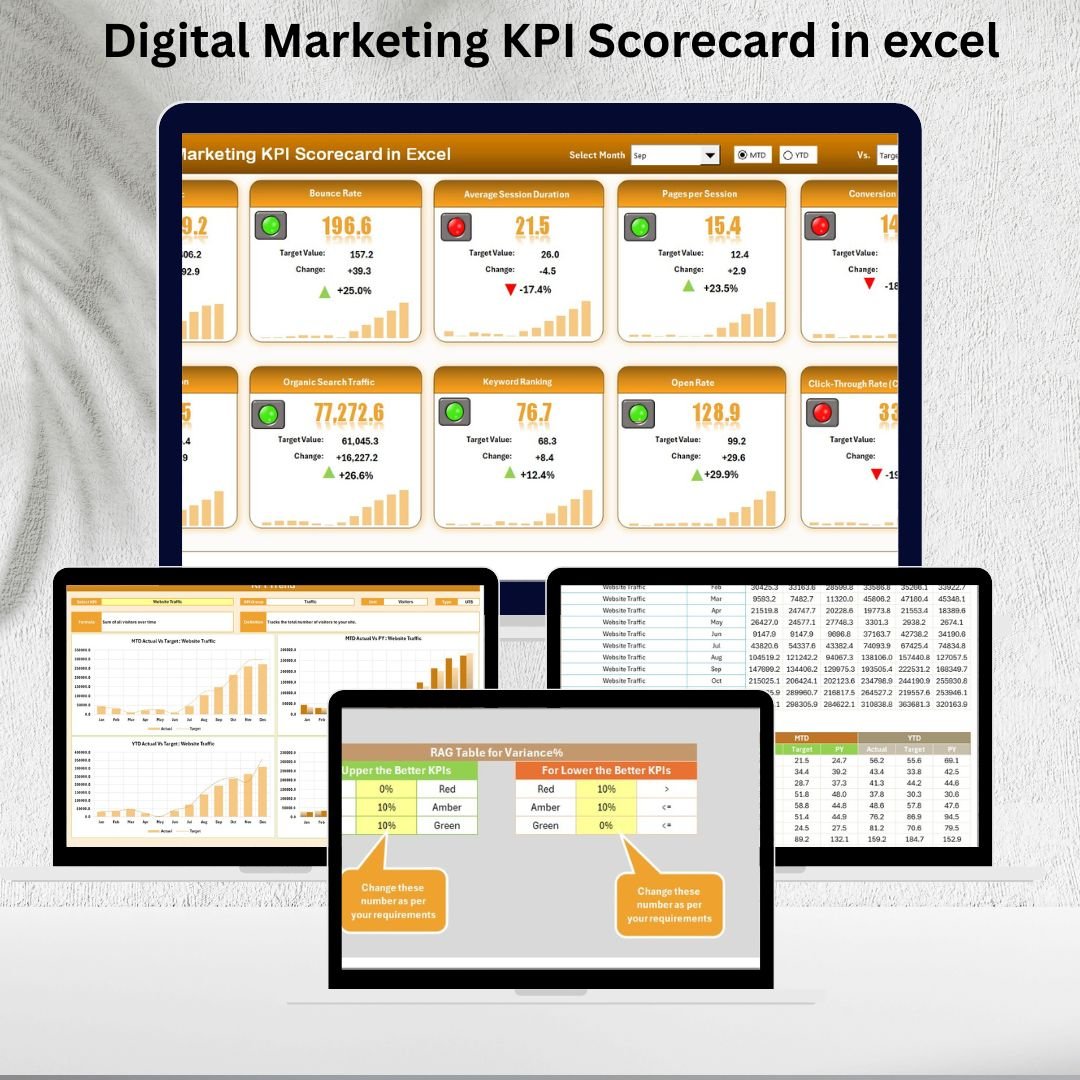

This Digital Marketing KPI Scorecard in excel ready-to-use scorecard helps marketers track KPIs, measure progress, and make data-driven decisions. Instead of relying on scattered reports, you get a centralized Excel dashboard that compares Actual vs Target values, highlights trends, and provides clear visuals.
With Excel’s flexibility, this scorecard becomes a powerful yet cost-effective performance tool for marketing teams of all sizes.
🌟 Key Features of Digital Marketing KPI Scorecard in Excel
-
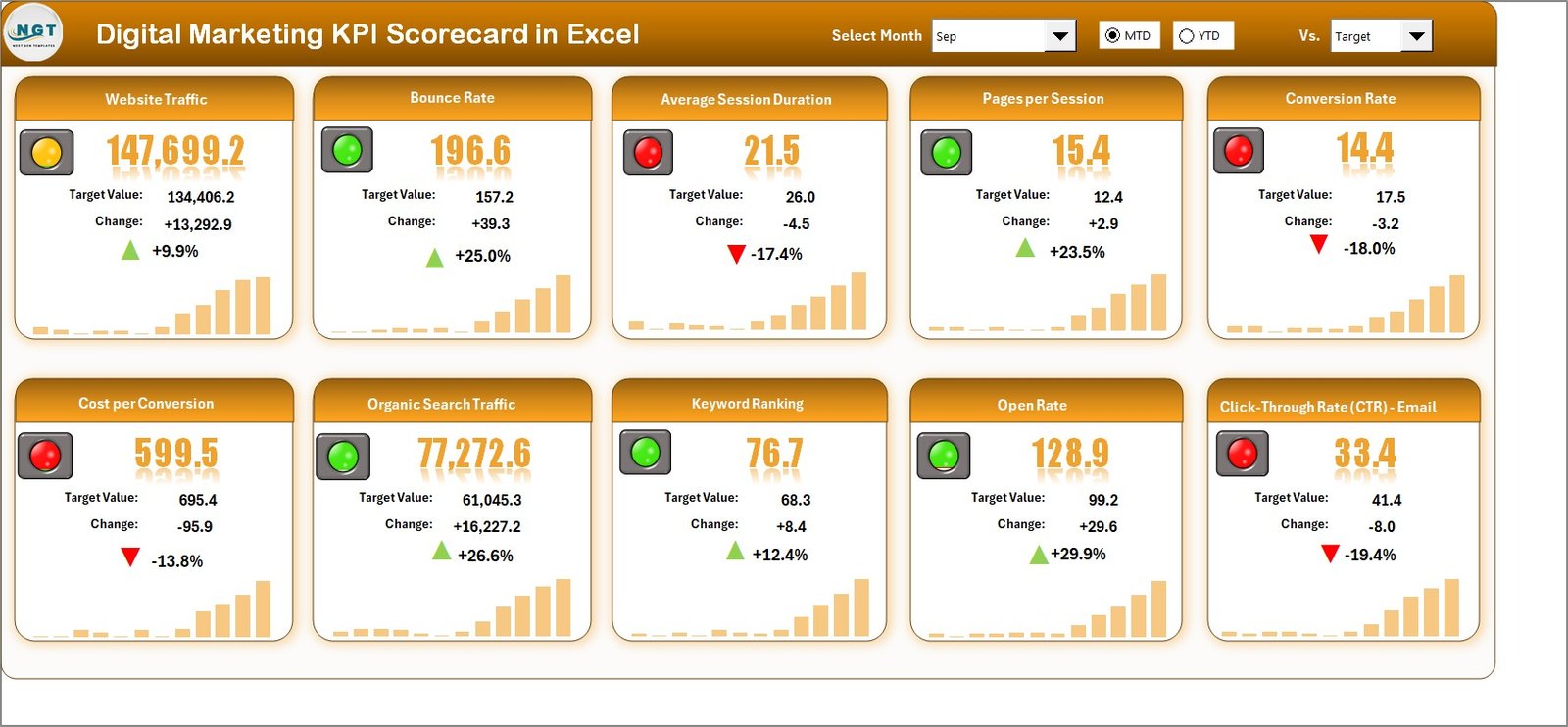
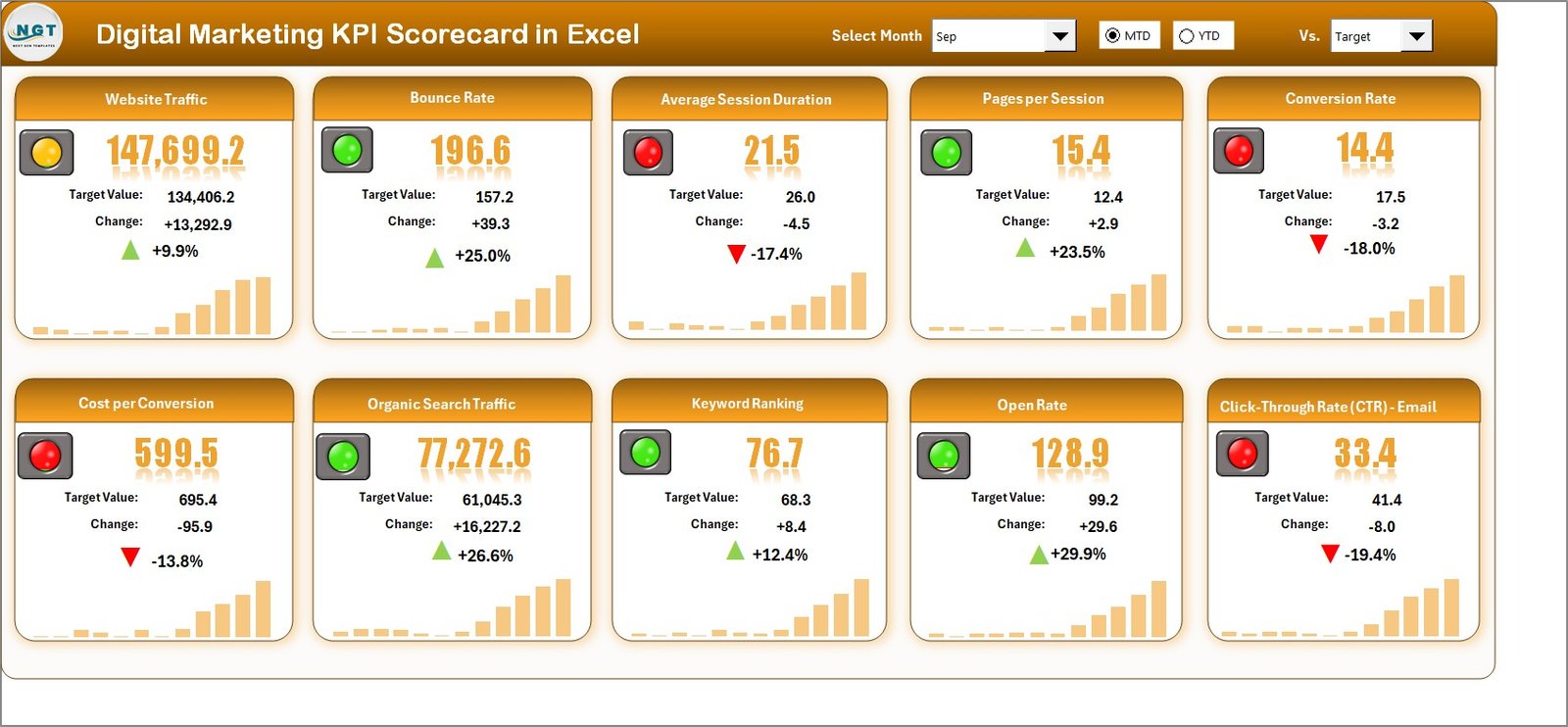
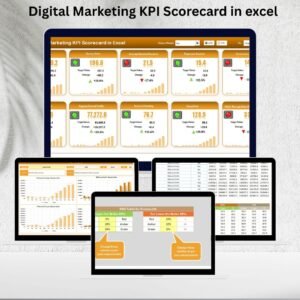
📊 Scorecard Sheet: Executive dashboard with dropdowns for Month, MTD (Month-to-Date), and YTD (Year-to-Date). Instantly compare Actual vs Target values with color-coded indicators.
-
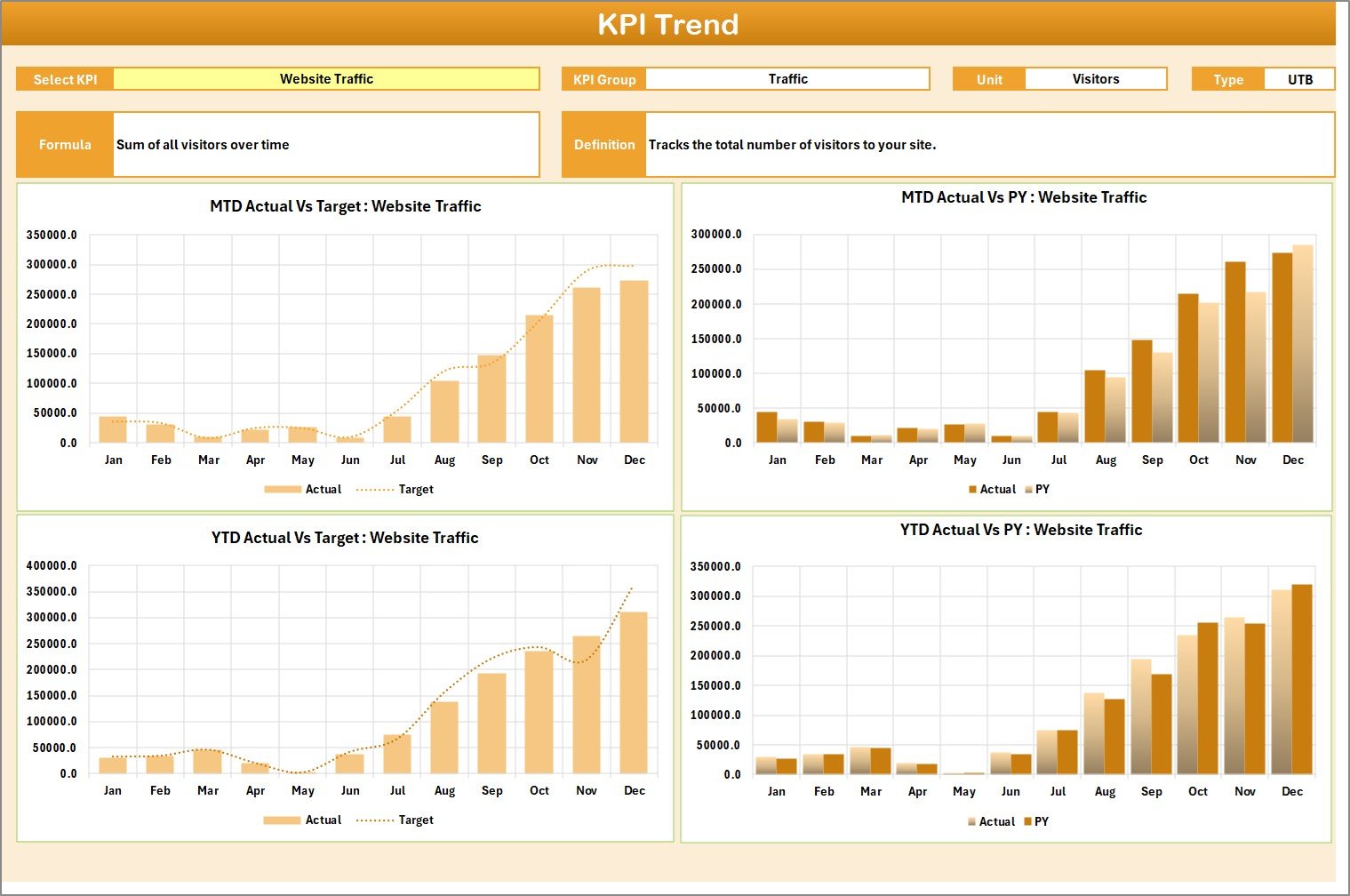
📈 KPI Trend Sheet: Drill into individual KPIs. Track patterns with charts showing Actuals vs Targets vs Previous Year. Includes KPI group, formula, unit, and type (UTB/LTB).
-
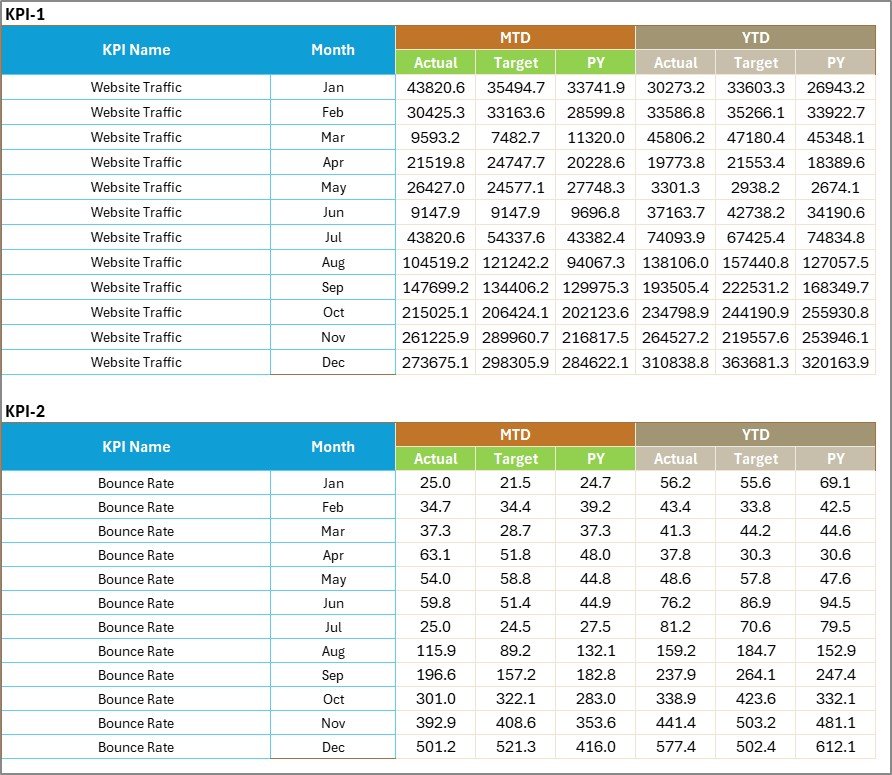
📝 Input Data Sheet: Simple data-entry sheet for monthly Actuals and Targets. Flexible enough for any marketing KPI.
-
📑 KPI Definition Sheet: Metadata hub with KPI names, units, formulas, and clear definitions. Keeps teams aligned and avoids confusion.
-
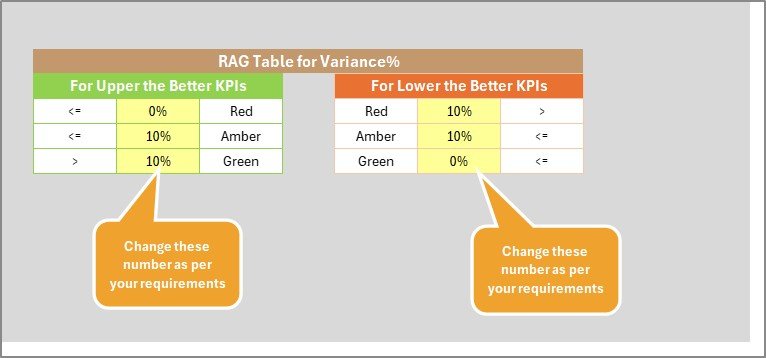
🎯 Visual Indicators: Conditional formatting, arrows, and progress bars make it easy to spot strong or weak performance.
-
⚡ Excel-Powered: Built with pivot tables, slicers, and charts—no need for extra software.
📦 What’s Inside the Digital Marketing KPI Scorecard
When you download this product, you’ll get:
-
✅ A structured Excel template with 4 dedicated sheets: Scorecard, KPI Trend, Input Data, and KPI Definition.
-
✅ Predefined fields for common marketing KPIs like traffic, engagement, conversions, CPL, ROAS, and more.
-
✅ Interactive dropdowns and conditional formatting for instant insights.
-
✅ A customizable framework you can adapt to your campaigns.
-
✅ A cost-effective solution that works for individual marketers, agencies, and businesses.
🛠 How to Use the Digital Marketing KPI Scorecard
-
Define KPIs: Start by filling in the KPI Definition sheet with the metrics that matter to your business.
-
Set Targets: Establish monthly and yearly goals for each KPI.
-
Input Actual Data: Record campaign results in the Input Data sheet.
-
Review Scorecard: Use dropdowns to compare Actual vs Target and monitor MTD/YTD progress.
-
Analyze Trends: Use the KPI Trend sheet to track growth patterns and historical comparisons.
-
Take Action: Identify weak spots, optimize campaigns, and maximize ROI.
💡 No advanced skills required—if you know Excel, you can use this scorecard!
👥 Who Can Benefit from This Scorecard
The Digital Marketing KPI Scorecard in Excel is perfect for:
-
📈 Marketing Managers: Monitor campaign ROI across channels.
-
💻 Digital Agencies: Report KPIs to clients in a professional format.
-
🛍 E-commerce Businesses: Track traffic, conversions, and ad spend efficiency.
-
📢 Social Media Teams: Measure engagement rates and campaign impact.
-
📧 Email Marketers: Track open rate, CTR, and conversions.
-
🏢 Small Businesses & Startups: Get affordable performance tracking without expensive tools.
Whether you’re tracking SEO performance, ad spend, or customer acquisition costs, this scorecard ensures you stay aligned with business goals.























Reviews
There are no reviews yet.