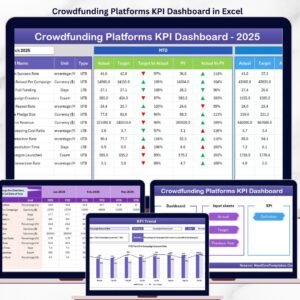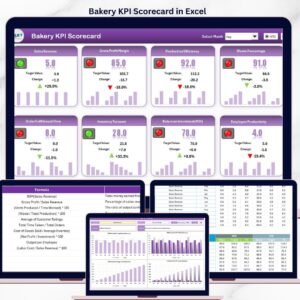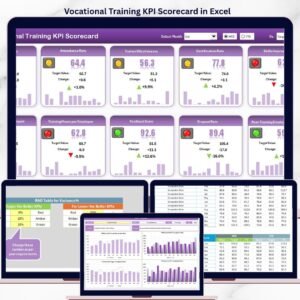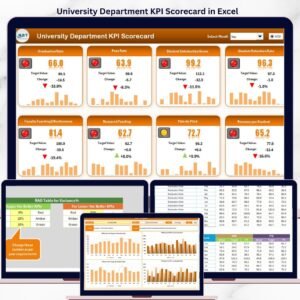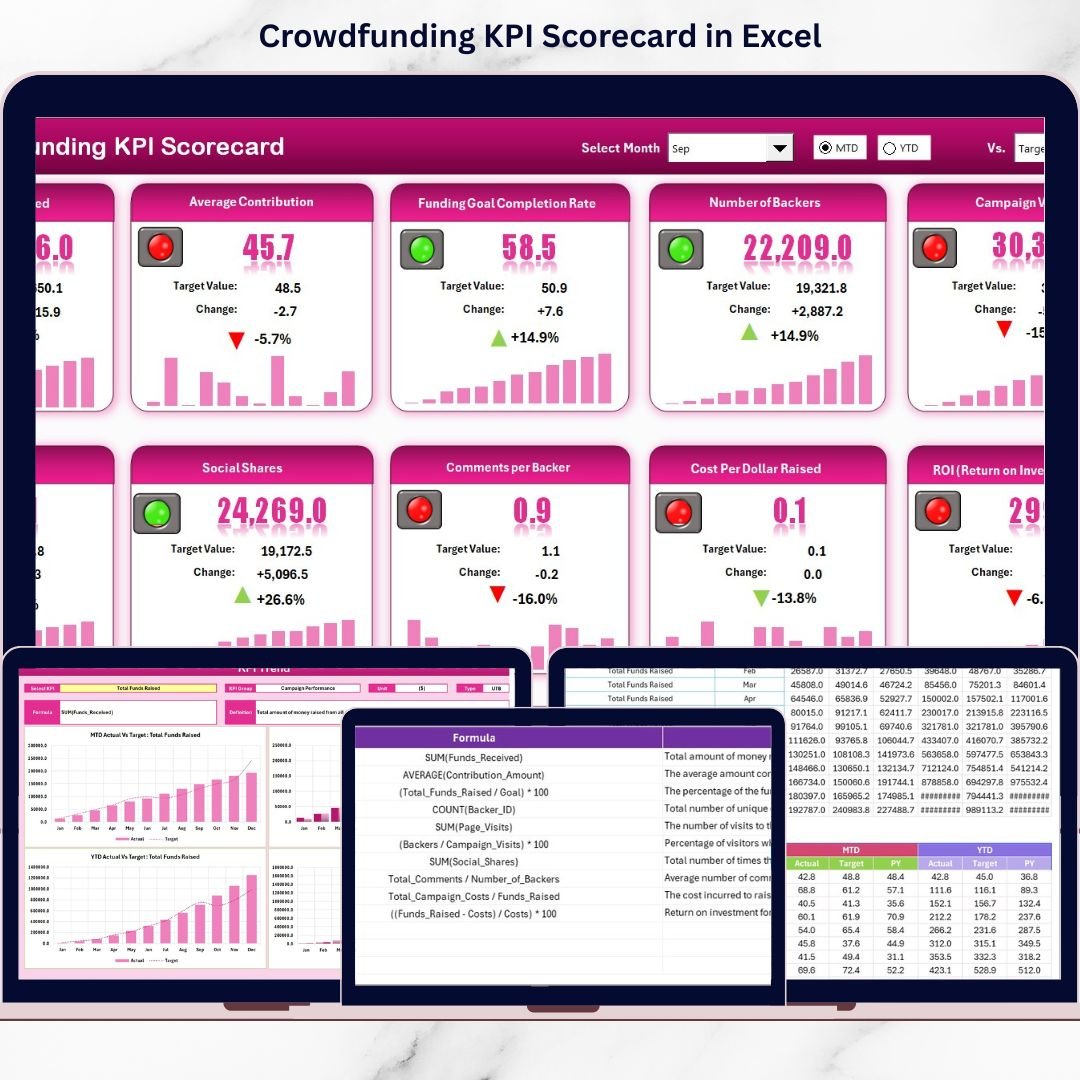

Crowdfunding platforms operate in a highly competitive and data-driven environment. Campaign success depends on multiple factors such as funding progress, backer engagement, conversion rates, and goal achievement. Crowdfunding KPI Scorecard in Excel However, many teams still rely on scattered reports, manual tracking, or basic spreadsheets that fail to provide a clear performance picture.
Crowdfunding KPI Scorecard in Excel That is exactly where the Crowdfunding KPI Scorecard in Excel becomes a powerful and practical solution.
This ready-to-use Excel scorecard helps crowdfunding teams track, analyze, and compare KPIs in a structured and visual way. Instead of guessing campaign performance, you get a centralized Excel dashboard that shows MTD (Month-to-Date), YTD (Year-to-Date), Target vs Actual, and Previous Year comparisons—all in one place.
Designed for simplicity and speed, this Excel scorecard works without macros and requires no advanced Excel skills. As a result, teams can focus on decision-making rather than data preparation.
🔑 Key Features of Crowdfunding KPI Scorecard in Excel
📅 Dynamic Month Selection – Analyze performance by selecting Month, MTD, or YTD
🎯 Actual vs Target Comparison – Instantly identify over-performance or gaps
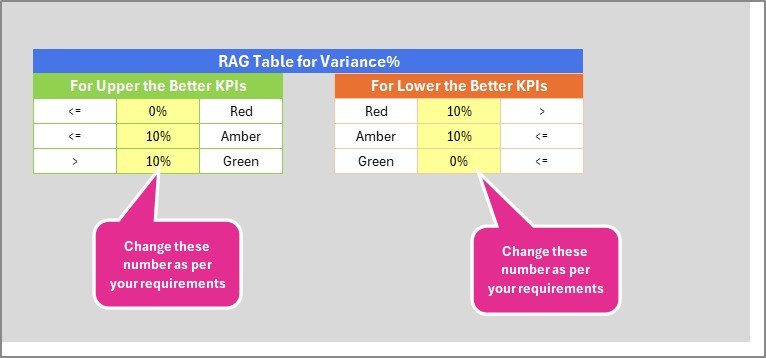
📊 Visual Performance Indicators – Color-coded indicators highlight KPI status
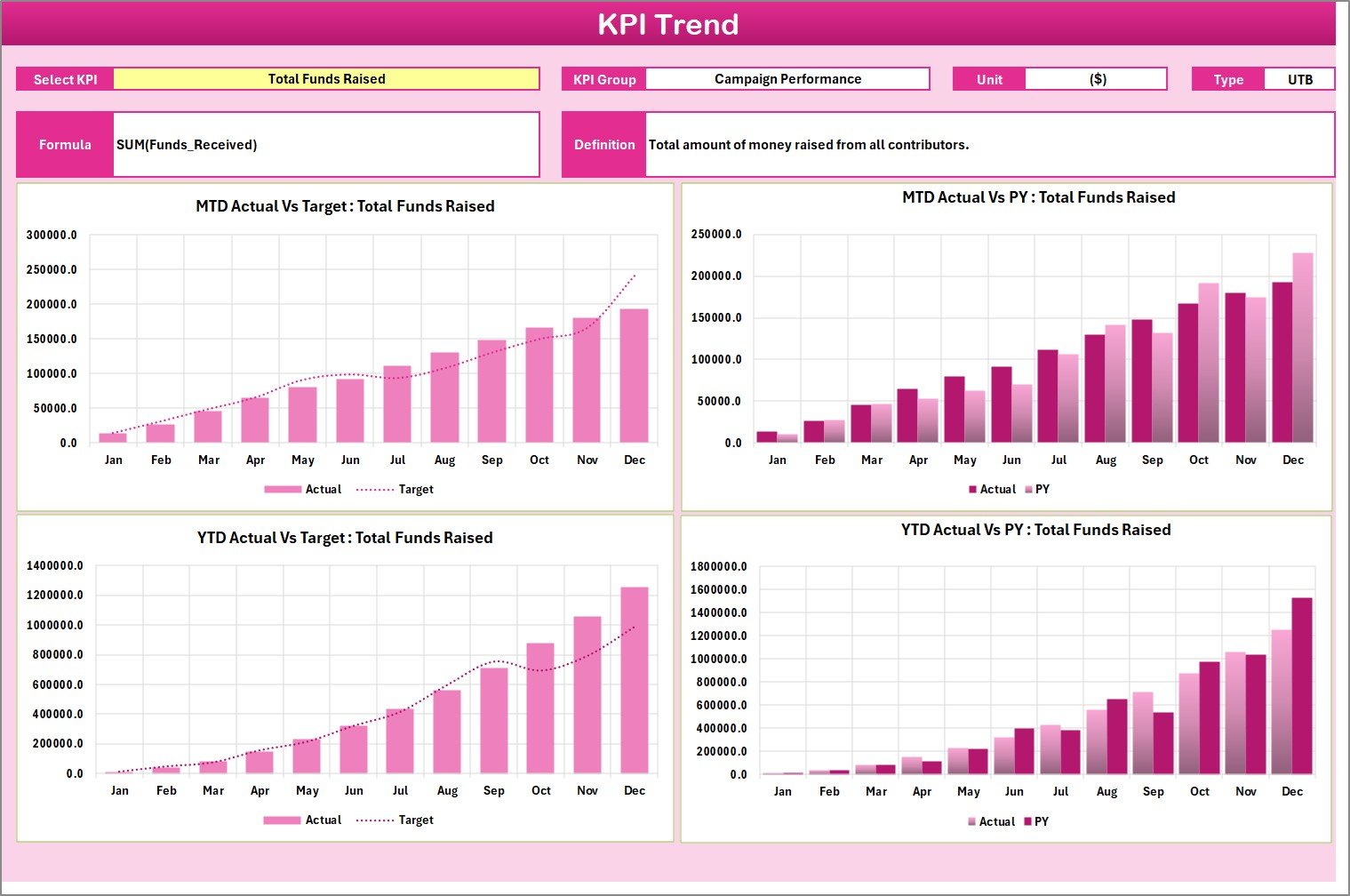
📈 Trend Analysis Charts – Track Actual, Target, and PY trends visually
📋 Comprehensive KPI Details – View KPI group, unit, type, formula, and definition
🧠 LTB & UTB Logic – Supports Lower-the-Better and Upper-the-Better KPIs
🛠️ Excel-Native & Macro-Free – Safe, fast, and easy to use
📂 Well-Structured Worksheets – Clean design for long-term usage
📂 What’s Inside the Crowdfunding KPI Scorecard
This Excel scorecard includes four professionally structured worksheets; each designed for a specific purpose.
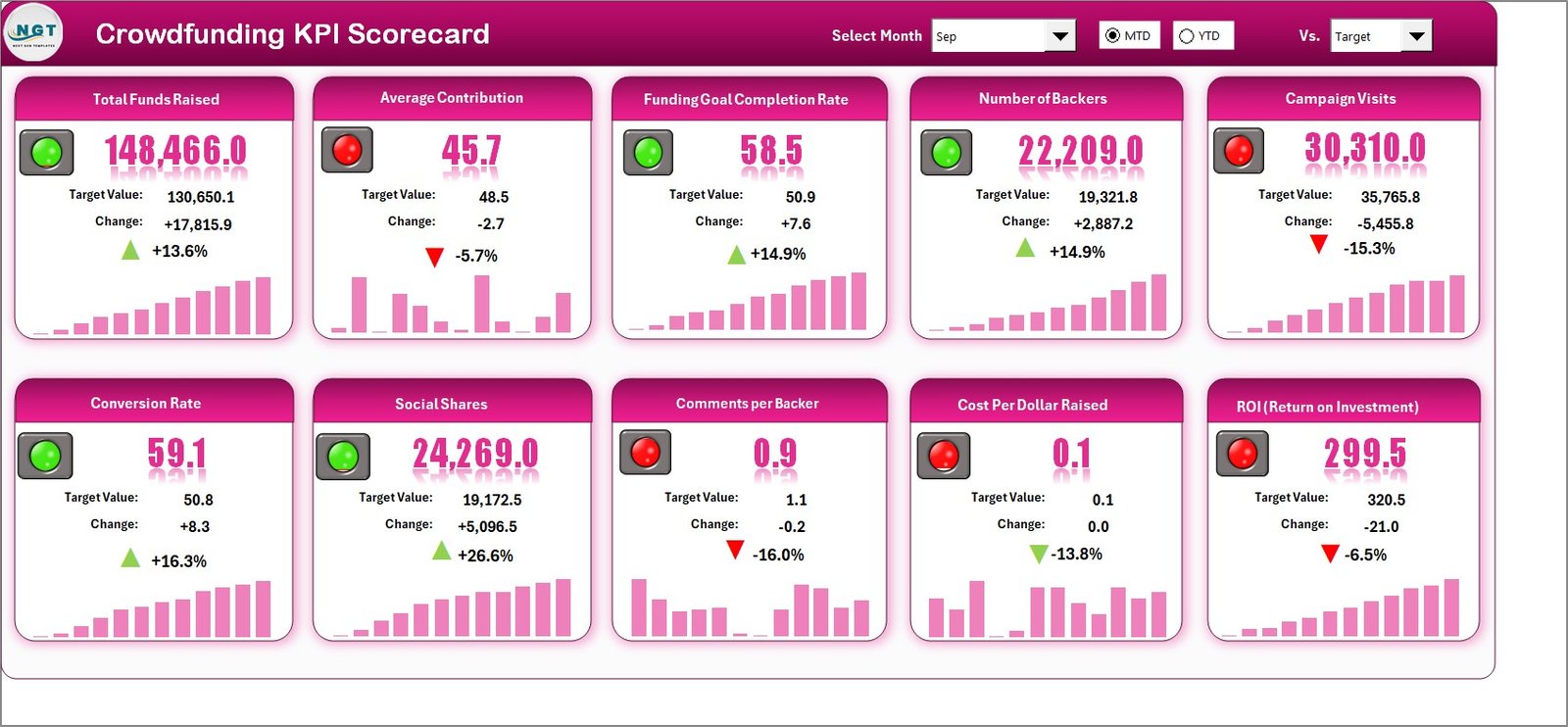
📄 Scorecard Sheet (Main Dashboard)
This is the primary performance view. Here, users can:
Select Month, MTD, or YTD from dropdowns
Compare Actual vs Target values
View visual indicators for KPI status
Analyze overall KPI performance at a glance
📄 KPI Trend Sheet
This sheet helps users analyze individual KPIs in depth. You can:
Select a KPI name from a dropdown
View KPI Group, Unit, Type (LTB/UTB), Formula, and Definition
Analyze MTD and YTD trend charts for Actual, Target, and Previous Year values
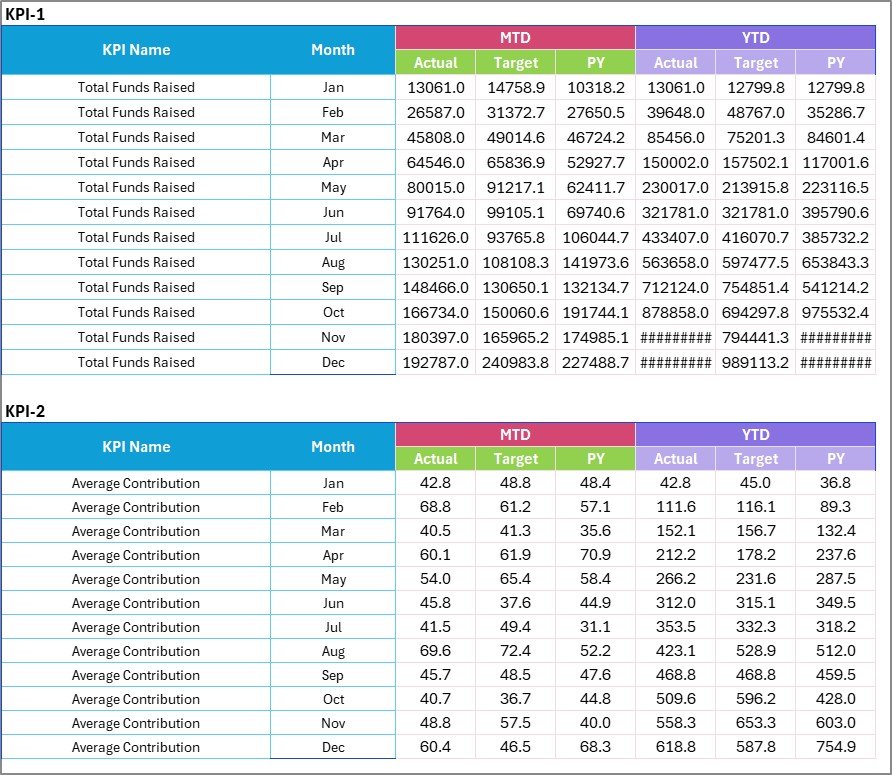
📄 Input Data Sheet
This is where all KPI data is entered.
Record Actual values, Targets, and other metrics
Update data easily as new results come in
Keep the scorecard always up to date
📄 KPI Definition Sheet
This sheet acts as a KPI dictionary.
Define KPI Name, Group, Unit, Formula, and Description
Maintain consistency and clarity across reporting
🧭 How to Use the Crowdfunding KPI Scorecard in Excel
Using this scorecard is simple and intuitive:
1️⃣ Enter KPI definitions in the KPI Definition sheet
2️⃣ Update KPI Actuals and Targets in the Input Data sheet
3️⃣ Select Month, MTD, or YTD in the Scorecard
4️⃣ Review performance indicators and comparisons
5️⃣ Use the Trend sheet for deeper KPI analysis
Because everything updates automatically, you always get accurate and real-time insights.
👥 Who Can Benefit from This Crowdfunding KPI Scorecard
This Excel scorecard is ideal for:
🚀 Crowdfunding Platform Managers
📊 Campaign Performance Analysts
💼 Startup Founders & Entrepreneurs
📢 Marketing & Growth Teams
🧾 Finance & Reporting Teams
🏢 Crowdfunding Consultants
If you manage or analyze crowdfunding campaigns, this tool gives you complete performance clarity.
🔗 Click here to read the Detailed Blog Post
🎥 Visit our YouTube channel to learn step-by-step video tutorials