

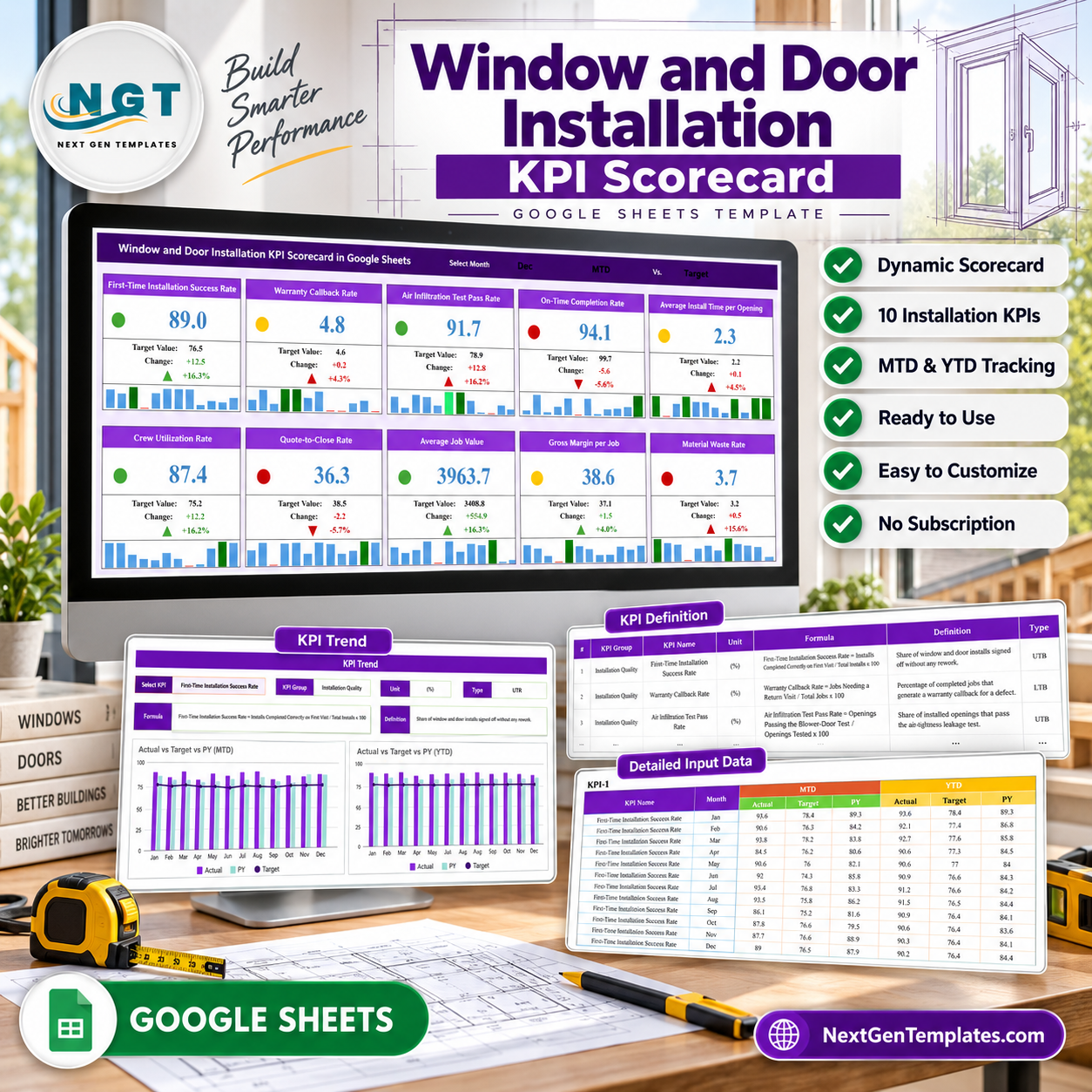

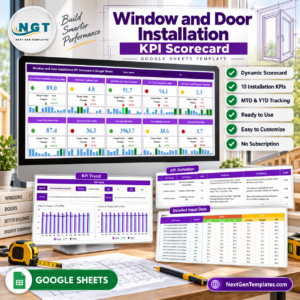
10 installation KPIs, 4 business groups, 12 months, and 720 MTD/YTD data points fit into one editable Google Sheets scorecard. The Window and Door Installation KPI Scorecard in Google Sheets compares actual results with targets or prior year, handles both upper-is-better and lower-is-better metrics, and turns each KPI into a red, amber, or green card. It is a one-time purchase with no subscription, add-on, or per-user seat charge. All formulas, definitions, and inputs remain visible for review.
Key Features of Window and Door Installation KPI Scorecard in Google Sheets
- 10 installation KPIs: track quality, callbacks, testing, scheduling, labour, quoting, value, margin, and waste.
- MTD/YTD switch: review the selected month or the cumulative year from the same page.
- Target/PY switch: benchmark all cards against plan or prior-year performance.
- Direction-aware scoring: UTB and LTB logic treats success rates and waste or time metrics correctly.
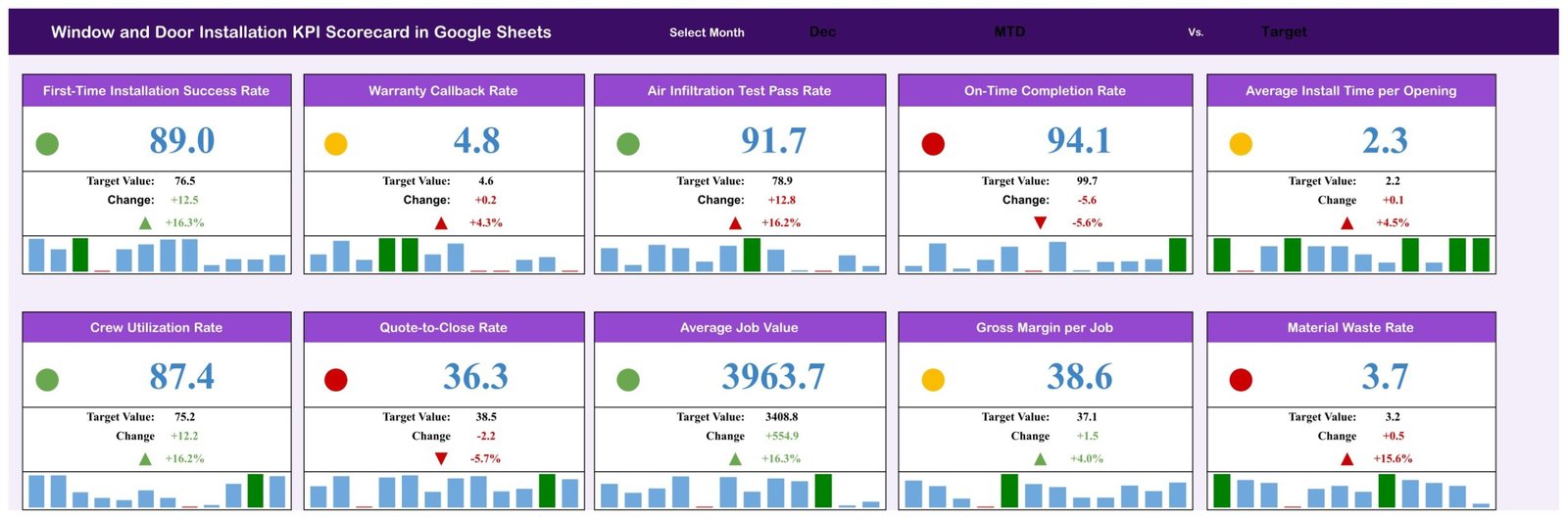
- Traffic-light cards: status dots and change arrows highlight where to investigate.
- 12-month mini charts: each card shows the shape of the year without leaving the scorecard.
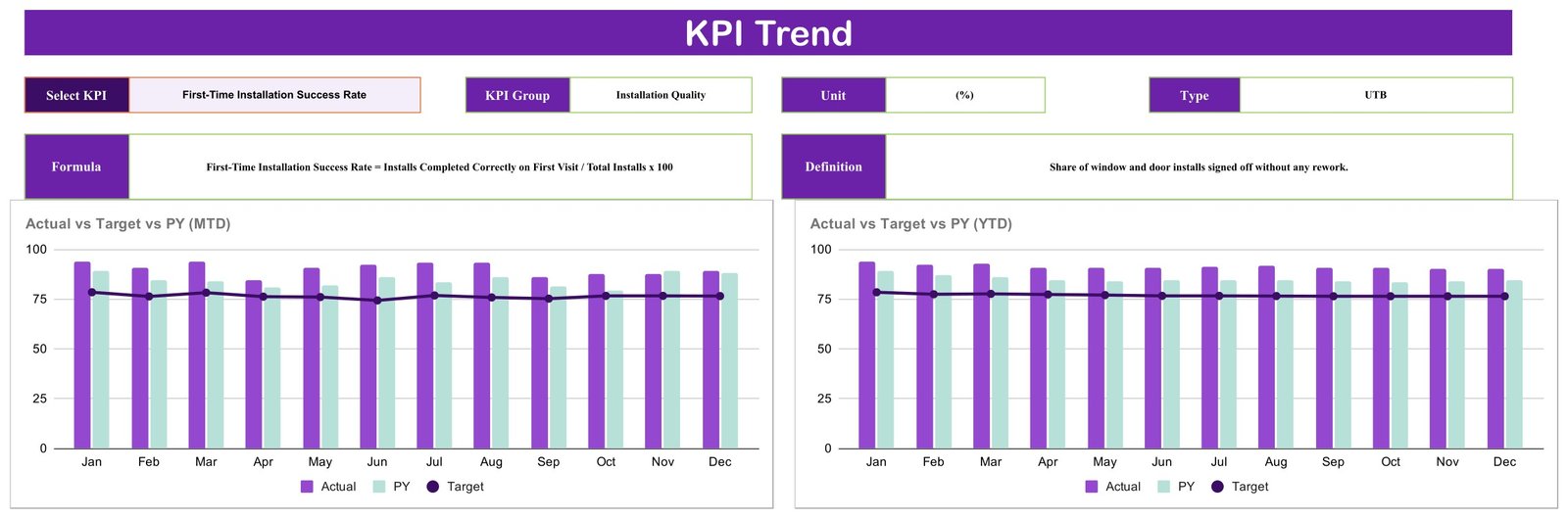
- Dedicated KPI Trend: compare Actual, Target, and PY across all months in MTD and YTD charts.
- Editable register: every KPI has a group, unit, written formula, definition, and direction.
What’s Inside the Window and Door Installation KPI Scorecard in Google Sheets
Scorecard page: ten cards show current value, comparison value, absolute and percentage change, arrow, traffic light, and twelve monthly bars. The controls select the month, MTD or YTD, and Target or PY.
KPI Trend page: choose one KPI to display its group, unit, direction, formula, and definition, then read Actual, Target, and PY by month in separate MTD and YTD charts.
KPI Definition page: the supplied metrics are First-Time Installation Success Rate, Warranty Callback Rate, Air Infiltration Test Pass Rate, On-Time Completion Rate, Average Install Time per Opening, Crew Utilization Rate, Quote-to-Close Rate, Average Job Value, Gross Margin per Job, and Material Waste Rate.

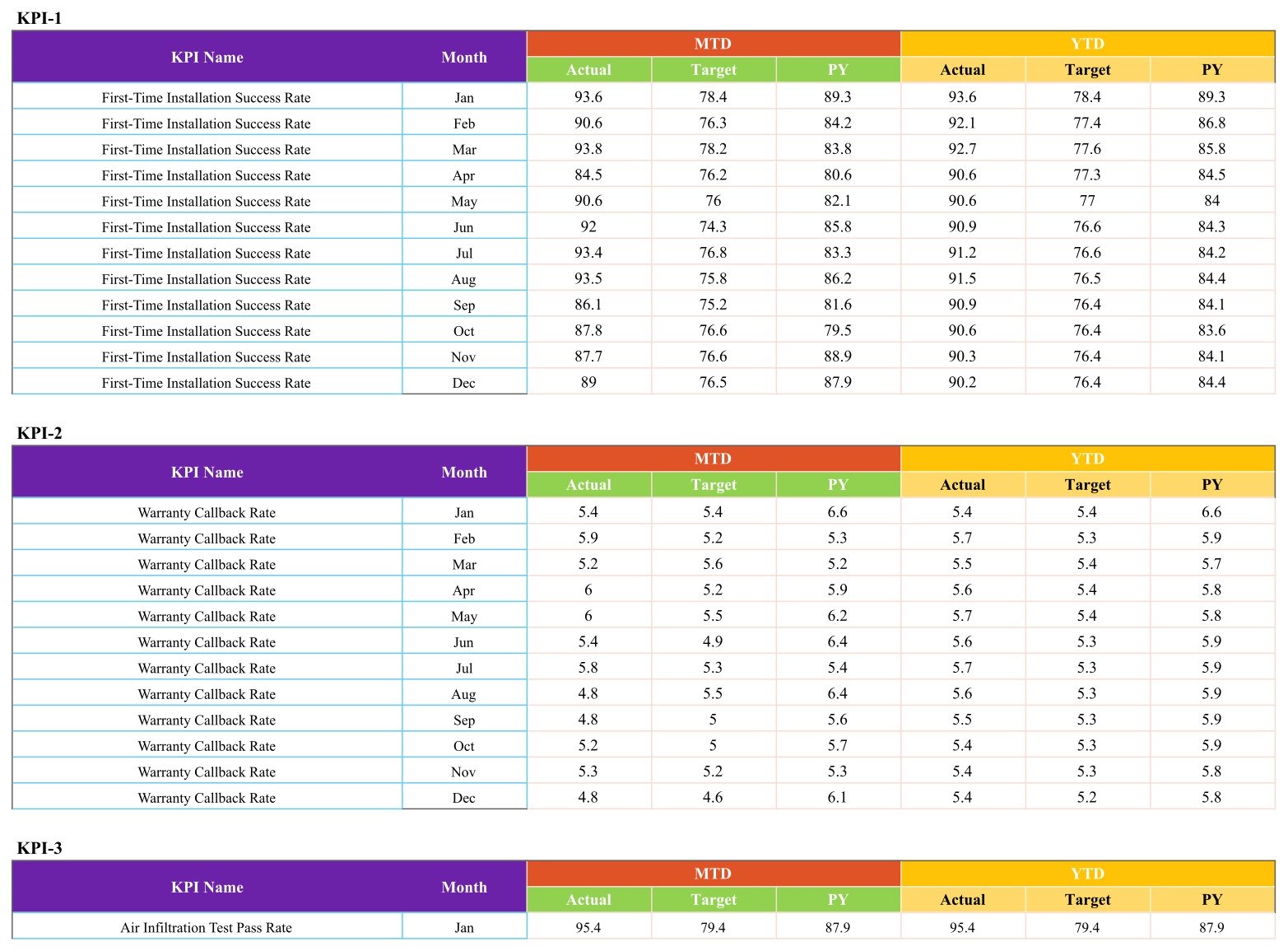
Detailed Input Data: each KPI has twelve monthly rows and six numeric fields: MTD Actual, Target, and PY plus YTD Actual, Target, and PY. The MTD and YTD values are entered separately, which keeps the model flexible but means the user owns their reconciliation.
Window and Door Installation KPI Scorecard in Google Sheets vs. Excel vs. Paid Field Service SaaS – Where This Fits
| Area | This Google Sheets scorecard | Excel scorecard | Paid field service SaaS |
|---|---|---|---|
| Cost | $8.99 one time | Template plus Microsoft 365 if needed | Recurring subscription |
| Platform | Browser and Sheets app | Excel desktop/web | Vendor web/mobile app |
| Five-user year-one cost | $8.99 total | File plus licences | Usually hundreds or more |
| Collaboration | Native link sharing | Best with OneDrive | Native, normally seat-based |
| Custom KPIs | Editable cells | Editable workbook | Plan-dependent |
| Scheduling, quoting, invoicing | No | No | Often included |
| Job-level records | No, monthly summaries | Depends on workbook | Usually yes |
| Air-test certification | No, summary KPI only | Depends on workbook | Vendor-dependent |
Who This Template Is For – and Who It’s Not For
It fits window and door installers, glazing contractors, operations managers, estimators, project coordinators, and finance leads who already have monthly totals and want a consistent management review. It also suits a consultant maintaining separate scorecards for several trade clients.
It is not estimating, takeoff, scheduling, warranty-claim, CRM, invoicing, testing, inspection, or building-code software. Air Infiltration Test Pass Rate is a user-entered summary percentage; the sheet does not perform a test, store a certificate, confirm product performance, or prove code compliance.
How to Use the Window and Door Installation KPI Scorecard in Google Sheets
- Open the downloaded PDF and use the included link to make your own Google Sheets copy.
- Review the ten KPI definitions and replace names, units, written formulas, or UTB/LTB direction if needed.
- Paste twelve months of MTD and YTD Actual, Target, and PY summaries into the input blocks.
- Select a month, choose MTD or YTD, and compare with Target or PY.
- Open KPI Trend to investigate whether a red or amber card is a one-month issue or a continuing pattern.
Real-World Use Cases
Sam, an installation manager, reviews first-time success, callbacks, air-test pass rate, on-time completion, and install time before changing crew assignments.
Meera, an estimator, compares Quote-to-Close Rate with Average Job Value to see whether higher-value proposals are reducing conversion.
Jon, an owner, reads Crew Utilization, Gross Margin per Job, and Material Waste Rate together before changing pricing or purchasing assumptions.
Frequently Asked Questions
Is this a KPI Scorecard or KPI Dashboard?
This is the 10-card KPI Scorecard family. It has a scorecard, trend page, definition register, and monthly input blocks. KPI Dashboard products are a different family with a different layout.
Do I need a paid Google account?
No. A free Google account can make, edit, and share a copy.
Can I replace the supplied KPIs?
Yes. Edit the register and matching input blocks, and set the direction correctly for every replacement metric.
Are YTD values calculated from MTD?
No. The input page contains separate MTD and YTD fields. Enter or paste both from your source reports.
Does the Air Infiltration Test Pass Rate certify installations?
No. It is only a summary number you provide. The scorecard offers no test method, certificate, technical standard, or compliance decision.
Does it connect to quoting or job software?
No. There is no integration, import, API, or automatic sync.
About the Author
Built by PK – Microsoft Certified Professional with 15+ years of Excel, Google Sheets, and Power BI experience. Founder of NextGenTemplates, reaching 300K+ subscribers across YouTube channels. Every template is hand-built and tested before release.
Explore Related Templates
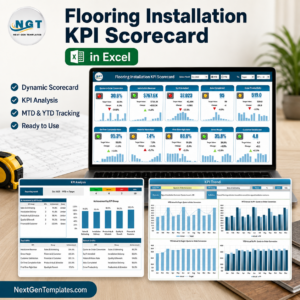
- Flooring Installation KPI Scorecard in Google Sheets – another installation scorecard.
- Fencing Contractor KPI Scorecard in Google Sheets – a published contractor companion.
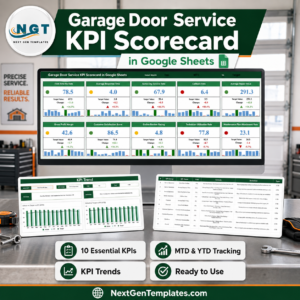
- Garage Door Service KPI Scorecard in Google Sheets – related openings and field-service work.
- Glass Installation KPI Scorecard in Google Sheets – a closely related installation trade.
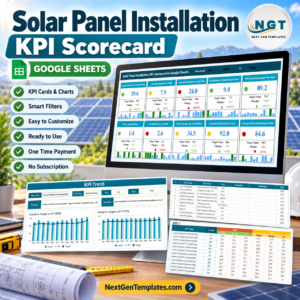
- Solar Panel Installation KPI Scorecard in Google Sheets – another installation operations template.
- Browse the Google Sheets KPI category.
Turn ten monthly installation measures into one repeatable review. Get the Window and Door Installation KPI Scorecard in Google Sheets for a one-time $8.99 sale price.
Last updated: September 5, 2026.
Watch the step-by-step video Demo:
Compatibility and Requirements
- Works in Google Sheets in a browser or the Sheets app. A free Google account is enough to make and edit your copy.
- New to Google Sheets? Google’s guide How to use Google Sheets covers the basics.


























Reviews
There are no reviews yet.