Key Features of Loan and EMI Repayment Calendar in Excel
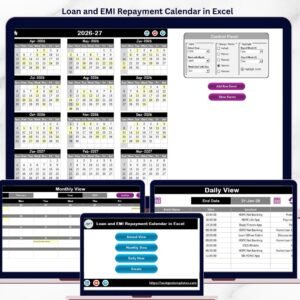
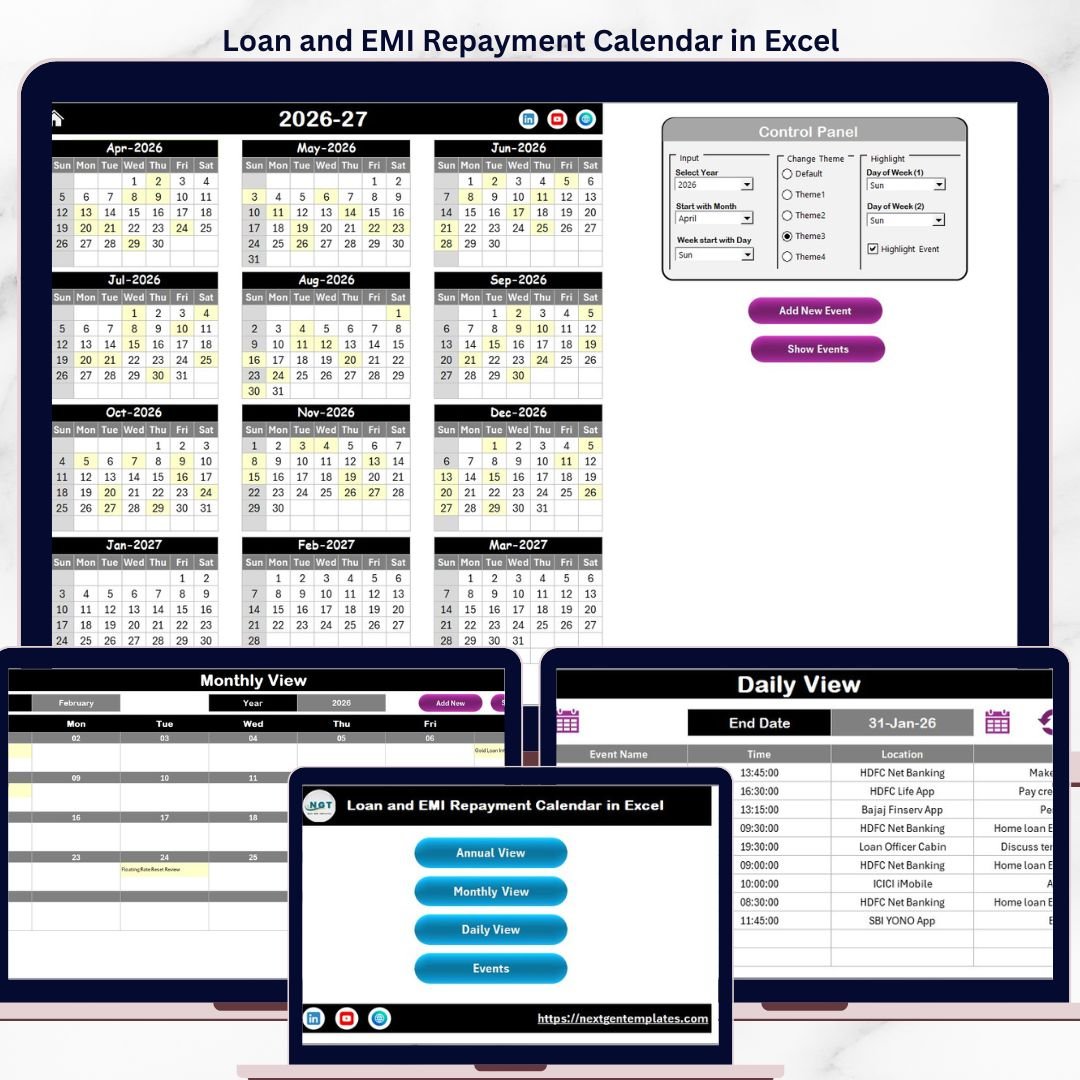
Manage your loan repayments and EMIs effortlessly with our Loan and EMI Repayment Calendar in Excel – a powerful, ready-to-use digital template designed to streamline your financial planning. This versatile Excel calendar is packed with features that help you visualize and track your loan payment schedules annually, monthly, and daily.
It includes 5 intuitive worksheets crafted to make navigation and event management simple and efficient:
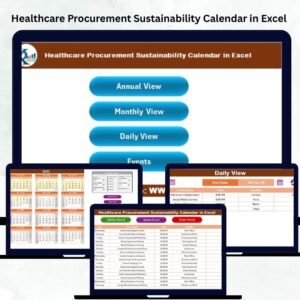
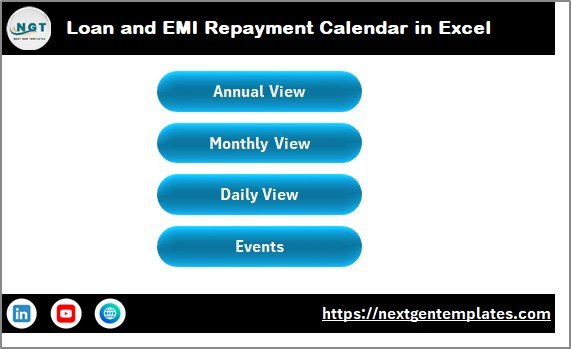
- 🏠 Home Sheet Tab: Your dashboard with easy navigation buttons for Annual View, Monthly View, Daily View, and Events.
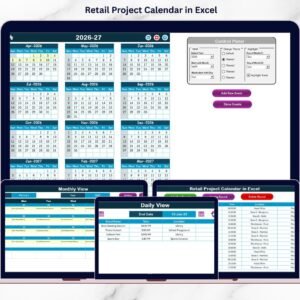
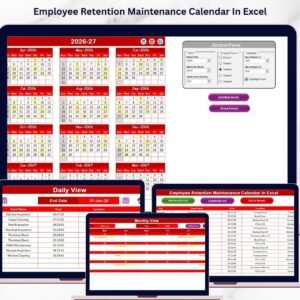
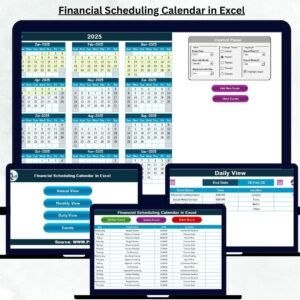
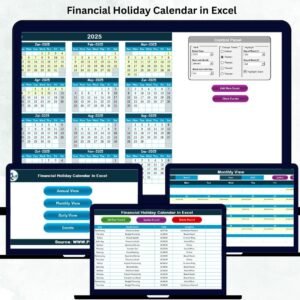
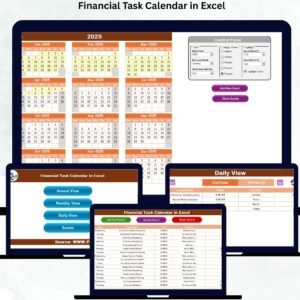
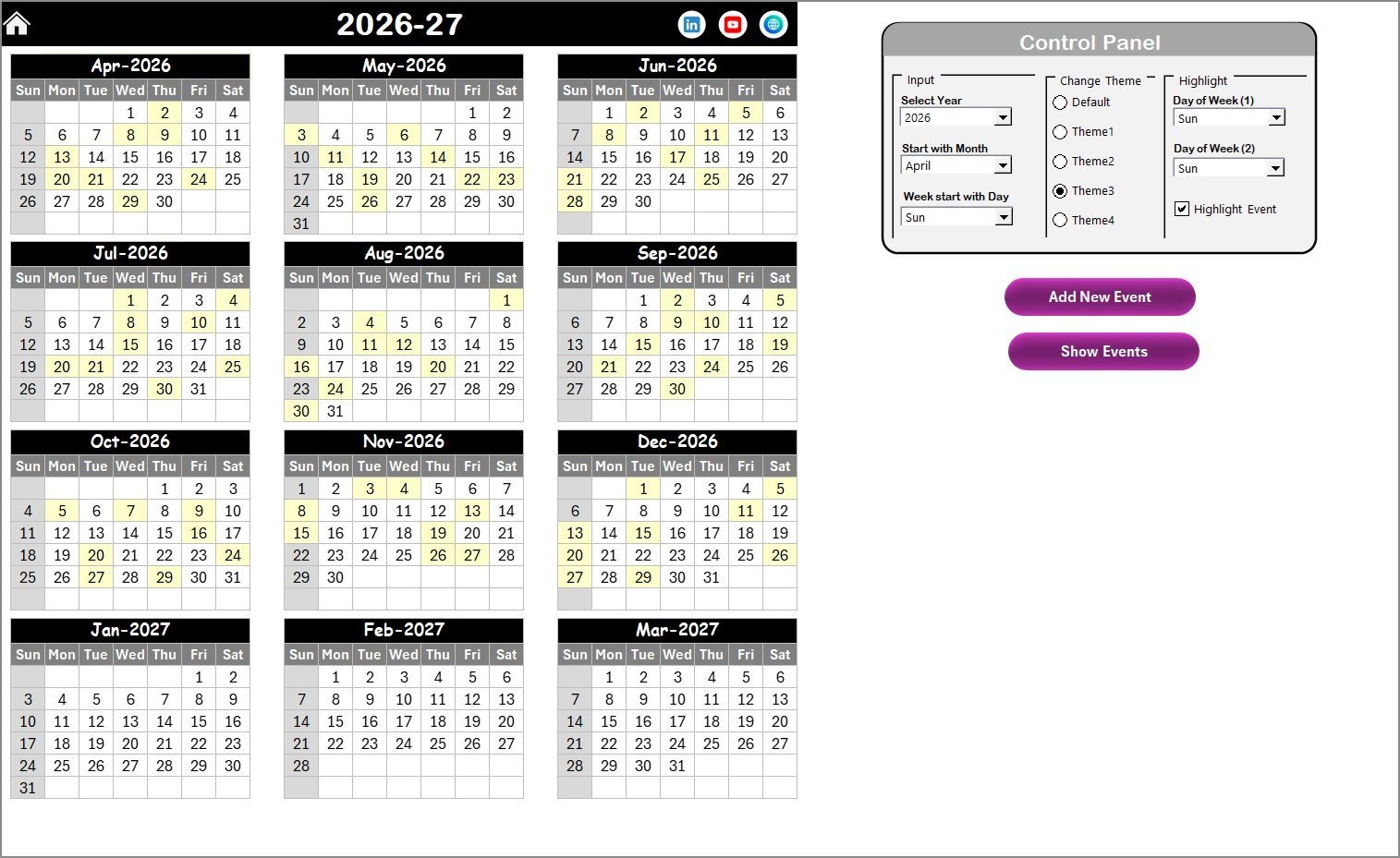
- 📅 Annual View Sheet Tab: Displays all 12 months on one page with a customizable control panel, letting you select the year, starting month, and week start day. Change color themes, highlight specific weekdays, and mark important events with a yellow highlight for quick identification.
- ➕ Add New Event Button: Quickly add events or repayments by selecting a date and filling out the form; instantly update your calendar.
- 👀 Show Event Button: View all events scheduled for any selected date, making it easy to check upcoming payments or reminders.
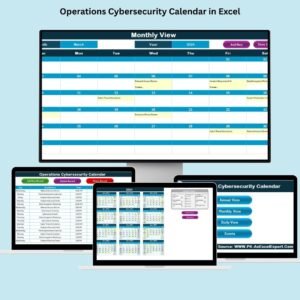
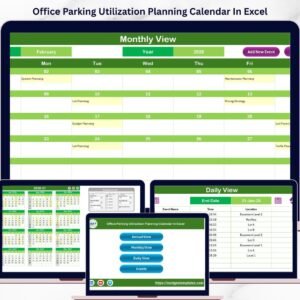
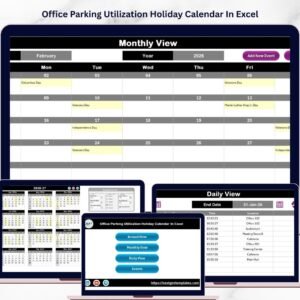
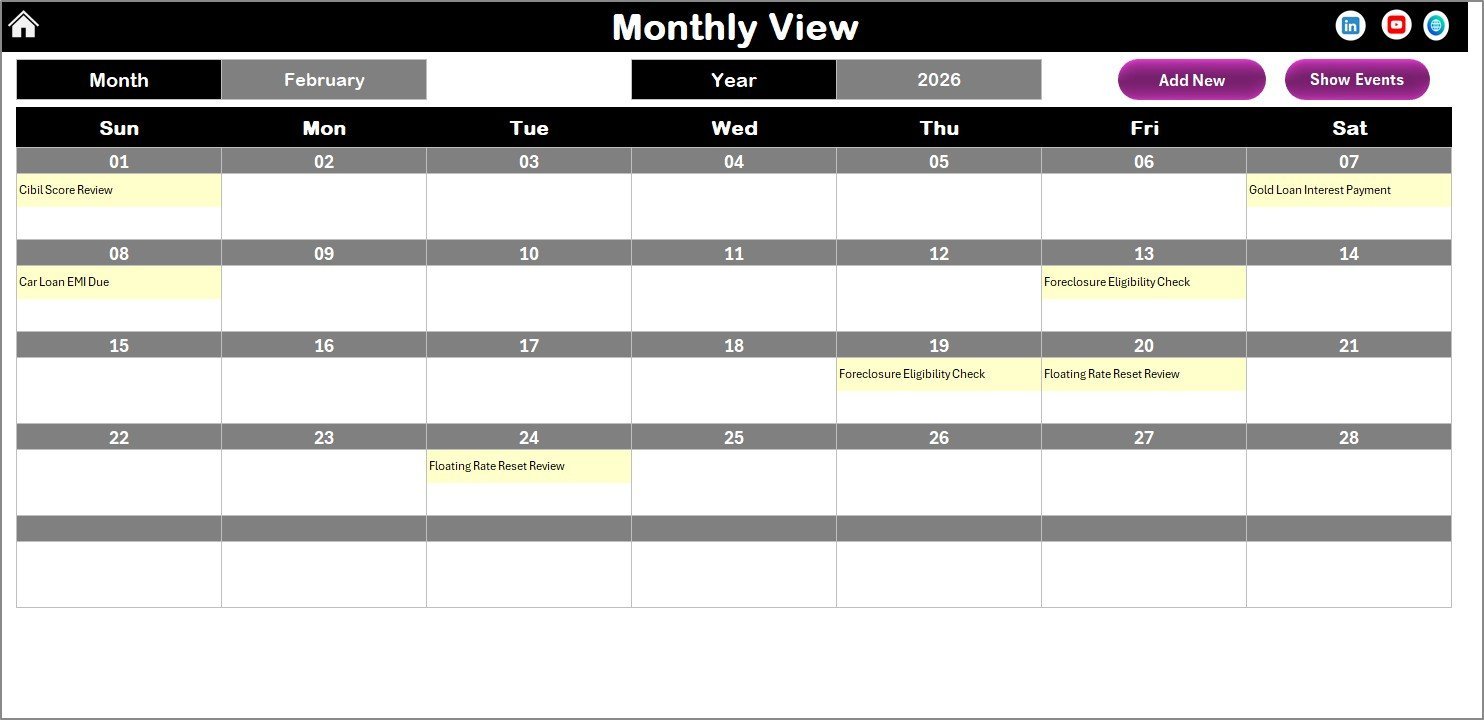
- 📆 Monthly View Sheet Tab: Focus on a single month with dynamic event display, showing one or multiple events per day. Customize the month and year to suit your needs.
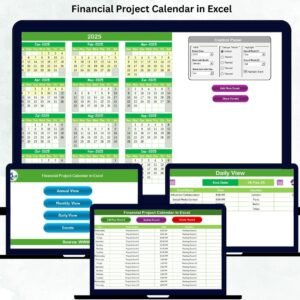
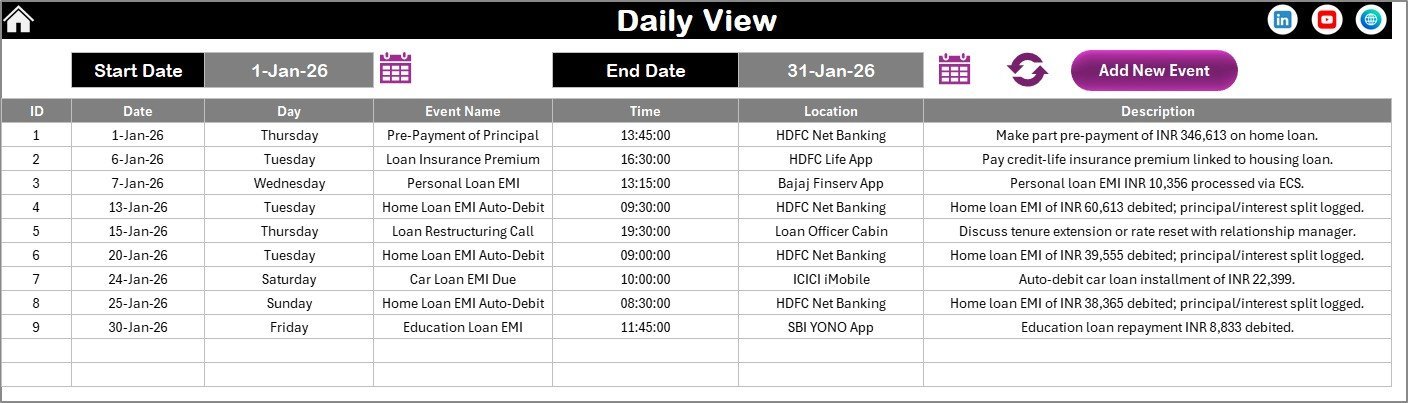
- 🗓️ Daily View Sheet Tab: Review detailed lists of events within any chosen date range. Filter by start and end dates to track your repayment schedules precisely.
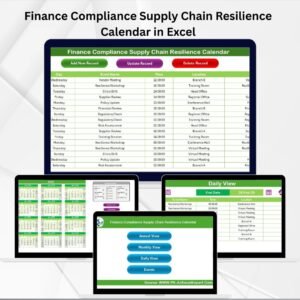
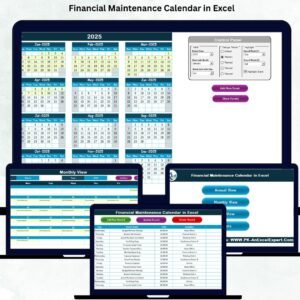
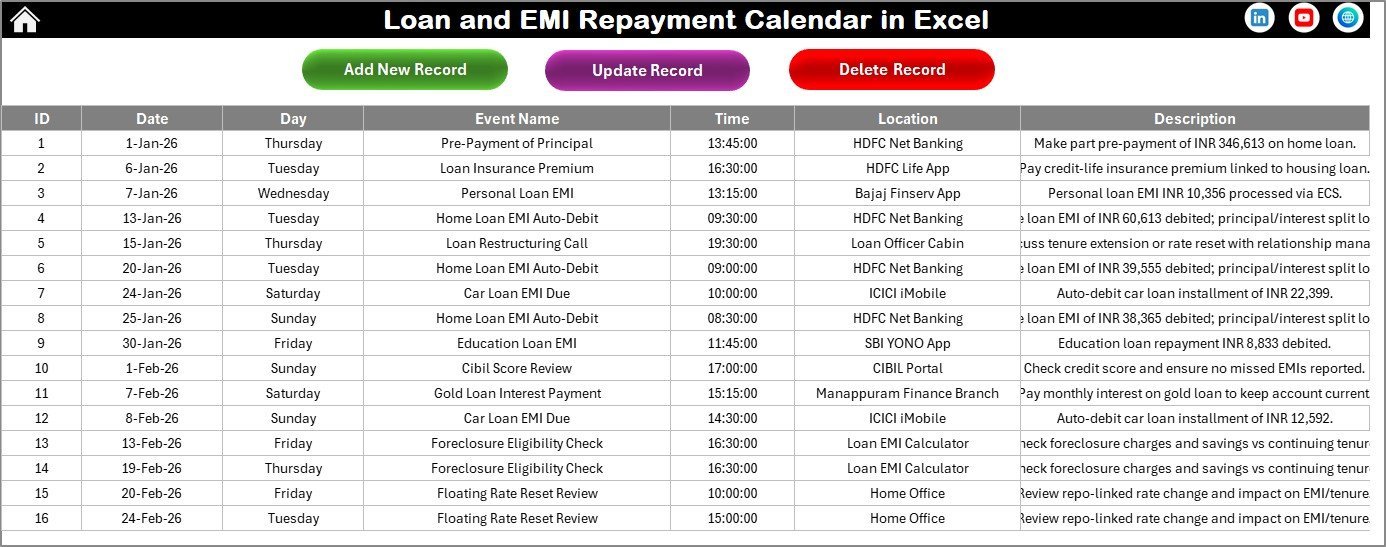
- 🗃️ Events Sheet Tab: The backend database storing all your event details such as event name, date, time, location, and description. Easily add, update, or delete records to keep your data accurate and up to date.
This calendar is designed to be user-friendly, highly customizable, and visually appealing, making your loan repayment tracking not only simple but also enjoyable.
What’s Inside the Loan and EMI Repayment Calendar in Excel
This comprehensive Excel template contains the following essential components:
- 🏠 Home Sheet: Central navigation panel with buttons to jump to all views.
- 📅 Annual View Sheet: Displays the entire year with a control panel for easy customization of year, starting month, week start day, and color themes.
- ➕ Add New Event & Show Event Buttons: Available on Annual, Monthly, and Daily views for seamless event management.
- 📆 Monthly View Sheet: Single-month display highlighting scheduled EMIs and events with easy month/year selection.
- 🗓️ Daily View Sheet: Detailed list of events over a selected date range with refresh functionality.
- 🗃️ Events Sheet: Fully editable database of all events including unique ID, date, day, event name, time, location and description.
How to Use the Loan and EMI Repayment Calendar in Excel
Getting started with this calendar is straightforward and requires no advanced Excel skills:
- 📅 Select Your View: Use the Home sheet to navigate between Annual, Monthly, Daily, or Events views according to your preference.
- 🗓️ Customize Your Calendar: In the Annual View, adjust the year, starting month, and week day to match your financial cycle.
- 🎨 Personalize Themes: Choose from 5 color themes to make your calendar visually appealing and easy to read.
- ➕ Add New Events: Select dates and click the Add New Event button to enter loan repayment details, reminders, or any financial event.
- 👁️ Review Events: Use the Show Event button to view all entries on a specific date to stay on top of your repayment schedule.
- 🔄 Update or Delete Records: In the Events sheet, you can edit or remove loan repayment events as necessary to keep your calendar accurate.
- 📈 Track Daily Details: Use the Daily View for a detailed list of repayments within any date range that you specify.
This calendar empowers you to manage your loan repayments proactively, reducing the risk of missed payments and improving financial discipline.
Who Can Benefit from This Loan and EMI Repayment Calendar in Excel
This digital product is ideal for:
- 🏦 Borrowers: Individuals managing multiple loans or EMIs who want clear visibility of their payment schedules.
- 📊 Financial Planners & Advisors: Professionals seeking an efficient tool to help clients track loan repayments.
- 💼 Small Business Owners: Who need to organize their business loans and ensure timely EMI payments.
- 🎓 Students & Professionals: Managing education loans or personal loans and wanting to stay disciplined with repayments.
- 📅 Anyone Seeking Financial Organization: Users who want to replace manual tracking with a smart, automated Excel template.
Whether you have a single loan or multiple EMIs, this calendar helps you stay informed, organized, and stress-free.
Loan and EMI Repayment Calendar in Excel
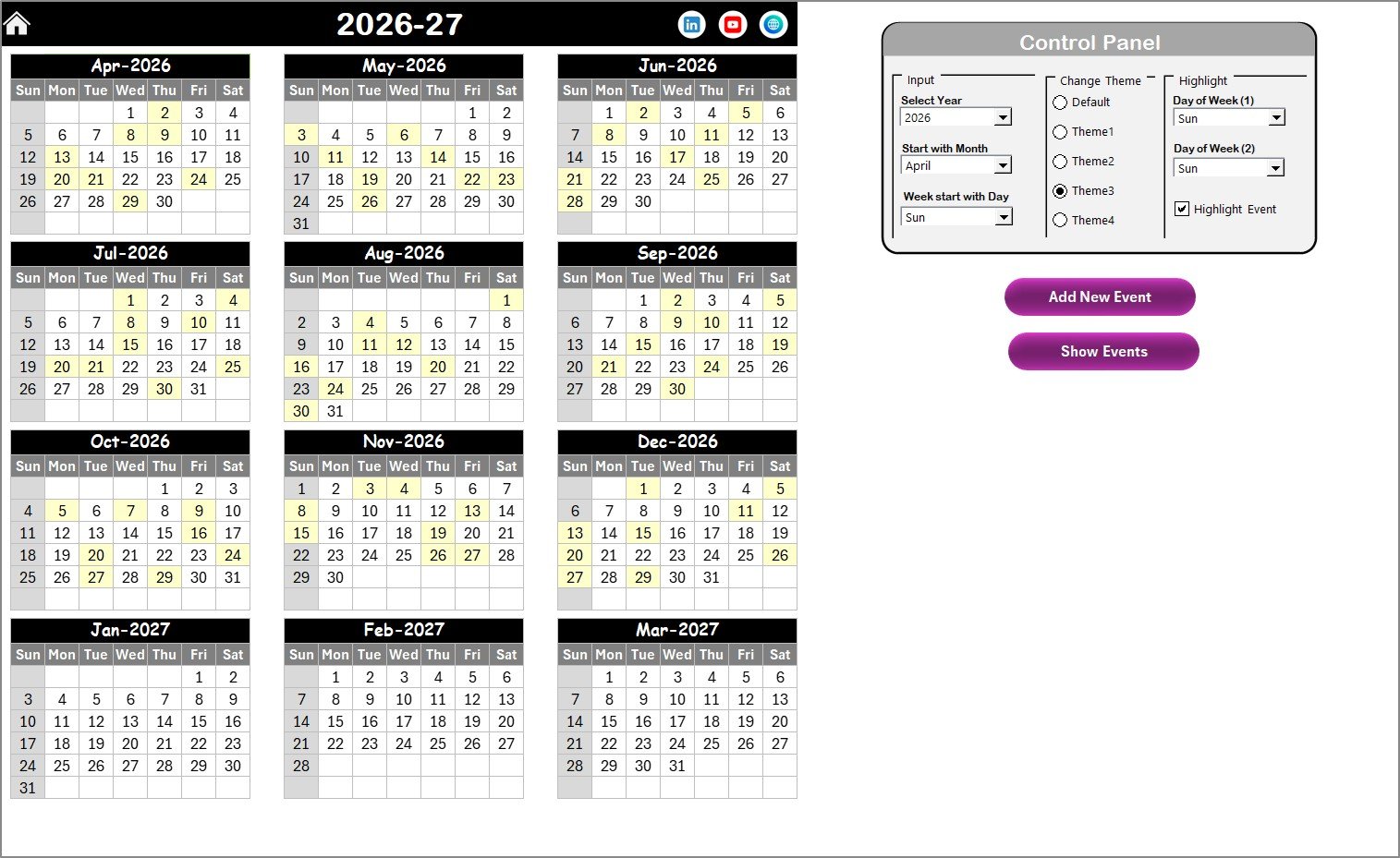
Annual View Sheet tab
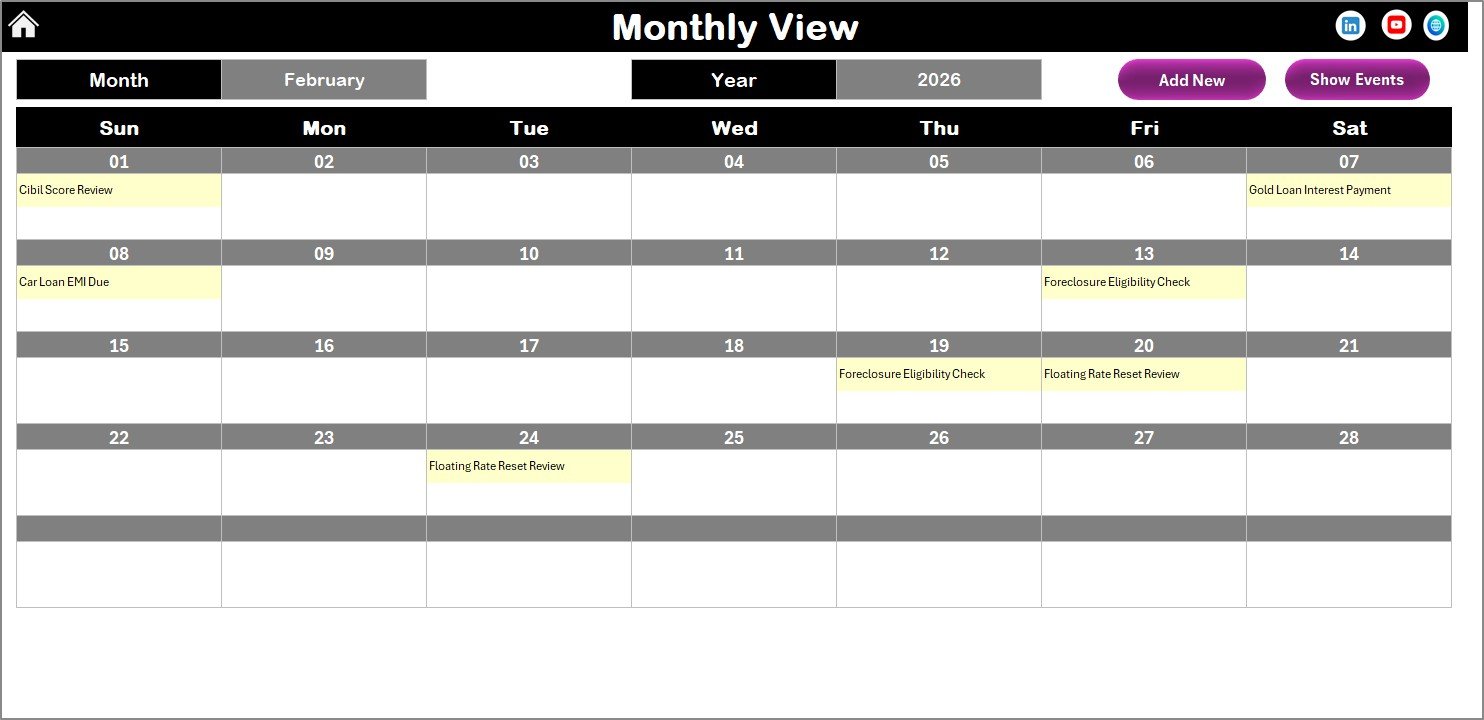
Monthly View Sheet tab
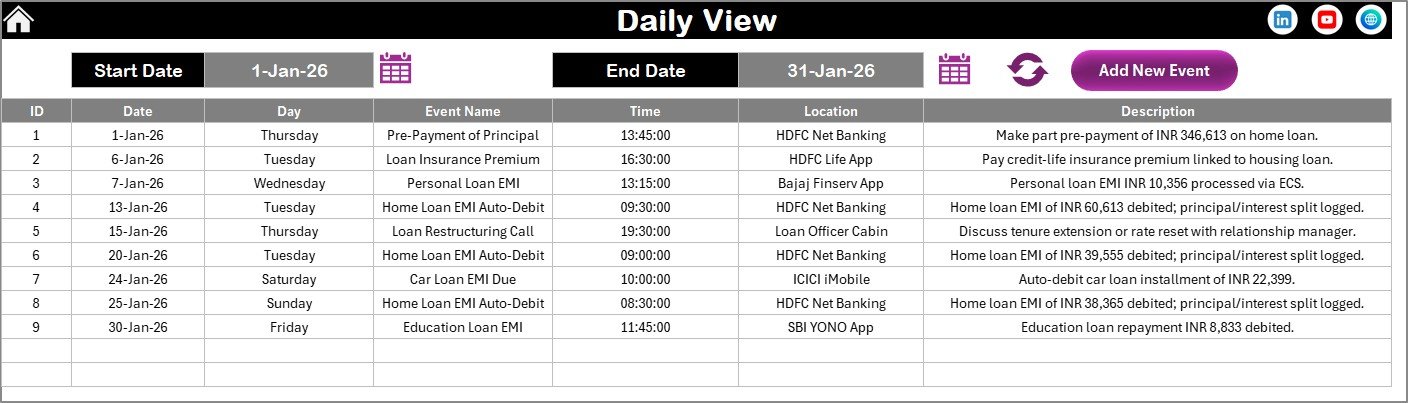
Daily View Sheet tab
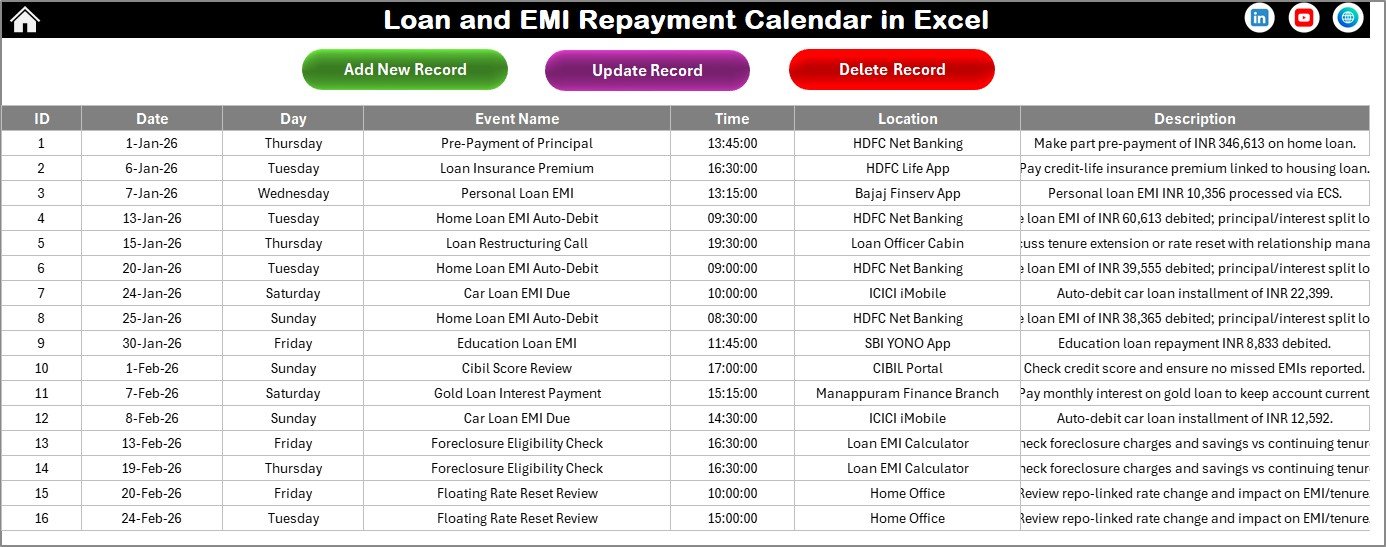
Events Sheet tab
Click here to read the Detailed blog post
Visit our YouTube channel to learn step-by-step video tutorials.