

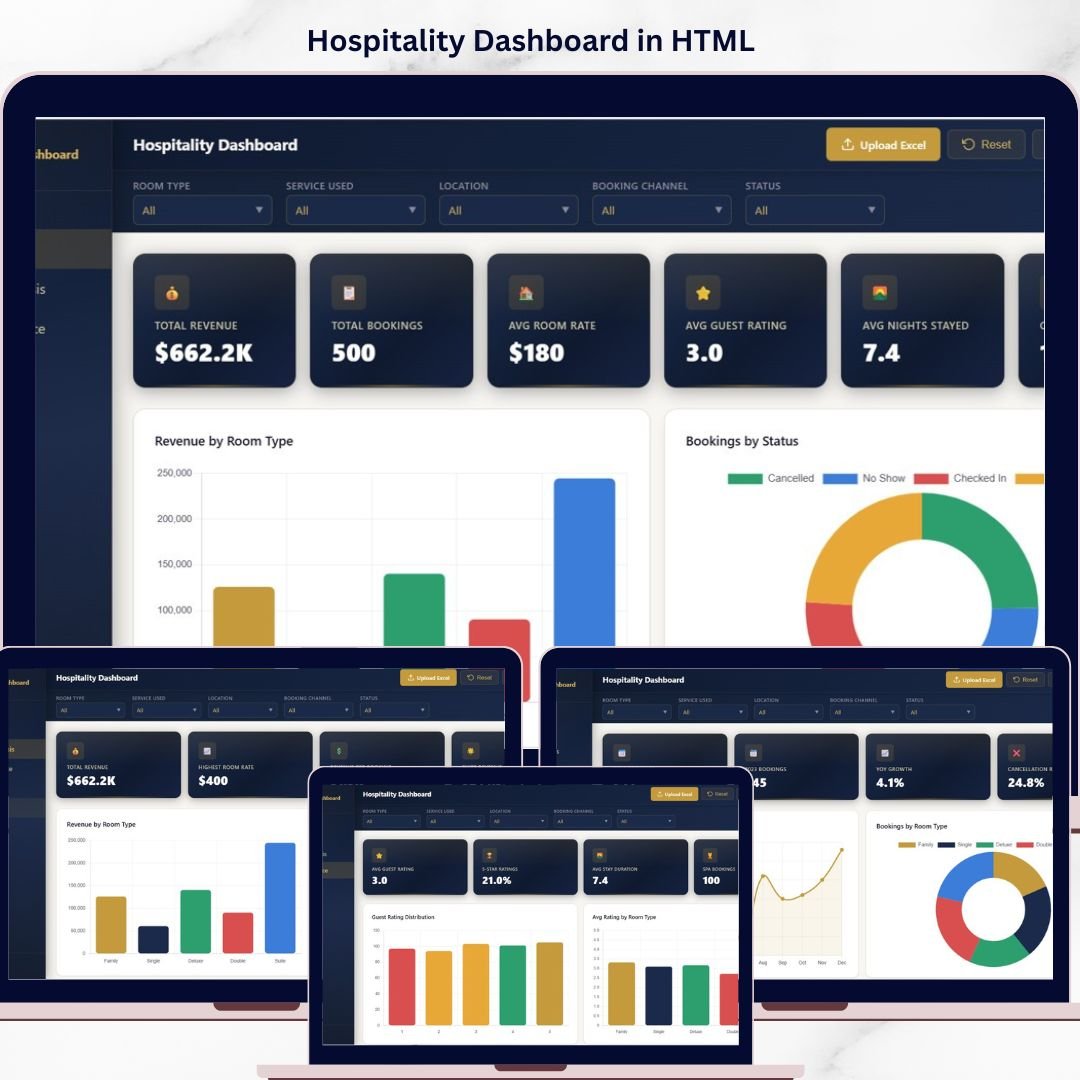
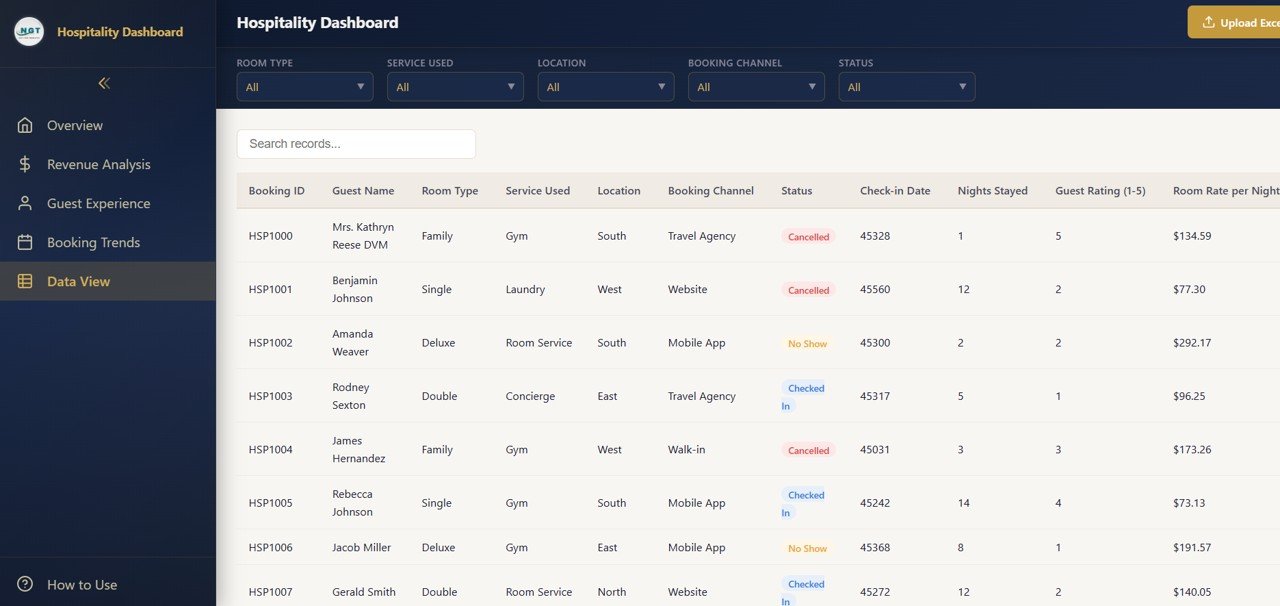
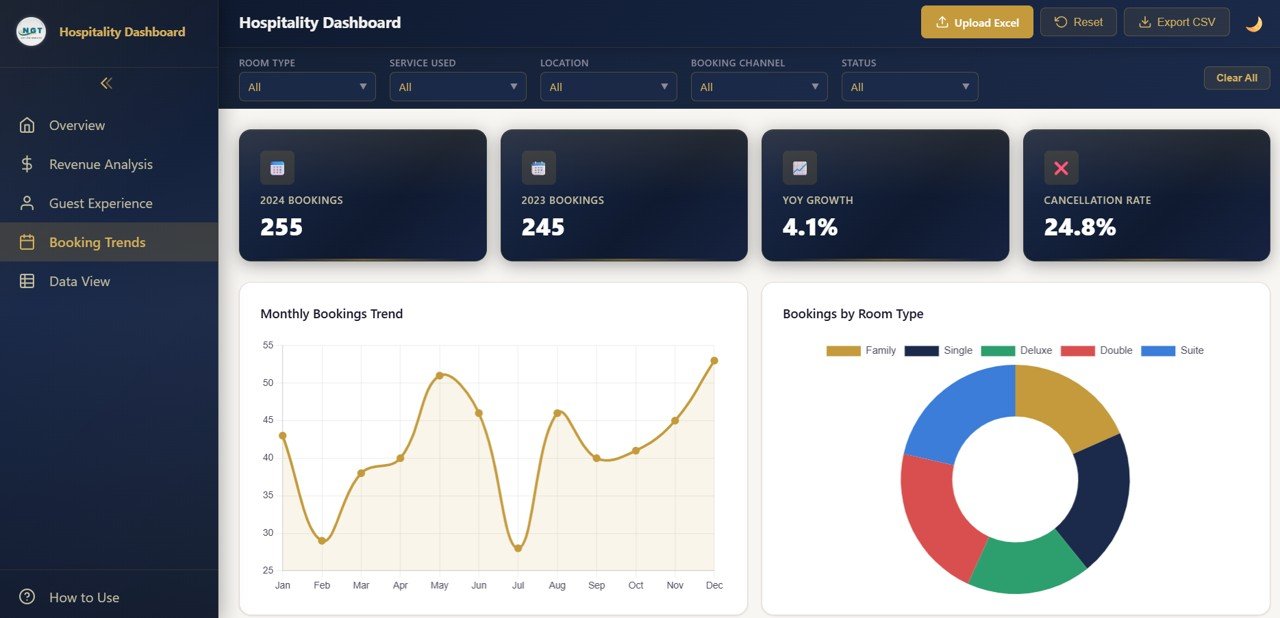
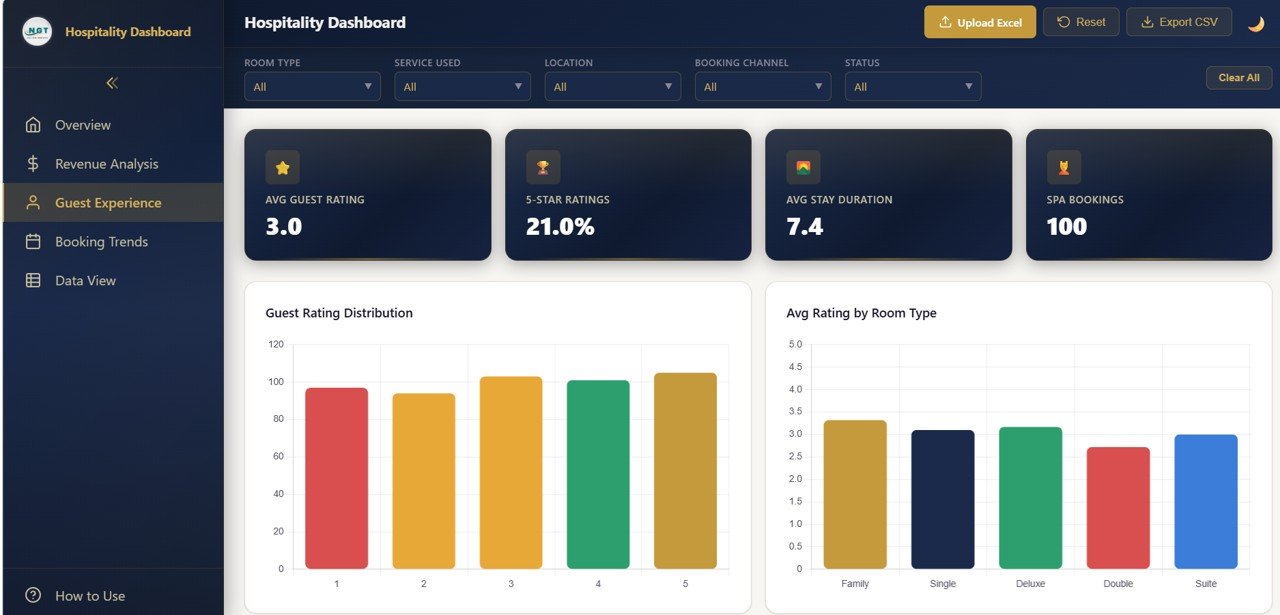
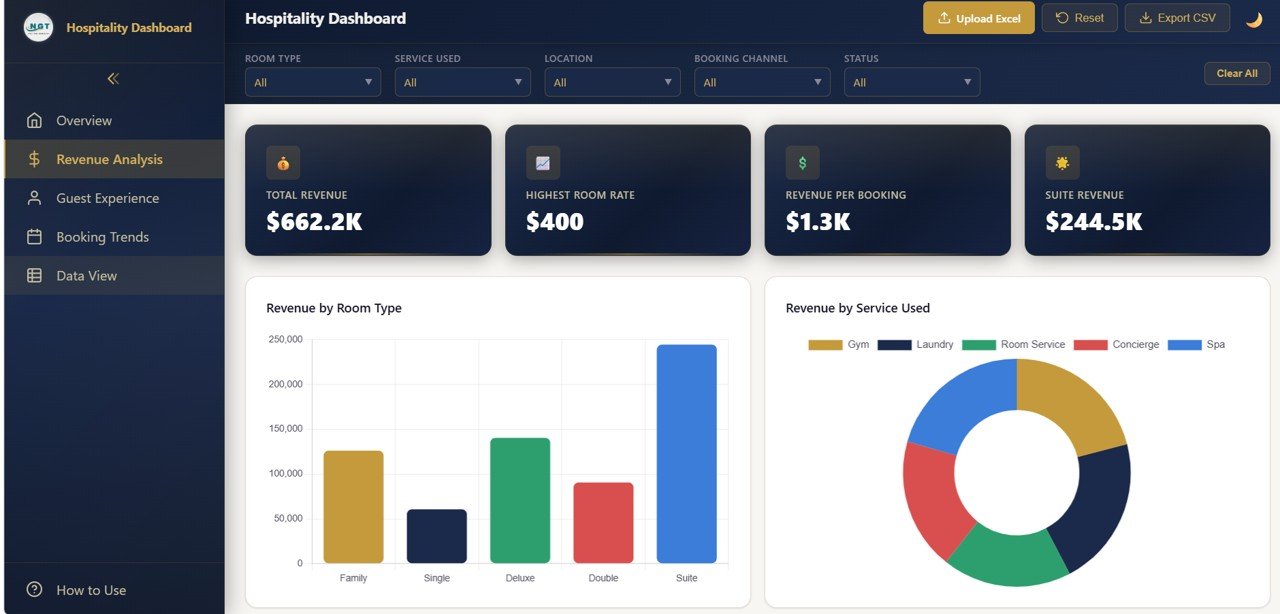
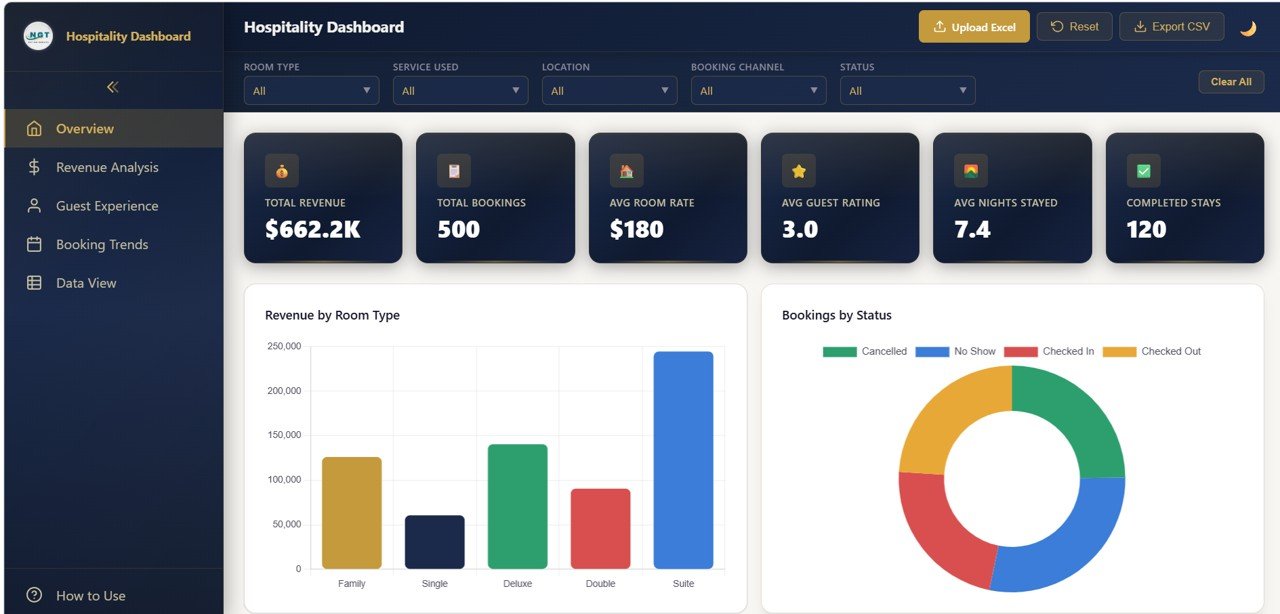
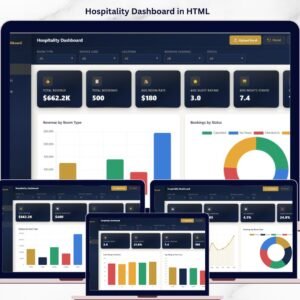
Hospitality Dashboard in HTML is a powerful, interactive, and visually stunning dashboard template built to help hotel owners, resort managers, and hospitality professionals monitor every critical aspect of their business at a glance. Whether you manage a boutique hotel, a chain of resorts, or a vacation rental business, this dashboard transforms your raw data into beautiful, actionable insights — all inside a single HTML file that works right in your browser.
If you have been looking for a modern, ready-to-use dashboard solution that does not require any complex software installation, this Hospitality Dashboard in HTML is exactly what you need. Just open it in your favorite browser, load your data, and start making smarter decisions today.
Key Features of Hospitality Dashboard in HTML
📊 Real-Time KPI Monitoring – Track essential hospitality metrics like Total Revenue, Total Bookings, Average Occupancy Rate, Average Guest Satisfaction Score, and Revenue Per Available Room (RevPAR) all in one overview page.
📈 Interactive Charts and Visualizations – Analyze your business performance through dynamic charts such as Revenue by Room Type, Bookings by Channel, Occupancy by Month, and Guest Satisfaction by Department with clarity and ease.
🎯 Smart Filters and Slicers – Instantly filter your data by property, date range, room type, booking source, and more to drill down into the numbers that matter most to your business.
🖥️ Browser-Based – No Software Needed – This dashboard runs entirely inside your web browser. There is no need to install Excel, Power BI, or any other software. Just open the HTML file and you are ready to go.
🎨 Professional SaaS-Style Design – Enjoy a clean, modern, and premium design that looks like an enterprise-grade analytics dashboard application — not a basic spreadsheet.
🔄 Multi-Tab Navigation – Switch between multiple dashboard pages like Overview, Revenue Analysis, Occupancy Analysis, Guest Satisfaction, and Booking Analysis using smooth tab-based navigation.
📱 Responsive Layout – The dashboard is optimized to work beautifully on desktops, tablets, and mobile devices so you can check your metrics on the go.
📦 What’s Inside the Hospitality Dashboard in HTML
This dashboard template is packed with multiple interactive pages, each designed to give you deep insights into different areas of your hospitality business:
📌 Overview Page – High-level KPI cards showing Total Revenue, Total Bookings, Average Occupancy Rate, Average Guest Satisfaction, and Revenue Per Available Room. Charts include Revenue by Month, Bookings by Room Type, Revenue by Booking Source, and Occupancy Rate by Property.
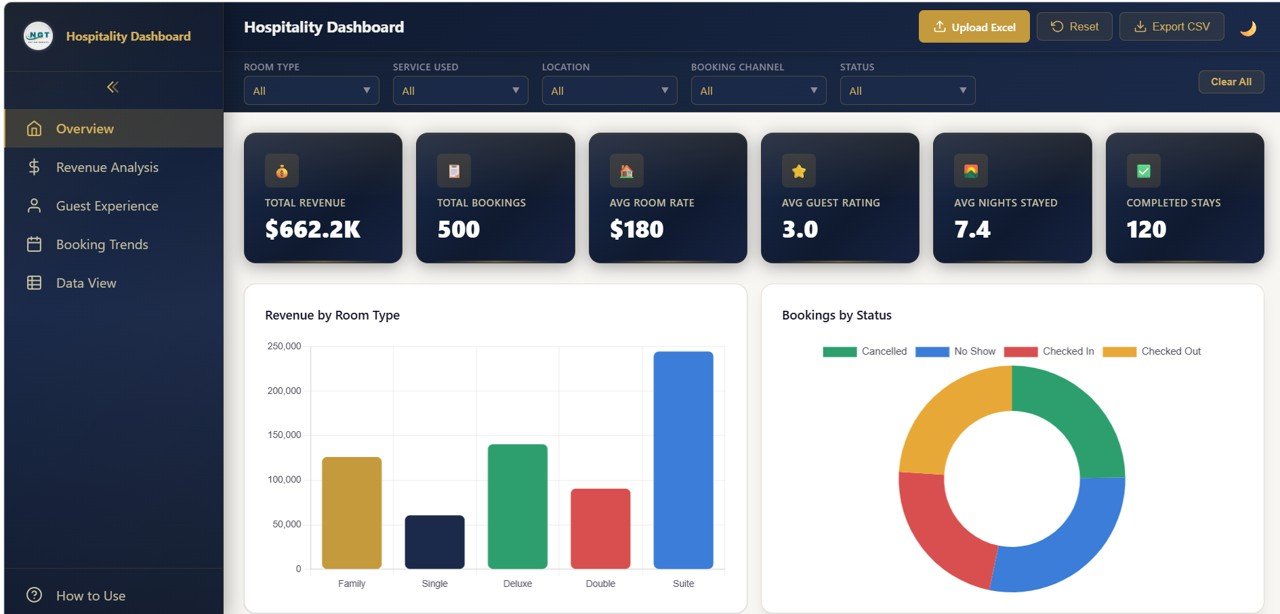
Hospitality Dashboard in HTML – Overview Page
📌 Revenue Analysis Page – Deep-dive into revenue trends with charts like Revenue by Room Type, Revenue by Season, Revenue by Guest Segment, and Monthly Revenue Comparison.
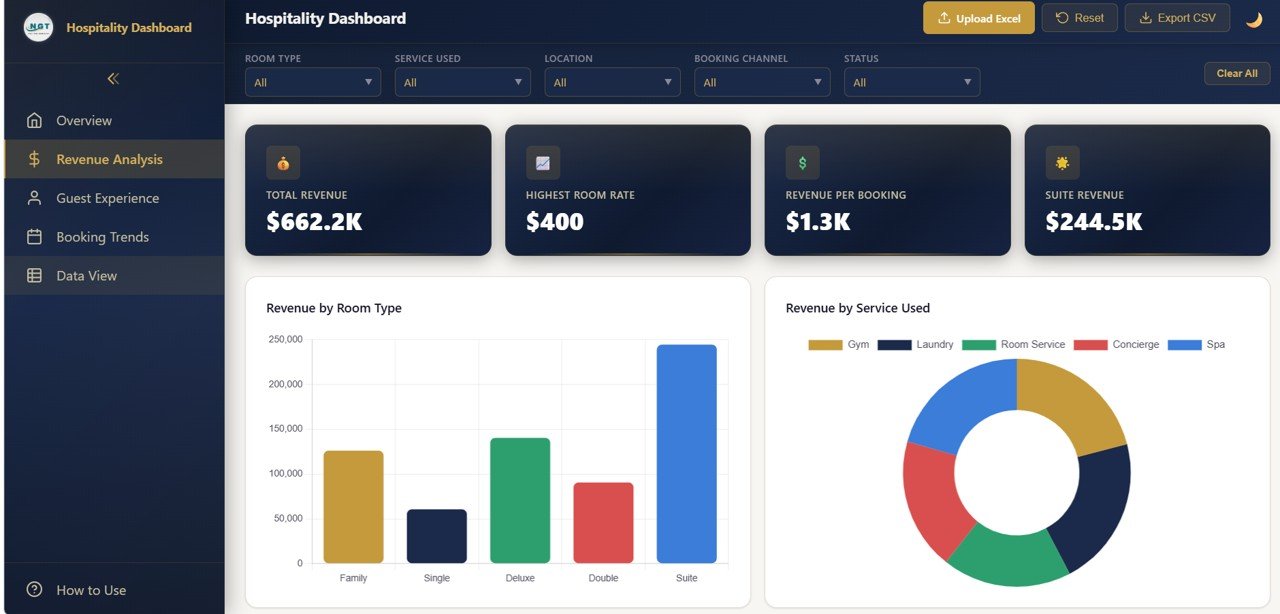
Hospitality Dashboard in HTML – Revenue Analysis
📌 Occupancy Analysis Page – Track occupancy trends with analysis such as Occupancy by Month, Occupancy by Property, Occupancy by Room Type, and Average Length of Stay trends.
📌 Guest Satisfaction Page – Monitor guest experience with analysis such as Satisfaction by Department, Average Rating by Service Category, Guest Feedback Trends, and Net Promoter Score tracking.
📌 Booking Analysis Page – Analyze booking performance with charts such as Bookings by Channel, Booking Trends Over Time, Cancellation Rate by Source, and Average Lead Time analysis.
⚙️ How to Use the Hospitality Dashboard in HTML
1️⃣ Download the Template – Purchase and download the ZIP file containing the HTML dashboard.
2️⃣ Extract and Open – Unzip the file and open the HTML file in any modern browser like Chrome, Firefox, Edge, or Safari.
3️⃣ Explore the Dashboard – Navigate through the multiple tabs to explore different analytical views of the hospitality data.
4️⃣ Customize Your Data – Replace the sample data with your actual hotel, resort, or rental property data to get real-time insights.
5️⃣ Apply Filters – Use the built-in slicers and filters to narrow down your analysis by property, date range, room type, and more.
6️⃣ Share and Present – Share the dashboard file with your team or present it in meetings for data-driven decision making.
👥 Who Can Benefit from This Hospitality Dashboard in HTML
🏨 Hotel Owners and Managers – Monitor property performance, occupancy rates, and guest satisfaction scores from a single view.
🌴 Resort and Vacation Rental Operators – Track seasonal trends, booking channels, and revenue performance for better planning.
💼 Hospitality Consultants – Present client data in a professional, interactive format that impresses stakeholders.
📚 Students and Educators – Use this as a learning tool or project submission for data analytics and hospitality management courses.
📈 Revenue Managers – Optimize pricing strategies, identify underperforming segments, and maximize revenue with clear data visualization.
🌍 Tourism and Travel Agencies – Analyze partner hotel performance and booking patterns across multiple properties.
Click here to read the Detailed Blog Post
Watch the step-by-step video tutorial:






























Reviews
There are no reviews yet.