
Inventory accuracy is the backbone of every successful business that manages physical products. Inventory Audit To-Do List Checklist in Excel Whether you run a warehouse, retail operation, manufacturing facility, or distribution center, maintaining correct stock records is essential for financial accuracy, operational efficiency, and compliance.
However, inventory audits often become stressful and disorganized when teams rely on manual notes, emails, or scattered spreadsheets. Important audit steps get missed, responsibilities become unclear, and tracking progress turns into a time-consuming process.
What if you could manage your entire inventory audit using one structured and easy-to-follow system?
Introducing the Inventory Audit To-Do List Checklist in Excel — a ready-to-use audit management tool designed to help businesses organize, track, and complete inventory audits efficiently.
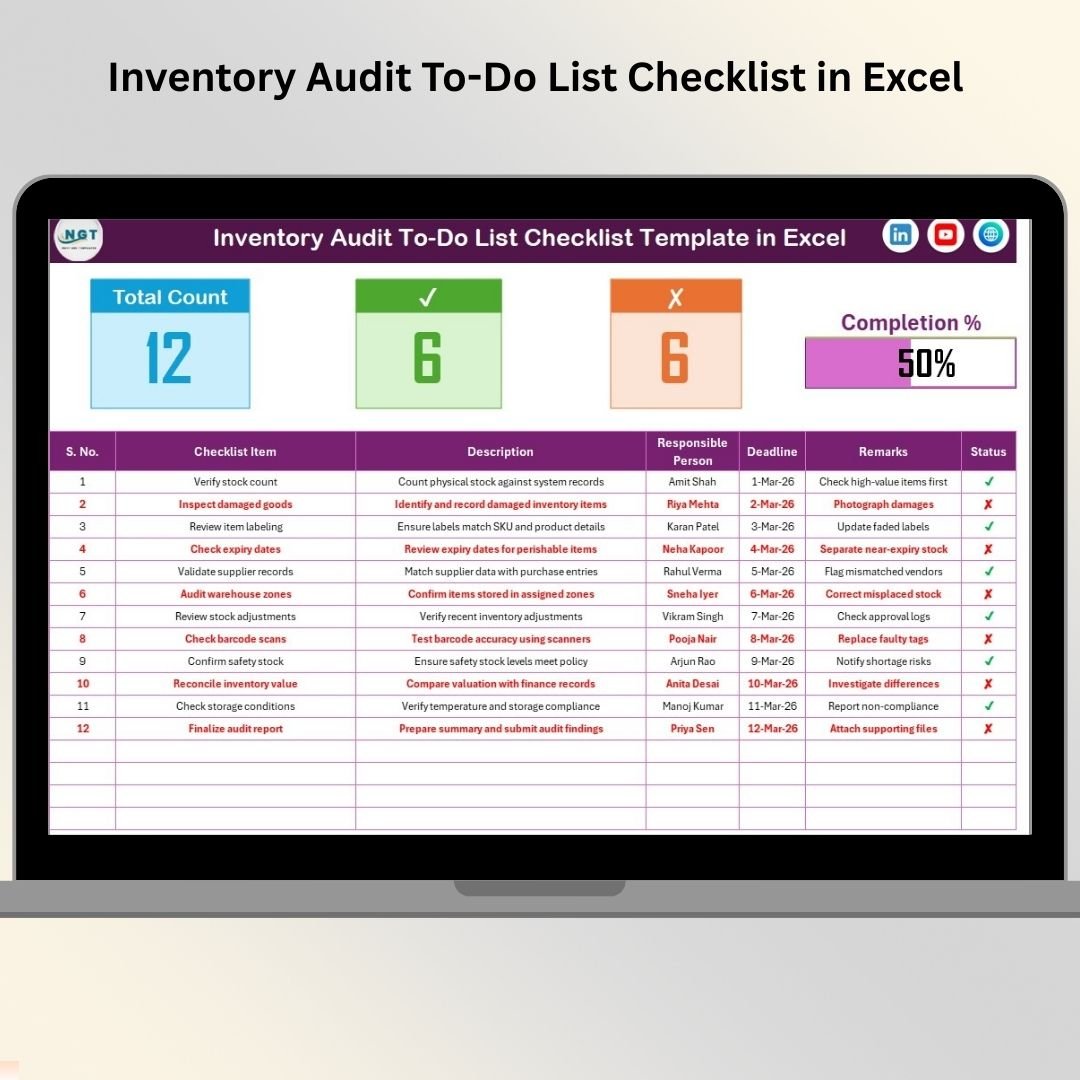
Inventory Audit To-Do List Checklist in Excel This professionally designed Excel checklist transforms complex audit activities into clear, actionable tasks. With automated progress tracking, responsibility assignment, and deadline monitoring, your team always knows what needs to be done and when.
Because the template works entirely inside Microsoft Excel, businesses can implement it instantly without purchasing expensive audit software or learning complicated systems.
🚀 Key Feature of Inventory Audit To-Do List Checklist in Excel
✅ Structured inventory audit task management
✅ Automated audit progress tracking dashboard
✅ Visual progress bar showing completion percentage
✅ Task status tracking using ✔ and ✘ indicators
✅ Responsibility assignment with dropdown selection
✅ Deadline monitoring for audit activities
✅ Centralized checklist management system
✅ Simple and user-friendly layout
✅ Fully customizable audit tasks
✅ Excel-based solution requiring no additional software
These features ensure every audit step remains organized, measurable, and accountable.
📦 What’s Inside the Inventory Audit To-Do List Checklist in Excel
This ready-to-use template includes two structured worksheets designed to simplify audit workflows:
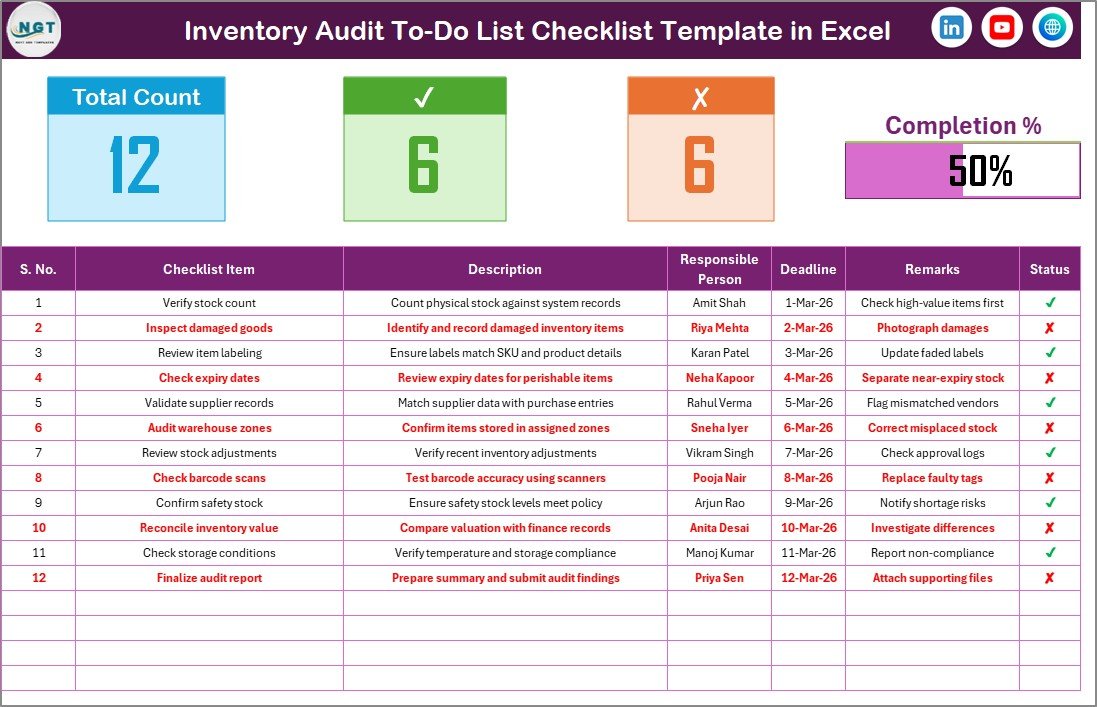
1️⃣ Inventory Audit To-Do List Checklist Sheet — Main Working Area
This is the primary audit management interface.
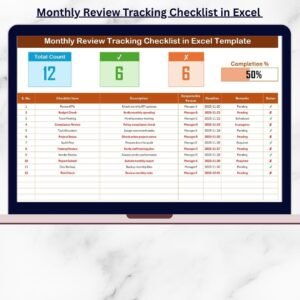
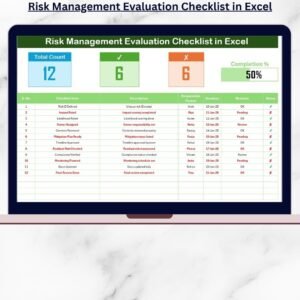
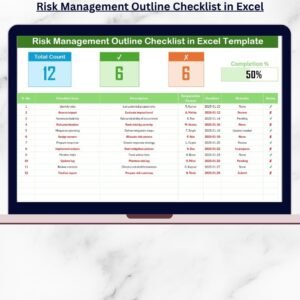
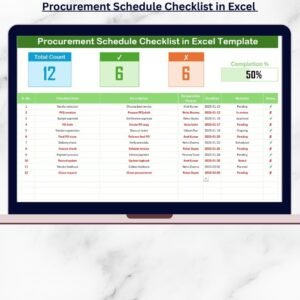
At the top, a summary dashboard provides instant audit insights:
Total checklist items
Completed task count
Pending task count
Automatic progress bar visualization
Below the summary section, the checklist table allows teams to manage audit activities easily.
Columns Included:
Serial Number
Checklist Item
Task Description
Responsible Person
Deadline
Remarks
Status (✔ Completed / ✘ Pending)
This structured design ensures full audit transparency.
2️⃣ List Sheet — Responsible Person Database
Stores a standardized list of team members used for dropdown selections.
Benefits include:
✔ Consistent task assignments
✔ Reduced data entry errors
✔ Faster checklist updates
✔ Organized team accountability
Together, these sheets create a complete inventory audit tracking system.
⚙️ How to Use the Inventory Audit To-Do List Checklist in Excel
You can start using the checklist within minutes.
1️⃣ Add inventory audit tasks to the checklist table.
2️⃣ Assign responsible team members using dropdown lists.
3️⃣ Set deadlines for each activity.
4️⃣ Update task status using ✔ or ✘ symbols.
5️⃣ Monitor progress using the automated dashboard.
6️⃣ Review remarks and finalize audit completion.
The progress bar updates automatically, allowing managers to track audit completion instantly without manual calculations.
👨💼 Who Can Benefit from This Inventory Audit To-Do List Checklist in Excel
This checklist is ideal for professionals responsible for inventory control and auditing:
✅ Warehouse Managers managing stock verification
✅ Inventory Controllers ensuring record accuracy
✅ Retail Businesses performing periodic audits
✅ Manufacturing Companies monitoring inventory processes
✅ Logistics Teams coordinating stock validation
✅ Internal Audit Departments improving compliance tracking
Any organization handling inventory can improve audit efficiency using this structured checklist.
Implementing a standardized audit checklist brings clarity and discipline to inventory management.
The result?
✔ Reduced inventory discrepancies
✔ Improved accountability across teams
✔ Faster audit completion
✔ Better compliance documentation
✔ Enhanced operational control
Because Excel is familiar and flexible, teams adopt the checklist quickly without additional training.
Ultimately, the Inventory Audit To-Do List Checklist in Excel helps organizations move from chaotic audits to structured, reliable inventory control processes.
📖 Click here to read the Detailed blog post
▶ Visit our YouTube channel to learn step-by-step video tutorials
👉 https://youtube.com/@PKAnExcelExpert