

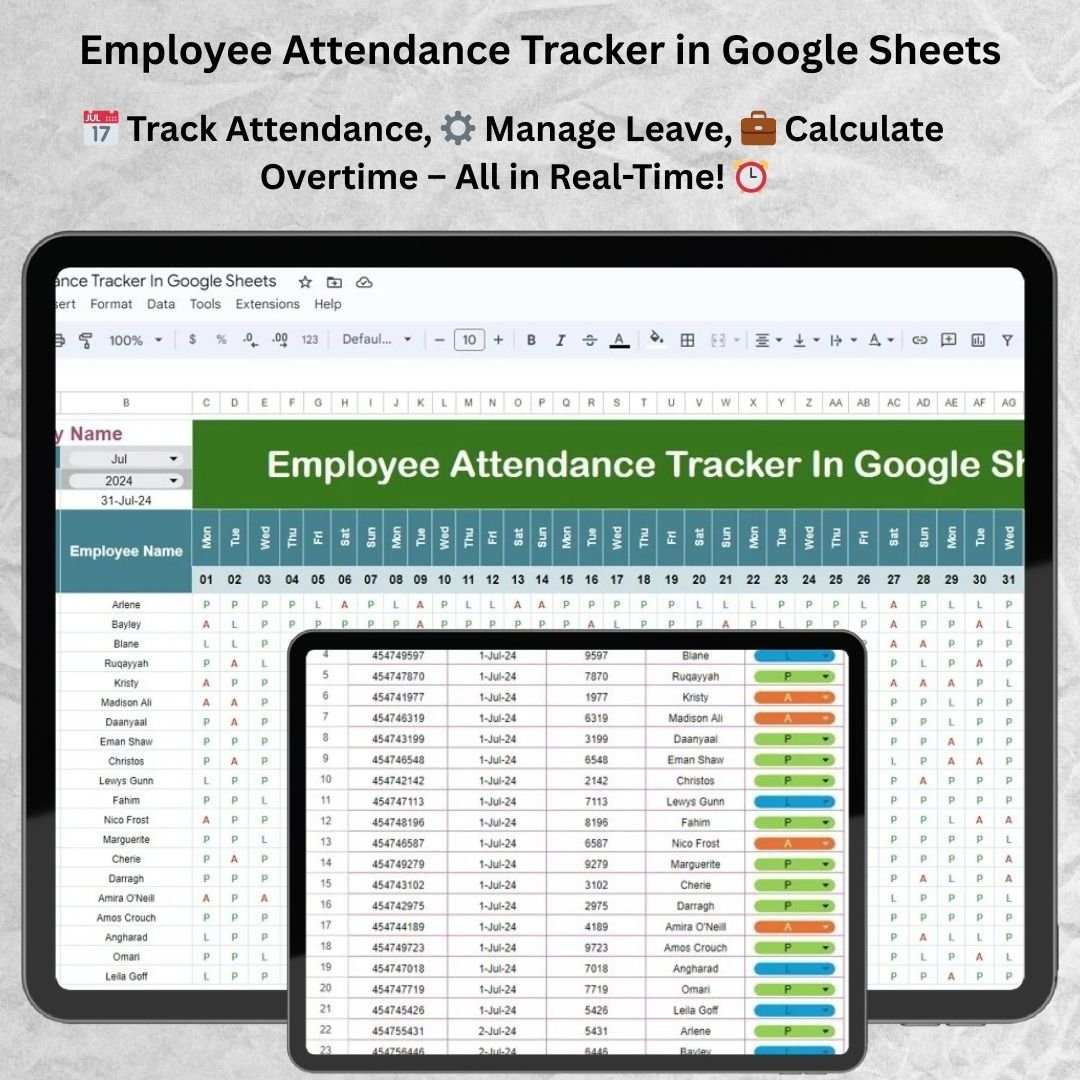

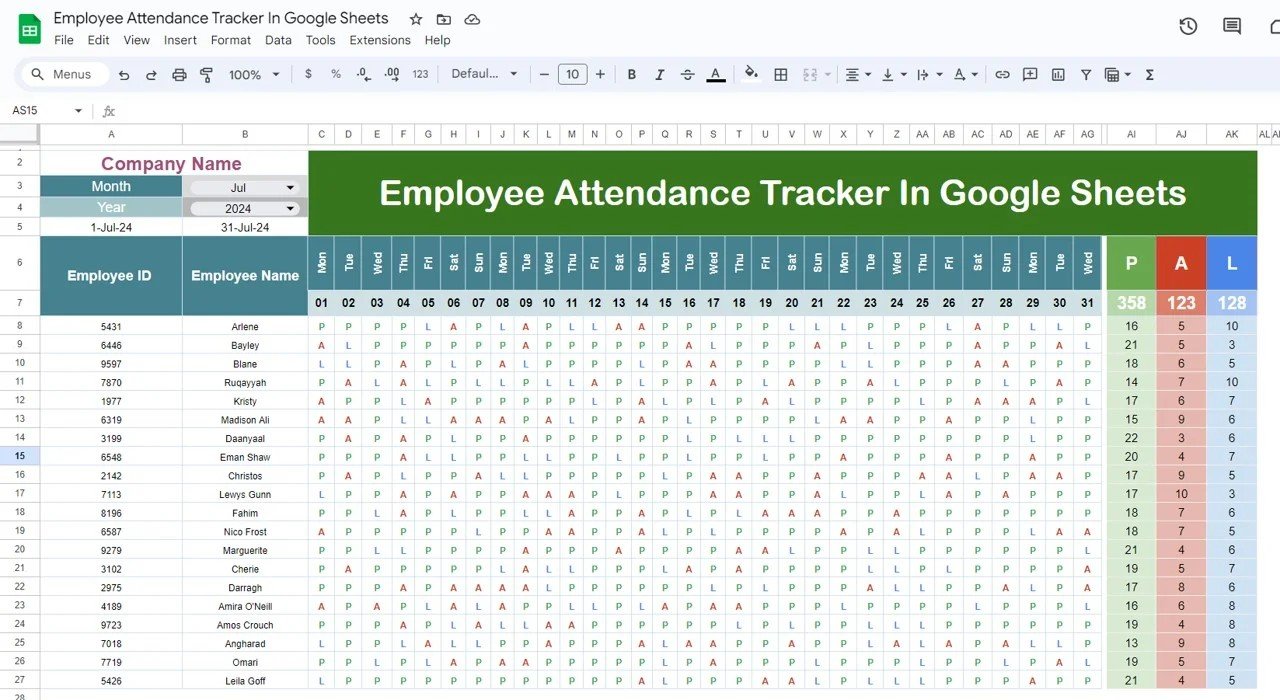
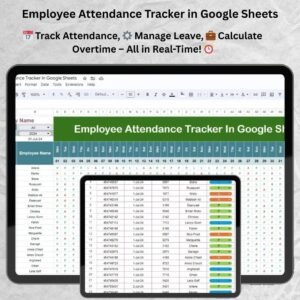
The Employee Attendance Tracker in Google Sheets maintains daily employee attendance, leave records, work hours and overtime calculations in a shared spreadsheet. Employee information and visual summaries support HR review of attendance patterns and leave balances from the records entered.
With the ability to track attendance for multiple employees across different shifts, this template helps managers keep a record of work hours, leaves, and overtime. The real-time collaboration feature ensures that managers and HR teams can stay updated on attendance data, while the automatic calculation of worked hours and leave balances saves time and reduces errors.
Key Features of the Employee Attendance Tracker in Google Sheets
📅 Attendance Tracking: Easily monitor employee attendance for each day of the month.
⚙️ Leave Management: Track vacation, sick leaves, and other types of employee leave with ease.
📈 Overtime Calculation: Automatically calculate overtime based on set working hours, ensuring accurate payroll data.
🔄 Real-Time Collaboration: Share and collaborate with HR and management in real-time to keep attendance data up-to-date.
💼 Customizable: Adapt the template to your business’s specific needs, whether you’re tracking full-time, part-time, or shift-based employees.
🧑💼 Employee Data Management: Keep detailed records for each employee, including leave balances and attendance history.
📊 Visual Dashboard: Monitor overall attendance trends with color-coded reports and visual summaries.
Why You’ll Love the Employee Attendance Tracker in Google Sheets
✅ Simplifies Workforce Management: Track employee attendance and leave balances without the hassle of paper records or complex software.
✅ Accurate Payroll Processing: Automatically calculate worked hours, leave balances, and overtime to streamline payroll processes.
✅ Real-Time Updates: Make real-time adjustments and collaborate with your team to ensure accurate data.
✅ Customizable for Your Business: Adapt the tracker to fit your organization’s specific needs, whether you’re tracking hours, shifts, or types of leave.
✅ Easy to Use: The simple, user-friendly interface allows for easy setup and seamless daily use.
What’s Inside the Employee Attendance Tracker in Google Sheets?
📅 Daily Attendance Tracker: Track employee attendance for each day, including work hours and leave days.
⚙️ Leave Management System: Track vacation, sick leave, and other types of leave, while maintaining accurate records for each employee.
📈 Overtime Calculation: Automatically calculate overtime based on set working hours, helping you pay employees correctly.
💼 Employee Information: Detailed records of employees’ attendance, leave balances, and other necessary data.
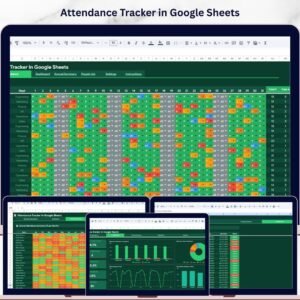
📊 Visual Reporting: Use color-coding and summary tables to easily assess attendance trends.
How to Use the Employee Attendance Tracker in Google Sheets
1️⃣ Download the Template – Access the pre-built Google Sheets employee attendance tracker.
2️⃣ Input Employee Data: Enter employee names, job roles, and any other relevant details into the template.
3️⃣ Track Attendance and Leave: Log employee attendance for each day and manage leave types efficiently.
4️⃣ Calculate Overtime and Payroll: Use the built-in formulas to automatically calculate overtime and process payroll data.
5️⃣ Share and Collaborate: Share the tracker with managers and HR staff for real-time updates and collaboration.
Who Can Benefit from the Employee Attendance Tracker in Google Sheets?
🔹 HR Managers
🔹 Business Owners
🔹 Project Managers
🔹 Team Leaders
🔹 Operations Managers
🔹 Small and Medium Enterprises (SMEs)
🔹 Payroll Teams
Streamline your workforce management with the Employee Attendance Tracker in Google Sheets. Improve accuracy, save time, and ensure smooth payroll processing.
Click here to read the detailed blog post
Visit our YouTube channel to learn step-by-step video tutorials
Watch the step-by-step video tutorial:
Also check our Attendance Template in Google Sheet
Questions about this template
Which attendance details can HR teams maintain?
The template description covers daily attendance, work hours, leave days, employee details and overtime based on set working hours. Review the records and settings before using the totals in your payroll process.
For help comparing reporting tools for this area, see our HR and payroll template guide.
What do I need to use the tracker?
A free Google account and a web browser. Nothing to install. Google explains the basics in How to use Google Sheets.
Which leave types can I record?
Vacation, sick leave and other leave types you add, with a running leave balance for each employee.
How is overtime calculated?
The built-in formulas calculate overtime from the set working hours, so the totals are ready for payroll.
Can managers and HR update it at the same time?
Yes. Share the Google Sheets file and everyone works on the same records in real time.
Related Attendance Templates
- Attendance Sheet Template in Google Sheet: a simpler daily attendance sheet
- Weekly Attendance Sheet in Google Sheets: attendance by week instead of month
- Attendance and Overtime Dashboard in Excel: attendance and overtime analysis in Excel
- Monthly Attendance Sheet in Excel with Check Boxes: a free Excel attendance sheet
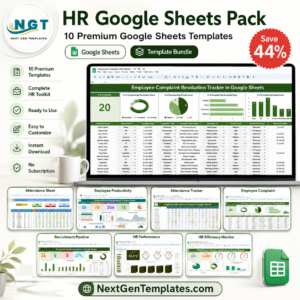
- HR Google Sheets Pack: 10 premium HR templates in Google Sheets
Browse all Google Sheets HR and payroll templates.










Reviews
There are no reviews yet.