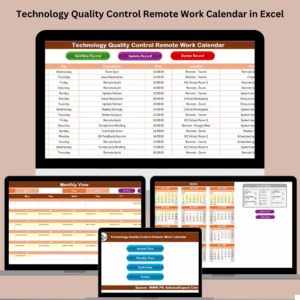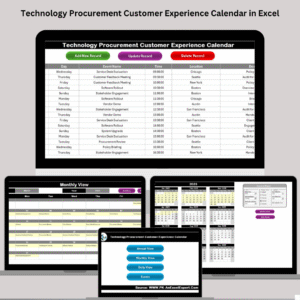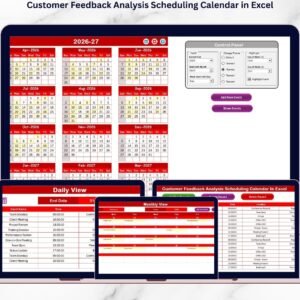
Modern finance departments face continuous pressure to maintain accuracy, compliance, and efficiency. Finance Quality Control AI Implementation Calendar in ExcelFrom managing audits and reconciliations to tracking AI-driven control systems, every process must be timely and precise. That’s where the Finance Quality Control AI Implementation Calendar in Excel becomes essential.
Finance Quality Control AI Implementation Calendar in Excel This ready-to-use Excel calendar template is designed to help finance teams streamline their daily, monthly, and annual activities using AI-powered scheduling and smart event management. It brings automation, structure, and transparency into finance operations — all within Excel’s familiar and flexible environment.
Whether you’re a CFO, finance manager, or audit professional, this calendar provides the structure you need to plan, monitor, and execute your department’s financial quality control initiatives efficiently.
⚙️ Key Features of the Finance Quality Control AI Implementation Calendar
📅 5 Interactive Worksheet Tabs – Home, Annual View, Monthly View, Daily View, and Events.
🎯 AI-Ready Design – Built for teams implementing automation or predictive analytics in finance.
📊 Dynamic Event Management – Add, view, update, and delete events instantly.
💡 Control Panel Customization – Choose year, start month, day of the week, and color theme.
🎨 5 Built-in Themes – Match your organization’s branding with one click.
🗓️ Highlight System – Differentiate weekends, holidays, and special events visually.
⚙️ Automated Forms – Add or edit events through easy-to-use pop-up forms.
🔍 Centralized Event Repository – Every activity is stored for audit tracking and review.
🚀 No Subscription Required – 100% Excel-based and cost-effective solution.
📦 Workbook Structure and Functionality
1️⃣ Home Sheet – Central Control Hub
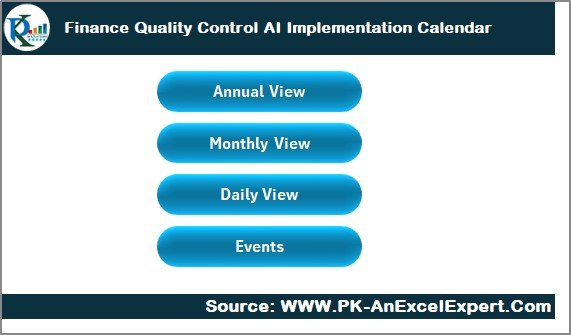
Navigate effortlessly between views with interactive buttons:
Annual View
Monthly View
Daily View
Events
The Home sheet acts as your dashboard, allowing quick access to every key module while maintaining a clean, professional layout.
2️⃣ Annual View – Strategic Yearly Planning
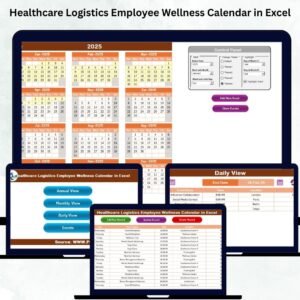
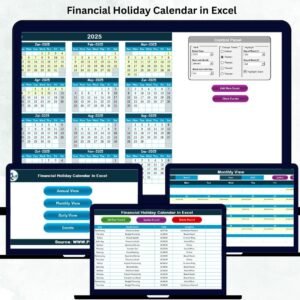
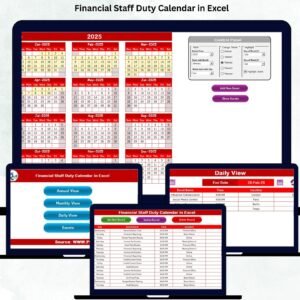
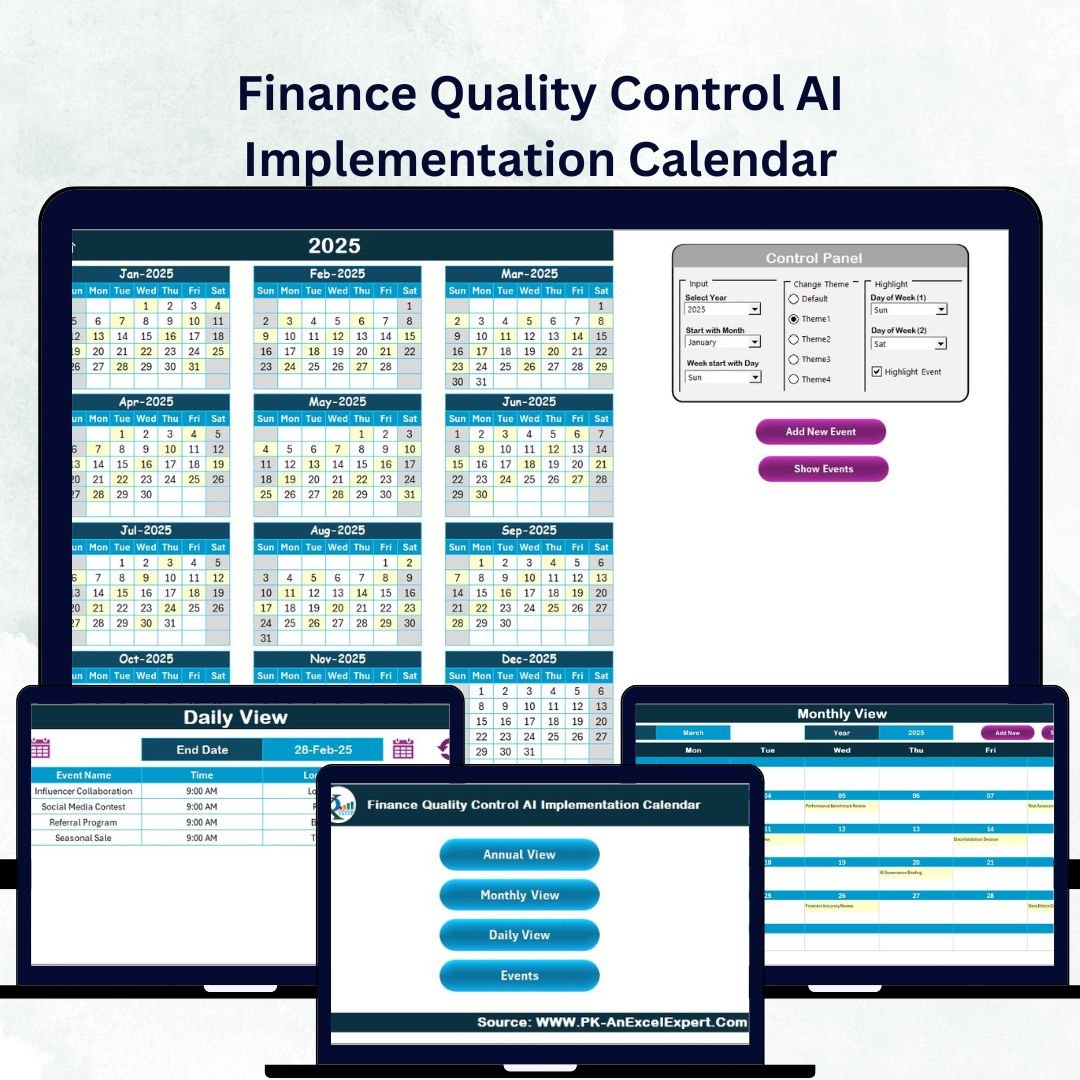
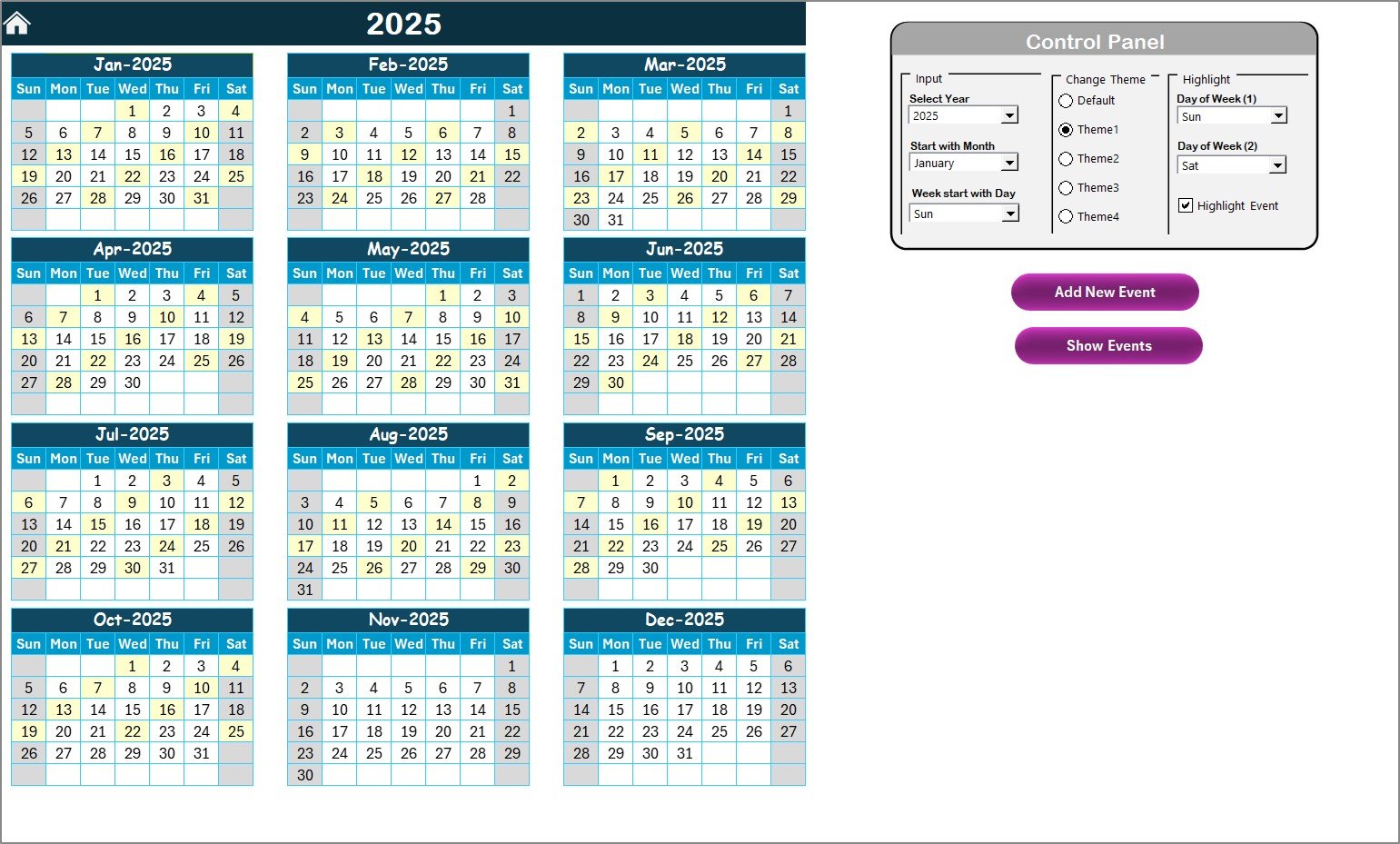
The Annual View provides a full 12-month calendar displaying AI rollout milestones, audits, and process control events.
Control Panel includes:
Input Group: Select Year, Starting Month, and Week Start Day.
Theme Group: Pick from 5 visual themes.
Highlight Group: Automatically color weekends or events.
📌 Add New Event Button: Opens an entry form to record new activities like “AI Audit Phase 1” or “System Validation.”
📌 Show Event Button: Displays all scheduled tasks for any selected date.
This page transforms annual planning into a real-time performance map for finance and AI integration.
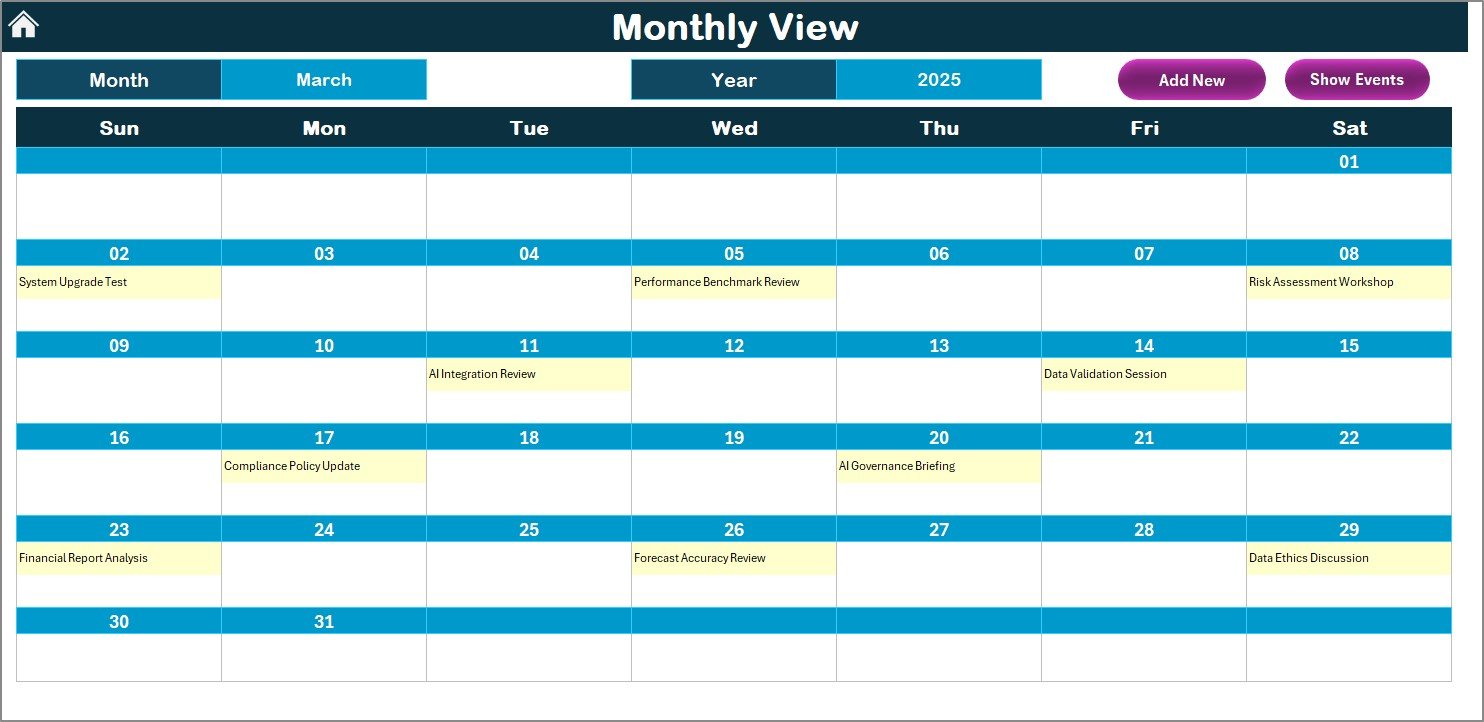
3️⃣ Monthly View – Operational Oversight
Zoom in on one month’s activities.
Select any Month and Year from dropdowns.
Add or view events directly through form buttons.
Automatically identifies multiple events per day (“more than 1…” indicator).
Perfect for managing:
Invoice verification cycles
Audit schedules
AI testing and validation sessions
Compliance reviews
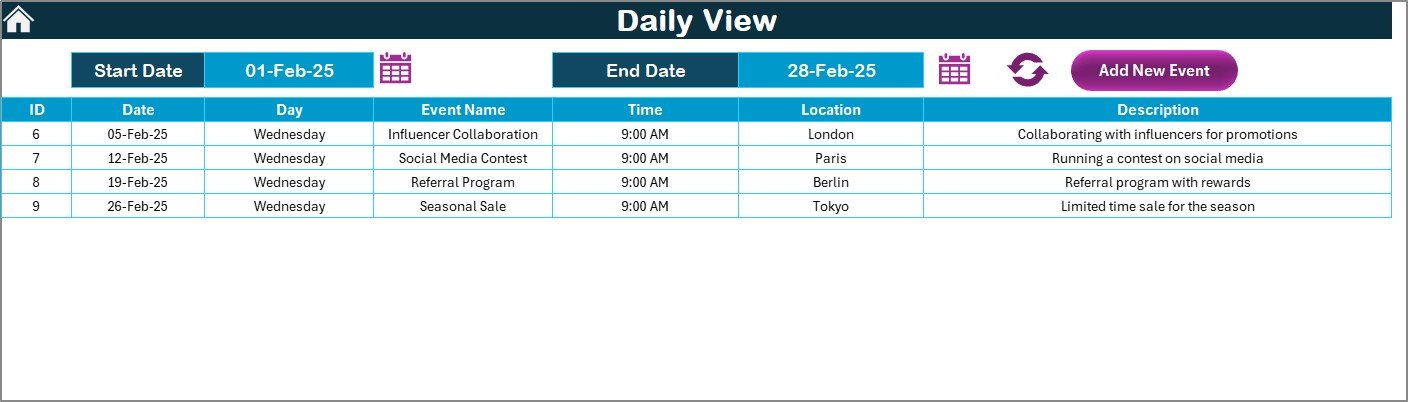
4️⃣ Daily View – Task-Level Precision
Focus on daily deliverables and quality control activities.
Select Start Date and End Date to filter results.
View every event with its Time, Location, and Description.
Add new events instantly without navigating away.
Ideal for tracking AI model testing, audit follow-ups, and financial closure updates.
5️⃣ Events Sheet – Centralized Data Repository
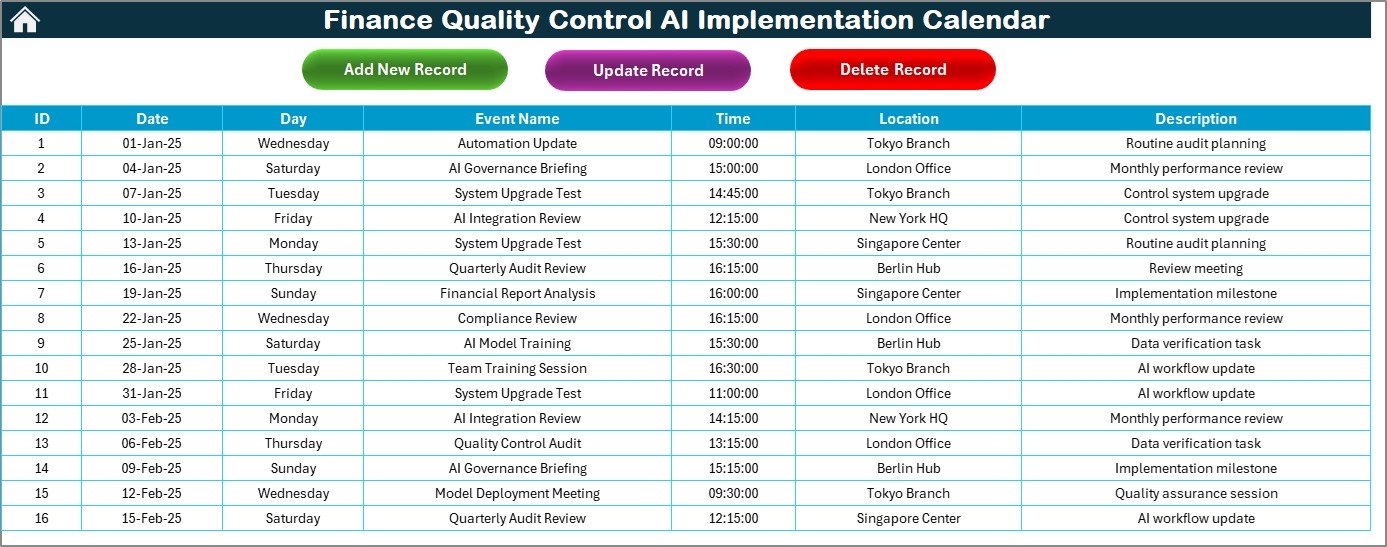
This sheet acts as the data backbone of your calendar.
Every event is stored with auto-generated ID, Date, Event Name, and Description.
Manage tasks with Add, Update, or Delete Record buttons.
Ensures all activities remain organized, traceable, and audit ready.
🤖 Why Excel for AI Implementation Planning?
Excel remains the go-to tool for financial planning because it combines:
✅ Accessibility – Works on all systems.
✅ Compatibility – Integrates with AI tools, Power BI, and SharePoint.
✅ Flexibility – Customizable fields, formulas, and macros.
✅ Security – Local control over sensitive data.
The Finance Quality Control AI Calendar leverages Excel’s automation capabilities to organize complex processes — helping finance teams manage AI rollouts efficiently without needing expensive software.
🌟 Advantages of Using This Calendar Template
✅ Centralized Scheduling – Manage all AI and quality-control activities in one file.
✅ Automation-Friendly – Supports macros and smart event triggers.
✅ Error Reduction – Form-based entry minimizes manual mistakes.
✅ Visual Insights – Color-coded design makes reports intuitive.
✅ Audit-Ready Logs – Maintains full records of control events.
✅ Cost-Effective – Professional functionality without subscriptions.
✅ Easy Customization – Adapt for fiscal years, departments, or teams.
💡 Best Practices for Effective Use
🧩 Define Clear Categories: Use consistent event names for accuracy.
🗓️ Review Data Monthly: Keep your event database current.
🎨 Apply Themes Wisely: Use colors to highlight priority areas.
⚙️ Enable Macros: Automate repetitive tasks for efficiency.
💾 Backup Regularly: Save to OneDrive or Google Drive.
🤝 Collaborate Across Teams: Share with finance and compliance departments.
📊 Real-World Use Cases
Audit Scheduling: Track internal and external audits.
AI Implementation Roadmap: Plan automation milestones.
Risk & Compliance Monitoring: Ensure timely reviews.
Financial Closure Planning: Manage deadlines for month- and year-end tasks.
AI Model Validation: Record model testing and system training sessions.
🧠 Conclusion
The Finance Quality Control AI Implementation Calendar in Excel is more than a planner — it’s a strategic management system for modern finance teams.
By integrating AI-focused scheduling, dynamic data tracking, and intelligent automation, this Excel-based tool empowers finance professionals to stay organized, compliant, and efficient — all in one platform.
Whether you’re managing audit cycles, implementing AI projects, or ensuring regulatory compliance, this calendar provides the clarity and control you need for smarter financial governance.