


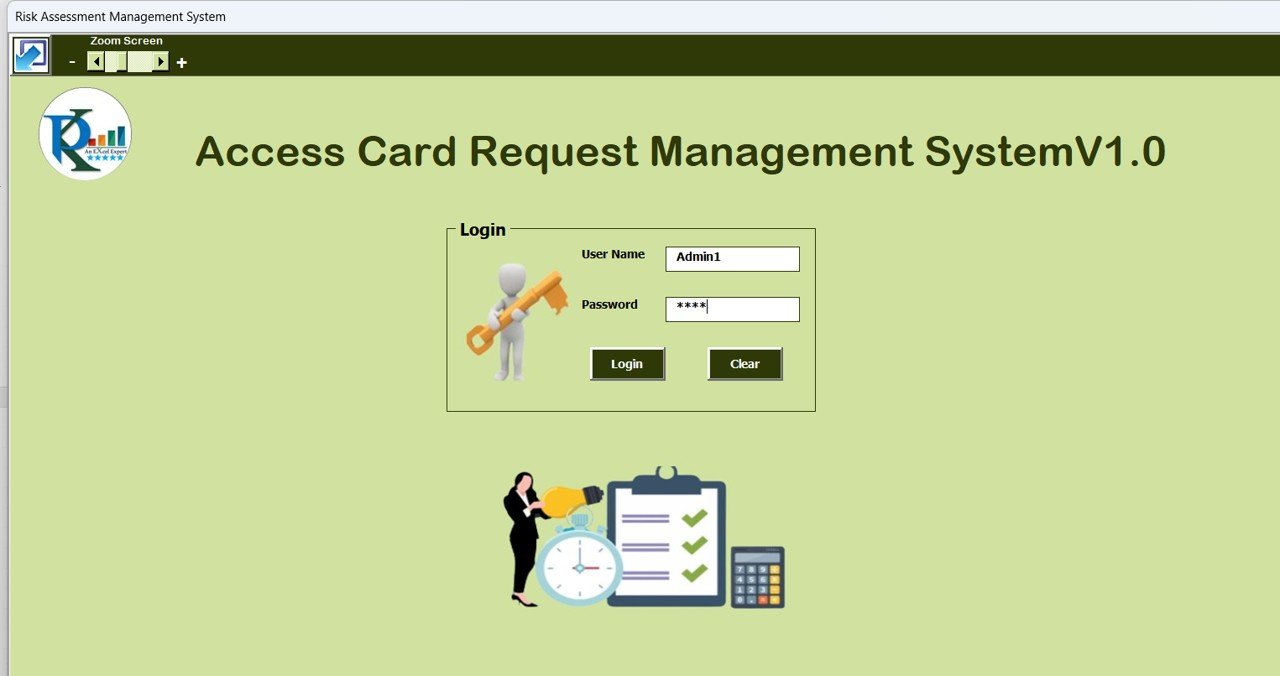


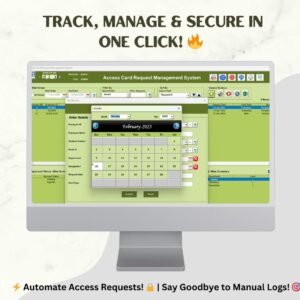
The Access Card Request Management System V1.0 is an Excel-based VBA tool that helps organizations track, approve and manage employee access cards from one place. It is built for HR, admin, security and facilities teams who want to replace manual registers with a secure, role-based system. The result is faster approvals, fewer manual errors and a complete history of every card issued, expired or replaced.

Key Features of the Access Card Request Management System V1.0
1. Secure User Login and Role-Based Access Control
- Multi-user authentication with role-based permissions.
- Admin and user roles for controlled data access.
- Secure login credentials to prevent unauthorized access.
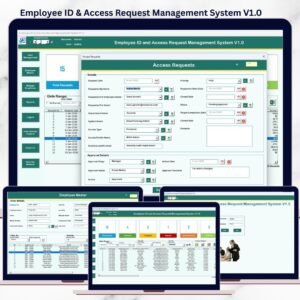
2. Centralized Access Request Management
- Manage new, replacement and temporary card requests.
- Store and track employee details, including department and designation.
- Assign access levels based on employee roles.
3. Smart Filtering and Sorting Options
- Filter requests by approval status, employee, department or card type.
- Sort requests by request date, employee ID or status.
- Search functionality for quick record retrieval.
4. Automated Approval Workflow
- Admins can approve or reject requests with a single click.
- Tracks request history and updates the database in real time.
- Sends notifications for pending approvals.
5. Comprehensive Reporting and Data Insights
- Generate real-time reports on card status, approvals and rejections.
- Export transaction data to Excel for further analysis.
- Visual summary of department-wise access card distribution.
6. Transaction and History Log
- Maintains a transaction log of all access requests.
- Tracks updates, modifications and approvals.
- Provides a complete history of issued, expired and replaced cards.
7. User-Friendly Interface
- Simple and intuitive dashboard for quick navigation.
- One-click actions for adding, modifying or deleting records.
- Dedicated sections for managing access permissions.
What’s Inside the Tool
| Module | What it does |
|---|---|
| Login screen | Secure, multi-user sign-in with admin and user roles |
| Dashboard | Simple navigation hub with one-click actions |
| Access request management | Record new, replacement and temporary card requests with employee, department and designation details |
| Approval workflow | One-click approve or reject, with notifications for pending approvals |
| Filter, sort and search | Find records by status, employee, department, card type, request date or employee ID |
| Reports | Real-time reports on card status, approvals and rejections, plus a department-wise visual summary |
| Transaction and history log | Full log of requests, modifications, approvals and issued, expired or replaced cards |
| Data export | Export transaction data to Excel for further analysis |
Why Choose This System?
- Time-saving: Automates the entire access request workflow.
- Data security: Protects sensitive data through role-based access control.
- Error-free tracking: Eliminates manual errors in managing employee access cards.
- Customizable: Can be tailored to fit your organization’s access management policies.
Who It’s For
- HR and administration teams that issue and replace employee access cards.
- Security and facilities managers who need to control and audit access levels.
- Department heads who review and approve access card requests.
- Small and mid-sized organizations that want a structured system inside Excel instead of paper forms or loose spreadsheets.
How to Use It
- Open the file in Excel and sign in with your admin or user credentials.
- Add employee details such as department and designation, then log a new, replacement or temporary card request.
- Assign the access level based on the employee’s role.
- As an admin, review pending requests and approve or reject them with a single click.
- Use filters, sorting and search to find any request quickly.
- Generate reports, review the history log and export transaction data to Excel when needed.
Click here to read the detailed blog post
Also check our Inventory Management Form in Excel.
Visit our YouTube channel to learn step-by-step video tutorials: Youtube.com/@PKAnExcelExpert
Watch the step-by-step video tutorial:
Frequently Asked Questions
What is the Access Card Request Management System V1.0?
It is an Excel-based VBA tool for tracking, approving and managing employee access card requests, with secure login, role-based permissions, reporting and a full transaction history.
What types of access card requests can I manage?
You can manage new, replacement and temporary card requests, and assign access levels based on each employee’s role.
How does the approval workflow work?
Admins can approve or reject access card requests with a single click. The system tracks request history, updates the database in real time and sends notifications for pending approvals.
Can different users have different permissions?
Yes. The tool supports multi-user authentication with admin and user roles, so each person only sees and edits the data their role allows.
Can I export reports?
Yes. You can generate real-time reports on card status, approvals and rejections, view a department-wise summary and export transaction data to Excel for further analysis.
Can the system be customized?
Yes. It can be tailored to fit your organization’s access management policies.
Last updated: October 2026
Compatibility and Requirements
- Built in Excel with VBA and a login screen. Use Excel desktop on Windows with macros enabled.
- Excel for the web, Google Sheets and the Excel mobile apps are not supported.
- Microsoft explains how to turn macros on in Enable or disable macros in Microsoft 365 files.
Related Access and Visitor Templates
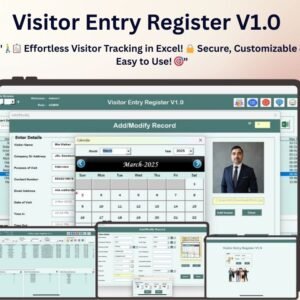
- Visitor Entry Register V1.0 in Excel: log visitors at the front desk
- Visitor Entry Management System Web App Template: a browser app for visitor entry
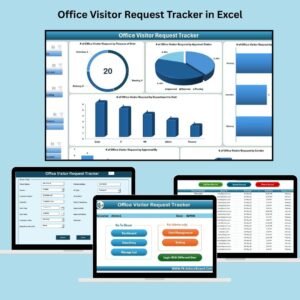
- Office Visitor Request Tracker in Excel: approve visitor requests before they arrive
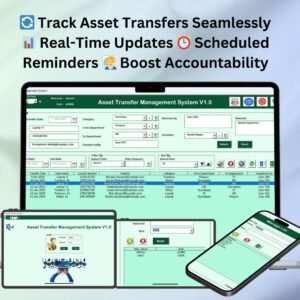
- Asset Transfer Management System V1.0: another VBA system with approvals
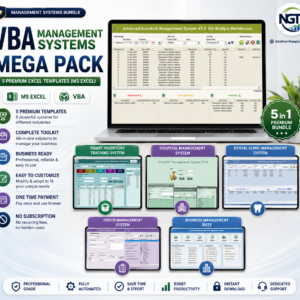
- VBA Management Systems Mega Pack: 5 Excel VBA systems in one bundle
Browse all Excel VBA tools or the HR and Payroll templates.















Reviews
There are no reviews yet.