


Financial audits are crucial for maintaining transparency, ensuring compliance with accounting standards, and managing organizational risks effectively. However, preparing for an audit can feel overwhelming without a structured process. That’s why we created the Financial Audit Template Checklist in Excel—a simple yet powerful tool that helps businesses, non-profits, and corporations stay audit-ready with confidence.
This ready-to-use Excel template eliminates the chaos of manual notes and scattered documents by offering a centralized checklist system. With structured tasks, automated progress tracking, dropdown assignments, and clear accountability, this template transforms the audit preparation process into a smooth, efficient workflow.
✨ Key Features of Financial Audit Template Checklist
✅ Two Pre-Built Worksheets – Main Checklist Sheet & List Sheet for task assignment.
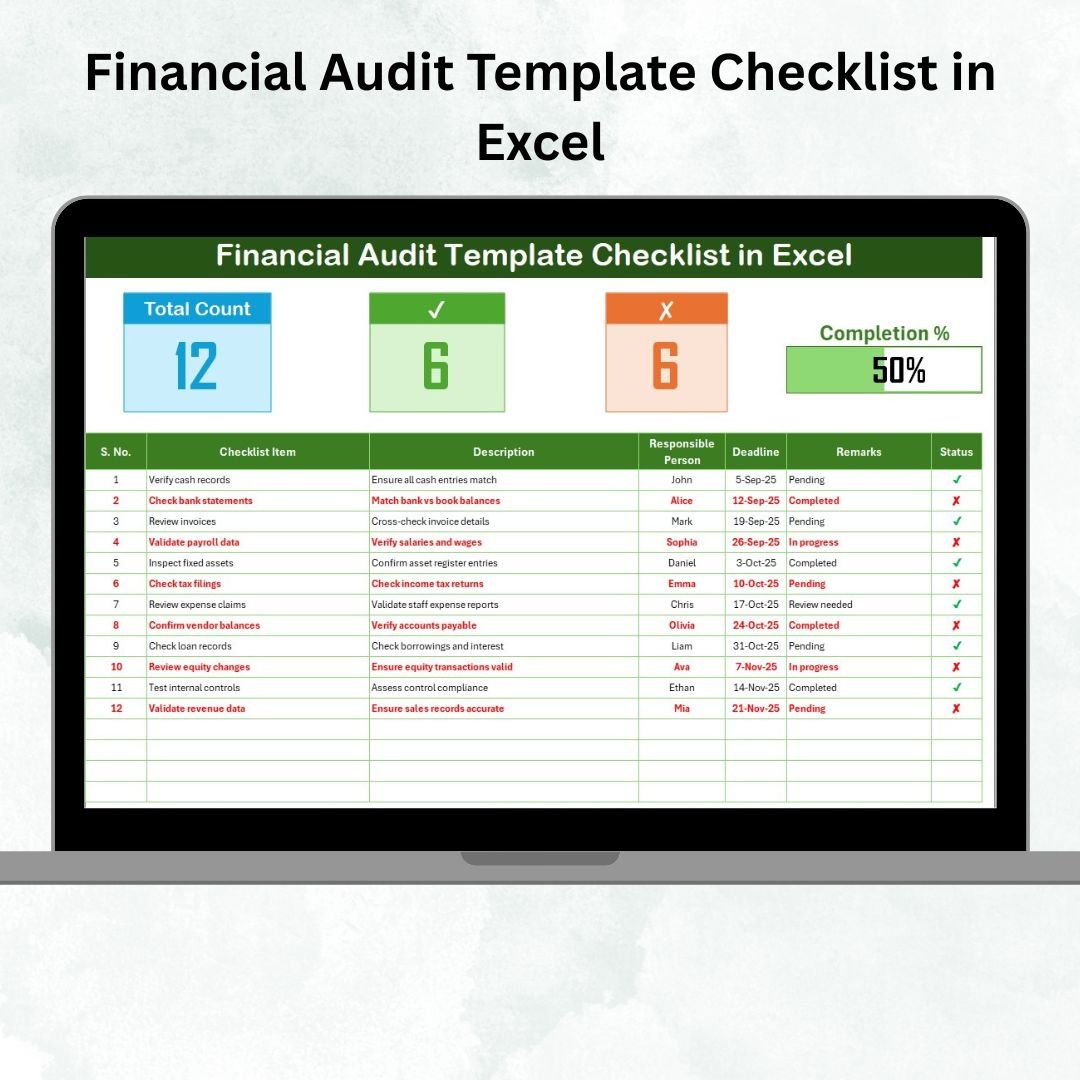
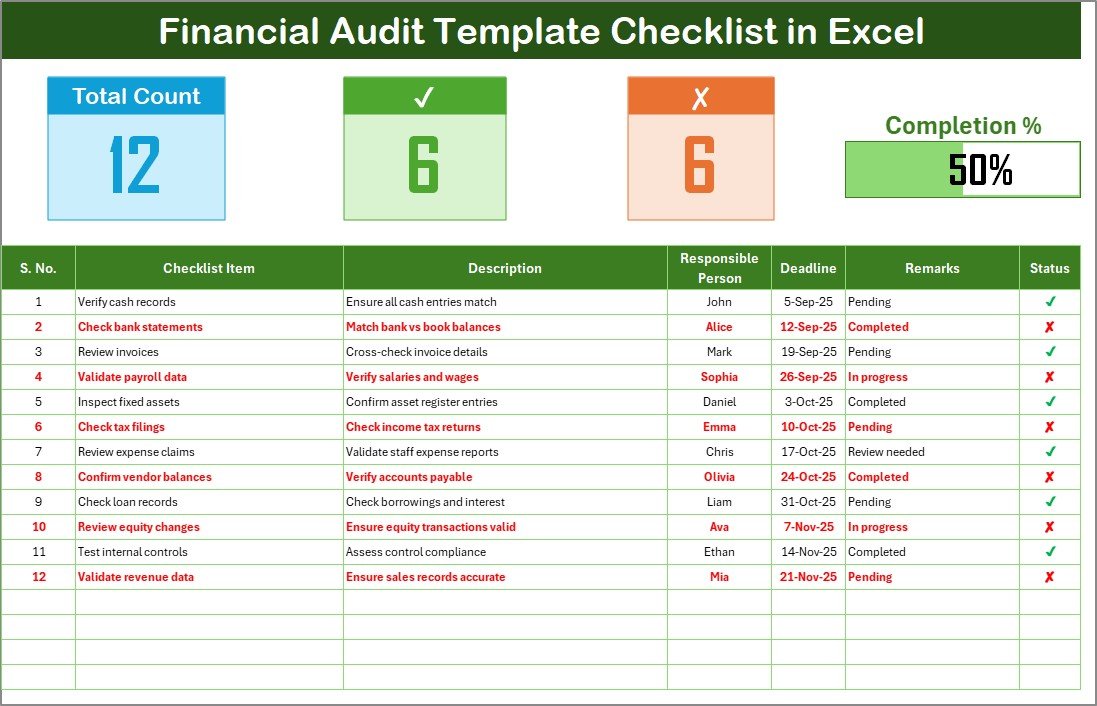
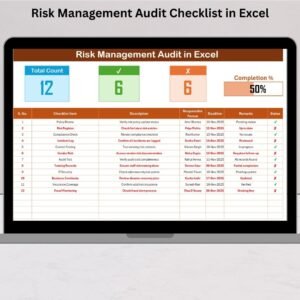
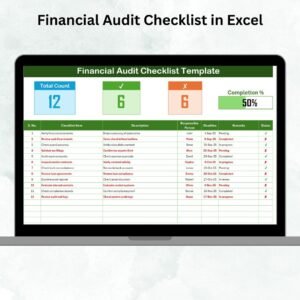
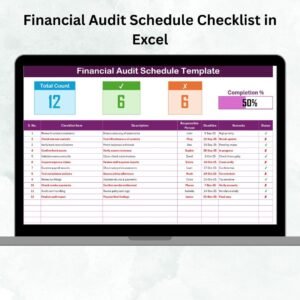
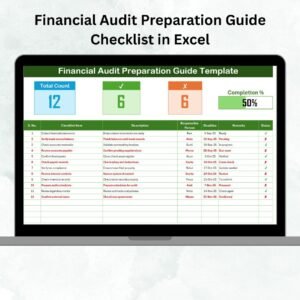
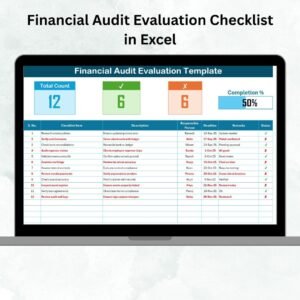
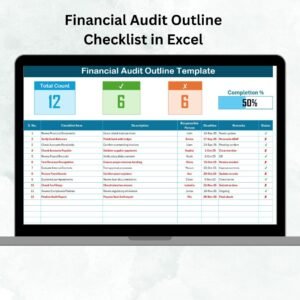
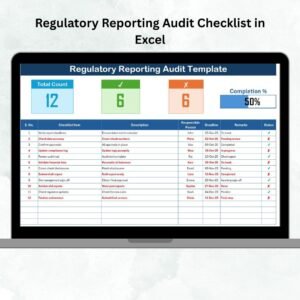
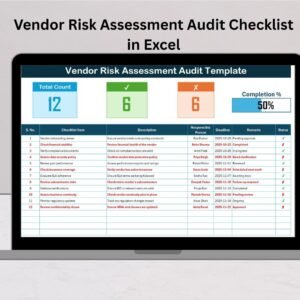
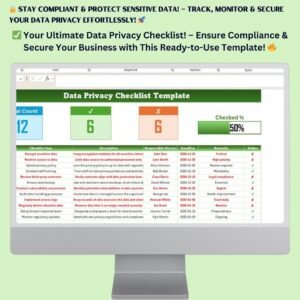
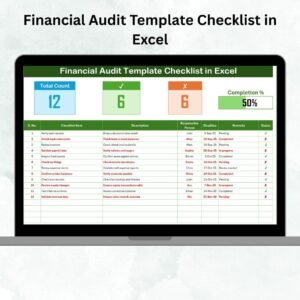
✅ Dashboard-Style Top Section – Displays total tasks, completed tasks, pending tasks, and a progress bar for real-time tracking.
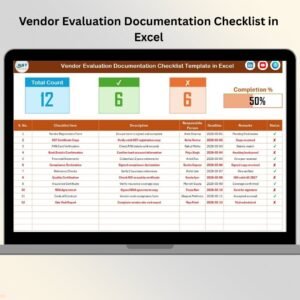
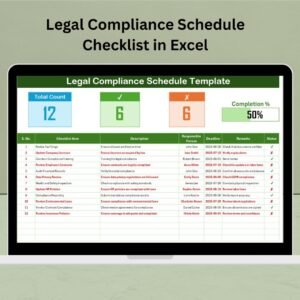
✅ Structured Checklist Table – Columns for Serial No., Task, Description, Responsible Person, Deadline, Remarks, and Status.
✅ Interactive Status Updates – Mark ✔ for completed and ✘ for pending, with automatic updates to the progress bar.
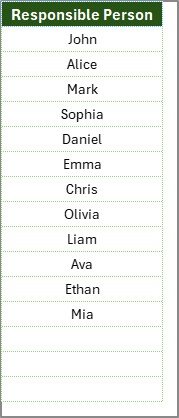
✅ Dropdown Assignments – Select responsible persons from a predefined list to ensure accuracy.
✅ Customizable Layout – Add or remove columns to adapt to your organization’s audit needs.
✅ Error Reduction – Prefilled dropdowns and structured inputs reduce mistakes.
✅ Easy Collaboration – Shareable via email, cloud, or collaboration platforms.
✅ Audit Readiness – Ensures every document and task is completed before the audit begins.
📦 What’s Inside the Financial Audit Template Checklist
When you download this template, you receive:
Financial Audit Checklist Sheet: The main working sheet with a progress bar and task table.
List Sheet: Stores the list of responsible persons to populate dropdowns.
Pre-Built Sample Tasks: Verify bank reconciliations, review payroll, check tax compliance, and more.
Status Tracking System: Simple ✔ and ✘ markers with auto-calculated progress.
Visual Progress Bar: Instantly see how close you are to audit readiness.
This template works out-of-the-box but can also be customized to fit any industry or organization size.
🛠️ How to Use the Financial Audit Template Checklist
Download & Open the Template – Start in Excel with no extra software required.
Add Tasks – Enter each audit activity under the “Checklist Item” column.
Assign Responsibility – Use the dropdown to assign tasks to specific individuals.
Set Deadlines – Define completion dates to avoid last-minute delays.
Update Status – Mark ✔ when a task is done or ✘ if pending.
Monitor Progress – The progress bar updates automatically, showing completion percentage.
Finalize Audit Prep – Review all tasks before the audit to ensure nothing is missed.
👩💼 Who Can Benefit from This Template?
Finance Managers & Accountants – Stay organized and avoid missing key audit steps.
Auditors – Use the checklist to streamline audits and track task completion.
Business Owners – Ensure transparency and compliance in financial reporting.
Non-Profits & NGOs – Maintain accountability for donors and stakeholders.
Large Corporations – Coordinate multi-department audit tasks efficiently.
This template is versatile, scalable, and ensures audit preparation is structured, transparent, and stress-free.
👉 Click here to read the Detailed blog post
Visit our YouTube channel to learn step-by-step video tutorials
Watch the step-by-step video tutorial:
Compatibility and Requirements
- Works in Microsoft Excel desktop (Excel 2016 or later, or Microsoft 365).
- The Responsible Person column uses dropdown lists filled from the List sheet. Microsoft explains how they work in Create a drop-down list.
Frequently Asked Questions
Which sheets are included?
Two sheets: the Financial Audit Checklist sheet and the List sheet. The List sheet stores the names used in the Responsible Person dropdown.
How do I track progress?
Mark each task with ✔ when it is done or ✘ when it is pending. The top section shows total tasks, completed tasks, pending tasks and a progress bar, and it updates from your status marks.
How do I assign a task to someone?
Add the names to the List sheet, then pick a person from the dropdown in the Responsible Person column of the checklist.
What columns does the checklist table have?
Serial No., Task, Description, Responsible Person, Deadline, Remarks and Status. You can add or remove columns to fit your audit.
Is there a Google Sheets version?
There is a Financial Audit Preparation Checklist in Google Sheets, which covers audit preparation in Google Sheets.
Related Financial Audit Templates
- Financial Audit Checklist in Excel: another Excel checklist for audit tasks
- Financial Audit Preparation Checklist in Excel: a checklist for getting ready before the audit
- Financial Audit Schedule Checklist in Excel: a checklist built around the audit schedule
- Internal Audit Checklist in Excel: a checklist for internal audits
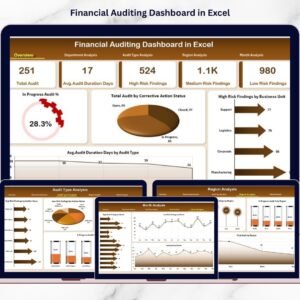
- Financial Auditing Dashboard in Excel: a dashboard view of audit results
Browse all Excel checklist templates.






















Reviews
There are no reviews yet.