

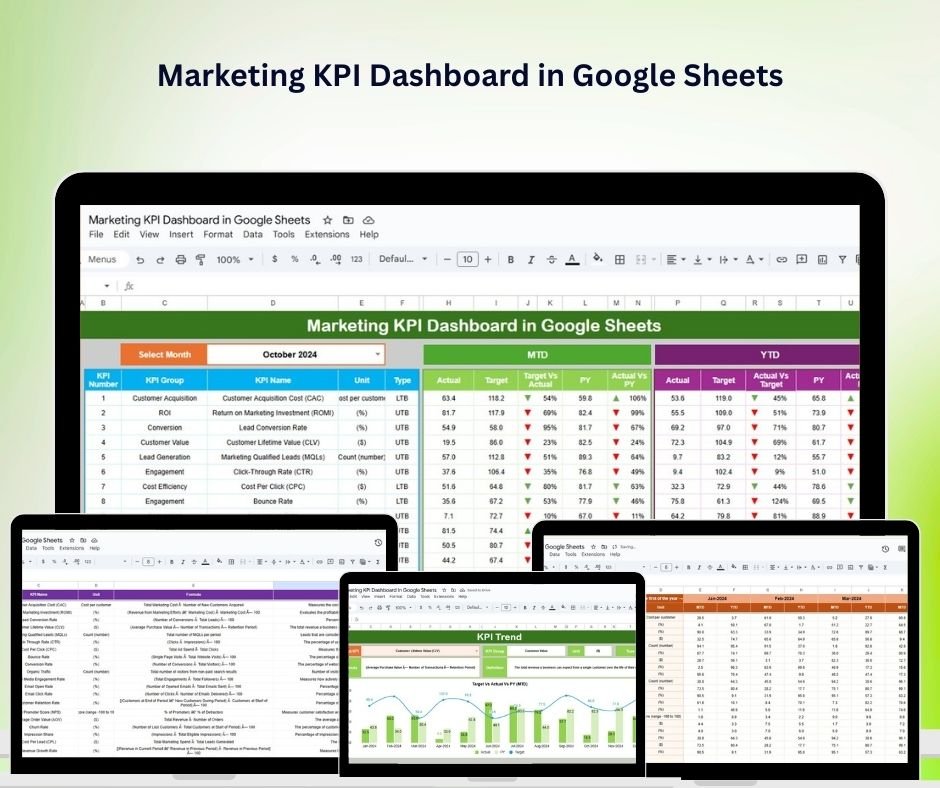
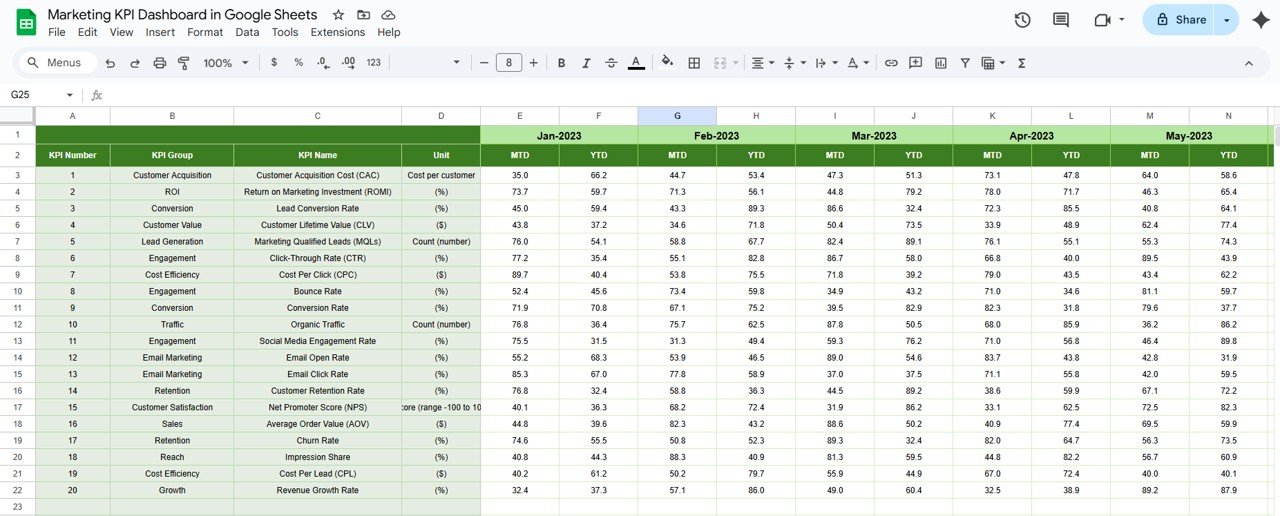
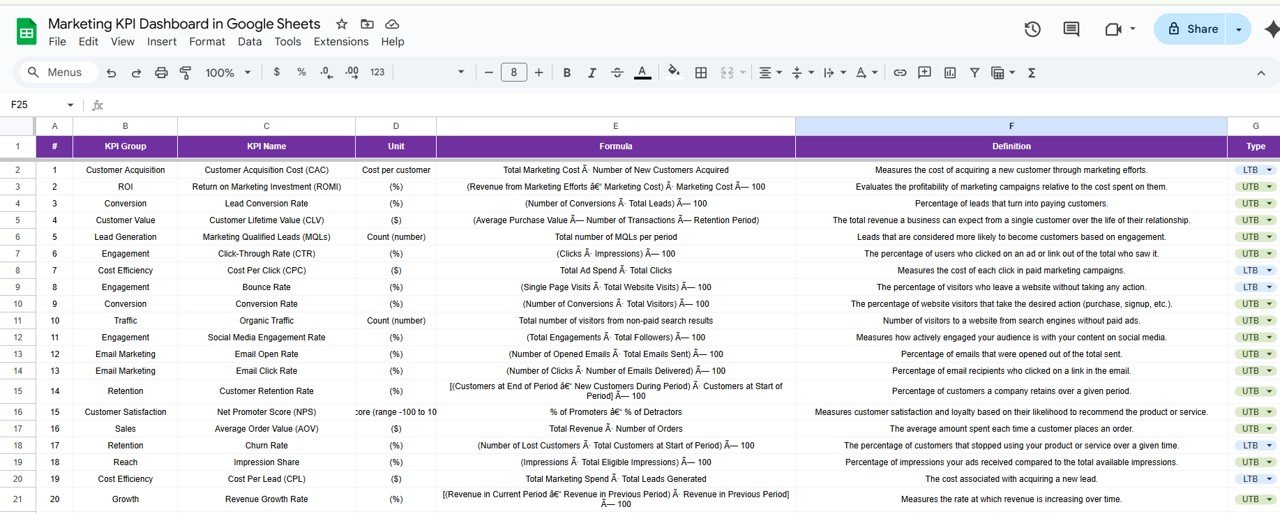

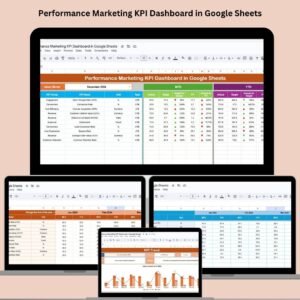
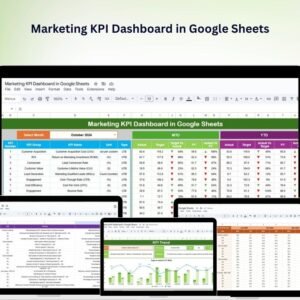
The Marketing KPI Dashboard in Google Sheets is a strategic tool designed to help marketing professionals and businesses monitor and analyze key performance indicators (KPIs) effectively. With this dashboard, users can track the success of their marketing campaigns, measure engagement, and make data-driven decisions that optimize marketing strategies and enhance overall business growth.
By utilizing this dashboard, businesses can gain real-time insights into their marketing activities, such as campaign performance, traffic analysis, lead generation, and social media metrics. This tool ensures that marketing teams can optimize their campaigns, increase ROI, and achieve their goals more efficiently.

Key Features of the Marketing KPI Dashboard in Google Sheets
📊 Comprehensive KPI Tracking
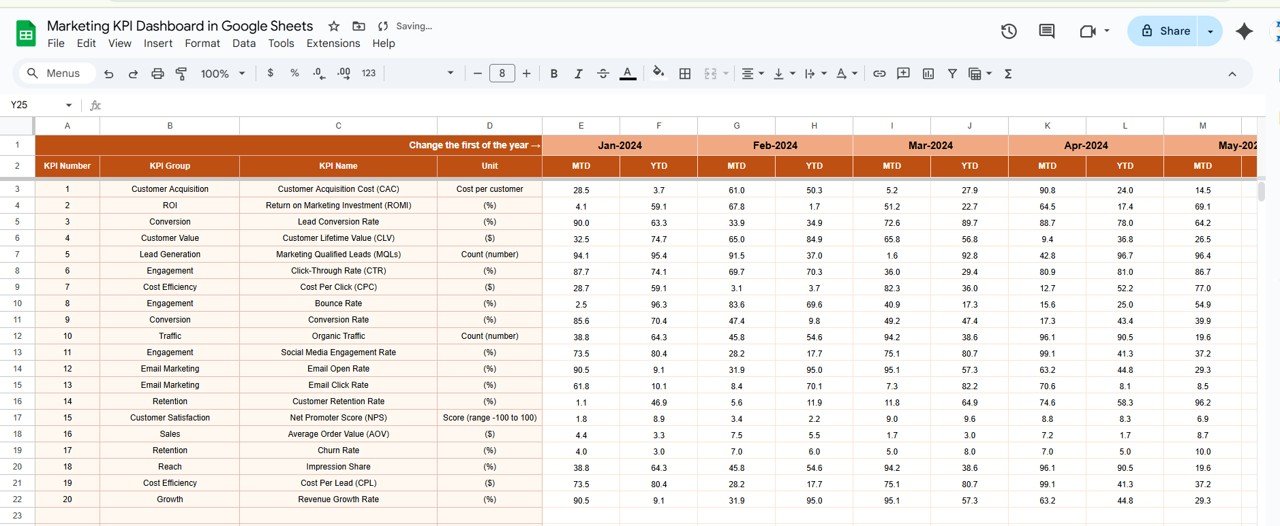
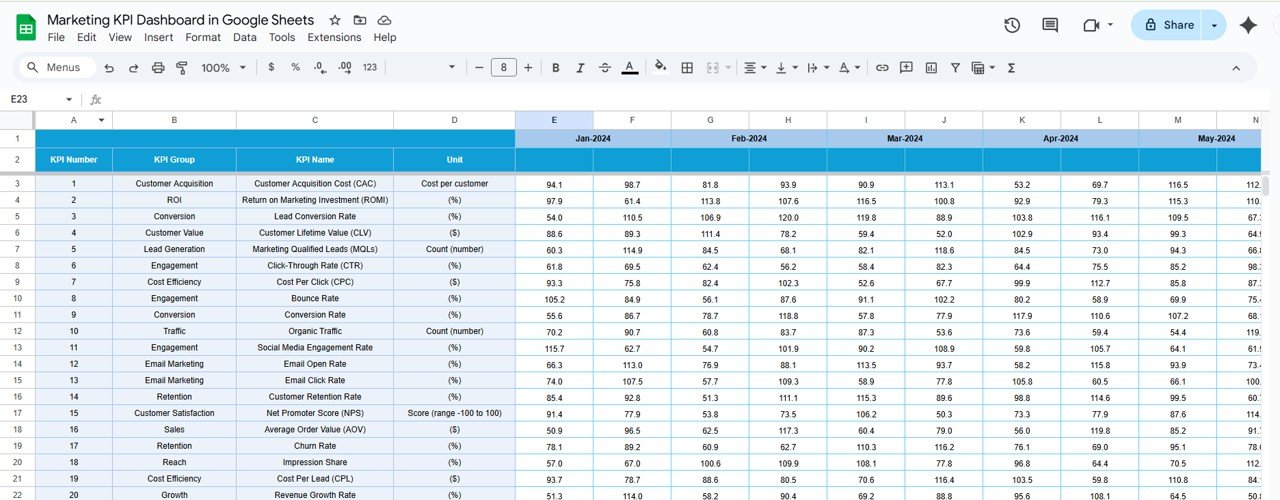
Campaign Performance: Track key metrics such as impressions, clicks, conversions, and ROI to evaluate the effectiveness of marketing campaigns.
Traffic Analysis: Monitor website traffic sources, user engagement, and behavior to understand the success of various marketing channels.
Lead Generation: Track the number of leads, conversion rates, and lead quality to optimize lead generation efforts.
Social Media Metrics: Analyze the performance of social media campaigns by tracking follower growth, engagement rates, and campaign impact.
Email Marketing: Evaluate the success of email campaigns by monitoring open rates, click-through rates, and subscriber engagement.
📈 Real-Time Data Visualization
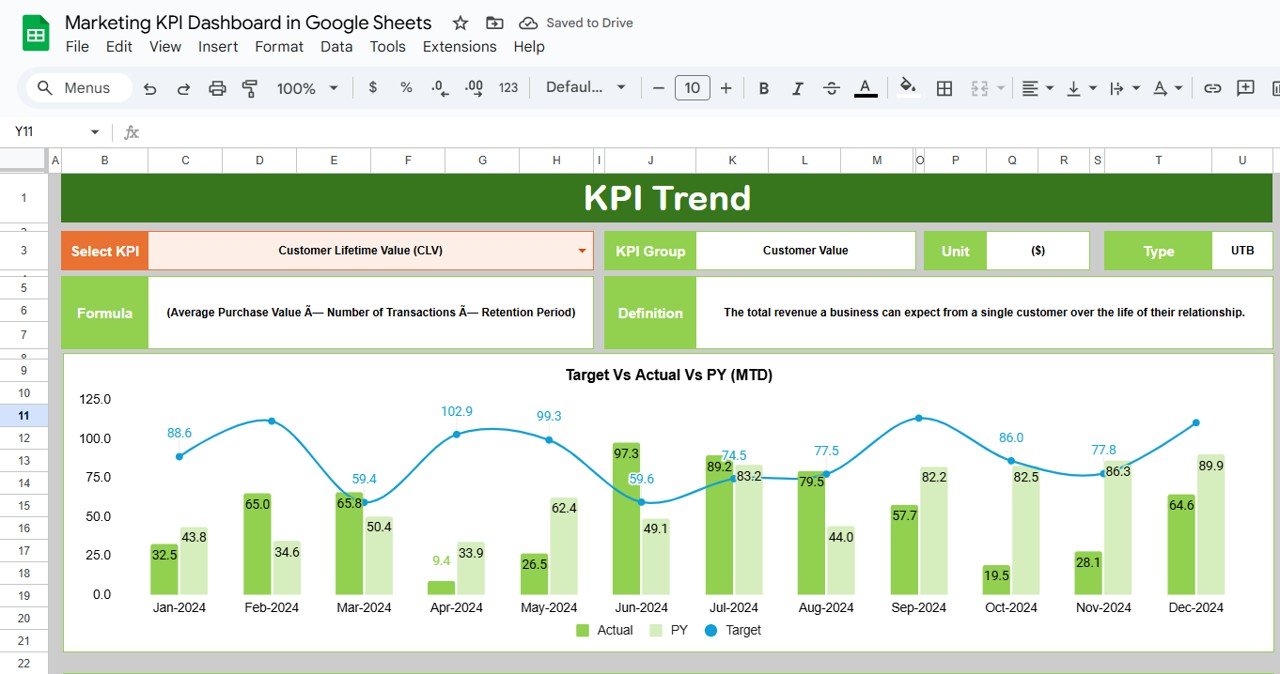
Interactive Charts and Graphs: Use customizable visualizations like bar charts, line graphs, and pie charts to analyze marketing data and trends.
Dynamic Dashboards: The dashboard automatically updates in real-time as data is entered, providing up-to-date insights for effective decision-making.
🖥 User-Friendly Interface
Intuitive Design: The dashboard is designed for easy use, allowing marketing teams with varying levels of technical expertise to navigate and interpret data effectively.
Customizable Layouts: Personalize the dashboard to focus on the KPIs and campaigns that matter most to your organization.
🔒 Data Integrity and Security
Cloud-Based Accessibility: With Google Sheets, the dashboard is accessible from anywhere, allowing team members to collaborate in real-time and keep data up to date.
Permission Settings: Control user access levels to sensitive marketing data, ensuring data integrity and confidentiality.
Benefits of Using the Marketing KPI Dashboard in Google Sheets
✅ Enhanced Decision-Making
Real-time data and visualizations enable marketing teams to make informed decisions quickly, ensuring campaigns are optimized for success.
✅ Improved Campaign Performance
Continuous tracking of KPIs allows marketing teams to adjust strategies in real-time, improving the performance of campaigns and ensuring better results.
✅ Increased ROI
By evaluating performance metrics, businesses can allocate resources more effectively and maximize the return on investment from their marketing campaigns.
✅ Strategic Planning
Access to comprehensive marketing data helps develop strategies that align with business goals, driving growth and customer acquisition.
Conclusion
The Marketing KPI Dashboard in Google Sheets is an invaluable tool for businesses looking to streamline their marketing operations. With its real-time data insights, customizable features, and ease of use, this dashboard allows marketing teams to optimize their campaigns, improve performance, and make data-driven decisions that lead to growth and success. By embracing this tool, businesses can achieve their marketing goals more efficiently and effectively.
Click here to read the Detailed blog post
Marketing KPI Dashboard in Google Sheets
Visit our YouTube channel to learn step-by-step video tutorials
YouTube.com/@PKAnExcelExpert
Watch the step-by-step video Demo:
Compatibility and Requirements
- Works in Google Sheets with a free Google account and a web browser. Nothing to install.
- The bar, line and pie charts are standard Google Sheets charts. Google explains them in Add & edit a chart or graph.
Frequently Asked Questions
What does the Marketing KPI Dashboard track?
Campaign performance (impressions, clicks, conversions and ROI), website traffic sources, lead generation, social media metrics and email marketing results such as open and click-through rates.
Does it update as I add data?
Yes. The charts and KPIs update as you enter new data in the sheet.
Can my team use it together?
Yes. It runs in Google Sheets, so team members can work in it at the same time, and you can use permission settings to control who sees sensitive data.
Can I focus on certain KPIs?
Yes. The layout is customizable, so you can keep the KPIs and campaigns that matter most to your team.
How to Use the Marketing KPI Dashboard
- Open the Google Sheets file in your Google account.
- Enter your campaign, traffic, lead, social media and email data.
- Review the charts and KPI results as they update.
- Adjust the layout to focus on the KPIs your team cares about.
- Share the sheet with your team and set access permissions.
Related Marketing KPI Templates
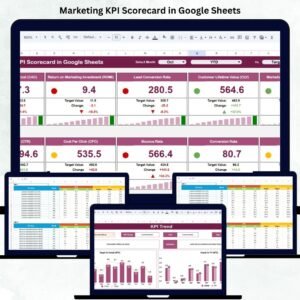
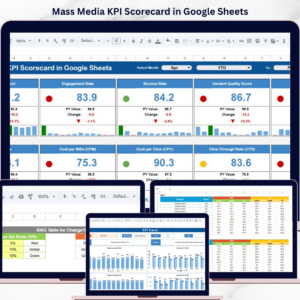
- Marketing KPI Scorecard in Google Sheets: a scorecard view of marketing KPIs
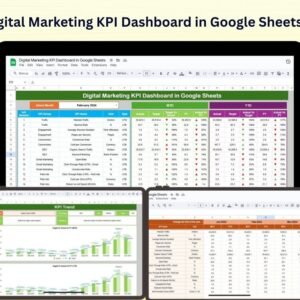
- Digital Marketing KPI Dashboard in Google Sheets: KPIs for online channels
- Marketing Dashboard in Google Sheets: a full marketing dashboard
- Marketing KPI Dashboard in Power BI: the Power BI edition
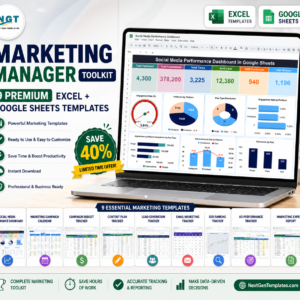
- Marketing Manager Toolkit: a bundle of marketing templates for Excel and Google Sheets
Browse all Google Sheets KPI dashboards or the Google Sheets sales and marketing templates.







Reviews
There are no reviews yet.