

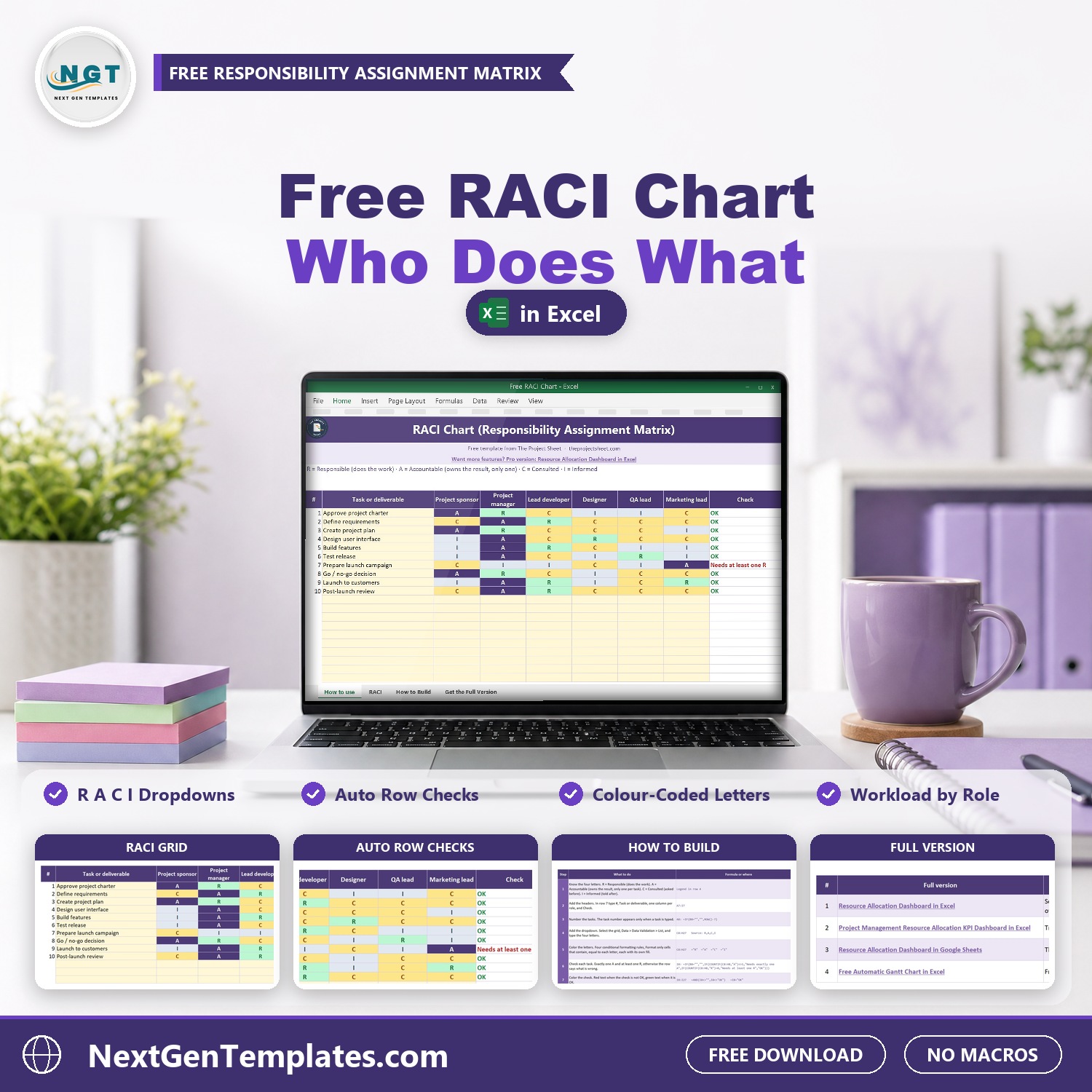

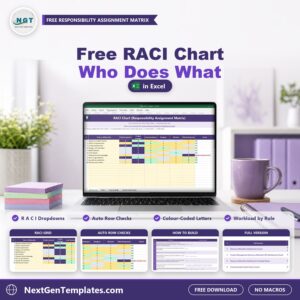
The Free RACI Chart in Excel shows who does what on your project, and it checks itself. List your tasks, put your roles across the top, and pick R, A, C or I from a dropdown in each cell. Every letter gets its own color, and a Check column tells you straight away when a task has no one Accountable, two people Accountable, or nobody doing the work.
It is 100% free. It is the light version of our paid resource planning files, and it comes with a How to Build sheet that shows every formula, so you can rebuild the matrix from a blank workbook and learn how it works. Setup takes about two minutes: rename the role columns, replace the sample tasks with yours and fill in the letters.
Free download | Works in any recent Excel | No add-ins or macros | Copy it for every project
A RACI matrix, also called a responsibility assignment matrix, maps every task to the people who do it, own it, advise on it and need to hear about it. This free RACI chart template gives you that matrix ready to fill in.
Join 10,000+ customers in 180+ countries who use NextGenTemplates spreadsheets to run their projects and businesses.
Key features of the free RACI chart
- Dropdown in every cell. Pick R, A, C or I from a list, so nobody types a wrong letter.
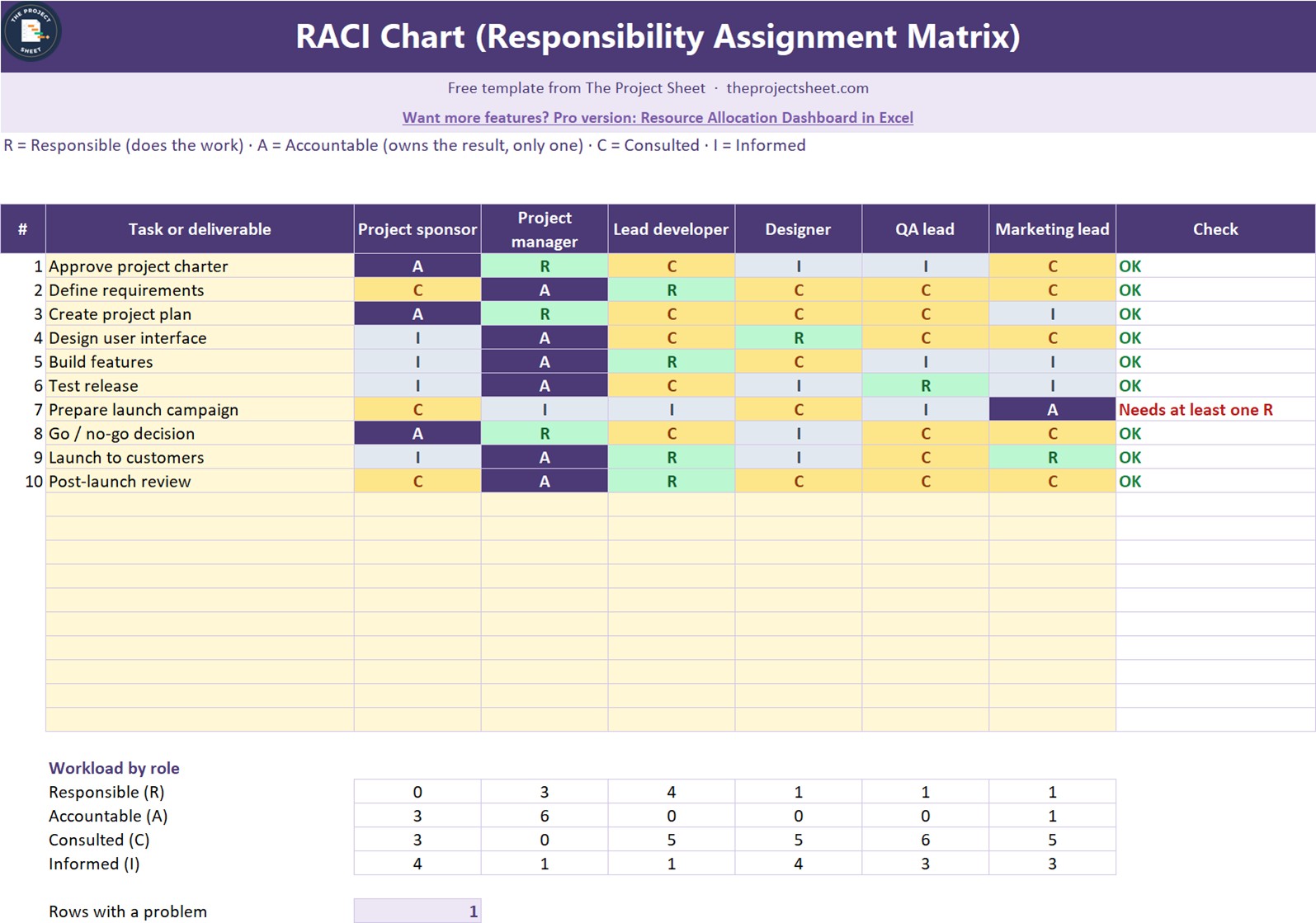
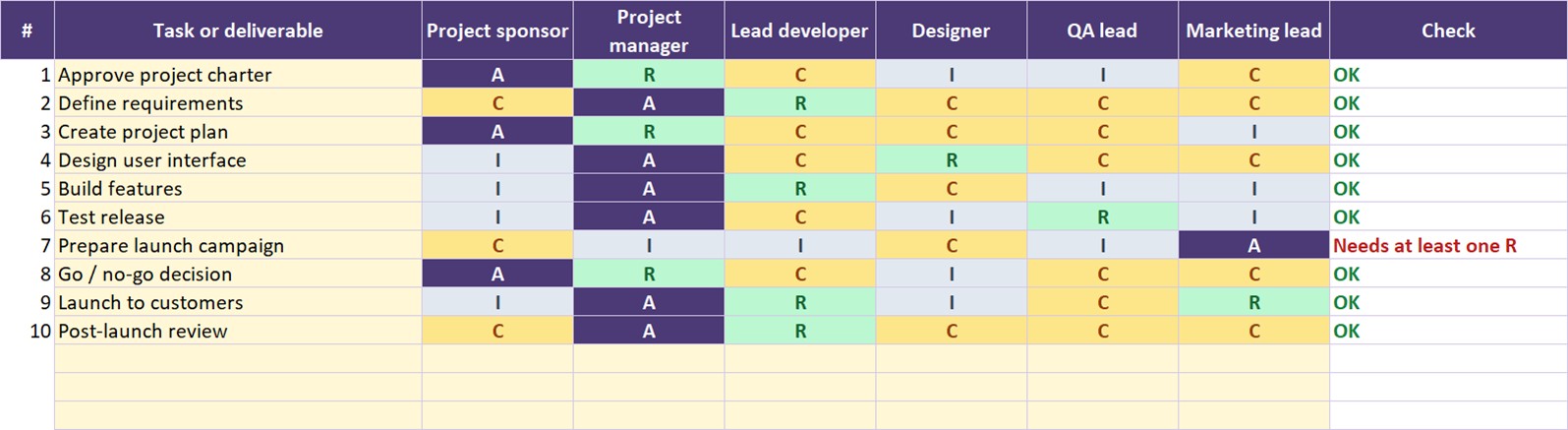
- Color coded letters. Responsible is green, Accountable is dark, Consulted is yellow and Informed is grey, so you can read the matrix at a glance.
- Automatic checks. Each task needs exactly one A and at least one R. The Check column says OK, Needs exactly one A, or Needs at least one R.
- Workload by role. A small table counts every letter for every role, so you can spot the person who is Responsible for too much or Consulted on everything.
- Problem counter. One cell shows how many tasks still need a fix before you share the chart.
- 20 task rows and 6 roles. Rename the role columns to people or job titles.
What is inside the file
| Sheet | What it does |
|---|---|
| How to use | A short guide to the template and the four letters |
| RACI | The matrix, the checks, the workload table and the problem counter |
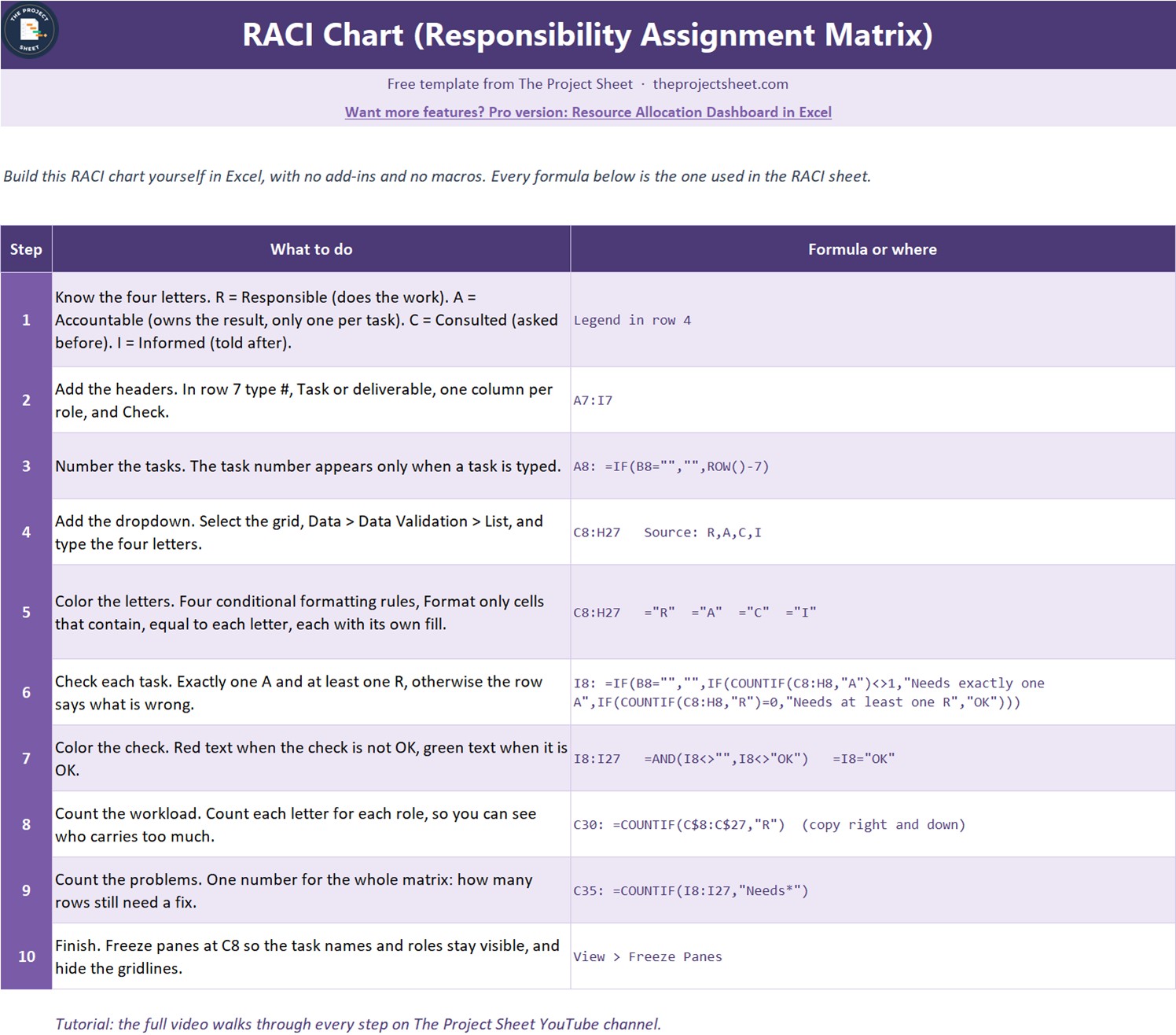
| How to Build | The 10 steps and every formula, so you can rebuild the chart from a blank sheet |
| Get the Full Version | Links to the paid resource allocation files when you need more |
The sample is a ten task software launch with a project sponsor, a project manager, a lead developer, a designer, a QA lead and a marketing lead. One task is left with no one Responsible, so you can see the check in action. Replace it with your own project.
How to use it in three steps
- Name the roles. Rename the six role columns to the people or roles on your project.
- List the tasks. Type each task or deliverable in column B, up to 20.
- Assign the letters. Pick R, A, C or I in each cell and fix every row the Check column flags.
Who this free RACI chart is for
Project managers, team leads, PMO staff, consultants and small business owners who keep hearing “I thought you were doing that”. It suits a product launch, a website build, an office move, a system rollout or any project where several people share the work.
When it makes sense to upgrade
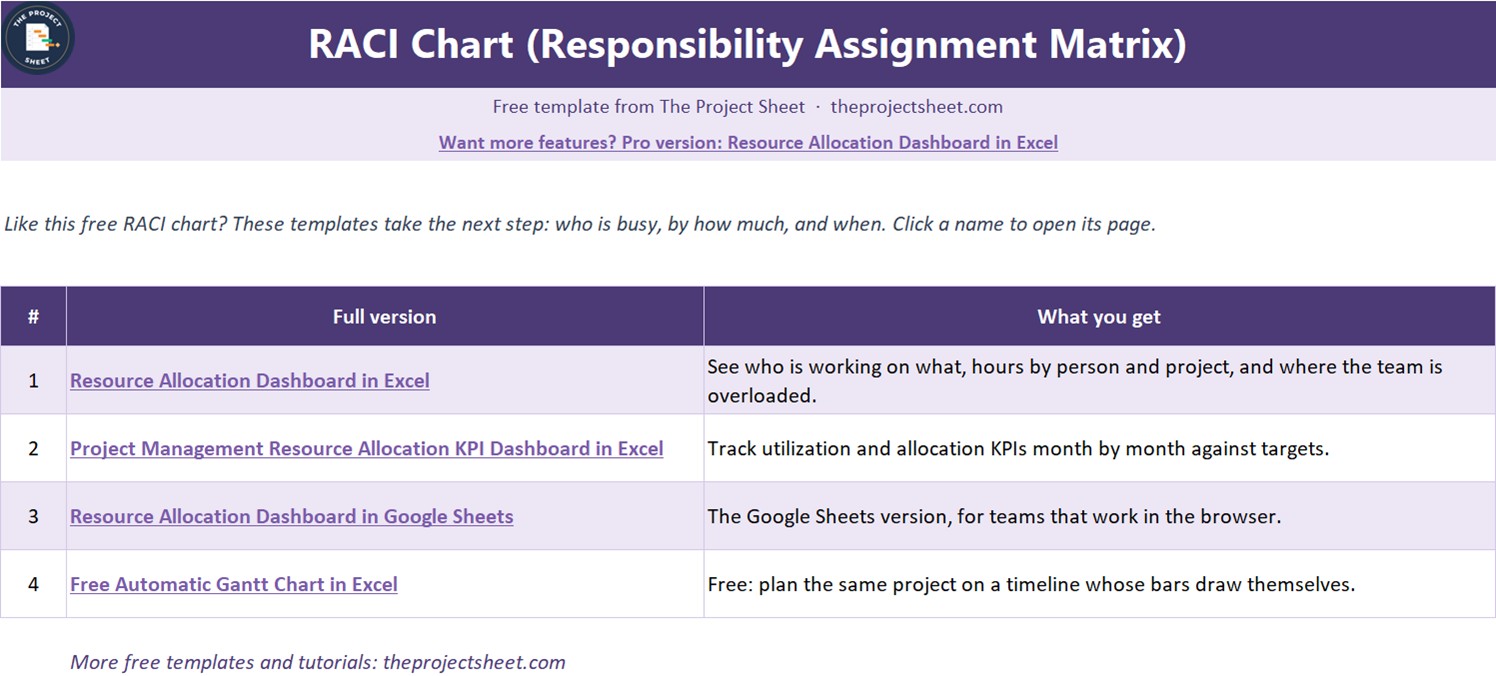
A RACI chart tells you who owns each task. It does not tell you how busy each person is. When you need that, these paid files from NextGenTemplates go further:
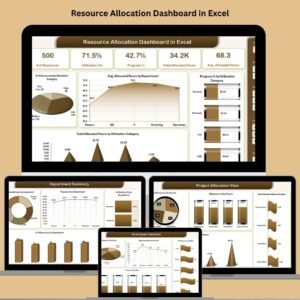
- Resource Allocation Dashboard in Excel to see who is working on what, hours by person and project, and where the team is overloaded.
- Project Management Resource Allocation KPI Dashboard in Excel to track allocation KPIs month by month against targets.
- Project Management Pro Bundle for nine premium project templates in Excel and Google Sheets.
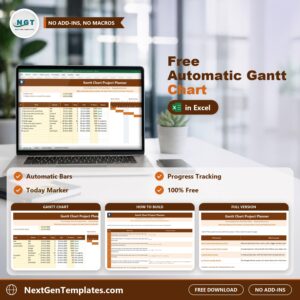
- Free Automatic Gantt Chart in Excel to put the same project on a timeline.
Frequently asked questions
Is the RACI chart template really free?
Yes. It costs nothing to download and you can copy it for every project.
What is the difference between Responsible and Accountable?
Responsible people do the work. The Accountable person owns the result and signs it off. A task can have several R’s but only one A.
Why does a row say Needs exactly one A?
The task has no Accountable person, or it has two. Pick one owner and change the other letter to R or C.
Do I need add-ins or macros?
No. The chart uses data validation, COUNTIF formulas and conditional formatting, so it works in any recent version of Excel.
Can I build it myself?
Yes. The How to Build sheet lists all 10 steps with the exact formulas, and the free video on The Project Sheet YouTube channel builds it step by step.












Reviews
There are no reviews yet.