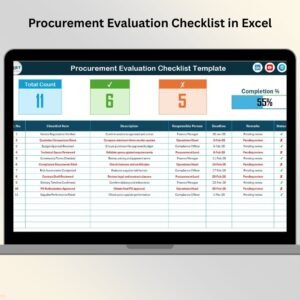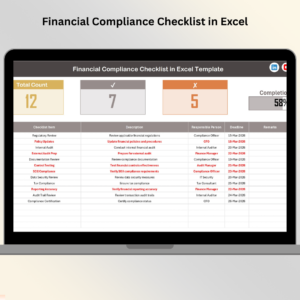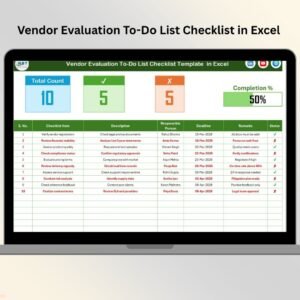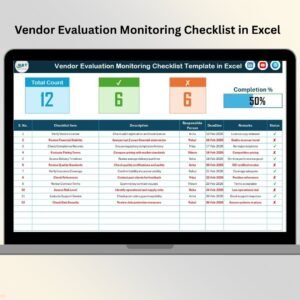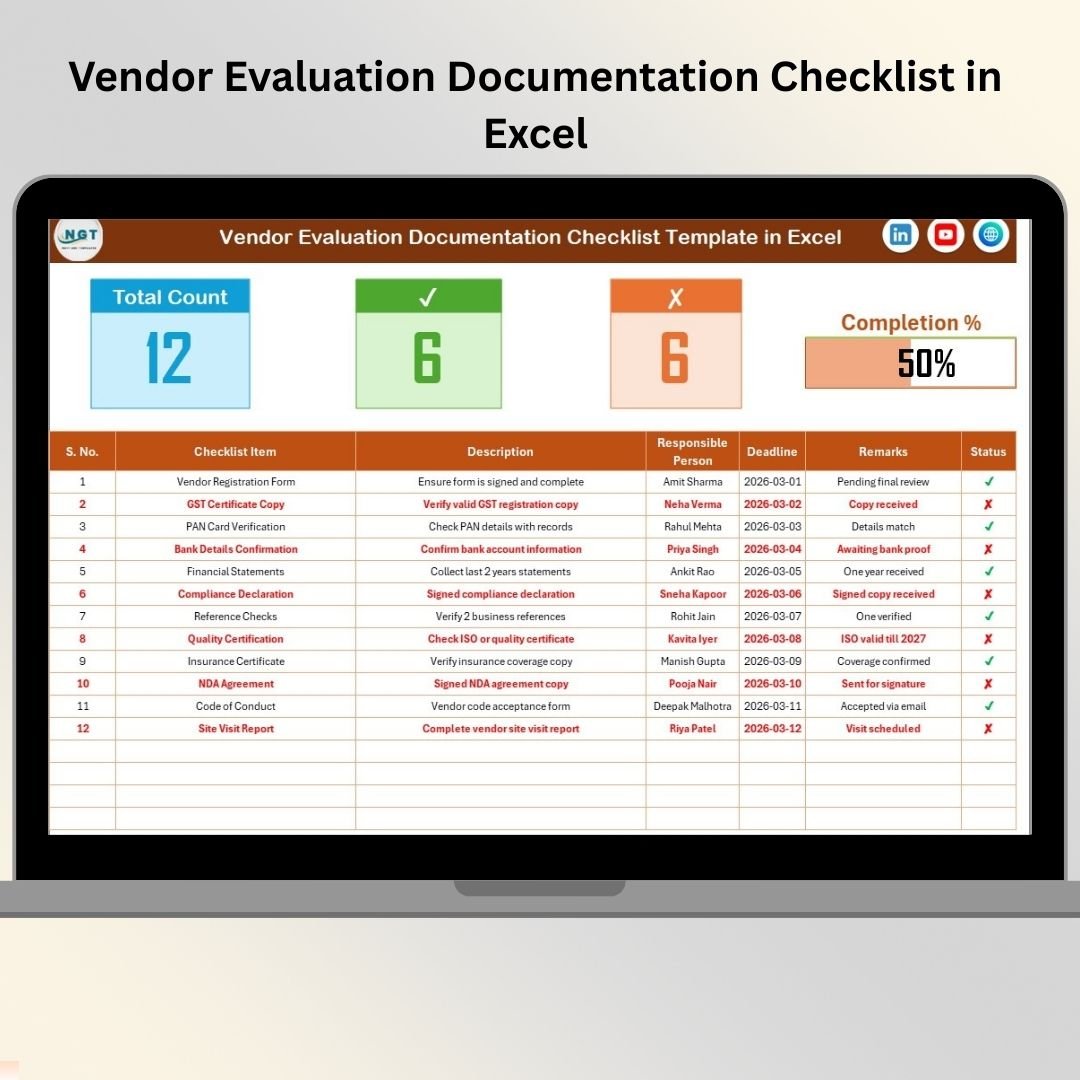
Choosing the right vendor is not just about price. It affects quality, compliance, risk exposure, and long-term business stability. Vendor Evaluation Documentation Checklist in Excel Yet many procurement teams still rely on emails, scattered documents, and manual notes to evaluate suppliers.
Missing documents.
Delayed approvals.
Compliance risks.
What if you could standardize vendor evaluation in one structured, visual, and easy-to-manage Excel system?
Vendor Evaluation Documentation Checklist in Excel That’s exactly what the Vendor Evaluation Documentation Checklist in Excel delivers. 🚀
This ready-to-use Excel template helps procurement teams track required vendor documents, assign responsibilities, set deadlines, monitor progress, and ensure compliance — all in one centralized file.
No expensive procurement software. No complicated setup. Just structured vendor control.
🚀 Key Feature of Vendor Evaluation Documentation Checklist in Excel
This powerful template includes 2 structured worksheets designed for smooth vendor documentation management.
📊 Main Checklist Sheet – Complete Vendor Overview
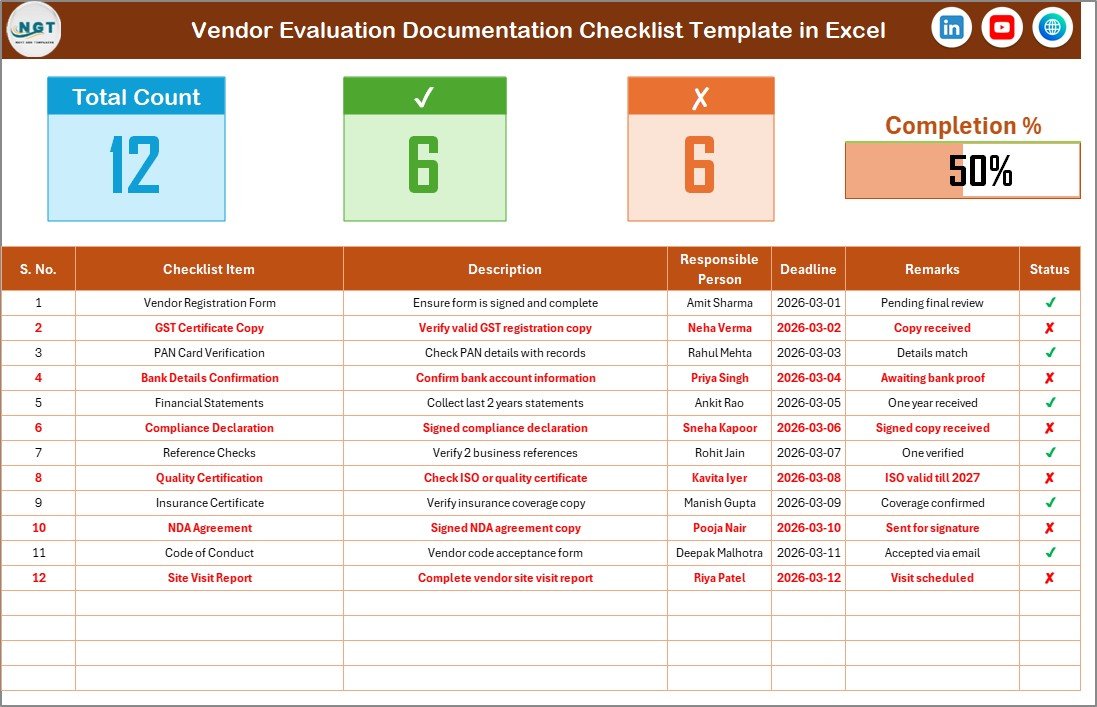
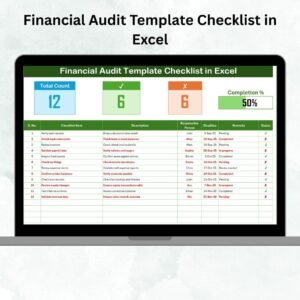
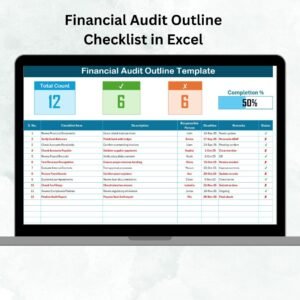
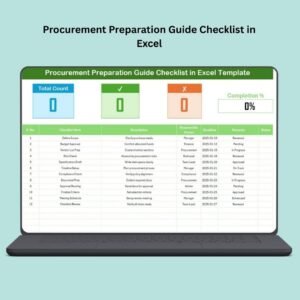
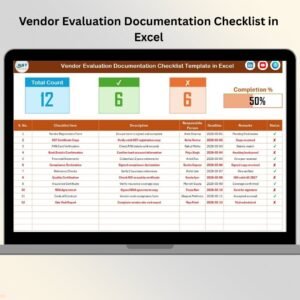
At the top section, you get instant progress visibility:
✔ Total Checklist Count
✔ Checked Count (✔ Completed)
✔ Crossed Count (✘ Pending)
✔ Dynamic Progress Bar (Completion %)
As soon as you update status, the progress bar updates automatically.
🗂 Structured Checklist Table
Columns included:
• Serial No.
• Checklist Item
• Description
• Responsible Person
• Deadline
• Remarks
• Status (✔ / ✘)
Each column is designed for clarity and accountability.
🟢 Status Control
✔ = Document received or completed
✘ = Pending or missing
This drives automatic progress calculation.
📋 List Sheet – Standardized Drop-Down Control
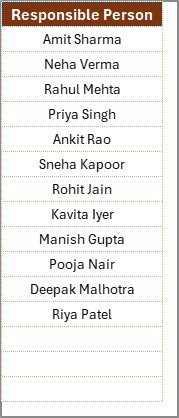
The second worksheet captures unique Responsible Persons.
This ensures:
✔ Clean data entry
✔ Consistent naming
✔ Standardized reporting
No more typing errors or inconsistent names.
📦 What’s Inside the Vendor Evaluation Documentation Checklist in Excel
When you purchase this template, you receive:
✔ 2 structured worksheets
✔ Dynamic progress calculation
✔ Visual completion bar
✔ Responsible person drop-down list
✔ Deadline tracking column
✔ Remarks tracking for review notes
✔ Fully customizable checklist items
This is not just a spreadsheet — it’s a structured vendor onboarding control system.
🛠 How to Use the Vendor Evaluation Documentation Checklist in Excel
Using the template is simple:
1️⃣ Enter your required vendor documents in the checklist table.
2️⃣ Assign Responsible Person from the drop-down list.
3️⃣ Set deadlines clearly.
4️⃣ Update Status as ✔ or ✘.
The progress bar automatically reflects completion percentage.
For updates:
✔ Modify checklist items as per vendor type
✔ Add remarks such as “Under Review” or “Expired”
✔ Add new responsible persons in the List sheet
No advanced Excel knowledge required.
🏢 Who Can Benefit from This Vendor Evaluation Documentation Checklist in Excel
This template is ideal for:
🏭 Manufacturing Companies
🏥 Healthcare Organizations
🏗 Construction Firms
💻 IT Companies
🏫 Educational Institutions
🏛 Government Departments
📦 Procurement Teams
📊 Vendor Management Departments
If your organization works with external vendors, you need structured documentation control.
The Vendor Evaluation Documentation Checklist in Excel helps you:
✔ Standardize vendor onboarding
✔ Improve compliance monitoring
✔ Reduce procurement risk
✔ Track deadlines efficiently
✔ Increase accountability
✔ Strengthen audit readiness
✔ Save reporting time
Instead of chasing documents manually, you manage everything in one place.
If you want transparency, efficiency, and better vendor governance, this Excel checklist is your essential procurement tool.
Click here to read the Detailed blog post
Visit our YouTube channel to learn step-by-step video tutorials:
👉 https://youtube.com/@PKAnExcelExpert