

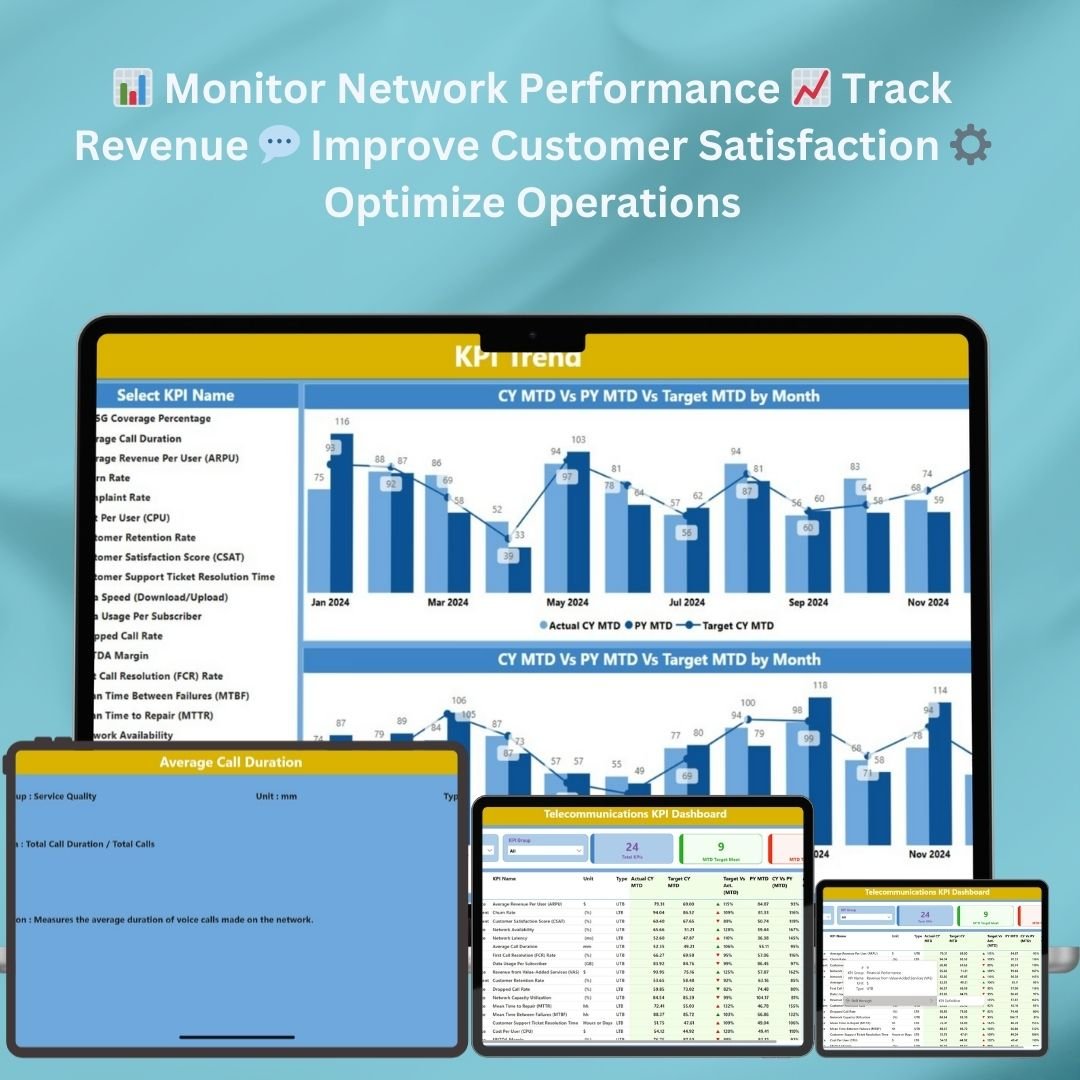




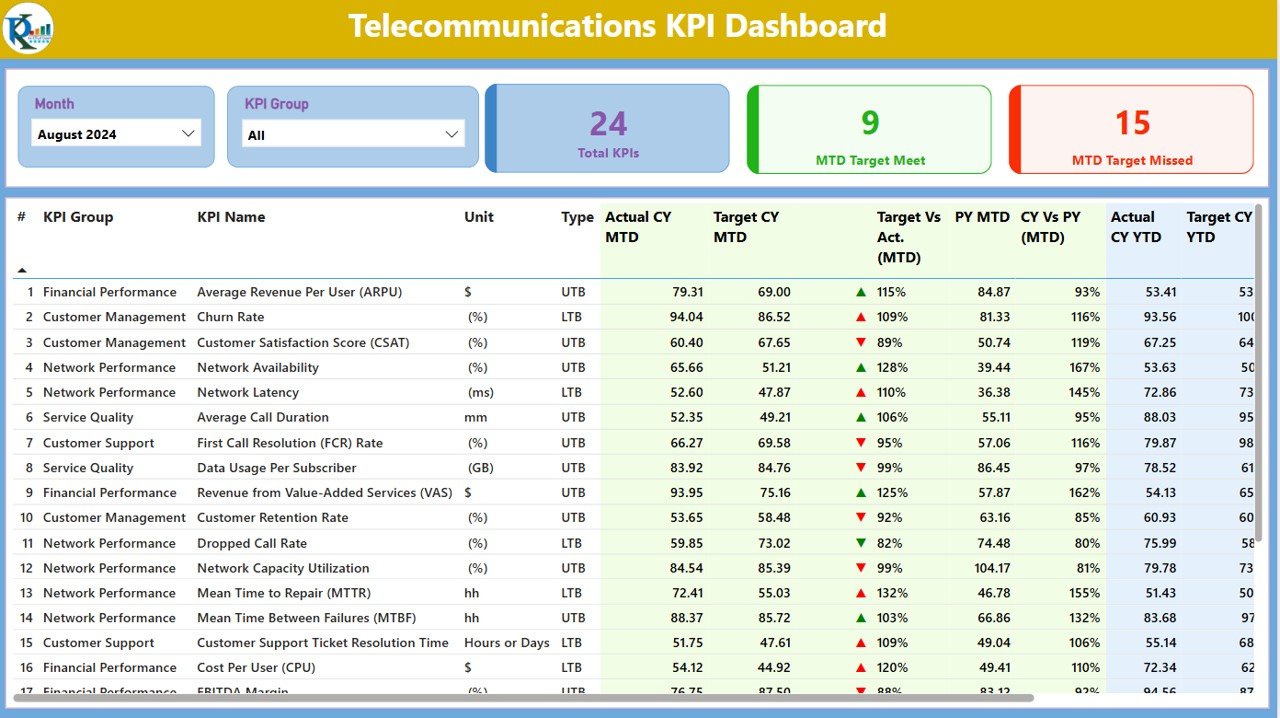
The Telecommunications KPI Dashboard in Power BI is a ready-made Power BI dashboard that helps telecom companies monitor, analyze and visualize key performance indicators (KPIs) across their operations. It is built for operations managers, analysts, network engineers and leadership teams. Network performance, revenue, customer satisfaction and operational efficiency sit on one interactive screen, so stakeholders can make informed, data-driven decisions.
The dashboard uses the interactive and customizable features of Power BI to give deep insight into telecom performance. It helps businesses optimize performance, improve customer service and drive operational efficiency across mobile, broadband or enterprise services.
Key Features of the Telecommunications KPI Dashboard in Power BI
- Real-time data visualization: Monitor essential KPIs such as network uptime, service usage, customer churn and revenue in real time.
- Customizable KPIs: Tailor the dashboard to track the metrics that matter to your telecommunications business.
- Operational efficiency analysis: Analyze operational performance with KPIs like network reliability, call drop rates and average handling time.
- Time-based analysis: Track performance over different time periods to evaluate trends and operational improvements.
- Customer satisfaction monitoring: Monitor customer complaints, churn rates and service quality to improve customer retention.
- Interactive dashboard: Drill down into specific KPIs for detailed analysis and data exploration.
- User-friendly interface: Easy navigation makes performance data simple to access and analyze.
Why You’ll Love This Telecom Power BI Dashboard
- Streamlined performance monitoring: View critical data on one screen, which makes telecom operations easier to track and analyze.
- Data-driven decision making: Make informed decisions based on real-time data visualizations and trend analysis.
- Improved operational efficiency: Identify bottlenecks, inefficiencies and areas for improvement in your telecom network.
- Customizable for your business: Adapt the dashboard to monitor the KPIs that fit your telecom services, whether mobile, broadband or enterprise solutions.
- Real-time customer insights: Track customer behavior, churn rates and satisfaction to improve service offerings and retain clients.
What’s Inside the Dashboard
The dashboard groups your telecom KPIs into clear analysis areas:
| Area | What You Can Track |
|---|---|
| Network Performance Metrics | Network availability, uptime, latency and service disruptions |
| Revenue and Billing Tracking | Monthly revenue, average revenue per user (ARPU) and service usage trends |
| Service Quality Monitoring | Call drop rates, call resolution times and service interruptions |
| Customer Retention Insights | Customer churn, complaints and satisfaction to strengthen customer loyalty |
| Time-Based Data Insights | Performance trends across time periods such as days, weeks or months |
Who Is This Dashboard For?
The Telecommunications KPI Dashboard in Power BI is useful for anyone who needs a clear view of telecom performance:
- Telecom Operations Managers who oversee day-to-day network and service performance
- Business Analysts who study trends in revenue, usage and churn
- Network Engineers who monitor uptime, latency and service disruptions
- Customer Service Managers who track complaints, call resolution times and satisfaction
- Sales and Marketing Teams who follow ARPU, service usage and customer behavior
- Executive Leadership Teams who need a one-screen summary for decision making
- Telecom Service Providers offering mobile, broadband or enterprise solutions
How to Use the Telecommunications KPI Dashboard in Power BI
- Download the dashboard template: Get immediate access to the Power BI file.
- Customize KPIs: Modify the dashboard to fit your telecommunications services and KPIs.
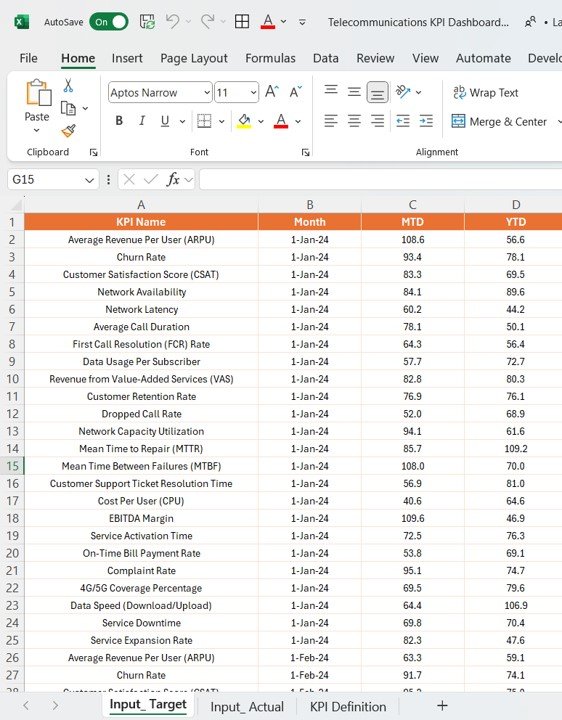
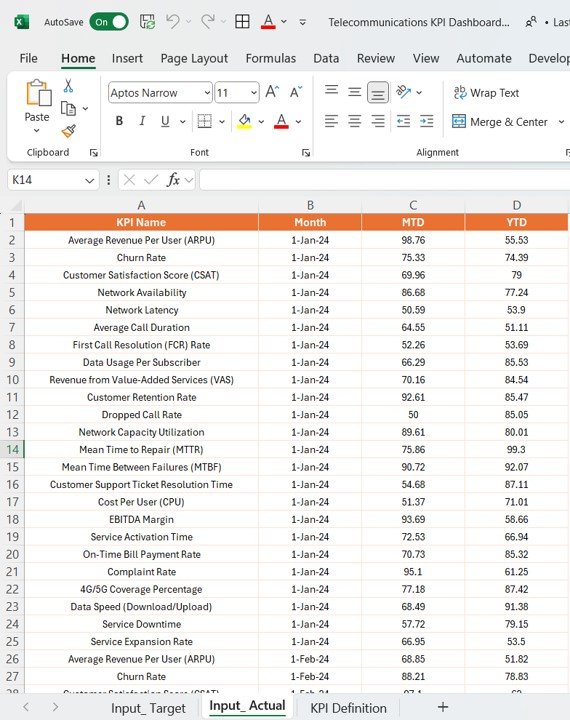
- Input your data: Connect your data sources to the Power BI dashboard.
- Monitor and analyze: Use the interactive dashboard to track network performance, customer behavior and operational efficiency.
- Generate reports: Create reports based on selected KPIs for in-depth analysis and presentation to stakeholders.
Click here to read the detailed blog post
Visit our YouTube channel for step-by-step video tutorials.
Frequently Asked Questions
What KPIs does the Telecommunications KPI Dashboard track?
It tracks network uptime, availability, latency, service disruptions, service usage, monthly revenue, average revenue per user (ARPU), call drop rates, call resolution times, average handling time, customer churn, complaints and customer satisfaction.
Can I customize the KPIs for my telecom business?
Yes. You can tailor the dashboard to track the metrics that matter to your services, whether you run mobile, broadband or enterprise solutions.
How do I add my own data?
After downloading the Power BI file, connect your data sources to the dashboard. The visuals then reflect your telecom performance data.
Can I see trends over time?
Yes. Time-based analysis lets you view performance trends across days, weeks or months, so you can evaluate improvements and spot issues.
Is the dashboard interactive?
Yes. You can drill down into specific KPIs for detailed analysis. Network performance, revenue and customer metrics are all explored from one screen.
Is there a guide on how the dashboard works?
Yes. A detailed blog post is linked above, and step-by-step video tutorials are available on our YouTube channel.
Also check our Expense Tracking Dashboard in Power BI
Last updated: October 2026
Compatibility and Requirements
- Works in Power BI Desktop, which is free to download. Microsoft explains the install in Get Power BI Desktop.
- You connect your own data sources to the dashboard to see your telecom KPIs.
Related Telecommunications Templates
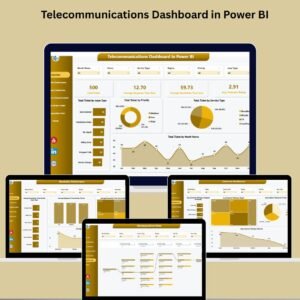
- Telecommunications Dashboard in Power BI: another Power BI dashboard for telecom performance
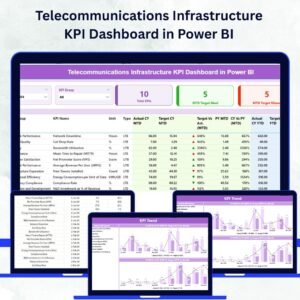
- Telecommunications Infrastructure KPI Dashboard in Power BI: a Power BI view focused on infrastructure KPIs
- Telecommunications KPI Dashboard in Excel: the same topic in Excel
- Telecommunications KPI Dashboard in Google Sheets: the same topic in Google Sheets
- Power BI Dashboard Mega Collection: 15 Power BI dashboard templates in one download
Browse all Power BI KPI dashboards.













Reviews
There are no reviews yet.