

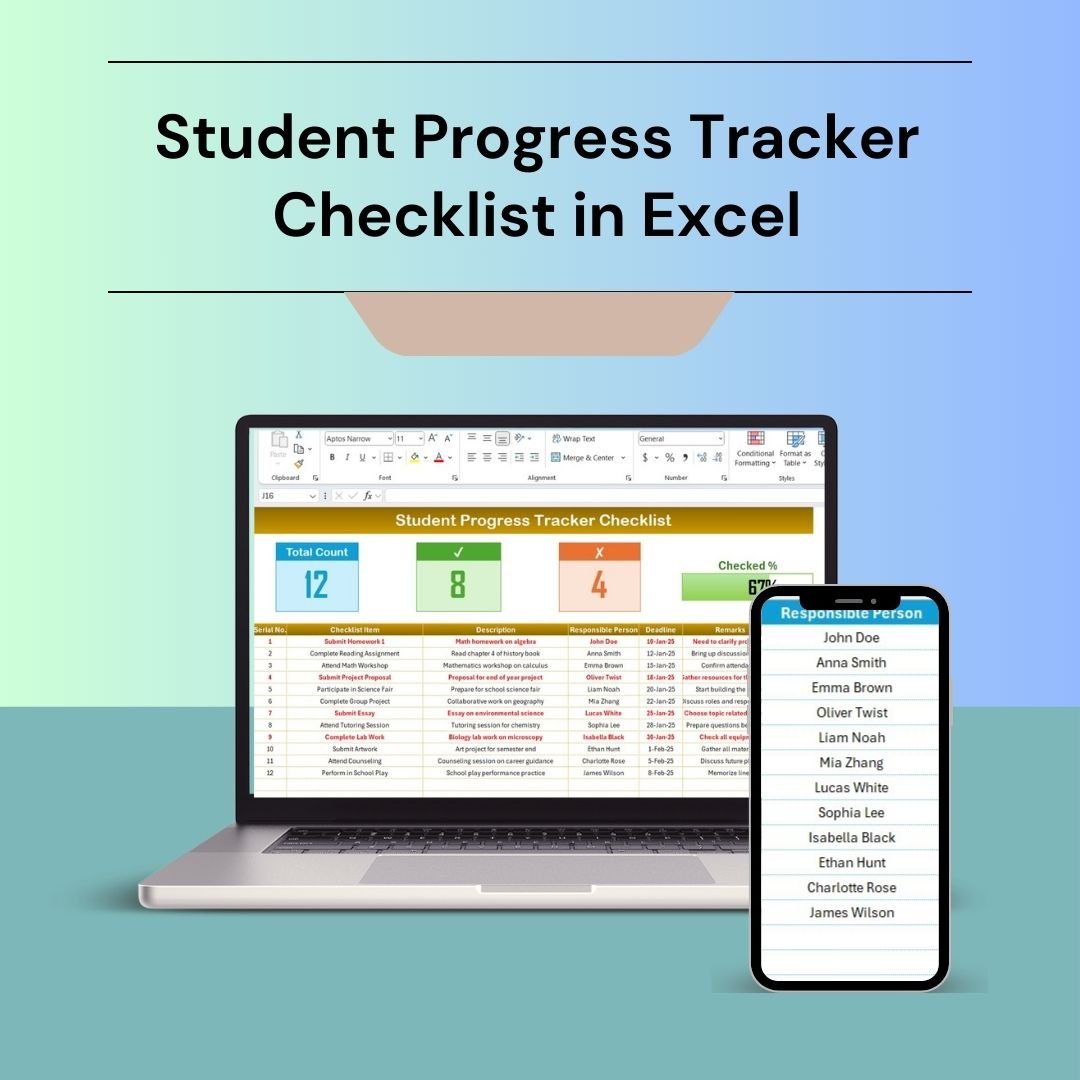


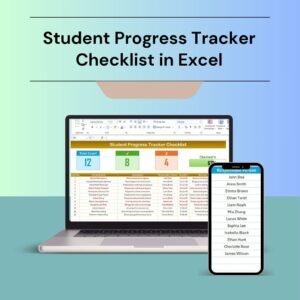
The Student Progress Tracker Checklist in Excel is an essential tool for educators, tutors, and parents looking to monitor and track the academic progress of students. This Excel-based checklist helps track assignments, test scores, attendance, participation, and overall academic performance in a clear, organized, and easy-to-use format.
Whether you are tracking the progress of a single student or an entire class, this tool enables you to monitor academic milestones, identify areas where students may need additional support, and communicate progress effectively with students and parents. The customizable nature of this tracker makes it suitable for various educational settings, from schools to tutoring centers.

Key Features of the Student Progress Tracker Checklist in Excel
📅 Assignment & Test Tracking
Easily track the completion and grades of assignments, quizzes, tests, and other assessments. Keep a record of each student’s performance in one convenient place.
📝 Participation & Attendance Monitoring
Track student attendance and participation in class activities, helping to assess engagement and contribution to the learning process.
📊 Overall Performance Overview
Get a clear overview of each student’s overall academic performance, including average grades, strengths, and areas that may need improvement.
⚙️ Customizable Categories & Fields
Tailor the tracker to your specific needs by adding categories or fields that align with your teaching methodology. Add subjects, activities, or other specific performance metrics as needed.
📈 Time-Based Tracking & Reporting
Monitor student progress over time and generate reports for specific periods such as weekly, monthly, or by term. Use time-based data to track trends and improvements.
📋 Visual Charts & Graphs
Visualize student progress through easy-to-understand charts and graphs. Identify patterns in performance and communicate key insights with students and parents.
Why You’ll Love the Student Progress Tracker Checklist in Excel
✅ Easy to Use & Accessible
Track student performance in a simple and accessible format. The Excel template is easy to use, customize, and update.
✅ Track Multiple Students
Monitor the progress of multiple students in one file. Easily compare their academic performance and identify trends in overall class progress.
✅ Improve Communication with Parents
Share detailed reports with parents to keep them informed of their child’s academic progress, helping foster better communication and support for students.
✅ Monitor Attendance & Engagement
Track both attendance and participation, ensuring that students are actively engaging in the learning process.
✅ Data-Driven Decision Making
Use performance data to make informed decisions about classroom interventions, identify at-risk students, and improve teaching strategies.
What’s Inside the Student Progress Tracker Checklist in Excel?
Assignment & Test Tracking: Record grades for assignments, tests, and other assessments.
Participation & Attendance Monitoring: Track class participation and attendance.
Overall Performance Overview: Analyze student performance over time.
Customizable Categories: Add subjects, activities, or metrics tailored to your educational needs.
Time-Based Reporting: Generate reports based on time periods (weekly, monthly, etc.).
Visual Charts & Graphs: Visualize student progress with easy-to-read graphs.
How to Use the Student Progress Tracker Checklist in Excel
1️⃣ Download the Template: Access the Student Progress Tracker Checklist in Excel instantly.
2️⃣ Input Student Data: Add student names, subjects, assignments, and test scores.
3️⃣ Track Progress: Monitor attendance, participation, and performance over time.
4️⃣ Generate Reports: Use time-based analysis and generate reports to track overall progress.
5️⃣ Share with Parents & Stakeholders: Communicate student performance through visual charts and summary reports.
Who Can Benefit from the Student Progress Tracker Checklist in Excel?
🔹 Teachers & Educators
🔹 Tutors & Learning Centers
🔹 School Administrators & Coordinators
🔹 Parents & Guardians
🔹 Academic Coaches & Counselors
🔹 Homeschooling Families
🔹 Educational Consultants
Monitor and improve student performance efficiently with the Student Progress Tracker Checklist in Excel. Stay organized, track performance, and communicate effectively with students and parents.
Click here to read the Detailed blog post
Visit our YouTube channel to learn step-by-step video tutorials
Youtube.com/@PKAnExcelExpert
Compatibility and Requirements
- Works in Microsoft Excel desktop (Excel 2016 or later, or Microsoft 365).
- Progress is shown in charts and graphs. Microsoft explains Excel charts in Create a chart from start to finish.
Frequently Asked Questions
What does the tracker record?
It records assignment and test grades, attendance, class participation and overall academic performance.
Can I track a whole class?
Yes. You can monitor several students in one file and compare their performance.
Can I add my own subjects?
Yes. The categories and fields are customizable, so you can add subjects, activities or other metrics.
Can I report by week or term?
Yes. You can review progress over time and build reports for weekly, monthly or term periods.
Is there a Google Sheets version?
Yes. The Student Progress Tracker Checklist in Google Sheets does the same job online.
Related Student and Education Templates
- Student Progress Tracker Checklist in Google Sheets: the same checklist in Google Sheets
- Student Assignment Tracker in Google Sheets: track assignments and due dates
- Student Progress Report Form: a free report form for Word and Google Docs
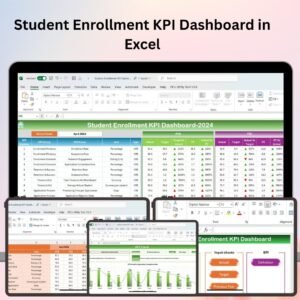
- Student Enrollment KPI Dashboard in Excel: enrollment KPIs for schools
- Education & School Management Bundle: 8 school templates in one download
Browse all Excel education templates or the Excel checklists.






























Reviews
There are no reviews yet.