Launching a product should feel exciting — not chaotic. 🎉
But in reality, deadlines overlap, marketing tasks pile up, approvals get delayed, and teams lose visibility. One missed task can derail your entire launch timeline.
So how do successful teams execute smooth product launches without stress?
The answer is simple.
You need the Product Launch To-Do List Checklist in Excel.
This ready-to-use Excel template helps you organize every launch activity, assign responsibilities clearly, track deadlines, and monitor overall progress — all in one structured sheet. Instead of juggling emails and sticky notes, you gain complete control in minutes.
No confusion. No missed tasks. No last-minute panic.
Let’s explore what makes this checklist powerful.
🚀 Key Feature of Product Launch To-Do List Checklist in Excel
📊 Automatic Progress Dashboard
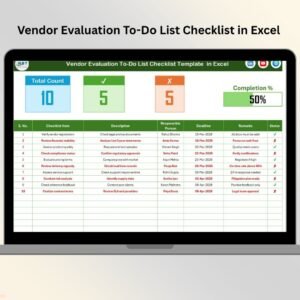
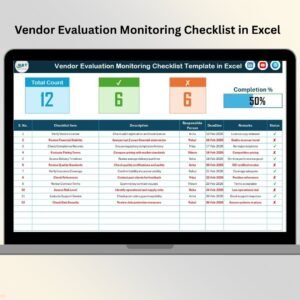
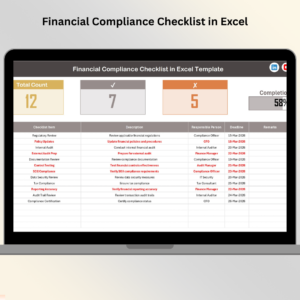
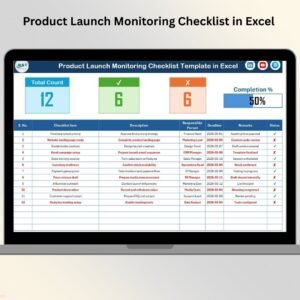
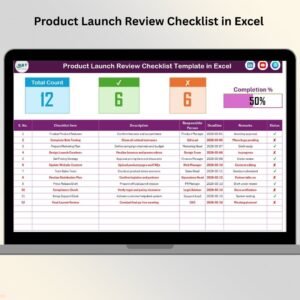
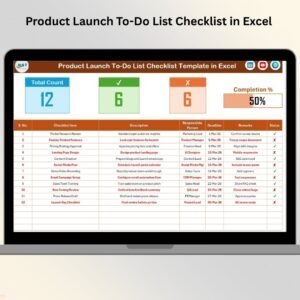
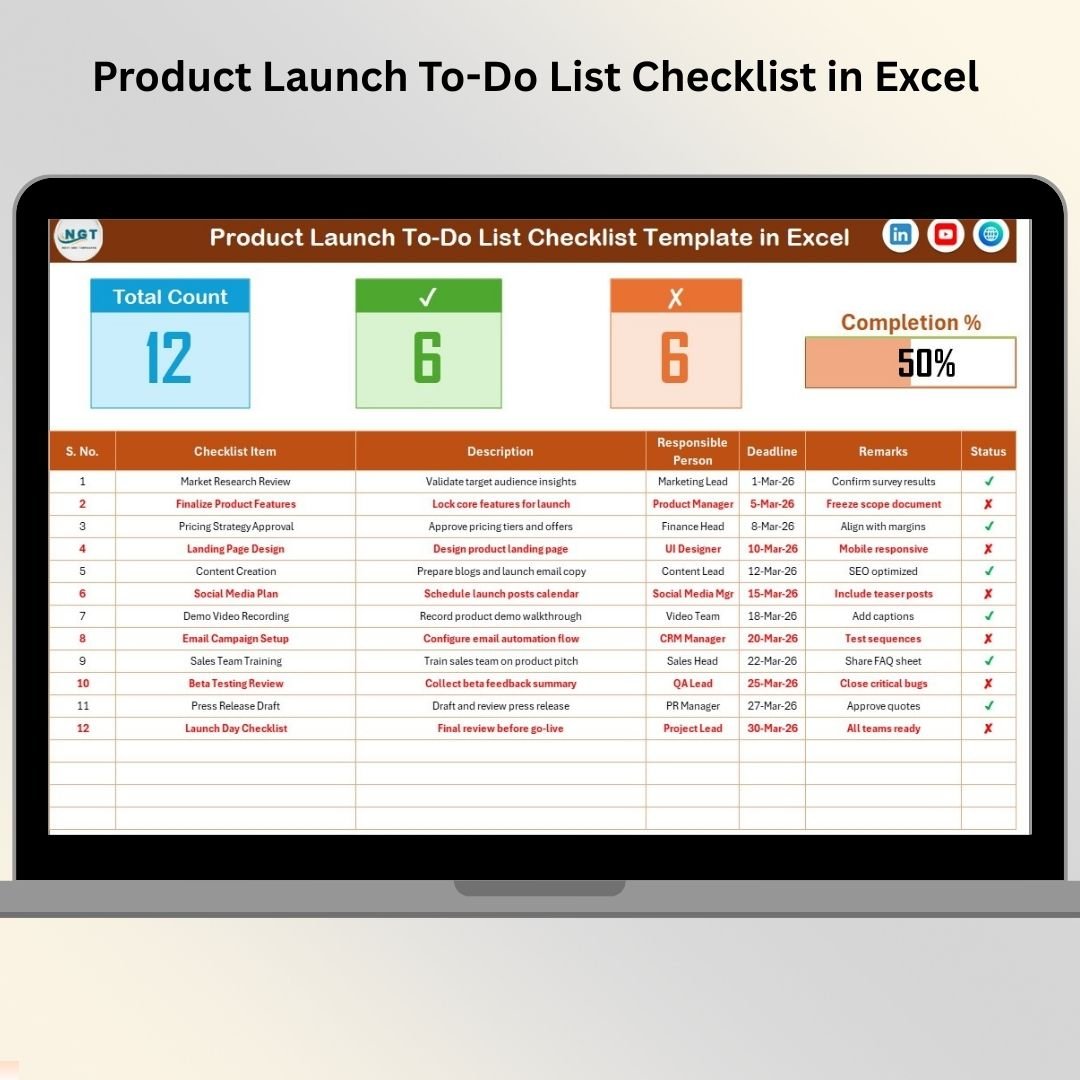
Track Total Tasks, Completed Tasks (✔), Pending Tasks (✘), and Completion % instantly.
📈 Dynamic Progress Bar
The progress bar updates automatically as soon as you mark tasks complete.
🧩 Structured Task Table
Organize tasks with Serial No., Description, Responsible Person, Deadline, Remarks, and Status.
👤 Dropdown for Responsible Persons
Avoid typing errors with a clean dropdown list linked to the List sheet.
🎯 Clear Accountability System
Each task is assigned to one responsible team member.
📅 Deadline Tracking
Visible due dates keep teams focused and aligned.
⚡ Simple Yet Powerful Design
Built in Excel — no complex tools or software required.
🛠️ Fully Customizable Template
Add tasks, edit columns, and adapt the checklist to your specific launch plan.
Because everything is centralized, your product launch becomes organized, predictable, and stress-free.
📦 What’s Inside the Product Launch To-Do List Checklist in Excel
This ready-to-use template includes 2 structured worksheets:
1️⃣ Product Launch To-Do List Checklist Sheet
This is the main control center.
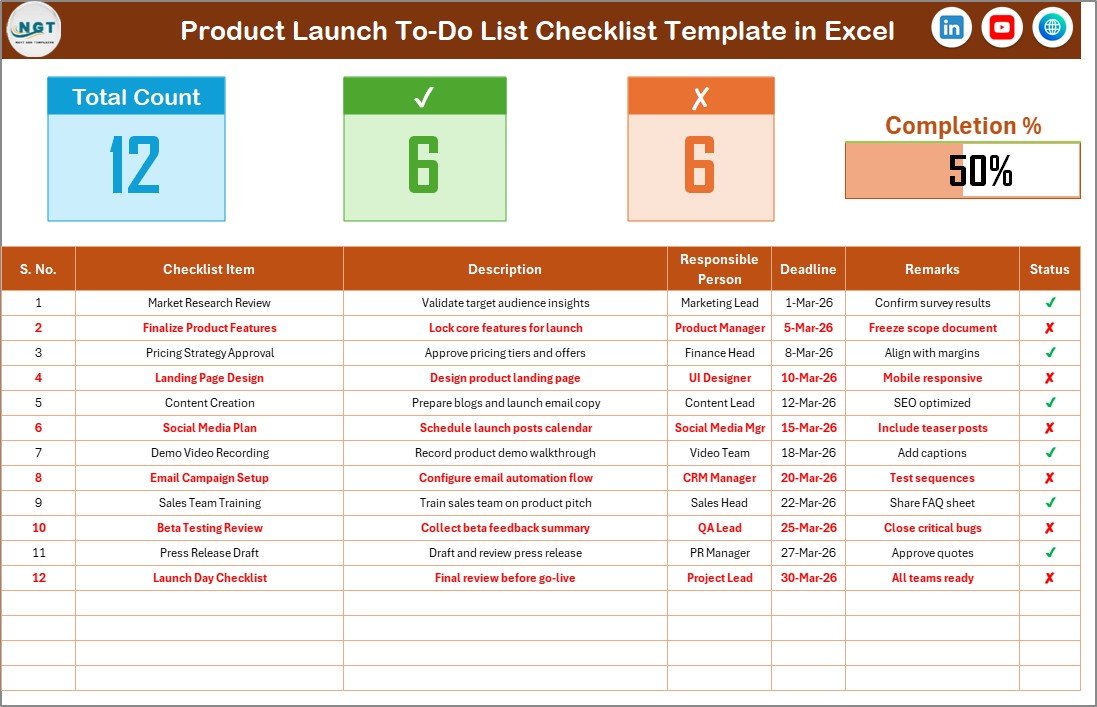
At the top, you’ll see:
• Total Task Count
• Completed Task Count ✔
• Pending Task Count ✘
• Automatic Progress Percentage
• Dynamic Progress Bar
For example, if 18 out of 24 tasks are completed, the progress bar shows 75% instantly.
Below that, you’ll find the structured checklist table with columns:
• Serial No.
• Checklist Item
• Description
• Responsible Person
• Deadline
• Remarks
• Status (✔ / ✘)
Simply update the Status column, and everything updates automatically.
2️⃣ List Sheet
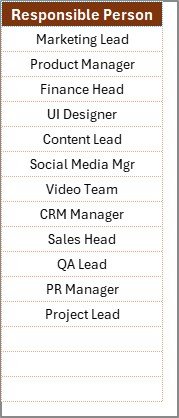
This sheet stores the list of Responsible Persons.
Because the main sheet pulls names from here:
• You maintain data consistency
• You avoid typing mistakes
• You keep reporting clean
If a new team member joins, just add their name here.
📊 How to Use the Product Launch To-Do List Checklist in Excel
Using this checklist is extremely simple:
1️⃣ Enter all launch tasks.
2️⃣ Assign one responsible person to each task.
3️⃣ Set realistic deadlines.
4️⃣ Update the Status column with ✔ or ✘.
5️⃣ Monitor the progress bar weekly.
Because the template calculates everything automatically, you focus on execution — not formatting.
You can use it for:
• Pre-launch planning
• Marketing campaign preparation
• Sales enablement activities
• Launch day execution
• Post-launch review
The structure ensures nothing slips through the cracks.
👥 Who Can Benefit from This Product Launch To-Do List Checklist in Excel
This template is perfect for:
🚀 Product Managers
📢 Marketing Teams
🏢 Startup Founders
📊 Project Managers
⚙️ Operations Teams
💼 Business Owners
Whether you are launching a SaaS product, physical product, service offering, or internal initiative — this checklist keeps everyone aligned.
This checklist improves launch success by:
✔ Preventing missed tasks
✔ Increasing team coordination
✔ Reducing stress
✔ Improving communication
✔ Boosting accountability
✔ Providing clear visibility to leadership
When teams can see task status clearly, execution improves dramatically.
Stop managing launches through scattered notes. Start launching with confidence.
📘 Click here to read the Detailed blog post
Visit our YouTube channel to learn step-by-step video tutorials
👉 https://www.youtube.com/@PKAnExcelExpert