
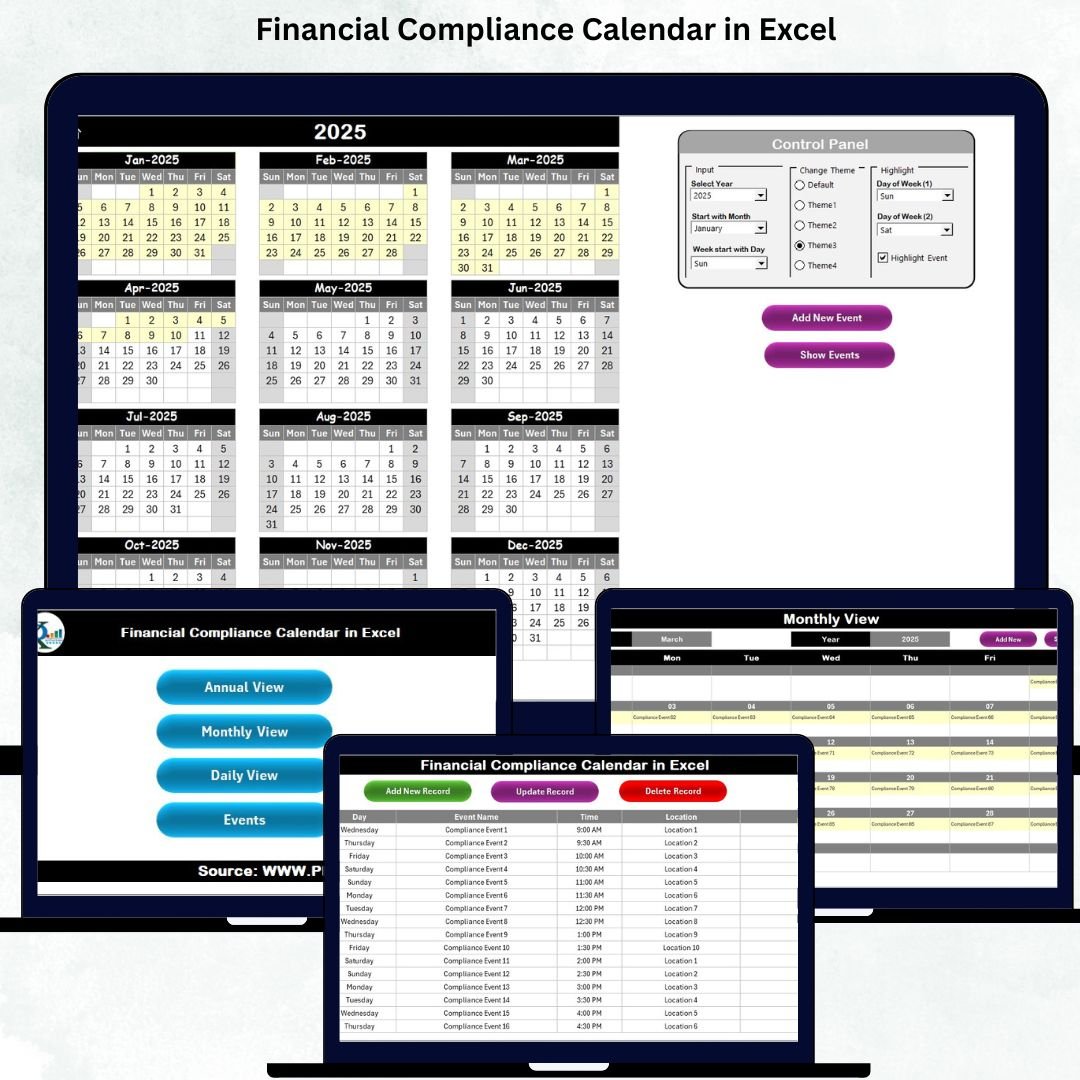
Managing financial deadlines is one of the most important responsibilities for any organization. Tax filings, audit schedules, policy updates, compliance checks, and statutory submissions all happen throughout the year—and missing even one deadline can lead to penalties, audit issues, and unnecessary risks. That’s exactly why the Financial Compliance Calendar in Excel is the perfect solution. It brings all your compliance activities together in one structured, customizable, and easy-to-use Excel workbook, ensuring your finance and compliance teams always stay ahead.Financial Compliance Calendar in Excel
Whether you’re managing tax deadlines, internal audits, regulatory submissions, or monthly checklists, this calendar gives you complete visibility across annual, monthly, and daily views. It’s designed for professionals who want real-time clarity, better organization, and a zero-risk approach to compliance tracking. With powerful automation, color themes, filters, and user-friendly forms, this tool becomes your compliance command center.
✨ Key Features of Financial Compliance Calendar in Excel
The Financial Compliance Calendar in Excel is packed with powerful features that make compliance tracking simple, accurate, and stress-free:
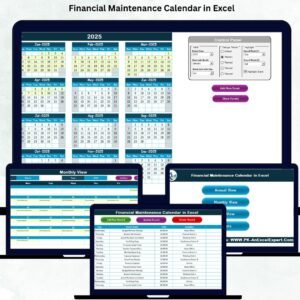
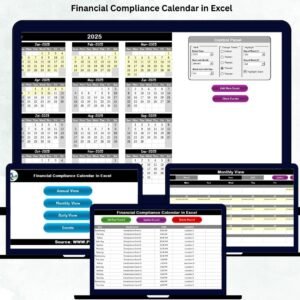
✅ 📅 Annual, Monthly & Daily Calendar Views
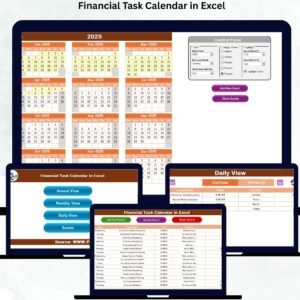
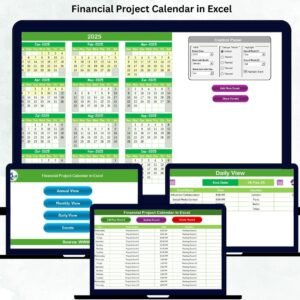
Get a complete picture of your compliance year with three beautifully organized calendars that refresh automatically based on your selections.
🎛️ Fully Customizable Control Panel
Change the year, starting month, week format, or color theme with a click—making the entire workbook adjust instantly.
🌈 Five Professional Color Themes
Match your organization’s brand colors or choose the theme that improves visibility the most.
🔍 Smart Event Highlighting
Highlight weekends, specific weekdays, or all events in one click to plan your workflow better.
📝 Event Management System
Add, update, or delete events using user-friendly forms—no complex Excel knowledge required.
📌 Auto-Generated IDs for Every Event
Keep your records clean, structured, and easy to search.
🚀 Navigation Buttons for Quick Access
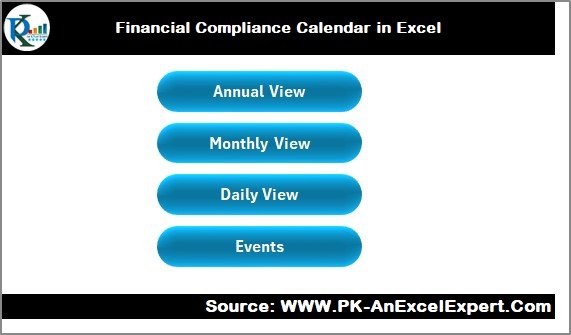
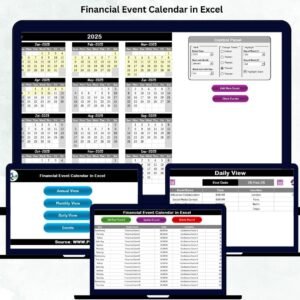
Jump to Annual View, Monthly View, Daily View, or Events sheet instantly from the Home Dashboard.
📘 What’s Inside the Financial Compliance Calendar in Excel
Inside this downloadable Excel tool, you’ll find a complete compliance tracking ecosystem designed for smooth planning and error-free execution.
🏠 Home Sheet (Dashboard Navigation Center)
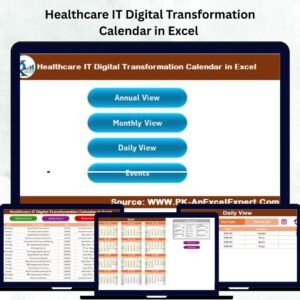
A clean, interactive dashboard with four smart navigation buttons to jump directly to:
-
Annual View
-
Monthly View
-
Daily View
-
Events
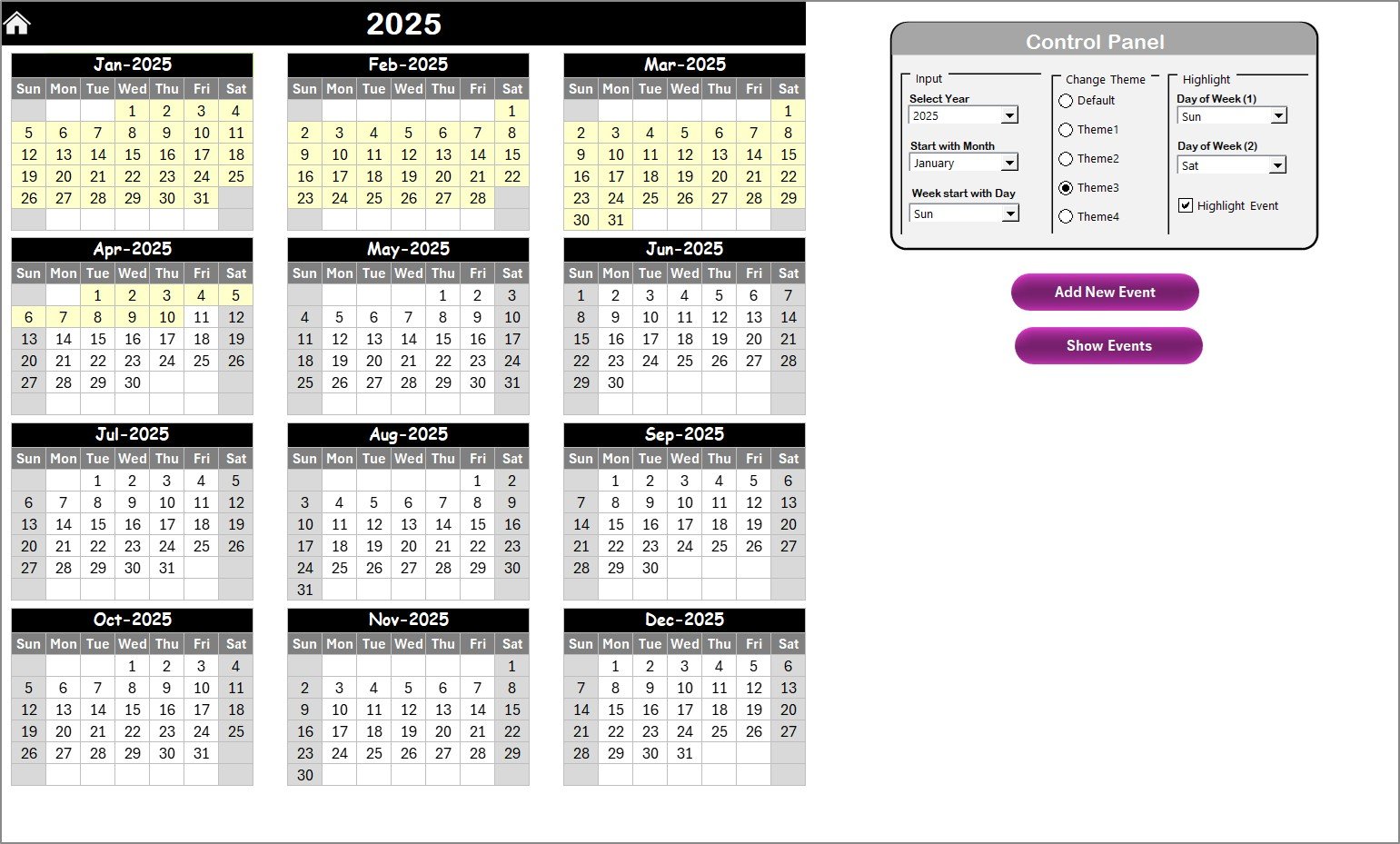
📅 Annual View Sheet
A full-year calendar showing all 12 months at once.
Includes:
-
Year, Month & Week-Start options
-
Theme selector
-
Highlighting tools
-
Add New Event & Show Event buttons
Ideal for high-level planning and year-round compliance mapping.
🗓️ Monthly View Sheet
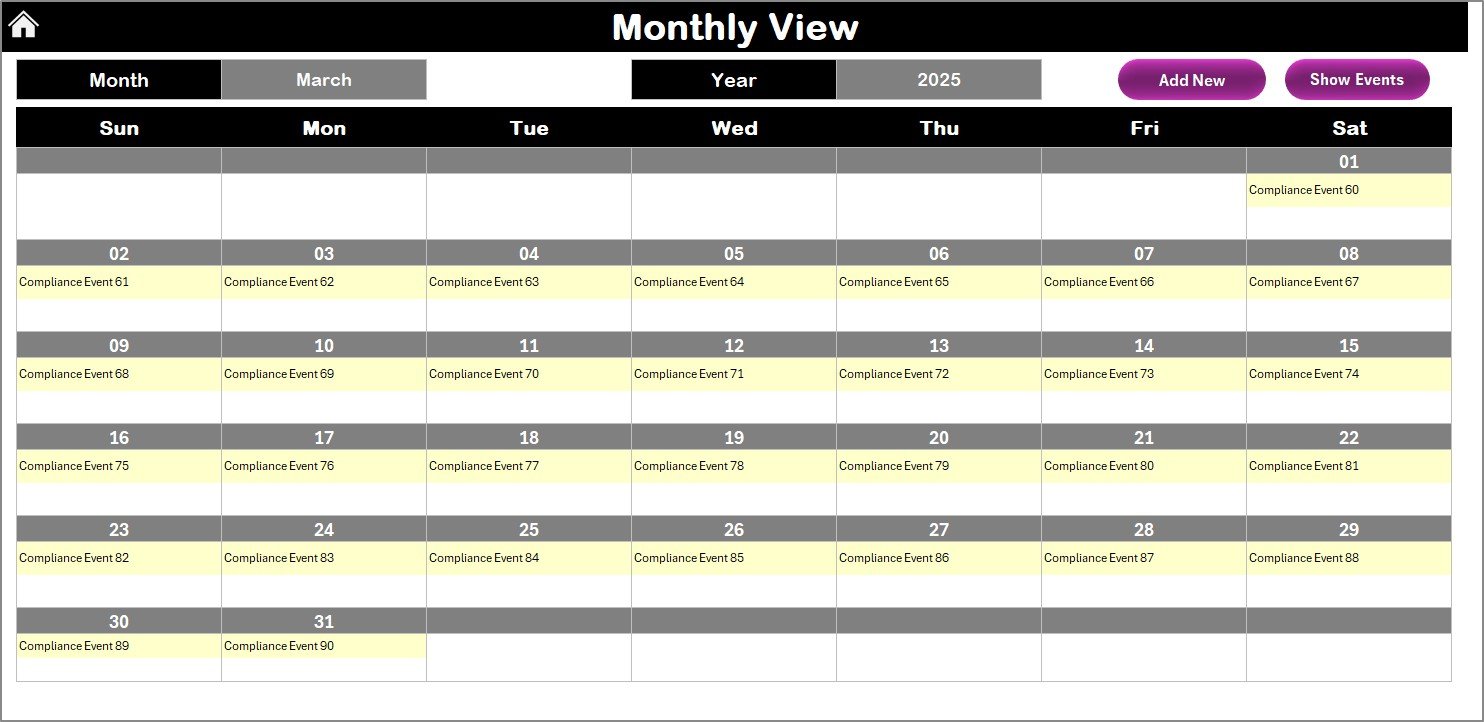
Focus on one month at a time with automatic updates based on your selection.
Shows:
-
One event per date
-
“More than 1…” indicator for multiple events
-
Add Event & Show Event Buttons
Perfect for monthly team check-ins and task allocation.
📆 Daily View Sheet
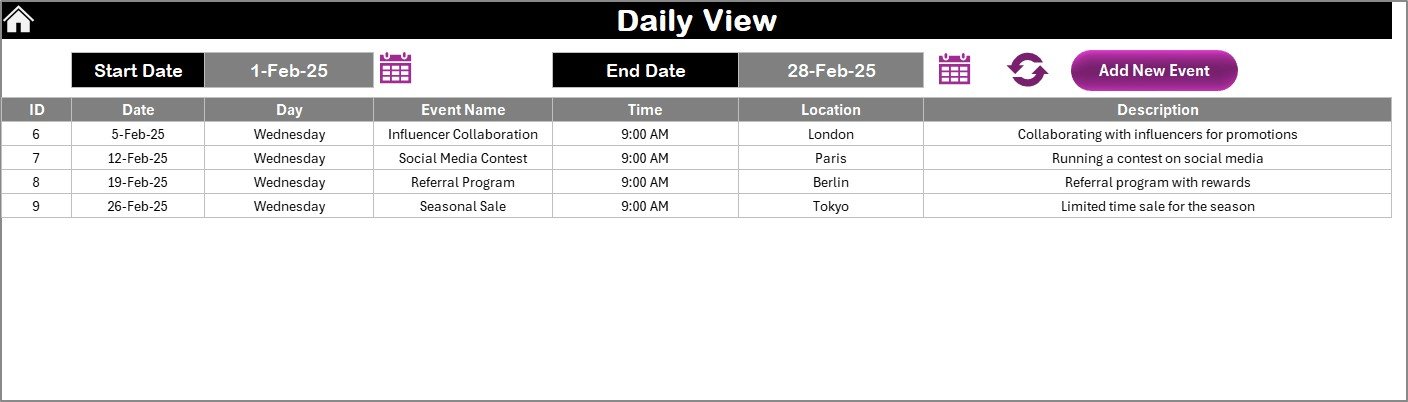
Select a date range to view all events scheduled in that period.
Useful for:
-
Weekly planning
-
Audit cycles
-
Monthly compliance reviews
-
Upcoming deadlinesFinancial Compliance Calendar in Excel
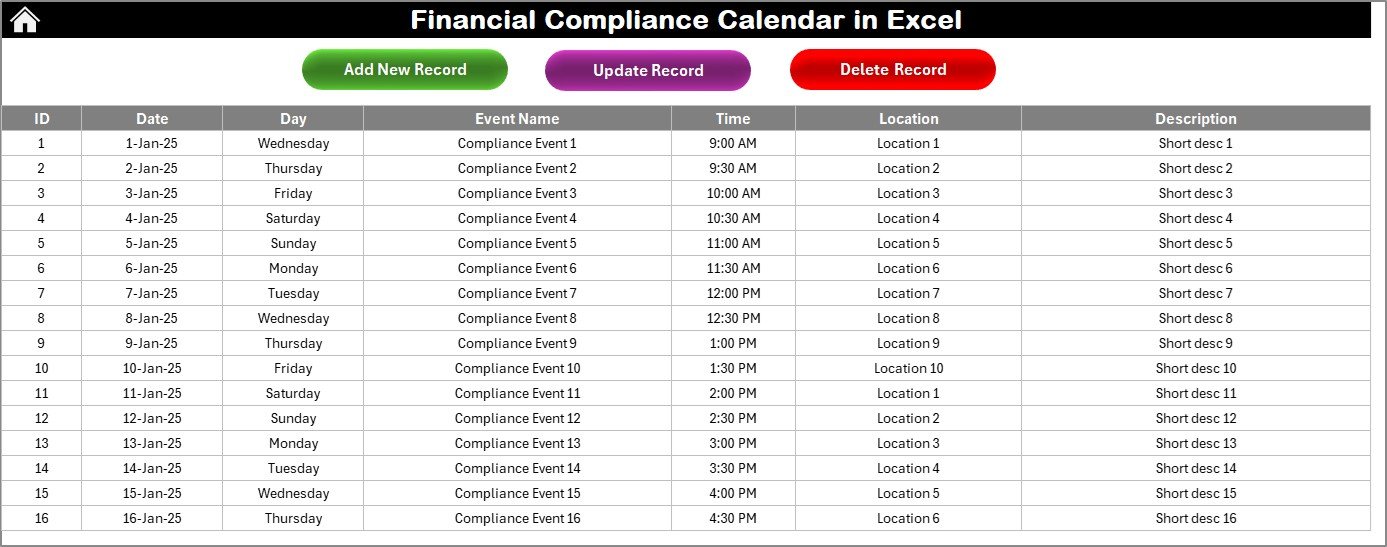
📑 Events Sheet (Master Compliance Database)
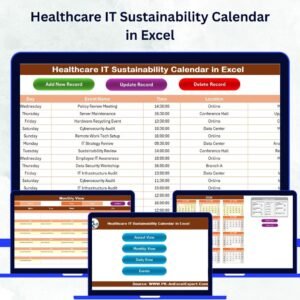
This sheet stores every compliance event in an organized format with columns for:
-
ID
-
Date
-
Day
-
Event Name
-
Time
-
Location
-
Description
You can add, update, or delete any event using built-in forms—ensuring error-free data entry.
🧭 How to Use the Financial Compliance Calendar in Excel
Using this Excel template is extremely simple:Financial Compliance Calendar in Excel
Step 1 — Start from the Home Sheet
Click a button to navigate to any view instantly.
Step 2 — Set Your Preferences
Choose:
-
Year
-
Starting Month
-
Week Start-Day
-
Theme
The calendar updates automatically.
Step 3 — Add Compliance Events
Use the Add Event button from any sheet to record tasks such as:
-
Tax deadlines
-
Filing dates
-
Audit schedules
-
Review meetings
Step 4 — Track Monthly & Daily Activity
Use Monthly and Daily Views to plan and monitor upcoming tasks.
Step 5 — Manage Your Event Database
Update or delete records anytime using the event management tools.
👥 Who Can Benefit from This Financial Compliance Calendar
This tool is ideal for anyone responsible for financial timelines, statutory deadlines, or regulatory compliance:
-
Finance Teams
-
Compliance Officers
-
Internal Auditors
-
CFO Offices
-
Tax Professionals
-
Controllers
-
Small & Large Organizations
-
Risk Managers
-
Accounting Teams
Whether you’re part of a corporate finance department or a small business, this calendar ensures you always stay organized, compliant, and prepared.
### Click here to read the Detailed blog post
Watch the step-by-step video tutorial:










Reviews
There are no reviews yet.