

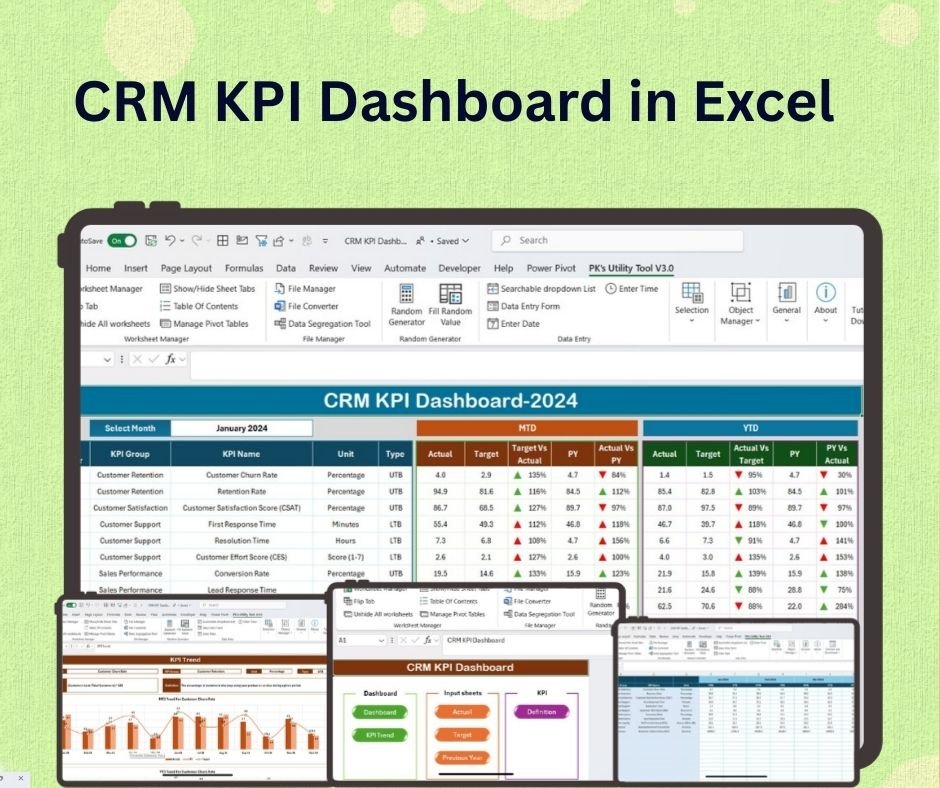
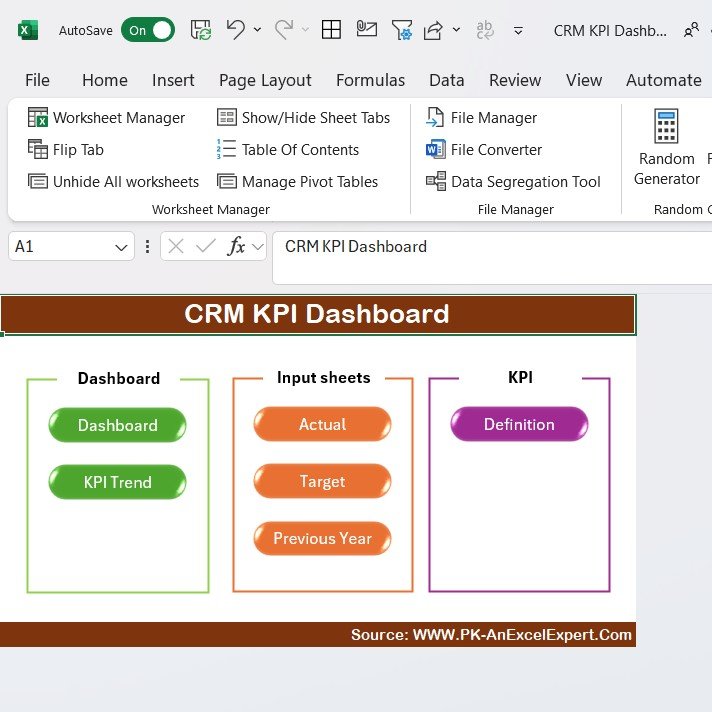
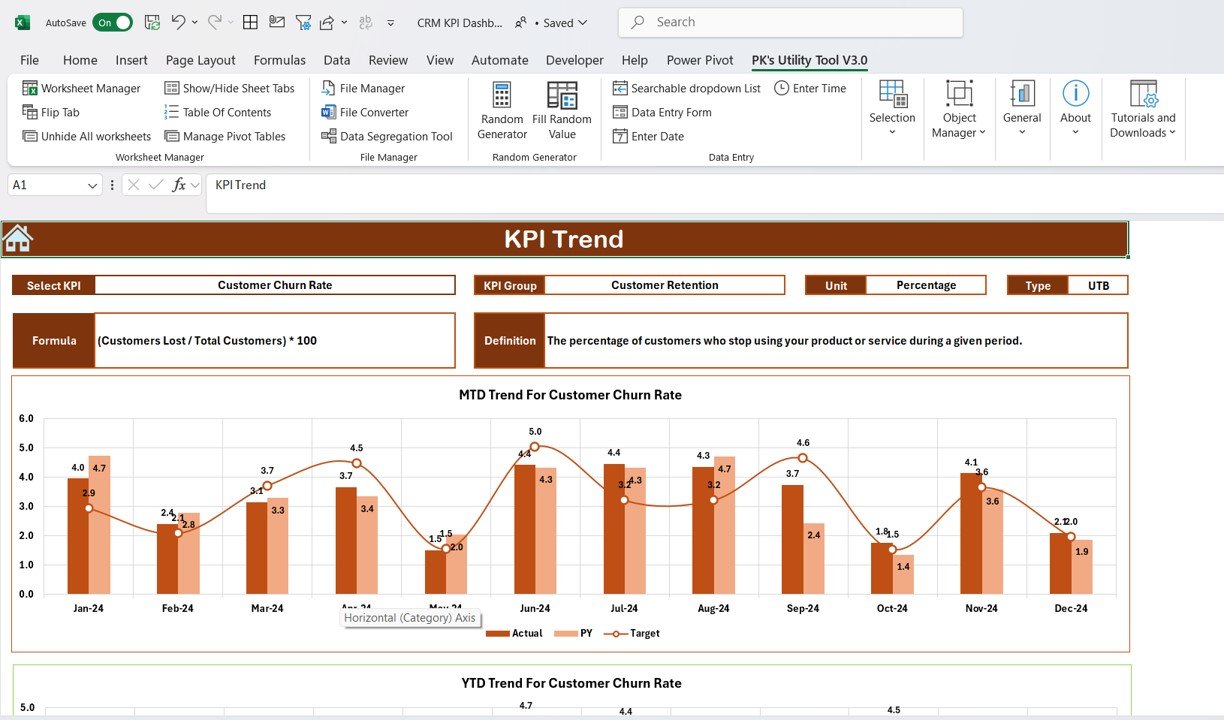
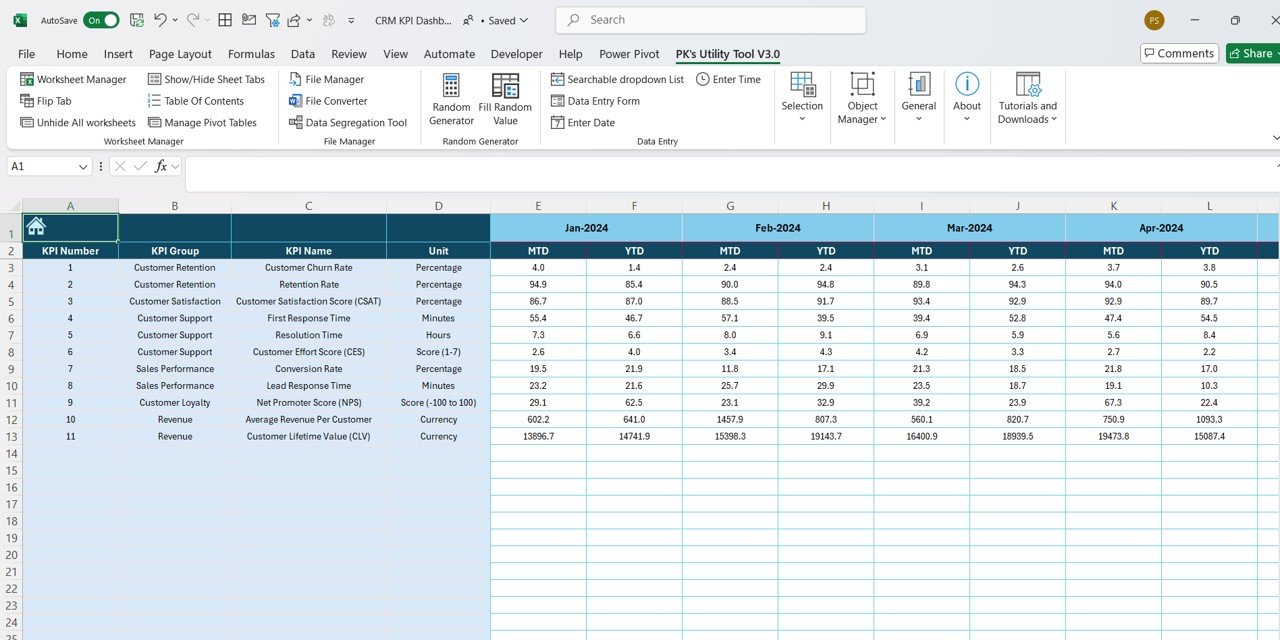
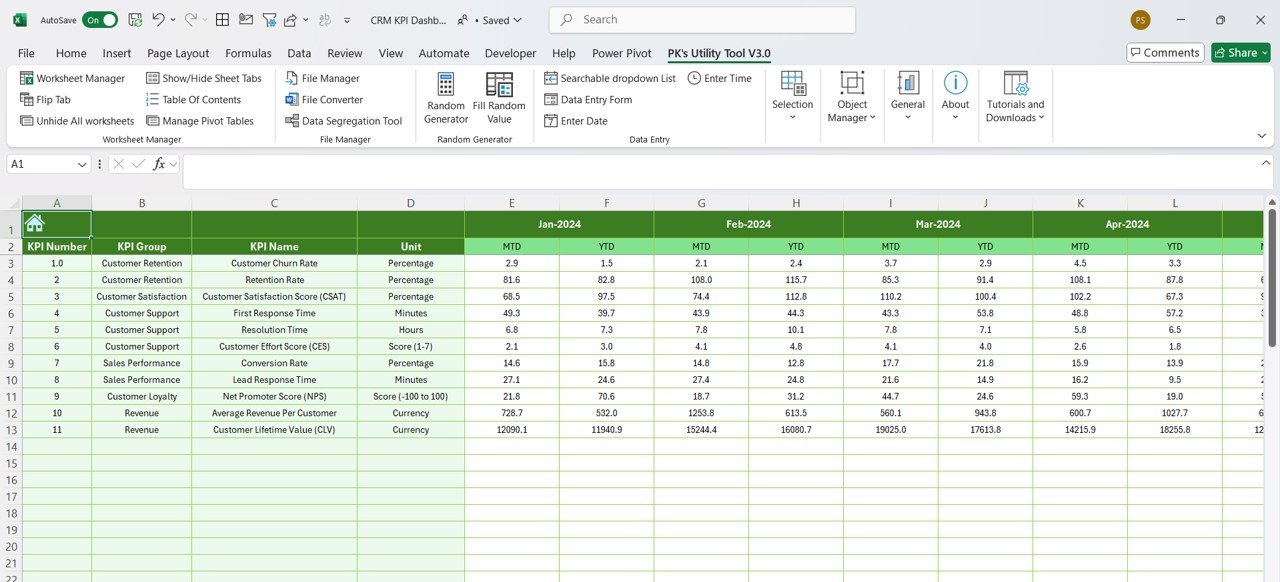
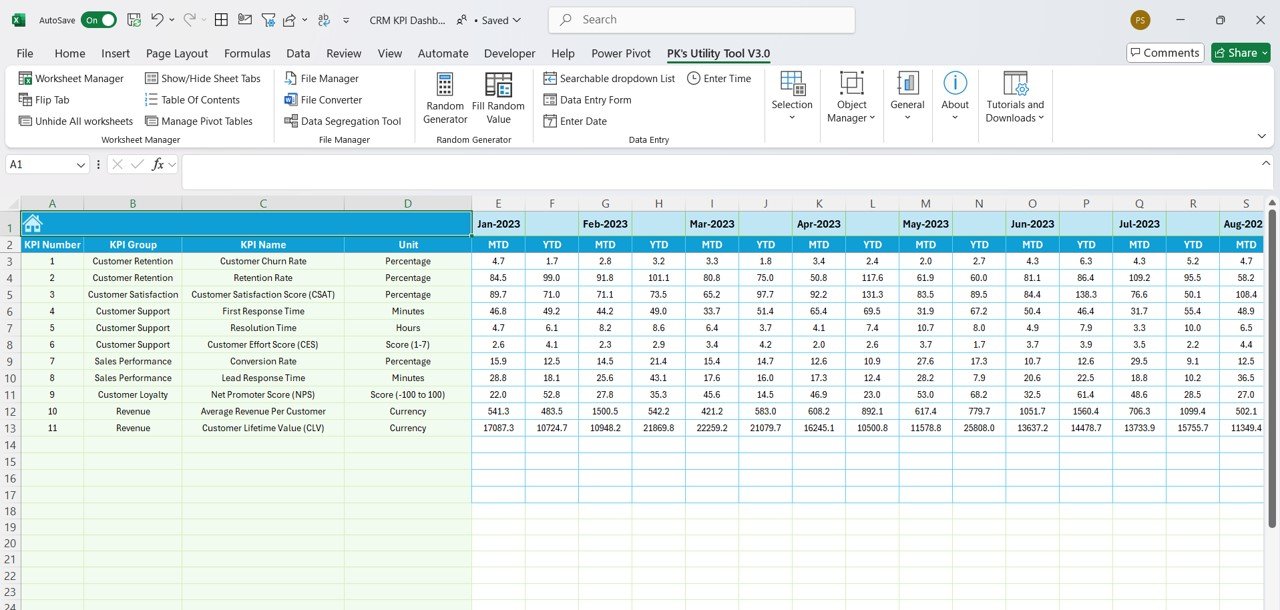
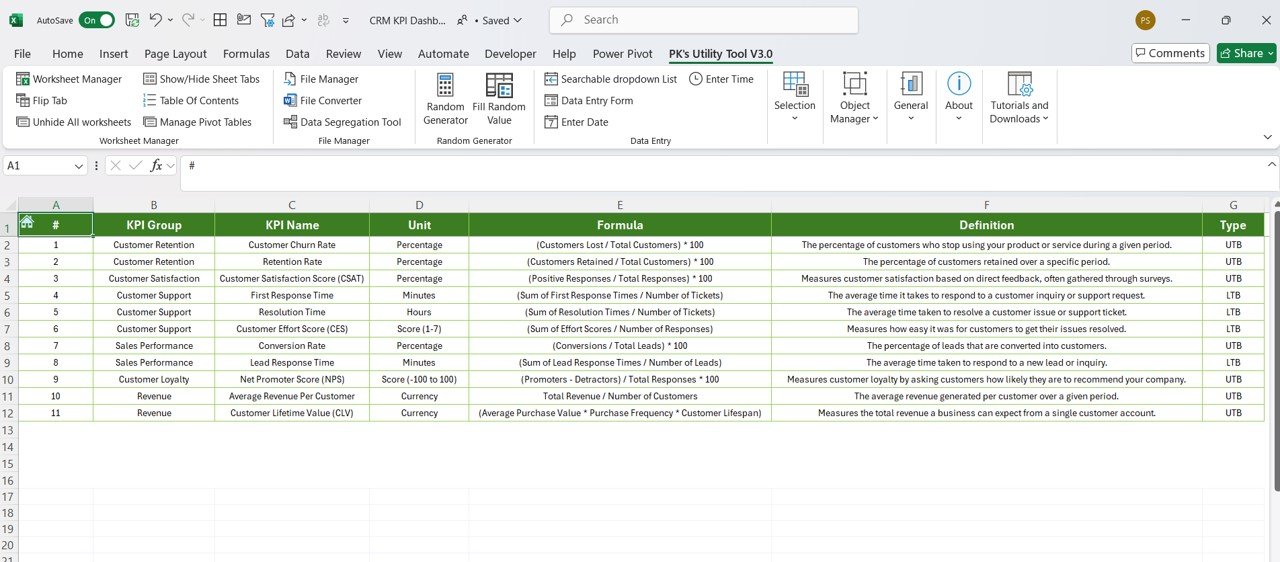

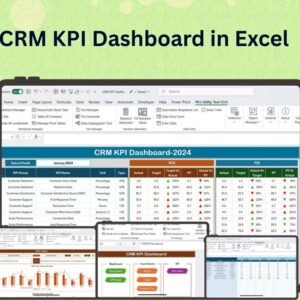
The CRM KPI Dashboard in Excel is a powerful tool designed to help businesses track and analyze key performance indicators (KPIs) related to customer relationship management (CRM). This Excel-based dashboard provides a centralized location for monitoring sales performance, lead conversion rates, customer retention, and overall customer satisfaction. It’s the perfect tool for sales teams, marketing departments, and CRM managers who need to measure the effectiveness of their CRM efforts and make data-driven decisions.
With customizable features and real-time data updates, the CRM KPI Dashboard allows businesses to track the health of their customer relationships, monitor sales progress, and optimize strategies for customer engagement. Whether you’re managing leads, tracking customer interactions, or analyzing sales conversion rates, this dashboard offers a clear, visual overview of key metrics that drive CRM success.
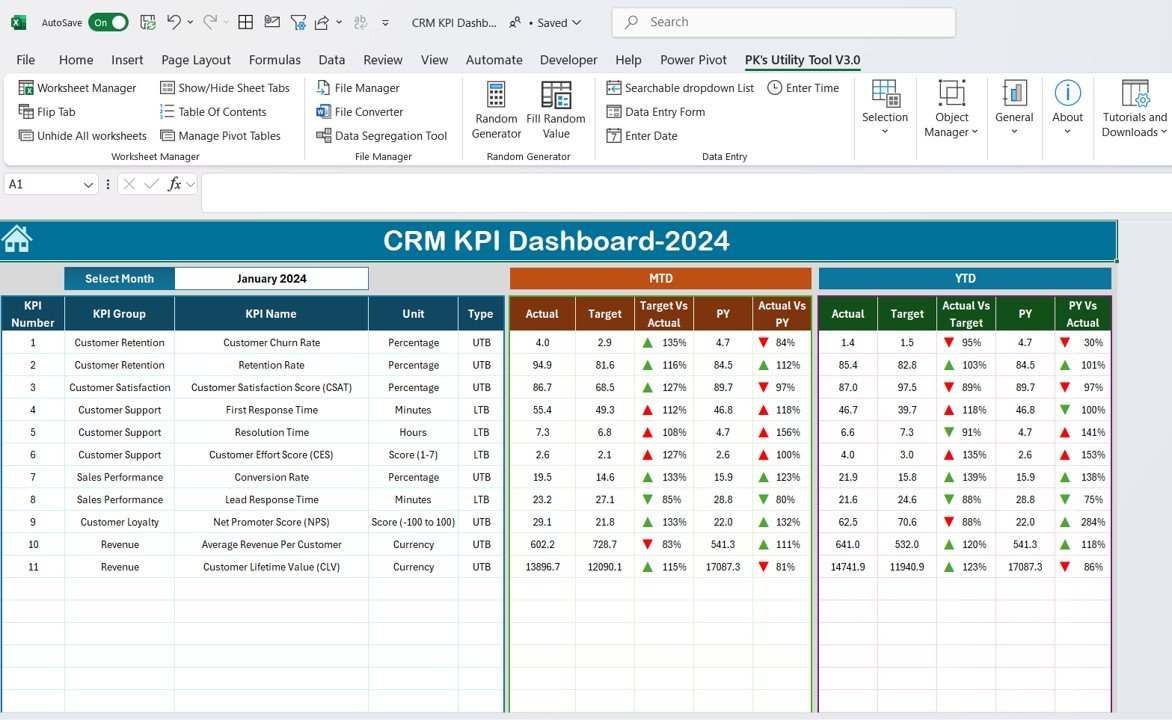
Key Features of the CRM KPI Dashboard in Excel:
📊 Comprehensive CRM KPI Tracking
Track essential KPIs such as lead conversion rates, customer acquisition costs, sales performance, and customer retention to assess the success of your CRM initiatives.
💼 Sales and Lead Management
Monitor the sales pipeline and lead conversion rates, ensuring that sales opportunities are being effectively managed and converted into satisfied customers.
🔄 Real-Time Data Updates
The dashboard updates automatically as you enter new CRM data, ensuring that your KPIs reflect the most current performance metrics.
📅 Customer Retention Metrics
Analyze customer retention, loyalty, and satisfaction levels to identify areas for improvement and optimize long-term customer relationships.
🎨 Customizable Layout and Metrics
Tailor the dashboard to suit your specific CRM goals, track the KPIs that matter most, and adjust the design to match your company’s branding.
Why You’ll Love the CRM KPI Dashboard in Excel:
✅ Centralized CRM Monitoring – Keep track of all your CRM metrics in one place, making it easy to assess sales performance, lead conversion, and customer retention. ✅ Real-Time Insights – Stay on top of CRM performance with real-time data updates, ensuring that your KPIs are always accurate and up-to-date. ✅ Customizable for Your Needs – Adjust the dashboard to track the KPIs most relevant to your business goals, whether it’s customer satisfaction, lead management, or sales growth. ✅ Data-Driven Decisions – Use the insights from the dashboard to make informed decisions, refine CRM strategies, and improve customer engagement. ✅ User-Friendly Design – The intuitive design ensures that anyone can use the dashboard, regardless of their level of Excel expertise.
What’s Inside the CRM KPI Dashboard in Excel:
- Lead Conversion Tracking – Monitor how effectively leads are being converted into customers, and identify areas for improvement in the sales process.
- Sales Performance Monitoring – Track the performance of sales teams and individual salespeople, ensuring that sales goals are being met.
- Customer Retention Analysis – Measure customer retention rates and satisfaction to optimize customer relationships and reduce churn.
- Comprehensive CRM Metrics – Track KPIs such as customer acquisition cost, average deal size, and overall CRM ROI.
- Customizable Charts and Graphs – Visualize data with dynamic charts and graphs, making it easier to interpret complex CRM metrics.
How to Use the CRM KPI Dashboard in Excel:
1️⃣ Download the Template – Get immediate access to the Excel file after purchase. 2️⃣ Input Your CRM Data – Enter your sales, lead, and customer retention data into the provided fields. 3️⃣ Customize the Dashboard – Adjust the KPIs and layout to reflect your CRM goals and metrics. 4️⃣ Track Performance – Use the dashboard to monitor sales progress, lead conversion, and customer retention in real time. 5️⃣ Make Informed Decisions – Use the insights from the dashboard to optimize your CRM strategies and drive better business outcomes.
Who Can Benefit from the CRM KPI Dashboard in Excel:
- CRM Managers
- Sales Teams
- Marketing Teams
- Customer Service Managers
- Business Owners
- Anyone responsible for managing customer relationships and improving CRM performance
The CRM KPI Dashboard in Excel is an indispensable tool for businesses looking to optimize their CRM processes and improve customer engagement. With its real-time updates, customizable layout, and clear visual insights, it’s the perfect solution for tracking and managing CRM performance across your organization.
Click here to read the Detailed blog post
https://www.pk-anexcelexpert.com/crm-kpi-dashboard-in-excel/
Visit our YouTube channel to learn step-by-step video tutorials
Compatibility and Requirements
- Works in Microsoft Excel desktop (Excel 2016 or later, or Microsoft 365).
- Results show in charts you can restyle. Microsoft explains Excel charts in Create a chart from start to finish.
Frequently Asked Questions
Which KPIs does the CRM KPI Dashboard track?
It tracks lead conversion rates, customer acquisition cost, sales performance, average deal size, customer retention, satisfaction and CRM ROI.
Can I track individual salespeople?
Yes. It tracks the performance of sales teams and individual salespeople against sales goals.
Does the dashboard update when I add data?
Yes. The KPIs update automatically as you enter new CRM data.
Can I match it to my company branding?
Yes. You can adjust the layout, KPIs and design to match your company’s branding.
Is there a Google Sheets or Power BI version?
Yes. See the CRM KPI Dashboard in Google Sheets and the CRM KPI Dashboard in Power BI.
Related CRM Templates
- CRM KPI Dashboard in Google Sheets: the same KPIs in a browser
- CRM KPI Dashboard in Power BI: the same KPIs in Power BI
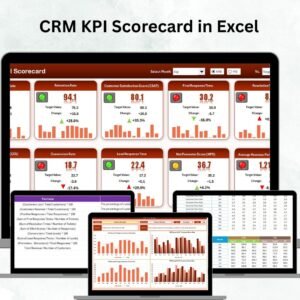
- CRM KPI Scorecard in Excel: a scorecard view with targets
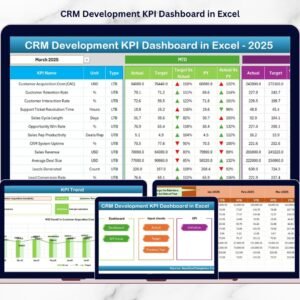
- CRM Development KPI Dashboard in Excel: track CRM development work
- KPI Dashboard Library (Excel): 15 Excel KPI dashboards in one download
Browse all Excel KPI dashboards or the Excel dashboards.






















Reviews
There are no reviews yet.