

Key Features of Contract Management Outline Checklist in Excel ✨
Managing contracts has never been easier! The Contract Management Outline Checklist in Excel is a ready-to-use template designed to help businesses streamline contract handling, avoid compliance risks, and improve accountability. Built with simplicity and functionality in mind, this checklist ensures that every task related to contracts—from drafting and approvals to renewals and compliance reviews—is tracked in one place.
Here are the standout features:
Centralized Dashboard – Track all contract obligations in one structured Excel file.
Progress Tracking – View completed and pending tasks instantly with a progress bar.
Smart Assignment – Assign responsibilities with dropdown menus for quick selection.
Deadline Monitoring – Never miss critical renewal dates again.
Customizable Fields – Adjust columns and categories to suit your industry needs.
Cost-Effective Solution – Eliminate the need for expensive software.
This tool gives managers clarity, saves time, and ensures nothing slips through the cracks. ✅
What’s Inside the Contract Management Outline Checklist 📂
When you download this product, you get a structured and professional Excel file with:
Main Checklist Sheet
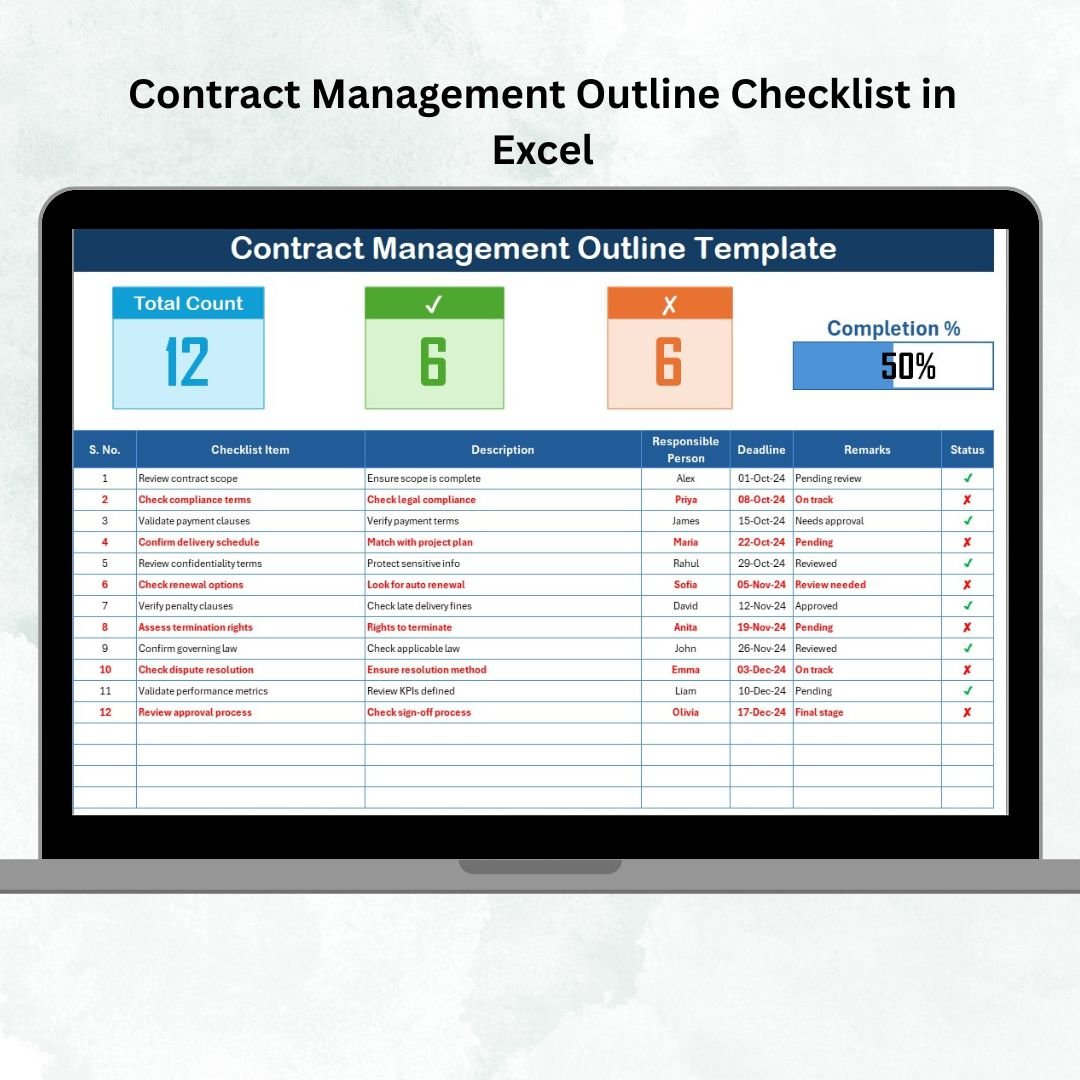
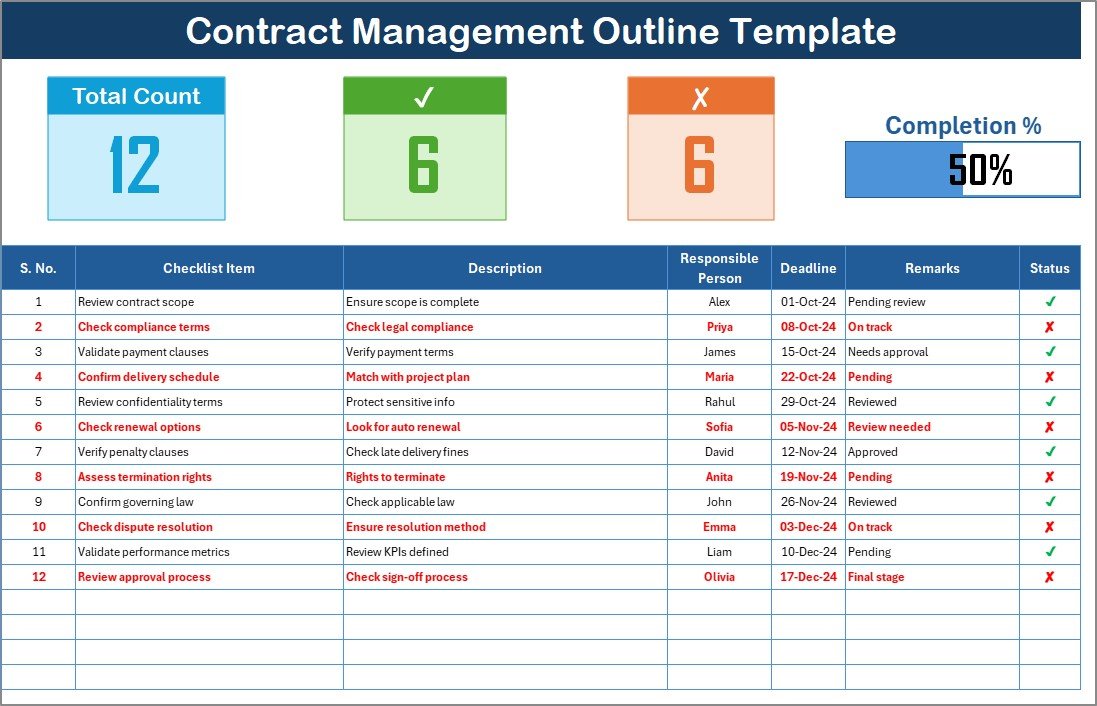
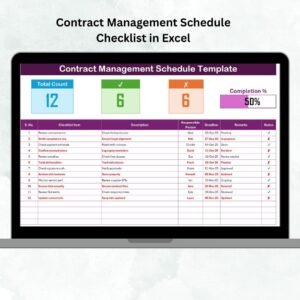
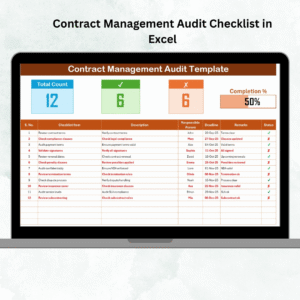
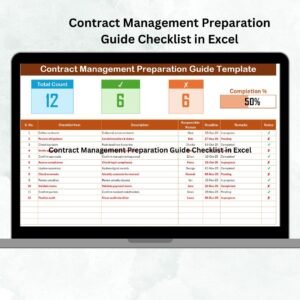
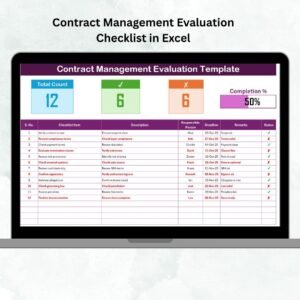
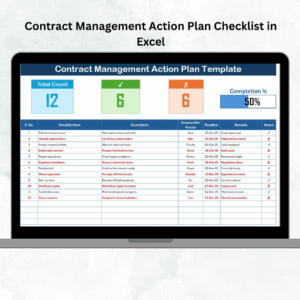
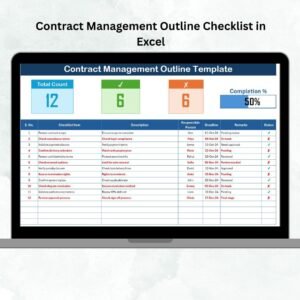
Columns for Serial No., Checklist Item, Description, Responsible Person, Deadline, Remarks, and Status (✔ or ✘).
A summary section at the top with Total Count, Completed Count, Pending Count, and a visual progress bar.
List Sheet
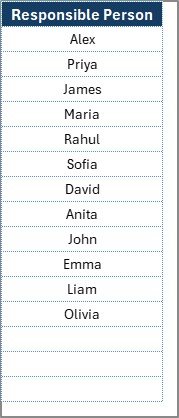
A secondary sheet that captures unique responsible persons.
This creates dynamic dropdown lists, ensuring consistency in assignments and avoiding manual errors.
Status Indicators
Quick view of what’s done and what’s pending.
Instant insights into the completion rate of your tasks.
This structure is designed to bring order, visibility, and efficiency to contract management processes.
How to Use the Contract Management Outline Checklist 🛠️
Using this Excel-based checklist is straightforward. You don’t need any advanced Excel skills—just follow these steps:
Download & Open the Template – Start with the prebuilt Excel file.
List Contract Items – Enter all relevant contract tasks (e.g., agreement review, renewal tracking, compliance check).
Assign Responsibility – Use dropdowns to assign tasks to the right people.
Set Deadlines – Define clear timelines to ensure accountability.
Update Status – Mark tasks ✔ (completed) or ✘ (pending).
Monitor Progress – Instantly track completion using the progress bar and summary metrics.
By keeping the checklist updated weekly, managers and teams can avoid missed renewals, compliance gaps, and communication issues.
Who Can Benefit from This Contract Management Outline Checklist 👥
This Excel template is versatile and useful for:
Small Businesses – Manage supplier agreements and client contracts without needing costly software.
Mid-Sized Companies – Track service contracts, compliance documents, and vendor obligations.
Large Enterprises – Centralize tracking for multiple departments with a standardized tool.
Legal & Compliance Teams – Ensure regulations and deadlines are never overlooked.
Procurement & Vendor Managers – Keep supplier agreements and renewals on track.
Project Managers – Integrate contract tasks into project workflows.
If your organization handles multiple contracts, this checklist is your go-to solution for structure, clarity, and compliance.
Opportunities for Improvement & Best Practices 💡
While powerful, this Excel template can be further enhanced by:
Automating reminders using VBA macros.
Integrating with Outlook for deadline alerts.
Connecting to Power BI for advanced analytics.
Best practices include:
Keep descriptions short and clear.
Update weekly for accuracy.
Use color coding for overdue tasks.
Audit quarterly to ensure alignment with company goals.
✅ Click here to read the Detailed blog post
📺 Visit our YouTube channel to learn step-by-step video tutorials
Watch the step-by-step video tutorial:























Reviews
There are no reviews yet.