

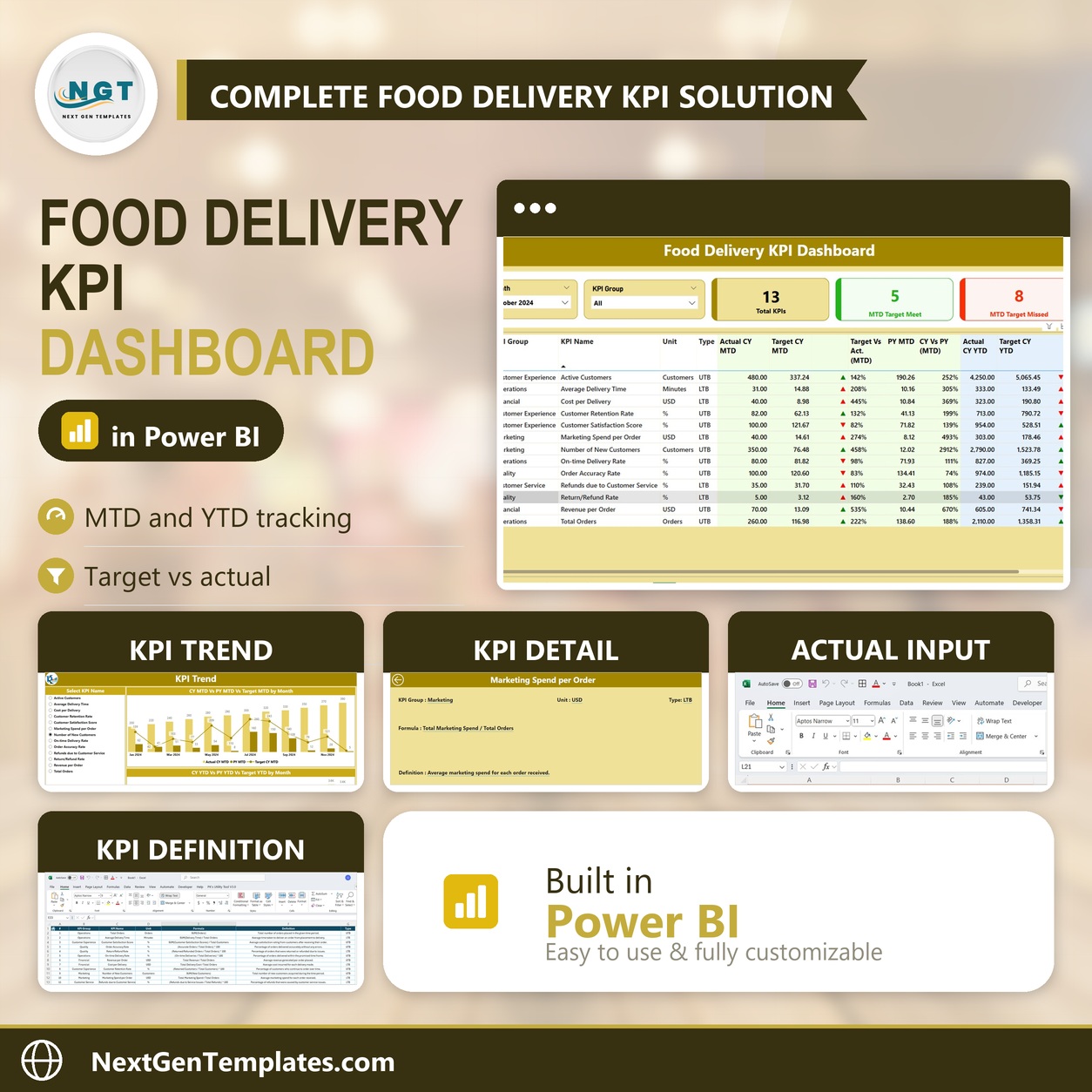
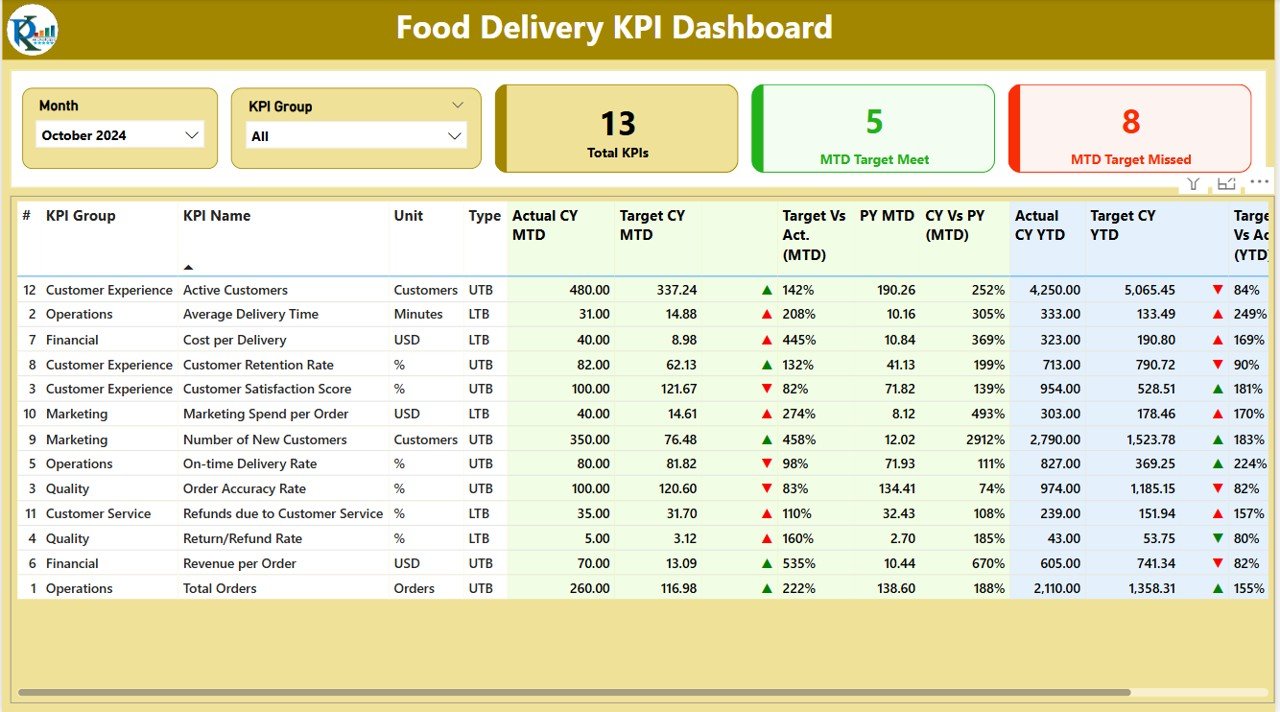

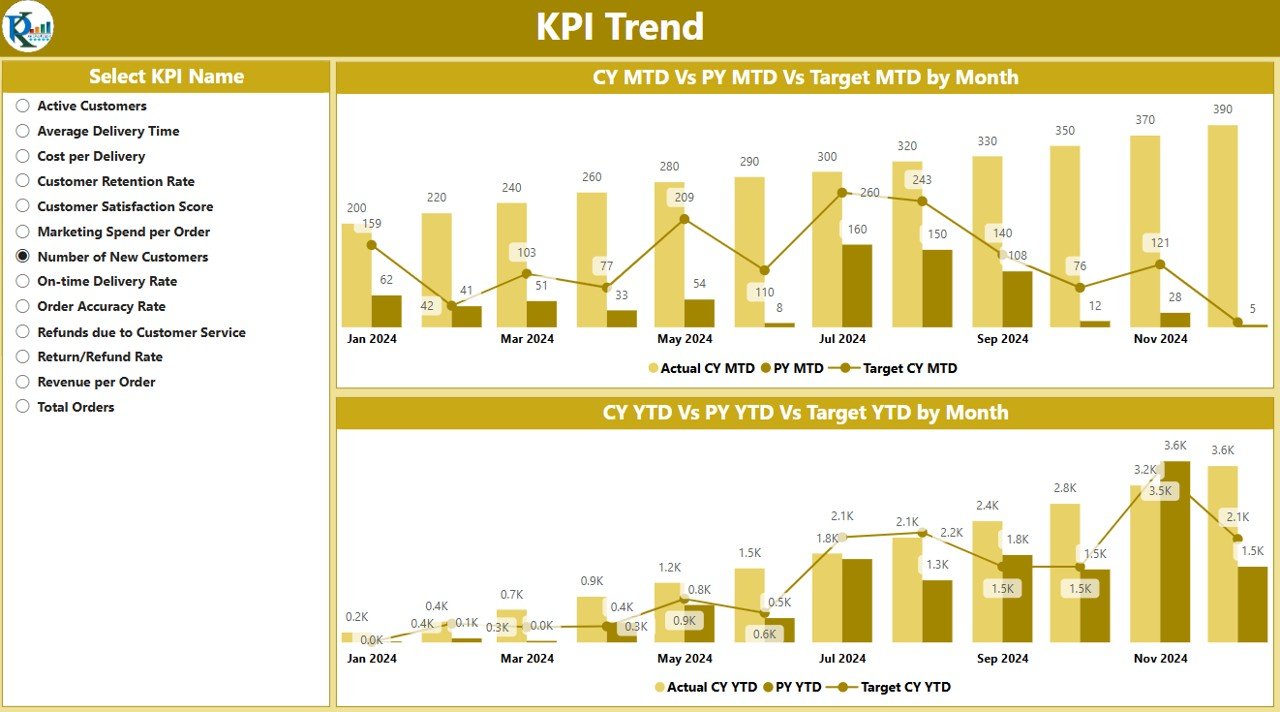

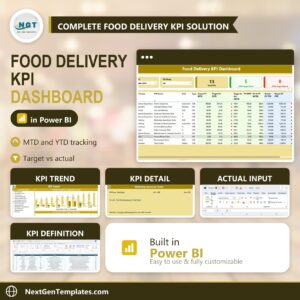
The Food Delivery KPI Dashboard in Power BI is a powerful and interactive tool designed to help food delivery businesses track and analyze their key performance indicators (KPIs) in real-time. Whether you are managing a small food delivery service or running a large-scale restaurant or delivery platform, this dashboard provides a comprehensive overview of your operations, helping you monitor delivery times, order volumes, customer satisfaction, and more—all in one place.
This dynamic Power BI dashboard integrates multiple data sources, providing you with interactive charts and visualizations to analyze performance trends, optimize delivery routes, and improve customer service. With real-time data updates and fully customizable metrics, this tool ensures you always have access to up-to-date insights, making it easier to make data-driven decisions and improve your food delivery operations.

Key Features of the Food Delivery KPI Dashboard in Power BI:
📊 Comprehensive KPI Tracking
Track essential food delivery KPIs such as order volume, delivery time, customer ratings, and driver performance. View all metrics in a consolidated dashboard for easy comparison and analysis.
📅 Real-Time Data Updates
This dashboard provides real-time updates, so you can monitor performance continuously without delays. Automatically update key metrics as new data is entered.
📈 Interactive Data Visualizations
Utilize dynamic charts, graphs, and tables to visualize performance. Interactive features allow you to drill down into specific data points, enabling you to analyze trends and identify areas of improvement.
🔄 Customizable Metrics
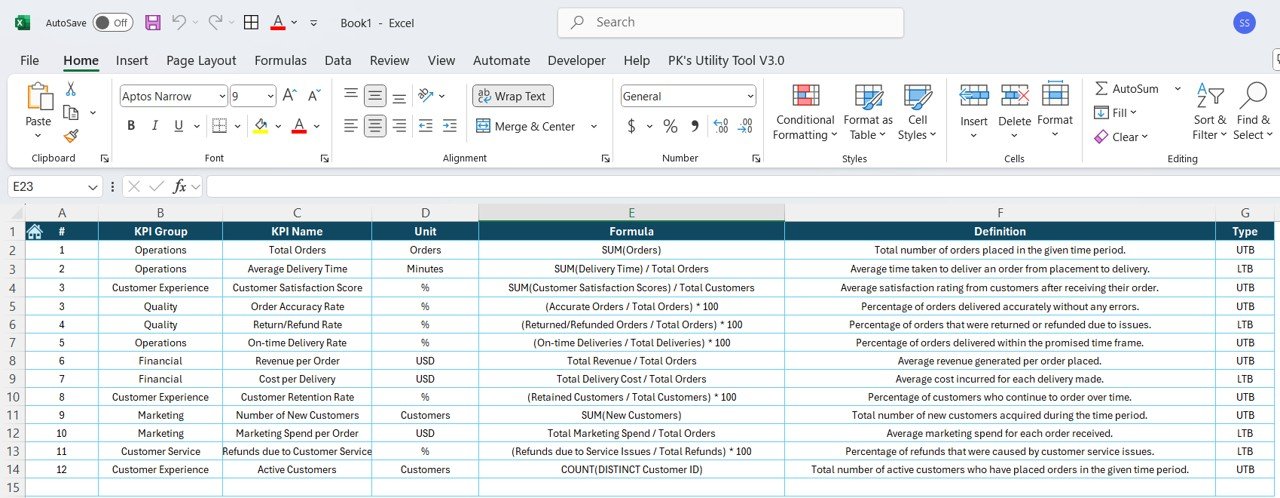
Adjust the dashboard to fit your specific needs by adding or removing KPIs and modifying the display settings. Track metrics that are most important to your food delivery business, such as order times, delivery radius, and customer feedback.
📊 Driver and Delivery Performance Monitoring
Monitor individual driver performance, including delivery times, ratings, and completion rates. This allows for better management of your delivery team and ensures high-quality service.
Why You’ll Love the Food Delivery KPI Dashboard in Power BI:
✅ Monitor Operations Efficiently – Keep track of all key metrics in one place and ensure smooth food delivery operations from start to finish. ✅ Real-Time Insights – The dashboard updates in real-time, giving you instant access to performance data and allowing for quick action when needed. ✅ Improve Customer Experience – With detailed tracking of customer ratings and delivery times, you can quickly identify areas to enhance customer satisfaction. ✅ Optimized Driver Management – Track and analyze driver performance to ensure timely deliveries and efficient operations. ✅ Customizable and Scalable – Tailor the dashboard to meet the unique needs of your food delivery business, whether you’re managing one location or a fleet of drivers.
What’s Inside the Food Delivery KPI Dashboard in Power BI:
- Order Volume Tracking – Monitor the total number of orders, trends over time, and peak delivery hours.
- Delivery Time Monitoring – Track average delivery times and identify areas for improvement.
- Customer Satisfaction – View customer ratings and feedback to improve service quality.
- Driver Performance Tracking – Monitor individual driver performance, including on-time deliveries and ratings.
- Interactive Visualizations – Use dynamic charts, graphs, and tables to explore performance trends and insights.
How to Use the Food Delivery KPI Dashboard in Power BI:
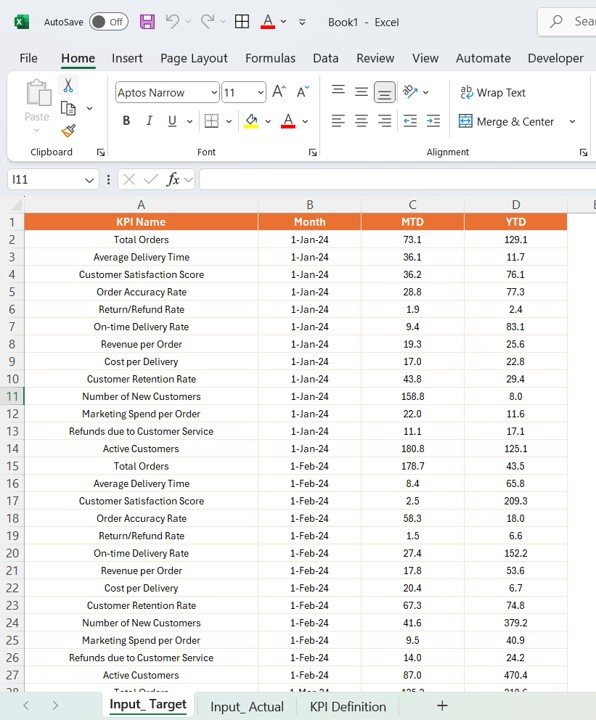
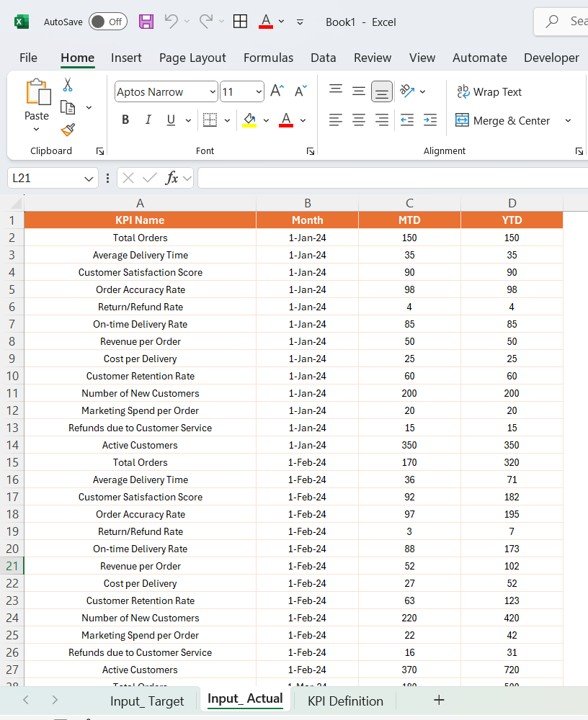
1️⃣ Download the Power BI File – Get instant access to the dashboard after purchase. 2️⃣ Input Data – Add your business data, including orders, delivery times, customer feedback, and driver performance. 3️⃣ Analyze the Data – Use the interactive features to explore performance trends, identify areas of improvement, and make informed decisions. 4️⃣ Customize the Dashboard – Adjust the metrics and visualizations to suit your specific business needs.
Who Can Benefit from the Food Delivery KPI Dashboard in Power BI:
- Food Delivery Service Providers
- Restaurant Managers
- Delivery Platform Operators
- Logistics and Fleet Managers
- Customer Service Teams
- Business Analysts
- Operations Managers
The Food Delivery KPI Dashboard in Power BI is the perfect tool for optimizing food delivery services. Monitor key performance indicators, improve customer service, and streamline operations with this powerful, interactive tool.
Click here to read the Detailed blog post
https://www.pk-anexcelexpert.com/food-delivery-kpi-dashboard-in-power-bi/
Visit our YouTube channel to learn step-by-step video tutorials
Watch the step-by-step video Demo:
Compatibility and Requirements
- Works in Power BI Desktop, which is free to download from Microsoft. See Get Power BI Desktop.
Frequently Asked Questions
Which KPIs does the Food Delivery KPI Dashboard track?
It tracks order volume, peak delivery hours, average delivery time, customer ratings and feedback, and driver performance such as on-time deliveries and ratings.
Can I see how each driver is doing?
Yes. The dashboard shows delivery times, ratings and completion rates for each driver.
Can I add or remove KPIs?
Yes. You can add or remove KPIs and change the visuals to fit your delivery business.
Can I drill into the data?
Yes. The charts, graphs and tables are interactive, so you can drill down into specific data points.
Is there an Excel or Google Sheets version?
Yes. See the Food Delivery KPI Dashboard in Excel and the Food Delivery KPI Dashboard in Google Sheets.
Related Food Delivery and Restaurant Templates
- Food Delivery KPI Dashboard in Excel: the same KPIs in Excel
- Food Delivery KPI Dashboard in Google Sheets: the same KPIs in Google Sheets
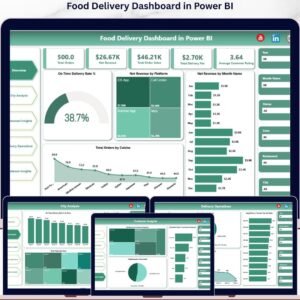
- Food Delivery Dashboard in Power BI: a full delivery operations dashboard
- Restaurants & Food Services KPI Dashboard in Power BI: KPIs for restaurant operations
- Power BI Dashboard Mega Collection: 15 Power BI dashboards in one download
Browse all Power BI KPI dashboards or the Power BI dashboards.







Reviews
There are no reviews yet.