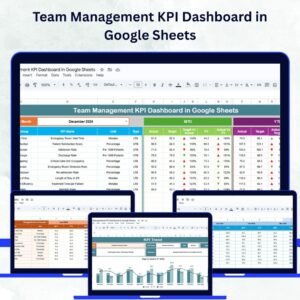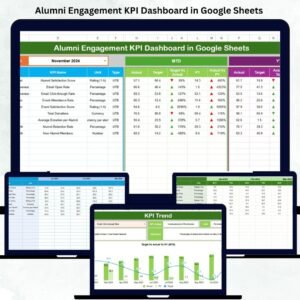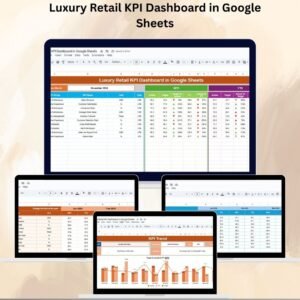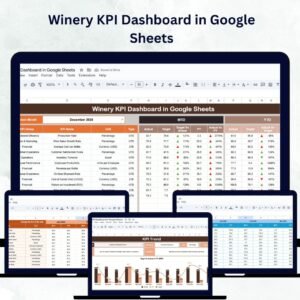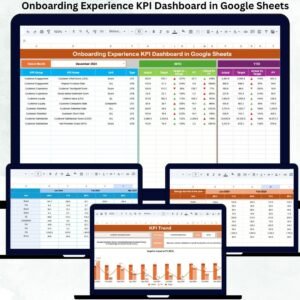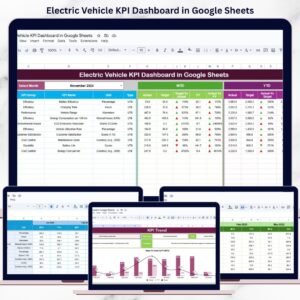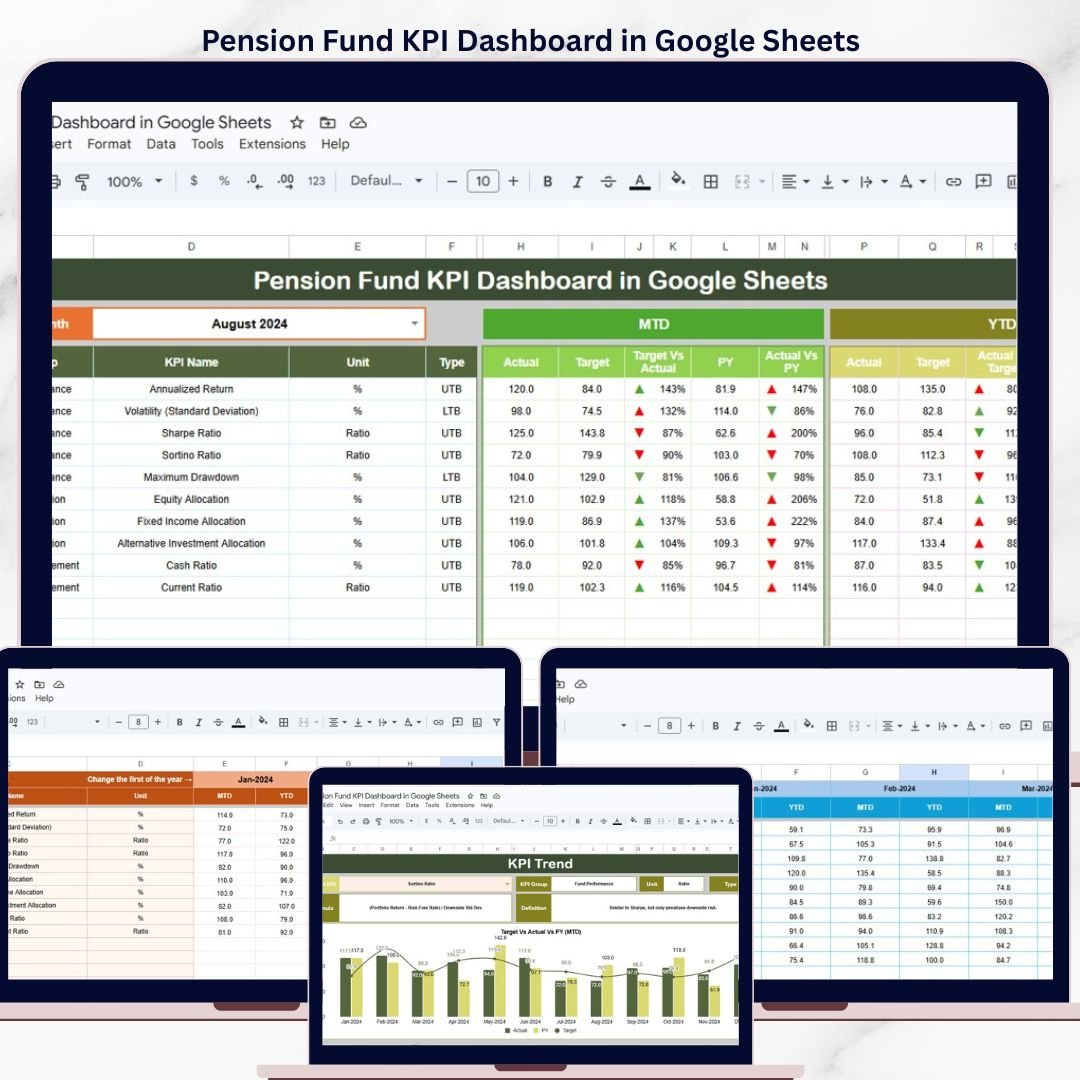
The Pension Fund KPI Dashboard in Google Sheets tracks pension fund performance across 6 structured worksheets with MTD and YTD comparisons, target vs actual analysis, and previous year benchmarking. It includes pre-built KPI trend charts, conditional formatting indicators, and a built-in KPI definition sheet — all updating automatically when you select a month from the drop-down on the Dashboard tab. Setup takes under 10 minutes.
🌍 Join 8,400+ teams in 40+ countries using NextGenTemplates to replace paid SaaS tools with one-time-purchase Excel, Google Sheets, Power BI, and HTML templates.
✅ Instant download · One-time payment · No subscription · No per-user fees · Lifetime access
🔑 Key Features of Pension Fund KPI Dashboard in Google Sheets
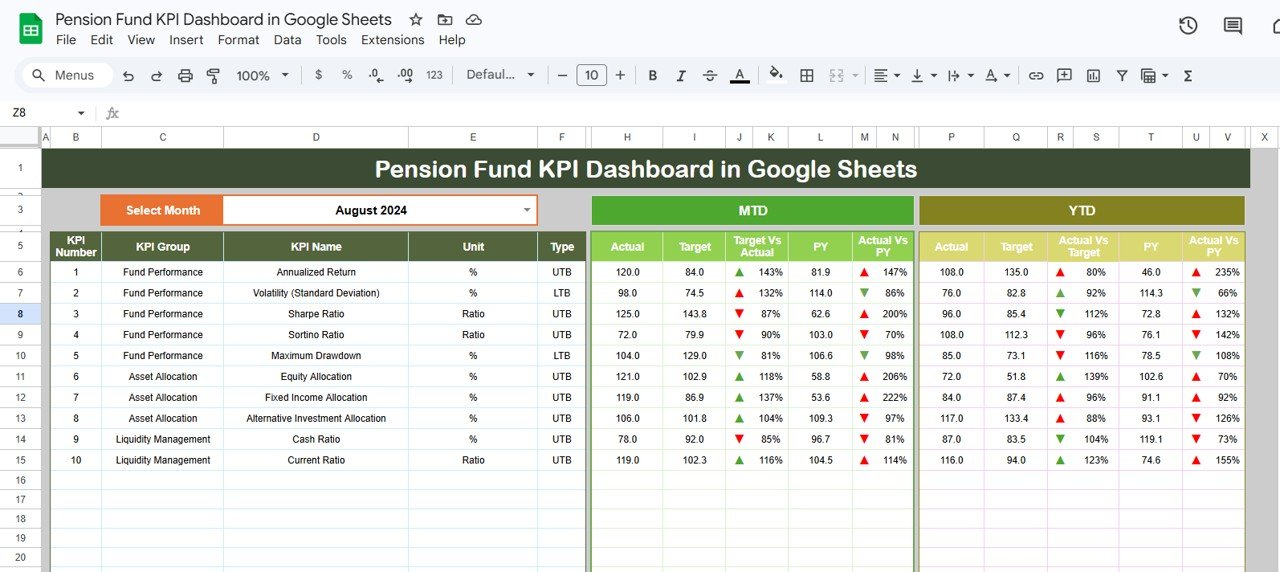
📊 Monthly KPI Dashboard — Select any month from the drop-down on range D3, and the entire dashboard updates automatically. You see MTD Actual, Target, and Previous Year data alongside YTD Actual, Target, and Previous Year data for every KPI. Conditional formatting arrows (green up, red down) instantly highlight whether each KPI is meeting its target or trailing behind.
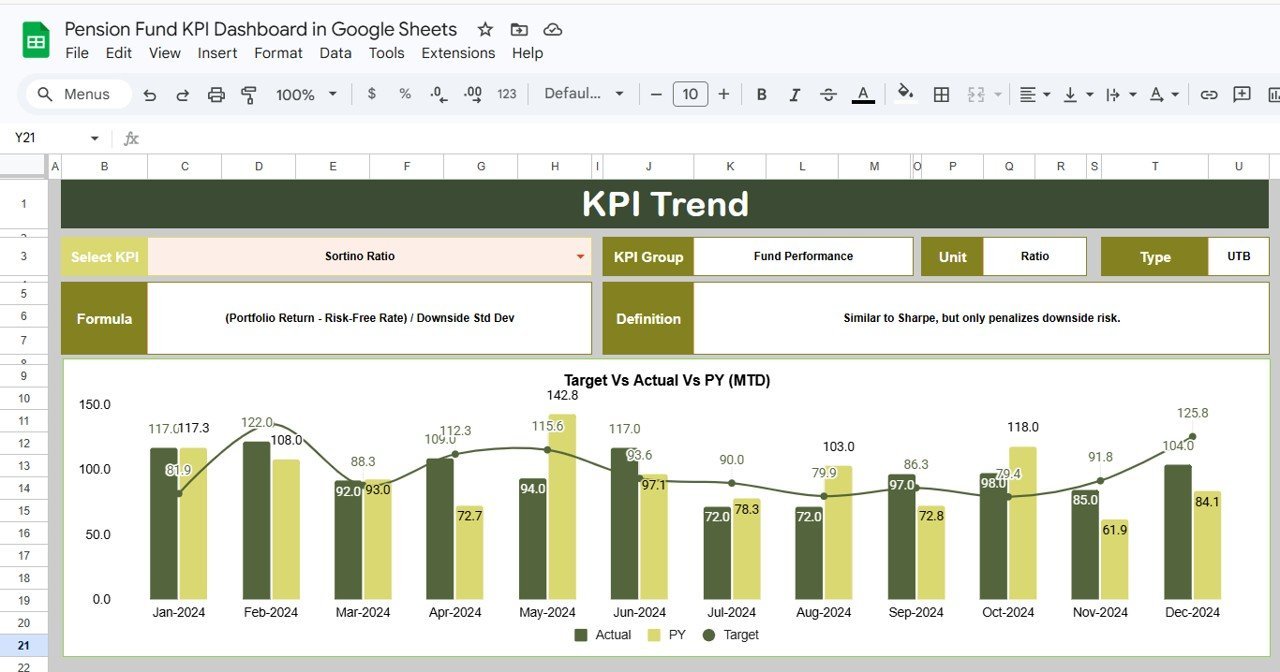
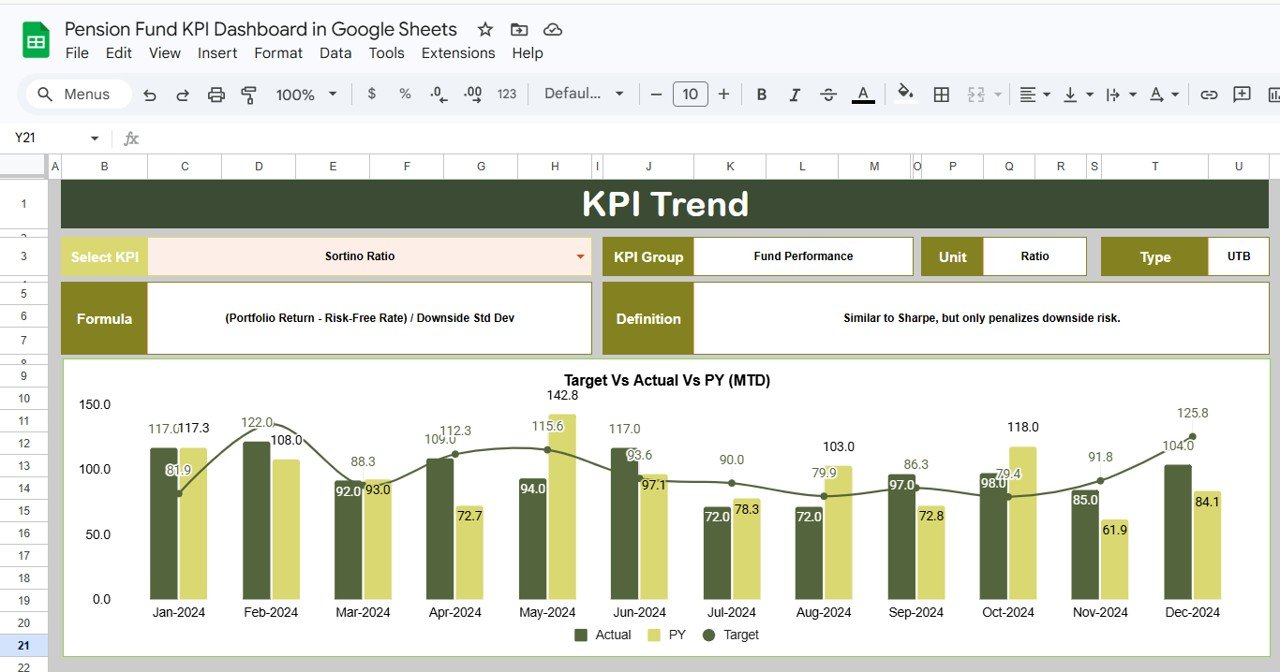
📈 KPI Trend Analysis — Select any KPI name from the drop-down on the KPI Trend sheet and instantly view MTD and YTD trend charts comparing Actual, Target, and Previous Year performance. The sheet also displays the KPI Group, Unit, Type (LTB or UTB), Formula, and Definition for the selected KPI.
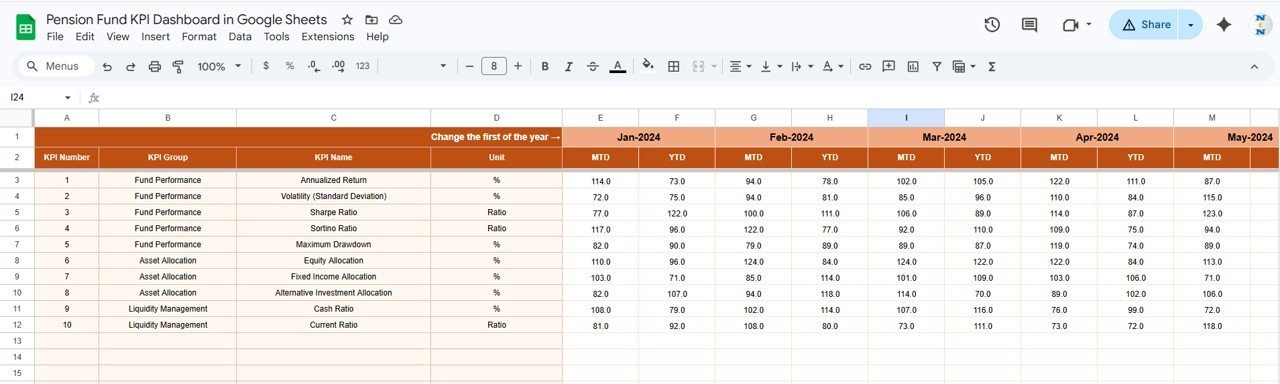
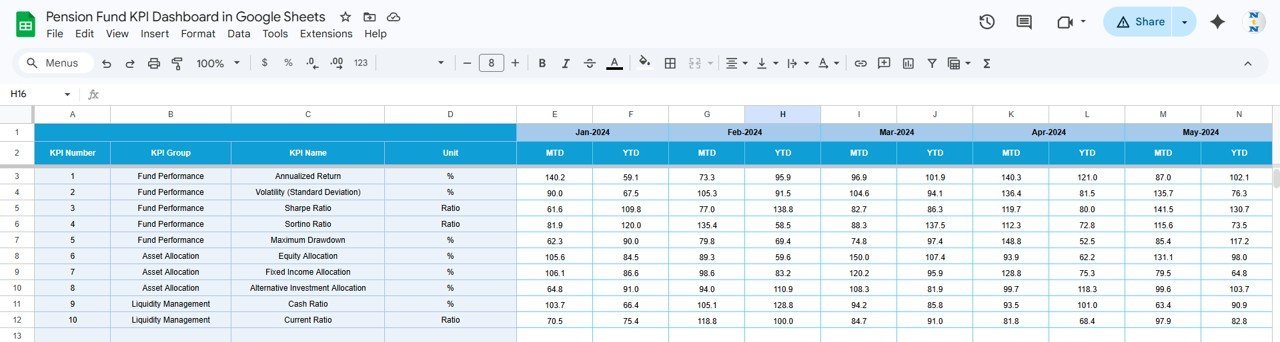
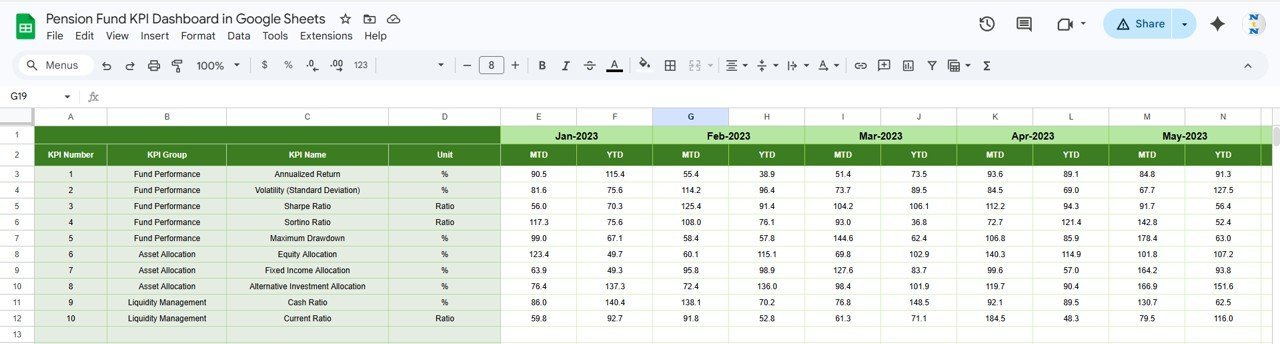
📋 Structured Data Input — Three dedicated input sheets (Actual Numbers, Target Numbers, Previous Year Numbers) keep your data organized. Enter MTD and YTD values for each month, and the dashboard formulas handle the rest automatically.
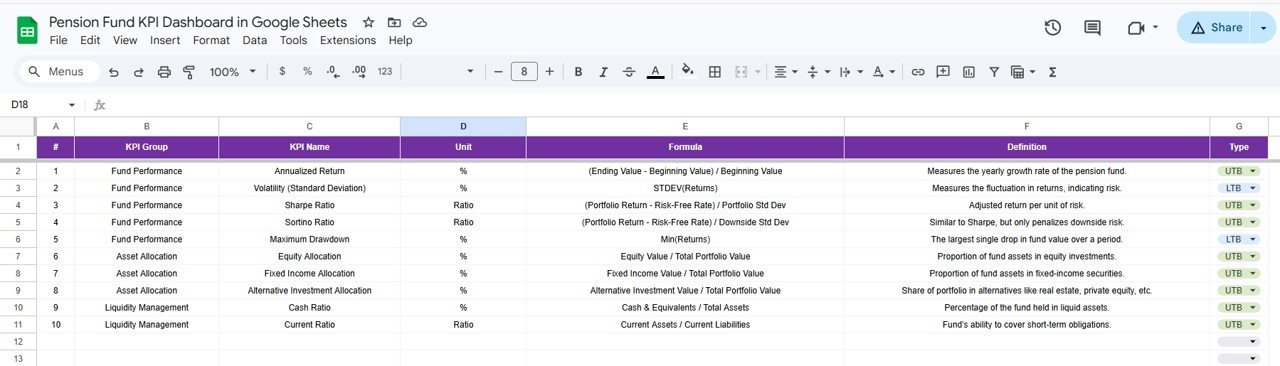
📘 Built-in KPI Definition Sheet — Every KPI is documented with its Name, Group, Unit, Formula, Definition, and Type (LTB/UTB). This ensures consistent understanding across your entire pension fund team and supports audit readiness.
 Pension Fund KPI Dashboard in Google Sheets
📦 What’s Inside the Pension Fund KPI Dashboard in Google Sheets
This Google Sheets template includes 6 worksheets, each serving a specific purpose in pension fund KPI monitoring:
📄 Dashboard Sheet — The main reporting page. Shows all KPI data for the selected month including MTD Actual, Target, Previous Year, and YTD Actual, Target, Previous Year with Target vs Actual and PY vs Actual conditional formatting arrows.
📄 KPI Trend Sheet — Select a KPI from the drop-down to view MTD and YTD trend charts along with KPI metadata (Group, Unit, Type, Formula, Definition).
📄 Actual Numbers Input Sheet — Enter actual MTD and YTD numbers for each month. Change the first month of the year on range E1.
📄 Target Number Input Sheet — Enter target numbers for each KPI by month (MTD and YTD).
📄 Previous Year Number Sheet — Enter previous year numbers in the same format as the current year data.
📄 KPI Definition Sheet — Define each KPI with Name, Group, Unit, Formula, Definition, and Type (LTB or UTB).
 KPI Trend Sheet
📊 Pension Fund KPI Dashboard vs. Microsoft Excel Dashboard vs. Paid Pension SaaS — Where This Fits
| Feature | Pension Fund KPI Dashboard in Google Sheets | Microsoft Excel KPI Dashboard | Paid Pension SaaS (e.g., PensionPro) |
|---|---|---|---|
| Cost | $8.99 one-time | $14.99 one-time | $50-200 / user / month |
| Platform | Google Sheets (browser-based) | Desktop Excel required | Web-based SaaS |
| Setup Time | Under 10 minutes | 15-30 minutes | Days to weeks |
| Real-time Team Collaboration | ✅ Built-in (Google Drive) | ❌ Manual file sharing | ✅ Yes |
| Mobile Access | ✅ Google Sheets app | ❌ Limited | ✅ Yes |
| Customizable KPIs | ✅ Add/edit freely | ✅ Yes | ⚠️ Limited by plan |
| MTD & YTD Tracking | ✅ Automated | ✅ Automated | ✅ Yes |
| Year-1 Cost at 5 Users | $8.99 total | $14.99 total | $3,000-12,000 |
| No Subscription Required | ✅ | ✅ | ❌ |
For pension fund teams that want MTD/YTD KPI tracking with built-in collaboration without paying monthly SaaS fees, the Pension Fund KPI Dashboard in Google Sheets sits in the sweet spot.
👥 Who This Template Is For — and Who It’s Not For
✅ This template is built for:
- Pension fund managers tracking 10-50+ KPIs across MTD and YTD periods
- Finance teams at mid-size organizations needing structured pension reporting
- HR departments presenting pension performance to leadership and trustees
- Actuarial and advisory firms preparing client-facing pension KPI reports
❌ This template is NOT for:
- Enterprise pension administrators needing API integrations with custodian systems
- Organizations requiring SOC 2 compliance or HIPAA-grade data security
- Teams needing real-time market data feeds for investment performance
⚙️ How to Use the Pension Fund KPI Dashboard in Google Sheets
- Open the PDF guide included in your download and click the Google Sheets copy link to create your own editable copy in Google Drive
- Go to the KPI Definition sheet and enter your KPI names, groups, units, formulas, definitions, and types (LTB/UTB)
- Enter actual MTD and YTD numbers in the Actual Numbers Input sheet for each month
- Enter target numbers in the Target Number Input sheet for each KPI by month
- Enter previous year numbers in the Previous Year Number sheet
- Go to the Dashboard sheet, select a month from the drop-down on range D3, and review all KPI performance instantly
- Use the KPI Trend sheet to analyze individual KPI trends over time
💼 Real-World Use Cases
Rajesh manages pension operations at a 200-person manufacturing company. He uses the Pension Fund KPI Dashboard in Google Sheets to track 15 fund performance KPIs monthly, comparing MTD actuals against targets and previous year data. The conditional formatting arrows help him quickly identify underperforming KPIs before quarterly board meetings — saving 4 hours of manual report preparation each month.
Maria works as a pension analyst at a financial advisory firm. She uses the KPI Trend sheet to prepare client-facing performance reports showing how each pension KPI evolved over 12 months. The built-in KPI definition sheet ensures her team uses consistent metric definitions across all client engagements.
David is the CFO at a regional healthcare organization. He shares the Google Sheets dashboard with his finance team and HR department simultaneously. Everyone accesses the same live data — no version control issues, no email attachments, and no waiting for updated spreadsheets.
❓ Frequently Asked Questions
What KPIs does the Pension Fund KPI Dashboard track?
The Pension Fund KPI Dashboard in Google Sheets tracks any pension-related KPI you define — fund returns, contribution rates, expense ratios, funded status, participant counts, and more. You define KPIs in the KPI Definition sheet, and all 6 worksheets use them automatically.
How long does it take to set up this dashboard?
Setup takes under 10 minutes. Copy the Google Sheet to your Drive, enter your KPI definitions and data, and the dashboard starts working immediately. No formulas to build — everything is pre-configured.
Can I add more KPIs beyond what’s included?
Yes. The template is fully customizable. Add new KPI rows in the KPI Definition sheet and corresponding data rows in the input sheets. The dashboard and trend charts update automatically.
Does this work on mobile devices?
Yes. Since it runs in Google Sheets, you can view and edit the dashboard from the Google Sheets mobile app on iOS or Android. Real-time collaboration works across all devices.
How does this compare to paid pension management software?
The Pension Fund KPI Dashboard in Google Sheets costs $8.99 one-time versus $50-200 per user per month for SaaS alternatives. It covers MTD/YTD tracking, target vs actual comparison, trend analysis, and KPI documentation — the core reporting needs of most pension fund teams.
Can multiple team members work on this simultaneously?
Yes. Google Sheets supports real-time collaboration. Multiple team members can enter data, review KPIs, and analyze trends at the same time without version conflicts.
Is there a video tutorial for this dashboard?
Visit our YouTube channel at YouTube.com/@NextGenTemplates for step-by-step video tutorials covering setup, data entry, and analysis workflows.
👤 About the Author
Built by PK — Microsoft Certified Professional with 15+ years of Excel, Google Sheets, and Power BI experience. Founder of NextGenTemplates, reaching 300K+ subscribers across YouTube channels (@PK-AnExcelExpert, @NextGenTemplates, @NeoTechNavigators). Every template is hand-built and tested before release.
🔗 Explore Related Templates
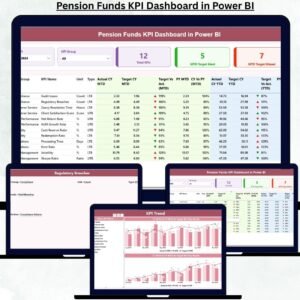
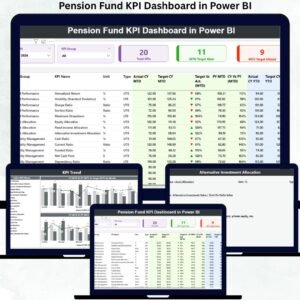
📊 Pension Fund KPI Dashboard in Power BI — The same pension KPI tracking structure built for Power BI Desktop with interactive slicers and drill-through pages.
📊 Pension Funds KPI Dashboard in Excel — 7-sheet Excel version with automated MTD/YTD insights, trend charts, and conditional formatting.
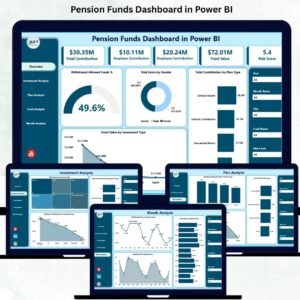
📊 Pension Funds Dashboard in Power BI — 5-page interactive Power BI dashboard tracking contributions, fund values, risk scores, and withdrawal eligibility.
📊 Browse all Google Sheets Dashboard Templates | KPI Dashboard Templates
📖 Click here to read the Detailed Blog Post
🎥 Visit our YouTube channel for step-by-step video tutorials
👉 YouTube.com/@NextGenTemplates