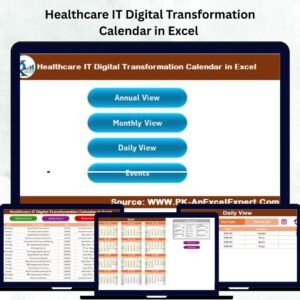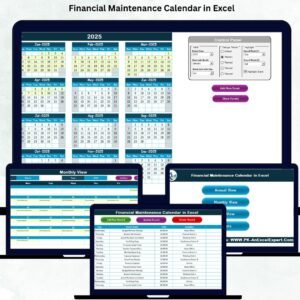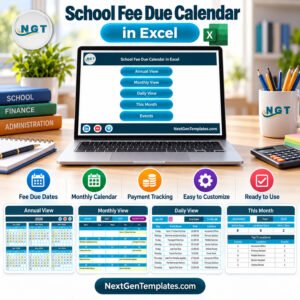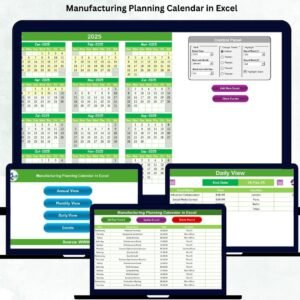
Managing supply chain deliveries can quickly become chaotic when schedules, deadlines, and events are scattered across multiple files. Missed deliveries, poor coordination, and lack of visibility can directly impact your business performance.
Introducing the Supply Chain Delivery Calendar in Excel – a smart, ready-to-use template designed to simplify delivery planning, scheduling, and tracking across your entire supply chain.
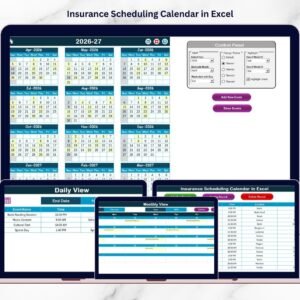
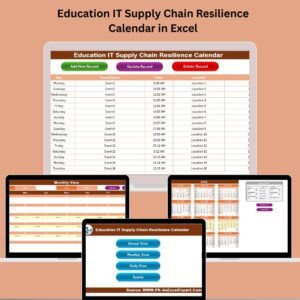
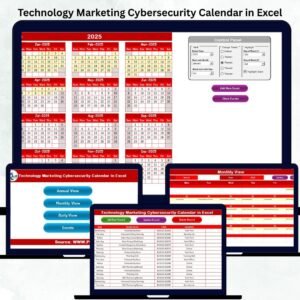
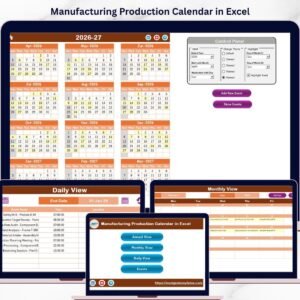
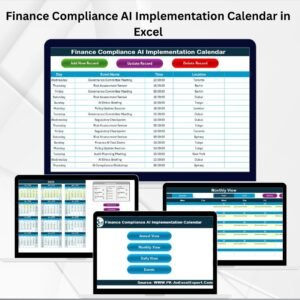
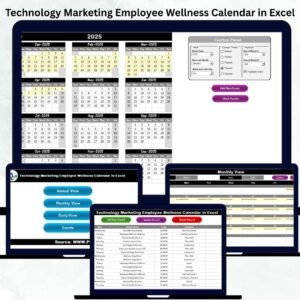
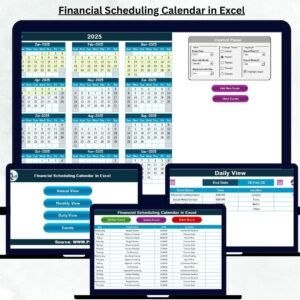
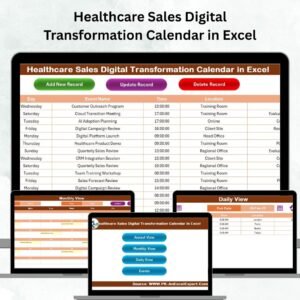
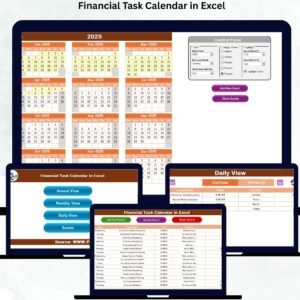
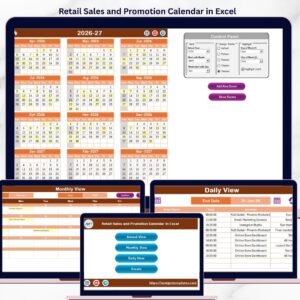
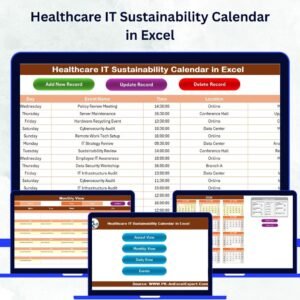
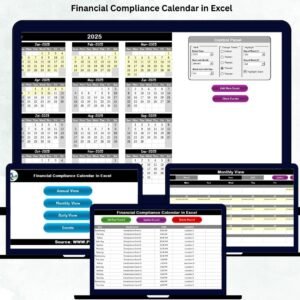
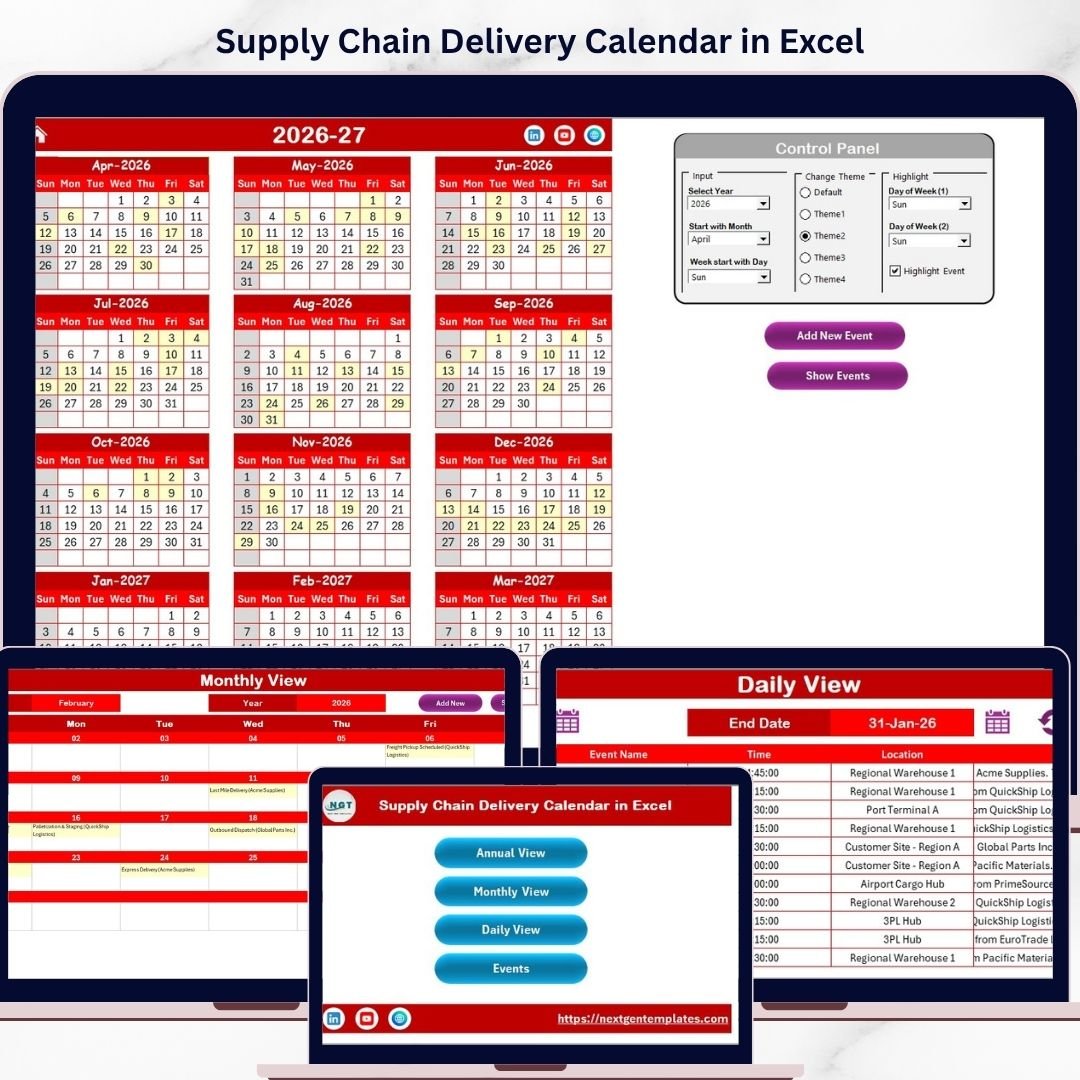
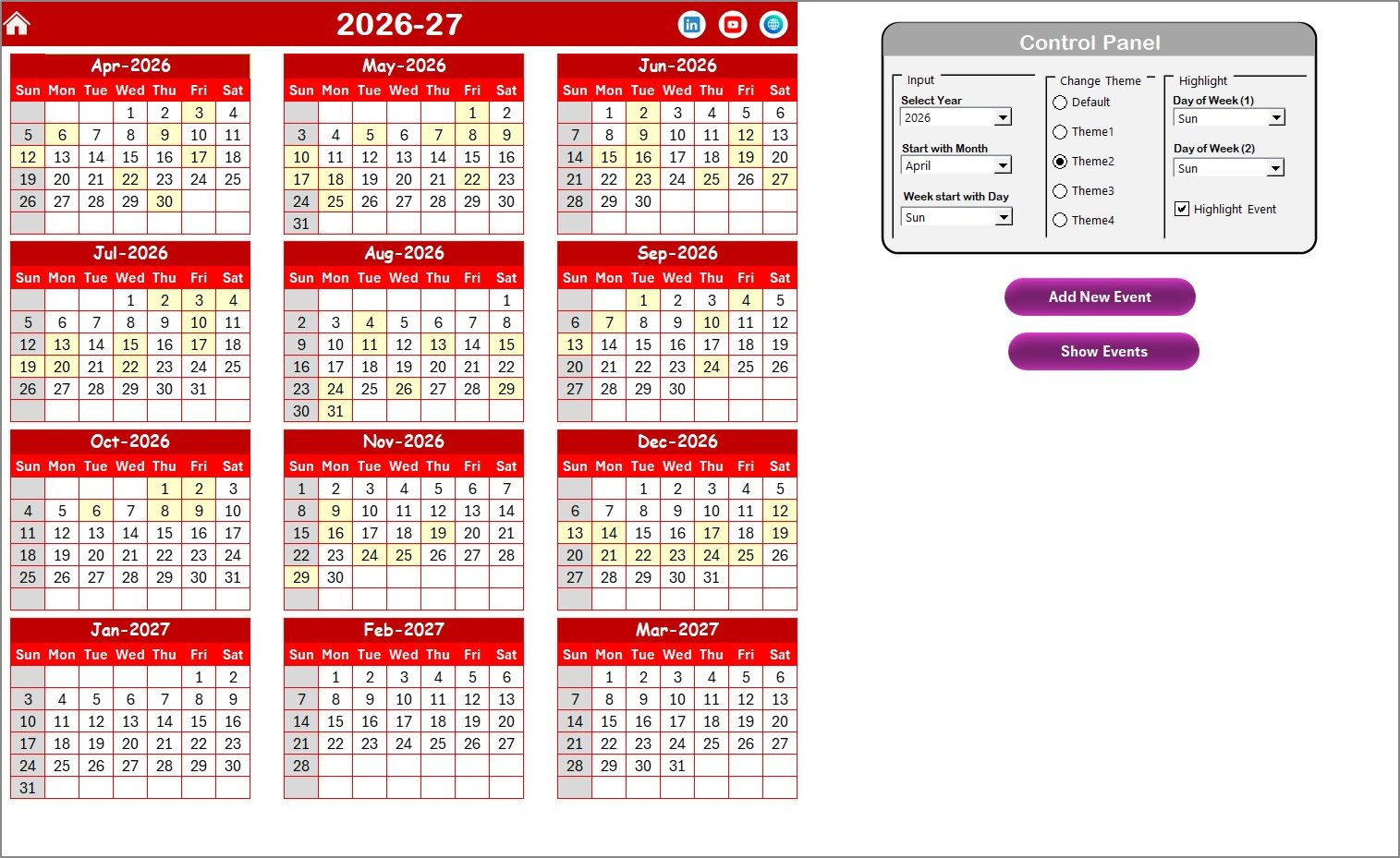
This dynamic Excel calendar helps you organize deliveries using annual, monthly, and daily views. Moreover, with its built-in event management system and customizable features, you can track every shipment, milestone, and deadline with complete accuracy.
Whether you are handling logistics, warehouse operations, or vendor deliveries, this tool ensures you stay organized and in control at all times.
🚀 Key Features of Supply Chain Delivery Calendar in Excel
📅 Multi-Level Calendar Views – Switch between Annual, Monthly, and Daily views for complete visibility
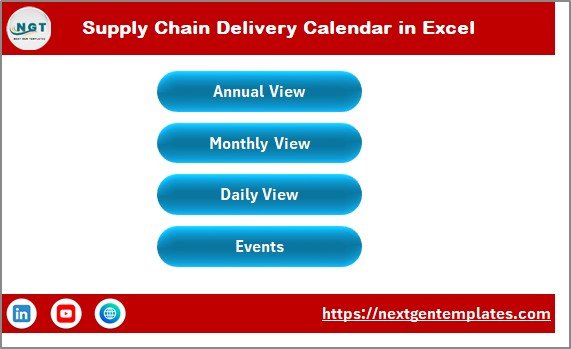
🏠 Interactive Home Dashboard – Navigate easily with quick-access buttons
🎨 Customizable Themes – Choose from multiple color themes for better presentation
📌 Highlight Important Dates – Mark key delivery days and events instantly
➕ Advanced Event Management – Add, update, or delete delivery schedules with ease
📊 Centralized Event Database – Store all delivery details in one structured sheet
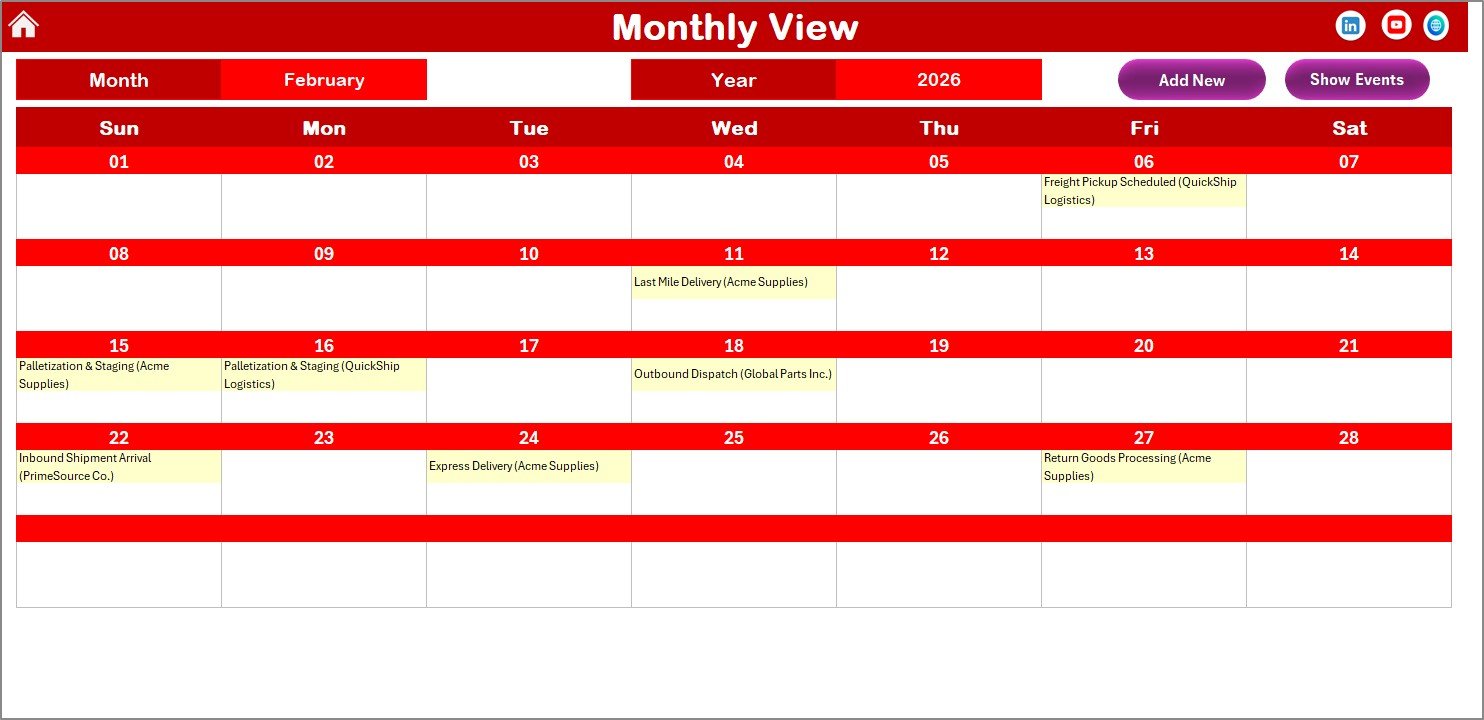
🔍 Quick Event Access – View delivery information directly from calendar views
⚙️ Dynamic Controls – Select year, month, and starting weekday effortlessly
⚡ User-Friendly Interface – No advanced Excel skills required
📦 What’s Inside the Supply Chain Delivery Calendar in Excel
This ready-to-use template includes 5 powerful and structured worksheets:
🏠 Home Sheet – Central navigation hub with buttons to access all calendar views
📅 Annual View Sheet – Full-year overview with customization and event highlighting
🗓️ Monthly View Sheet – Focus on specific months with visible delivery schedules
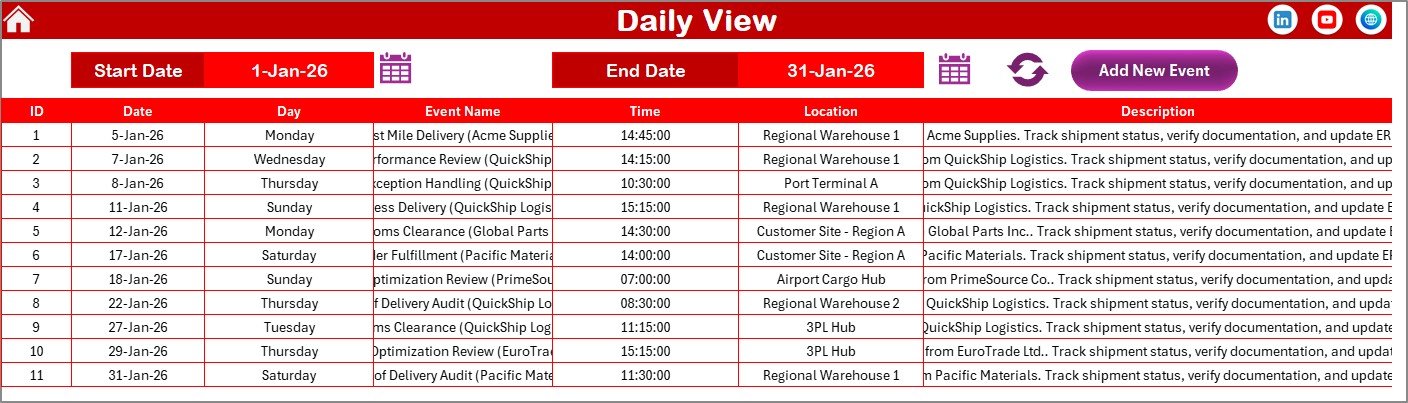
📆 Daily View Sheet – Detailed list of deliveries within a selected date range
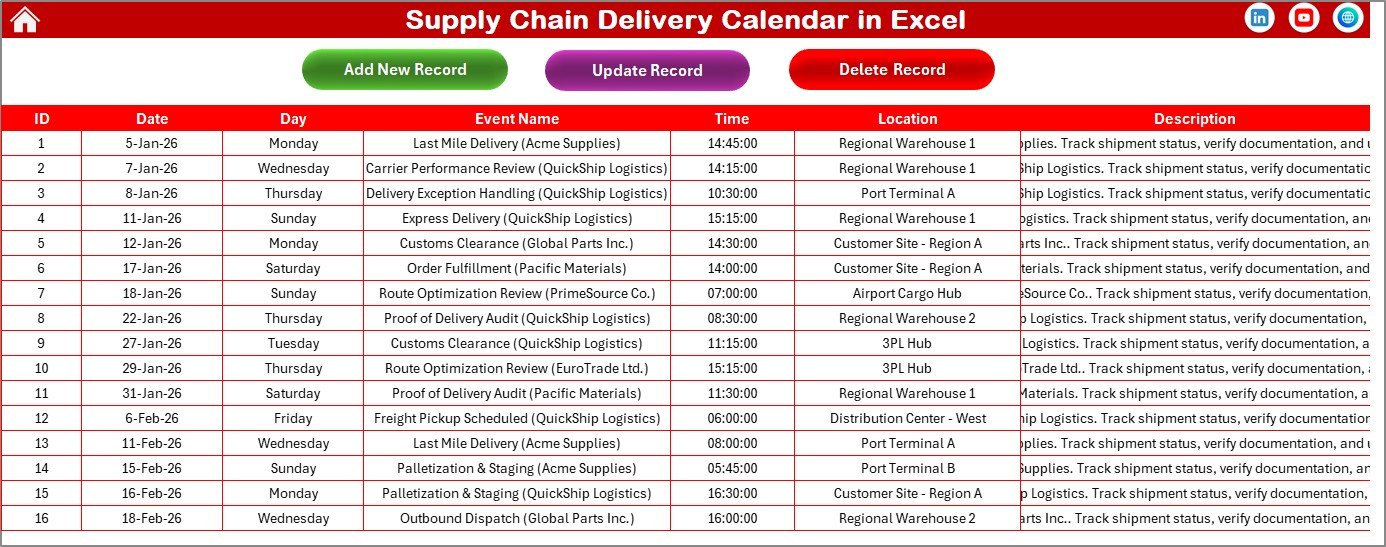
📊 Events Sheet (Database) – Manage all delivery data including date, time, location, and description
Additionally, the template includes control panels, action buttons, and form-based event management to ensure smooth workflow and efficient tracking.
⚙️ How to Use the Supply Chain Delivery Calendar in Excel
Getting started is simple and quick:
1️⃣ Open the Template – Begin with the Home sheet
2️⃣ Set Preferences – Select year, month, and starting weekday
3️⃣ Add Delivery Events – Click on dates and input delivery details
4️⃣ Manage Records – Update or delete events from the Events sheet
5️⃣ Track Deliveries – Use different calendar views for better planning
👉 Within minutes, you can organize and manage your entire delivery schedule efficiently.
👥 Who Can Benefit from This Supply Chain Delivery Calendar in Excel
This template is ideal for professionals across industries:
🚚 Supply Chain Managers – Plan and monitor delivery schedules
🏭 Logistics Teams – Track shipments and manage timelines
📦 Warehouse Managers – Coordinate incoming and outgoing deliveries
📊 Operations Managers – Improve planning and workflow efficiency
🏢 Business Owners – Ensure smooth supply chain execution
👉 In short, anyone managing deliveries and schedules will benefit from this tool.
With its intuitive design, powerful features, and flexible customization options, this calendar helps you improve efficiency, reduce errors, and stay ahead of your delivery timelines.
Stop relying on scattered spreadsheets and manual tracking.
👉 Download now and take full control of your supply chain deliveries! 🚀