

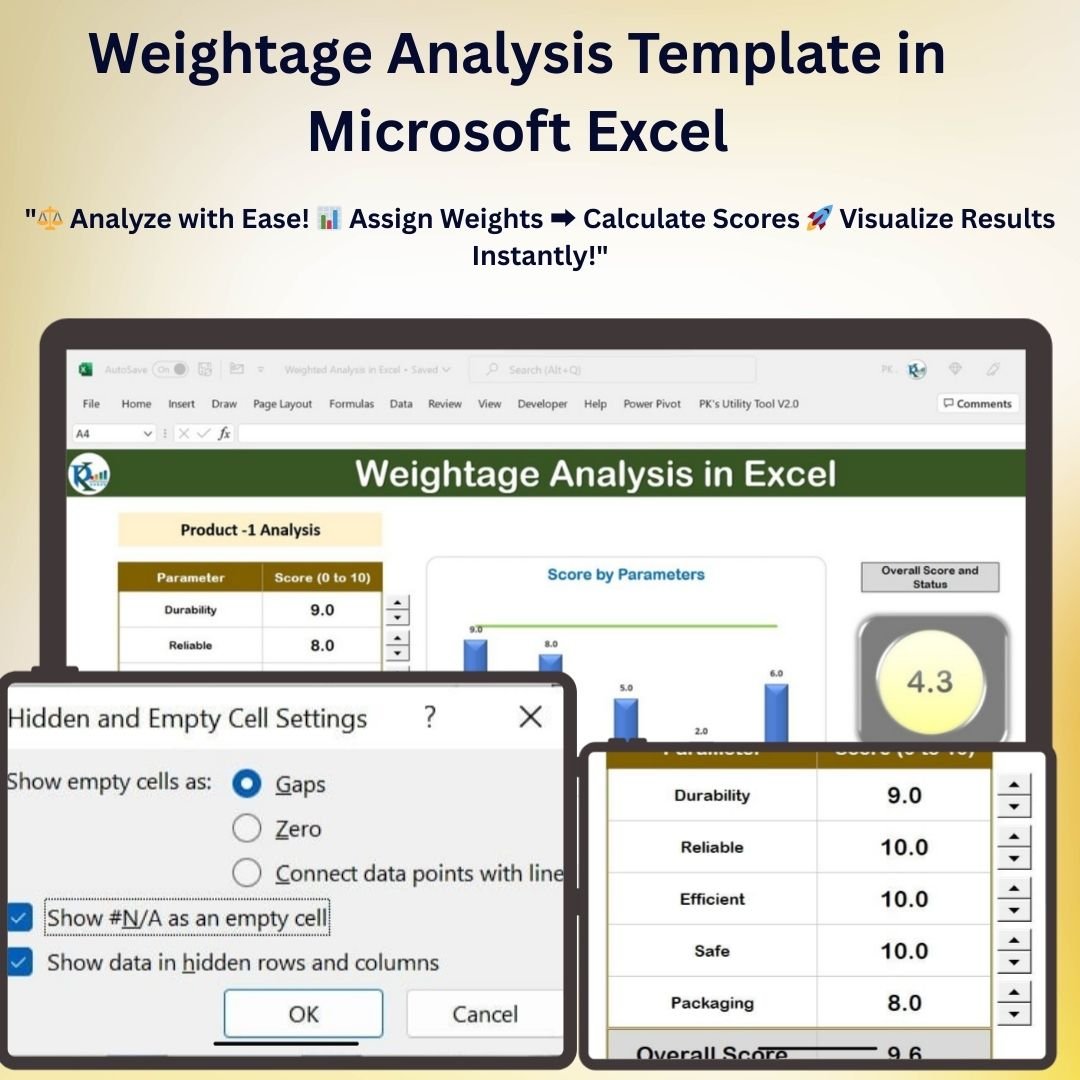

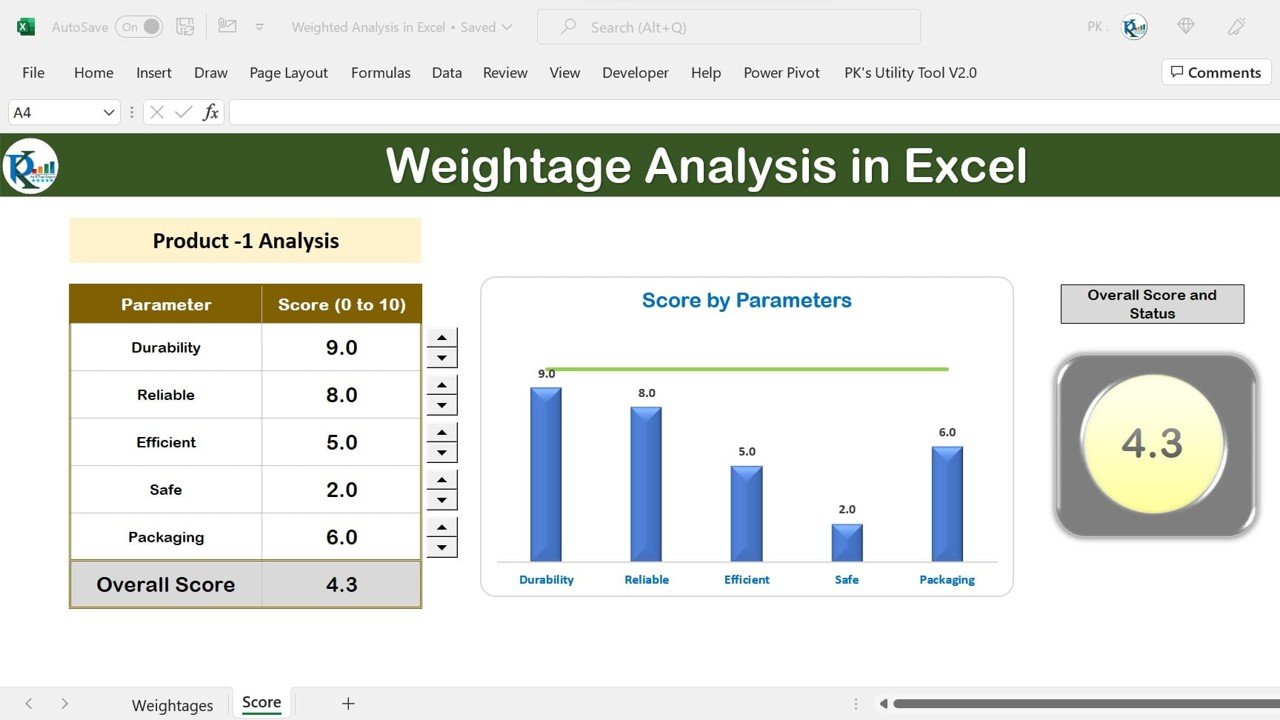
The Weightage Analysis Template in Microsoft Excel is a free workbook for comparing factors with different levels of importance. Enter factor values, assign weights and review calculated scores and charts. The editable weighting structure can support student grading, project evaluations, product comparisons or other scoring exercises.
Designed with simplicity in mind, this template provides an intuitive interface where you can input data, apply weights, and view detailed analysis results. It is customizable for any industry, whether you are working in education, project management, or any business that needs to make weighted decisions.
Key Features of the Weightage Analysis Template in Microsoft Excel
📌 User-Friendly Interface
The template features an easy-to-navigate layout, making it simple for both beginners and advanced users to apply weights and calculate weighted averages effortlessly.
🛠 Customizable Weightage Allocation
Tailor the weightage allocation to suit your needs. You can adjust the weights assigned to each factor based on its importance and relevance to your analysis.
💡 Real-Time Data Analysis
See the results of your calculations instantly with real-time updates as you input data into the template. The real-time functionality helps you analyze the impact of various factors without delay.
🔢 Accurate Weighted Scoring
The template automatically calculates the weighted score based on the data entered, ensuring accurate and error-free calculations every time.
🚀 Multiple Use Cases
Whether you are scoring student exams, evaluating project performance, or comparing product features, this template can handle a wide variety of use cases with ease.
📊 Data Visualization
Use built-in charts to visualize the weighted scores, making it easier to interpret the results and present them to stakeholders or decision-makers.
⚙ Simple Customization
Easily modify the template to fit your specific needs. You can add more categories, change weight distributions, and format the template to match your company’s or personal style.
🚀 Why You’ll Love This Weightage Analysis Template in Excel
✅ Simplifies Complex Calculations – Automate the process of calculating weighted scores and reduce manual errors. ✅ Customizable for Any Purpose – Use it for student grading, project performance analysis, or product comparison. ✅ Real-Time Updates – Instant results based on the data you input. ✅ Easy to Use – No advanced Excel skills needed, perfect for all users. ✅ Visualize Data – Display results in charts for easier interpretation and presentations.
📂 What’s Inside the Weightage Analysis Template in Microsoft Excel?
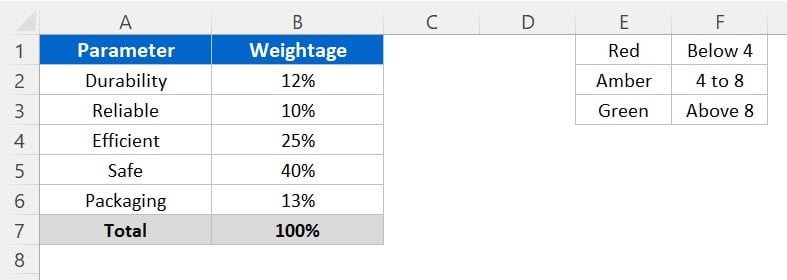
- Weightage Allocation Table: Input factors and their assigned weights.
- Data Input Section: Enter data points for each factor.
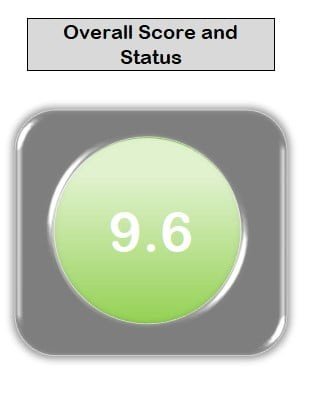
- Automatic Calculation: Get weighted scores based on the data and weights.
- Charts for Visualization: View graphical representations of your data for easy analysis.
- Customizable Template: Adjust the template to suit your specific needs and preferences.
🔍 How to Use the Weightage Analysis Template in Microsoft Excel
1️⃣ Download the Template – Download the free Excel template from this product page. 2️⃣ Customize the Weights – Modify the weightage allocation to match your analysis requirements. 3️⃣ Enter Data – Input your data points for each factor you want to analyze. 4️⃣ View Results – Automatically calculate and visualize weighted scores with just a few clicks. 5️⃣ Make Data-Driven Decisions – Use the analysis to make informed decisions and track performance.
🎯 Who Can Benefit from This Weightage Analysis Template? 🔹 Educators & Academic Institutions 🔹 Project Managers 🔹 Business Analysts & Consultants 🔹 Data Analysts 🔹 HR Professionals & Recruiters 🔹 Product Managers 🔹 Decision-Makers in Any Industry
Take control of your data analysis and decision-making with the Weightage Analysis Template in Excel. It’s the perfect tool for evaluating factors with different levels of importance.
Click here to read the Detailed blog post
https://www.pk-anexcelexpert.com/weightage-analysis-template-in-microsoft-excel/
Visit our YouTube channel to learn step-by-step video tutorials
Watch the step-by-step video tutorial:
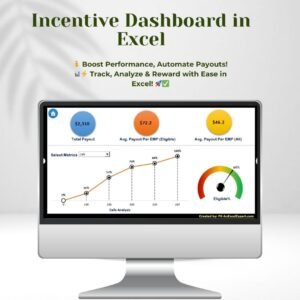
Also check our Incentive Dashboard in Excel
Questions About Weighted Scoring
What inputs does the template need?
Enter the factors you want to compare, their values and their assigned weights. The template calculates weighted scores and displays the results in charts.
Can the weights be changed?
Yes. The weightage allocation is editable so you can reflect the relative importance of each factor in a grading, project evaluation or product comparison exercise.
Does the template include charts?
Yes. Built-in charts show the weighted scores so you can present the results.
Can I add more factors or categories?
Yes. You can add categories, change the weight split and format the sheet to your own style.
Is the Weightage Analysis Template free?
Yes. It is a free download, and a step-by-step video tutorial is on this page.
Related Analysis Templates
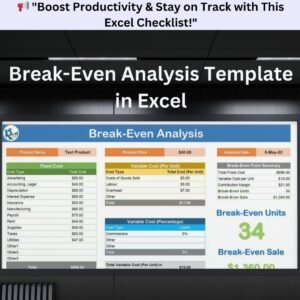
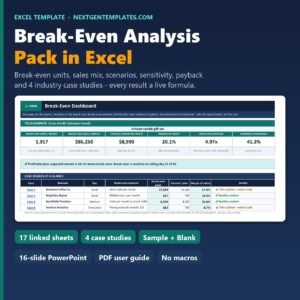
- Break-Even Analysis Template in Excel: another analysis workbook for business decisions
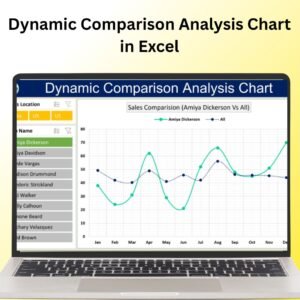
- Dynamic Comparison Analysis Chart in Excel: to compare two sets of values side by side
- Dynamic Comparison in Butterfly Chart: a butterfly chart for comparing scores
- Data Analyst’s Chart and Visualization Pack: 10 chart templates in one bundle
Browse all Excel analysis templates or the Excel charts and visualization templates.
















Reviews
There are no reviews yet.