

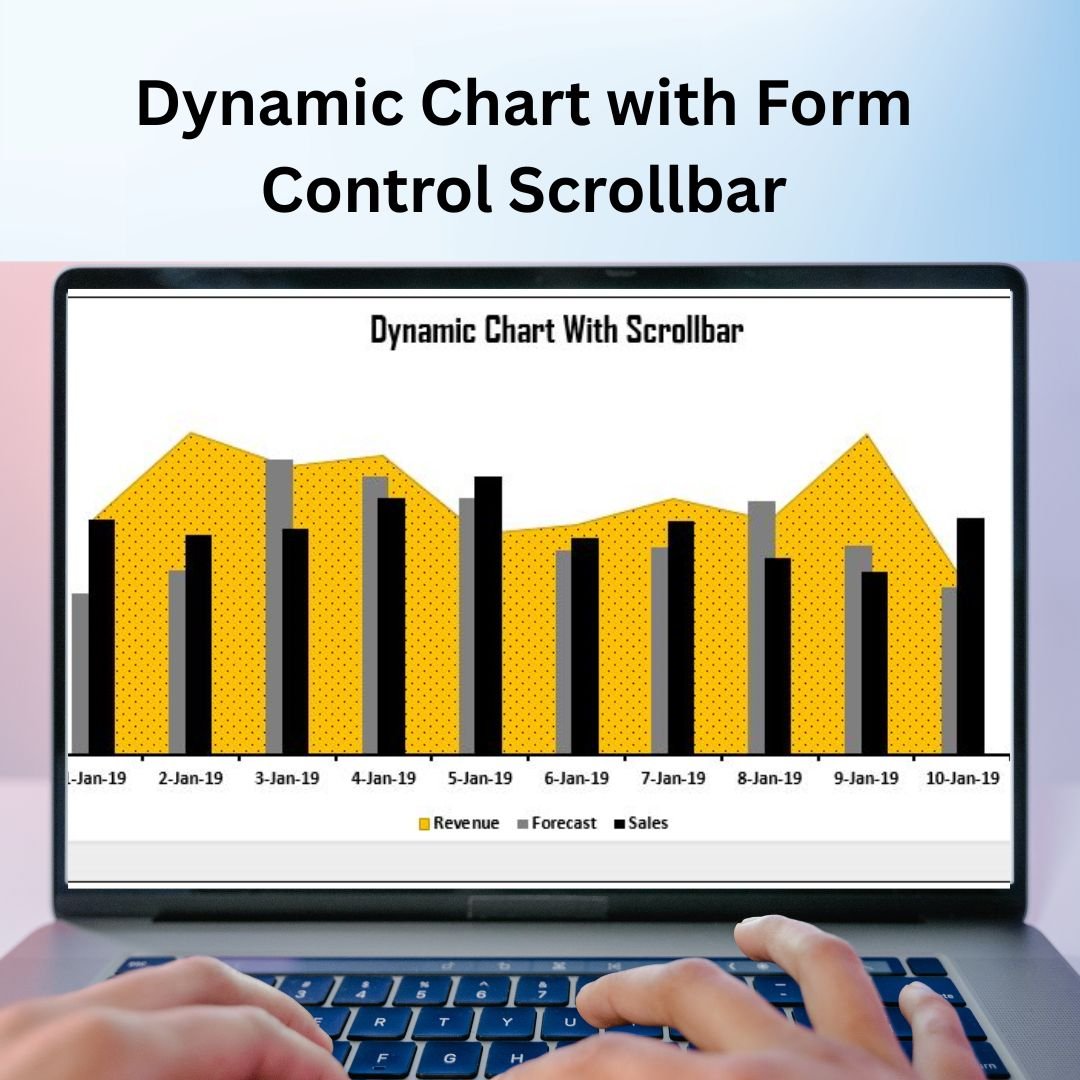

The Dynamic Chart with Form Control Scrollbar in Excel is an interactive tool designed to make data visualization more dynamic and user-friendly. By using a Form Control Scrollbar, you can easily manipulate data ranges, filter views, and update your charts in real time. This powerful tool enhances Excel charts by allowing users to interact with their data directly through the scroll bar, making it easier to analyze trends, compare values, or explore different parts of large datasets.
This dynamic chart is ideal for dashboards, financial reports, and presentations where you need to work with large datasets and require flexible, interactive ways to explore and visualize the data. Whether you’re analyzing sales trends, customer performance, or any other type of data, the Dynamic Chart with Form Control Scrollbar simplifies the process and helps make data-driven decisions faster.

Key Features of the Dynamic Chart with Form Control Scrollbar in Excel
📌 Interactive Data Exploration
The Form Control Scrollbar allows you to adjust the data range displayed in the chart, making it easy to explore different subsets of data. This feature is ideal for examining trends over time or comparing different periods of data with a simple scroll.
🛠 Customizable Data Range
You can set the starting and ending points for your chart’s data, allowing you to dynamically control the data being displayed. Whether you want to show a specific time period or adjust based on a particular variable, this feature gives you complete control over your chart.
💡 Real-Time Data Updates
As you move the scroll bar, the chart dynamically updates in real time. This allows you to see changes instantly, helping you explore your data and make decisions on the fly without needing to manually adjust the chart each time.
🔢 Seamless Data Navigation
With the ability to scroll through large datasets, the Dynamic Chart with Form Control Scrollbar allows you to quickly navigate between different data points, making it easier to analyze time-based data, such as monthly sales, weekly performance, or annual growth.
🚀 User-Friendly and Simple Setup
Setting up the Dynamic Chart with Form Control Scrollbar is simple and does not require advanced Excel skills. With clear instructions, you can easily integrate the scroll bar functionality into your existing charts, making them more interactive and engaging.
📊 Real-Time Visualization
The chart updates automatically as you interact with the scrollbar, ensuring that you are always working with the most current data. This feature is particularly useful in dynamic reporting environments where data changes frequently.
⚙ Customizable Design
Adjust the appearance of your chart to fit your needs. From chart types to colors and labels, you can customize the design to match your branding or presentation style, ensuring that the chart looks professional and suits your specific requirements.
🚀 Why You’ll Love the Dynamic Chart with Form Control Scrollbar in Excel
✅ Interactive and Engaging – Scroll through different data ranges with ease and see instant updates. ✅ Customizable Data Range – Control which data points are displayed and how they are presented. ✅ Real-Time Updates – The chart updates instantly as you interact with the scrollbar. ✅ Simple Setup – Easy-to-follow instructions for adding the scroll bar functionality to your chart. ✅ Flexible Data Navigation – Seamlessly explore different data points and time periods.
📂 What’s Inside the Dynamic Chart with Form Control Scrollbar in Excel?
- Interactive Chart: A dynamic chart that updates as you scroll through the data.
- Form Control Scrollbar: A simple scroll bar that controls the data range in the chart.
- Customizable Design: Adjust the chart’s appearance and data display according to your needs.
- Clear Setup Instructions: Easy-to-follow steps for integrating the scroll bar with your chart.
🔍 How to Use the Dynamic Chart with Form Control Scrollbar in Excel
1️⃣ Download the Template – Instant access to the Excel file upon purchase. 2️⃣ Input Your Data – Enter your data into the chart’s data range. 3️⃣ Add the Scrollbar – Use the Form Control Scrollbar to control the data range. 4️⃣ Customize the Chart – Adjust colors, labels, and chart design as needed. 5️⃣ Track and Present – Use the chart for real-time data exploration and presentation.
🎯 Who Can Benefit from the Dynamic Chart with Form Control Scrollbar in Excel? 🔹 Data Analysts
🔹 Financial Analysts
🔹 Business Managers
🔹 Project Managers
🔹 Marketing Teams
🔹 Anyone presenting or analyzing large datasets in Excel
Take your data visualization to the next level with the Dynamic Chart with Form Control Scrollbar in Excel. This interactive tool makes exploring and analyzing large datasets easier and more efficient, giving you the insights you need quickly.
Click here to read the Detailed blog post
https://www.pk-anexcelexpert.com/dynamic-chart-with-form-control-scrollbar/
Visit our YouTube channel to learn step-by-step video tutorials
Watch the step-by-step video tutorial:
Compatibility and Requirements
- Works in Microsoft Excel desktop (Excel 2016 or later, or Microsoft 365).
- It is a standard Excel chart controlled by a Form Control scroll bar. Microsoft explains charts in Create a chart from start to finish.
Frequently Asked Questions
What does the scroll bar do?
It moves the data range shown in the chart, so you can step through time periods or subsets of a large data set.
Does the chart update as I scroll?
Yes. The chart redraws as you move the scroll bar, with no manual changes to the chart.
Can I set my own start and end points?
Yes. You control the starting and ending points of the data range the chart displays.
Do I need advanced Excel skills?
No. The file includes clear setup instructions for linking the scroll bar to your chart.
Can I change the chart design?
Yes. You can change the chart type, colors and labels to match your report or presentation.
Related Dynamic Chart Templates
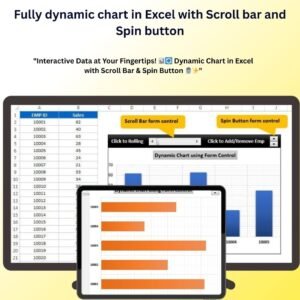
- Fully Dynamic Chart in Excel with Scroll Bar and Spin Button: adds a spin button to the scroll bar
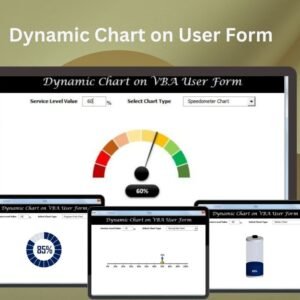
- Dynamic Chart on User Form in Excel: a chart shown on a form
- Target Vs Actual Sales Dynamic Chart: compare sales with targets
- Dynamic Chart with Slicer for Employees Count by Age Group: a chart filtered by a slicer
- Data Analyst’s Chart & Visualization Pack: 10 chart templates in one download
Browse all Excel charts and visualizations or the template bundles.




























Reviews
There are no reviews yet.