Running a dry-cleaning business is not just about cleaning garments. Every day, you must manage customer orders, service pricing, staff details, expenses, reports, and user access. When these activities are handled through manual registers or disconnected Excel files, errors increase, time is wasted, and business visibility drops.
That is exactly why Dry Clean Service Management System V1.0 becomes a powerful solution for modern dry-cleaning businesses.
This ready-to-use Excel & VBA-based desktop system is designed specifically for dry-cleaning service providers who want a simple, offline, and cost-effective business management solution—without paying monthly subscriptions or investing in expensive software.
Built entirely in Microsoft Excel Desktop using VBA automation, this system transforms Excel into a complete business management application with login security, order management, master data control, and reporting—all from one centralized control panel.
🚀 Key Features of Dry Clean Service Management System V1.0
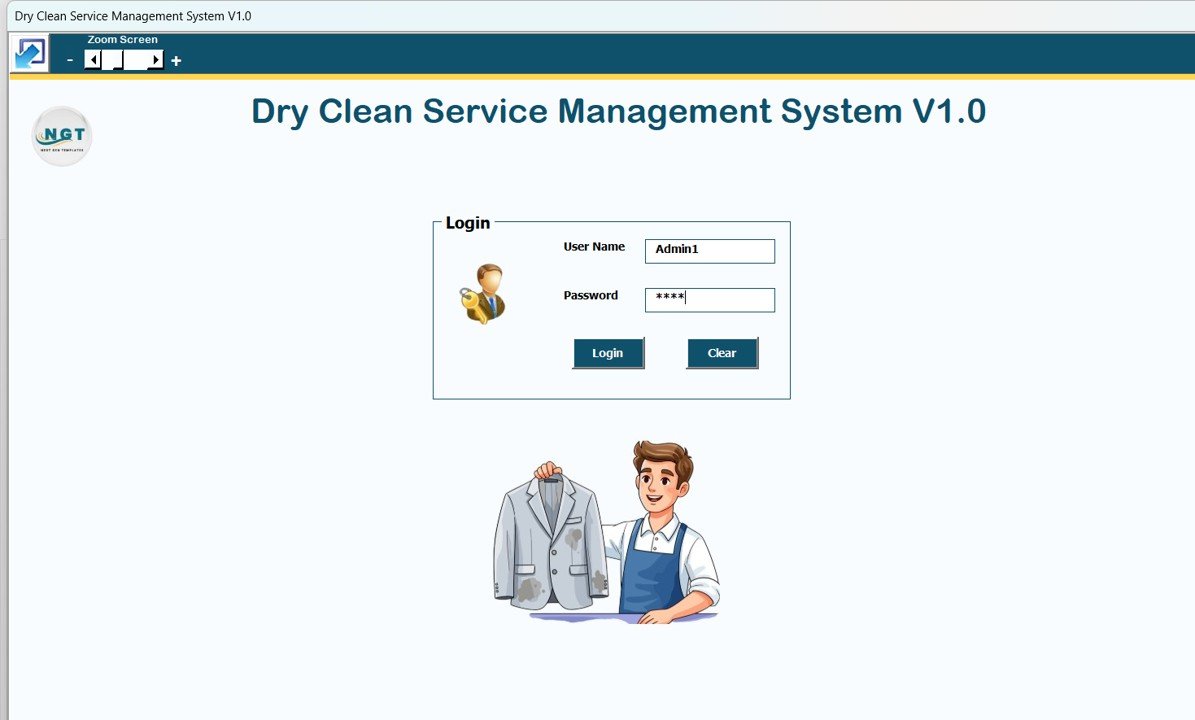
🔐 Secure Login & Role-Based Access
The system starts with a Login Form that ensures data security.
Separate Admin and User roles
Role-based permissions
Password management and access control
This ensures sensitive business data stays protected.
🧭 Central Main Form – One Control Panel
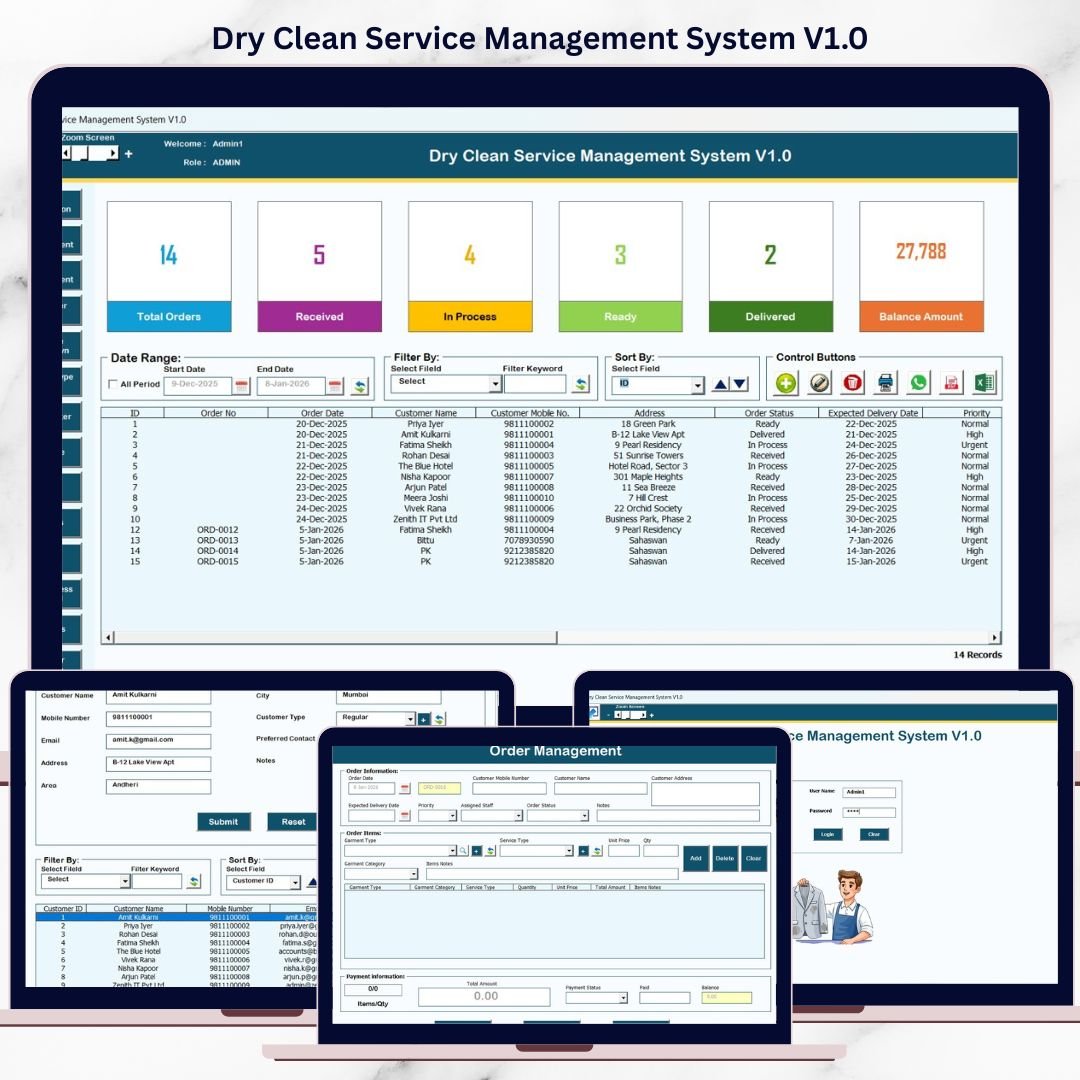
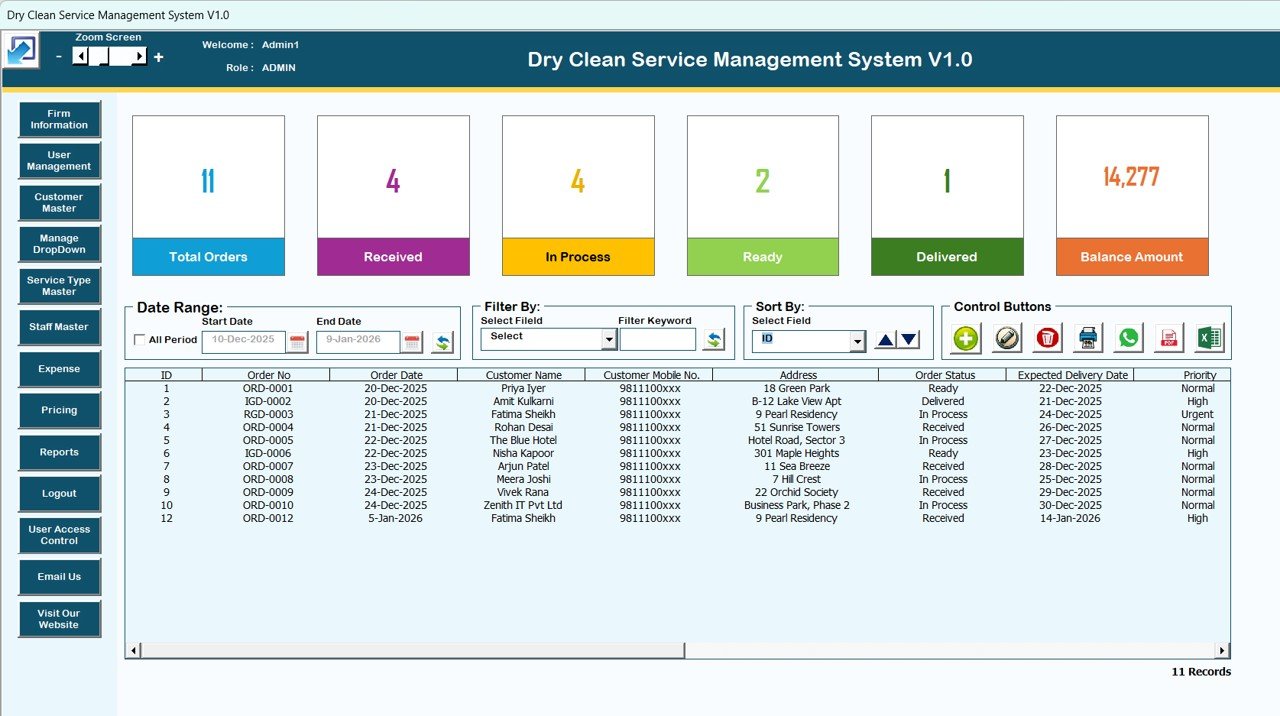
The Main Form acts as the heart of the system. From here, you can manage all operations with ease.
📋 Smart List Box
Displays all order and operational records
Real-time updates
Double-click any record to edit
🔍 Advanced Filters
Filter records by date range
Filter by column values
Find records instantly without scrolling
🔃 Sort By Options
Sort data by customer, date, service type, or status
Improves readability and analysis
🛠️ Control Buttons
➕ Add New Record
✏️ Update Existing Record
🗑️ Delete Record
🕒 View Record History
📤 Export Data to Excel
These controls ensure fast and error-free data handling.
📦 What’s Inside the Dry Clean Service Management System V1.0
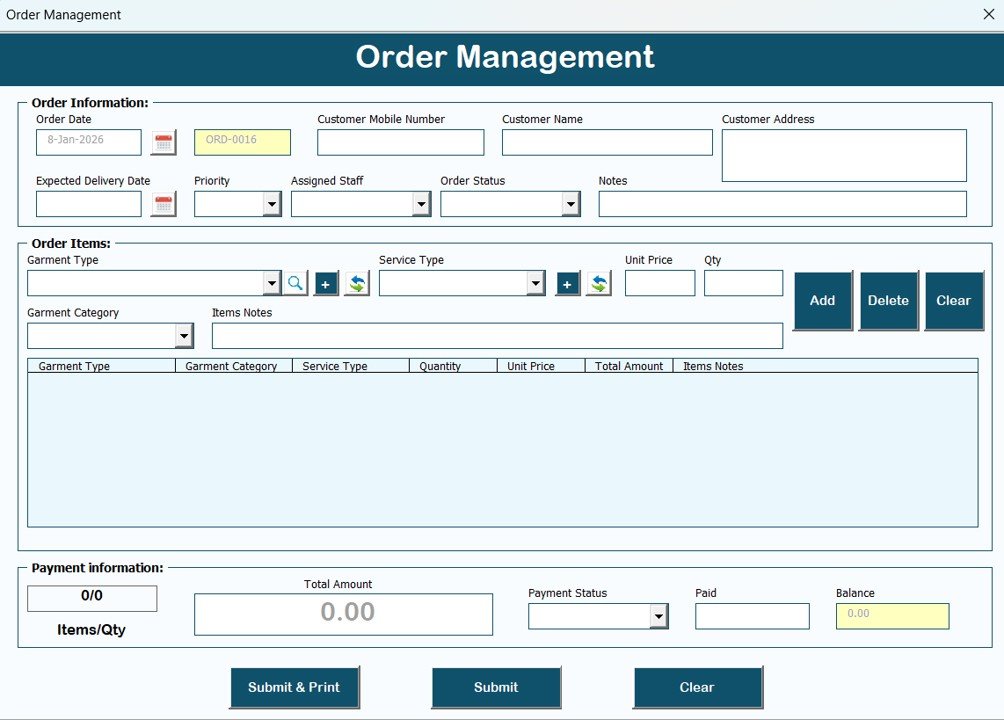
🧾 Order Management Form
This is the main data-entry screen where you:
Add new customer orders
Update service details
Modify pricing and order status
Save changes securely
All updates reflect instantly in the Main Form.
🗂️ Navigation Menu – Complete Business Control
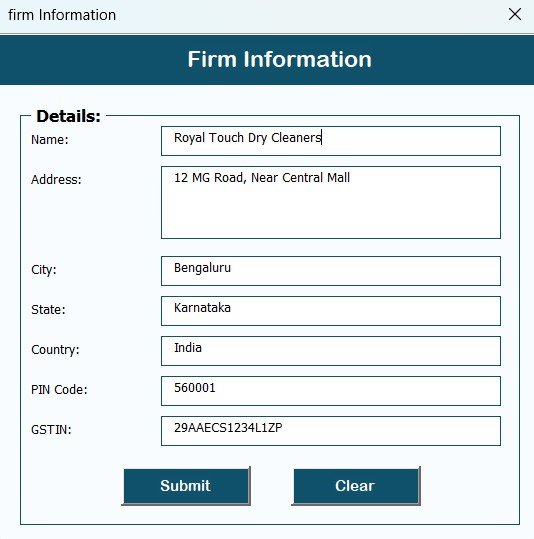
🏢 Firm Information
Maintain your business name, address, and contact details.
👤 User Management
Add, update, and delete users
Reset and change passwords
Control system access
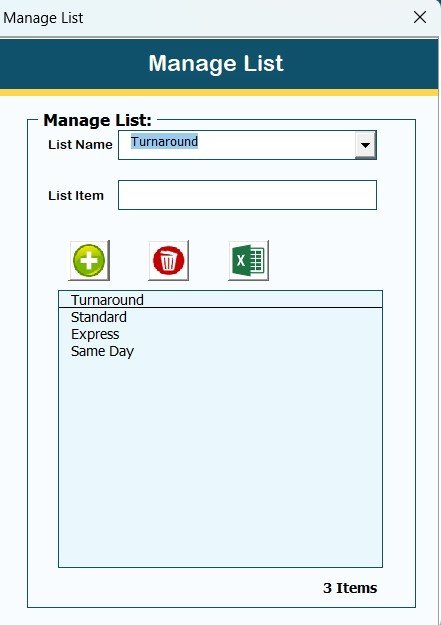
📋 Manage Lists
Easily manage dropdown values used across the system.
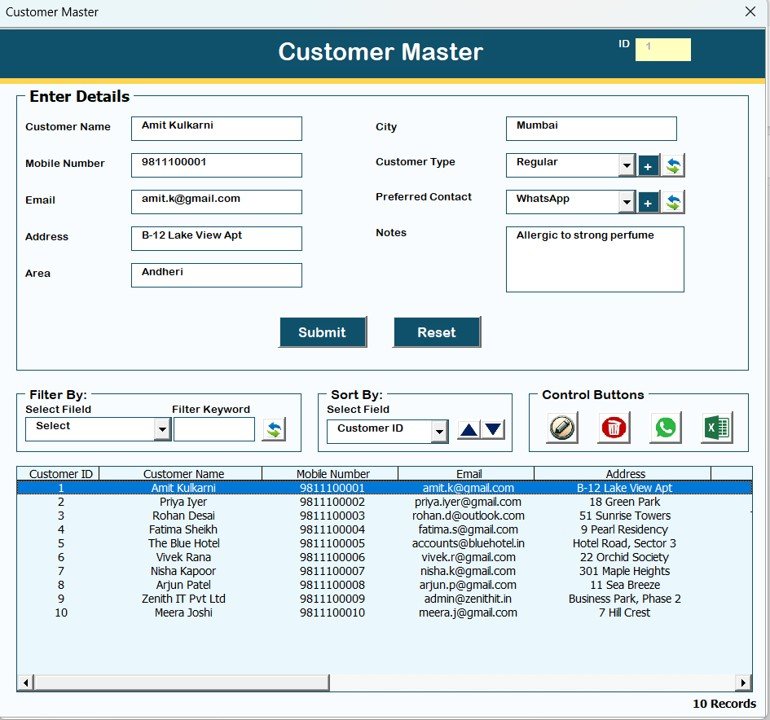
👥 Customer Master
Store and manage customer information centrally.
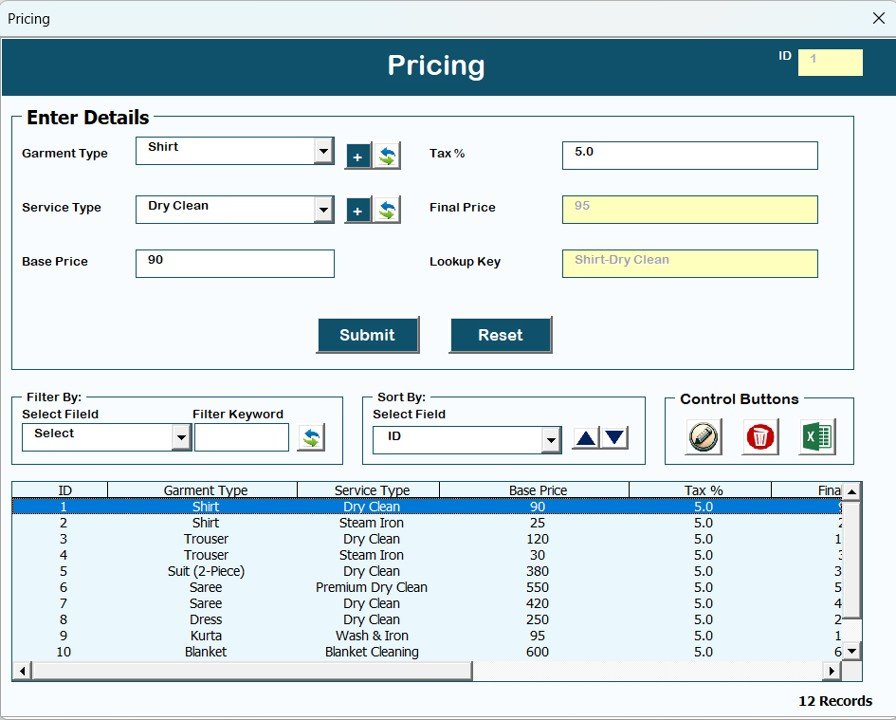
💰 Pricing Management
Maintain service pricing in one place for consistent billing.
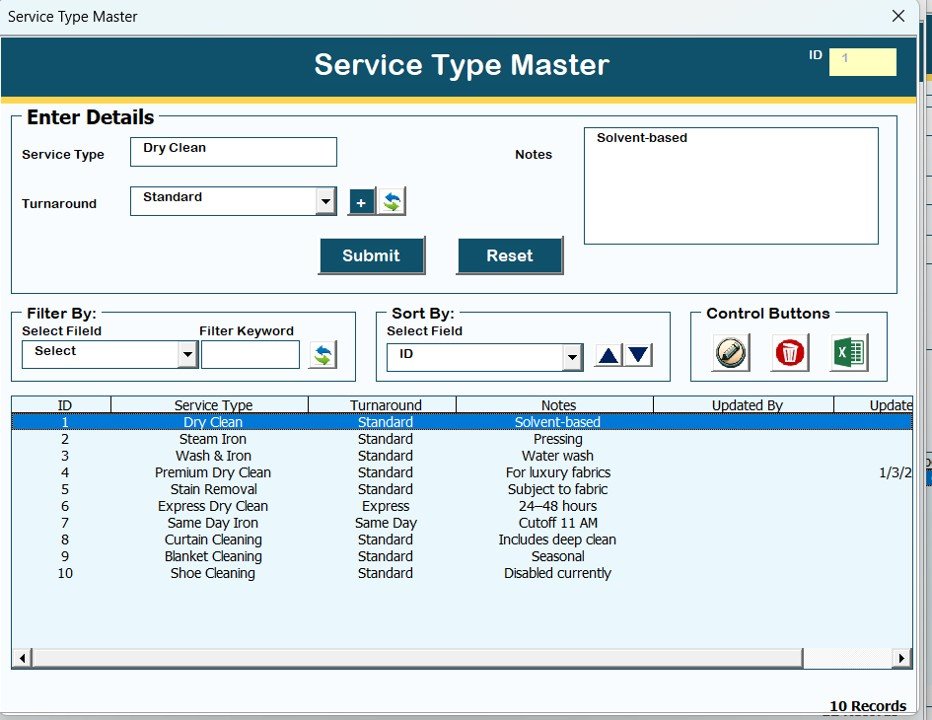
🧺 Service Type Master
Define and manage all dry-cleaning service types.
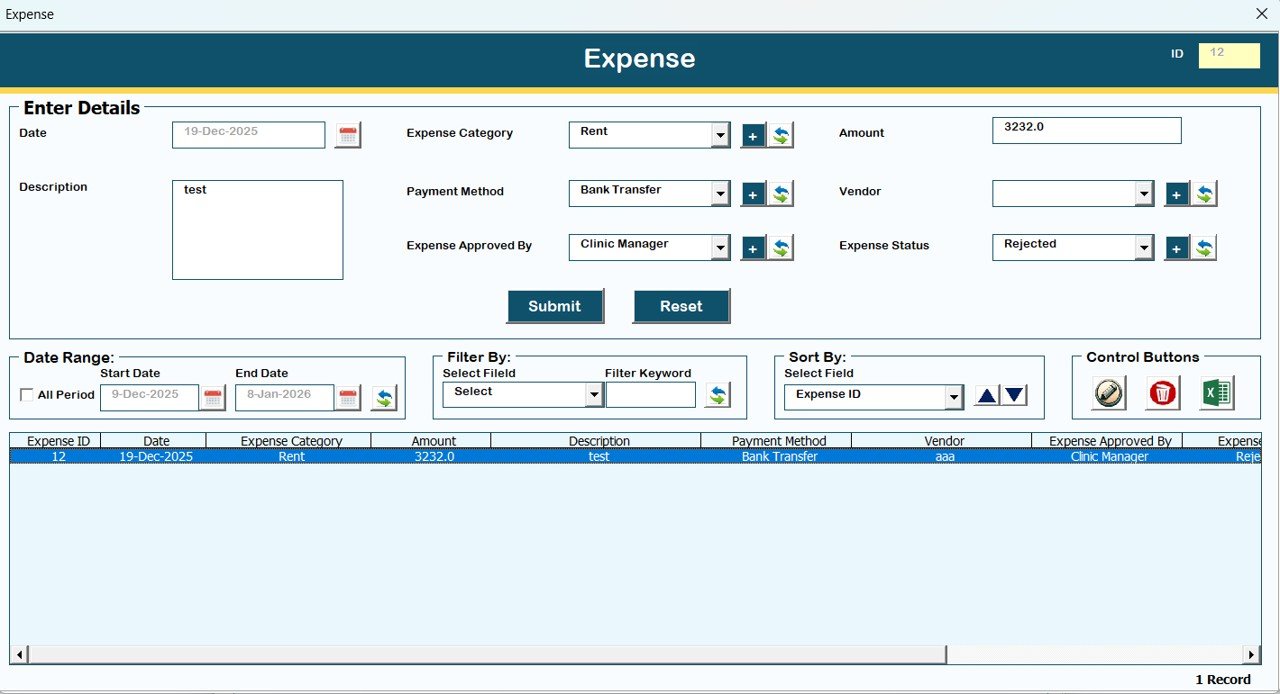
💸 Expense Tracking
Record and analyze business expenses efficiently.
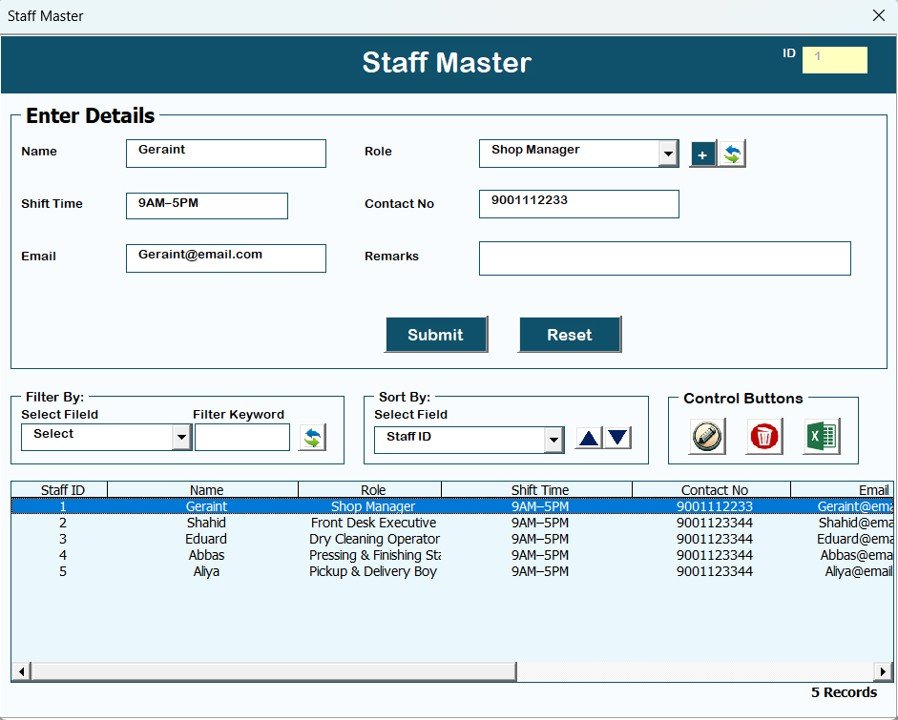
👷 Staff Master
Maintain staff records for operational tracking.
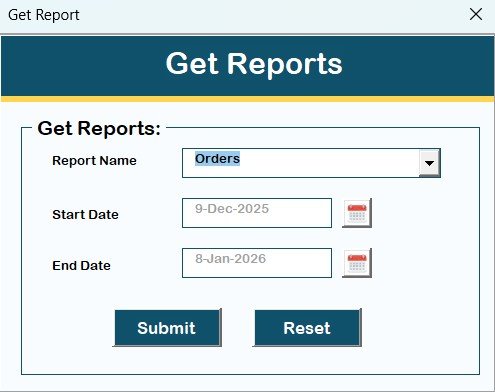
📊 Reports Module
Generate Excel-based reports for any selected date range.
Perfect for:
Business reviews
Financial tracking
Performance analysis
🔑 User Access Control (Admin Only)
Assign permissions and restrict access to sensitive modules.
🚪 Logout, Email Us & Website Access
Safe logout with data protection
Contact support for help or customization
Explore more tools on the website
💻 System Compatibility – Important Notes
✔ Windows 10 or above
✔ Microsoft Excel 2010 or higher
✔ Excel Desktop Application only
❌ Not supported on Mobile or Tablet
❌ Not compatible with Mac OS
🎯 Who Can Benefit from This System
🧺 Dry Clean & Laundry Shop Owners
🧾 Small to Medium Service Businesses
💼 Managers handling daily operations
📊 Owners who want offline control
🚀 Businesses upgrading from manual systems
🌟 Advantages of Dry Clean Service Management System V1.0
Fully offline & secure
No monthly or yearly subscription
Familiar Excel interface
Role-based access control
Complete order & customer tracking
Built-in reporting
Easy data export
🔮 Opportunities for Improvement
Barcode scanning
SMS notifications
GST / Tax module
Automated backups
Visual dashboard analytics
🧠 Best Practices
Update records daily
Assign roles carefully
Review reports weekly
Backup Excel file regularly
Restrict admin access
🔗 Click here to read the Detailed blog post
▶️ Visit our YouTube channel to learn step-by-step video tutorials
👉 https://www.youtube.com/@PKAnExcelExpert