

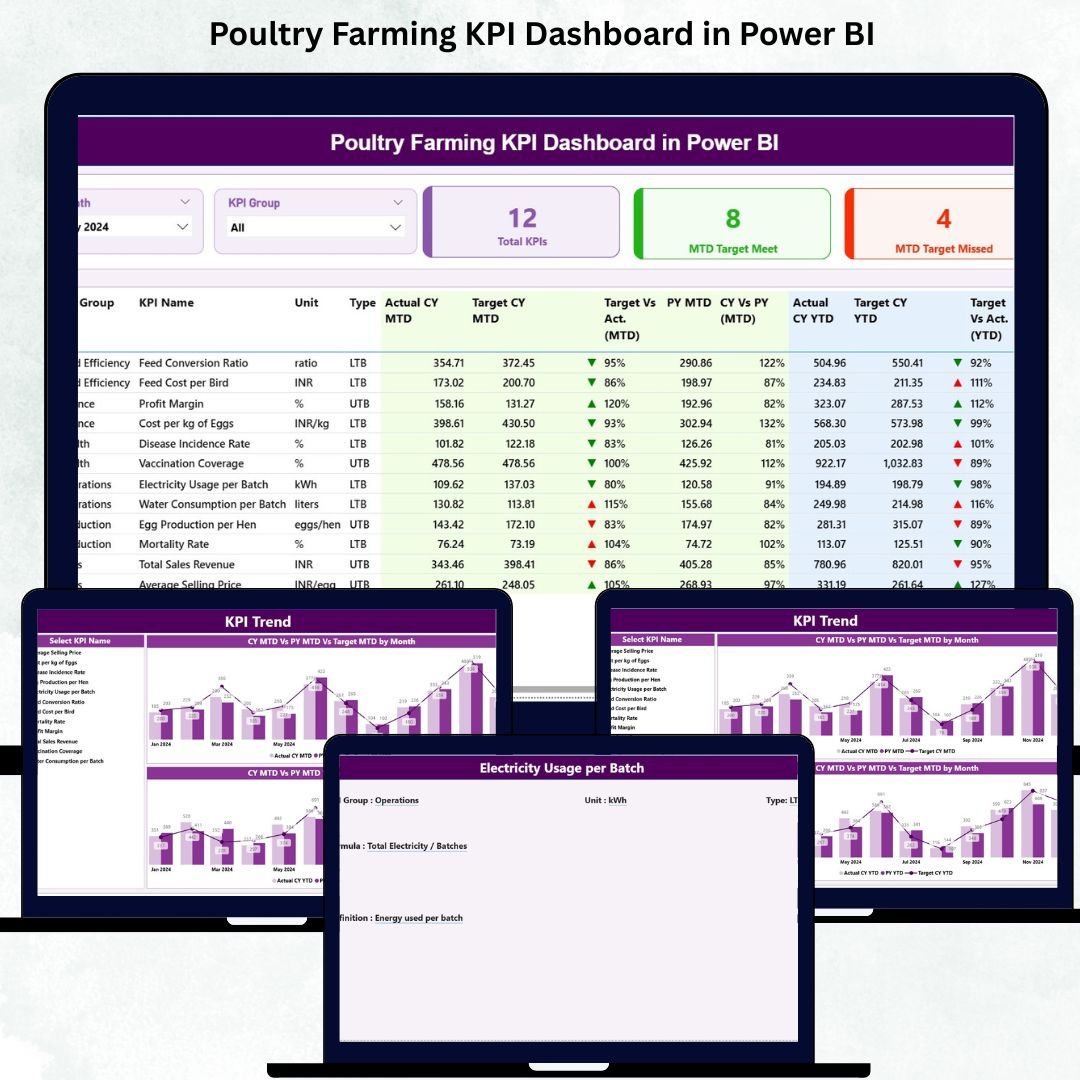

Running a profitable poultry farm requires consistent monitoring, fast decisions, and crystal-clear insights. Poultry Farming KPI Dashboard in Power BI But with daily changes in feed cost, mortality, egg production, flock health, and operational expenses, keeping everything under control becomes challenging—especially when data is spread across multiple sheets or systems.
That’s where the Poultry Farming KPI Dashboard in Power BI transforms your entire farm management. Poultry Farming KPI Dashboard in Power BI This ready-to-use digital dashboard turns complex poultry data into simple, actionable visuals. Poultry Farming KPI Dashboard in Power BI Whether you manage thousands of birds, multiple batches, or a fully automated poultry operation, this dashboard gives you real-time clarity and complete confidence in your decisions.
Designed for poultry farm owners, managers, supervisors, analysts, and agribusiness teams—this dashboard helps you track KPIs, compare trends, monitor health, reduce cost, improve production, and maximize profitability.
🌟 Key Features of Poultry Farming KPI Dashboard in Power BI
1️⃣ Summary Page – Your Poultry Farm’s Performance Snapshot 🧭
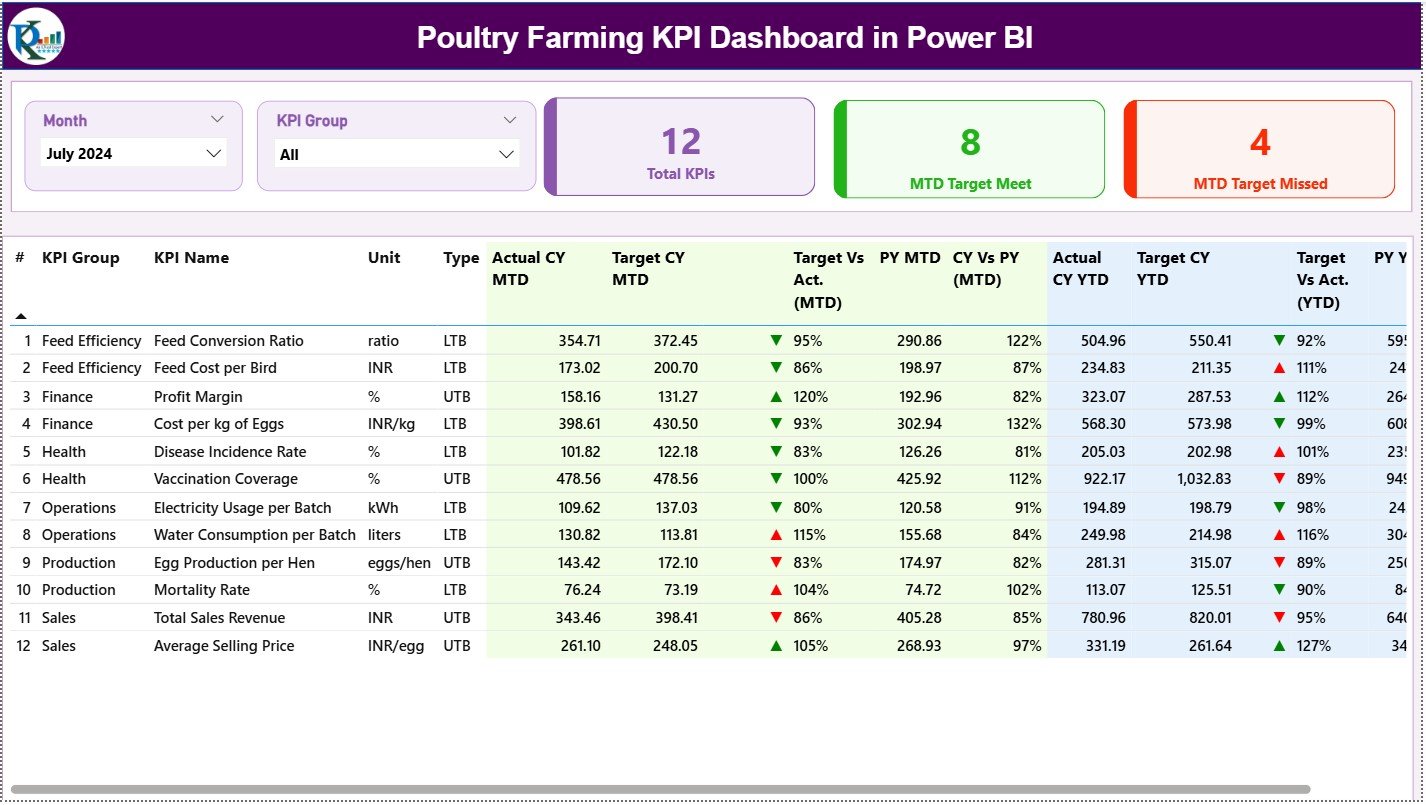
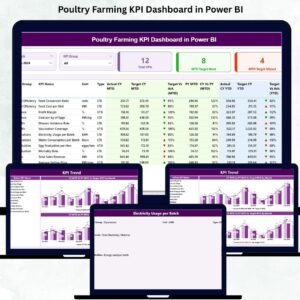
The Summary Page gives you instant visibility into your farm’s performance for any selected month.
Month slicer for quick filtering
KPI Group slicer (production, feed, hatchery, health, operations)
KPI cards showing Total KPIs, Target Met, and Target Missed
A detailed KPI table below shows:
Actual vs Target (MTD & YTD)
CY vs PY comparison
Trend icons: green ▲ for good, red ▼ for poor performance
KPI units, types (LTB/UTB), and KPIn numbers
This single page provides a 360° view of poultry operations.
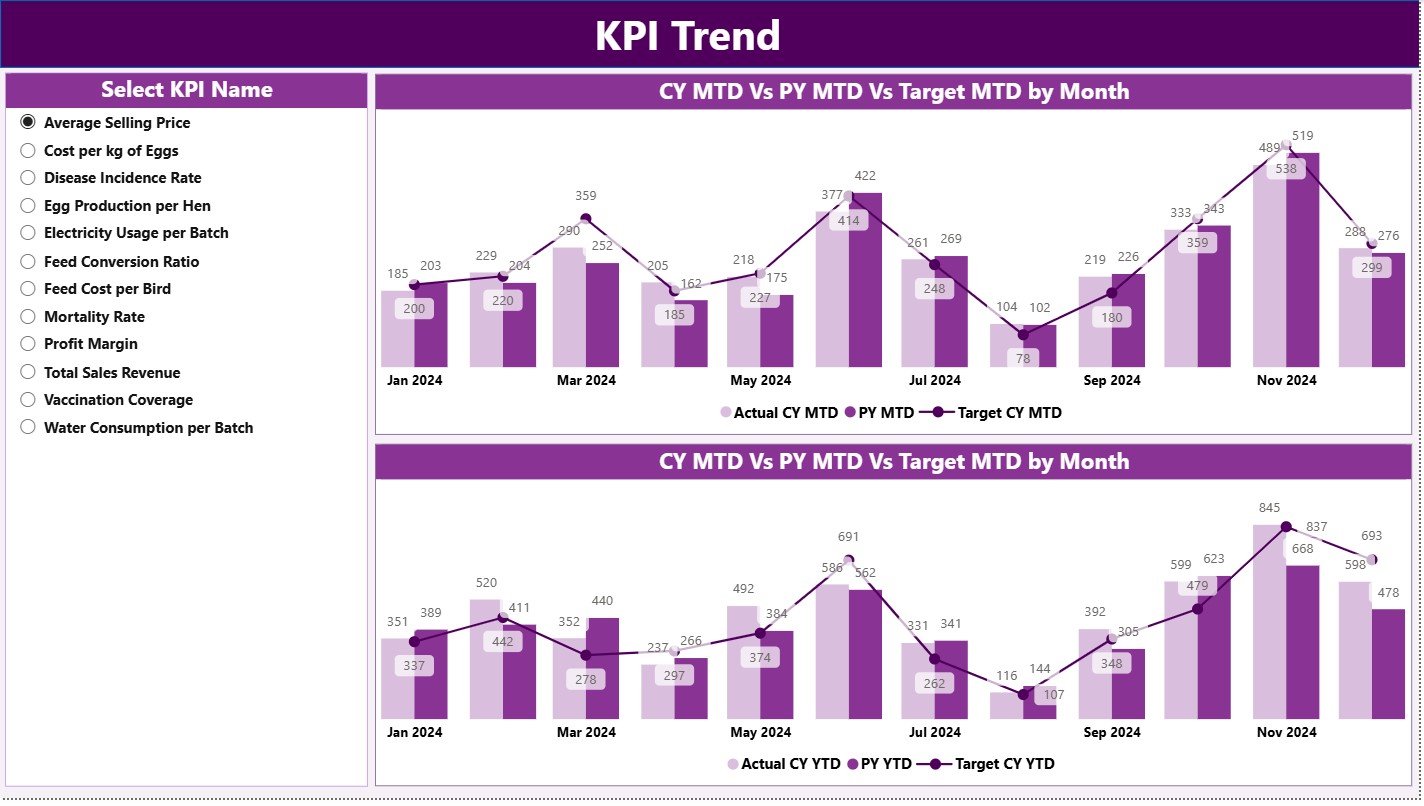
2️⃣ KPI Trend Page – Compare Month-to-Month & Year-to-Year Trends 📈
Understand how each KPI behaves over time.
MTD Combo Chart (Actual vs Target vs Previous Year)
YTD Combo Chart (cumulative performance)
KPI Name slicer for easy switching
Spot changes in feed conversion ratio, egg production rate, mortality, or revenue instantly.
3️⃣ KPI Definition Page – Clear Understanding for Every KPI 📘
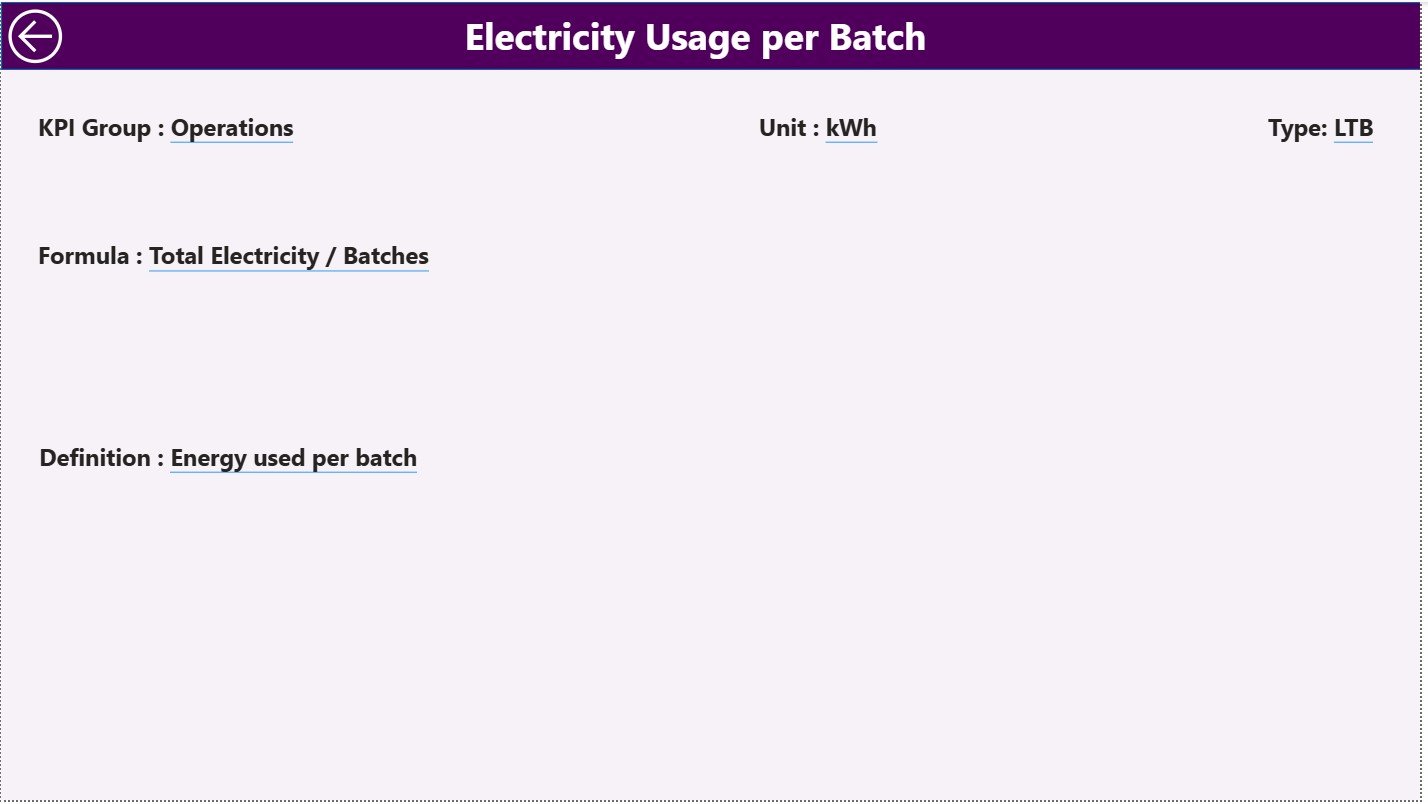
This hidden drill-through page reveals:
KPI Name, Number & Group
Formula
Definition
Unit
KPI Type (LTB / UTB)
Perfect for onboarding new team members and maintaining reporting accuracy.
📦 What’s Inside the Poultry Farming KPI Dashboard
This product gives you everything you need to implement professional poultry analytics:
✔ Ready-to-use Power BI Dashboard
Summary Page
KPI Trend Page
KPI Definition Page
✔ Structured Excel Data File (3 Sheets)
Input Actual
Input Target
KPI Definition
✔ Predefined KPIs with formulas
Just update your farm data and refresh the dashboard—no technical skills required.
✔ Interactive visuals & conditional formatting
Green = Positive
Red = Needs attention
✔ Drill-through KPI insights
Click any KPI to understand it deeply.
🛠 How to Use the Poultry Farming KPI Dashboard
Using the dashboard is simple, even for beginners:
1️⃣ Enter Actual Data
Update MTD & YTD values in the Input Actual sheet.
2️⃣ Enter Target Data
Add MTD & YTD targets in the Input Target sheet.
3️⃣ Update or Add KPIs
Modify KPI formulas, definitions, or units in the KPI Definition sheet.
4️⃣ Load Data into Power BI Desktop
Refresh the visuals with one click.
5️⃣ Analyze Trends, KPIs & Comparisons
Use slicers and drill-through pages for deeper insights.
👥 Who Can Benefit from This Poultry Farming KPI Dashboard?
🐔 Poultry Farm Owners
Track flock performance, mortality, production, and cost effortlessly.
📊 Farm Managers & Supervisors
Monitor operations across batches, flocks, and production cycles.
🧑🌾 Agribusiness Teams
Analyze KPIs for consistent improvement and cost control.
🧪 Researchers & Students
Use real KPI datasets for studies and research.
Whether you handle broilers, layers, breeders, or mixed operations—this dashboard brings clarity and accuracy to your everyday decisions.
### Click here to read the Detailed blog post
Visit our YouTube channel to learn step-by-step video tutorials
Watch the step-by-step video tutorial:
Compatibility and Requirements
- Works in Power BI Desktop, which is free. Microsoft explains the download in Get Power BI Desktop.
- Your data sits in an Excel data file with three sheets: Input Actual, Input Target and KPI Definition.
Frequently Asked Questions
Which pages does the dashboard have?
Three pages: Summary, KPI Trend and KPI Definition. The KPI Definition page is a hidden drill-through page.
Where do I enter my farm data?
Enter MTD and YTD actual values in the Input Actual sheet and MTD and YTD targets in the Input Target sheet. Then refresh the dashboard in Power BI Desktop.
Can I change or add KPIs?
Yes. You can edit KPI formulas, definitions and units in the KPI Definition sheet.
How do I see the trend for one KPI?
Open the KPI Trend page and pick the KPI from the KPI Name slicer. The MTD and YTD combo charts show actual, target and previous year.
Is there an Excel version?
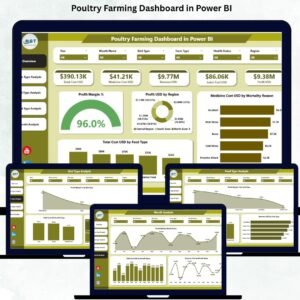
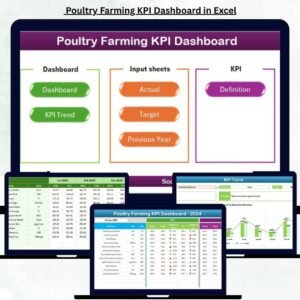
Yes. See the Poultry Farming KPI Dashboard in Excel. A larger Poultry Farming Dashboard in Power BI is also available.
Related Poultry and Farming Templates
- Poultry Farming KPI Dashboard in Excel: the same KPIs in Excel
- Poultry Farming Dashboard in Power BI: another Power BI dashboard for poultry farms
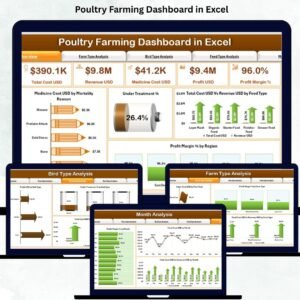
- Poultry Farming Dashboard in Excel: a poultry dashboard for Excel users
- Poultry Egg Production Data Entry System in Excel: a data entry system for egg production
- Organic Farming KPI Dashboard in Power BI: the same format for organic farms
Browse all Power BI KPI dashboards.
























Reviews
There are no reviews yet.