

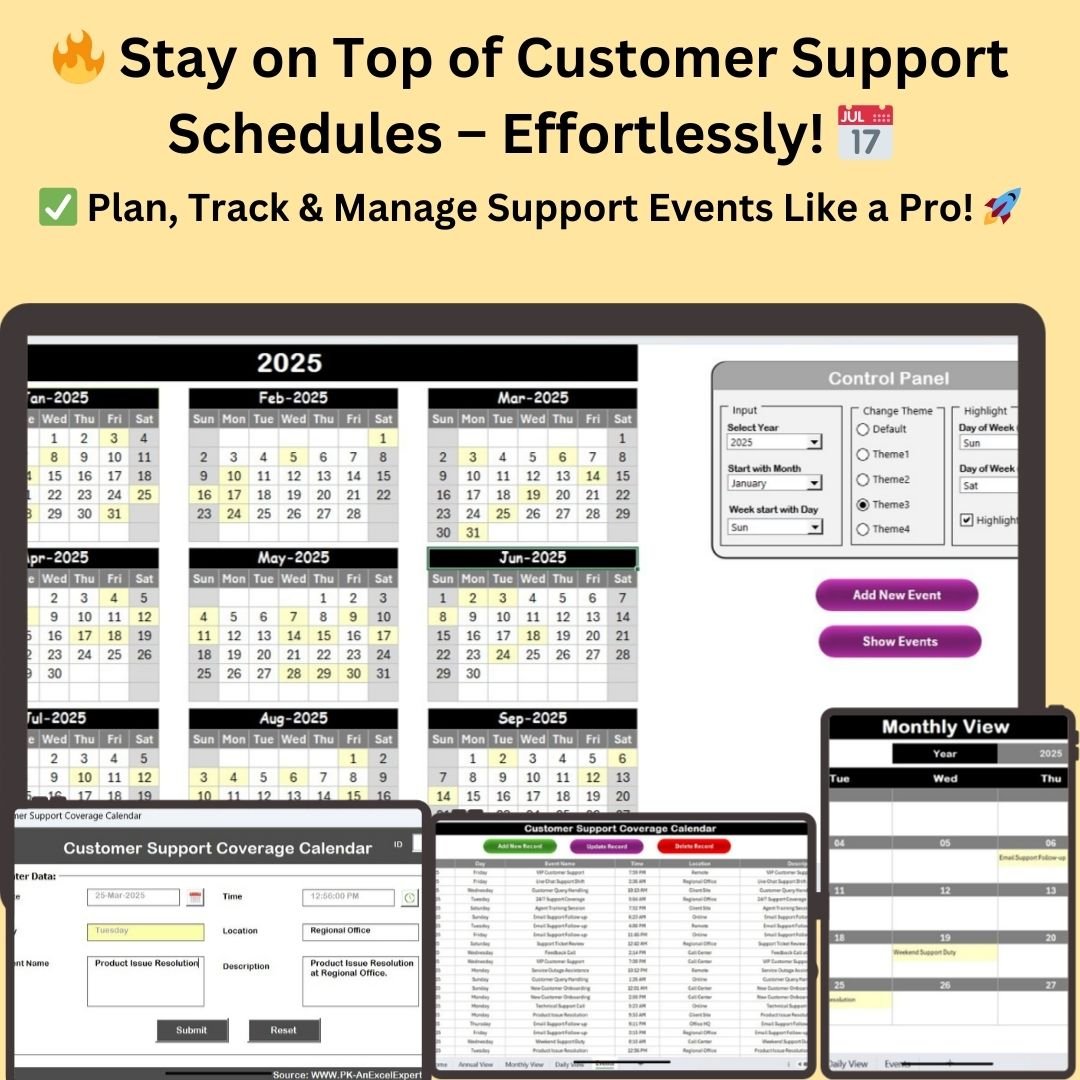



The Customer Support Coverage Calendar in Excel is a ready-made Excel calendar template for tracking support shifts, logging service events and keeping your customer service operation fully covered. It is built for customer support teams, call centers, IT help desks, retail, e-commerce and SaaS businesses that need one organized place for annual, monthly and daily support planning. The result is fewer scheduling conflicts, clearer team coordination and quick access to every support event.
With built-in customization options, form-based event logging and one-click navigation, this customer support calendar supports workforce planning, shift management and service tracking without building anything from scratch.
Key Features of the Customer Support Coverage Calendar
- Three calendar views – Annual, Monthly and Daily views for complete support coverage.
- One-click navigation – A Home Sheet with buttons to jump between every view and the Events Sheet.
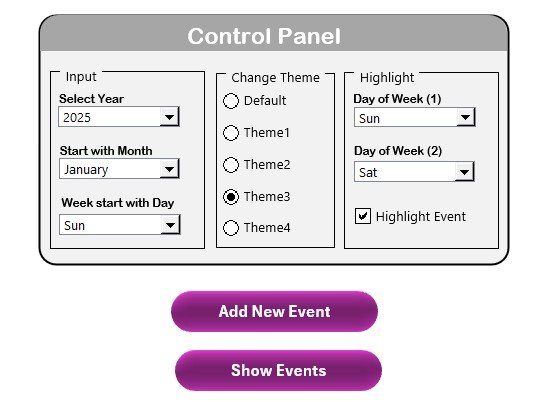
- Control panel for customization – Select the year, starting month and week start day.
- Five color themes – Apply different color themes for better visualization.
- Day highlighting – Highlight specific days such as weekends, holidays or peak support days.
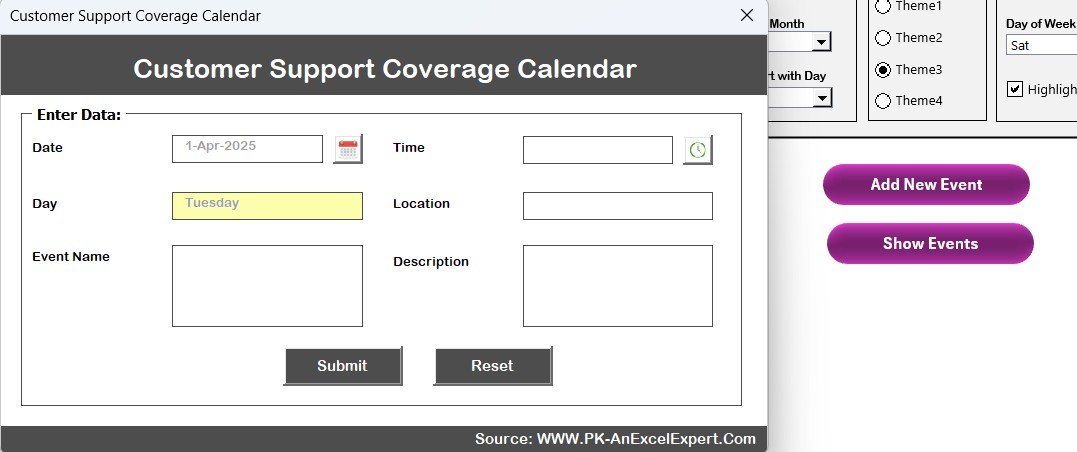
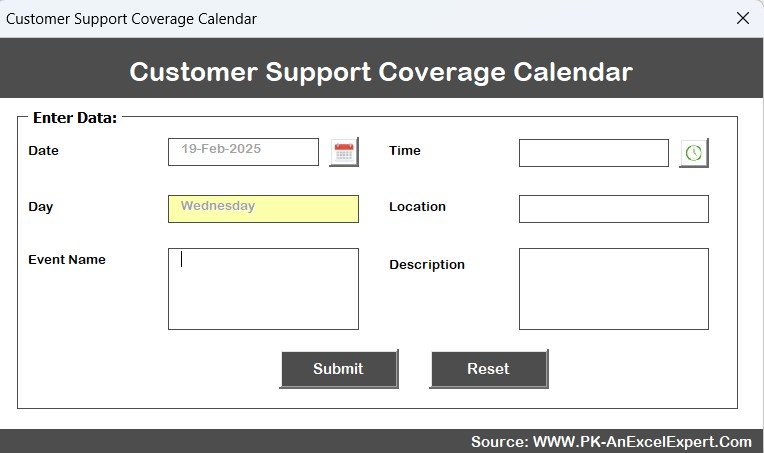
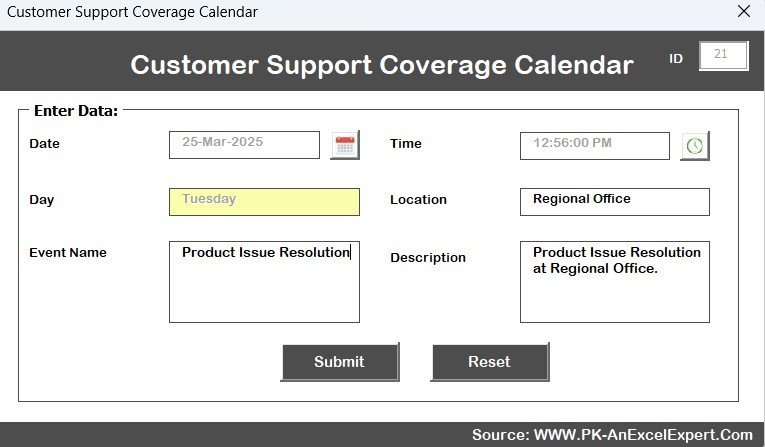
- Quick event logging – Add, update or delete events with a simple form.
- Auto-updated calendar – Select any year and month and the calendar updates instantly.
- Event previews – See key scheduled events directly on the calendar.
- Date-range filtering – Set a start and end date in the Daily View and refresh the event list.
- Master events database – Every support activity stored with an auto-generated ID.
What’s Inside: The Five Sheets
This Excel-based support calendar consists of five key sheets, each designed to streamline support scheduling and record-keeping.
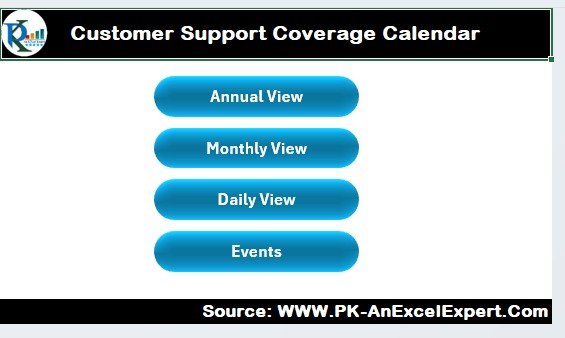
1. Home Sheet – Your Centralized Dashboard
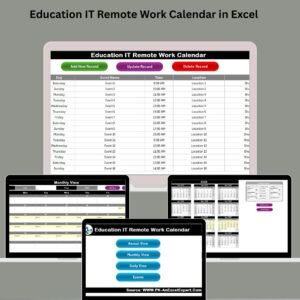
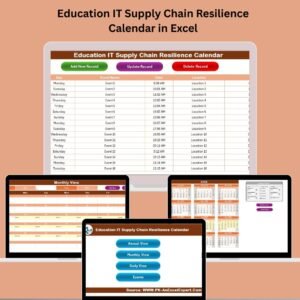
The Home Sheet is the main navigation hub, letting you quickly switch between views and functions with a single click. It offers a clean, professional interface and quick access to event records.
- Annual View – A year-long perspective on support schedules and events.
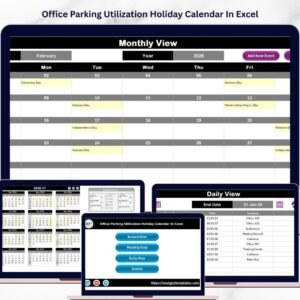
- Monthly View – Deeper monthly shift planning and team availability.
- Daily View – Support shifts and event details on a daily basis.
- Events – Manage customer support events, shift changes and important service milestones.
2. Annual View – The Big Picture
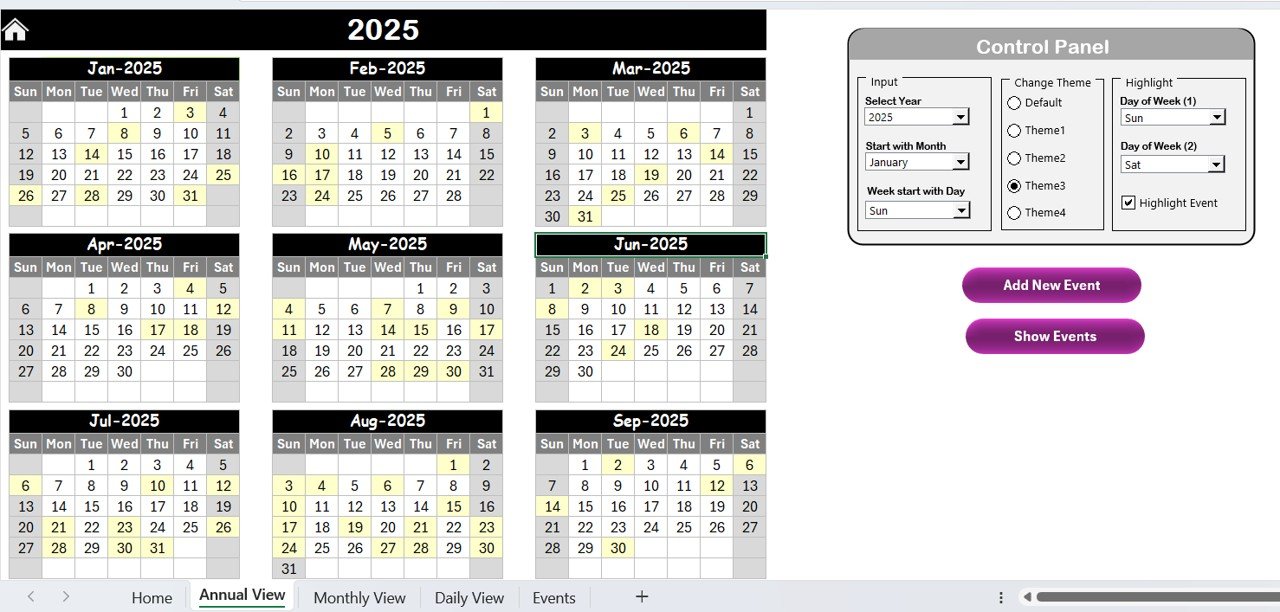
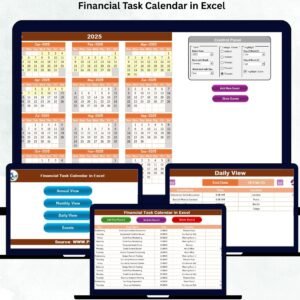
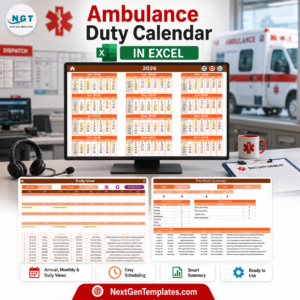
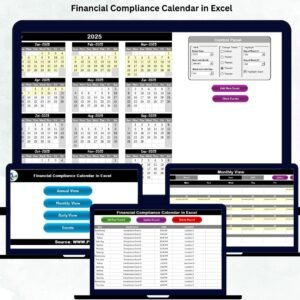
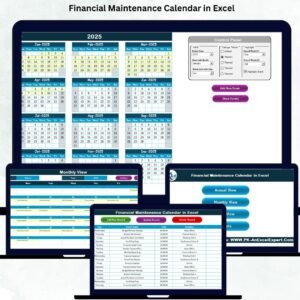
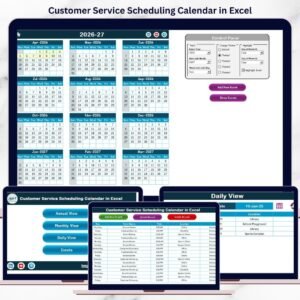
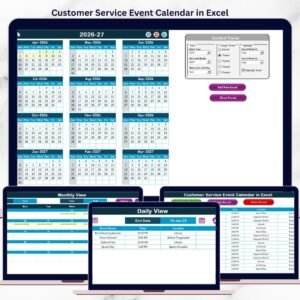
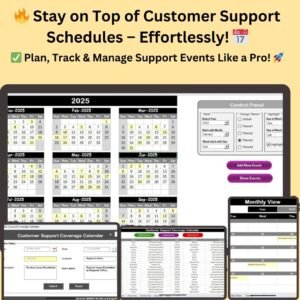
The Annual View Sheet displays all 12 months in a structured format, making it easy to analyze trends and plan future support shifts.
- Control panel to select the year, starting month and week start day
- Five different color themes
- Highlight weekends, holidays or peak support days
- Highlight important events such as holiday coverage, peak periods or VIP support days
- Quickly add or view events for a selected date
3. Monthly View – Detailed Planning
The Monthly View Sheet gives an in-depth breakdown of support schedules for a specific month.
- Dynamic month and year selection – Choose any month and the calendar updates instantly.
- Event previews – Key scheduled events appear on the calendar.
- Add New Event – Log a support event for a particular day.
- Show Events – View all events for the selected month.
Use case: manage customer service rotations, team assignments and ticket resolution schedules.
4. Daily View – Track Shift Details
The Daily View Sheet lets you track and update support coverage details for any selected date range.
- Set a start and end date to filter daily support tasks
- Refresh button to update the event list dynamically
- See detailed support schedules, assigned teams and shift responsibilities
- “Add New Event” button to log events and support tasks as they happen
5. Events Sheet – Your Data Hub
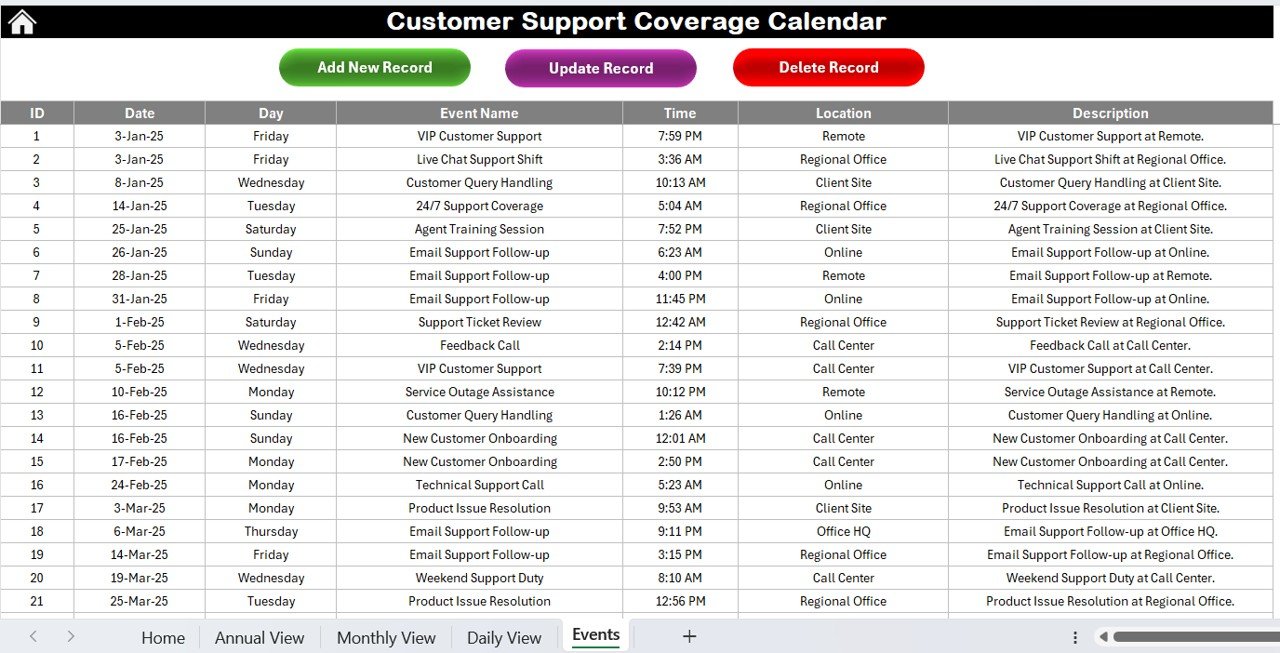
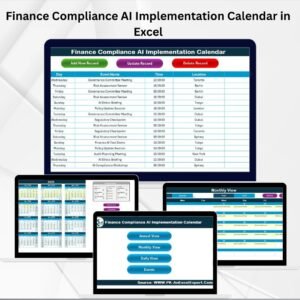
The Events Sheet is the master database for logging and tracking all customer support activities.
| Field | What It Stores |
|---|---|
| ID | Auto-generated event number |
| Date & Day | Date and day of the event |
| Event Name | Name of the support activity |
| Time | Scheduled time slot |
| Location | Where the event takes place (Remote, Office, Call Center) |
| Description | Short event summary |
Action buttons include Add New Record, Update Existing Record and Delete Record to keep your data accurate.
Why Choose This Template?
- Optimize support operations – Schedule and manage shifts, customer callbacks and urgent support tasks.
- Enhance team coordination – Keep your team informed with updates on shift changes and event assignments.
- Gain insights into support trends – Identify peak support periods, track resolution timelines and monitor coverage gaps.
- Reduce scheduling conflicts – Avoid overlapping shifts and improve resource allocation by keeping everything organized in one place.
Who Is It For?
- Customer Support Teams – Track shifts, response times and ticket handling schedules.
- Call Centers – Monitor and optimize agent coverage across different time zones.
- IT Support & Help Desks – Manage technical support schedules and on-call duty rotations.
- Retail & E-Commerce – Ensure smooth customer service during high-demand periods.
- SaaS & Tech Companies – Coordinate support teams across global operations.
If you need a simple shift planner and event log for a service team, this template fits the job.
How to Use This Template
- Download and unzip the file, then open it in Excel.
- Enable macros before use so the buttons and forms work.
- Navigate using the Home Sheet to access the different views.
- Customize the Annual View with themes, start date and highlighted holidays.
- Plan monthly schedules by logging key support events.
- Use the Daily View to track support availability for a chosen date range.
- Manage events in the Events Sheet with one-click add, update and delete actions.
For step-by-step help, including enabling macros, visit our YouTube channel for video tutorials: Youtube.com/@PKAnExcelExpert
Click here to read the detailed blog post.
Frequently Asked Questions
What is the Customer Support Coverage Calendar in Excel?
It is an Excel calendar template with five sheets (Home, Annual View, Monthly View, Daily View and Events) for planning support shifts and logging customer service events.
Do I need to enable macros?
Yes. After downloading and unzipping the file, enable macros in Excel so the navigation buttons, event forms and refresh features work correctly.
Can I change the year and start of the week?
Yes. The Annual View control panel lets you select the year, starting month and week start day, and the Monthly View updates instantly when you pick a month and year.
Can I customize the look of the calendar?
You can choose from five color themes and highlight specific days such as weekends, holidays or peak support days.
What details can I record for each event?
Each record stores an auto-generated ID, date and day, event name, time, location (such as Remote, Office or Call Center) and a short description.
Who should use this customer support calendar?
It suits customer support teams, call centers, IT support and help desks, retail and e-commerce businesses, and SaaS and tech companies managing support scheduling.
Last updated: October 2026
Compatibility and Requirements
- Runs in Excel desktop on Windows with macros enabled. It does not run in Excel for the web, Google Sheets or mobile apps.
- The navigation buttons, event form and refresh buttons need macros. Microsoft explains the setting in Enable or disable macros in Microsoft 365 files.
More Questions About This Template
Is there a similar calendar for scheduling customer service work?
Yes. See the Customer Service Schedule Calendar in Excel.
Is there a dashboard to go with this calendar?
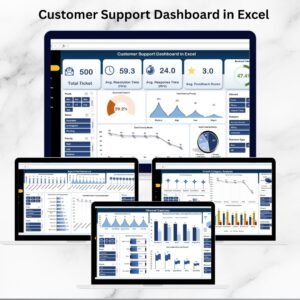
Yes. The Customer Support Dashboard in Excel and the Customer Support Report in Excel cover reporting on the support side.
Related Customer Support Templates
- Customer Service Schedule Calendar in Excel: another calendar for planning service schedules
- Customer Support Dashboard in Excel: a dashboard for support activity
- Customer Support Report in Excel: a report layout for support results
- Customer Support SLA KPI Dashboard in Excel: SLA tracking for support teams
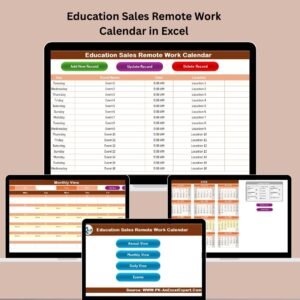
- Customer Service Remote Work Calendar in Excel: a calendar for remote service work
Browse all Excel calendar templates.





Reviews
There are no reviews yet.