

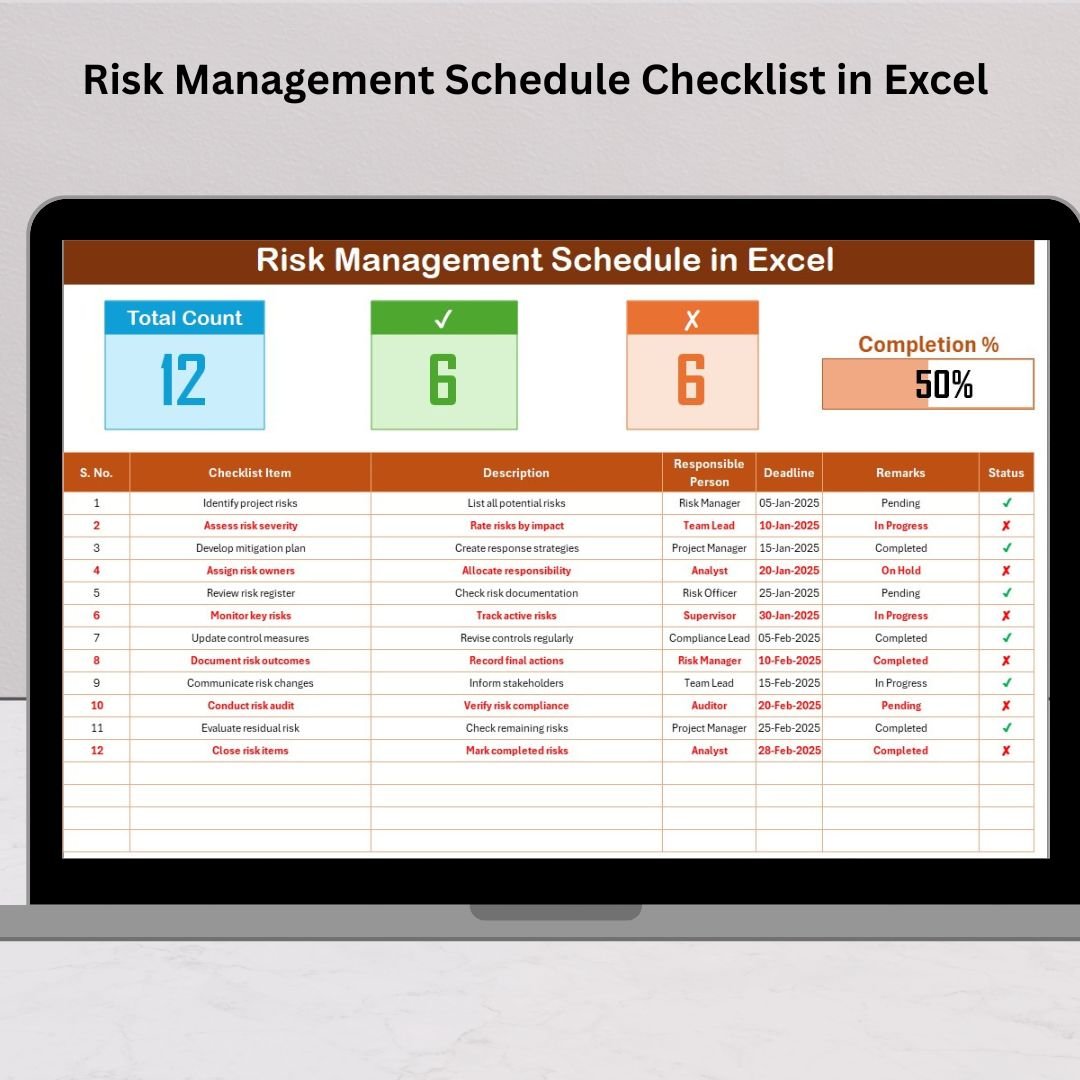
In today’s unpredictable business world, every organization faces risks — from compliance failures to operational delays. Managing these effectively can make the difference between stability and chaos. That’s where the Risk Management Schedule Checklist in Excel comes in — your ready-to-use, smart, and structured solution to identify, assess, and monitor business risks in one place.
This Excel template helps you create a proactive risk management framework where every activity is tracked, every responsibility is assigned, and every progress is visible through real-time visuals. Whether you’re an auditor, project manager, or team lead, this tool ensures your risk control process stays transparent and organized.Risk Management Schedule Checklist in Excel .
⚙️ Key Features of Risk Management Schedule Checklist in Excel
✨ Smart Dashboard Cards
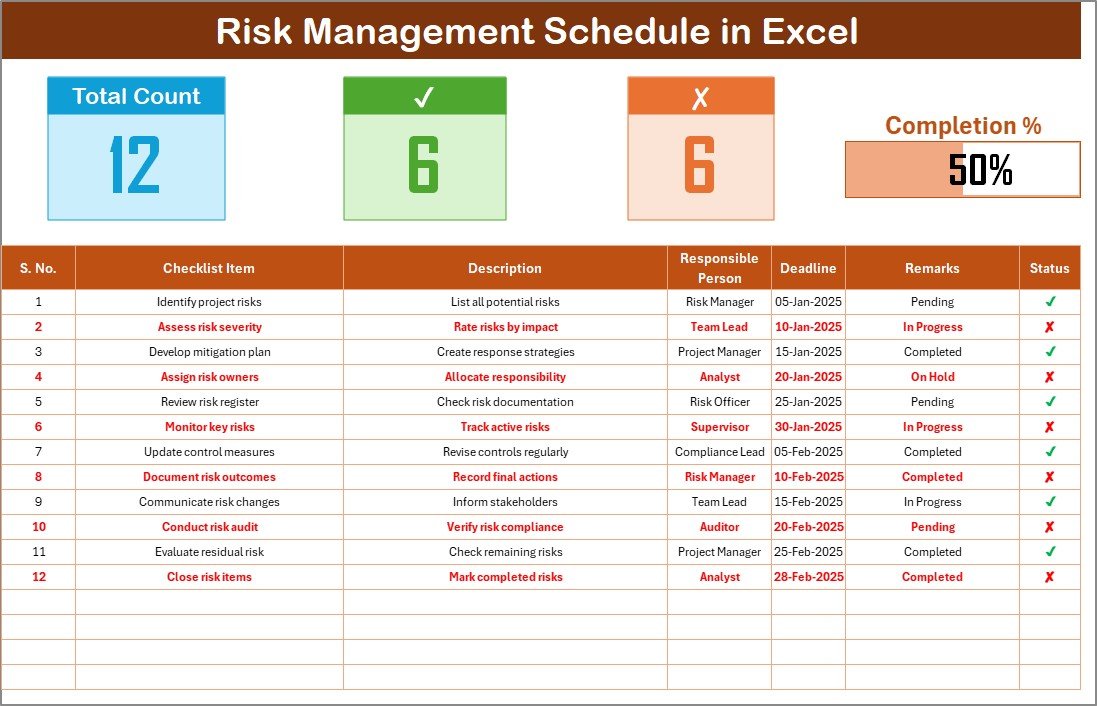
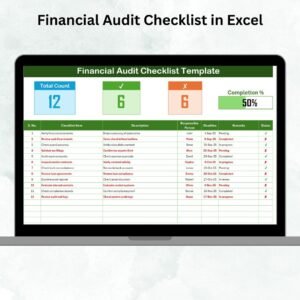
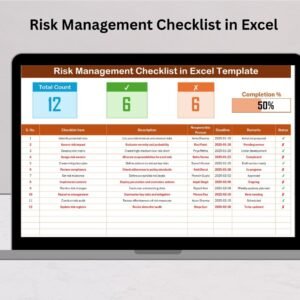
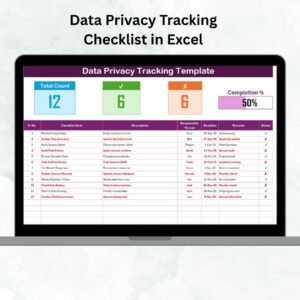
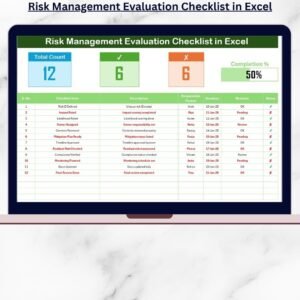
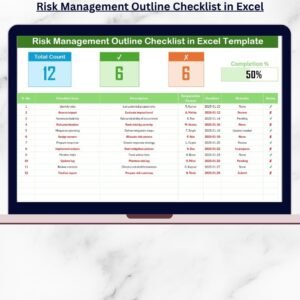
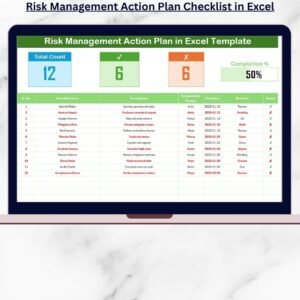
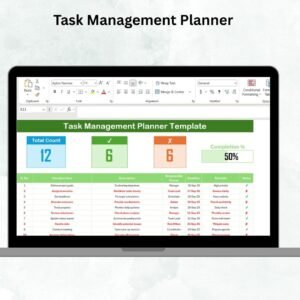
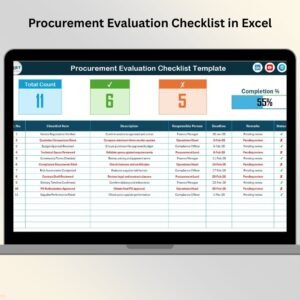
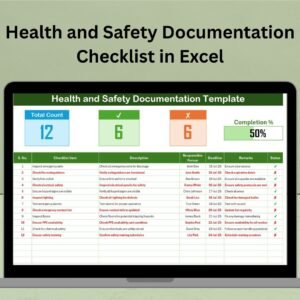
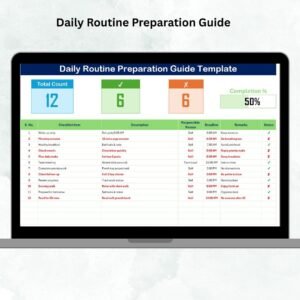
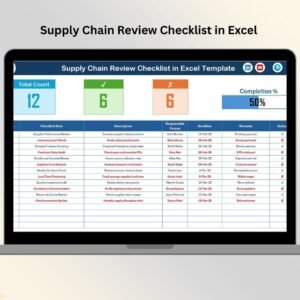
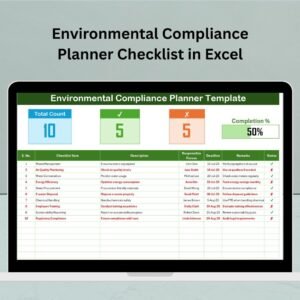
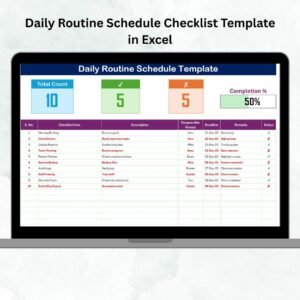
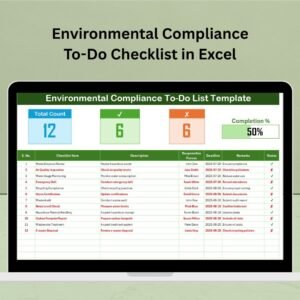
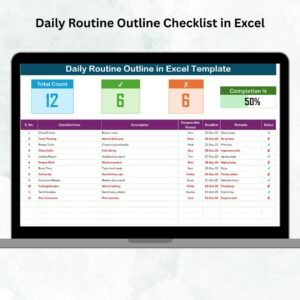
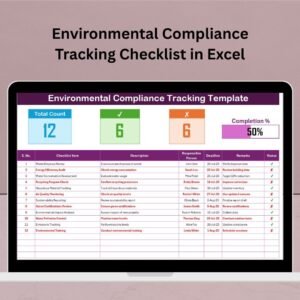
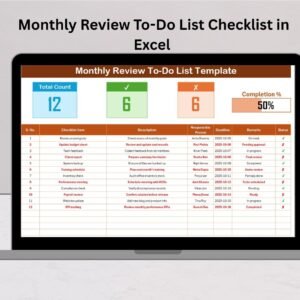
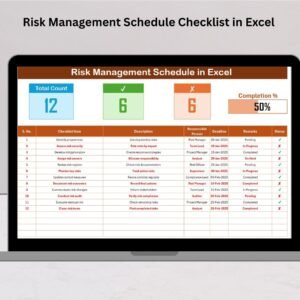
Get a quick summary of your performance with dynamic cards showing Total Count, Completed Count, Pending Count, and a visual Progress Bar — all updating automatically.
📋 Interactive Checklist Table
Track every risk management activity through a clean, structured table. Easily mark tasks as ✔ (Done) or ✘ (Pending) and watch your progress update instantly.
📂 Dynamic Drop-Down Lists
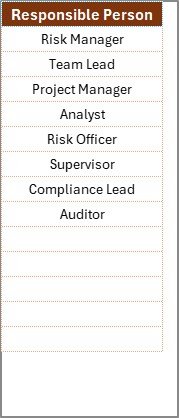
Assign responsibilities with ease using a built-in Responsible Person list that ensures data consistency and error-free reporting.
🎨 Fully Customizable Layout
Add or modify columns, apply conditional formatting, or create your own filters — tailor it to perfectly fit your organization’s workflow.
📊 Automation & Visualization
Leverage Excel formulas to auto-calculate completion rates, and add charts or graphs to monitor trends.
🖨️ Print-Friendly Format
Easily print or export the checklist as a PDF for audits, meetings, or compliance reporting.
📁 What’s Inside the Risk Management Schedule Checklist in Excel
This professional Excel template includes:
1️⃣ Main Checklist Sheet – The operational core of your template. Track all activities, deadlines, and remarks while viewing instant progress updates.
2️⃣ List Sheet – Maintain a unique list of responsible persons or departments, linked dynamically to drop-downs in your main sheet for consistent data entry.
Together, these sheets offer a complete solution for monitoring, assigning, and reporting all risk-related activities.
🧠 How to Use the Risk Management Schedule Checklist in Excel
🪜 Step 1: Download and open the ready-to-use Excel file.
🪜 Step 2: Update the “Responsible Person” list in the List Sheet with your team members.
🪜 Step 3: Add your checklist details — including task descriptions, deadlines, and remarks — in the Main Sheet.
🪜 Step 4: Track progress by marking each task ✔ or ✘ to update the dashboard cards and progress bar automatically.
🪜 Step 5: Review overall progress, identify bottlenecks, and ensure risk actions are completed on time.
No coding, no complexity — just pure Excel power simplified for professionals.
👩💼 Who Can Benefit from This Risk Management Schedule Checklist
🏢 Corporate Governance Teams: Ensure compliance and audit readiness.
🧾 Finance Departments: Track internal controls and fraud-prevention tasks.
💻 IT & Cybersecurity Teams: Manage vulnerabilities and system updates.
🏗️ Project Managers: Identify potential risks and track mitigation plans.
⚙️ Manufacturing & Healthcare Units: Monitor safety standards and regulatory requirements.
🧍♀️ HR & Admin Teams: Keep track of employee safety, welfare, and internal policy updates.
No matter your industry, this checklist brings clarity, accountability, and visibility to your risk control process.
🧩 Why Choose This Template
-
Fully editable and printable
-
Auto-updating progress bar
-
Real-time task tracking
-
User-friendly and visually appealing
-
No need for complex software
Turn your risk management from reactive to proactive — all inside a simple Excel file!







Reviews
There are no reviews yet.