

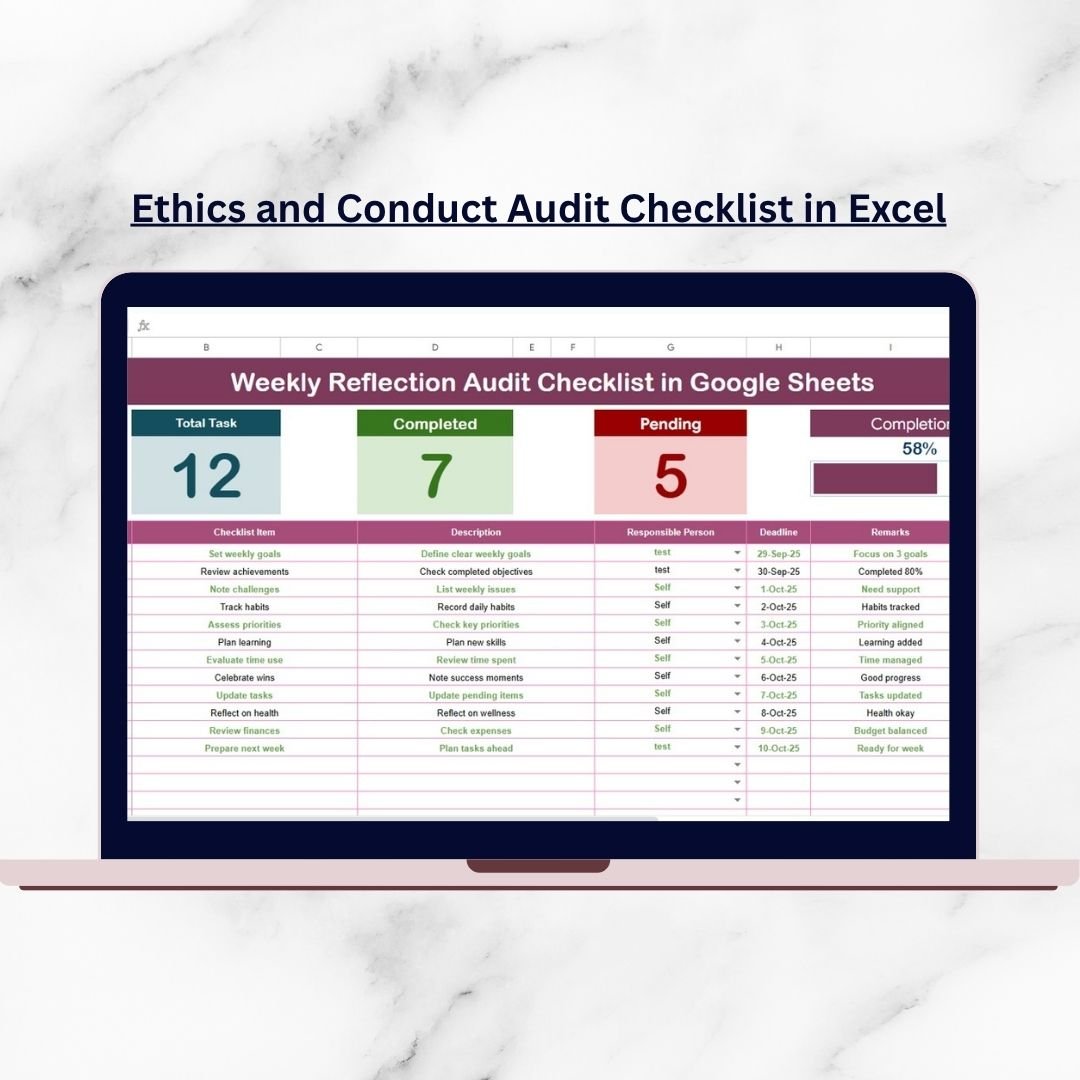

In today’s fast-paced business world, ethics and conduct define organizational success. Companies that fail to uphold ethical practices face compliance risks, reputational damage, and a loss of trust among employees and stakeholders. Ethics and Conduct Audit Checklist in Excel but monitoring ethical practices across departments isn’t easy—especially without a clear, structured system.
That’s why we’ve created the Ethics and Conduct Audit Checklist in Excel—a ready-to-use, professional compliance tool designed to evaluate employee behavior, policy adherence, and corporate ethics. Ethics and Conduct Audit Checklist in Excel Built in Excel, this checklist provides flexibility, automation, and real-time progress tracking to ensure every compliance task is visible, accountable, and measurable.
✨ Key Features of the Ethics and Conduct Audit Checklist
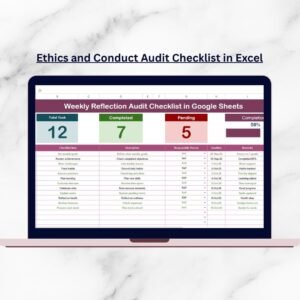
📋 Audit Checklist Sheet – Track all compliance tasks with fields for Serial No., Checklist Item, Description, Responsible Person, Deadline, Remarks, and Status.
✅ Status Indicators – Mark ✔ for compliant and ✘ for non-compliant tasks for quick visibility.
📊 Progress Tracker – Top section displays Total, Checked, and Crossed Counts, along with a dynamic progress bar.
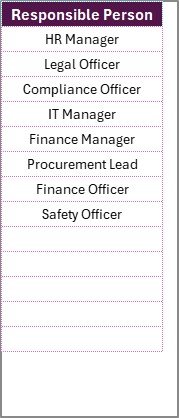
👥 List Sheet Tab – Maintain a clean list of responsible persons, automatically linked to dropdown menus for consistency.
🎯 Deadline Management – Assign due dates and monitor timelines to stay on track.
📝 Remarks Column – Add clarifications, notes, or special instructions for each task.
🎨 Conditional Formatting – Automatically highlights pending or non-compliant items.
🔄 Automated Metrics – Progress bar and counts update instantly as you mark tasks.
💻 Excel-Based & Customizable – No expensive software needed—easy to adapt for your organization’s unique policies.
📂 What’s Inside the Checklist
When you download the Ethics and Conduct Audit Checklist in Excel, you’ll get:
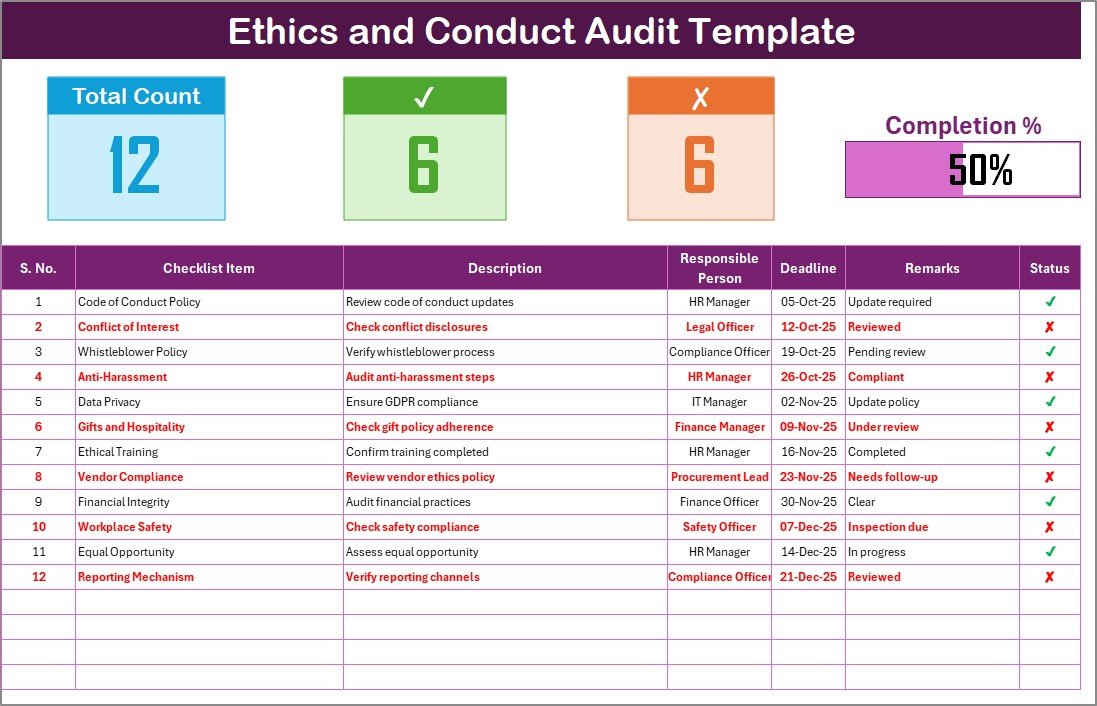
Ethics and Conduct Audit Sheet – Your main compliance hub with structured task tracking and real-time progress indicators.
List Sheet Tab – A master table for responsible persons, ensuring accurate dropdown assignment and accountability.
This dual-sheet structure provides clarity, accountability, and efficiency in managing workplace ethics.
🛠️ How to Use the Checklist
Open the Template – Start with the prebuilt Excel file.
Customize Checklist Items – Replace sample entries with your organization’s ethics and conduct requirements.
Assign Responsibilities – Use the dropdown menu to allocate tasks to specific employees.
Set Deadlines – Enter completion dates to monitor accountability.
Update Status – Mark ✔ when compliant, ✘ when pending or non-compliant.
Track Progress – Use the progress bar and counts for instant insights.
Review Regularly – Audit progress weekly or monthly to ensure transparency.
👥 Who Can Benefit from This Checklist
HR Professionals – Track employee conduct, training, and workplace policy adherence.
Compliance Teams – Ensure legal and ethical standards are consistently followed.
Managers & Team Leaders – Monitor workplace behavior and accountability.
Auditors – Review organizational ethics during internal and external audits.
Nonprofits & Educational Institutions – Maintain transparency in governance and community practices.
This template is designed for businesses of all sizes looking to strengthen trust, accountability, and compliance.
🔗 Click here to read the Detailed Blog Post
📺 Visit our YouTube channel to learn step-by-step video tutorials: Youtube.com/@PKAnExcelExpert
Watch the step-by-step video tutorial:
Compatibility and Requirements
- Works in Microsoft Excel desktop (Excel 2016 or later, or Microsoft 365).
- The Responsible Person column uses dropdowns fed by the List Sheet tab. Microsoft explains them in Create a drop-down list.
Frequently Asked Questions
Which sheets are included?
Two sheets: the Ethics and Conduct Audit sheet and the List Sheet tab, which holds the responsible persons.
How do I assign a task to someone?
Add the person’s name to the List Sheet tab. Then pick the name from the dropdown in the Responsible Person column of the audit sheet.
How do I mark a task as compliant?
Mark ✔ for compliant and ✘ for non-compliant or pending. The Total, Checked and Crossed counts and the progress bar at the top update right away.
Can I replace the sample checklist items?
Yes. Replace the sample entries with your own ethics and conduct requirements, descriptions, deadlines and remarks.
Is there a Google Sheets version?
A related Google Sheets edition is the Ethics and Conduct Checklist in Google Sheets.
Related Ethics and Audit Templates
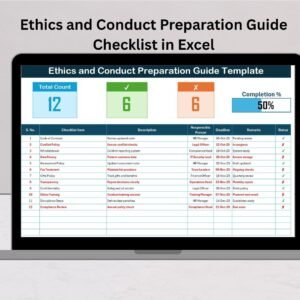
- Ethics and Conduct Checklist Template in Excel: a general ethics and conduct checklist
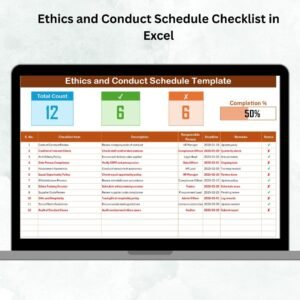
- Ethics and Conduct Schedule Checklist in Excel: a schedule-based version of the checklist
- Ethics and Conduct Checklist in Google Sheets: the same topic in Google Sheets
- Internal Audit Checklist in Excel: a checklist for internal audits
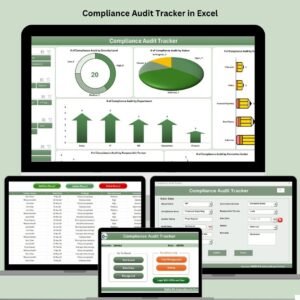
- Compliance Audit Tracker in Excel: track compliance audits in one place
Browse all Excel checklists.

























Reviews
There are no reviews yet.