

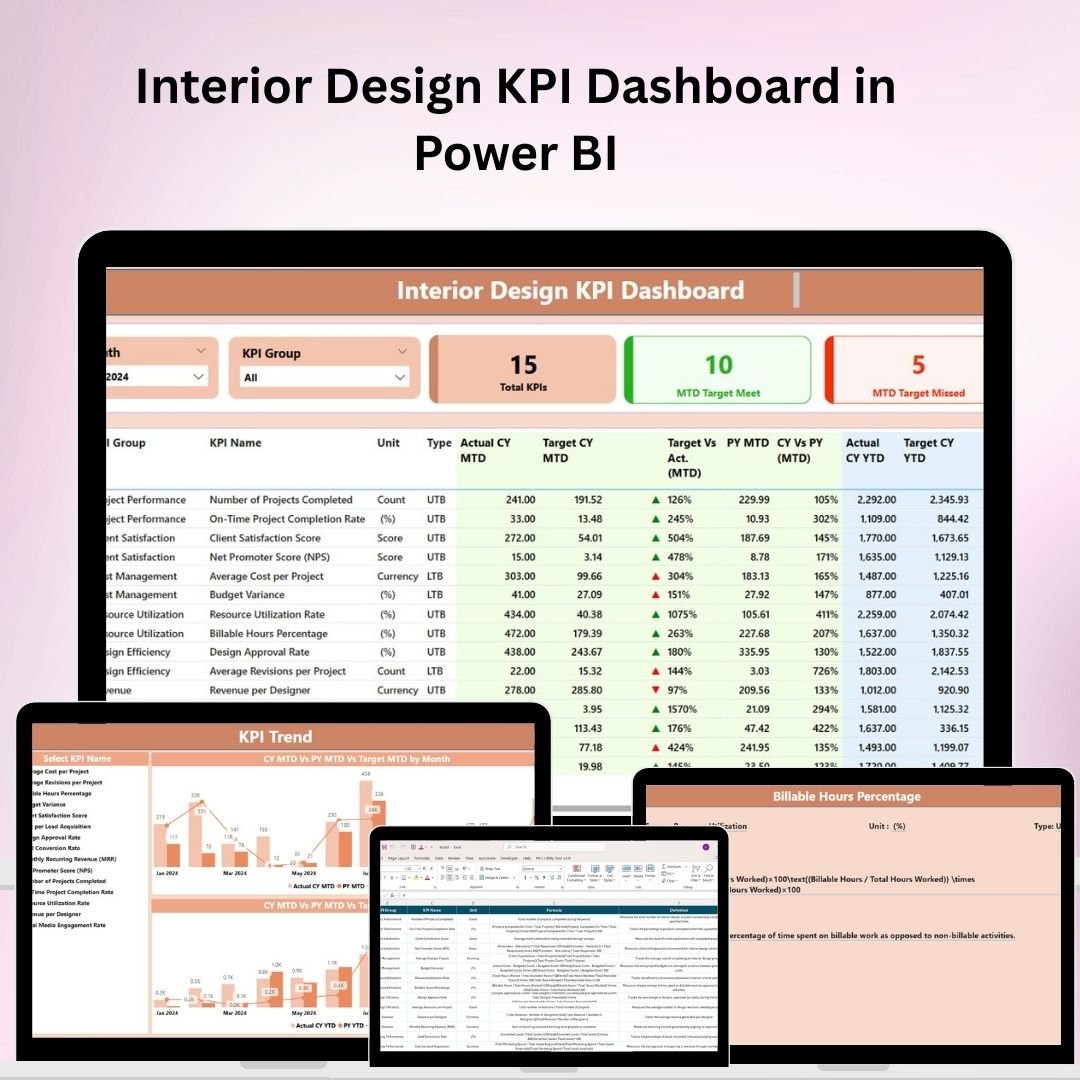
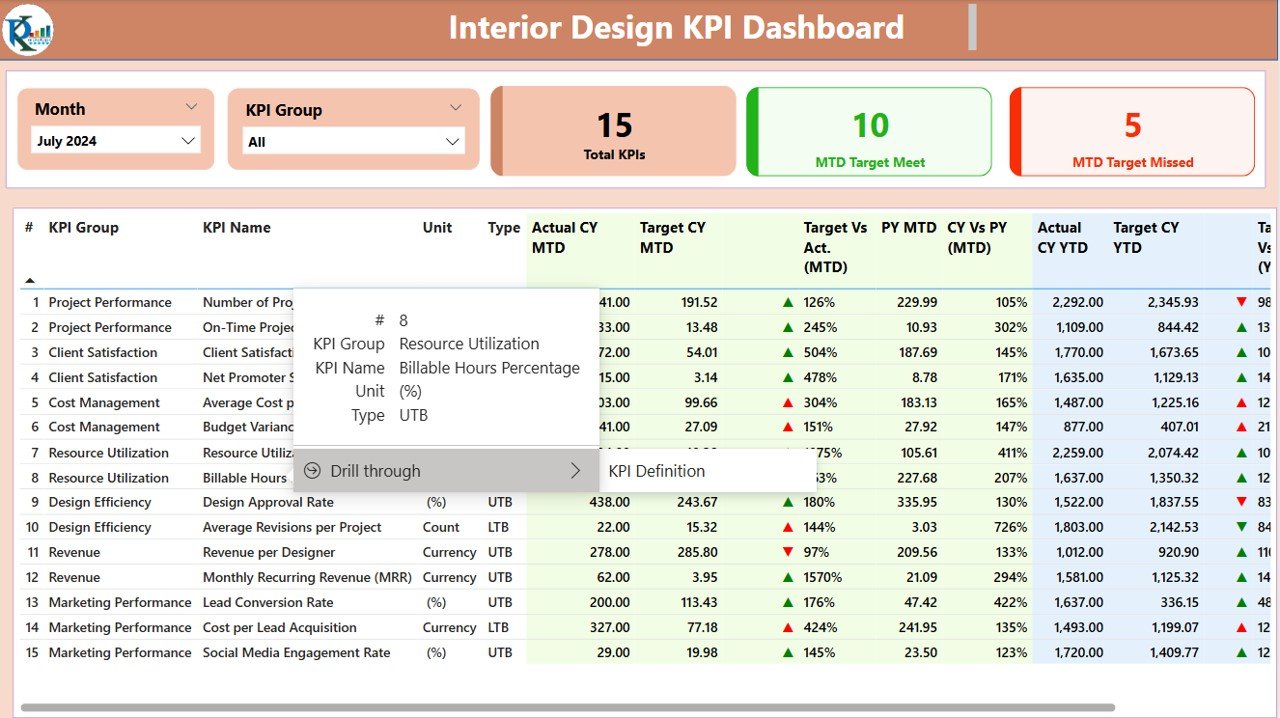
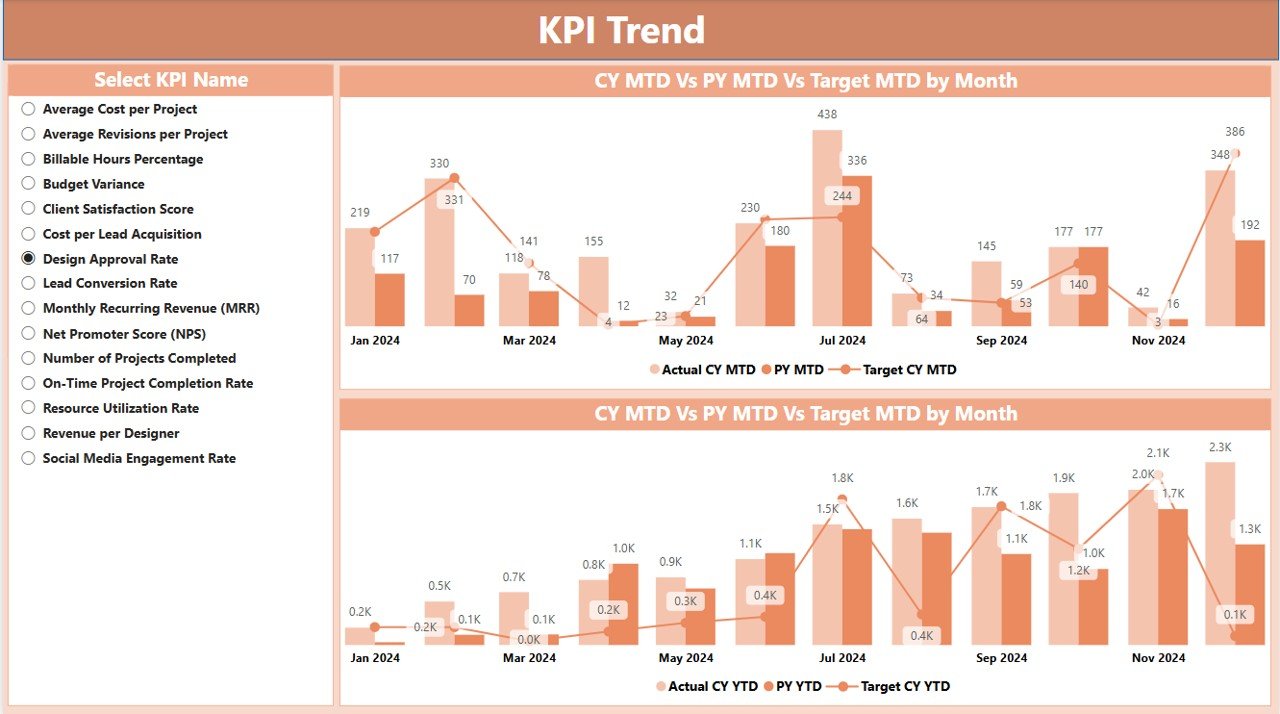
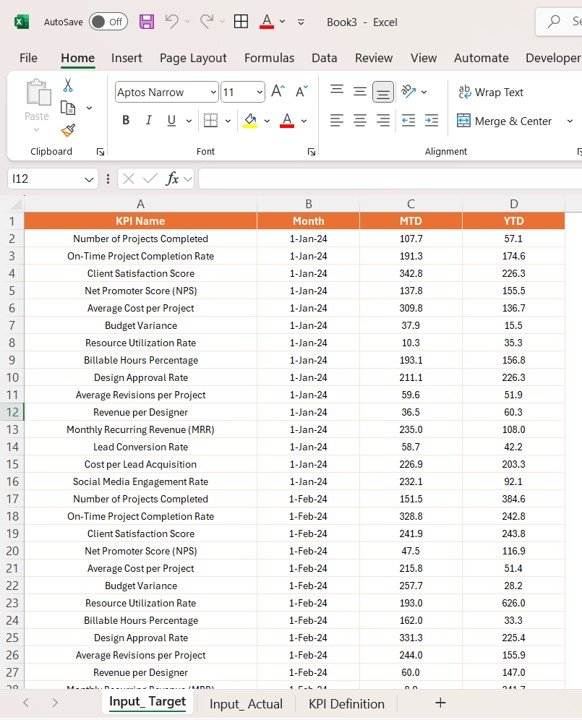
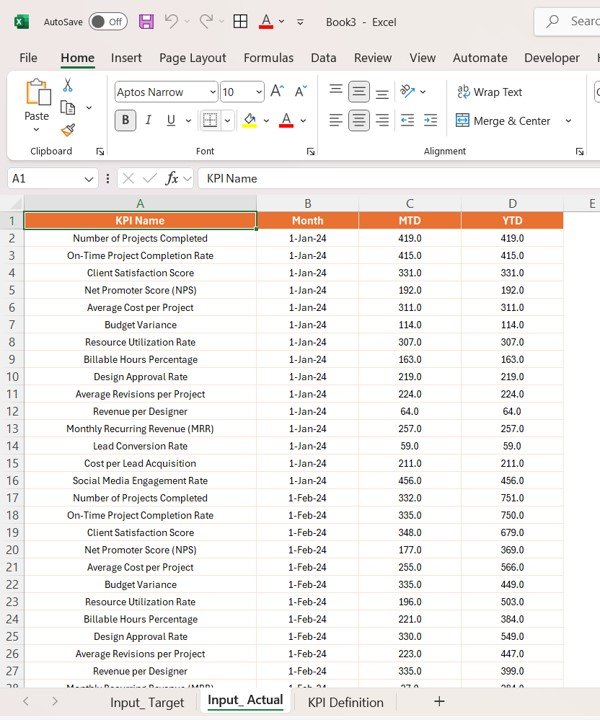
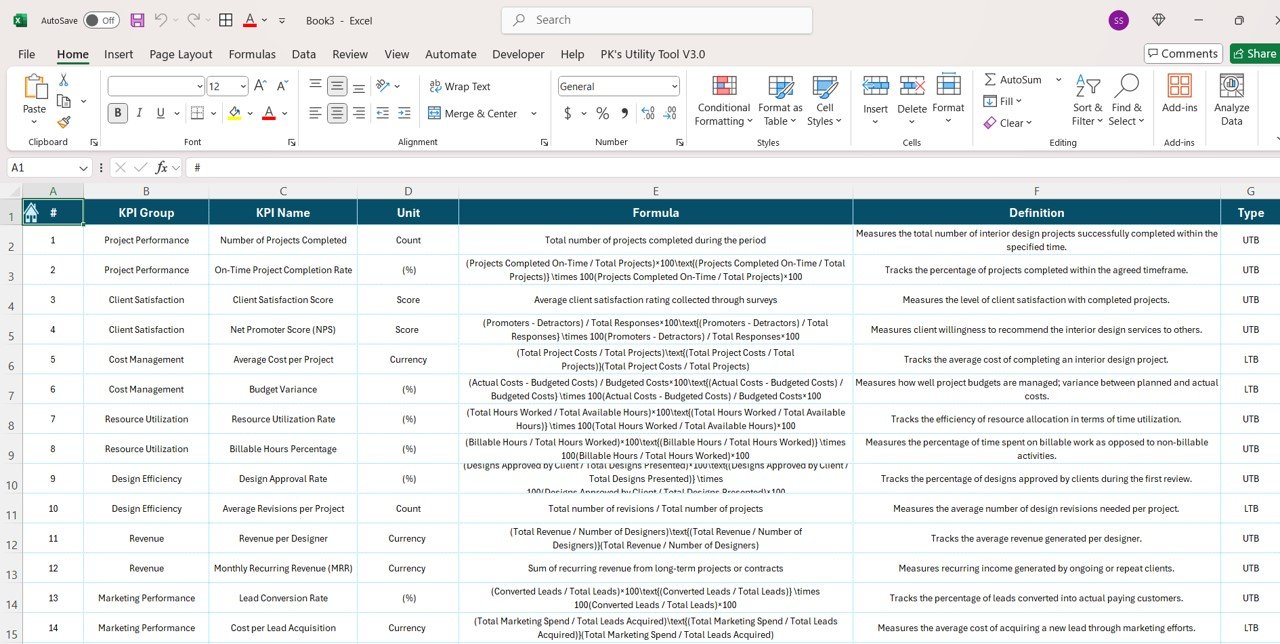

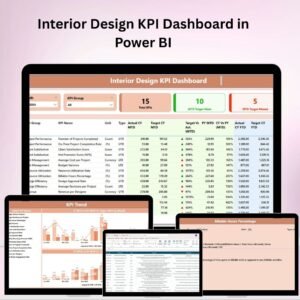
The Interior Design KPI Dashboard in Power BI is a cutting-edge tool designed for interior designers, project managers, and design firms to track and analyze the performance of their design projects. This Power BI dashboard allows you to efficiently monitor key metrics like project timelines, budget performance, resource allocation, and client satisfaction, giving you a comprehensive view of your interior design projects in real-time.
With customizable KPIs, you can easily track the status of multiple projects, compare planned vs. actual performance, and identify areas that require attention. Whether you’re working on a single residential project or handling multiple commercial design endeavors, this dashboard ensures your projects stay on track and within budget.
Key Features of the Interior Design KPI Dashboard in Power BI
📊 Project Performance Monitoring
Track the progress of each design project, including key metrics such as completion timelines, budget performance, and resource allocation. This feature helps you stay on top of each project’s critical milestones.
💸 Budget and Cost Management
Monitor project budgets, compare planned costs against actual spending, and keep an eye on any potential cost overruns. The dashboard allows you to make quick adjustments and optimize financial resources.
🕒 Timeline Tracking & Deadlines
Keep track of design project timelines, ensuring deadlines are met without delays. Monitor the progress of tasks and identify bottlenecks that may affect the overall schedule.
📅 Client Satisfaction Metrics
Track client feedback and satisfaction scores to ensure that projects are not only completed on time and within budget but also meet the client’s expectations and requirements.
⚙️ Resource Allocation & Utilization
Monitor how resources, including team members and materials, are allocated and used in each project. Efficient resource allocation is key to improving overall project productivity.
📈 Customizable KPIs & Metrics
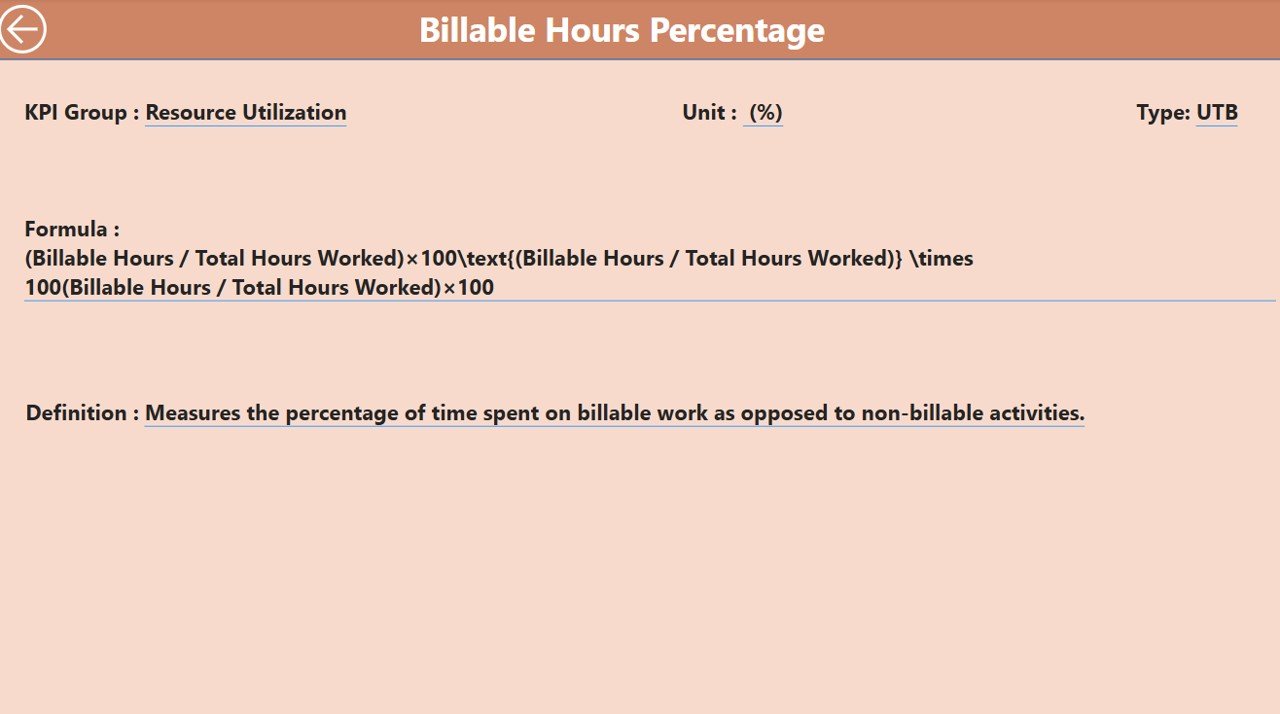
Tailor the dashboard to include the specific KPIs that are important to your design projects, such as design revisions, vendor management, and material sourcing.
Why You’ll Love the Interior Design KPI Dashboard in Power BI

✅ Real-Time Project Tracking
Stay updated with real-time insights into project progress, resource utilization, and budget management, helping you make data-driven decisions.
✅ Improve Project Efficiency
Monitor timelines and track project costs to identify areas where improvements can be made. Prevent overruns and avoid delays by staying on top of every detail.
✅ Client-Centric Insights
Monitor client satisfaction and feedback to ensure your designs meet or exceed expectations. Strengthen client relationships and improve repeat business opportunities.
✅ Enhance Resource Management
Track the use of resources effectively, ensuring they are optimized for each project. Improve team productivity by identifying areas for more efficient resource allocation.
✅ Tailor the Dashboard to Your Needs
Customize the dashboard to suit your specific design projects and goals. Whether you’re handling a few small projects or managing large-scale design contracts, the dashboard adapts to your requirements.
What’s Inside the Interior Design KPI Dashboard in Power BI?
Project Performance Monitoring: Track project completion, milestones, and overall progress.
Budget and Cost Management: Monitor project budgets and costs to prevent overruns.
Timeline Tracking & Deadlines: Keep projects on schedule and track task completion times.
Client Satisfaction Metrics: Evaluate client feedback and satisfaction scores.
Resource Allocation: Monitor the allocation and utilization of resources like team members and materials.
Customizable KPIs: Tailor the dashboard to meet the specific needs of your design projects.
How to Use the Interior Design KPI Dashboard in Power BI
1️⃣ Download the Template: Instantly access the Interior Design KPI Dashboard in Power BI.
2️⃣ Integrate Your Project Data: Connect your design project data to the dashboard for real-time updates.
3️⃣ Track Performance Metrics: Monitor key project KPIs such as timelines, budgets, and client satisfaction.
4️⃣ Analyze Trends & Performance: Use time-based performance analysis to identify trends and areas for improvement.
5️⃣ Optimize Your Projects: Use the insights from the dashboard to enhance project efficiency, manage resources effectively, and improve client satisfaction.
Who Can Benefit from the Interior Design KPI Dashboard in Power BI?
🔹 Interior Designers & Design Firms
🔹 Project Managers & Coordinators
🔹 Architecture & Design Agencies
🔹 Resource and Budget Managers
🔹 Client Relationship Managers
🔹 Business Owners & Executives in the Design Industry
🔹 Freelancers and Contractors in Interior Design
Streamline your interior design projects, optimize resources, and improve client satisfaction with the Interior Design KPI Dashboard in Power BI. Track progress, budget, and timelines with ease while keeping your projects on track and delivering exceptional designs.
Click here to read the Detailed blog post
Visit our YouTube channel to learn step-by-step video tutorials
Youtube.com/@PKAnExcelExpert
Compatibility and Requirements
- Works in Power BI Desktop, which is free to download from Microsoft’s Power BI Desktop page.
- You connect your own design project data to the dashboard.
Frequently Asked Questions
What does this dashboard track?
It tracks project performance, budget and cost, timelines and deadlines, client satisfaction, and resource allocation for your interior design projects.
Do I need to connect my own data?
Yes. You connect your design project data to the dashboard, and the KPIs update from it.
Can I change the KPIs?
Yes. The KPIs are customizable, so you can add the ones your projects use, such as design revisions, vendor management and material sourcing.
Can I compare planned and actual performance?
Yes. You can compare planned costs against actual spending and planned against actual performance across multiple projects.
Is there an Excel or Google Sheets version?
Yes. See the Interior Design KPI Dashboard in Excel and the Interior Design KPI Dashboard in Google Sheets.
Related Interior Design Templates
- Interior Design KPI Dashboard in Excel: the same dashboard in Excel
- Interior Design KPI Dashboard in Google Sheets: the Google Sheets edition
- Interior Fit-Out KPI Dashboard in Power BI: a Power BI dashboard for fit-out projects
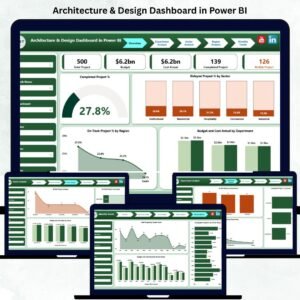
- Architecture & Design Dashboard in Power BI: a Power BI view for architecture and design work
- Power BI Dashboard Mega Collection: 15 Power BI templates in one download
Browse all Power BI KPI dashboards.



















Reviews
There are no reviews yet.